Hot Air Station for Phone Repair: Buying Guide and Setup Tips
17 November 2026 · LightspeedTools team
Short answer: The best hot air station for phone repair is one that holds a steady temperature at low airflow, has a slim handle with auto-sleep, and comes with small nozzles for tight boards. For most shops a digital 1000W-class station with a handle-mounted fan covers daily work; a dual-channel or higher-power unit earns its place when you lift large shields, chips and underfill every day.
A hot air station is the tool that does the most damage in the wrong hands and the most good in the right ones. On a modern phone board a few seconds of too much airflow can blow 01005 components off the pad, and too much heat can lift pads, warp a sandwich board or cook a nearby connector. This guide covers what matters when buying one, compares our stations by type, and ends with setup habits that keep boards alive.
What matters in a hot air station for phone repair
Airflow control at the low end
Phone work happens at low airflow. Lifting a charging IC or a filter capacitor next to dozens of tiny passives needs a gentle, even stream, not a blast. When you compare stations, look at how fine the airflow adjustment is and how stable it stays at the bottom of the scale. A station that only behaves at medium airflow will push you into using more air than the job needs.
Some stations use a spiral or vortex airflow, where the air leaves the nozzle with a twist. The idea is a more even heat spread across a chip with less risk of blowing small parts away. Nozzle choice and technique still matter more.
Stable temperature under load
The number on the display is a set point. What matters is how closely the air at the nozzle tip follows it when you change airflow, move the handle or work for several minutes. Stations with a closed-loop sensor near the heater and fast recovery give repeatable results, so the same setting removes the same chip the same way every time. Cheaper units can drift.
Heater type and power
Most stations use either a wire-wound heating element or a ceramic heater. Ceramic heaters are usually more durable and heat evenly; element heaters are cheap to replace. Power figures (700W, 1000W, 1300W, 1400W) mainly tell you how quickly the station heats up and how well it holds temperature when you need lots of air, such as with large nozzles or thick boards. For phones, more power is not more heat on the board; it is headroom so the station does not struggle.
Pump in the base vs fan in the handle
Classic 858/857-style stations use an air pump in the base that pushes air through the hose. Many newer stations (the 861-style designs) put a brushless fan in the handle instead. The handle-fan layout typically gives faster response and stronger airflow at the top end; the pump layout has a lighter handle and is often cheaper. Check the actual product page for the layout, as it varies by model.
Handle size, holder and auto-sleep
You will hold the handle for long jobs, often under a microscope, so weight and grip diameter matter. A handle with a built-in sensor that cools the heater when you put it in the holder (auto-sleep) saves heater life, reduces the risk of a hot nozzle sitting near the bench, and brings the handle back to temperature in seconds when you lift it.
Nozzle range
Check which nozzles come in the box and whether small round nozzles are available for that handle. Phone boards need small single nozzles most of the time, and nozzles are usually specific to a handle family, so buying a station with a common nozzle fitting keeps spares easy to find.
Display, calibration and memory channels
A clear digital display, preset channels (for example one for shields, one for chips, one for gentle reflow) and a calibration function make life easier when several technicians share a bench. Calibration lets you correct the offset between the display and the real tip temperature measured with a thermocouple. Analogue knob stations work but are harder to repeat exactly.
Single vs dual channel
A dual-channel station drives two outputs from one base, for example two handles or a handle plus another heating tool, depending on the model. It suits a busy bench where one tech does shields and chips all day, or where you want a large-nozzle handle and a fine handle ready at once. A single-channel station is simpler and is enough for most shops.
110V and 220V versions
Hot air stations are built for a specific mains voltage. A 220V unit on 110V will heat weakly, and a 110V unit on 220V can be destroyed. Order the version for your country and check the plug type.
Comparing the stations we carry
The table below sorts stations by what their product names state. It only lists facts readable from the titles; for full specifications such as temperature range, nozzle fitting and fan layout, open the product page.
| Station | Stated in name | Where it fits |
|---|---|---|
| Sugon 858D | 700W | Entry-level bench, light shield and connector work |
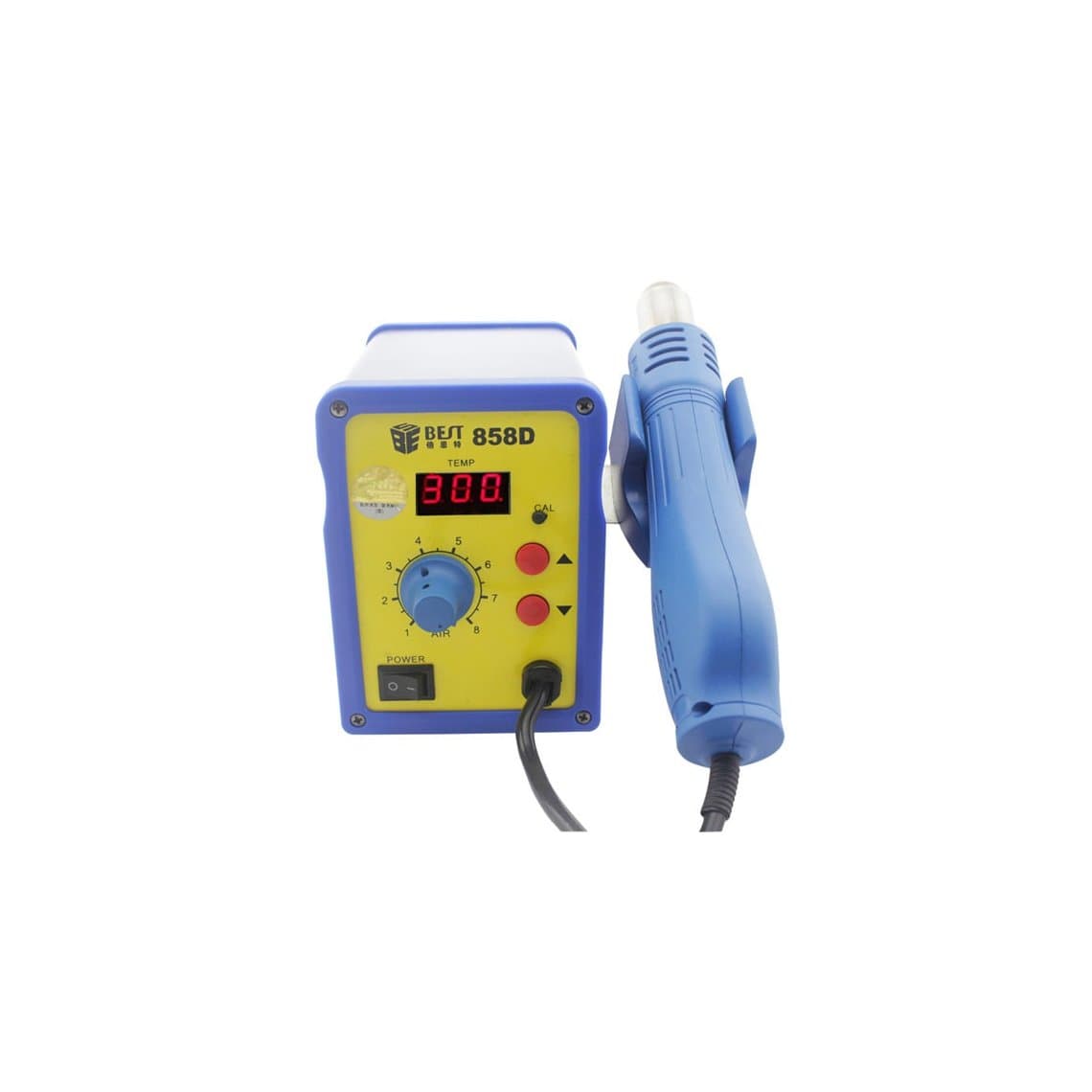
| Best BST-858D | Spiral airflow | Budget bench wanting a swirling air pattern |
| Kaisi 858 Pro | 858-family heating station | Basic everyday station |
| Quick 857DW+ | Lead-free | General board work with lead-free solder |
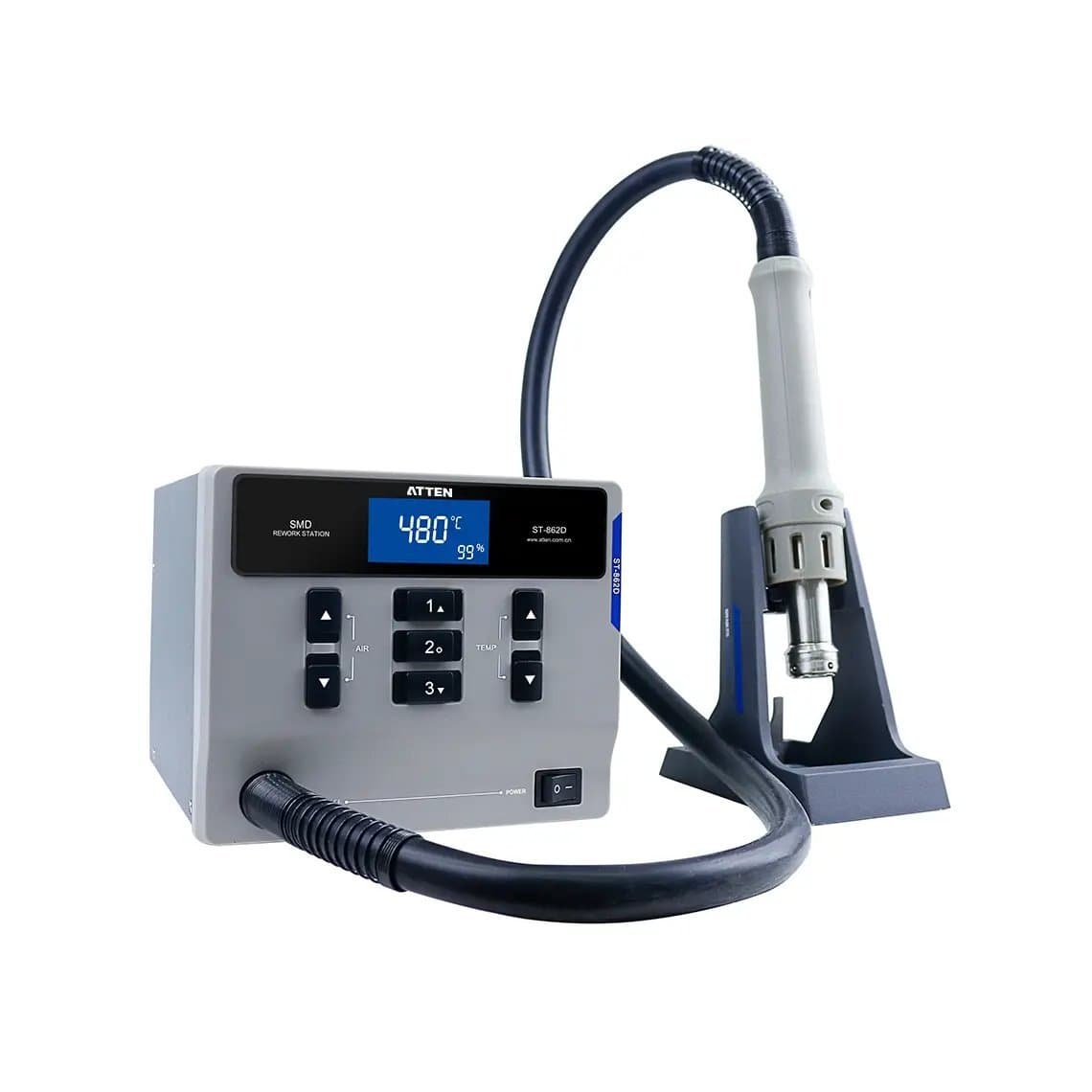
| Atten ST-862D | 1000W, lead-free, digital display | Main bench station |
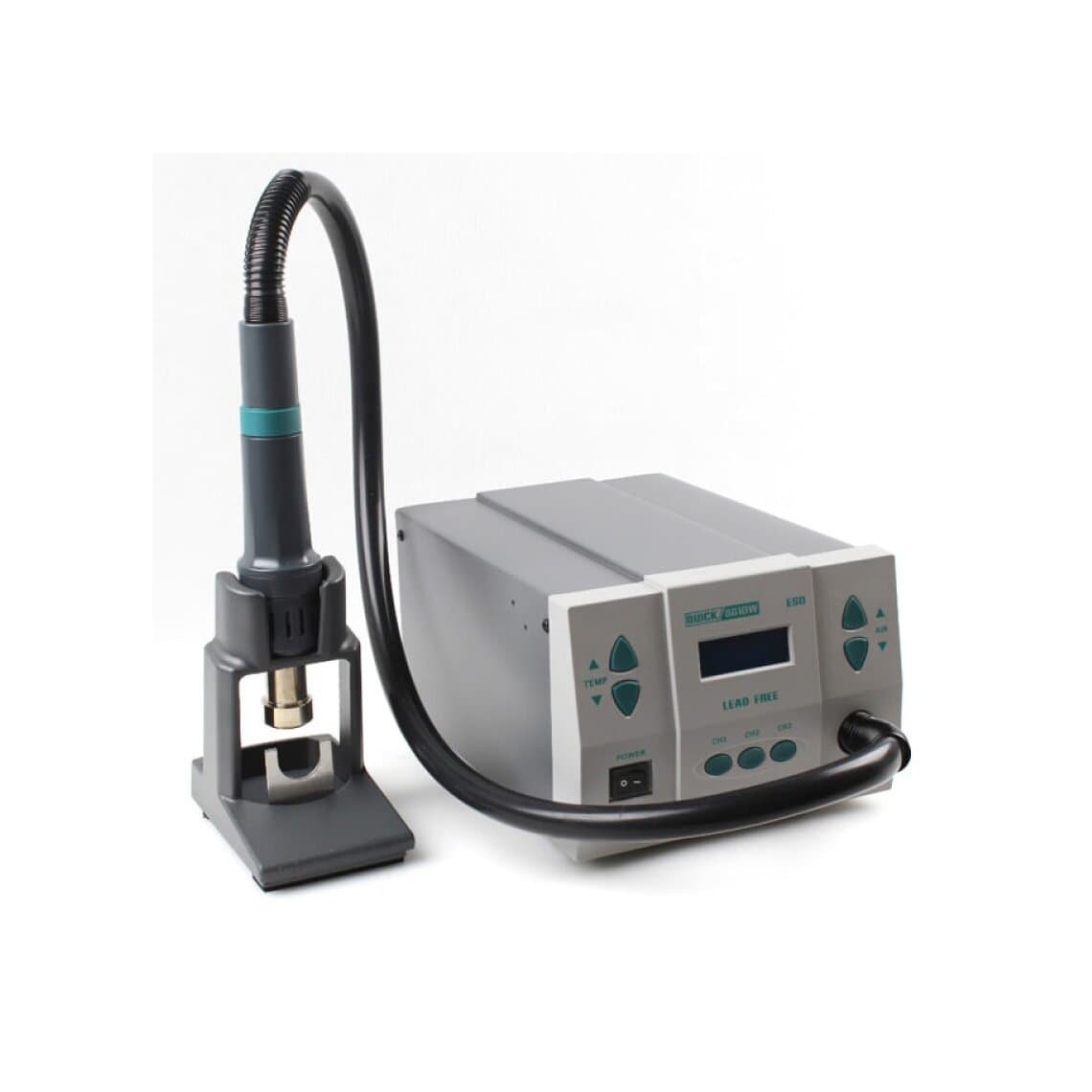
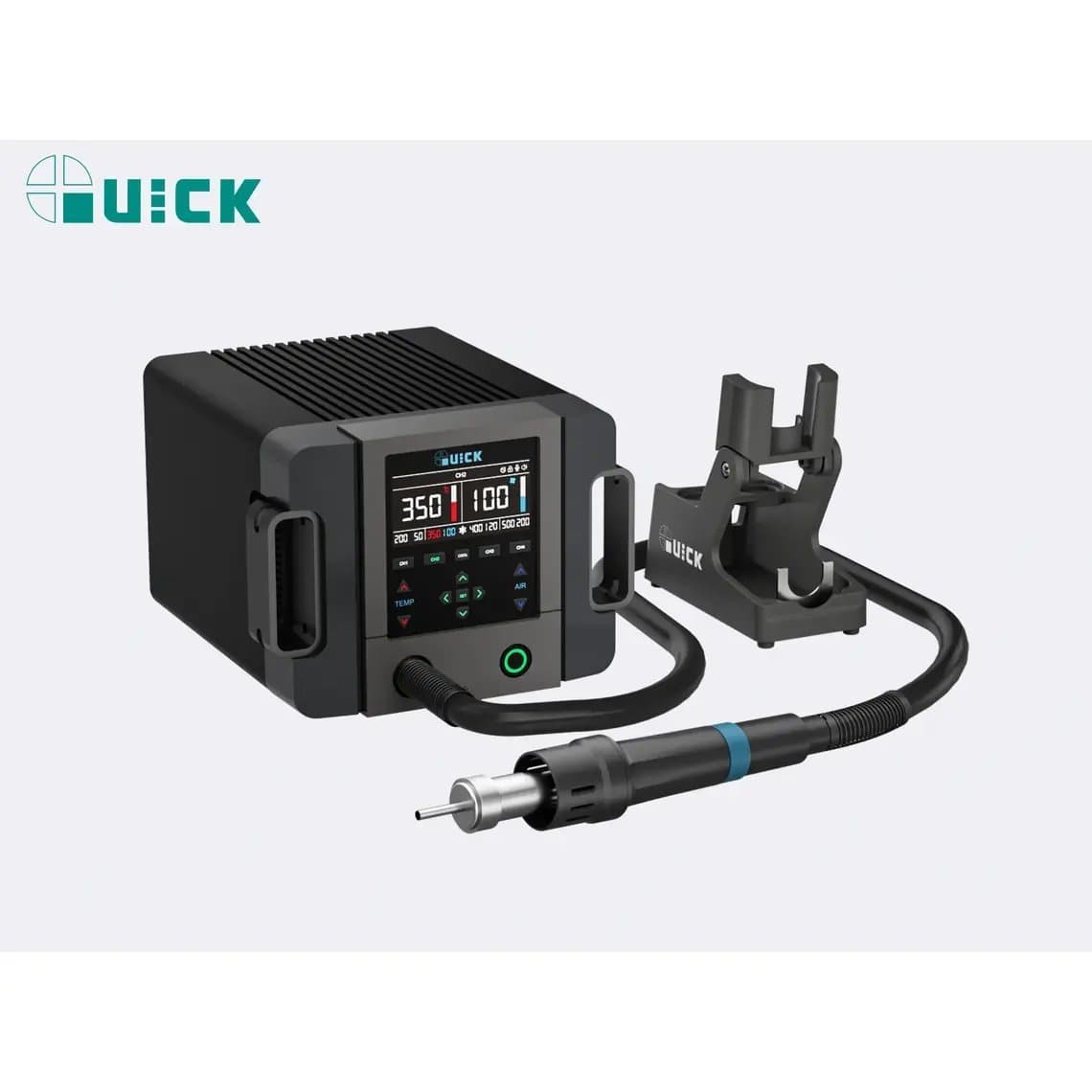
| Quick 861DW | 1000W, lead-free | Main bench station |
| Quick K8 Pro | 1000W, intelligent | Main bench station with smart features |
| Quick M7 | 1000W, intelligent | Main bench station with smart features |
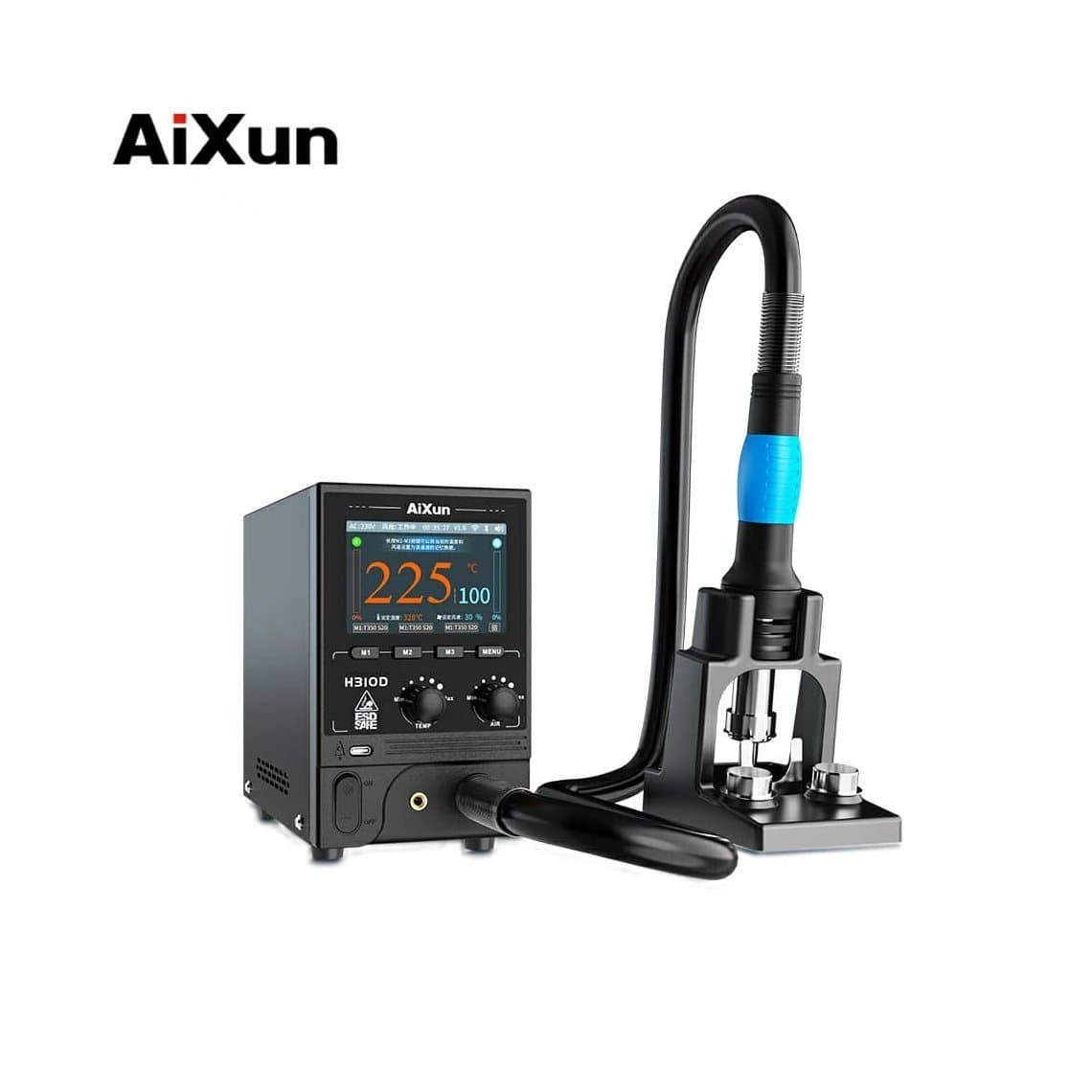
| AiXun H310D | 1000W, smart | Main bench station with smart features |
| Quick 861 Pro | Lead-free, smart | Main bench station |
| Sugon 8610DX | Spiral airflow | Main bench station with swirling air |
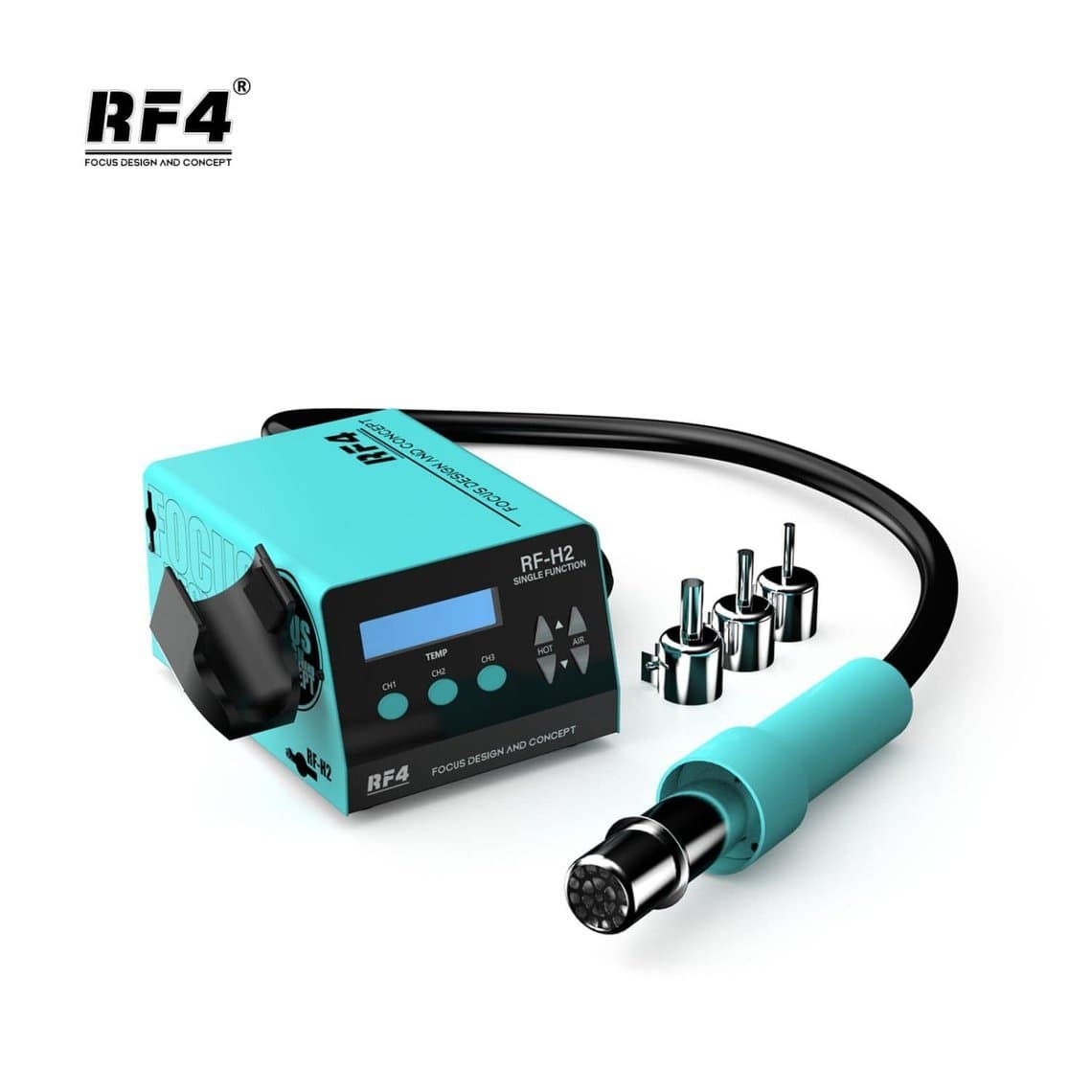
| RF4 RF-H2 | Anti-static (ESD), lead-free | ESD-conscious bench |
| Quick TR1300A | 1300W | Heavy shield and large chip work |
| Quick 861 Pro Max | 1300W, lead-free, smart, voice commands | High-volume board bench |
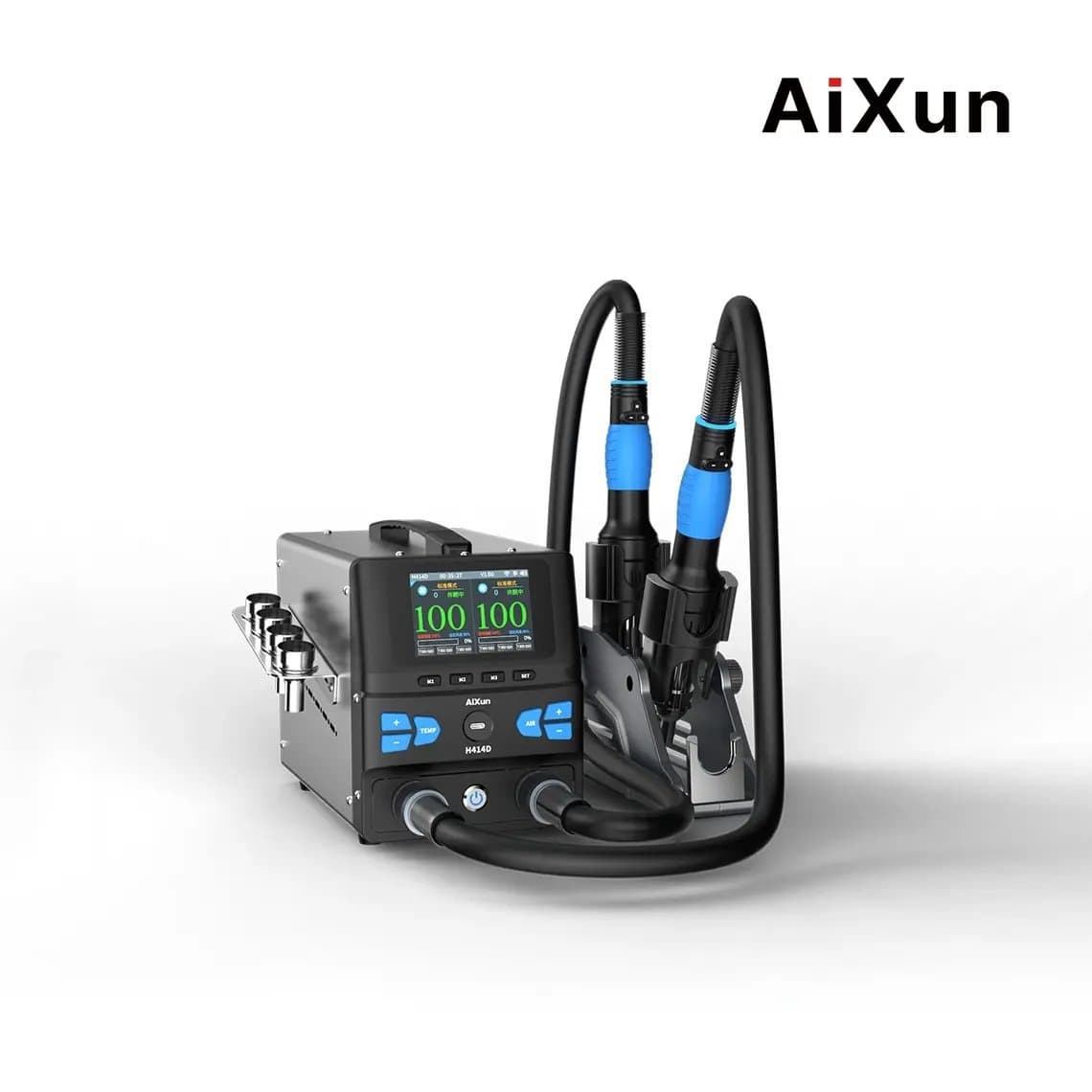
| AiXun H414D | 1400W, dual-channel | Busy bench running two outputs |
How to choose for your shop
- Screen and battery shop doing occasional board work: an 858-family station such as the Sugon 858D 700W station or the Best BST-858D with spiral airflow handles connectors, flex soldering and light shield work.
- Shop doing daily board repair: a 1000W-class digital station is the sensible default. The Quick 861DW 1000W lead-free station, Atten ST-862D with digital display and AiXun H310D smart station sit in this group.
- Board-level specialists: look at the Quick 861 Pro Max 1300W for extra headroom, or the AiXun H414D 1400W dual-channel station if one bench needs two outputs ready at once.
- ESD-sensitive environment: the RF4 RF-H2 anti-static station is named for it, but every station should still sit on a grounded mat with a wrist strap.
You can browse every model side by side in our hot air rework stations category.
Usage tips that protect the board
Pick the smallest nozzle that covers the part
A nozzle slightly larger than the chip heats it evenly without cooking everything around it. For small ICs and passives use a small round nozzle; for shields and larger chips step up in size rather than raising airflow. Bigger nozzles need more air to deliver the same heat, so expect to raise airflow a little with them.
Preheat the board
Phone boards are multi-layer and spread heat away quickly. A PCB preheater brings the whole board up to a moderate temperature from below, so the hot air only has to do the last step. That means lower top-side temperature, shorter time on the part and less risk of warping or lifting pads.
Shield what you are not working on
Cover nearby plastic connectors, camera modules, battery connectors and anything with a plastic body with heat-resistant (Kapton-type) tape or aluminium tape. Remove the battery and any flex cables before heating.
Start low and work up
Settings vary by station, nozzle and board, so there is no single correct number. Lead-free solder melts at roughly 217–227°C and leaded solder at about 183°C, but the air setting needs to be higher than that because heat is lost before it reaches the joint. Start with a conservative temperature and low airflow, add flux, keep the nozzle moving in small circles a few millimetres above the part, and only raise settings if the solder will not flow. Nudge the part gently with tweezers; never pry it off.
Use flux and a microscope
Fresh flux helps heat transfer and stops solder oxidising. Work under a stereo microscope so you can see the solder go shiny and the part settle. Clean residue and inspect for bridges and missing passives afterwards.
Common mistakes
- Using high airflow to "speed up" a job and blowing away tiny components.
- Heating one spot for too long instead of moving the nozzle.
- Skipping preheat on a thick or stacked board, then raising top temperature to compensate.
- Forgetting to remove the battery or shield plastic parts.
- Running a station on the wrong mains voltage.
Safety
Hot air nozzles stay hot after the air stops. Always return the handle to its holder, keep the bench clear of paper and solvents, and let the station run its cool-down cycle before switching off at the wall; many stations keep the fan running until the heater has cooled. Ventilate or use fume extraction for flux fumes. Never point hot air at a lithium battery, and never heat a board with the battery still connected.
For fine joints and pad cleanup after a chip comes off, pair the hot air station with a good iron from our soldering stations range.
Questions
What temperature should I use for hot air on a phone board?
There is no universal figure because the right setting depends on the station, nozzle size, airflow and board. Many technicians start in the low 300s °C with low airflow and adjust from there, using preheat to keep top temperature down. If you need to go much higher, check your nozzle and preheat first.
Is a 1000W hot air station better than a 700W one for phones?
Higher power mainly means faster heat-up and better temperature stability when you need a lot of airflow. For small phone components a well-controlled 700W station can do the job. A 1000W-class station gives more headroom for shields, larger chips and long sessions, which is why it is a common choice for a main bench.
Do I need a preheater as well as a hot air station?
For connectors and small parts you can manage without one. For chip removal, stacked boards and underfilled ICs a preheater reduces the heat you need from above, which lowers the risk of pad damage and board warping. Most board-level shops treat it as standard equipment.
What is the difference between a hot air station and a soldering station?
A soldering station heats a single joint by contact through a tip, ideal for wires, pads and individual pins. A hot air station heats an area with a stream of air, which lets you melt all the joints under a chip or shield at once. Board repair shops normally use both.
Browse the full range in hot air rework stations and the wider soldering and rework section. Shops buying for several benches can unlock trade pricing through wholesale, and repeat orders go fastest through Quick Order by SKU or CSV. All stations are tested before they ship from Shenzhen.