Phone Repair Blade and Scraper Guide: Blades, Knives and Cutters
17 November 2026 · LightspeedTools team
Short answer: Phone repair uses three groups of cutting tools: ultra-thin opening blades for cutting adhesive under screens and back covers, scraping blades and glue knives for cleaning underfill, glue and old solder paste off boards and frames, and precision flush cutters for trimming jumper wire and small parts. Match the blade shape to the job, keep metal away from batteries and flex cables (use plastic there), and replace blades as soon as the edge chips or rolls.
A blade is the tool most likely to turn a simple repair into a dead phone. One slip can cut a display flex, puncture a lithium battery or lift a solder pad. The fix is not to avoid blades but to use the right one for each job and to work in a controlled way. This guide covers every phone repair blade and scraper type you are likely to need, the precision cutters that go with them, the materials they are made from, and the safety and maintenance habits that keep both you and the device intact.
Blade and cutter types at a glance
| Tool | What it does | Where you use it | Main risk |
|---|---|---|---|
| Ultra-thin opening blade or pry card | Slides into a seam and cuts adhesive | Screens, back glass, battery covers | Cutting a flex or reaching the battery |
| Flat scraping blade | Removes adhesive and residue from flat surfaces | Frames, back glass areas, boards | Scratching or gouging the surface |
| Curved or hook blade | Reaches around components and into corners | Underfill around chips, edges | Knocking off small components |
| IC / CPU glue removal knife | Lifts and cleans underfill around and under chips | Board level, during chip removal | Lifting pads or traces |
| Solder paste scraper | Spreads paste across a stencil | Reballing | Uneven fill, bending the stencil |
| Grinding / layering blade | Takes material off in thin layers | Board and chip-level work | Grinding too deep |
| Precision flush cutter | Cuts wire and leads flush | Jumper wire, trimming | Cutting the wrong thing in a tight space |
Ultra-thin opening blades and cards
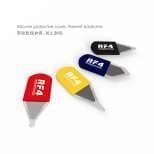
Opening blades are thin, flexible steel sheets or cards that slip into the gap between a screen or back panel and the frame and cut through adhesive as you slide them along. They are thinner than most plastic picks, which helps on phones with tight seams. Sets such as the RF4 4-pc Ultra-Thin Steel Opening Pry Blades give you a few profiles for different gaps.
How to use them well:
- Soften the adhesive first with a heat plate or controlled heat. Cold adhesive makes you push harder, and pushing harder causes slips.
- Insert only as deep as the adhesive band. Most phones have a flex or connector somewhere along one edge; learn where it is for the model before you start.
- Slide along the edge rather than levering upward. Levering bends frames and cracks glass.
- Stop at the flex side and switch to plastic there.
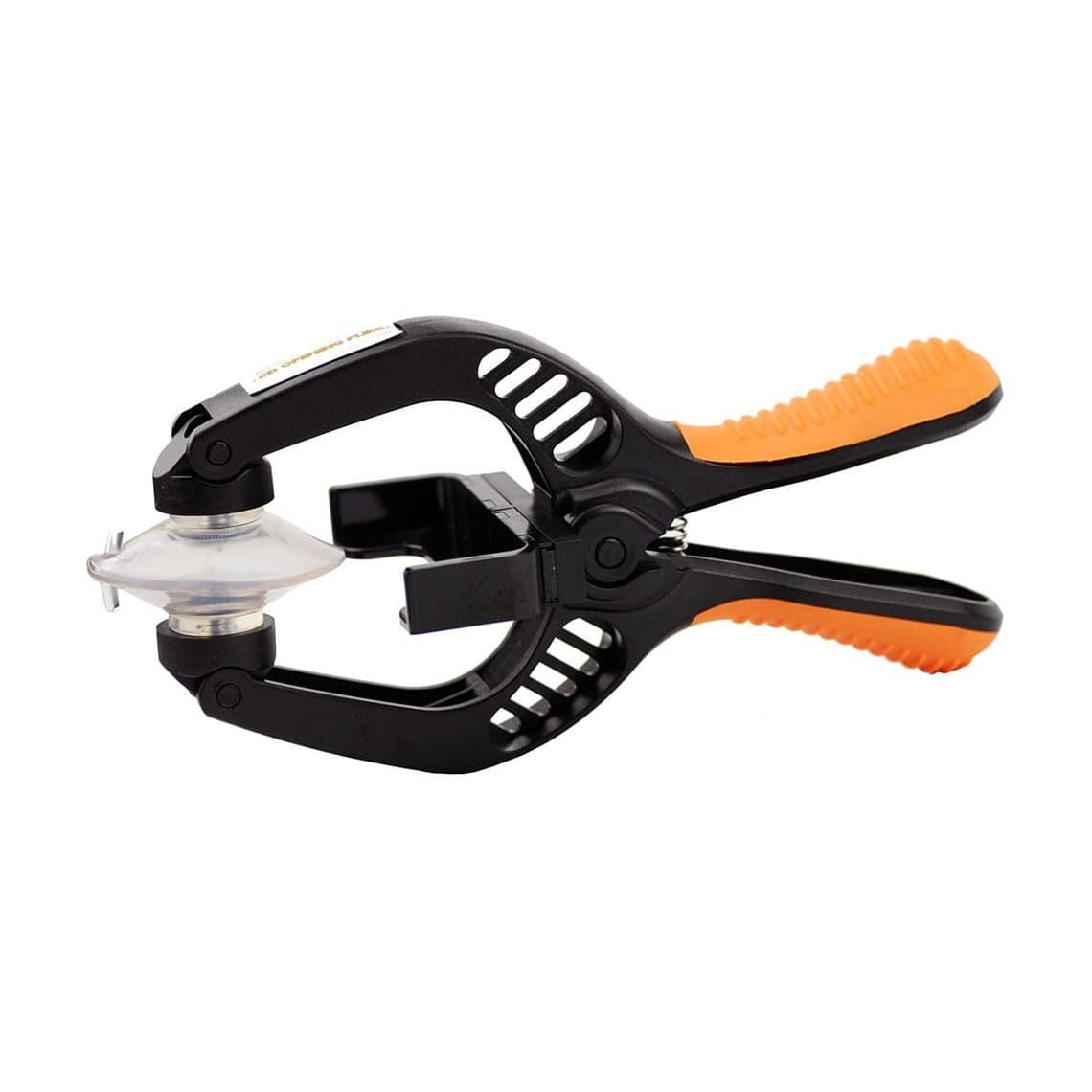
The full opening method, including where display flexes run on different iPhone generations, is in our guide on opening an iPhone screen without damaging flex cables. For the wider range, see screen opening tools. Suction-and-plier openers such as the Jakemy JM-OP05 LCD Opening Plier lift the panel while the blade does the cutting.
Flat and curved scraping blades
Once a part is off, you need to clean the surfaces. Flat blades are for broad surfaces: old adhesive on a frame, leftover glue where back glass sat, residue on a shield. Curved and hook blades reach into corners, around components and along chip edges where a flat blade cannot sit.
Many shops use interchangeable blades on one handle, which keeps cost down and lets you switch profiles quickly. A grippy handle such as the 2UUL Non-Slip Blades Handle gives better control on small, precise strokes, and a magnetic blade dock keeps spare blades organised and stops loose ones lying on the bench.
For heavy adhesive on large flat areas, flat blades work best at a low angle with short strokes. For anything near components, use the smallest blade that does the job and work under a microscope.
IC and CPU glue removal knives
Many phone boards use underfill, an epoxy that sits under and around chips such as the CPU and NAND. Before a chip can be lifted and reballed, the underfill around it has to be cut back, and after removal the residue has to be cleaned off the pads. This is delicate work: pads under these chips are small and lift easily.
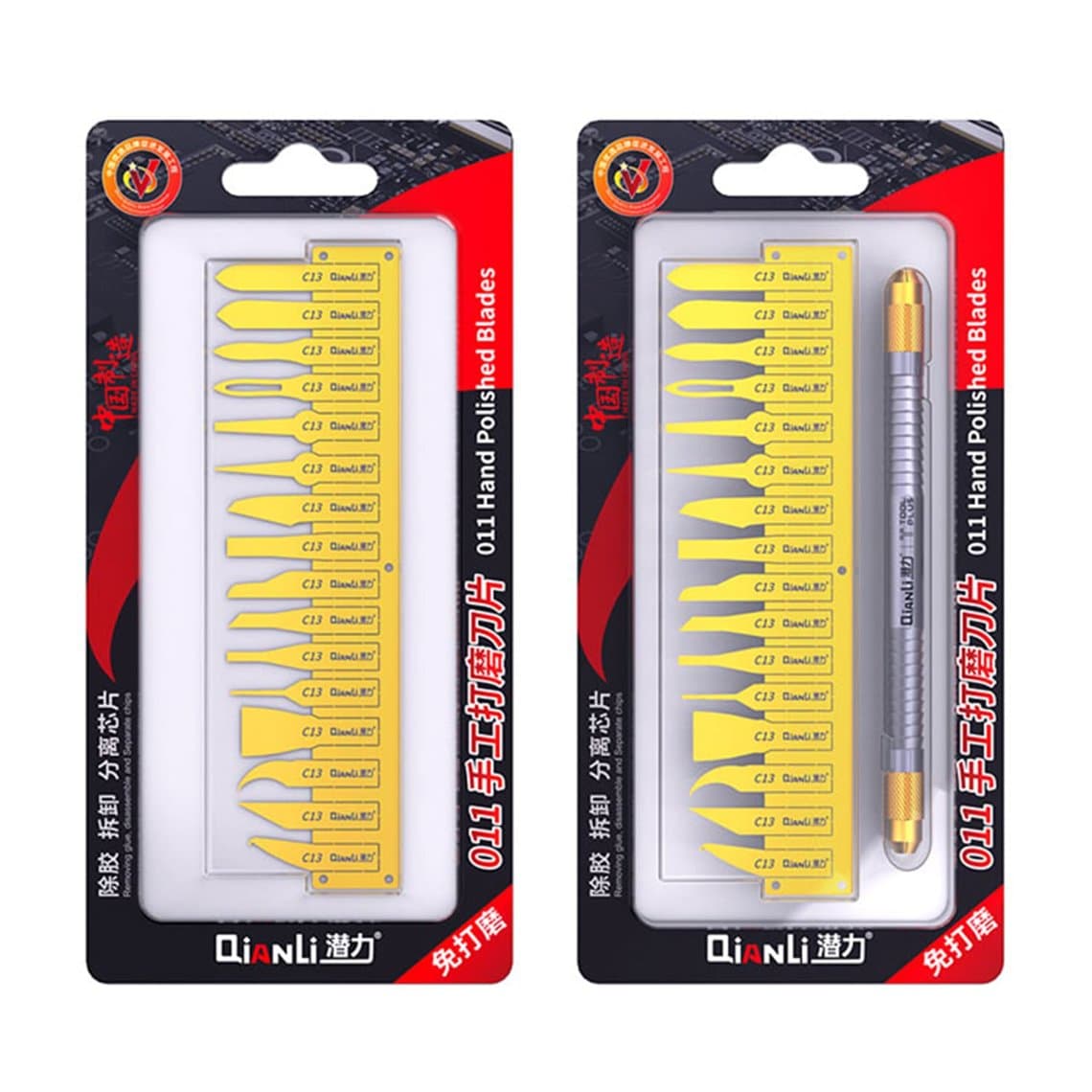
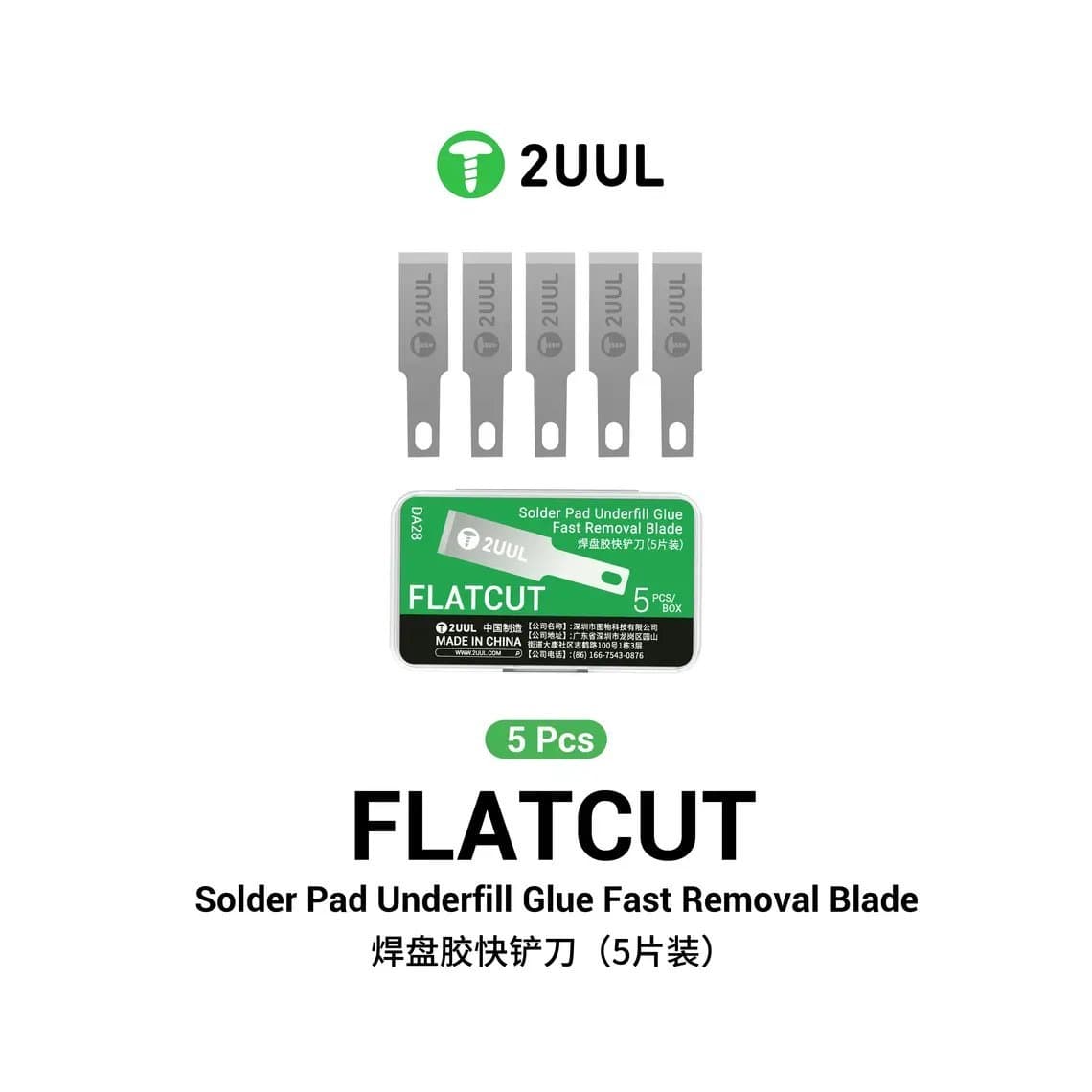
Dedicated glue knives have thin, stiff, angled tips made for this. The Qianli 011 IC & CPU Glue Removal Knife is one example, and flat underfill blades such as the 2UUL DA28 FlatCut Solder Pad Underfill Glue Fast Removal Blades are made for clearing glue from solder pads. Typical habits:
- Preheat the board and use controlled hot air to soften the underfill; a cold board makes the glue hard and the pads fragile.
- Work in small passes under magnification. If you cannot see the edge, you cannot control it.
- Keep the blade low and push away from pads, not into them.
- Add flux and clean with solder wick after scraping to see what is left.
The whole chip process is covered in our BGA reballing guide.
Solder paste scrapers for stencils
When you reball a chip, solder paste is spread across a stencil so each hole fills evenly. A proper scraper has a flat, stiff edge that fills holes without lifting the stencil. Purpose-made options include the Mega-Idea iShuriken Solder Paste Scraping Knife. Hold the stencil flat, apply light, even pressure, and scrape in one direction. Clean paste off the scraper after each job so dry flakes do not contaminate the next one.
Grinding and layering blades
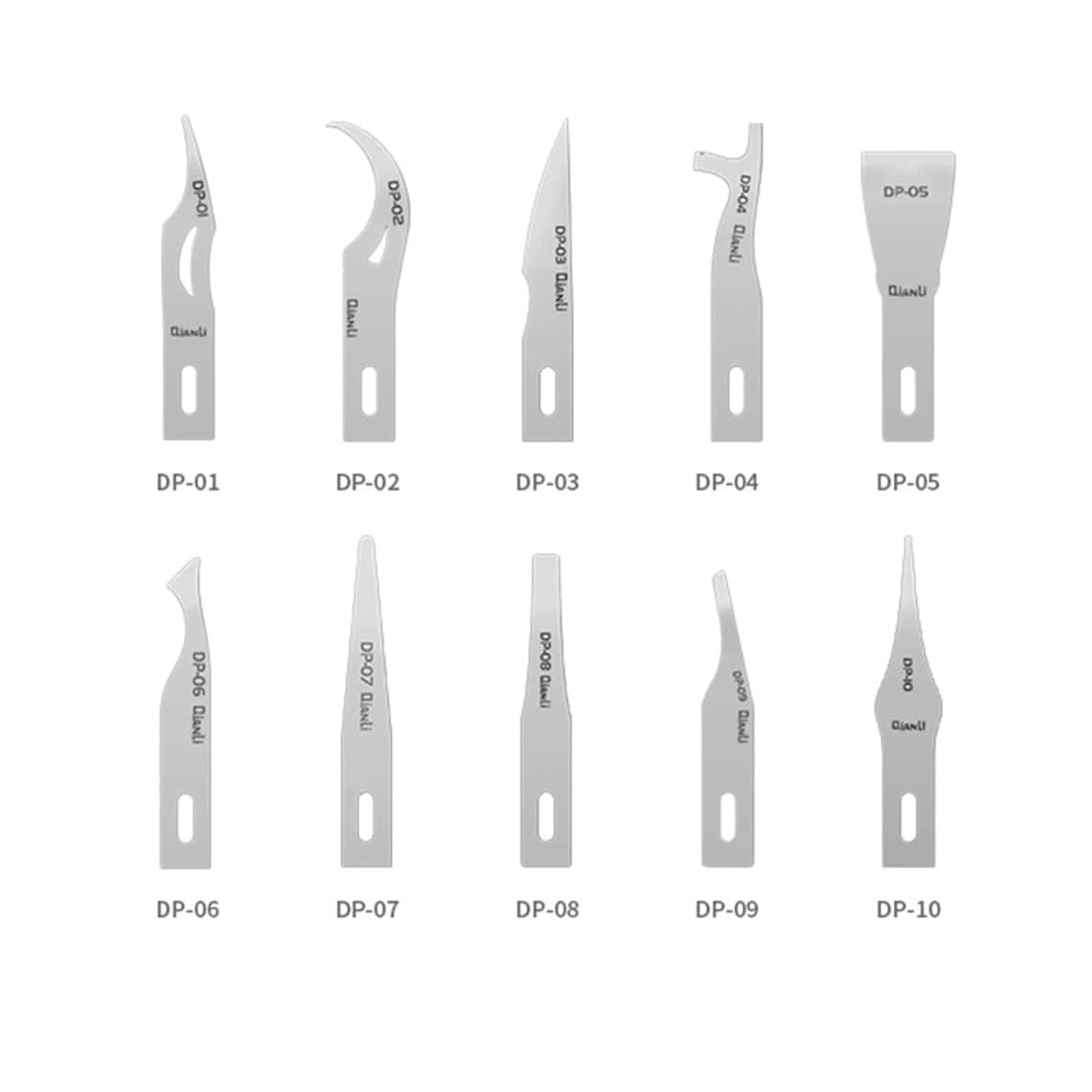
Some board-level jobs need material taken off in thin layers rather than cut. Grinding and layering blades such as the Qianli DP Manual Grinding & Layering Blades are designed for that controlled removal. Go slowly, check often under the microscope and stop as soon as you reach the layer you need. You cannot put material back.
Precision side cutters and pliers
Cutters do the jobs blades should not: trimming jumper wire, cutting component leads, snipping tape and small brackets. A flush cutter leaves a flat end with no sharp spike, which matters when a wire end sits next to other parts.
- Flush cutting pliers. The Relife RL-0001 Precision Flush Cutting Pliers are an example of a fine cutter for board work.
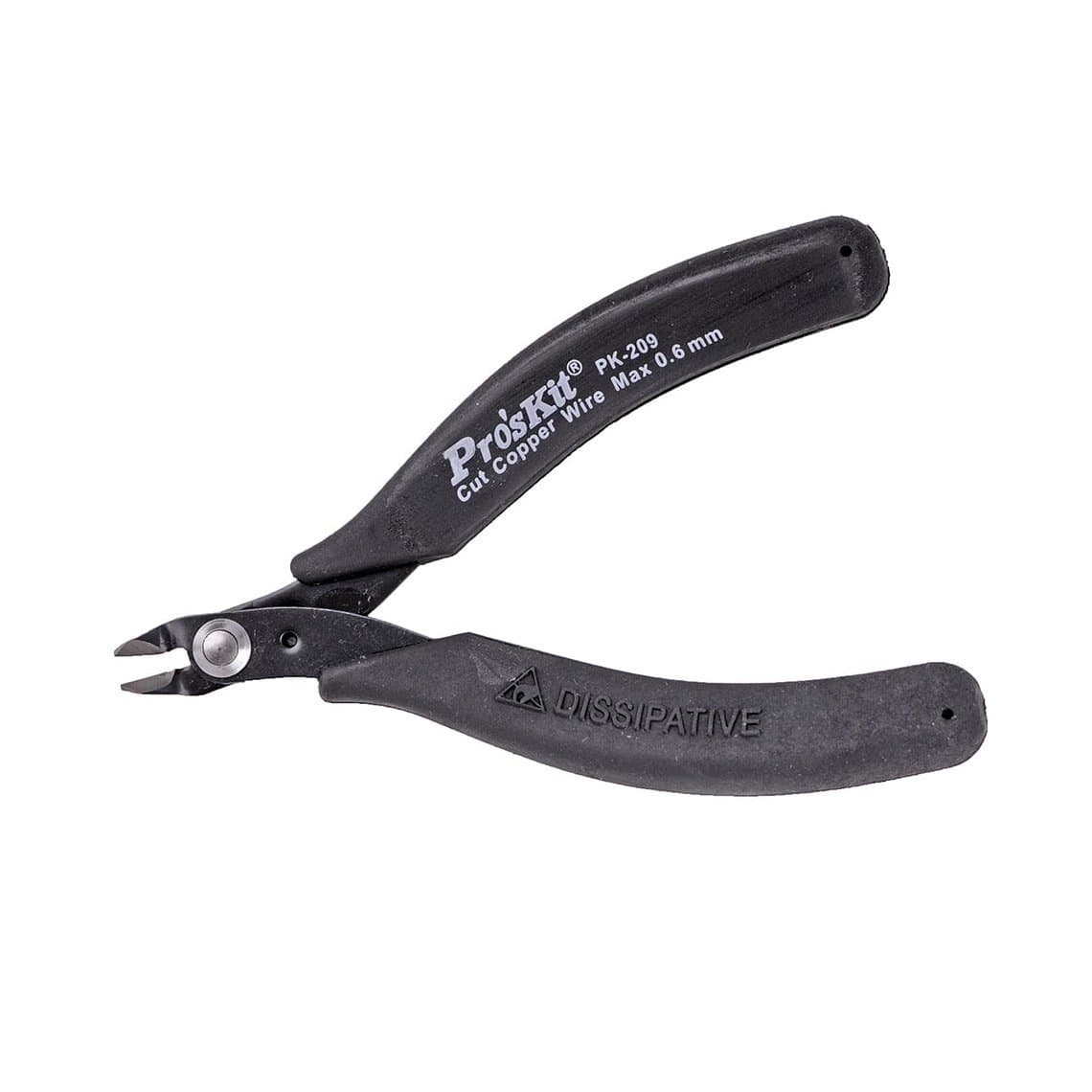
- Micro nippers. The Pro'sKit PK-209 Clean Cut Micro Nipper lists 22AW / 0.6mm in its title; do not cut anything thicker or harder than a cutter is rated for, or the jaws will notch.
- General plier cutters. Keep a separate, cheaper cutter for tape, plastic and anything that might damage a precision tool.
For jumper wire, cut the wire to length before soldering where possible, then make the final trim with the flush side toward the work. Our guide to repairing a ripped solder pad with jumper wire shows where this fits in the process. Browse the full range of pliers and precision cutters.
Blade materials: stainless, carbon and ceramic
| Material | Strengths | Weaknesses | Good for |
|---|---|---|---|
| Stainless steel | Resists corrosion, flexible in thin sheets | Edge can dull faster than harder steels | Opening blades, general scraping |
| Carbon steel | Takes a very sharp edge | Can rust if left damp or with flux residue | Fine cutting and scraping |
| Ceramic | Non-conductive and non-magnetic, holds an edge | Brittle; chips if twisted or dropped | Work near live circuits or magnets |
| Plastic / nylon | Non-conductive, will not scratch or cut flexes | Too soft to cut hard adhesive | Near batteries, flexes and connectors |
When to use plastic instead of metal
Metal is right for cutting adhesive and cleaning hard residue. It is wrong anywhere it can short, cut or puncture. Switch to plastic picks and spudgers when you are:
- Working near or under a lithium battery. A metal tip can puncture a cell, and a damaged cell can catch fire.
- Releasing flex connectors. Metal can short pins and bend connector housings.
- Near display, battery and camera flexes, which cut easily.
- Prying anything on a powered board.
Keep plastic tools from spudgers and opening picks on the bench next to your blades so switching is easy.
Blade safety
- Cut away from yourself and away from fragile parts. Plan the stroke so a slip lands on the frame, not a flex or the battery.
- Never point a blade toward the battery or flex. If the angle means you must, change the angle or use plastic.
- Use blade guards and a holder. Cap or dock blades when not in use; loose blades cause most hand cuts.
- Disconnect the battery before any board work, and handle swollen batteries with extra care.
- Use magnification for board work. A microscope turns guesswork into control.
- Dispose of old blades in a sharps container, not the general bin.
Maintenance and replacement
- Clean adhesive and flux off blades after each job with isopropyl alcohol and dry them.
- Check the edge under magnification. A chipped, rolled or bent edge drags and slips; replace it rather than forcing it.
- Keep opening blades flat. A kinked sheet will not slide evenly along a seam.
- Do not use precision cutters on steel wire or hard plastic; it notches the jaws.
- Store blades dry, especially carbon steel.
Questions
What blade is best for opening a phone screen?
An ultra-thin steel opening blade or pry card works best on tight seams once the adhesive has been warmed. Insert it only as deep as the adhesive band and slide along the edge. Switch to a plastic pick near the display flex.
How do you remove underfill glue from a phone board?
Preheat the board, soften the underfill with controlled hot air, then cut it back with a thin glue removal knife or underfill blade in small passes under a microscope. Push away from pads, then clean with flux and solder wick. Rushing this step is a common cause of lifted pads.
Is a ceramic blade better than a steel blade?
Ceramic is non-conductive and non-magnetic, which helps near circuits and magnets, and it holds an edge well. It is also brittle, so it chips if twisted. Steel is tougher and more flexible, which is why most opening blades are steel.
What cutter should I use for jumper wire?
Use a fine flush cutter so the end is flat and does not spike into nearby parts. Stay within the wire size the cutter is rated for and keep it for fine wire only, so the jaws stay sharp.
See the full range of blades and scrapers for phone repair. Shops buying regularly can unlock trade pricing through wholesale and reorder by SKU or CSV using Quick Order.