iPhone Ghost Touch Fix: How to Diagnose and Repair It
17 November 2026 · LightspeedTools team
Short answer: iPhone ghost touch, where the screen taps, scrolls or types by itself, is most often caused by a damaged or low-quality screen, and less often by a charger, case, liquid or software. Work through the simple checks first, then test with a known-good screen to see whether the fault follows the display. If it does, a quality screen replacement fixes it; if it does not, the problem is on the board.
What ghost touch looks like
Ghost touch means the phone reacts to touches nobody made. Common signs:
- Apps open on their own, or the phone types random letters.
- The screen scrolls or zooms without being touched.
- Parts of the screen stop responding while other parts trigger by themselves.
- The passcode screen fills in random digits, sometimes locking the phone out.
- The problem gets worse when charging, when warm, or when the phone is held a certain way.
The pattern matters. Ghost touch that only happens on a charger points somewhere different from ghost touch that starts in one corner after a drop. Note when and where it happens before you open anything.
The causes
Damaged digitizer or panel
On modern iPhones the touch layer is built into or bonded to the display. A drop, a bend or pressure can damage it without cracking the glass. This is the most common cause, especially when ghost touch starts after an impact or sits in one area of the screen.
Poor-quality replacement screens
Ghost touch often shows up in phones that have already had a screen replaced. Low-grade screens can have weaker touch controllers, poor shielding and loose tolerances, which makes them sensitive to noise, heat and pressure. Some work fine on the bench and start ghosting days later.
Charger and cable noise
Cheap or damaged chargers and cables can put electrical noise on the phone's ground. The touch sensor picks this up as false touches. The tell-tale sign: ghost touch that appears on a charger and stops when unplugged.
Case and screen protector pressure
A tight case pressing on the screen edge, or a protector with trapped dust, bubbles or a lifted edge, can trigger constant touches near the border. This is the cheapest cause to rule out.
Liquid
Moisture on the display connector or under the glass edge causes erratic touch, often with other faults. Liquid damage tends to get worse over days.
Software
A bugged update or a misbehaving app can cause odd behaviour that looks like ghost touch. Software is the least likely cause, but it is free to test.
Logic board
On older models such as the iPhone 6 and 6 Plus, touch controller chips sat on the logic board, and their failure became known as "touch disease". On newer models more of the touch circuitry lives on the screen assembly, so board-caused ghost touch is less common, but a damaged connector, corroded filters or a damaged line on the board can still cause it.
Diagnostic flow: simple to complex
Follow these steps in order. Stop when the fault is found.
- Clean the screen and remove the case and protector. Use the phone bare for a while. If the ghost touch stops, the accessory was the cause.
- Unplug the charger. If ghosting only happens on charge, try a known-good original-spec charger and cable. Check the charging port for lint or corrosion.
- Restart, then update iOS. A force restart clears temporary glitches. Install pending updates.
- Check for liquid and physical damage. Look at the SIM tray, the frame for bends, and the screen edges for lifting or pressure marks.
- Ask about the repair history. If the screen has been replaced before, the replacement is the first suspect.
- Back up and restore as new. If you still suspect software, a full restore rules it out. If ghost touch shows up during setup on a freshly restored phone, it is hardware.
- Open the phone and reseat the display connector. Disconnect the battery, inspect the connector and board socket under magnification, clean, and reconnect.
- Test with a known-good screen. This is the decisive step, explained below.
Testing with a known-good screen
Connect a screen you know works, without fully fitting it, and use the phone for a few minutes. Draw slow lines across the whole surface in a notes or drawing app and watch for gaps or jumps.
- Ghost touch gone: the original screen is faulty. Replace it.
- Ghost touch still there: the fault is on the board side: connector, filters, lines or a liquid-damaged area.
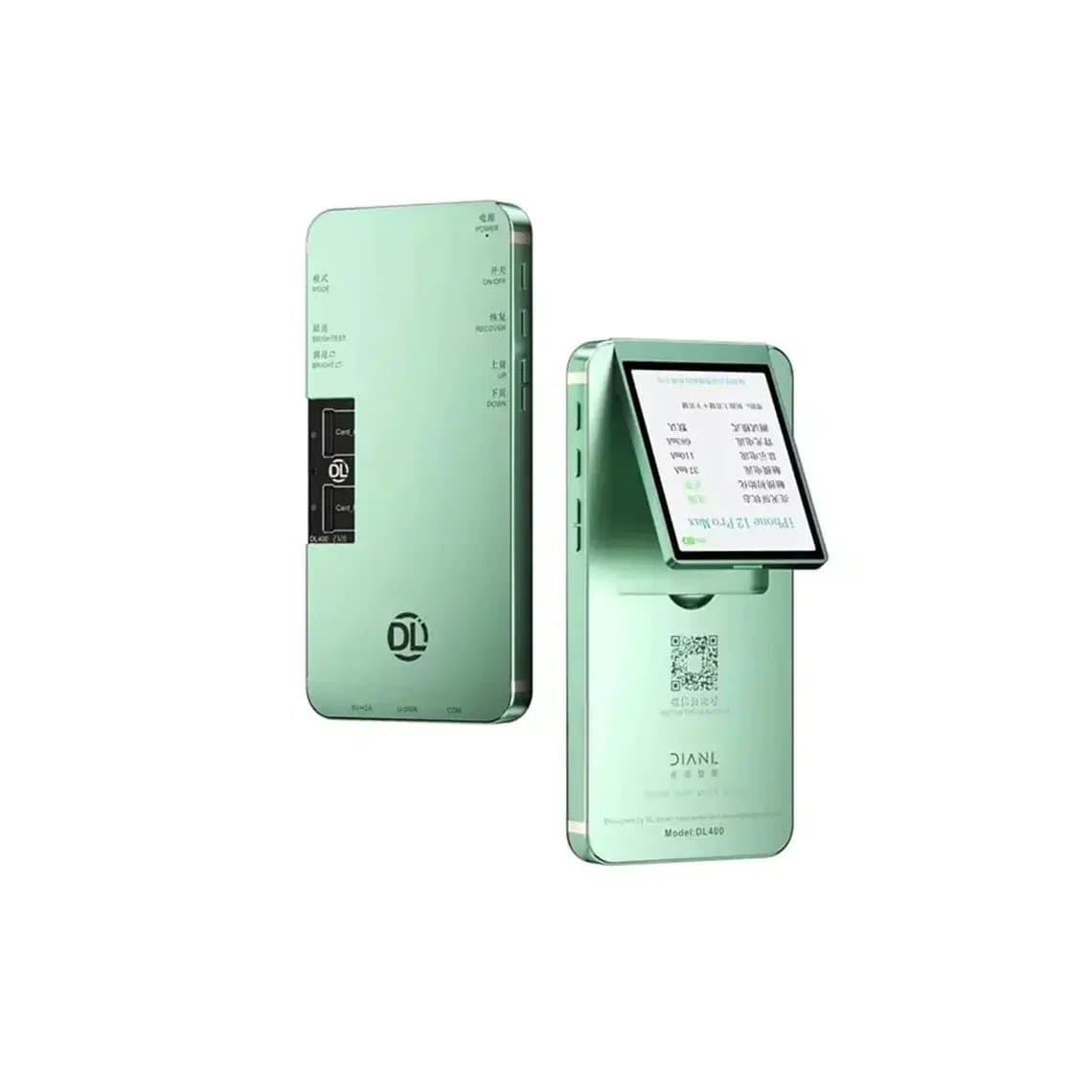
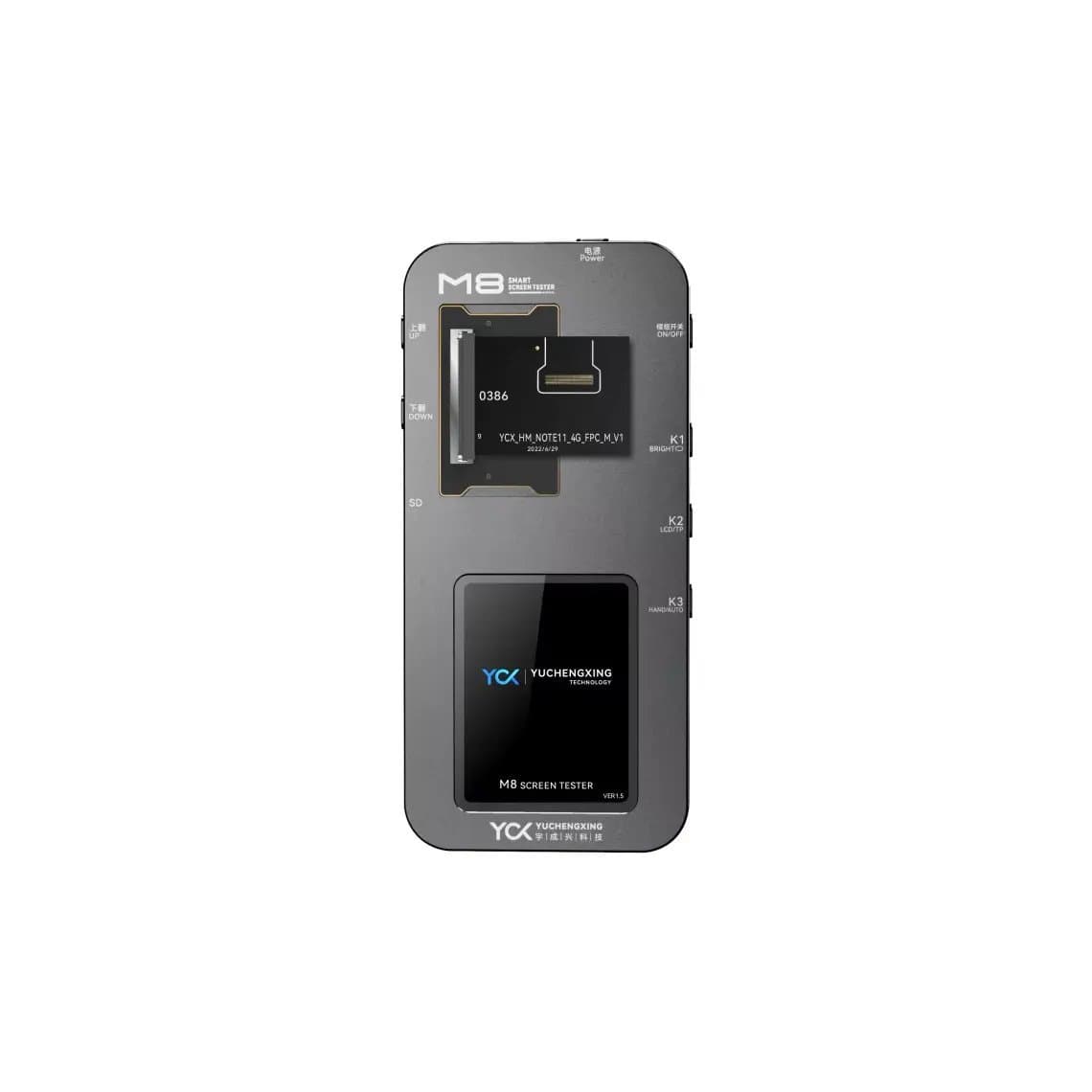
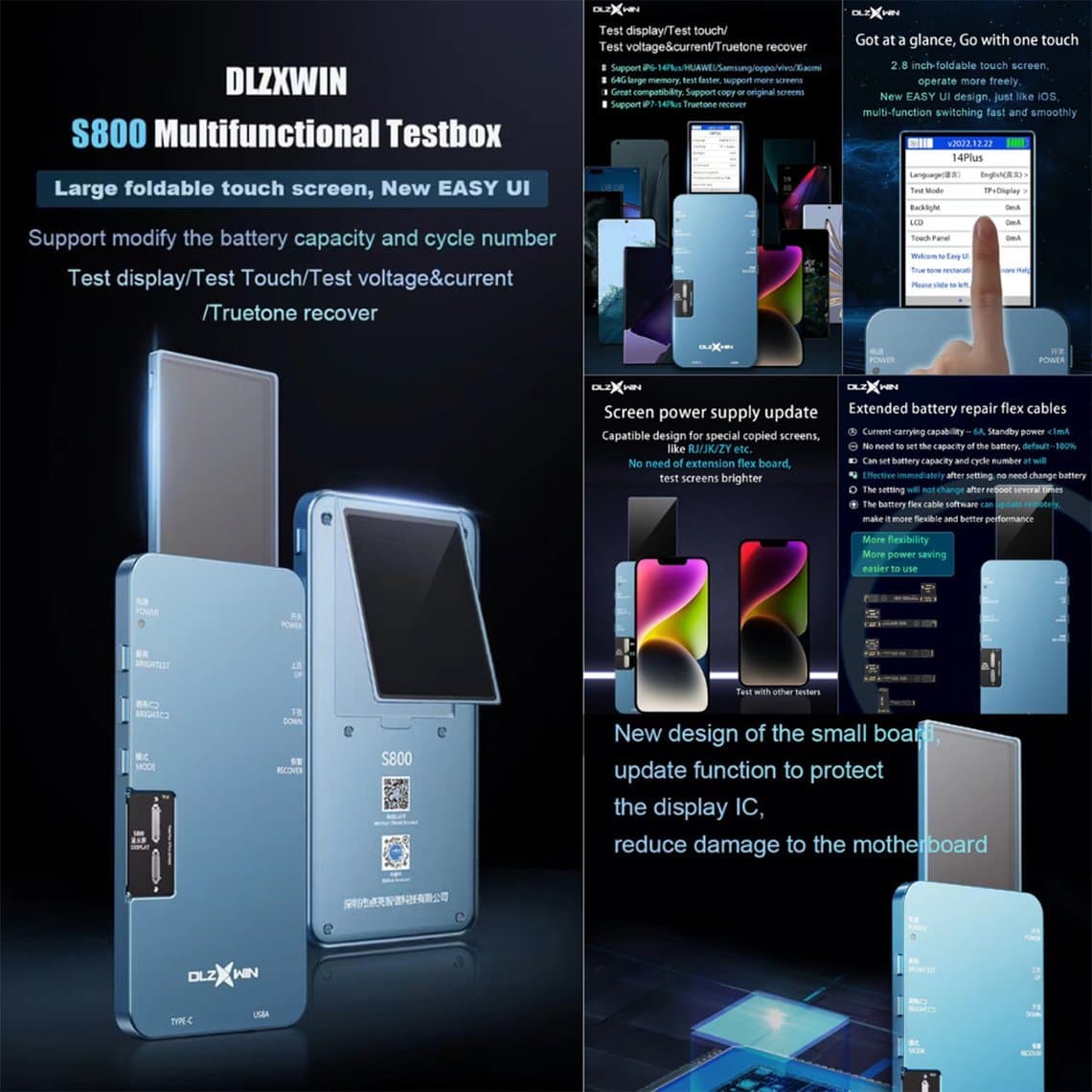
A screen tester speeds this up and protects your known-good part. Tools such as the DL400 Pro screen tester for iPhone, the YCX M8 multifunction screen tester or the DL S800 multi-functional tester let you check display and touch off the phone, so you can also test a customer's screen or a new batch before fitting. See all screen testers.
Differences between iPhone models
| Model group | Where touch lives | What it means for ghost touch |
|---|---|---|
| iPhone 6 / 6 Plus era | Touch controller chips on the logic board | Board-level faults more likely, often with a flickering grey bar |
| LCD models (8, SE 2nd/3rd gen, XR, 11) | Mostly on the display assembly | Screen quality and connector condition are the main factors |
| OLED models (X and later) | Built into the OLED display assembly | A touch fault almost always means a screen; grade choice matters a lot |
Find parts for every model on the iPhone parts hub.
How shops avoid ghost touch from cheap screens
Comebacks for ghost touch cost a shop time and reputation. Most can be prevented.
Choose the right grade
The cheapest screens cause the most ghost touch returns. Our quality grades explain the options. Original New and Original Refurb carry 12 months' warranty, as does Premium Soft OLED; Original Pull and Hard OLED carry 6 months; Incell carries 3 months. For customers who use the phone heavily, the higher grades are worth the difference. Browse by model in iPhone screens.
Handle screens carefully
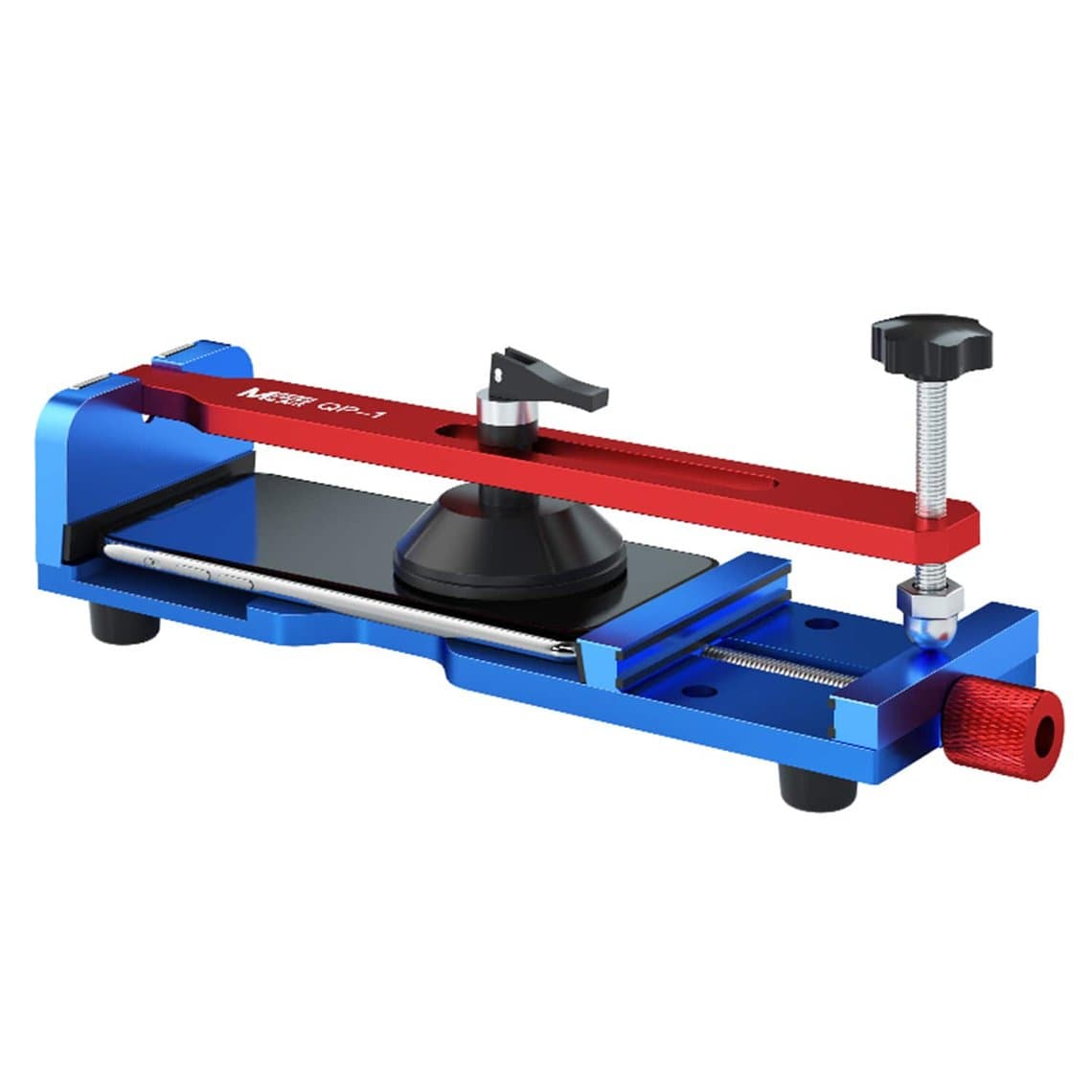
- Do not bend the flex or press on the panel while opening. Controlled tools help: a MaAnt QP-1 heat-free screen removal fixture, a 2UUL DA08 Pro puller or a 2UUL DA10 preheat puller station lift the screen evenly instead of prying at one point.
- Use thin, non-metal picks and avoid sliding them deep into the OLED area. See our screen opening tools.
- Store screens flat in their packaging until fitting, away from heat.
Keep connectors clean
- Disconnect the battery before connecting or disconnecting the screen.
- Inspect both sides of the connector under a microscope; dust, flux or a bent pin can cause intermittent touch.
- Clean with isopropyl alcohol and a soft brush, and let it dry fully.
- Refit all shielding, foam and insulation stickers. Missing shielding can let noise reach the touch lines.
Test before sealing
Before applying adhesive, test touch across the whole screen, including the corners and edges, with the phone both on and off a charger. Check Face ID, the earpiece and the proximity sensor. It takes a couple of minutes and catches most problems while the phone is still open.
When it is the board
If a known-good screen still ghosts, look at the board. Typical findings:
- Corrosion or debris in the display connector socket.
- Damaged or missing filters near the display connector, often after liquid or a previous repair.
- Bent pins from forcing a flex on at an angle.
- On older models, a failing touch controller.
Board work needs a microscope, soldering skills and schematics. If your shop does not do micro-soldering, send the phone to a board repair specialist rather than fitting screen after screen.
Questions
Can a software update fix ghost touch on an iPhone?
Only if the cause is software, which is uncommon. Update and restore are worth trying because they are free. If ghost touch continues on a freshly restored phone, it is hardware.
Why did ghost touch start after my screen was replaced?
The most likely reasons are a low-grade replacement screen, a damaged flex from installation, missing shielding or a dirty connector. A higher-grade screen fitted carefully usually solves it. Ask the shop about its warranty.
Does a screen protector cause ghost touch?
It can, if it has trapped dust, bubbles or a lifted edge, or if a tight case pushes on it. Remove both and use the phone bare to check. If the problem stops, replace the protector.
Is ghost touch covered by Apple?
That depends on the model, warranty status and any programme active at the time. Check Apple's support site for any current programme. Phones with drop or liquid damage, or a non-Apple screen, are usually paid repairs.
Stock screens you can trust: browse every grade in iPhone screens, open a wholesale account for trade pricing, or reorder fast with quick order.