iPhone 8 Repair Guide: iPhone 8, 8 Plus, SE 2 and SE 3
17 November 2026 · LightspeedTools team
Short answer: iPhone 8 repair covers four closely related phones: the iPhone 8, the 8 Plus and the iPhone SE 2nd and 3rd generation. All use LCD screens, a Touch ID home button and a glass back with wireless charging, and the 8 and SE models share many parts. The common jobs are screens, batteries, charging ports and home buttons, and the key rule is to transfer the original home button, because Touch ID is paired to the logic board.
These phones are still everywhere: as second phones, as phones for children and as budget handsets. They are also some of the most forgiving iPhones to repair. This guide covers all four models: how they differ, the jobs you see most, which parts cross over, screen grades and the notices to warn customers about.
The four models and how they differ
| Model | Screen | Rear camera | Chip | Repair notes |
|---|---|---|---|---|
| iPhone 8 | 4.7" LCD | Single | A11 | Shares its body size and many parts with the SE 2 and SE 3 |
| iPhone 8 Plus | 5.5" LCD | Dual | A11 | Larger body; screen, battery and frame are its own parts |
| iPhone SE (2nd gen) | 4.7" LCD | Single | A13 | Same outer design as the iPhone 8 |
| iPhone SE (3rd gen) | 4.7" LCD | Single | A15, 5G | Same outer design; some internal parts differ, so check the listing |
All four have a Touch ID home button, a glass back that supports Qi wireless charging, a Lightning port and no headphone jack. Check the model number in Settings, General, About before ordering. The SE 2 and SE 3 look identical from the outside, and both look like an iPhone 8.
Which parts cross over
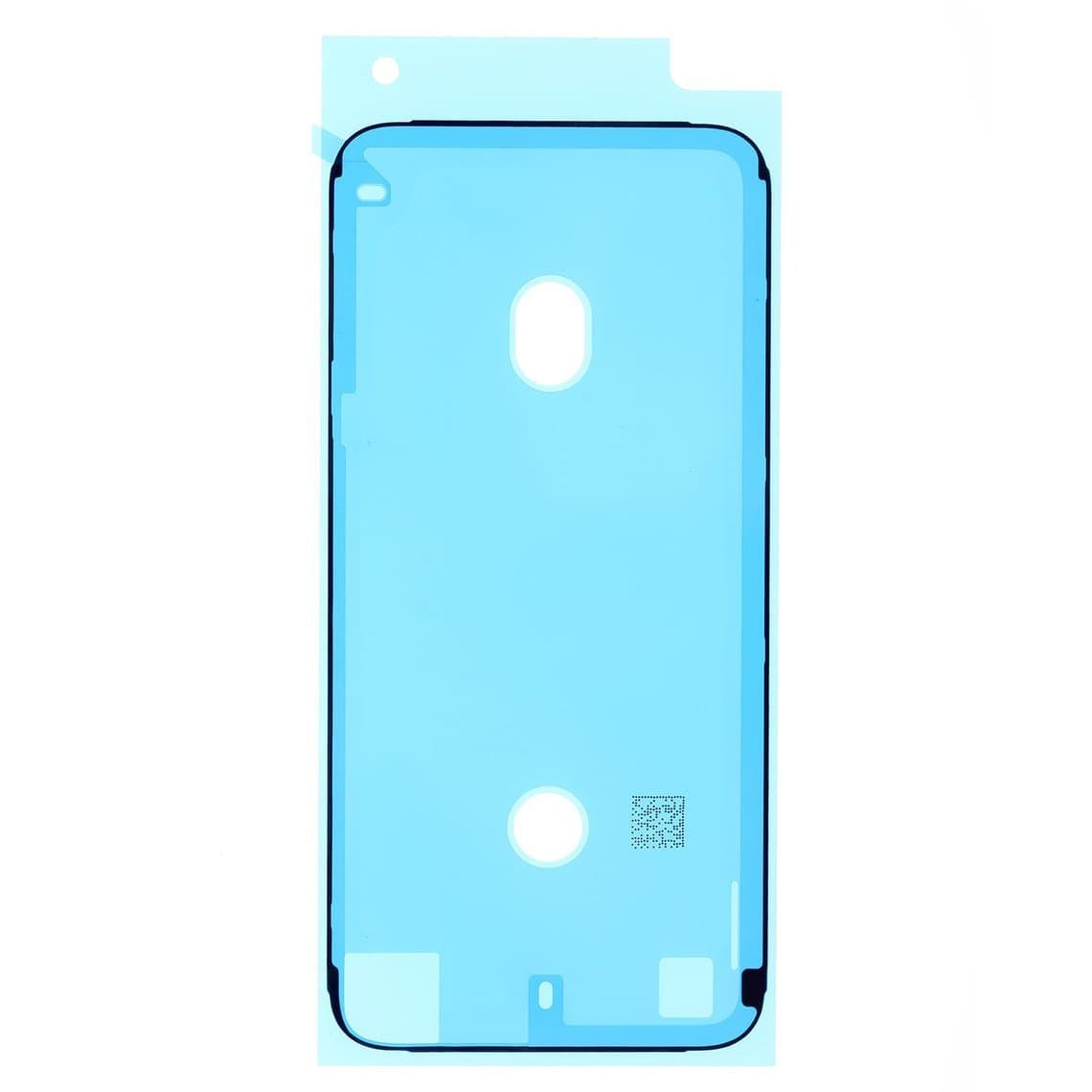
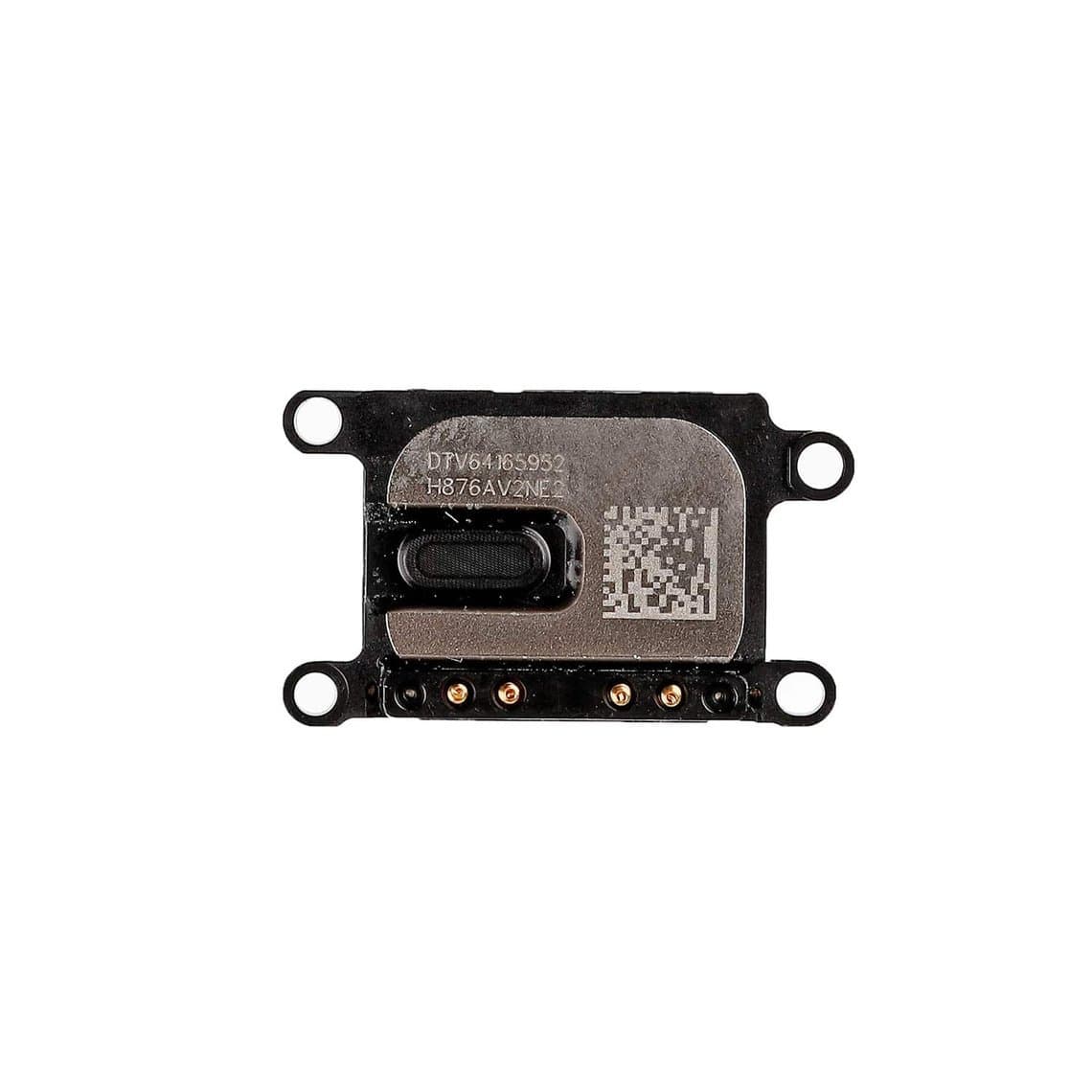
The iPhone 8, SE 2 and SE 3 share the same outer size and many parts are widely listed as compatible across them, including screens, ear speakers, side button flexes and SIM trays. For example, the iPhone 8/SE 2nd/3rd frame-to-bezel adhesive and the iPhone 8/SE 2nd/SE 3rd ear speaker are listed for all three. Not everything crosses over, though. Batteries, rear housings, cameras and some flexes can differ, especially on the SE 3. Always check the compatibility on the listing rather than assuming. The 8 Plus shares very little with the smaller models.
The most common repairs
Screen replacement
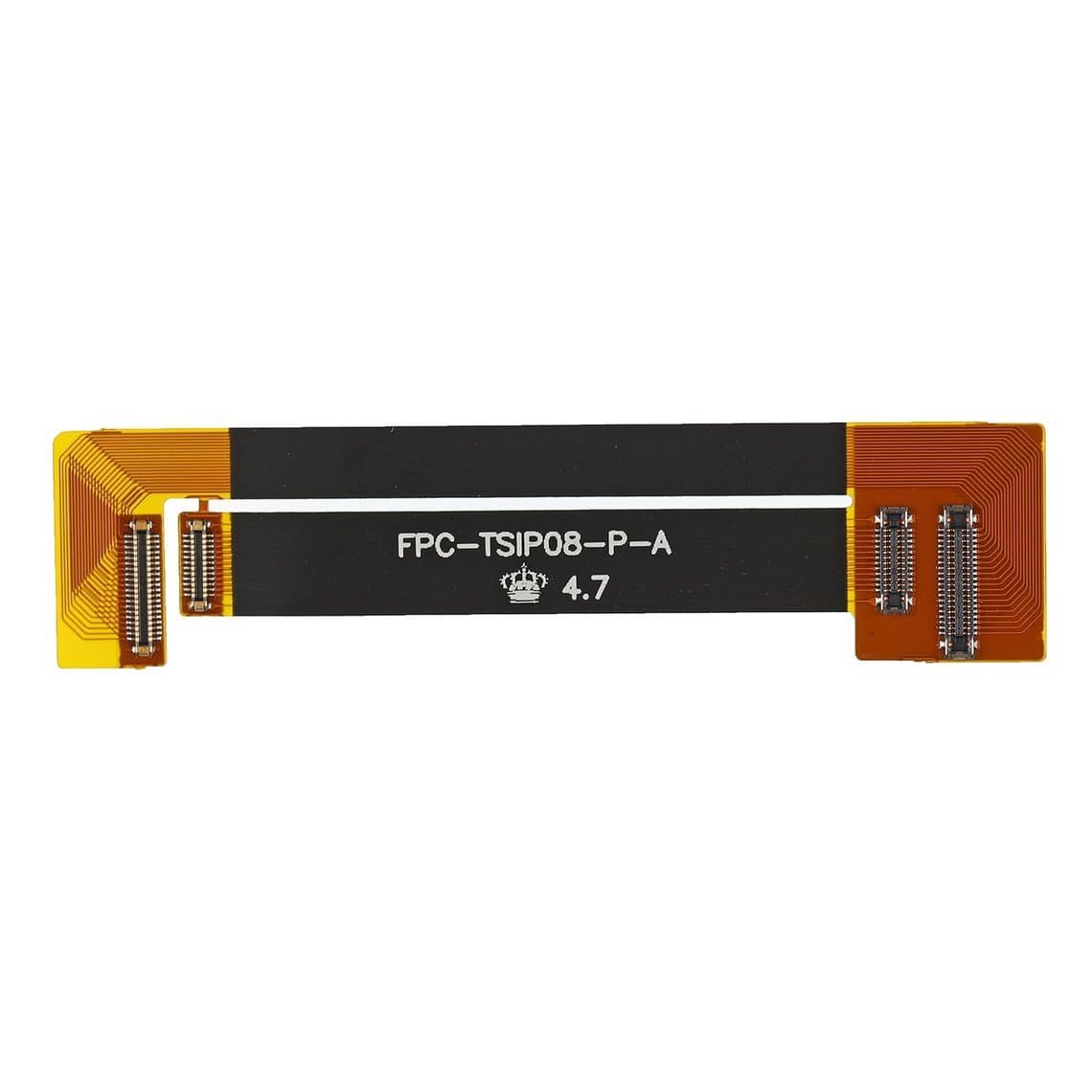
Cracked glass and damaged LCDs are the biggest job on these phones. All four use LCD panels, so a broken screen usually shows clearly: black areas, lines, bleeding or no image. Before quoting, test with a known-good screen and a testing cable such as the LCD screen testing cable for iPhone 8, so you are not replacing a screen to fix a board or connector fault.
The screen job on these models involves three transfers that new technicians often miss:
- The home button. Move the original button and its bracket to the new screen. See the next section.
- The front camera and sensor flex. The front camera, proximity sensor, ambient light sensor and earpiece sit in an assembly at the top of the screen. Move it carefully, and make sure the small sensor cover sits correctly; a part like the iPhone 8 ambient light sensor cover with front camera lightpipe replaces a lost or damaged one. A cover that is missing or seated badly can cause the screen to stay dark or turn off during calls.
- The LCD shield plate. Move the metal back plate and its screws to the new screen. Keep track of screw lengths; a long screw in the wrong hole can damage the LCD.
Fit a fresh frame-to-bezel adhesive every time to keep dust and moisture out.
Home button and Touch ID
The home button on these phones is a solid-state sensor, not a mechanical switch, and Touch ID is paired to the logic board. In general, a replacement home button does not restore Touch ID; only the phone's original button can. That is why you always transfer the original button during a screen job and handle its flex very gently. If the original button flex is torn, a replacement such as the iPhone 8/SE 2nd home button assembly can restore the look of the button, but whether it provides a working home function depends on the part type, so check the listing. Tell the customer before the repair that fingerprint unlock is very unlikely to return with a non-original button.
Battery replacement
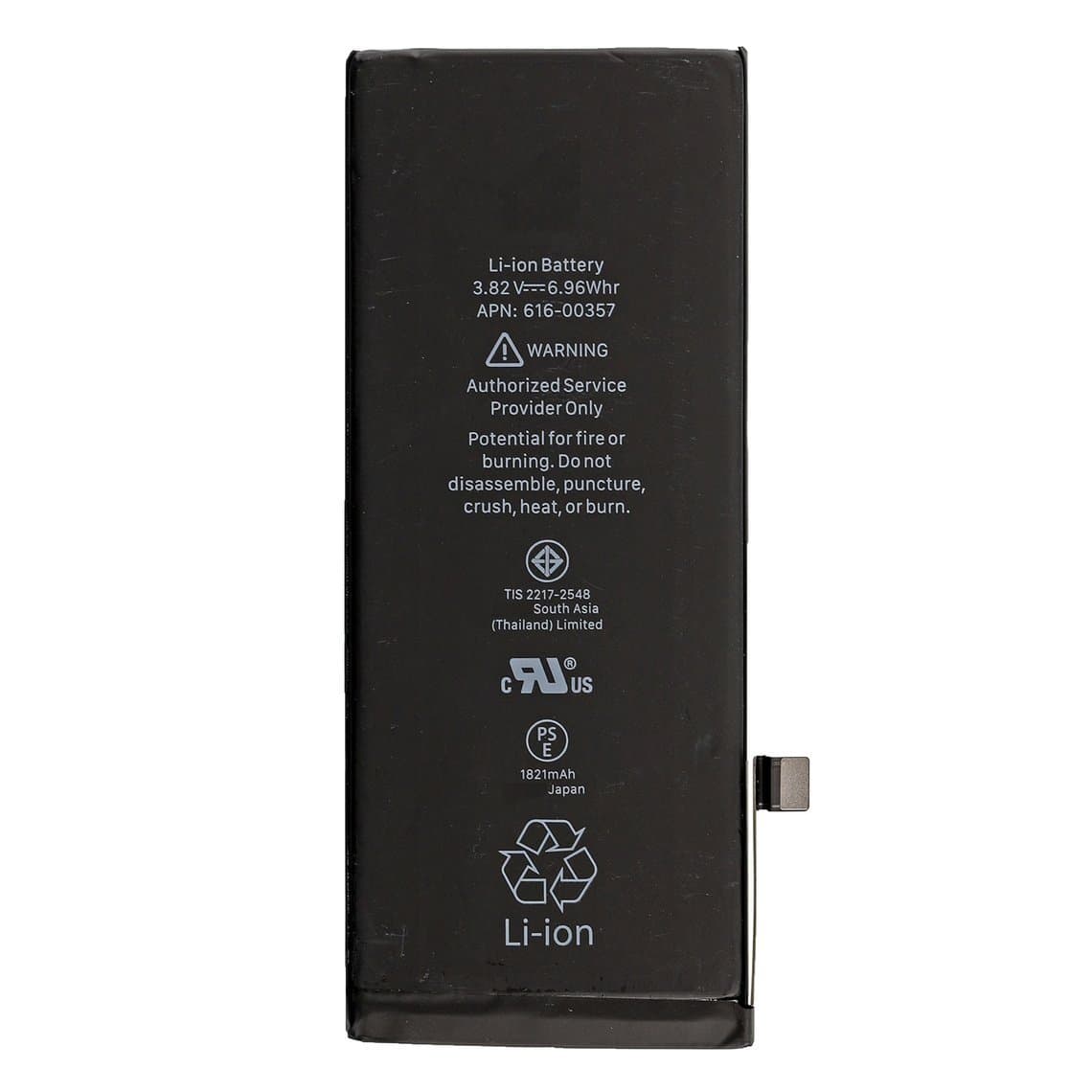
Battery swaps are routine on all four. Pull the stretch-release strips slowly and flat, and use new strips on the new battery. Order the battery for the exact model: the iPhone 8 battery (1821mAh) is a different part from the 8 Plus battery, and the SE 3 battery is listed separately. On later iOS versions, some of these models may show a notice that the battery cannot be verified, or limit what battery health shows, after a non-genuine replacement. The battery still works. Explain this to the customer before the job.
Charging port
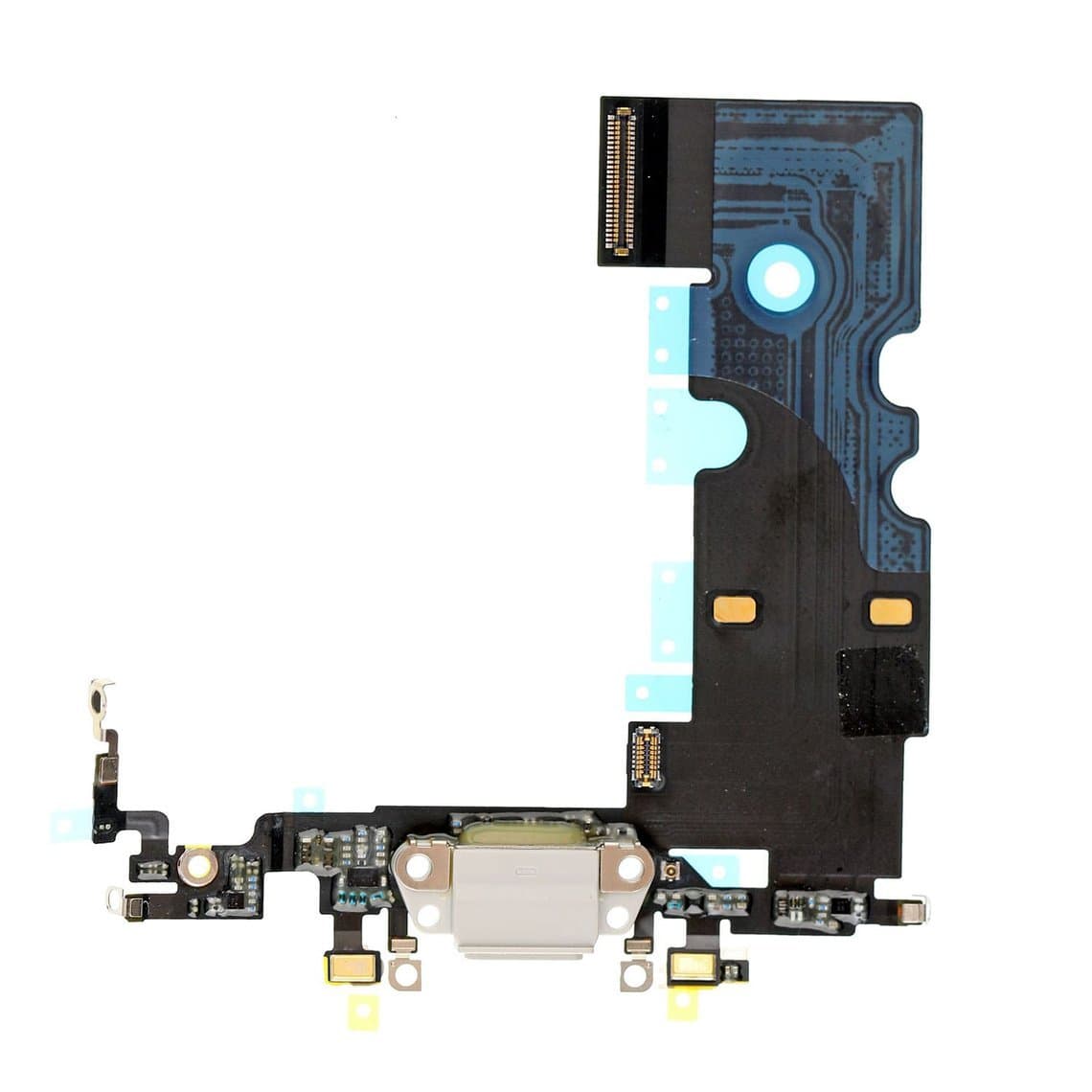
Clean the Lightning port first; lint packed into the port is the most common reason these phones stop charging well. If the port is worn, or the bottom microphone or charging is intermittent, replace the charging flex, such as the iPhone 8 charging connector assembly in White. Test calls, voice memos and charging afterwards.
Back glass and wireless charging
The glass back cracks often. On these models the back glass is bonded to the housing, so most shops either use a laser machine to remove the glass or move all parts into a new housing. If wireless charging stopped after a drop, check the charging coil and its connection. When reassembling a housing, use fresh adhesive such as the iPhone 8 battery door adhesive. Our back glass guide compares the two routes.
Rear camera and speakers
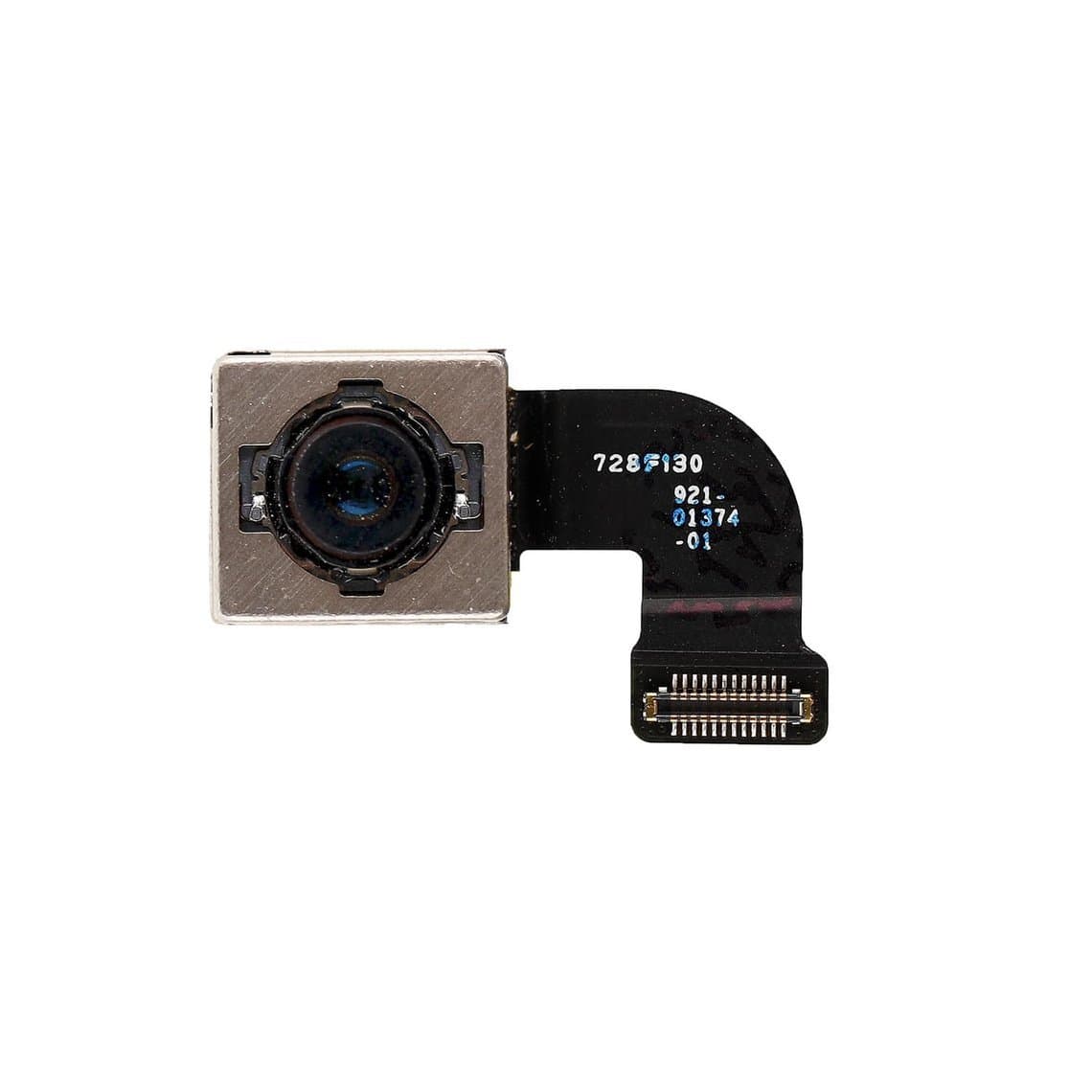
Cracked camera lens covers are cheap to fix. Blurred photos or a black camera app usually point to the camera module, such as the iPhone 8 rear camera. For quiet calls, clean the earpiece mesh before replacing the speaker.
Problem areas that are commonly reported
These are patterns technicians commonly report, not guaranteed faults.
- Torn home button flexes during screen jobs, which end Touch ID for good.
- Proximity sensor faults after a screen swap, often from a missing or misplaced sensor cover.
- Worn batteries, simply because of the age of many of these phones.
- Charging faults from lint in the Lightning port.
- Cracked back glass, since all four models have glass backs.
Parts list by job
| Job | Parts to have ready | Watch out for |
|---|---|---|
| Screen | LCD screen, frame adhesive, testing cable | Transfer home button, front sensor flex and shield plate |
| Home button | Original button (transfer) or replacement assembly | Touch ID is paired; replacement does not restore it |
| Battery | Model-specific battery, adhesive strips | SE 3 and 8 Plus use their own batteries; battery notice |
| Charging | Charging connector assembly | Test bottom microphone afterwards |
| Back glass | Glass or housing, adhesive | Bonded glass; laser or housing swap |
| Front sensors | Sensor cover or lightpipe | Screen dark during calls |
| Camera | Lens cover or rear camera | 8 Plus uses a dual camera |
Screens and batteries for every model are listed under iPhone screens and iPhone batteries.
Choosing a screen grade
Because these phones use LCDs, the grade choice is simpler than on OLED iPhones. Our quality grades page explains each grade.
- Original (New, Refurb or Pull): best colour, brightness and touch feel, and the closest match to the factory screen.
- Aftermarket LCD: the budget choice, popular for older phones. Colour, brightness and backlight quality can vary, so stick with a consistent supplier and test every panel before fitting.
For a phone of this age, many customers choose a good aftermarket LCD. If the customer is fussy about colour or brightness, offer an original grade.
Parts pairing and on-screen notices
These models predate most of the parts checks found on newer iPhones, but they are not free of them. Touch ID is paired to the board, and battery notices can appear on some models with later iOS versions. Our guide to the unknown part message on iPhone covers what newer models show. On these phones, True Tone can also be lost after a screen swap unless the data is transferred with a programmer on supported models.
Check software support before a big repair
The iPhone 8 and 8 Plus are older and no longer receive the newest major iOS versions, while the SE models have had longer support. Check Apple's current software support information for the exact model before a costly repair, so the customer knows how long updates and apps are likely to keep working. If a customer is choosing between fixing an old phone and moving up, our iPhone X, XS and XR repair guide covers the next generation.
Safety and good practice
- Disconnect the battery before any other connector.
- Use an ESD mat and wrist strap; the home button flex and LCD are static-sensitive.
- Use gentle heat to soften adhesive and keep it away from the battery.
- Never puncture or bend a battery; isolate swollen cells in a fireproof container.
- Before closing, test display, touch, home button, Touch ID, cameras, proximity sensor, speakers, microphones, charging and wireless charging.
Questions
Does an iPhone 8 screen fit an iPhone SE 2 or SE 3?
Screens for the iPhone 8, SE 2 and SE 3 are widely listed as interchangeable, because the phones share the same outer design. Check the listing for the exact part and test it before sealing the phone. The 8 Plus screen does not fit any of them.
Can Touch ID be fixed with a new home button?
Generally no. Touch ID is paired to the logic board, so a replacement button does not restore fingerprint unlock. Only the original button can, which is why you always transfer it during a screen job.
Why does the screen stay dark during calls after a screen replacement?
The proximity sensor is usually the cause. Check that the front sensor flex is seated and that the sensor cover is in place and not damaged. Replace the cover if it was lost during the transfer.
Is it worth repairing an iPhone 8 today?
For screens, batteries and charging ports, usually yes, because the parts are affordable and the jobs are quick. For costly repairs, check Apple's current software support first, as the iPhone 8 no longer gets the newest iOS versions.
Find screens, batteries and small parts for every model in the iPhone parts section. Repair shops can unlock trade pricing through wholesale and re-order quickly by SKU or CSV with Quick Order. Every part is tested before it ships from Shenzhen.