iPhone 17 Repair Guide: 17, Air, 17 Pro and Pro Max
17 November 2026 · LightspeedTools team
Short answer: iPhone 17 repair covers four quite different phones: the iPhone 17, the very thin iPhone Air, and the iPhone 17 Pro and 17 Pro Max with their new aluminium body. Screens, batteries, charging ports, back glass and rear cameras are the jobs you will see first, but parts supply is still developing, so check every part listing against the exact model before you quote. Expect "unknown part" notices after non-Apple parts.
The iPhone 17 series is the newest generation on the bench, and repair knowledge is still building up. This guide sticks to what is broadly known from Apple's announcement and early teardown reports. Where something is not yet settled, we say so.
The four iPhone 17 models and how they differ
| Model | Screen | Rear cameras | Body | Repair notes |
|---|---|---|---|---|
| iPhone 17 | 6.3" OLED, ProMotion, Dynamic Island | Dual | Aluminium frame, glass back | Closest to the familiar layout of earlier standard models |
| iPhone Air | 6.5" OLED, ProMotion, Dynamic Island | Single | Very thin titanium frame, glass back | Tight internal space; eSIM only, no SIM tray |
| iPhone 17 Pro | 6.3" OLED, ProMotion, Dynamic Island | Triple, full-width camera plateau | Aluminium unibody with a glass panel for wireless charging | New back design; parts are not shared with earlier Pro models |
| iPhone 17 Pro Max | 6.9" OLED, ProMotion, Dynamic Island | Triple, full-width camera plateau | Aluminium unibody with a glass panel for wireless charging | Largest screen and battery in the series |
Two points matter most at the bench. First, the four models share almost no major parts with each other. A 6.3 inch iPhone 17 screen and a 6.3 inch 17 Pro screen are separate parts, and the Air shares little with anything. Second, nothing here should be assumed to fit from the iPhone 16 series. Check the model number in Settings, General, About before ordering, and compare the part listing carefully.
iPhone 17 and iPhone Air
The standard iPhone 17 follows the general design direction of recent standard models, with a glass back on an aluminium frame. It now has a ProMotion display, which matters when you choose a replacement screen. The iPhone Air is a different kind of phone: it is extremely thin, the main components are packed into the raised camera area at the top, and early teardown reports describe a layout that differs clearly from the other three models. Its thin body leaves little margin for prying, bending or heat.
iPhone 17 Pro and 17 Pro Max
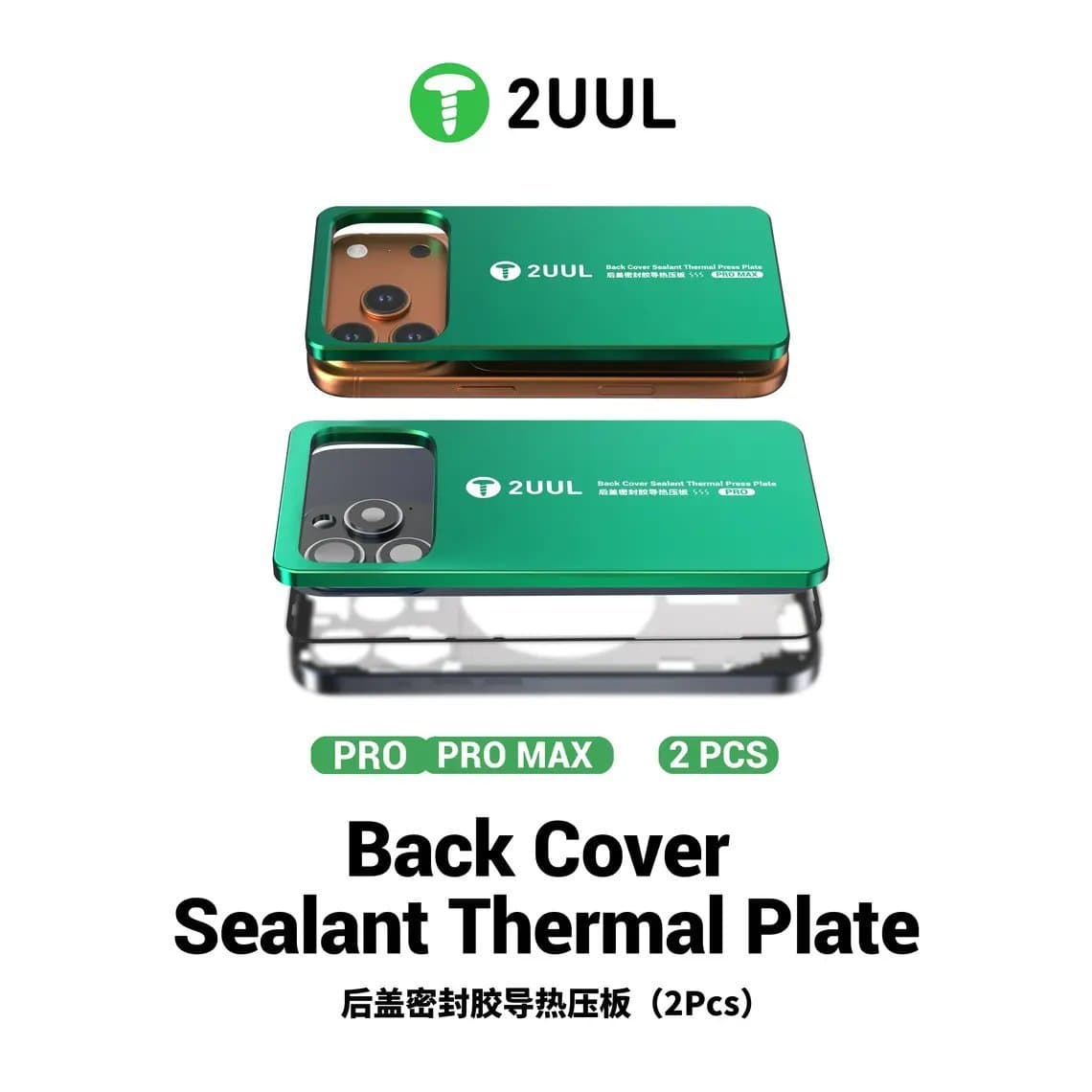
The Pro models move from titanium to an aluminium unibody, with a full-width camera plateau and a glass section on the back for MagSafe and wireless charging. Early teardown reports describe this glass as a separate panel set into the aluminium back, which changes how back repairs are approached compared with the bonded backs of earlier Pro models. How the panel is held and which method works best is still being worked out across the trade, so follow the instructions that come with the part and the tool you use. A back cover sealant press plate made for the series, such as the 2UUL DA68 thermal press plate for iPhone 17 series, helps keep pressure even while new sealant sets.
SIM and eSIM
The iPhone Air is eSIM-only and has no SIM tray. Other models are eSIM-only in some regions and keep a nano-SIM tray in others. Check the region of the phone before ordering a tray or diagnosing a "no SIM" complaint.
The most common iPhone 17 repairs
Screen and front glass
Broken glass and damaged OLED panels are the first big job category on any new iPhone. As with every OLED model, a drop can leave the glass whole while the panel shows lines, patches or no image. Test with a known-good screen before quoting. For shops that refurbish screens, glass-only parts are appearing, such as the iPhone 17 Pro Max front glass with OCA. Refurbishing a brand-new panel type carries more risk than older models, so practise on scrap panels first. Fit a fresh seal on every screen job, for example the iPhone 17 Pro Max waterproof screen adhesive seal.
Battery replacement
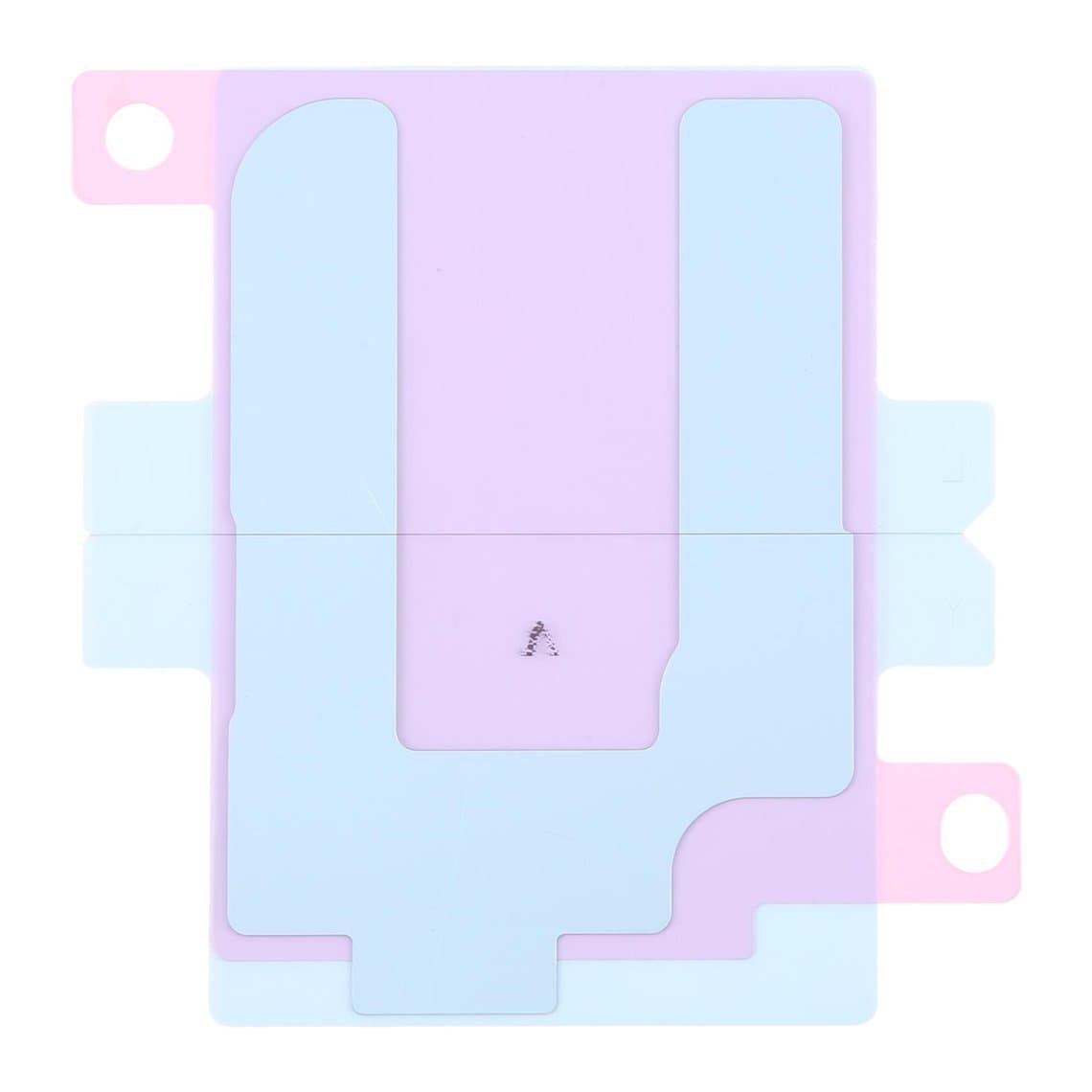
Battery swaps on this generation are still new, and battery construction and adhesive type can differ between models. The Air in particular is reported to use a different battery design from the other three. Read the part listing, use the adhesive made for the model, such as the iPhone 17 Pro Max battery adhesive, and never lever against a cell. Expect iOS to show a notice that it cannot verify a non-genuine or unpaired battery.
USB-C charging port
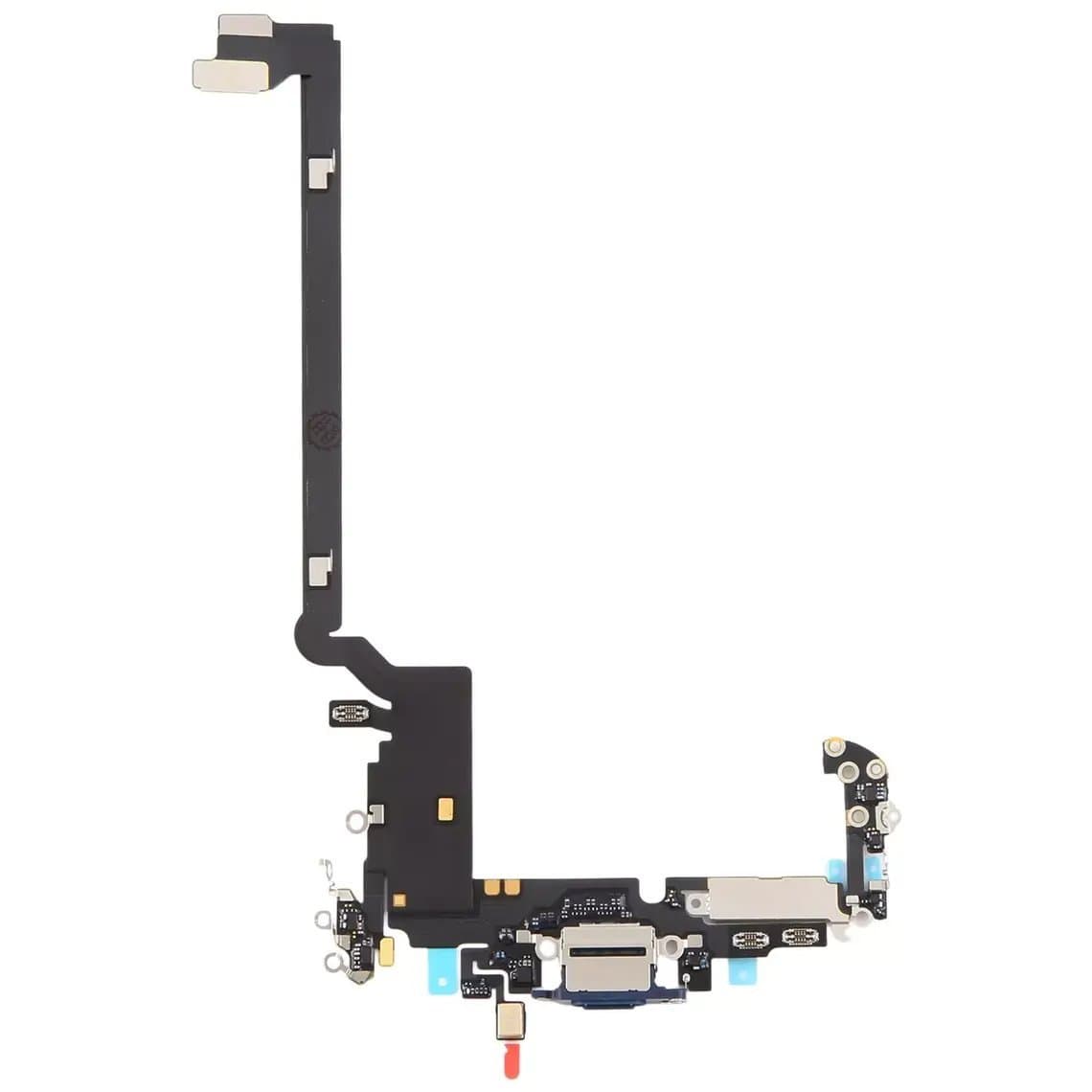
All four models charge over USB-C. Clean the port first; lint is a common cause of loose or slow charging. If the port is worn or loose, replace the flex. Charging flexes are often colour-matched, so order the right finish, for example the iPhone 17 Pro Max charging port flex in Deep Blue, and test the bottom microphones after fitting.
Back glass and wireless charging
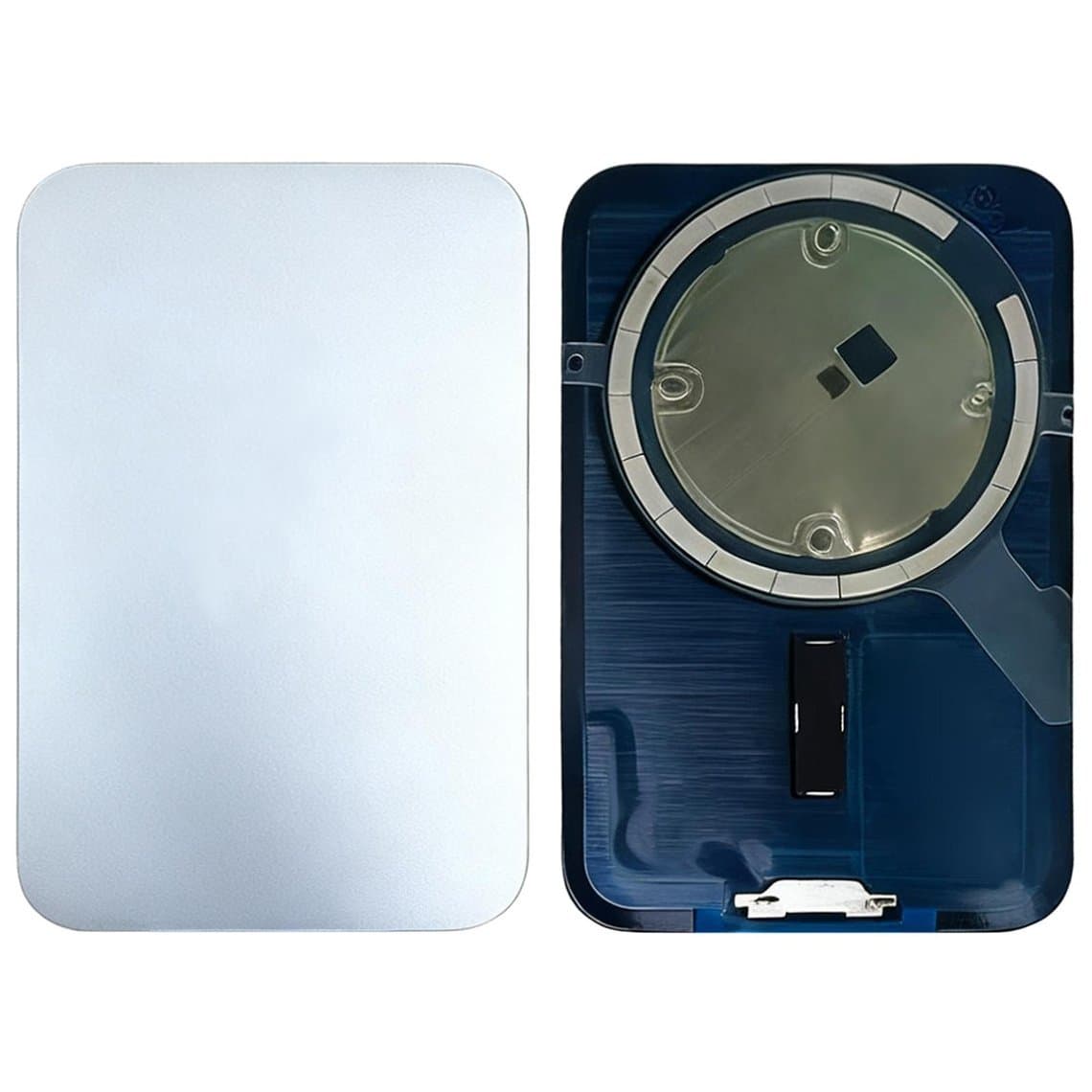
On the Pro models, a cracked back usually means the glass panel in the aluminium back. Replacement panels like the iPhone 17 Pro Max battery cover glass with MagSafe in Silver are listed per colour. If MagSafe or wireless charging stops after a drop, inspect the charging coil and flex before replacing the board. On the standard 17 and the Air, check the listing for how the back is fitted on that model.
Rear camera
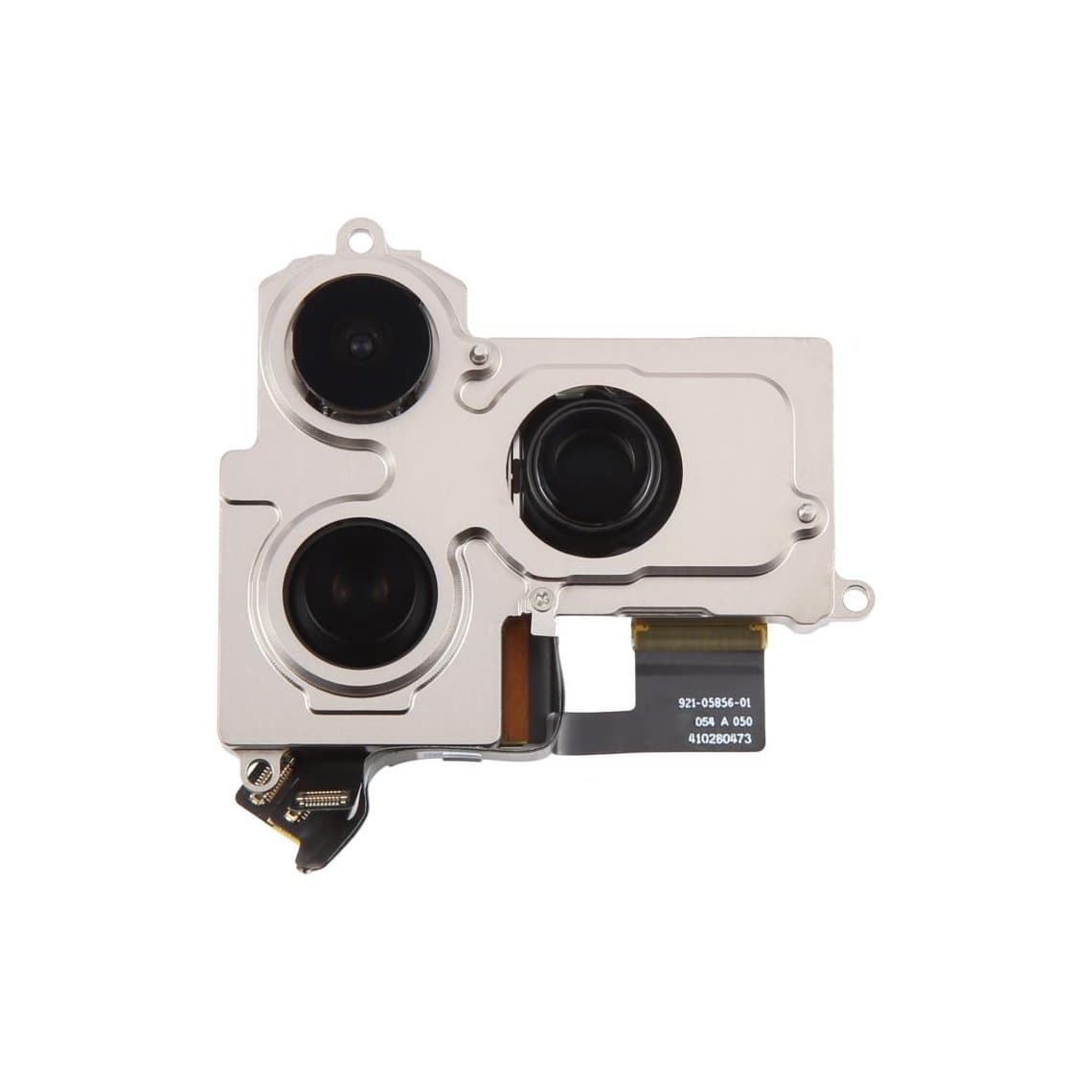
Camera plateaus take hits. A cracked lens cover is a cheaper repair than a module, but if photos are blurred, the image shakes or the camera app shows black, the module may be faulty. The iPhone 17 Pro / Pro Max back camera is listed for both Pro models; confirm on the listing that it matches the phone. Cameras may show a notice when replaced.
Speakers and microphones
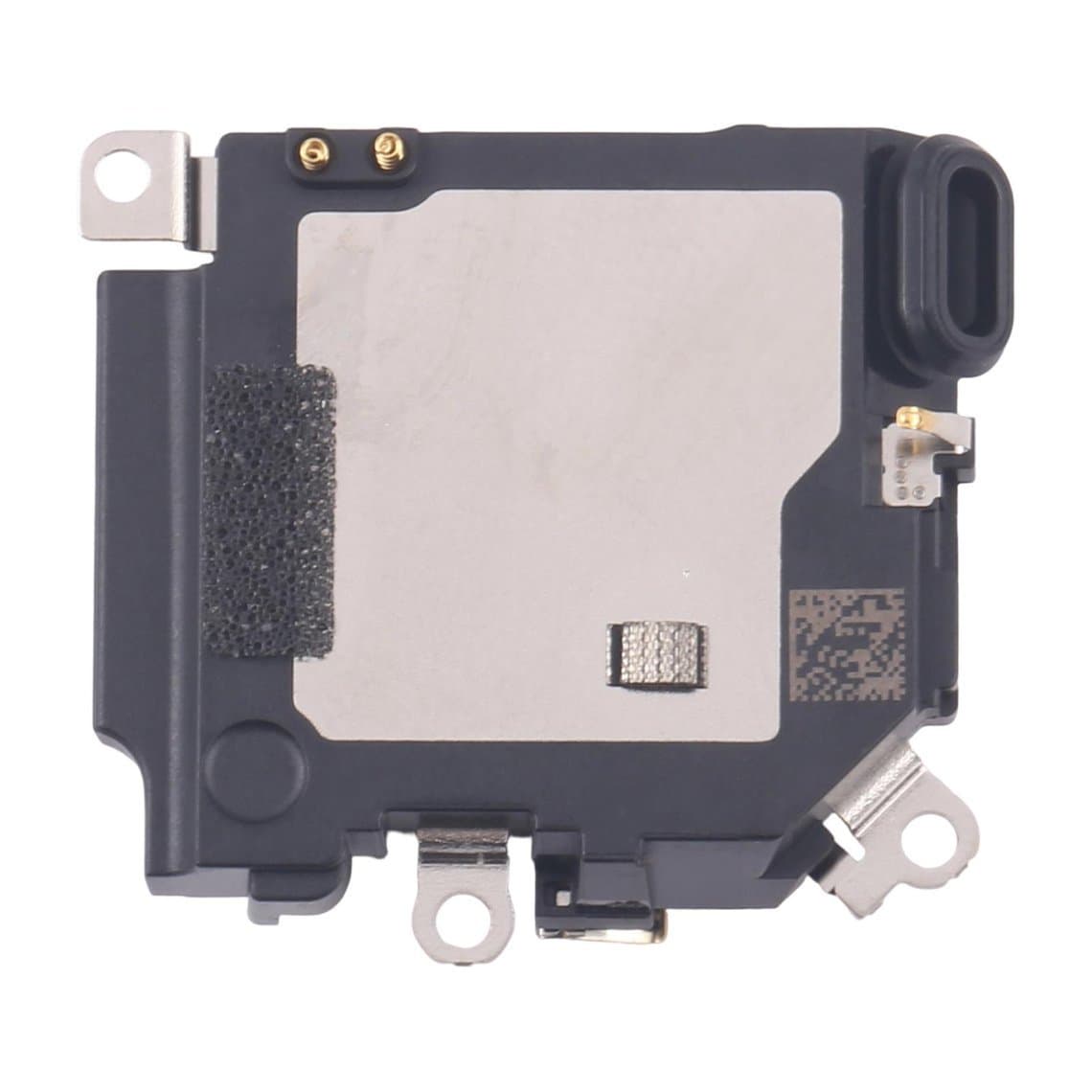
Quiet calls usually start with a blocked earpiece mesh; clean it before replacing the iPhone 17 Pro Max earpiece speaker. Test every microphone after any job near the top or bottom of the phone.
Problem areas that are commonly reported
The series is young, so reports are early and patterns may change. These are things technicians commonly mention, not guaranteed faults.
- Cosmetic wear on the aluminium Pro bodies, such as scuffs and marks near edges and the camera plateau.
- Cracked camera lens covers on all models with a raised camera area.
- OLED lines or dead areas after impacts that left the glass intact.
- Bending concerns on the Air; early reports differ, so inspect thin frames carefully and tell the customer what you see before the repair.
Parts list by job
| Job | Parts to have ready | Watch out for |
|---|---|---|
| Screen | Screen in the right grade, waterproof seal | ProMotion and always-on behaviour; True Tone |
| Screen refurbishing | Front glass with OCA | New panel type; practise first |
| Battery | Battery, model-specific adhesive | Battery notice; Air uses a different design |
| Charging | Colour-matched USB-C flex | Test microphones afterwards |
| Back (Pro) | Back glass panel with MagSafe, sealant, press plate | Method still developing; colour match |
| Camera | Lens cover or rear camera module | Dust under lens; camera notices |
| Calls | Earpiece speaker, microphones | Clean mesh first |
| SIM | Tray for the right region and colour | Air and some regions have no tray |
Screens and batteries are listed by model under iPhone screens and iPhone batteries. For the bench kit this generation needs, see our guide to tools to fix the iPhone 16 and 17.
Choosing a screen grade for the iPhone 17 series
All four models use OLED panels with ProMotion. Availability of each grade is still developing for this generation, so check what is listed for the exact model. Our quality grades page explains each grade.
- Original (New, Refurb or Pull): the safest choice where ProMotion, always-on mode and brightness matter, which on this series is every model.
- Soft OLED: good colour and true blacks at a lower price, where available for the model.
- Hard OLED: lower cost, more rigid; check refresh rate behaviour on the listing.
- Incell (LCD): if offered at all for a new model, it is the budget option with higher power use and no true black. Explain this to the customer.
Parts pairing and on-screen notices
Like other recent iPhones, the 17 series is expected to check several parts against the logic board, which may include the screen, battery and cameras. When a non-Apple or unpaired part is fitted, iOS may show a notice and list it as an "unknown part" in parts and service history. The part normally still works, but some features may be limited. Which parts trigger a notice can change between iOS versions, so check current behaviour rather than relying on older models. Our guide to the unknown part message on iPhone explains what customers see.
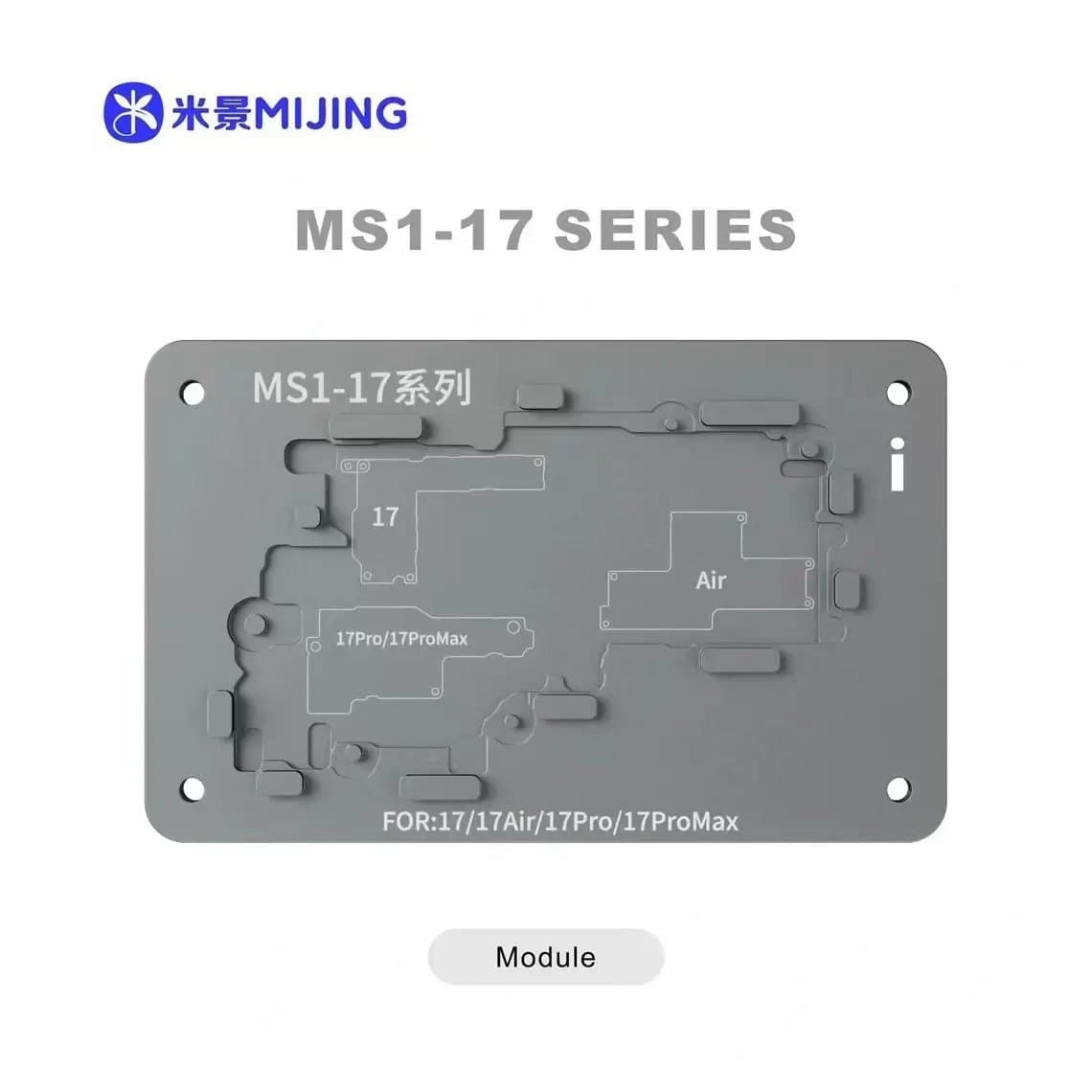
Programmer support for new models arrives over time. Modules such as the Mijing iRepair MS1 universal module for iPhone 17 series are listed for these phones; check the listing and the programmer's current software for which functions, such as True Tone or battery data, are supported on each model.
Software support and repair value
As the current generation, the 17 series should have years of iOS updates ahead. Check Apple's current software support information if a customer asks. Many of these phones are also still under Apple warranty or AppleCare, and opening a phone can affect that cover, so ask the customer before you start and note it on the job ticket.
Safety and good practice
- Disconnect the battery before any other connector, once you have confirmed where it sits on this model.
- Use an ESD mat and wrist strap; OLED panels and flex cables are static-sensitive.
- Use gentle, even heat and keep it away from the battery. Thin bodies like the Air warm through quickly.
- Never puncture, bend or lever against a lithium battery; isolate swollen cells in a fireproof container.
- Before closing, test display, touch, Face ID, all cameras, flash, speakers, microphones, wired and wireless charging, Camera Control and buttons.
Questions
Are iPhone 17 parts available yet?
Parts supply for the 17 series is growing but still developing. Common parts like screens, batteries, back glass and charging flexes appear first, and grade options widen over time. Check the listing for the exact model and colour.
Does an iPhone 16 screen fit an iPhone 17?
Do not assume it does. The models differ in size, display features and fit. Order the screen listed for the exact model and test it before sealing the phone.
Is the iPhone 17 Pro back glass replaceable on its own?
Early teardown reports describe the back glass as a separate panel in the aluminium back, and replacement panels are listed. The best method is still being worked out, so follow the guidance for the part and tool you use.
Will an iPhone 17 show "unknown part" after a screen replacement?
It is likely with a non-Apple or unpaired screen, as on other recent iPhones. The screen normally still works. Tell the customer before the repair.
Find parts for every model in the iPhone parts section. Repair shops can unlock trade pricing through wholesale and re-order quickly by SKU or CSV with Quick Order. Every part is tested before it ships from Shenzhen.