Phone Screen Flickering After Repair: Causes and Fixes
17 November 2026 · LightspeedTools team
Short answer: A phone screen that flickers after repair is most often caused by a loose or dirty display connector or a flex that was damaged during fitting. Lower-grade aftermarket panels can also flicker, especially at low brightness, and some flicker on OLED screens at low brightness is normal PWM dimming. Reseat and clean the connector first, then test the screen on a tester and compare settings before replacing parts.
Flicker is one of the most common comebacks after a screen job, on iPhone and Android alike. It is also one of the easiest to misdiagnose, because a few different causes look the same to the customer. This guide explains each cause, gives a diagnosis order that works on any phone, and shows how the screen grade you choose affects the risk of flicker.
What "flicker" can mean
Ask the customer, or watch the phone, to pin down which kind of flicker it is. The pattern points to the cause.
| What you see | Most likely cause |
|---|---|
| Screen flashes or goes black for a moment when the phone is moved or pressed | Loose connector or damaged flex |
| Constant shimmer or flicker at low brightness, smooth at high brightness | Panel or driver behaviour (some aftermarket screens), or PWM dimming on OLED |
| Brightness jumps up and down in a steady room | Auto-brightness or a light sensor issue |
| Flicker in one app only | Software or that app |
| Flicker with lines, colour shift or a dead area | Damaged flex, bent pin, or a cracked panel |
| Flicker that started before the repair and remains with a new screen | Board-side fault |
Cause 1: a loose or dirty connector
This is the most common cause. A display connector that is seated on one side only, or has a trace of adhesive, dust or flux on its contacts, gives an unstable connection. The screen flickers or blanks when the phone is moved, tapped or squeezed. On many phones the bracket over the connector is what keeps it fully pressed down, so a missing screw or a bent bracket can cause the same problem.
Fix: Disconnect the battery, unplug the display connector, check both sides under magnification, clean with isopropyl alcohol if needed, then press it home squarely and refit the bracket and screws.
Cause 2: a damaged flex cable
Display flex cables are thin and easy to crease. Opening the screen too far, folding the flex at a sharp angle, catching it with a pry tool, or trapping it under a bracket can crack a trace inside without visible damage. The result is flicker that changes as the flex moves. Missing insulation tape or shields can also let the flex touch metal parts, which may cause flicker or ghost touch.
Fix: Look along the full flex for creases, dents or a lifted shield. Gently move the flex while the screen is on (with the phone open on the bench) and see if the flicker follows. If it does, the screen needs replacing; a damaged flex on a laminated display is not a practical repair in a shop.
Cause 3: lower-quality panels and driver mismatch
Aftermarket screens are made with different panels and driver chips from the original. Many work well, but some lower-grade screens have flicker at low brightness, slight banding, or uneven brightness, and some behave differently on certain software versions. On iPhone OLED models, an incell (LCD-based) replacement uses a different display technology from the original OLED, and the phone was tuned for the original. On Samsung and other Android phones, a non-original AMOLED replacement or an LCD-based copy can show similar issues. Behaviour varies by supplier, batch and model, so there is no single rule.
On models with high refresh rates, some aftermarket panels may not handle the refresh rate changes the original screen does, which can show as flicker in some apps or at certain brightness levels. Check with your supplier which features a given screen supports.
Fix: If a correctly fitted screen flickers at low brightness and a known-good original screen does not on the same phone, the part is the cause. Replace it with a higher grade.
Cause 4: OLED PWM dimming (normal behaviour)
Many OLED screens, original ones included, lower brightness by switching the pixels on and off very quickly, a method called PWM dimming. At high brightness it is invisible. At low brightness the pulses are slower or longer, and some people notice it as flicker, eye strain or headaches. It also shows as moving bands when you film the screen with another phone camera.
This is how the display is designed, not a fault, and it can happen with an original screen. Two things are worth knowing:
- A customer moving from an LCD phone, or from an incell replacement, to an OLED screen may notice it for the first time and think the repair caused it.
- Bands on a camera recording of an OLED screen are not, on their own, proof of a fault. Judge with your eyes and compare with a known-good screen at the same brightness.
Customers who are sensitive to it can keep the brightness higher and use the settings below to reduce perceived brightness. Some Android phones also have an anti-flicker or DC-dimming option in display settings; availability depends on the brand and model.
If you need to measure flicker instead of judging it by eye, an optical probe such as the JCID GT01 optical probe for screen flicker and LV value detection gives you a reading you can compare between screens.
Cause 5: software and brightness settings
Before opening the phone again, rule out settings:
- Auto-brightness: if brightness keeps jumping, turn auto-brightness off and see if the problem stops. A light sensor that is covered, damaged or not transferred from the old screen can make auto-brightness hunt.
- iPhone: check auto-brightness and True Tone, and try Reduce White Point (in Accessibility, Display and Text Size). It lowers perceived brightness so the screen can stay brighter, where flicker is less visible.
- Android: check adaptive brightness, any eye-comfort or anti-flicker options, and the refresh rate setting. Booting into safe mode shows whether a third-party app is causing it.
- Updates: make sure the phone is on current software. Display behaviour sometimes changes with updates.
If the flicker happens only in one app, or stops in safe mode, it is not a hardware fault.
Cause 6: board-side issues
If two good screens both flicker on the same phone, look at the board. Possible causes include a damaged or bent pin in the display connector, liquid damage near the connector, damaged filters or protection parts on the display lines, or a problem in the display power supply. On LCD phones, the backlight circuit can also cause flicker or uneven brightness. The exact parts involved vary by model, so check against a schematic and measure before replacing anything. Connecting a screen while the battery is connected is a common way these parts get damaged.
Diagnosis order
- Confirm the pattern. Does it change with movement, brightness, one app, or none of these? Use the table above.
- Rule out settings. Auto-brightness off, adjust brightness, safe mode on Android.
- Disconnect the battery and use ESD protection before any hardware step.
- Reseat and clean the display connector, refit the bracket and screws, and test again.
- Inspect the flex and connector pins under a microscope. Check insulation tapes and shields are in place.
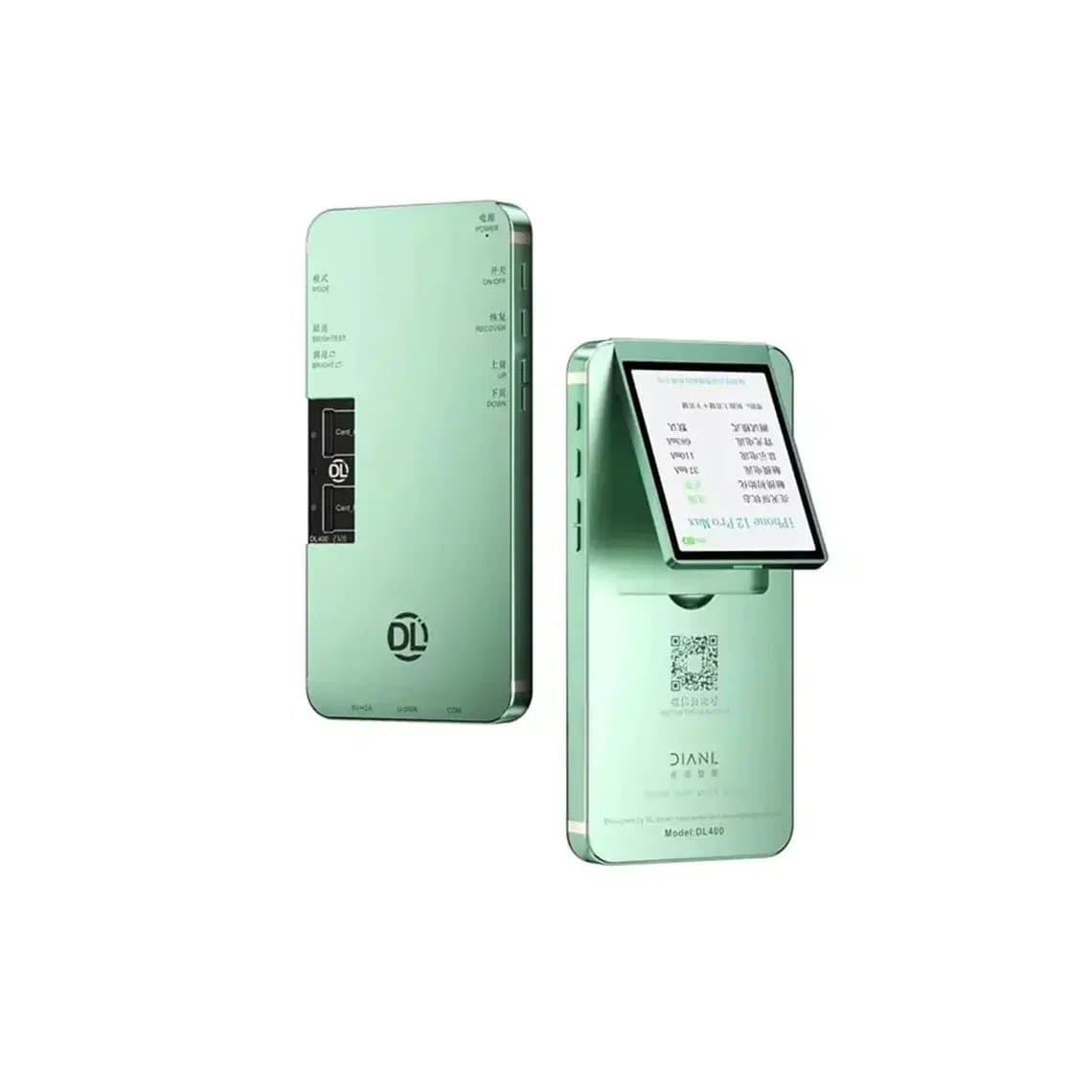
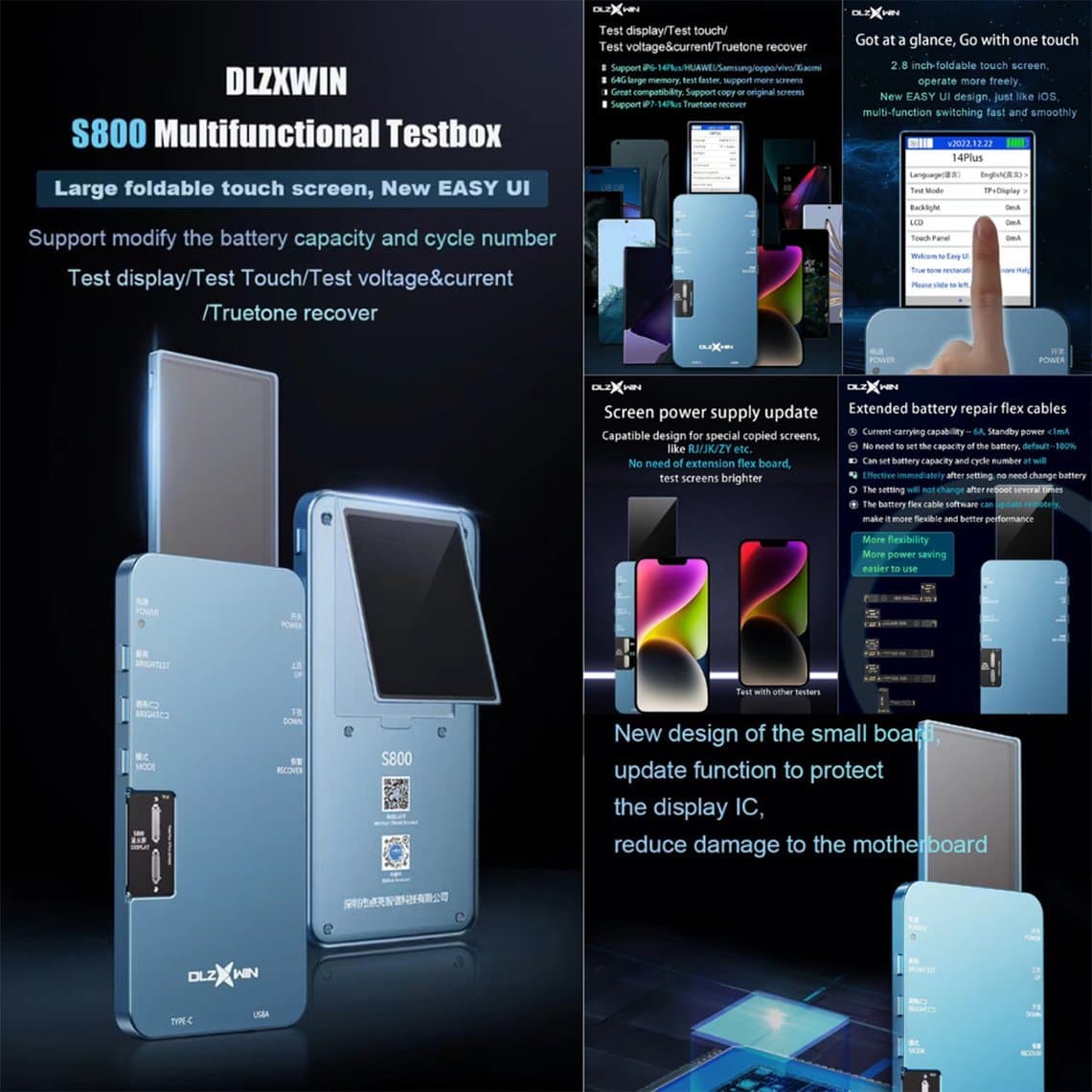
- Test the screen off the phone. A screen tester shows whether the panel itself flickers. Options include the DL400 Pro screen tester for iPhone, the YCX M830 for iPhone and Android, the DL S300 and the multi-function DL S800. Model coverage depends on the tester and its boards. Browse all screen testers.
- Try a known-good screen, ideally the original if it still shows an image. If the flicker stops, the new part was the problem.
- Move to board-level diagnosis only if good screens also flicker.
Test before you glue the screen down. A flickering screen found on the bench is a quick swap; one found after sealing means opening the phone again and risking damage to the new panel.
How screen grade affects flicker
The grade you fit has more effect on flicker complaints than almost anything else. In general terms:
| Grade | Flicker risk | Notes |
|---|---|---|
| Original (new, refurbished or pulled) | Lowest | Same panel and driver as the phone was designed for. PWM dimming on OLED is still present, as with any original. |
| Soft OLED (aftermarket) | Low to moderate | Flexible OLED close to original behaviour; quality depends on the supplier. |
| Hard OLED (aftermarket) | Moderate | Rigid OLED; colour and low-brightness behaviour can differ from original. |
| Incell (LCD-based) | Varies | No OLED PWM, but some panels show low-brightness flicker, uneven backlight or touch issues. |
For a full comparison of panel types, see incell vs soft OLED vs hard OLED, and for our grade definitions and warranty periods see quality grades. For OLED iPhones, a good-quality OLED such as the iPhone 13 Pro OLED screen assembly, iPhone 14 OLED screen assembly or iPhone 12/12 Pro OLED screen assembly keeps the display closer to how the phone was designed to work. If customers often come back with flicker complaints on the cheapest grade, offering a higher grade at the counter usually costs less than the comebacks.
Common mistakes
- Replacing a screen for flicker before reseating and cleaning the connector.
- Treating PWM banding on a camera recording as a fault on an original OLED.
- Leaving off insulation tapes or shields from the old screen.
- Connecting the display with the battery connected.
- Sealing the phone before checking the screen at low brightness.
- Not checking at low brightness at all; many flicker faults only appear there.
Questions
Why is my phone screen flickering after a screen replacement?
The most common reasons are a loose or dirty display connector and a flex that was damaged during fitting. Lower-grade aftermarket screens can also flicker, mainly at low brightness. Reseat and clean the connector first, then test the screen on a tester or compare with a known-good screen.
Is flicker at low brightness normal on an OLED screen?
Some is. Many OLED screens, original ones included, dim using PWM, which some people notice at low brightness. If an original screen at the same brightness looks the same, it is normal behaviour, not a repair fault.
Can a cheap replacement screen cause flickering?
Yes. Some lower-grade aftermarket panels use different driver chips and can flicker or band at low brightness. Original and good-quality OLED grades have the lowest risk.
How do I know if the flicker is the screen or the phone?
Test the screen on a screen tester, then try a known-good screen in the phone. If the new screen flickers on the tester, the part is faulty. If two good screens flicker on the same phone, the problem is on the board.
Find tested replacement screens by model in our iPhone screens and Samsung screens ranges. Repair shops buying in volume can apply for wholesale pricing or reorder by SKU with Quick Order.