Samsung Not Charging: Port, Sub-Board or Battery?
17 November 2026 · LightspeedTools team
Short answer: When a Samsung Galaxy is not charging, rule out the cable, charger, lint in the port, the moisture warning and software first. If it still fails, the usual culprit is the USB-C port, which on many Galaxy models sits on a replaceable sub-board or port flex rather than on the main board; a battery or board-level fault is next. A USB tester and a quick wireless charging test tell you which.
Samsung charging complaints come in every shape: no charge at all, slow charging, "fast charging" that never appears, charging only at an angle, or a phone that shows a water drop and refuses to charge. The good news is that most of them end at a cheap fix or a bolt-in part. This guide gives you a bench order that finds the fault quickly, explains how port layouts differ across Galaxy ranges, and covers battery removal safely when the battery really is the problem.
Checks before you open the phone
Cable and charger
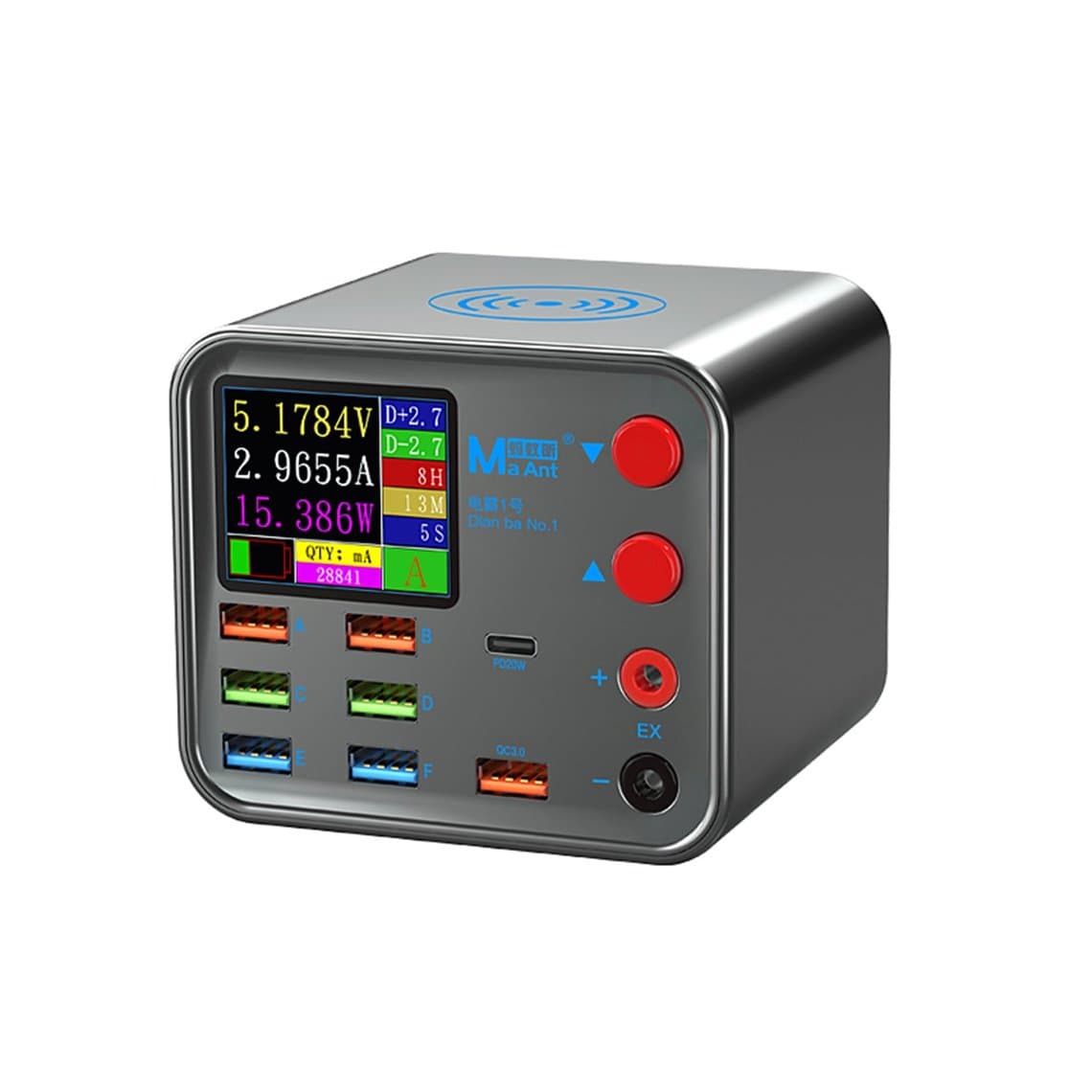
Start with a known-good cable and a known-good charger, not the customer's. Many "dead port" phones are really a broken cable or a tired adapter. A charger and data cable short-circuit tester checks the customer's cable in seconds, and a PD charger and USB-C adapter tester shows whether their adapter actually supports the fast-charging mode they expect. Show the customer the result; it saves arguments later.
Lint and debris in the port
Pocket lint packs into the back of a USB-C port and stops the plug seating fully. The symptom is a cable that feels loose, charges only at an angle, or connects and disconnects. Inspect under magnification, power the phone off, and pick the debris out with a non-metallic pick or a fine wooden toothpick, working gently around the centre tongue. A microscope makes it obvious whether the contacts are clean, worn, corroded or bent.
"Moisture detected" warning
Many Galaxy models show a moisture warning with a water-drop icon and block wired charging when they detect liquid in the port. If the phone really is wet, let it dry fully before charging; wireless charging may still work on models that support it. If the warning stays on a dry phone, the cause is often corrosion, debris or a damaged port making the sensing look wet. Clean and dry the port and inspect it under the microscope. A warning that will not clear on a clean, dry port usually means the port or its board needs replacing.
Safe mode and software
Booting into safe mode disables third-party apps. If the phone charges normally in safe mode, an app is interfering, often a battery or charging utility. Check for pending software updates and restart the phone. A full reset is a last resort and only with the customer's data backed up and their agreement.
Fast charging and battery protection settings
Fast charging can be turned off in the battery settings (the exact menu path varies by One UI version), which makes a phone look slow rather than faulty. Newer One UI versions also include battery protection options that stop charging at a set level, such as 85% on some versions or a choice of limits on later ones. A phone that "never gets past 85%" is often just this setting. Check these before quoting any repair.
Where the port lives on Galaxy phones
Knowing the layout tells you what part to quote and how long the job will take.
- Galaxy A series and many M series: the USB-C port is commonly on a small sub-board (often called a charging board) at the bottom of the phone, linked to the main board by a main flex cable. The sub-board often also carries the microphone and sometimes other parts, so a replacement can fix more than charging.
- Galaxy S and Note series: layouts vary by generation. Some models use a separate USB charging port flex or small charging board, such as the Galaxy S10 USB charging port, the Galaxy S20 Plus USB charging port flex cable or the Galaxy Note 10 Plus USB charging board. Always check the exact model before ordering.
- Regional variants: the same Galaxy model can use different port parts in different regions. The Note 10, for example, is listed separately as the SM-N970F port flex and the SM-N970U port flex. Read the model number in Settings > About phone and match it to the part.
Access also varies. On many A series models you remove the back cover and inner plates from the rear. On most S and Note models the back glass comes off first, and on some the display has to come off to reach the port. Browse parts by model on our Samsung pages.
Testing with a USB tester
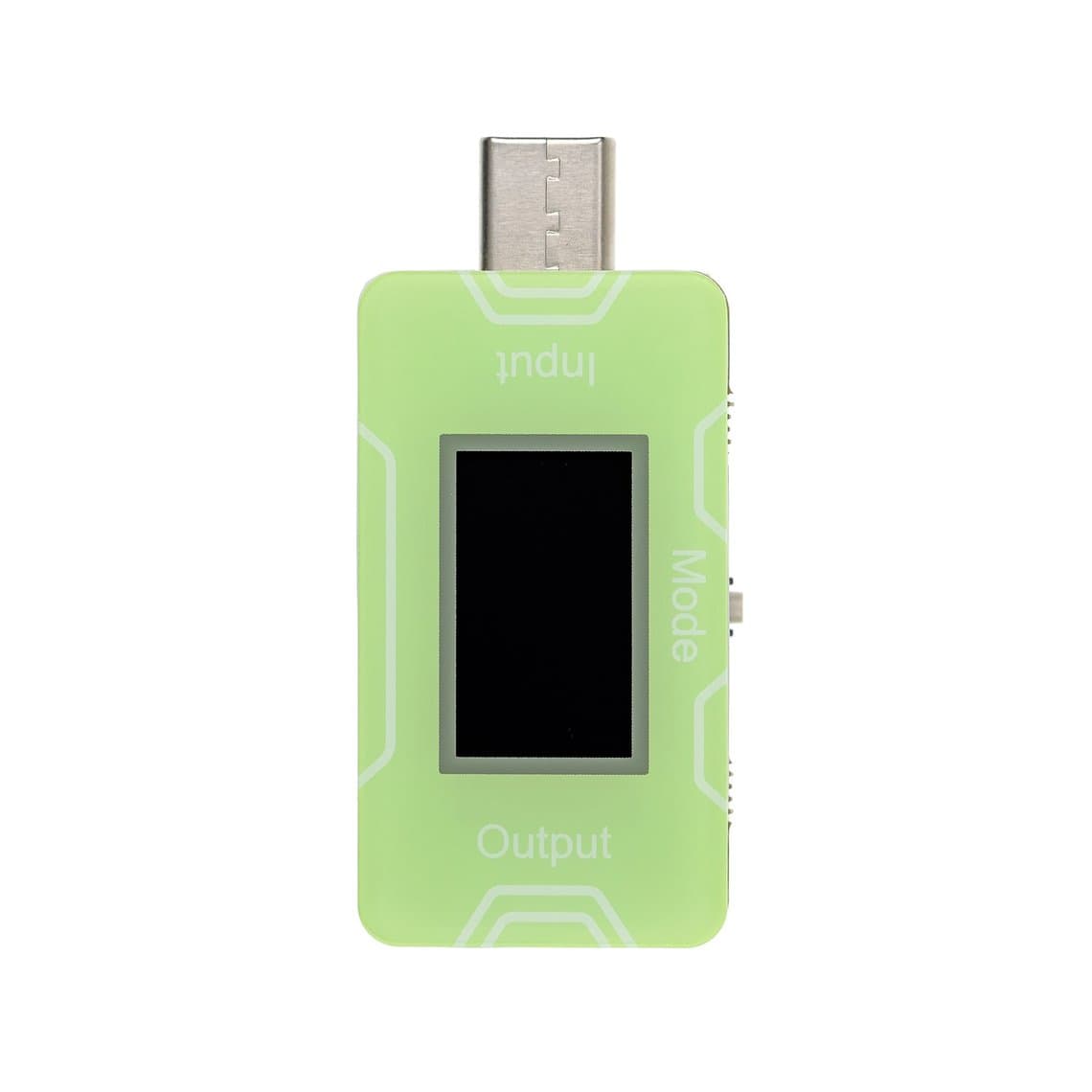
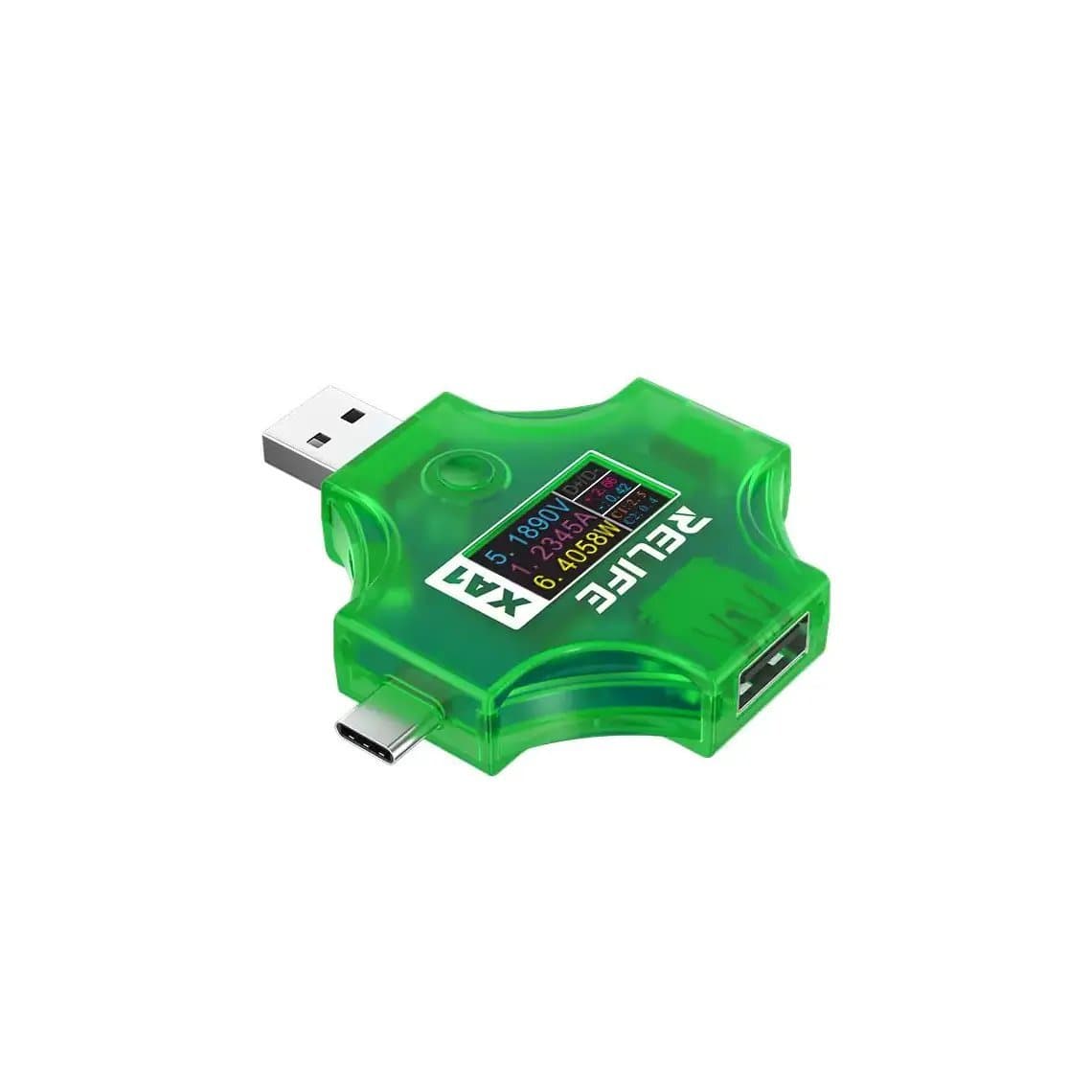
A meter between the charger and cable, such as a current and voltage USB tester, gives you evidence instead of guesses. See more in our USB testers range. There is no universal current figure to aim for: it depends on the model, charger, battery level, temperature and whether fast charging has negotiated. Read the behaviour instead.
| What the tester shows | Most likely cause |
|---|---|
| No current at all, known-good cable and charger | Port, sub-board, main flex, battery connection or board fault |
| Current drops in and out when the plug is moved | Worn or dirty port, cracked solder on the connector, damaged flex |
| Charges but never negotiates fast charging on a supported charger | Fast charging switched off, poor cable, worn port contacts, or a fault in the charging path |
| Very small current that never rises, phone does not boot | Deeply discharged or failing battery, or a board-level fault |
| Abnormally high current with the phone off and not charging | Possible short on the board; stop and diagnose before leaving it connected |
| Normal current that tapers as the battery fills | Charging works; look at software, settings or battery wear for the complaint |
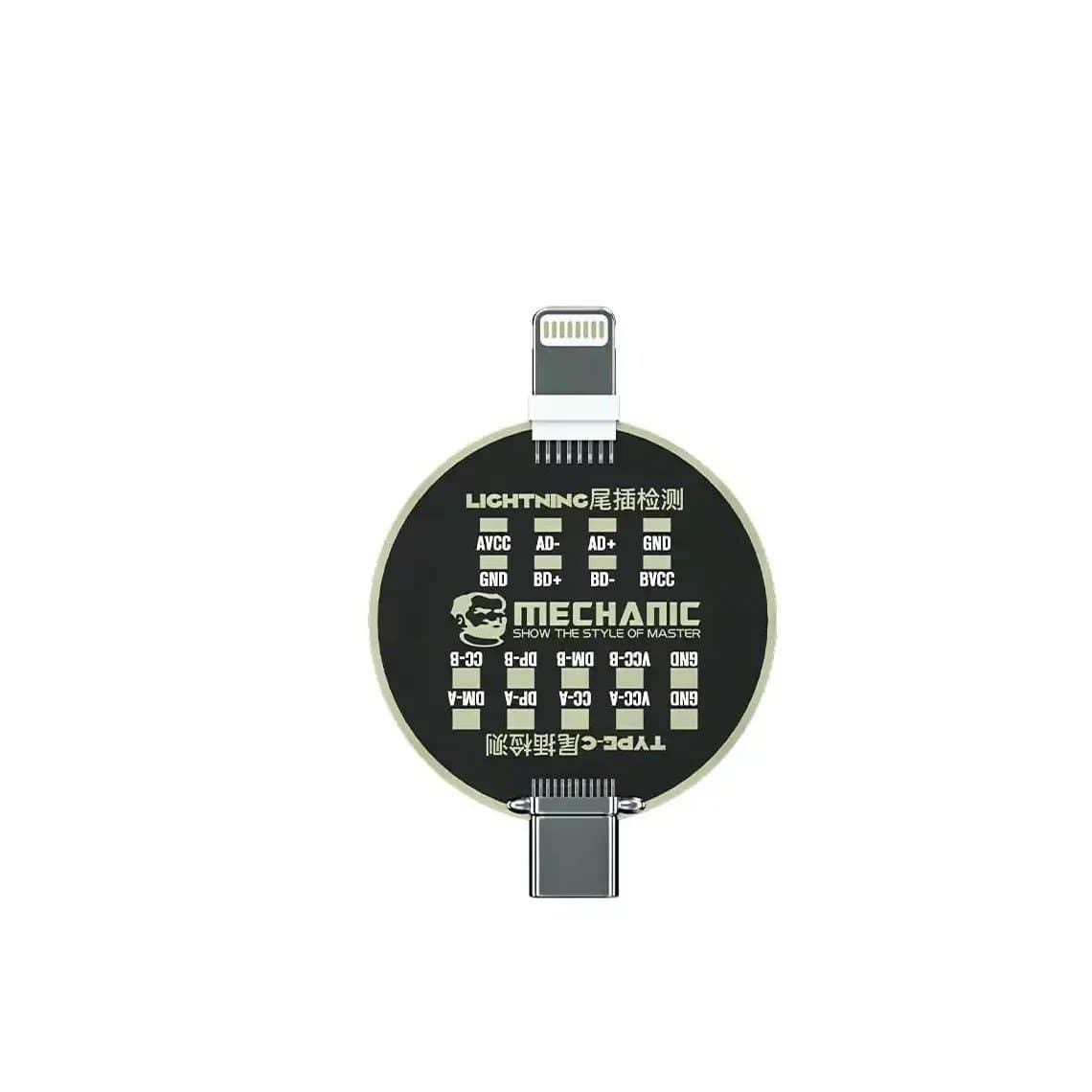
Compare with a known-good phone of the same model on the same charger whenever possible. A stable, known-good bench charger removes the charger as a variable during testing. Test boards such as the charging connector test board help check connectors and cables quickly on the bench.
Wireless charging as a diagnostic clue
If the model supports wireless charging (many S and Note models do; many A series models do not, so check the model), it is a fast way to split the fault:
- Wireless charges, wired does not: the battery and much of the charging system work. Focus on the USB-C port, sub-board or port flex, the main flex and the wired input path.
- Neither wireless nor wired charges: suspect the battery, its connector, or a fault on the main board's charging circuit.
- Both charge, but slowly: look at settings, heat, battery wear and the charger before replacing parts.
Replacing the sub-board vs board-level repair
For most shops, replacing the sub-board or port flex is the right first repair. It is quick, predictable and fixes the majority of port faults, including worn contacts and corrosion. Before you fit the new part:
- Power off and disconnect the battery before touching any other connector.
- Inspect the main flex for tears or corrosion; a damaged main flex gives the same symptoms as a bad port.
- Fit the new board or flex, reconnect, and test charging, fast charging, data and the microphone before closing the phone.
- Clean any corrosion on the board-side connectors with isopropyl alcohol and a soft brush.
Board-level repair is the path when a known-good sub-board and flex do not fix it, the tester shows a short, or the phone was liquid-damaged near the charging circuit. That means microscope inspection, measurements and micro-soldering. If the phone also will not power on, our board-level guide for phones that will not turn on covers the next steps.
When the battery is the problem
Battery faults show up as a phone that will not charge past a low level, swells, drains fast, shuts down under load or only runs on the charger. Samsung batteries are usually held with strong adhesive, and removal needs care:
- Never puncture, bend or lever a lithium battery with metal tools. A punctured cell can vent and catch fire.
- Use gentle, controlled heat and a few drops of isopropyl alcohol under the edges to soften the adhesive, then lift slowly with a plastic card. Some models have pull tabs; use them if present.
- Do not overheat the phone or the cell. Too much heat damages the battery, the display and nearby flexes.
- A swollen battery can crack the back glass or lift the display. Remove it carefully and store it in a fire-safe container.
- Work on an ESD-safe mat and disconnect the battery before any other connector.
If the display was damaged during the job, our Samsung screens cover the main Galaxy ranges.
Common mistakes
- Replacing a port when the cable or charger was the fault.
- Ignoring an 85% charge limit or disabled fast charging and quoting a repair.
- Ordering a port flex for the wrong regional variant.
- Overlooking a torn main flex, so the new sub-board "doesn't work".
- Prying a battery with metal tools.
Questions
Why is my Samsung not charging when plugged in?
The most common causes are a faulty cable or charger, lint in the USB-C port, a moisture warning or a worn port. Try a known-good cable and charger, clean the port and check for the water-drop warning. If it still fails, the charging port, sub-board or battery likely needs repair.
How do I fix "moisture detected" on a Samsung?
If the phone is wet, dry it fully before charging with a cable; wireless charging may still work on supported models. If the warning appears on a dry phone, debris or corrosion in the port is usually the cause. Cleaning often fixes it, but a corroded port may need replacing.
Is the Samsung charging port on the motherboard?
On many Galaxy models it is not. A series phones commonly have the USB-C port on a separate sub-board, and many S and Note models use a separate port flex or charging board. Layouts vary by model, so check before ordering a part.
Why does my Samsung charge wirelessly but not with a cable?
That usually points to the wired path: the USB-C port, its sub-board or flex, or the main flex. The battery and much of the charging circuit are working if wireless charging is fine. Clean the port first, then replace the port part.
Find charging ports, sub-boards and flex cables by model on our Samsung pages, and equip the bench from our USB testers. Repair shops can unlock trade pricing through wholesale and reorder by SKU or CSV with Quick Order.