Samsung Screen Replacement: Service Pack vs Aftermarket
17 November 2026 · LightspeedTools team
Short answer: For a Samsung screen replacement, a service pack is Samsung's own original display assembly, usually supplied already fitted to a new frame, and it gives factory brightness, colour and fingerprint performance. Aftermarket screens cost less and come as OLED copies or as LCD/incell copies; on Galaxy models that were OLED from the factory, LCD/incell copies are thicker, less bright and often break the under-display fingerprint sensor.
Samsung repairs look simple from the outside: one cracked screen, one replacement. In practice the choice of part decides how long the job takes, whether the fingerprint reader still works, how the phone looks next to a new one, and how many comebacks you get. This guide covers the main part types, how frame and frameless assemblies differ, how to handle curved-edge models, and how to decide what to stock.
What a Samsung service pack is
"Service pack" is the trade name for genuine Samsung replacement displays supplied for authorised repair. They are original panels, not copies, and they normally come as a complete assembly: the OLED panel, touch layer and glass already bonded to a new mid-frame. On some models the service pack also includes a new battery pre-fitted to the frame; whether it does varies by model, so check the listing for the exact part before you quote.
The advantage is predictability. Brightness, colour, touch response, refresh rate and the under-display fingerprint sensor all behave as they did from the factory. Because the frame is new, you also get rid of bent corners and scuffed rails. The trade-off is price and the extra labour of moving the internals into the new frame. You can browse current stock in our Samsung service pack range.
Aftermarket options explained
OLED aftermarket screens
Aftermarket OLED screens use an OLED panel made outside Samsung's own supply chain. Like the original, each pixel lights itself, so blacks stay black and the display stays thin. Quality varies: brightness, colour accuracy and lifespan can fall short of the original, and some panels need a specific grade to work well with the fingerprint sensor. Our grades separate these clearly; see quality grades for how Soft OLED and Hard OLED differ, and their 12-month and 6-month warranties.
LCD and incell copies on OLED Galaxy models
Many Galaxy S, Note and A models were OLED from the factory. Cheaper replacements for them use an LCD (often incell, where the touch layer is built into the LCD) instead. Listings for these parts usually say "LCD" even though the original phone was OLED, which is a useful hint when you compare part titles. They work and they are the lowest-cost option, but the differences are real:
- Brightness and colours: LCDs need a backlight, so blacks look grey and outdoor brightness is usually lower. Colours look flatter than Samsung's tuned OLED.
- Thickness: the backlight adds thickness. Frameless LCD copies can sit proud of the frame; with-frame versions hide this better, which is one reason most LCD copies for curved models come pre-fitted to a frame.
- Fingerprint sensor: models with an under-display fingerprint sensor (ultrasonic on many flagships, optical on many A-series) read through the panel. An LCD backlight usually blocks that path, so expect the fingerprint reader not to work with LCD copies on those models and tell the customer before the repair.
- Battery and features: Always On Display costs more battery on an LCD because the backlight must stay on. High refresh rates and very curved edges may not be matched on every copy; check the listing.
Incell screens carry a 3-month warranty with us. They make sense for older handsets, budget repairs or devices going into resale where price matters more than display quality.
Comparison: which part for which job
| Feature | Service pack (original) | Aftermarket OLED | LCD / incell copy |
|---|---|---|---|
| Panel | Samsung original OLED | Non-Samsung OLED | LCD with backlight |
| Blacks and contrast | True black | True black | Greyish black |
| Brightness and colour | Factory | Close, varies by grade | Lower, flatter |
| Thickness | Factory | Close to factory | Thicker |
| Under-display fingerprint | Works | Usually works on good grades; varies | Usually does not work |
| Frame | Usually included | With or without, by listing | Often with frame |
| Best for | Flagships, premium customers | Mid-price repairs | Budget repairs, older models |
With frame or without frame?
A with-frame assembly has the display bonded to a new mid-frame. You move the board, battery, cameras, speaker, charging port flex and other parts across. It takes longer, but you never have to separate the curved glass from the old frame, the risk of cracking the new panel during fitting is low, and the result looks factory-new.
A without-frame (screen only) assembly is fitted into the customer's existing frame. It is cheaper, but you must remove every trace of the old panel and adhesive, the frame must be straight, and on curved models the edges are easy to crack during fitting.
Examples from our range: the Galaxy S10 OLED assembly with frame and Galaxy S10 Plus OLED assembly with frame are with-frame OLED options, while the Galaxy S20 LCD assembly with frame and Galaxy Note 10 LCD assembly with frame are budget LCD alternatives. The Galaxy S20 Ultra OLED assembly is listed without a frame. Always match the frame colour to the back glass the customer has.
Moving the battery safely
With-frame jobs usually mean moving the battery, which is glued in. Soften the adhesive with a little isopropyl alcohol or an adhesive remover and gentle, even heat, then lift with a plastic card. Never lever with metal tools, never bend the cell, and never use one that is swollen, dented or punctured. If a battery is damaged during removal, isolate it in a fireproof container and fit a new one.
Curved-edge models and separating
Curved displays (for example many S and Note models) are bonded tightly at the edges. Lifting a cracked curved panel out of a frame you want to keep needs patience:
- Power off and, where you can, disconnect the battery before applying heat.
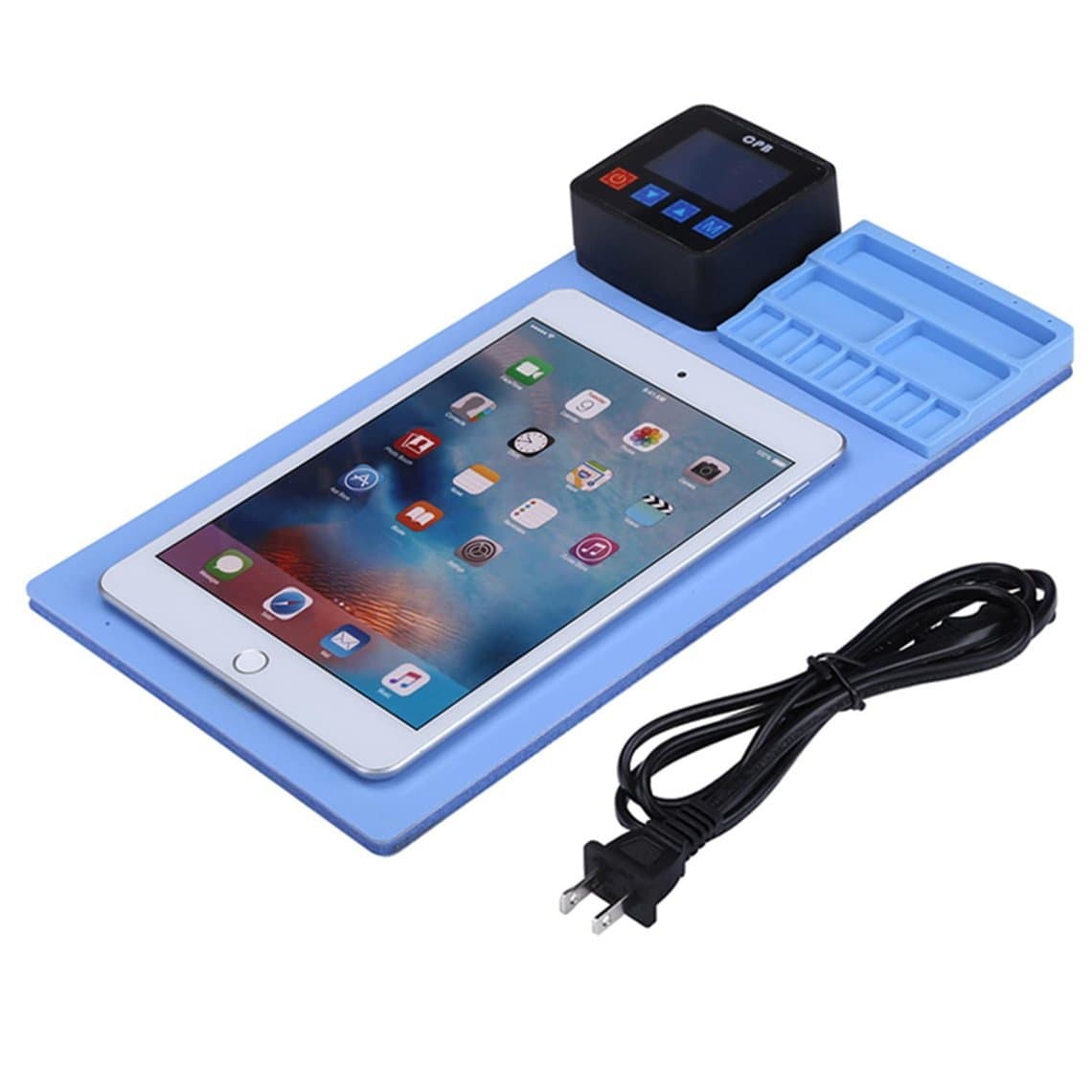
- Warm the display evenly on a heating pad such as the CPB300 screen heating pad, or use a UYUE 948 MAX-II separator with a vacuum plate for more control.
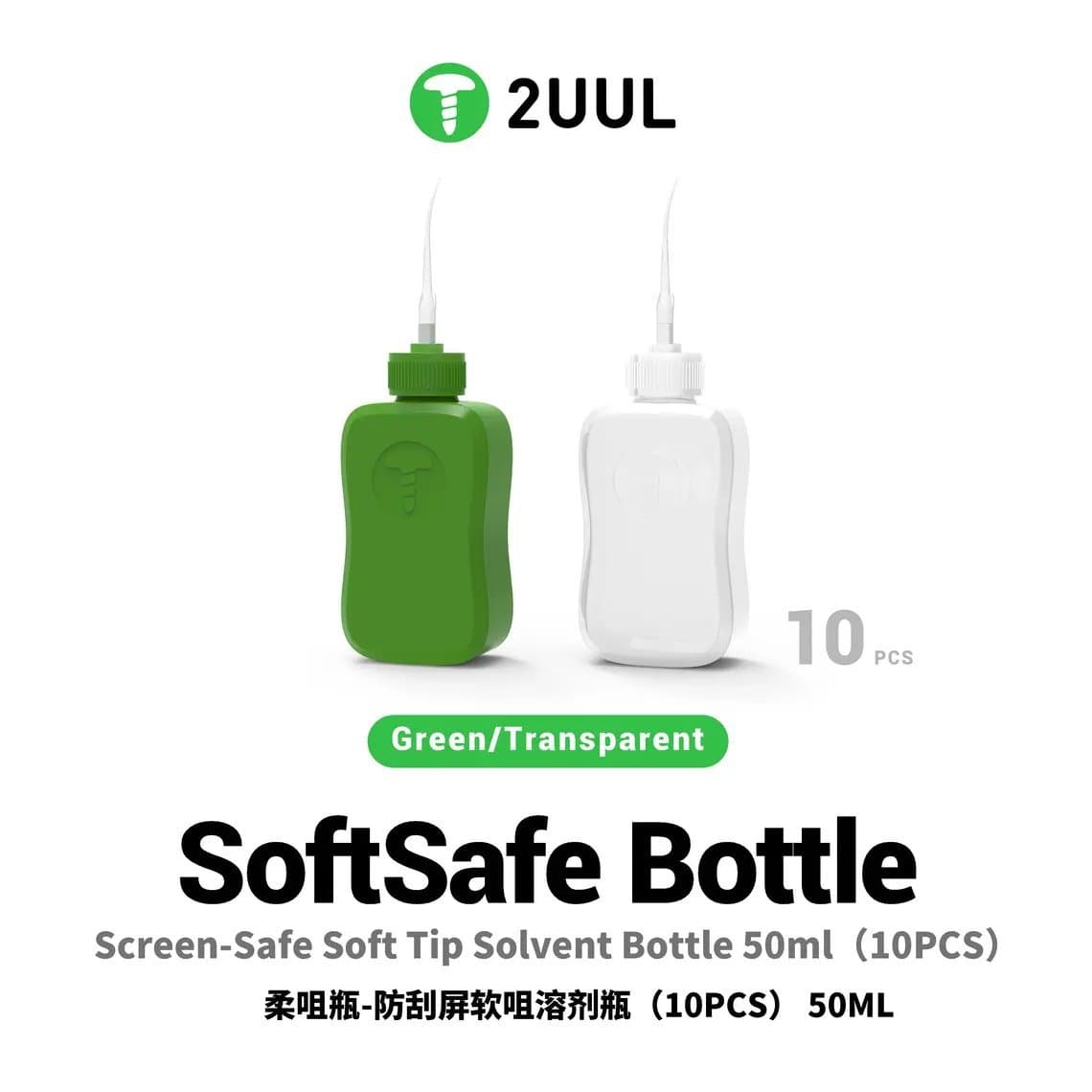
- Start at the flattest edge, work in a thin pick, and apply adhesive solvent with a soft-tip bottle like the 2UUL screen-safe solvent bottle so it reaches the glue without flooding the board.
- Move slowly around the curves; forcing them is how frames bend and flex cables tear.
- Clean the frame completely and check it is flat before fitting the new panel.
If the frame is already bent or the job is on a premium flagship, a with-frame assembly usually saves time overall. For high volumes, see our separator machines.
Test before you fit
Once the adhesive is on, returns become expensive. Test every screen before final fitting:
- Connect it to the phone without sealing and check display, touch across the whole surface (including the curved edges), brightness, colour and the fingerprint sensor.
- Look for dead pixels, lines, tint and pressure marks on solid white, black, red, green and blue.
- For bench testing without the phone, a screen tester such as the YCX M830 tester or a DL S300 tester helps, with the right adapter for the model. See all options under screen testers.
- Keep protective film on until the test passes, and handle panels on an ESD mat with a wrist strap.
Adhesives and sealing
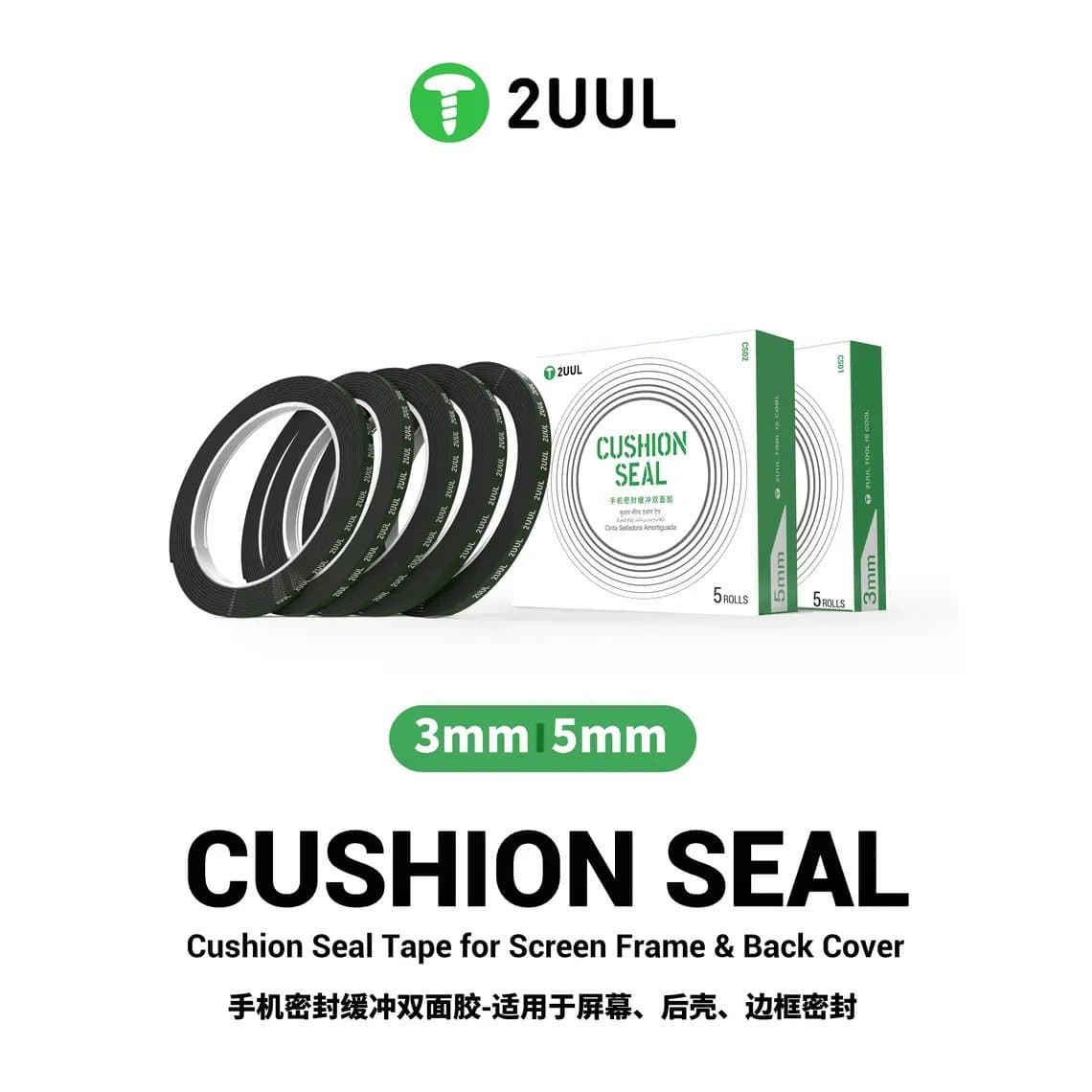
Samsung uses a pressure-sensitive adhesive gasket between display and frame on screen-only fits, and the back glass is also sealed. When you replace a screen without a frame, use a model-specific pre-cut adhesive where available, or a thin seal tape such as 2UUL cushion seal tape, and clamp evenly while it sets. Water resistance after any repair cannot be guaranteed, so do not promise it to the customer. Reseal the back glass with fresh adhesive rather than reusing the old strip.
Choosing what to stock
- Current flagships: service packs first. Customers paying flagship prices expect factory brightness and a working fingerprint reader.
- Two to four years old: stock service packs and a good OLED grade, so you can offer a choice.
- Older and budget models: an LCD/incell option keeps the repair economical; explain the fingerprint and brightness trade-offs at the counter.
- Colours: for with-frame parts, stock the colours you see most and order the rest as needed.
- Consumables: pre-cut adhesives, seal tape, solvent and a tester belong on every Samsung bench.
The full selection is under Samsung screens, with all Galaxy parts grouped on the Samsung page.
Questions
Is a Samsung service pack the same as an original screen?
Yes. A service pack is a genuine Samsung display assembly supplied for repairs, usually already fitted to a new frame. It performs like the screen the phone shipped with, including brightness, colour and the fingerprint sensor.
Will the fingerprint sensor work with an aftermarket Samsung screen?
On models with an under-display fingerprint sensor, it usually works with an original or a good-quality OLED replacement. With LCD or incell copies it usually does not, because the backlight blocks the sensor. Check the listing and tell the customer before the repair.
Should I buy a Samsung screen with or without the frame?
With frame is the safer choice for curved models, bent frames and premium customers, because you avoid separating curved glass and the phone looks new. Without frame is cheaper and fine when the old frame is straight and you are confident with separation and adhesive work.
Why does an LCD replacement look different on my Galaxy?
Most Galaxy S, Note and many A models came with OLED screens, which have true blacks and strong colours. An LCD copy uses a backlight, so blacks look grey, brightness is lower and the screen is slightly thicker. It is a budget repair option, not a like-for-like match.
Browse Samsung service packs and Samsung screens for current stock; every screen is tested before it ships from Shenzhen. Shops can unlock trade pricing through wholesale and reorder in seconds with Quick Order.