iPhone 'Unknown Part' Message: What It Means and What You Can Do
17 November 2026 · LightspeedTools team
Short answer: The "Unknown Part" message means iOS could not confirm that a part in the iPhone, such as the screen, battery or camera, is a genuine Apple part paired to that phone. The part still works, but some features like True Tone or the battery health percentage may be limited depending on the part and model. Programmers can restore some of those features on supported models, but nothing makes a third-party part genuine, so do not promise customers the message will disappear.
What the "Unknown Part" message actually is
Recent iPhones keep a record of repairs under Settings > General > About, in a section Apple calls Parts and Service History. For each part it checks, the phone shows one of a few states. A genuine Apple part that has been installed and set up through Apple's process is shown as genuine. A part the phone cannot verify is labelled "Unknown Part".
The check covers different parts on different models and iOS versions. In broad terms:
- Battery: checked on many models from around the iPhone XS and XR onward.
- Display: checked on many models from around the iPhone 11 onward.
- Camera: checked on many models from around the iPhone 12 onward.
- Other parts, such as Face ID components on some models, may also be reported on newer devices.
Apple changes this list over time, so treat these as approximate. The exact wording also changes between iOS versions. Older versions used messages such as "Unable to verify this iPhone has a genuine Apple display", while newer versions use the "Unknown Part" label in the parts history.
Why it appears after a repair
The message appears when a part is either not made by Apple, or is a genuine Apple part that was not paired to that specific phone through Apple's own process. That second point surprises many technicians: moving an original screen or battery from one iPhone to another can still trigger the notice, because the phone checks pairing, not only the part's origin.
What still works and what changes
This is the part customers care about most. The short version is that the phone keeps working normally, but some extras can change. The details depend on the part, the model and the iOS version.
| Part replaced | What normally still works | What may change |
|---|---|---|
| Screen | Display, touch, brightness, Face ID (when the TrueDepth parts are untouched) | True Tone may be missing; auto-brightness may behave differently on some models; notice in Settings |
| Battery | Charging, normal use, battery percentage in the status bar | Battery health percentage may not be shown, or a service message may appear; notice in Settings |
| Rear camera | Photos and video | Some camera features may be affected on some models; notice in Settings |
| Face ID components | Depends on the repair | Face ID may not work if paired parts were swapped between phones |
A message in Settings is not the same as a fault. A well-made screen or battery with an "Unknown Part" notice can perform perfectly well. The notice is about verification, not about quality on its own.
Does it affect resale value?
It can. Buyers and trade-in services can see the parts history, and some treat an unknown part as a reason to offer less. This is worth mentioning to customers who plan to sell the phone soon.
How to explain it to customers
Most complaints about this message come from customers who were not told about it before the repair. A clear, honest explanation up front prevents almost all of them.
- Tell them before the repair. Explain that the phone will show a notice in Settings after a non-Apple part, or an unpaired part, is fitted.
- Explain what it is. Say it is a record of repairs that Apple keeps on the phone, not a warning that something is broken.
- Explain what may change. Be specific for their model: for example, True Tone on a screen repair or the battery health percentage on a battery repair, and whether you can restore it.
- Do not promise it will go away. Avoid saying the message "can be removed" or that the part will "show as original".
- Offer the choice. Mention that Apple and its authorised service providers offer genuine-part repairs that are paired through Apple's process, usually at a different price. Let the customer decide.
- Put it in writing. Add a line about the notice to the job sheet or receipt, alongside the part grade and warranty.
A simple script many shops use: "Your phone will show an Unknown Part notice in Settings because this part is not paired by Apple. The part is tested and covered by our warranty. You may notice [feature] behaves differently, and here is what we can do about that."
What programmers can and cannot do
Repair programmers are the main tool shops use to reduce the side effects of an unpaired part. You can see the full range on our phone repair programmers page. It helps to be very clear about their limits.
What they can do on supported models
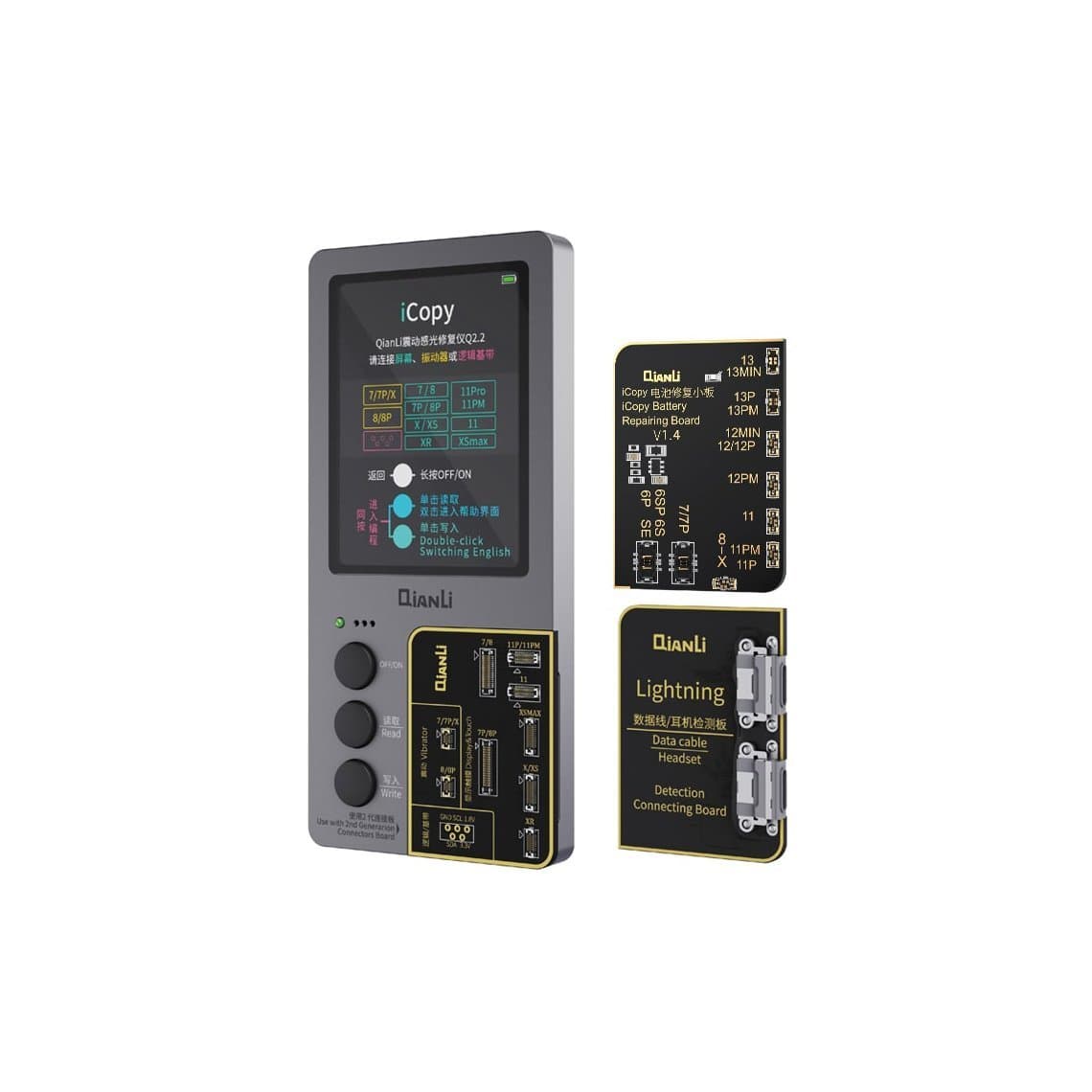
- Restore True Tone. The programmer reads the display data from the original screen and writes it to the new one, so True Tone comes back. Tools for this include the JCID V1SE True Tone programmer and the Qianli iCopy Plus 2.2. More options are on the True Tone screen repair page.
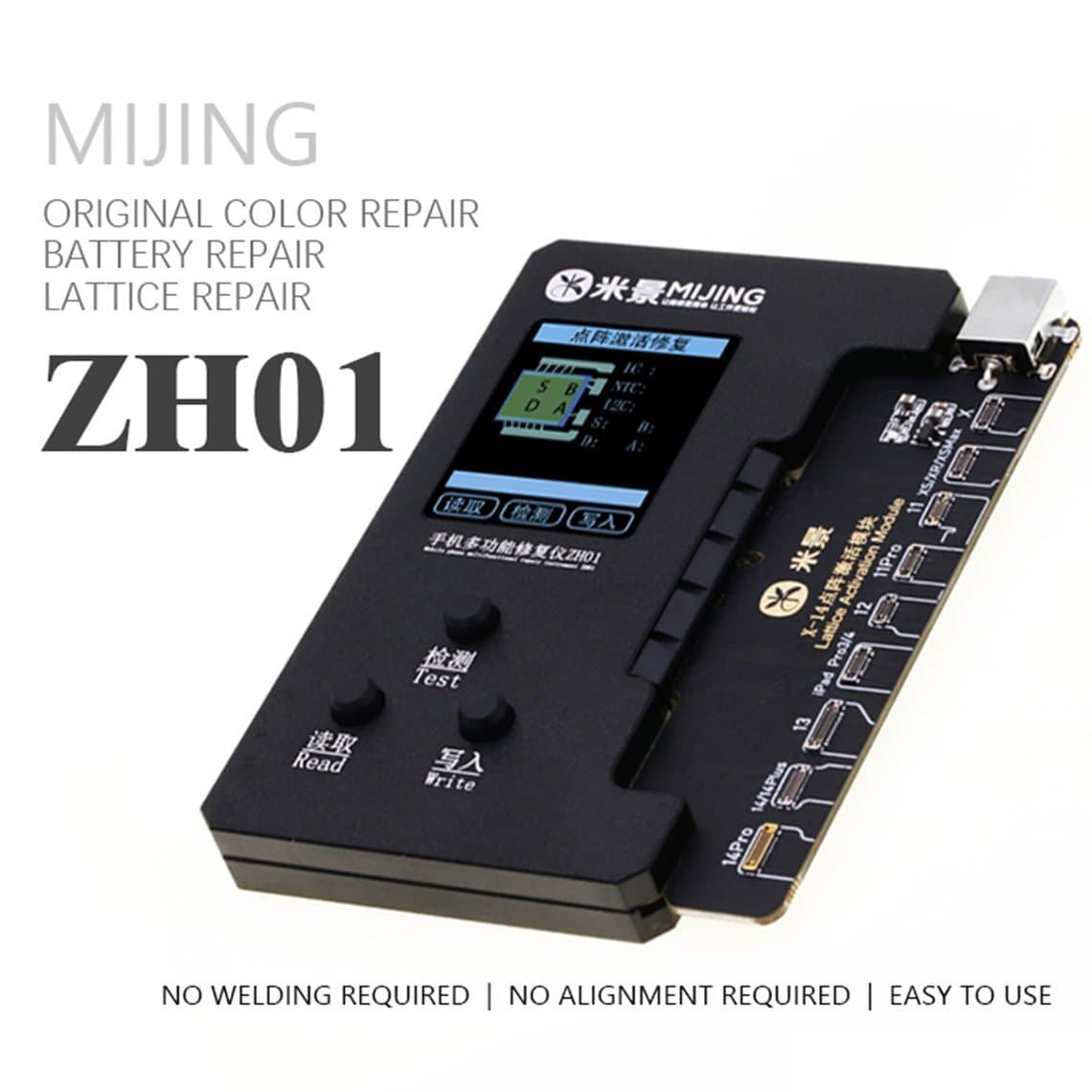
- Restore battery health display. On supported models, battery data can be written to a new battery cell's board or through a repair flex, so the health percentage shows again. Tools include the Mijing ZH01 programmer with its battery repair flex. See the battery health repair page for more.
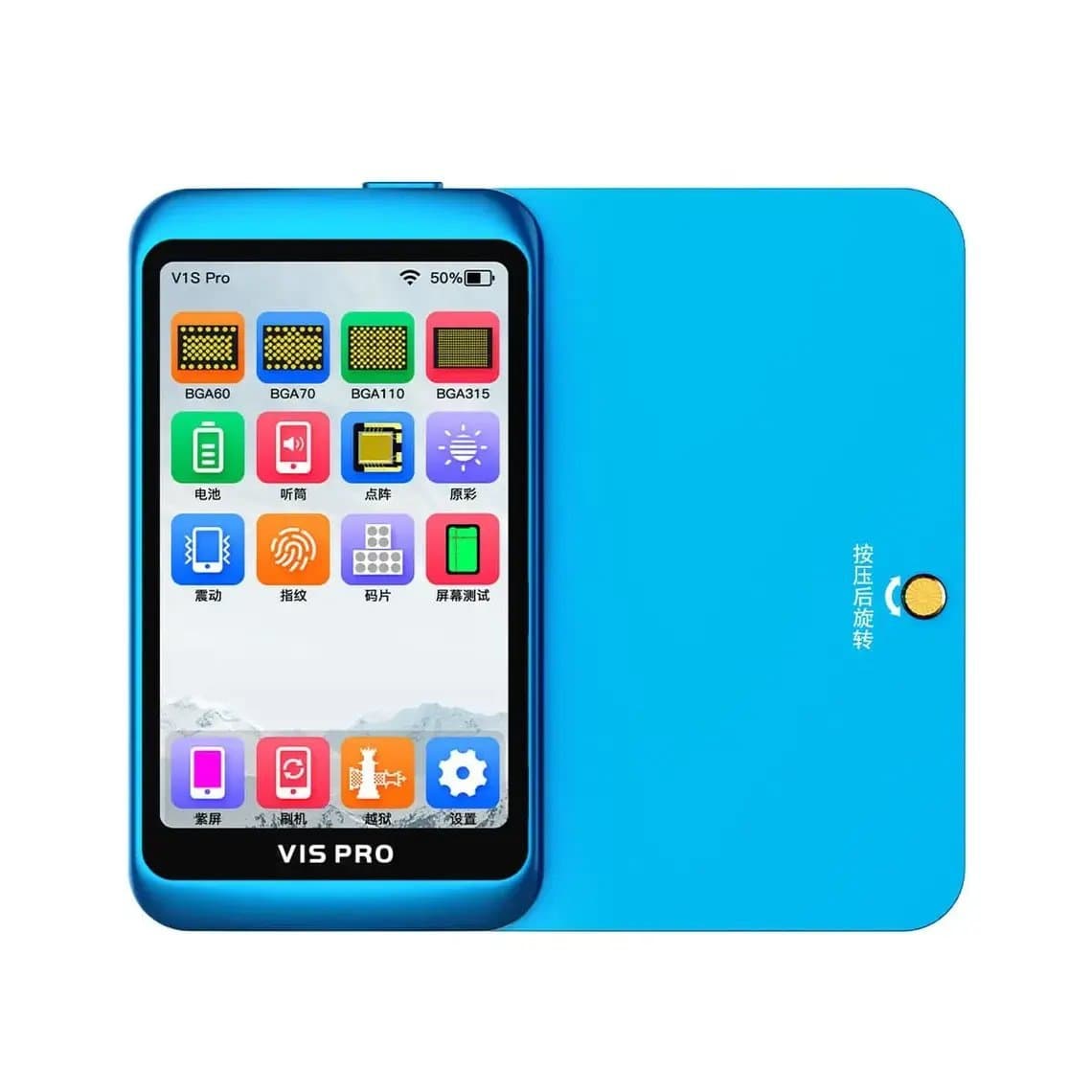
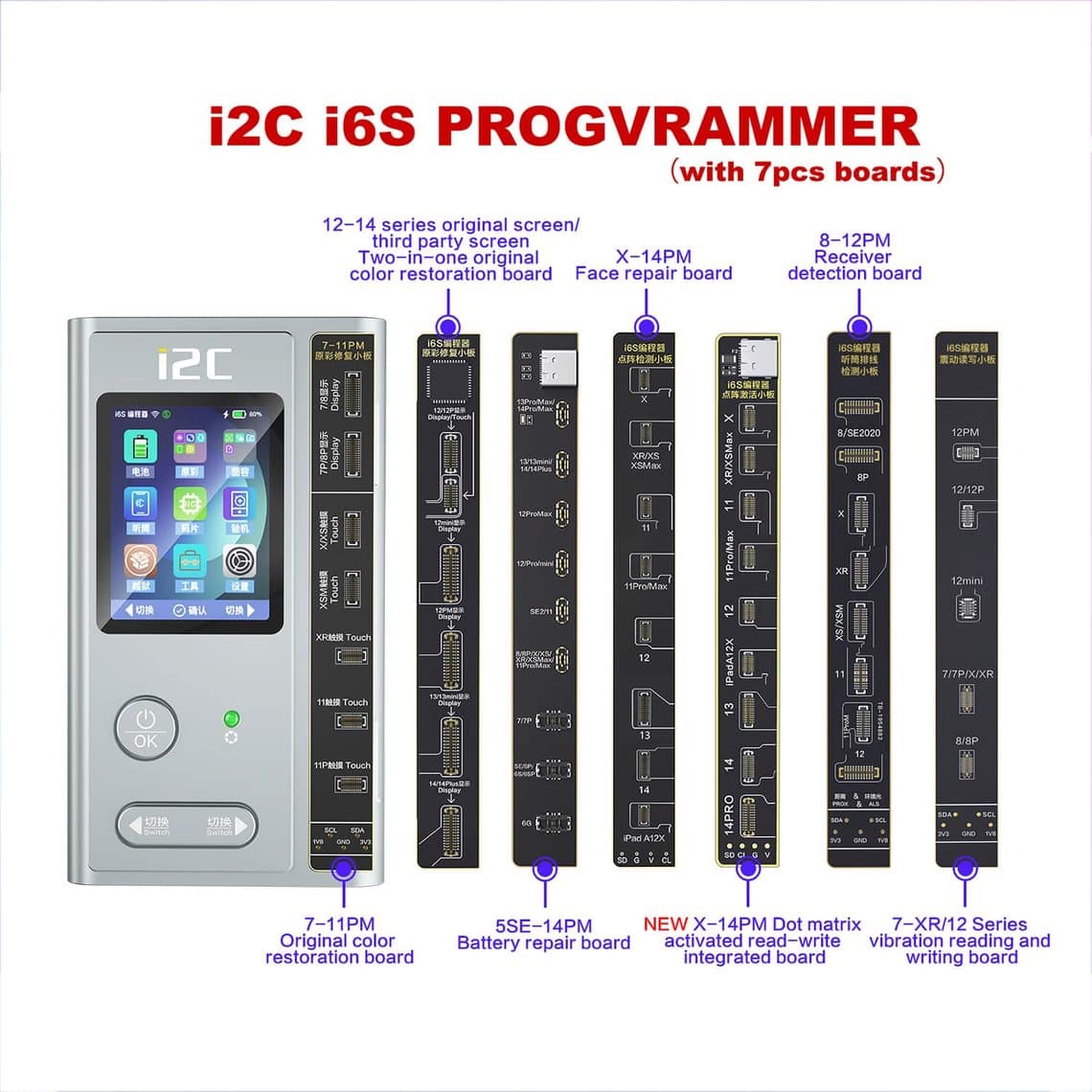
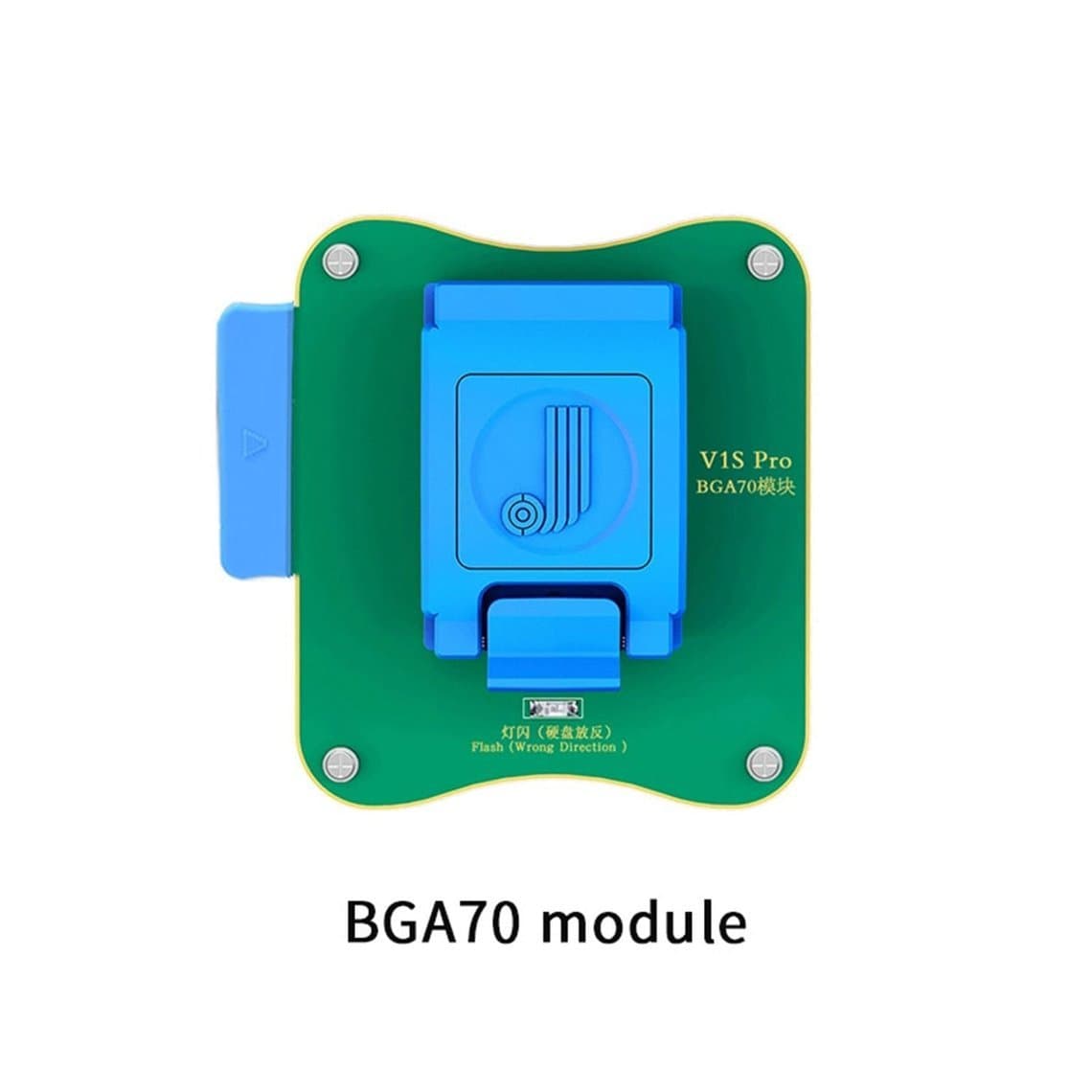
- Handle several jobs in one unit. Multi-function programmers such as the JCID V1S Pro or the i2C i6S cover True Tone, battery and Face ID dot projector work, with add-on functional modules for different jobs.
What they cannot do
- They do not make a part genuine. A third-party screen with True Tone restored is still a third-party screen.
- They do not guarantee the notice will disappear. On many recent models the "Unknown Part" label stays even after True Tone or battery data is restored.
- They do not support every model. Support depends on the tool, its software version and the iPhone. The newest models may have limited or no support for some jobs.
- They cannot repair a faulty part. If the new screen or battery is poor quality, restoring data will not fix it.
Always check the programmer's current compatibility list before you quote a customer. And always read the original part's data before you discard it, because once the old screen or battery board is gone, there is nothing to copy.
Apple's own repair options
Apple offers genuine parts through its own stores and authorised service providers, and in some regions through a self-service repair program. On supported models and recent iOS versions, Apple also uses a parts pairing or calibration step that lets genuine parts be recognised after installation, including in some cases genuine used parts. Availability, pricing and model support vary by country and change over time, so customers should check Apple's own information for their device.
For many customers, an independent repair with a quality part is the better value. For others, especially those planning to sell soon, a genuine-part repair may matter more. Giving them both options builds trust.
Practical checklist for every repair
- Check Parts and Service History at intake and note what it already shows.
- Explain the notice to the customer before starting.
- Read and save the original screen and battery data with a programmer before removing the old parts.
- Fit the new part with the battery disconnected and ESD protection in place.
- Write the data back, then test True Tone, auto-brightness, touch, charging and battery health.
- Handle lithium batteries with care: never puncture or bend them, and store damaged cells safely away from flammable material.
- Record the part grade, warranty and notice on the job sheet.
Part choice still matters more than the notice. Our iPhone screens and iPhone batteries are sold in clear quality grades, each with its own warranty period.
Questions
Can the "Unknown Part" message be removed?
You should not count on it. The notice is tied to Apple's pairing check, and on many recent models it stays even after True Tone or battery data is restored. A genuine-part repair paired through Apple's process is the only route Apple supports for a part to show as genuine.
Does an "Unknown Part" screen still work normally?
Yes, a good-quality screen works normally for display and touch. Features like True Tone may be missing until the original screen data is written to the new screen with a programmer, on models that support it.
Why does a genuine Apple part show as "Unknown Part"?
Because the phone checks pairing, not only where the part was made. A genuine part moved from another iPhone, or fitted without Apple's pairing step, can still be reported as unknown.
Will my battery health show after a battery replacement?
On many recent models, a non-Apple battery will not show the health percentage, and a service message may appear instead. On supported models, a programmer can write battery data so the health percentage shows again, though the "Unknown Part" notice may remain.
Browse True Tone, battery and Face ID tools on our programmers page. Everything is tested before it ships from Shenzhen by DHL, FedEx or UPS. Repair shops can unlock trade pricing through wholesale and reorder by SKU or CSV with Quick Order.