Back Glass Laser Machine Buying Guide: Price, Features, Safety
17 November 2026 · LightspeedTools team
Short answer: A back glass laser machine's price depends on the laser source, its power, how automated it is, and how well its software and fixtures cover the phone models you repair. Judge a machine on model templates and update support, fixtures, safety features and after-sales help, not on the laser wattage alone. Then check the return on your own job volume before you buy.
Before you compare machines
This guide is about choosing and buying a machine. If you are still deciding whether laser removal suits your shop at all, read our comparison of laser back glass removal versus a housing swap first. It covers the repair process, quality and when each method makes sense.
Once you know you want a laser, the questions become practical. Which models will it handle? How long will it keep getting updates? Is it safe to run at a shop counter? Will you get spare parts in two years? The sections below work through each one.
Laser source types
The laser source is the core of the machine and the main driver of its price. Back glass machines work by aiming a laser through or at the glass to break down the adhesive and coating layer so the cracked glass lifts away from the frame.
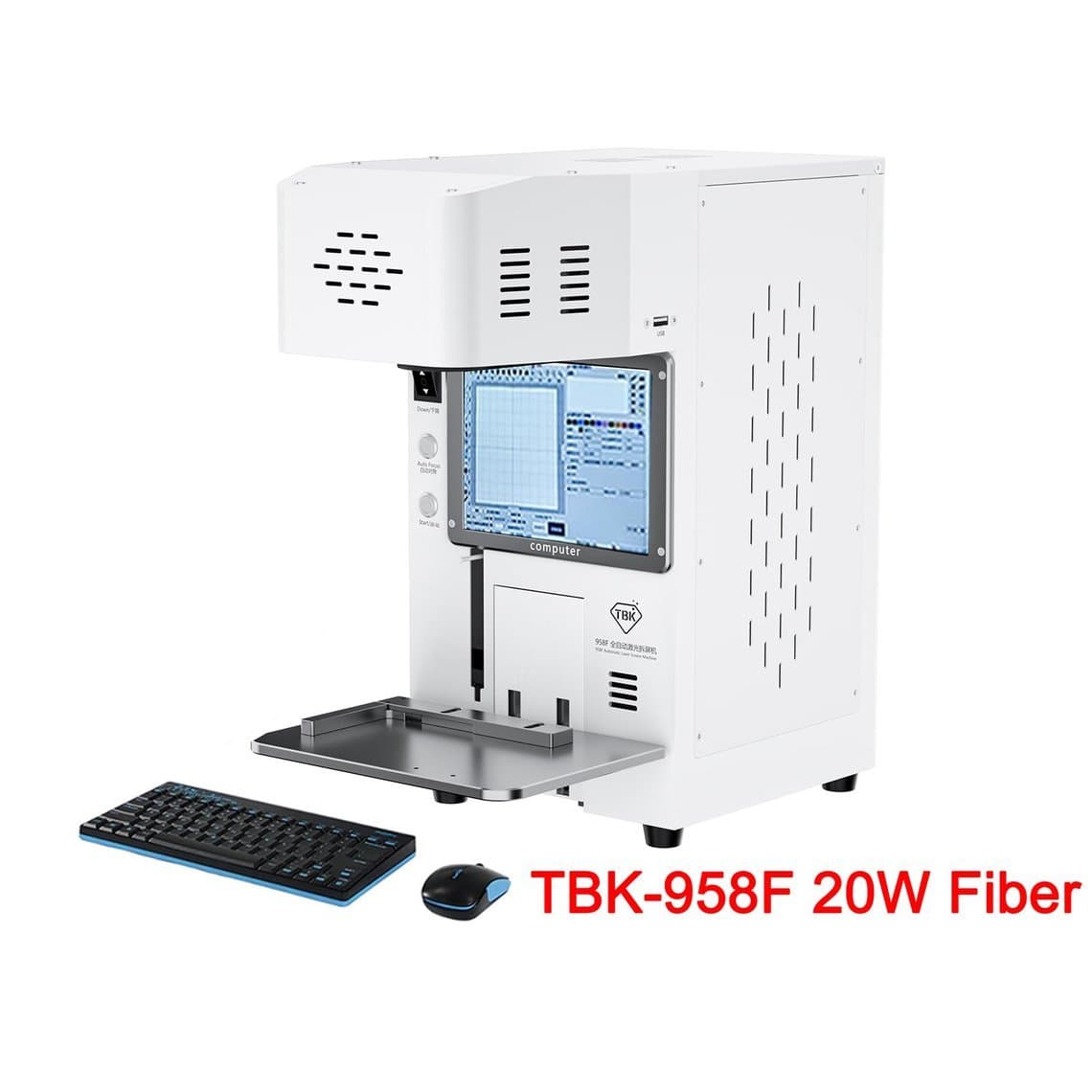
- Fiber lasers are widely used for this job. They are well established in marking and engraving, compact, and usually air cooled at the power levels found in repair machines. Many listings for back glass machines name a fiber source, for example the TBK 958F 20W fiber automatic machine.
- UV lasers work at a much shorter wavelength. Some machines, such as the Refox RK10 UV laser machine, are sold for both screen and back glass work. Ask the supplier how the source handles the specific jobs you plan to do.
- Machines described by light colour, such as "blue light" or "purple light", use the vendor's own naming. The colour name alone does not tell you the laser type or wavelength, so ask for the specification sheet before comparing them against fiber or UV machines.
There is no single correct source. What matters is that the machine removes the glass cleanly on your models without marking the frame, camera ring or internal parts, and that the supplier can show it doing so.
Laser power
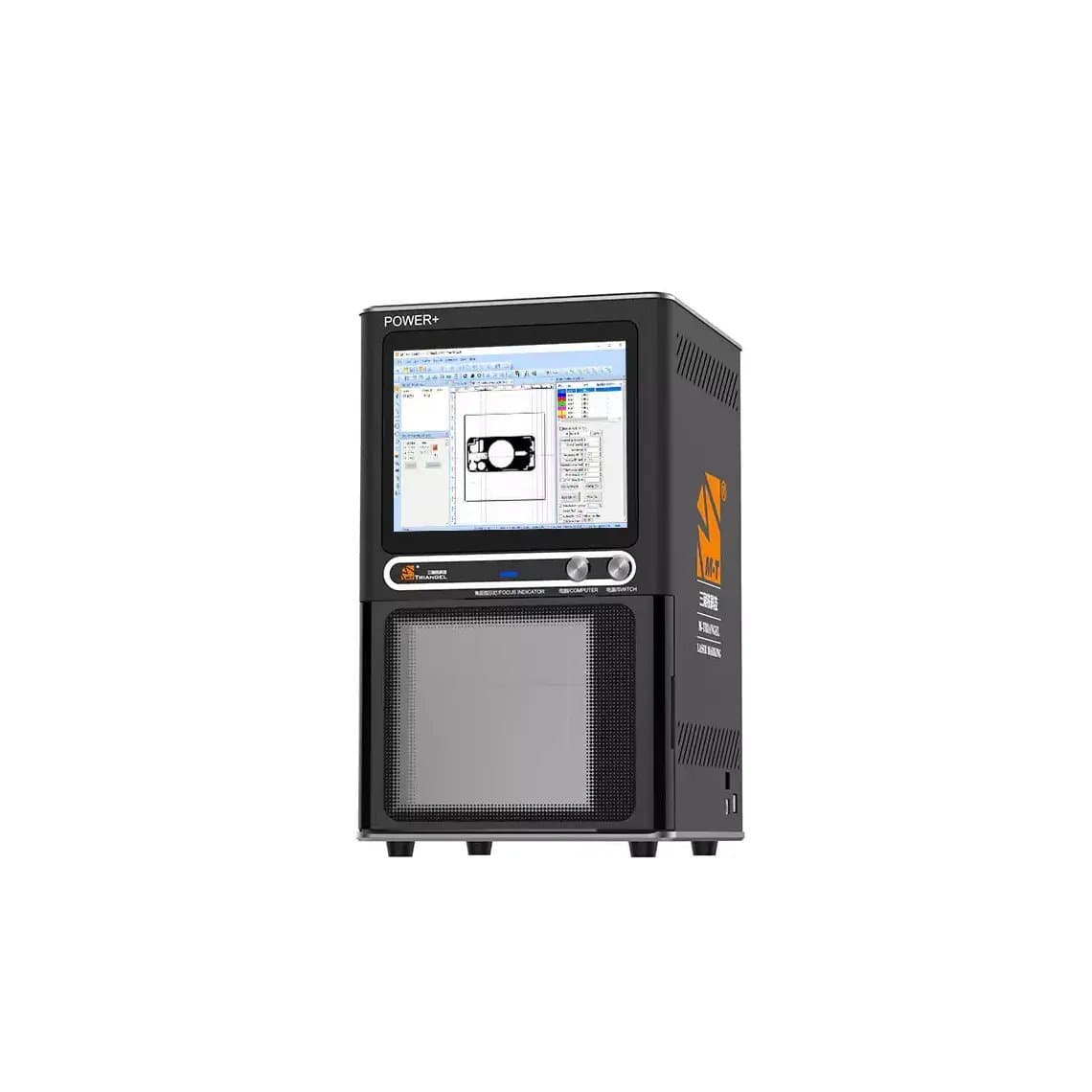
Several machines in our range state 20W in their names, including the M-Triangle PG Pro 20W (220V), the TBK 958F 20W and the Mechanic iLaser W20 20W. Others do not list power in the title, so check the specification before comparing.
More power is not automatically better. Too much energy at the wrong settings can scorch the frame finish or heat nearby parts. A well tuned template at moderate power usually gives a cleaner result than raw power with poor settings. Compare machines on the finish they produce, how many passes a job takes and how stable the source is over a long working day.
Working area and machine size
The working area decides which devices fit under the laser. Most back glass machines are sized for phones. If you also want to work on larger devices or mark other parts, check the stated area against your largest job.
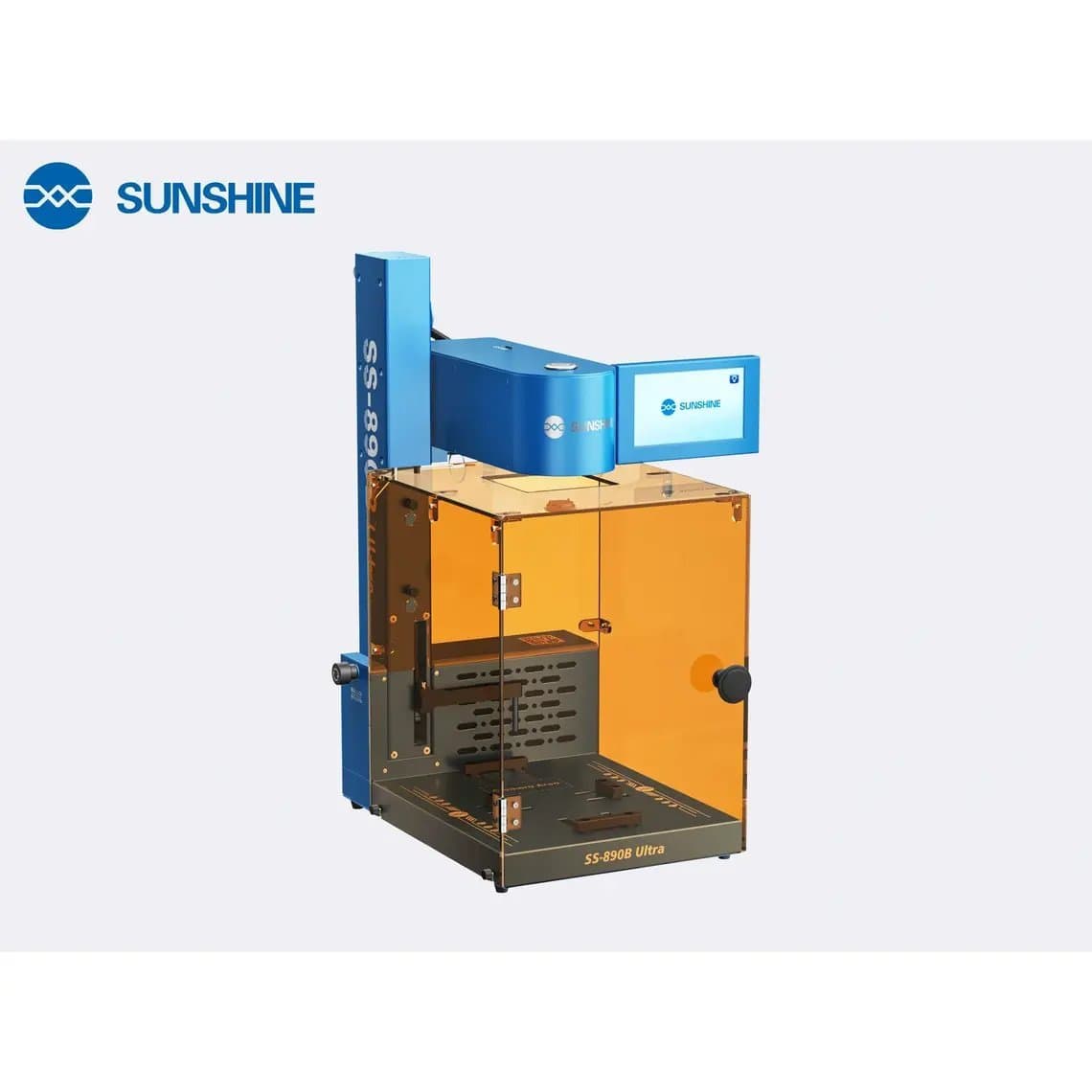
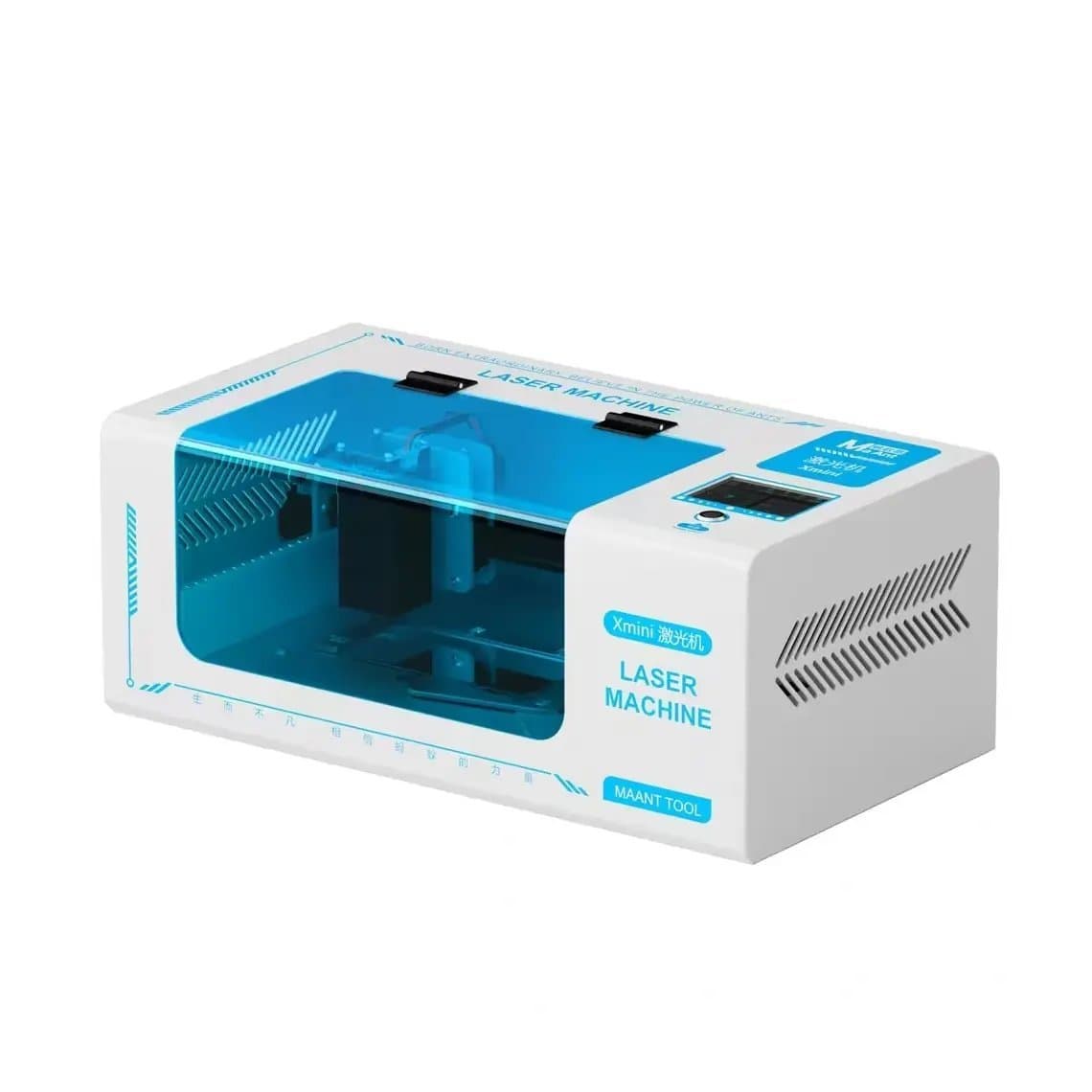
Compact and foldable designs, such as the Sunshine SS-890B Ultra foldable smart laser machine and the MaAnt Xmini, save bench space in small shops. Larger cabinet machines may offer more enclosure, more automation or a bigger working area. Measure your bench before you order.
Model templates, software and updates
This is the point many buyers skip and later regret. The machine needs a cutting path, or template, for each phone model, matched to the camera cut-out and the outline of the back glass. Without a template for a new model, the machine cannot do that job well.
- Current coverage. Check which models are supported today. Listings often state a range, for example iPhone 8 to 16 for the Xwitzeal V8 Ultra, or iPhone X to 17 for some newer machines.
- Update path. Ask how new templates arrive: online update, file from the supplier, or a technician. Ask whether updates are free and for how long.
- Custom paths. Some software lets you draw or adjust paths yourself. That helps with less common models but takes practice.
- Language and computer. Find out whether the software runs on the machine, on a connected computer or on a tablet, and whether the interface is in a language your staff can use.
Fixtures and moulds per model
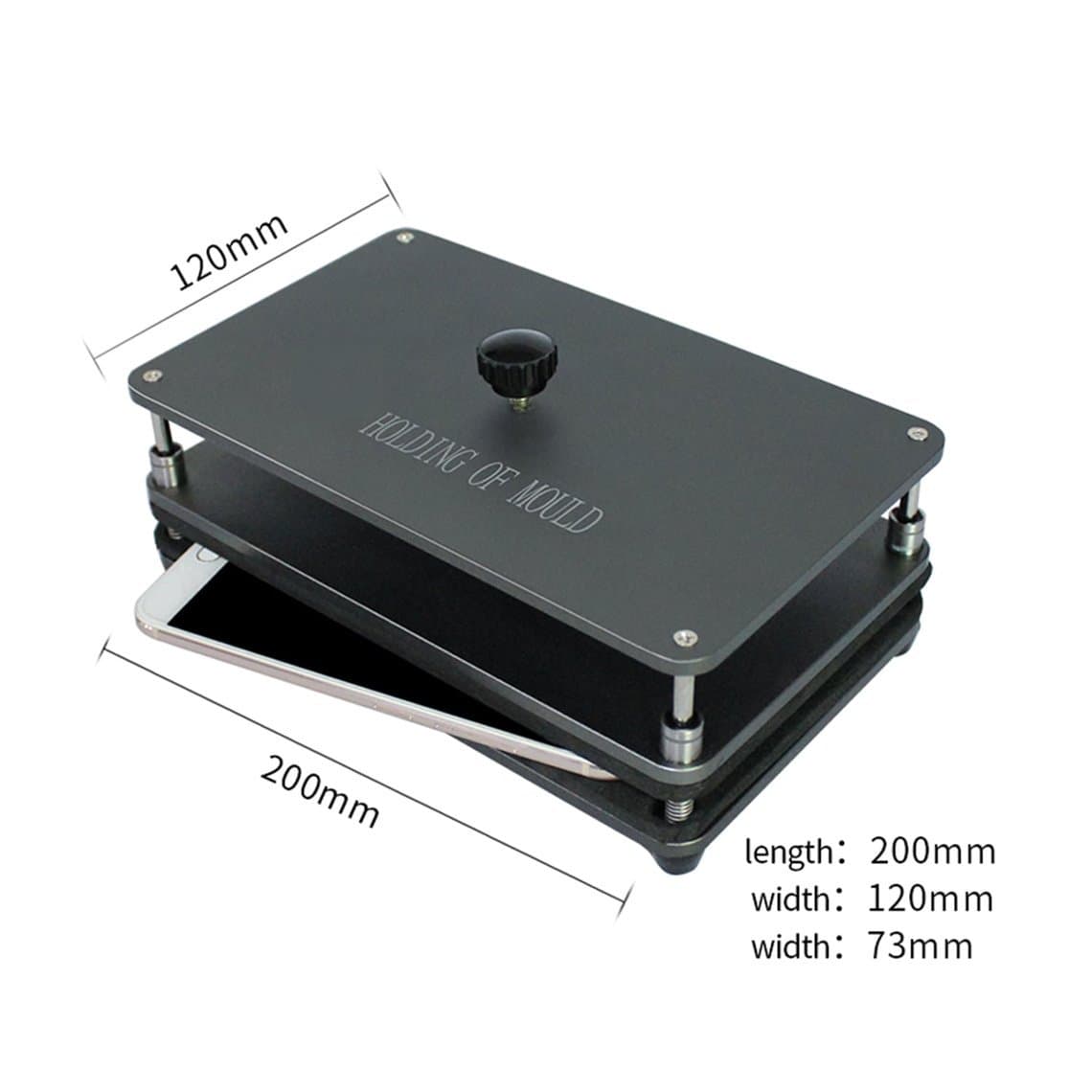
The phone must sit perfectly flat and in exactly the same place every time, or the laser path will not line up with the glass edge. Fixtures and moulds do this job. Some are universal and adjustable, such as the TBK universal back cover press mould fixture for the TBK 958A, 958B and 958C. Others are model specific.
Before buying, check which fixtures come in the box, which you need to buy separately and whether they will be available for future models. Our laser fixtures and moulds category lists the current options. A mould that is lost or damaged stops that model's jobs until it is replaced, so many shops keep spares for their most common models.
Automatic focus and platform features
The laser has to be focused at the right height on the glass. Manual focus works but is slower and adds a source of error. Look for:
- Automatic or assisted focus, which sets the height for each job.
- A motorised lifting platform or adjustable bed, which speeds up loading.
- Camera or red-light positioning, which shows where the laser will fire before it starts.
- One-button job start from a stored template, which reduces training time for new staff.
Machines named "automatic" or "fully automatic" usually include some of these, but the exact features vary by model, so confirm them on the specification sheet.
Cooling
Repair-size fiber machines are generally air cooled. Keep the vents clear and dust free, and do not box the machine into a tight shelf. If a machine uses another cooling method, ask what maintenance it needs and what happens if the cooling fails mid-job.
Fume extraction and eye safety
A laser burning through adhesive and coatings produces smoke and fumes. Do not breathe them, and do not let them settle on the lens. Use a fume extractor with suitable filters, positioned close to the work area, and change the filters as the maker recommends.
Eye safety is not optional:
- Know the laser class. Check the class on the machine's label and manual. A fully enclosed machine with interlocks is far safer at a busy counter than an open-frame one.
- Use the right glasses. Protective glasses must be rated for the laser's specific wavelength. Generic tinted glasses or sunglasses do not protect you. Fiber lasers are typically invisible infrared, so you will not see a reflected beam.
- Keep covers and shields closed while the laser runs, and never bypass an interlock.
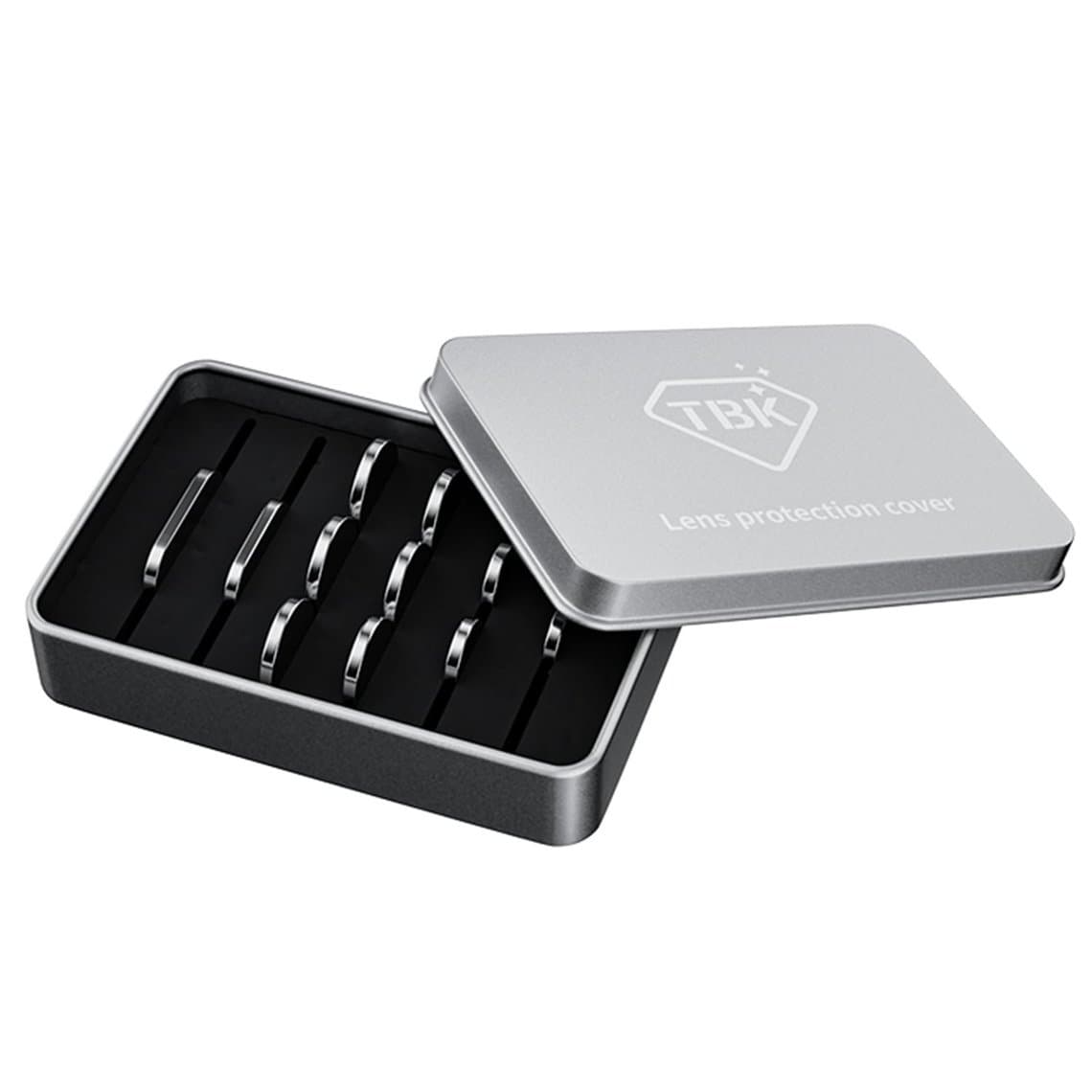
- Protect the lens. Debris on the lens weakens the beam and can damage the optics. Lens protectors are cheap consumables, for example the TBK laser machine lens protective cover.
- Remove the battery or keep it well away from the beam path. A laser striking a lithium battery can start a fire. Follow the machine's guidance on what must be removed before each job.
Power voltage
Some machines are sold in specific voltage versions, as the M-Triangle PG Pro 220V listing shows. Confirm that the version you order matches your mains supply, or plan for a suitable transformer rated for the machine's draw. Ask what plug comes with it.
Training, warranty and spare parts
- Training. Ask whether the supplier provides videos, remote setup help or a manual in your language. A machine that sits unused because no one is confident running it earns nothing.
- Warranty. Find out what the warranty covers, especially the laser source, and how a fault is handled from your country.
- Spare parts. Lens protectors, fixtures, filters and moulds wear out or go missing. Check that they are stocked and that the brand has been around long enough to keep supplying them.
Buying checklist
| Question | Why it matters |
|---|---|
| Which laser source and what power? | Sets cleanliness of removal and price |
| Which models are supported now? | Decides which jobs you can take on day one |
| How are new templates delivered, and are they free? | Decides how long the machine stays useful |
| Which fixtures come in the box? | Hidden extra cost if missing |
| Auto focus and lifting platform? | Speed and fewer operator errors |
| Enclosure, interlock and laser class? | Staff and customer safety |
| Voltage version? | Must match your mains supply |
| Training, warranty and spares? | Uptime over the machine's life |
How to judge return on investment
Work it out with your own numbers. Fill in the letters below with figures from your shop.
- A = number of back glass jobs you expect per month.
- B = your profit per job using the laser (price charged minus back glass, adhesive, consumables and labour).
- C = your profit per job without the laser (sending out, housing swap or turning the job away).
- D = monthly running costs (filters, lens protectors, fixtures, power).
- E = total machine cost including shipping, duties and the fixtures you need.
Monthly gain = A × (B − C) − D. Payback in months = E ÷ monthly gain.
Be honest about A. A busy shop with steady iPhone back glass jobs can pay a machine off sooner than one that sees a few a month. Also count gains that do not show in a single job: faster turnaround, keeping jobs in-house instead of sending them out, and offering a service nearby shops do not.
Questions
How much does a back glass laser machine cost?
Prices vary widely with the laser source, power, level of automation, enclosure and the fixtures included. Compare full packages rather than base prices, because missing fixtures, lens protectors and update fees add up. Check current prices in our back glass laser machine category.
Is a 20W laser enough for iPhone back glass?
Many machines sold for this job are rated at 20W, which suggests it is a common choice for phone back glass. Results depend as much on the software settings and focus as on the wattage. Ask the supplier for results on the models you repair most.
Do I need protective glasses if the machine is enclosed?
A fully enclosed machine with working interlocks greatly reduces exposure, but follow the manual for the specific machine. Keep wavelength-rated glasses at the bench for setup, maintenance and any time a cover is open.
Can a back glass laser machine work on new iPhone models?
Only if the supplier releases a template and a fixture for that model. That is why the update policy matters as much as the hardware. Ask how quickly new models have been added in the past.
See our full range of back glass laser machines and the rest of our refurbishing machines. If you are not sure which machine fits your workload, contact us for machine advice. Shops buying regularly can open a wholesale account and reorder fixtures and consumables quickly through Quick Order.