iPhone 14 Repair Guide: All 4 Models, Common Faults and Parts
17 November 2026 · LightspeedTools team
Short answer: The iPhone 14 series splits into two very different repair platforms. The 14 and 14 Plus use a redesigned internal layout with a removable back glass, while the 14 Pro and 14 Pro Max keep a bonded back and add the Dynamic Island and always-on display. The common jobs are screens, batteries, charging flex, back glass, rear camera lenses and front sensors, and all four models can show "unknown part" notices after non-Apple parts.
On paper the iPhone 14 looks like a small update to the iPhone 13. At the bench it is not. This guide covers all four models: how they differ, the repairs you see most, parts by job, screen grades and parts notices.
The four iPhone 14 models and how they differ
| Model | Screen | Front layout | Back | Repair notes |
|---|---|---|---|---|
| iPhone 14 | 6.1" OLED, 60 Hz | Notch | Removable back glass | New internal layout; screen and back can be opened separately |
| iPhone 14 Plus | 6.7" OLED, 60 Hz | Notch | Removable back glass | Same design idea as the 14 in a larger body |
| iPhone 14 Pro | 6.1" OLED, ProMotion, always-on | Dynamic Island | Bonded back glass | Large triple camera island; stainless steel frame |
| iPhone 14 Pro Max | 6.7" OLED, ProMotion, always-on | Dynamic Island | Bonded back glass | Largest battery and screen in the series |
The key point: the iPhone 14 and the iPhone 14 Pro are both 6.1 inch phones, but nearly nothing inside is shared between them. Screens, back glass, cameras, frames and most flex cables are model-specific. The 14 also looks very similar to the iPhone 13 from the outside, so check the model number in Settings, General, About before you order or fit parts.
The redesigned iPhone 14 and 14 Plus
Apple rebuilt the internal frame of the 14 and 14 Plus so that the back glass is held on its own and can be removed from the rear, while the screen still comes off from the front. For the repair shop this mainly changes back glass work: on these two models you can usually replace the back panel without a laser machine or a full housing swap. On the 14 Pro and 14 Pro Max the back is still bonded, so the older methods apply. Our guide to back glass replacement by laser vs housing swap compares those routes.
Which components are reachable from which side differs from older iPhones. Plan the opening route for the job before you start, and use a model-specific guide the first few times.
Dynamic Island and always-on display on the Pro models
The 14 Pro and 14 Pro Max replaced the notch with a pill-shaped cut-out in the display, with the front camera and Face ID hardware behind it. The display can drop to a very low refresh rate to support the always-on mode. For parts, this means the replacement screen must have the correct cut-out and must be a panel designed for the Pro model. How aftermarket panels handle always-on mode, the lowest refresh rates and the brightness range is not always the same as the original panel, so confirm behaviour with your supplier when the customer cares about those features.
SIM tray differences
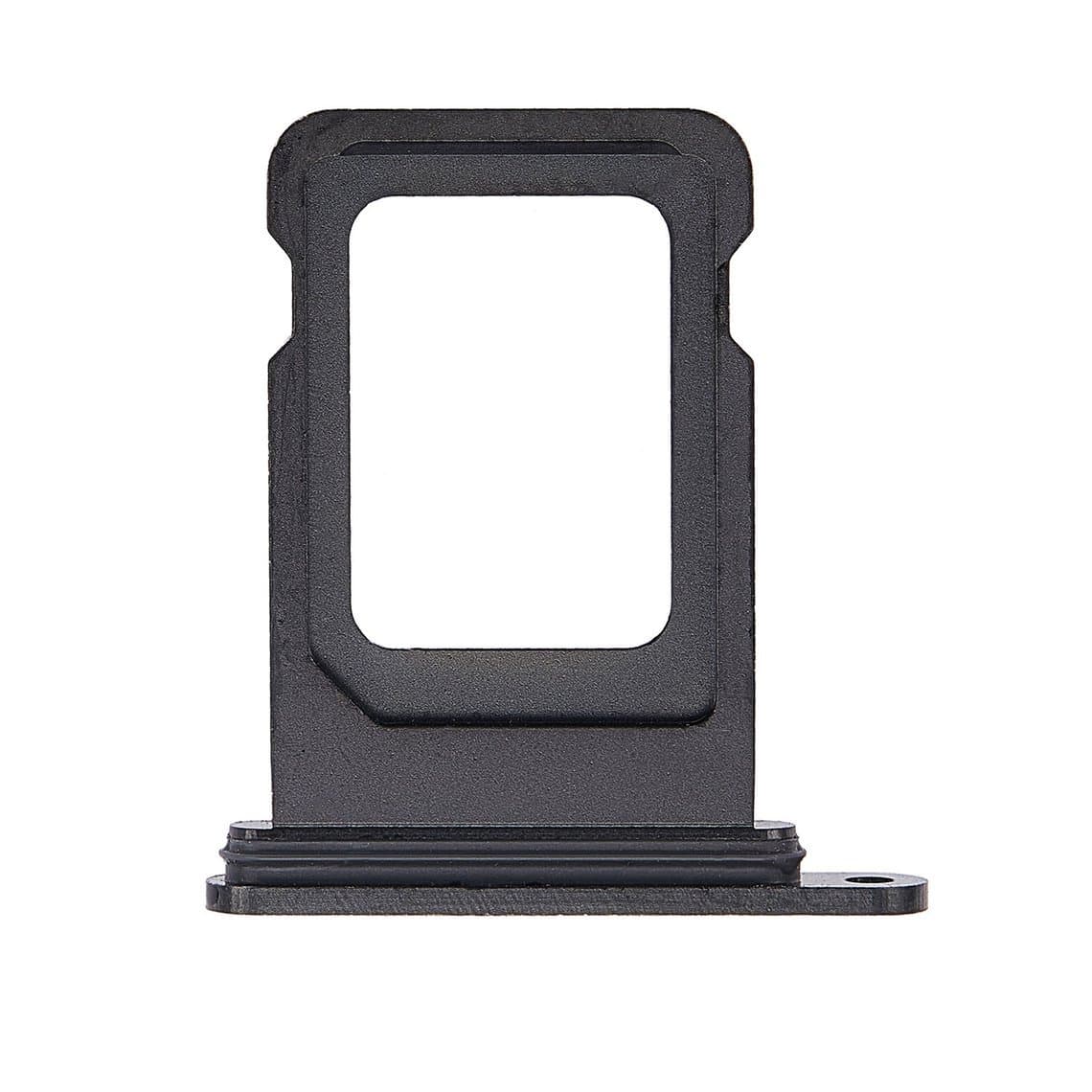
iPhone 14 models sold in the United States are eSIM-only and have no SIM tray. Models sold in many other regions keep a physical nano-SIM tray, and some regional versions use a dual nano-SIM tray. Check the model number and the phone's region before ordering a tray, such as the iPhone 14 Pro/Pro Max dual SIM tray in Space Black; a tray only fits the frame version it was made for.
The most common iPhone 14 repairs
Screen replacement
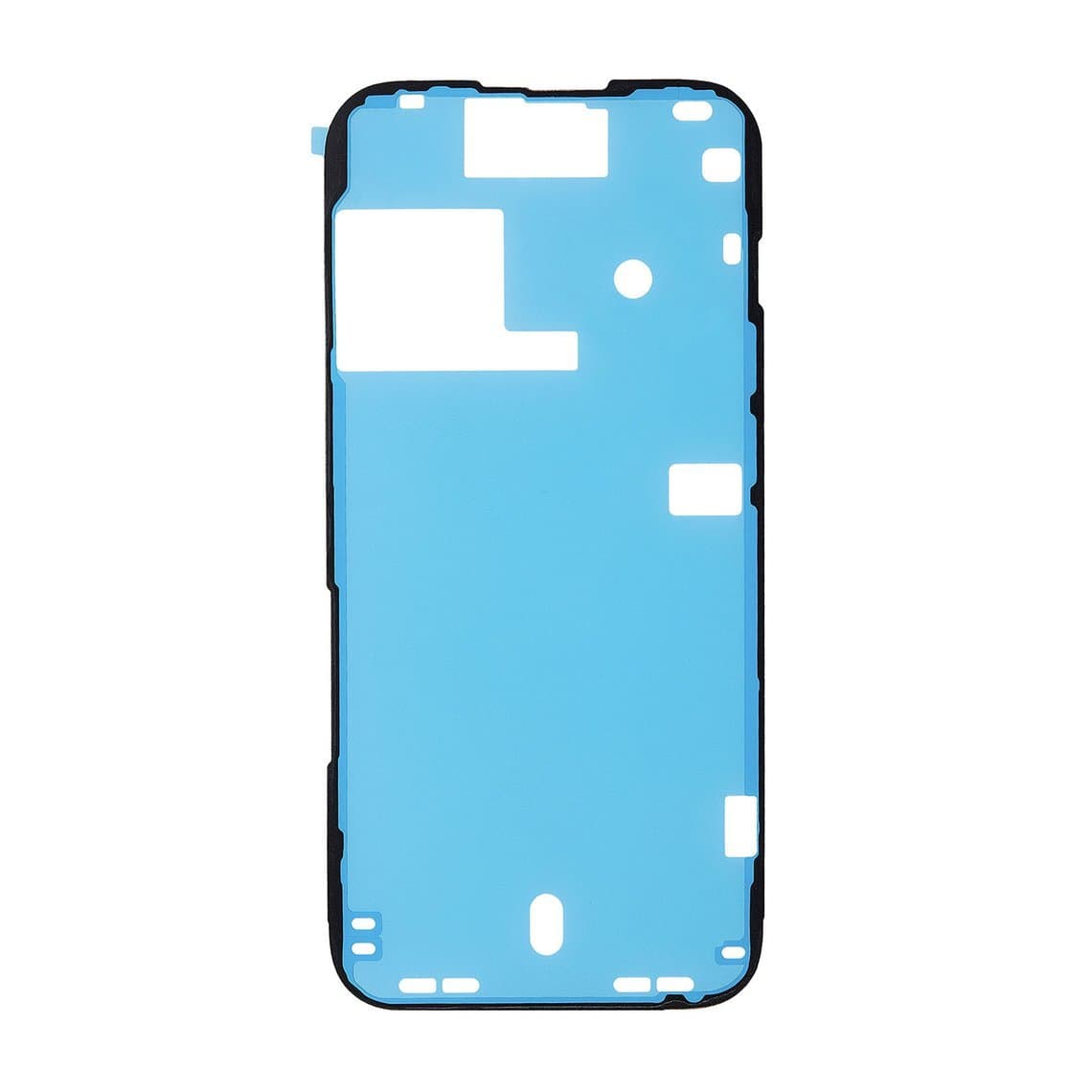
Broken glass and damaged OLED panels are the largest job category. As with every OLED iPhone, a drop can leave the glass whole while the panel behind it shows lines, black patches or no image. Test with a known-good screen before quoting so you do not replace a screen to fix a board fault. On the Pro models, take extra care with the parts around the Dynamic Island cut-out and fit new frame adhesive, such as the iPhone 14 Pro frame-to-bezel adhesive, every time.
Battery replacement
A battery swap is routine, but use fresh stretch-release strips, for example the iPhone 14 Pro battery adhesive strap, rather than glue. After a non-genuine or unpaired battery, iOS commonly shows a notice that it cannot verify the battery, and the health percentage may be limited. The battery still works. Some programmers can transfer battery data on supported models, but support depends on the model and iOS version.
Charging port flex
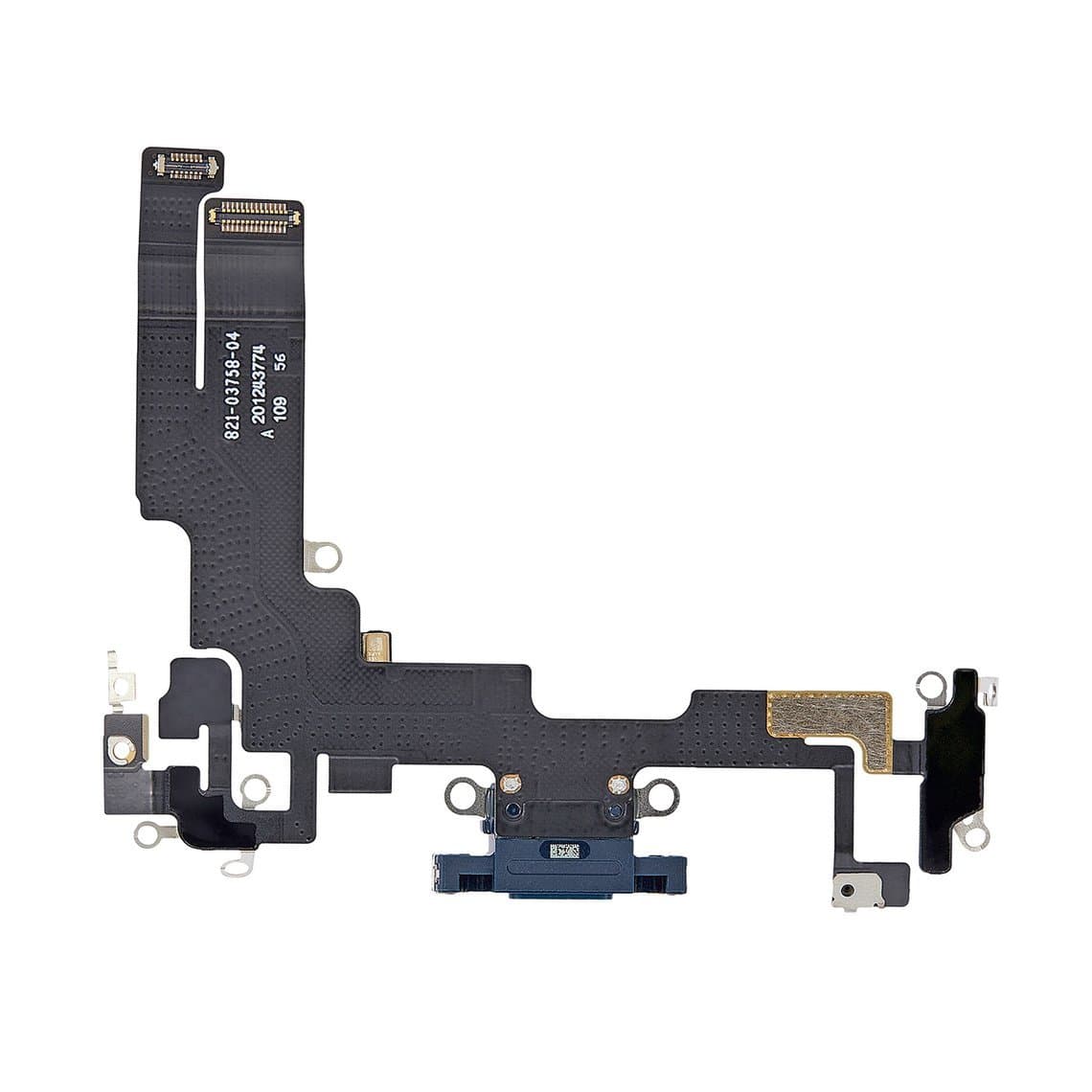
Clean the Lightning port first; lint is the most common cause of poor charging. If the port is worn or the bottom microphones also fail, replace the flex. These flexes are colour-matched, so order the right finish, such as the iPhone 14 charging flex in Midnight or the iPhone 14 Pro charging flex in Space Black.
Back glass, wireless charging and flash
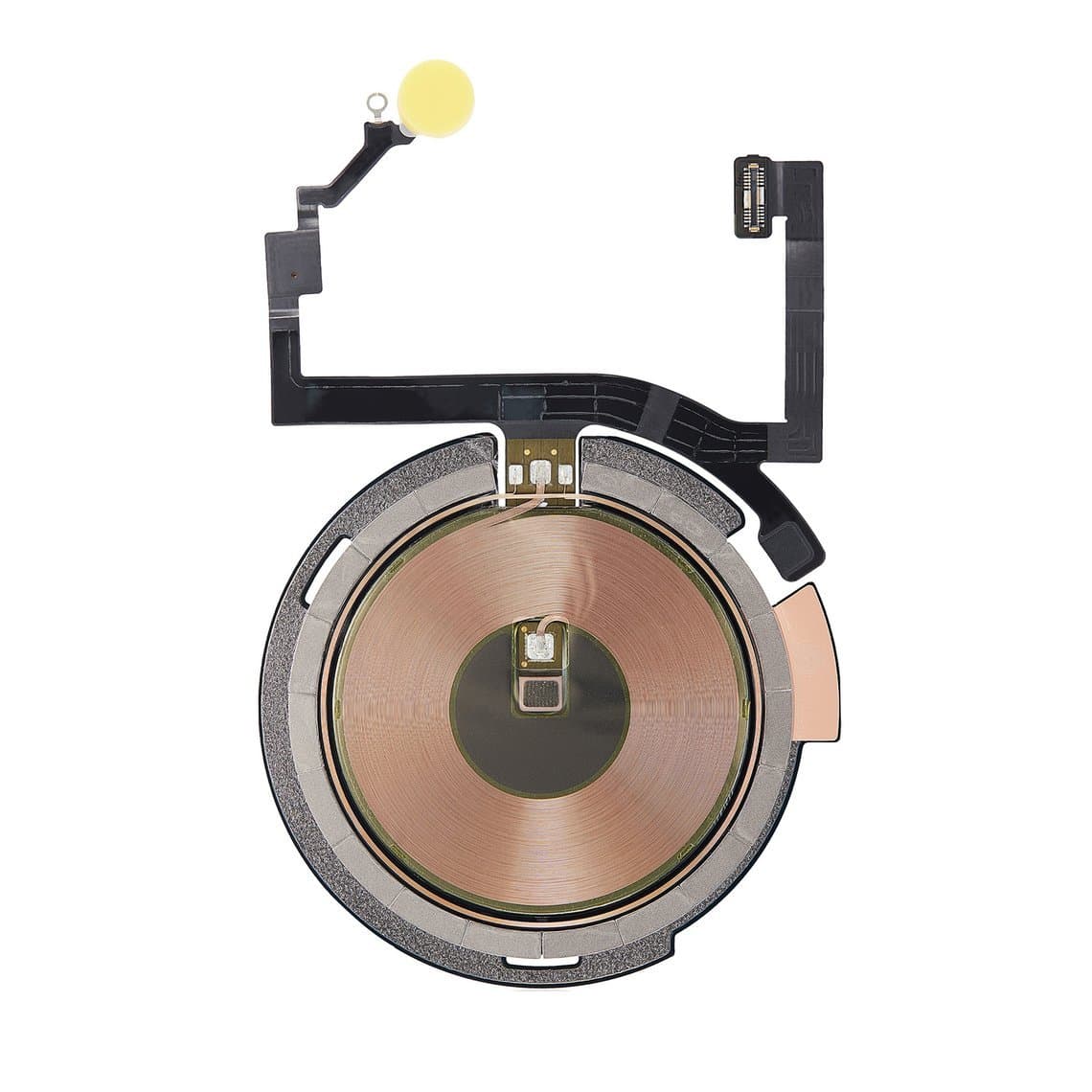
On the 14 and 14 Plus, a cracked back panel is now a far simpler job. On all models, if wireless charging or MagSafe stops working after a drop, inspect the wireless charging coil and flex. The standard 14 uses a combined wireless charging and flash flex, so a dead torch and dead wireless charging after the same impact can point to the same part.
Rear camera lens and modules
The camera island on this generation is large, especially on the Pro models, and the small lens covers crack often. Replacing the lens cover is a cheap repair if you work in a clean area. Order by model: the 14 Pro/Pro Max rear camera lens does not fit the 14 or 14 Plus. If photos are blurred, the camera shakes or rattles, or the camera app shows a black screen, the module itself may be faulty.
Front camera, sensors and Face ID
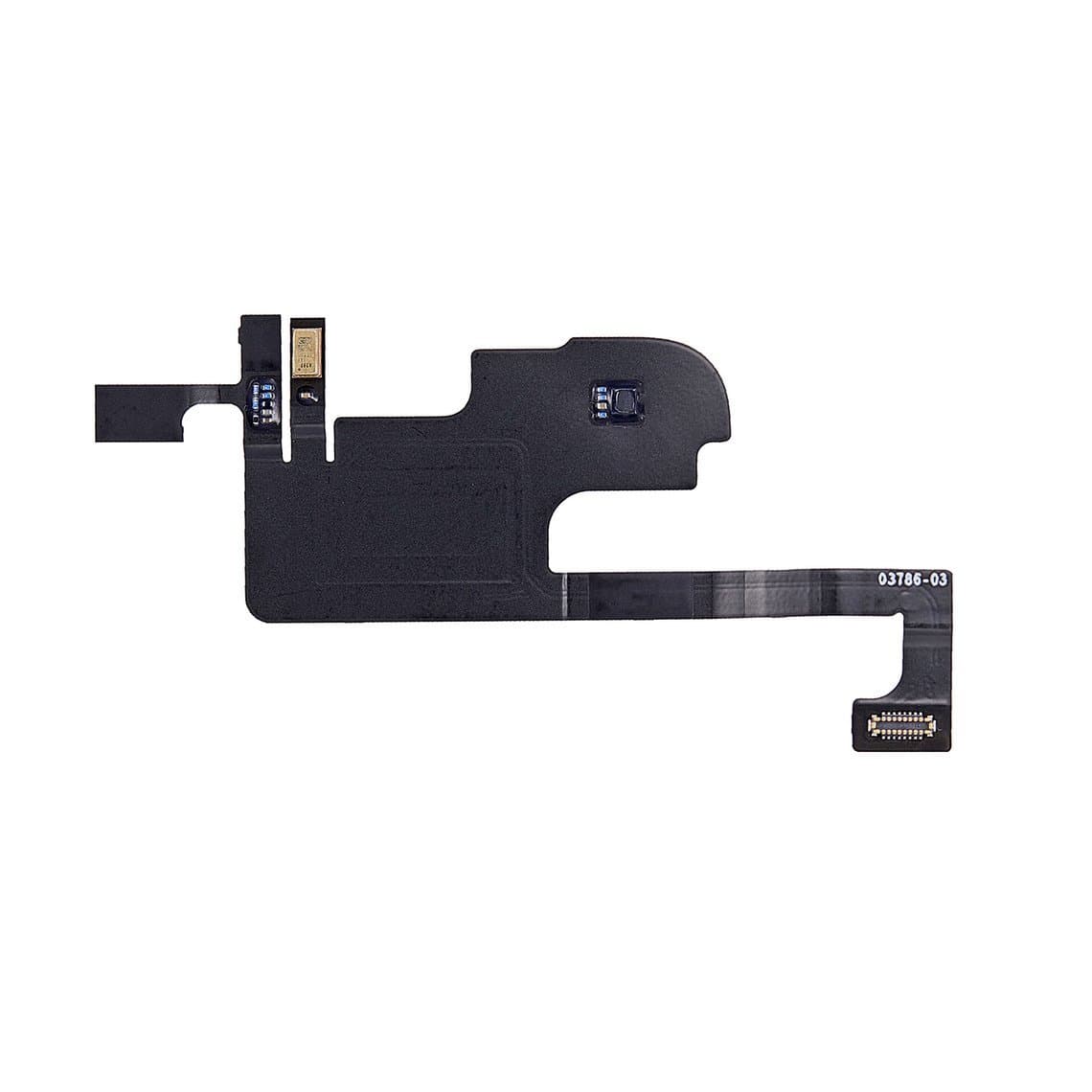
On the Pro models the front camera, Face ID and several sensors sit together behind the Dynamic Island. Damage here can affect Face ID, auto-brightness or the screen turning off during calls. The iPhone 14 Pro ambient light sensor flex is a separate part, and the standard 14 has its own proximity sensor flex. Face ID components are paired to the logic board, so a damaged Face ID module cannot simply be swapped from another phone. Front cameras can also show a notice when replaced with a part from another device.
Speakers and vibration
Quiet calls usually start with a blocked earpiece mesh; clean it before replacing the ear speaker. Weak or buzzing loudspeaker sound and a vibration motor that rattles are also common on phones that have been dropped.
Problem areas that are commonly reported
These are patterns technicians commonly report, not guaranteed faults.
- Rear camera lens cracks on the Pro and Pro Max because of the large camera island.
- OLED lines or black areas after impacts that left the glass whole.
- Back glass cracks on all models; much cheaper to fix on the 14 and 14 Plus.
- Charging faults from lint and wear in the Lightning port.
- Front sensor and Face ID faults after drops on the top edge of the Pro models.
Parts list by job
| Job | Parts to have ready | Watch out for |
|---|---|---|
| Screen | Screen in the right grade, model-specific frame adhesive | Dynamic Island cut-out on Pro models; True Tone |
| Battery | Battery, adhesive strips | Battery notice; lithium safety |
| Charging | Colour-matched charging flex | Test microphones afterwards |
| Back glass | Back panel (14/14 Plus) or glass or housing (Pro) | Different method per model |
| Wireless charging | Wireless charging flex for the exact model | On the 14 it shares a flex with the flash |
| Camera | Lens cover or camera module | Dust under the lens; camera notices |
| Front sensors | Proximity or light sensor flex | Face ID hardware is paired and nearby |
| SIM | Tray for the right region and colour | US models have no tray |
Screens and batteries for every model are listed under iPhone screens and iPhone batteries.
Choosing a screen grade for the iPhone 14 series
All four models are OLED. Our quality grades page explains each grade, and our comparison of aftermarket vs original iPhone screens goes deeper on the trade-offs.
- Original (New, Refurb or Pull): closest to factory quality and the safest choice for the 14 Pro and 14 Pro Max, where ProMotion and always-on behaviour matter.
- Soft OLED: good colour and true blacks at a lower price; a strong choice for the 14 and 14 Plus.
- Hard OLED: lower cost, slightly thicker and more rigid.
- Incell (LCD): the budget option, with higher power use and no true black. Explain this clearly to the customer.
Parts pairing and on-screen notices
The iPhone 14 series checks several parts against the logic board, including the screen, battery and cameras. When a non-Apple or unpaired part is fitted, iOS may show a notice and list it as an "unknown part" in the parts and service history. The part normally still works, but some features may be limited, and which parts trigger a notice has changed between iOS versions. Our guide to the unknown part message on iPhone explains what customers see. Tell the customer about possible notices before the repair, and transfer True Tone data with a programmer where the model and tool support it.
Safety and good practice
- Disconnect the battery before any other connector.
- Use an ESD mat and wrist strap; OLED panels and sensor flexes are static-sensitive.
- Apply heat gently and keep it away from the battery.
- Never puncture or bend a battery; isolate swollen cells in a fireproof container.
- Test display, touch, Face ID, cameras, flash, speakers, microphones, wireless and wired charging, and buttons before closing.
Is the iPhone 14 still worth repairing?
Yes, for most customers. Screen, battery and back glass jobs on this generation are routine and parts are widely available. Before a large repair, check Apple's current software support for the model so you can advise the customer on how long the phone is likely to keep getting updates.
Questions
Is the iPhone 14 back glass easy to replace?
On the iPhone 14 and 14 Plus it is much easier than on earlier models, because the back panel can be removed on its own. On the 14 Pro and 14 Pro Max the glass is still bonded, so you need a laser machine or a housing swap.
Does an iPhone 13 screen fit an iPhone 14?
The two look similar, but do not assume they are interchangeable. Order the screen listed for the exact model, and test fit and function before you seal the phone.
Will an aftermarket screen keep the always-on display on the iPhone 14 Pro?
It depends on the panel. Some aftermarket screens are reported to behave differently in always-on mode or at low refresh rates. If the customer relies on these features, an original grade screen is the safer choice.
Why does my iPhone 14 show "unknown part" after a repair?
iOS checks some parts against the logic board, and non-Apple or unpaired parts can trigger a notice. The part usually still works. Explain this to the customer before the repair.
Find screens, batteries and small parts for every model in the iPhone parts section. Repair shops can unlock trade pricing through wholesale and re-order quickly by SKU or CSV with Quick Order. Every part is tested before it ships from Shenzhen.