iPhone Back Glass Replacement: Laser Removal vs Housing Swap
17 November 2026 · LightspeedTools team
Short answer: iPhone back glass replacement on the iPhone 8 through the 13 series is done one of two ways: you remove the bonded glass with a back glass laser machine and fit new glass to the original frame, or you move the whole phone into a new rear housing that already has glass on it. The laser method keeps the original frame and costs less in parts but needs a machine and practice. The housing swap needs no laser but means a full teardown and a more expensive part.
Why iPhone back glass is hard to replace
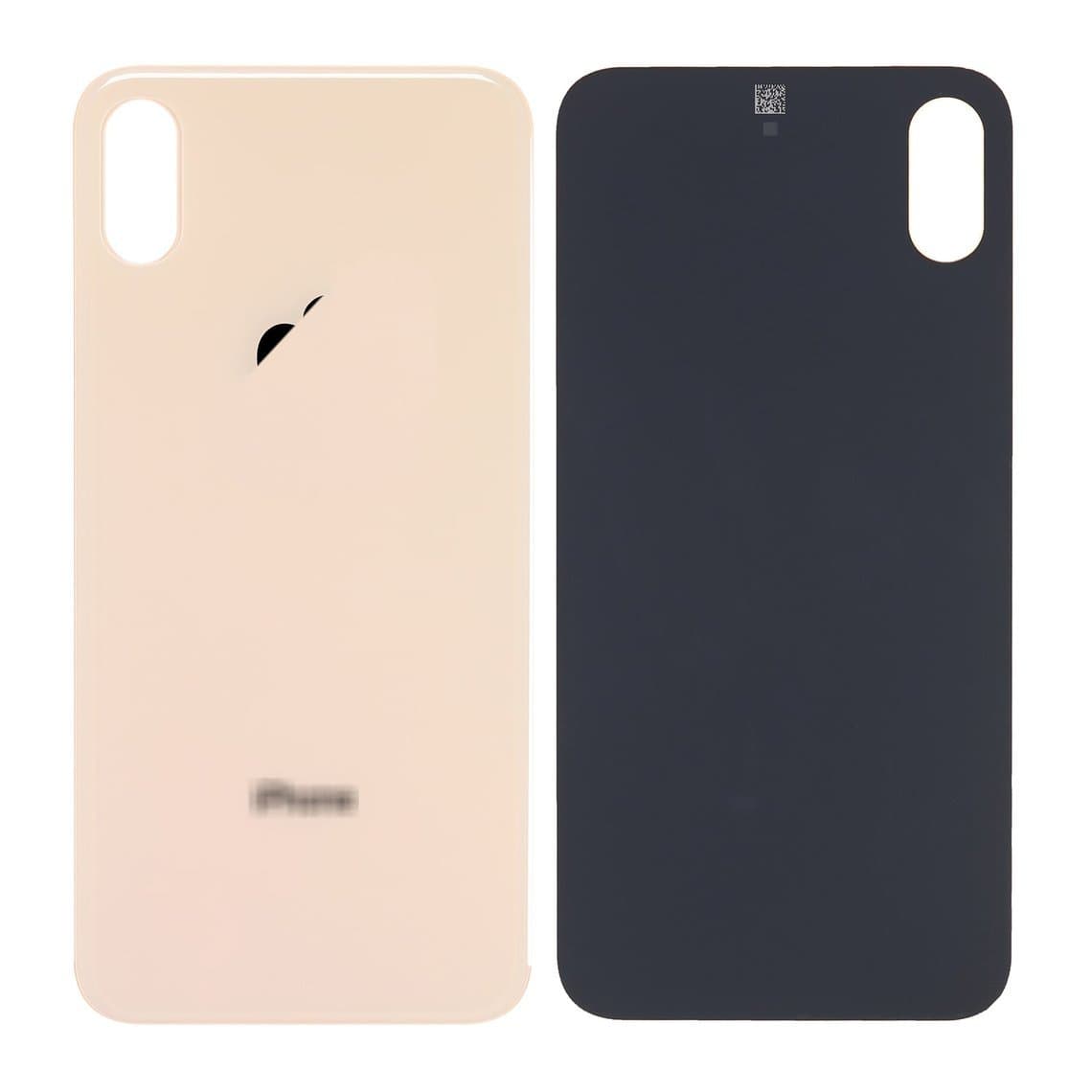
From the iPhone 8 onward, Apple used a glass back so the phone could charge wirelessly. On the iPhone 8 through the iPhone 13 family, that glass is glued straight onto the stainless steel or aluminium frame with a strong adhesive. No screws, no clips, no gasket you can open. The glass is part of the rear housing.
That makes a cracked back a problem. You can't heat it and pry it off like a screen. The glass is thin and already broken, so it comes off in small shards. The glue covers almost the whole surface. Several things sit right behind or inside it:
- The rear camera lens cover and its bezel, which sit in a cut-out in the glass and the frame.
- The wireless charging coil, a thin flexible coil stuck to the inside of the glass area, plus the battery and logic board on the inside of the frame.
- The flash and microphone openings, and on some models a small glass or plastic ring around the camera.
Any method has to get the old glass and glue off without overheating, scratching or bending what is under it. That is why shops picked one of two routes.
Method 1: laser removal and new back glass
A back glass laser machine moves a focused laser beam over the back in a set pattern. The beam weakens the adhesive under the glass and breaks up the bond, so the glass and most of the glue can be lifted or scraped off the frame. Then you fit a new piece of back glass with fresh adhesive. The phone stays in its original frame, and with most setups the screen, battery and board stay in place too.
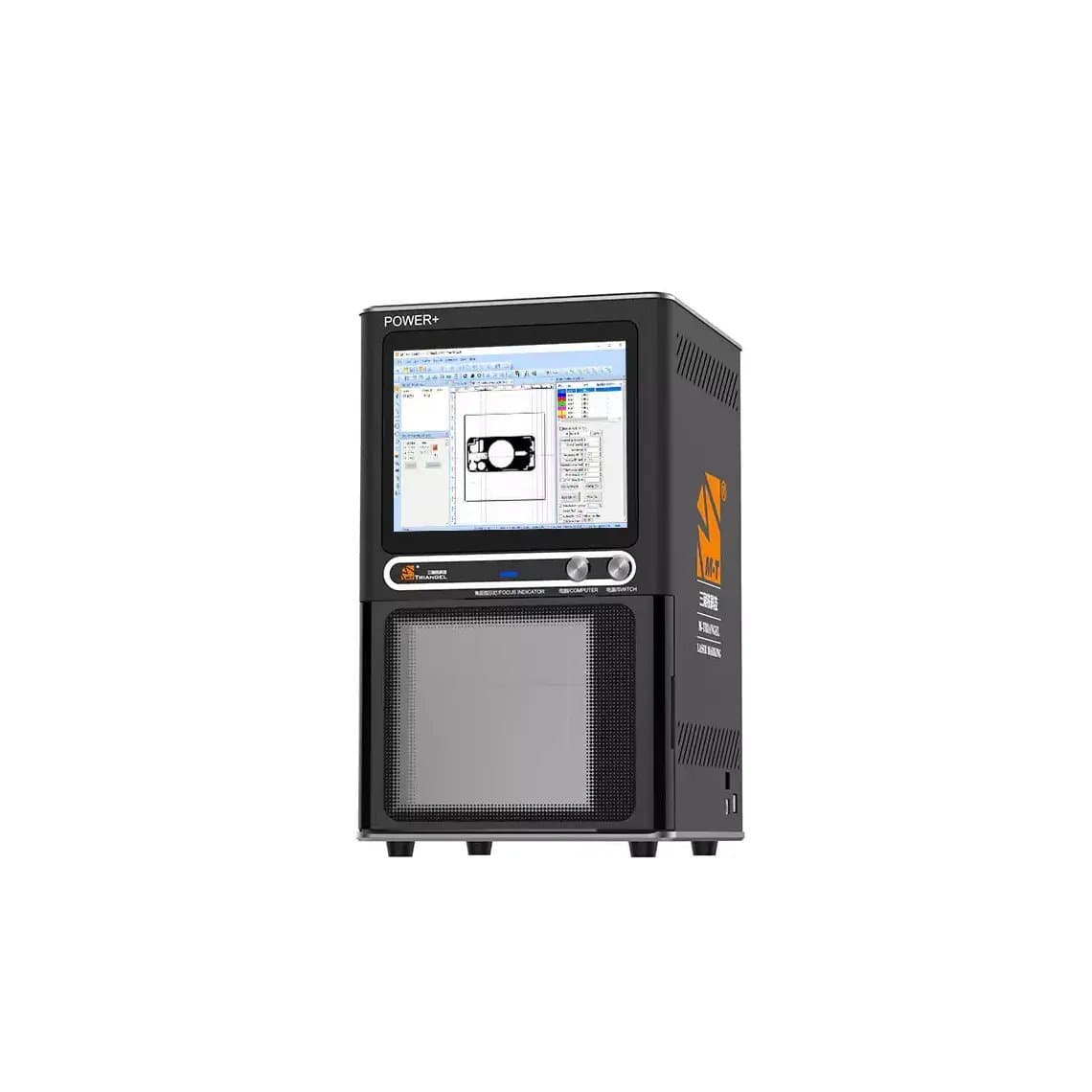
You need a machine like the M-Triangle PG Pro back glass laser machine (220V, 20W), the correct template or pattern file for each model, and a way to hold the phone flat and square under the beam. Our laser fixtures are made for that. See all machines in back glass laser machines.
Laser method: step outline
- Check the phone first. Test cameras, flash, wireless charging, Face ID or Touch ID and the microphones, and write down what works.
- Protect the camera area. Many technicians take out the rear camera module and cover the lens cut-out, or at least shield it. Your machine's software usually lets you leave the camera area out of the laser path.
- Tape the cracked glass. Put clear tape over the back so shards stay together and don't scatter.
- Load the phone in the fixture. It has to sit flat and level so the beam stays in focus over the whole surface.
- Pick the model template and run the laser. Begin with the settings the machine maker gives for that model. Change power or passes only in small steps.
- Lift the glass. Remove the loosened glass with a plastic tool or blade, working from the edges. A second pass on stubborn spots is safer than forcing it.
- Clean the frame. Get rid of leftover adhesive and glass dust with adhesive removal tools and a lint-free wipe. The new glass sits only as flat as this surface.
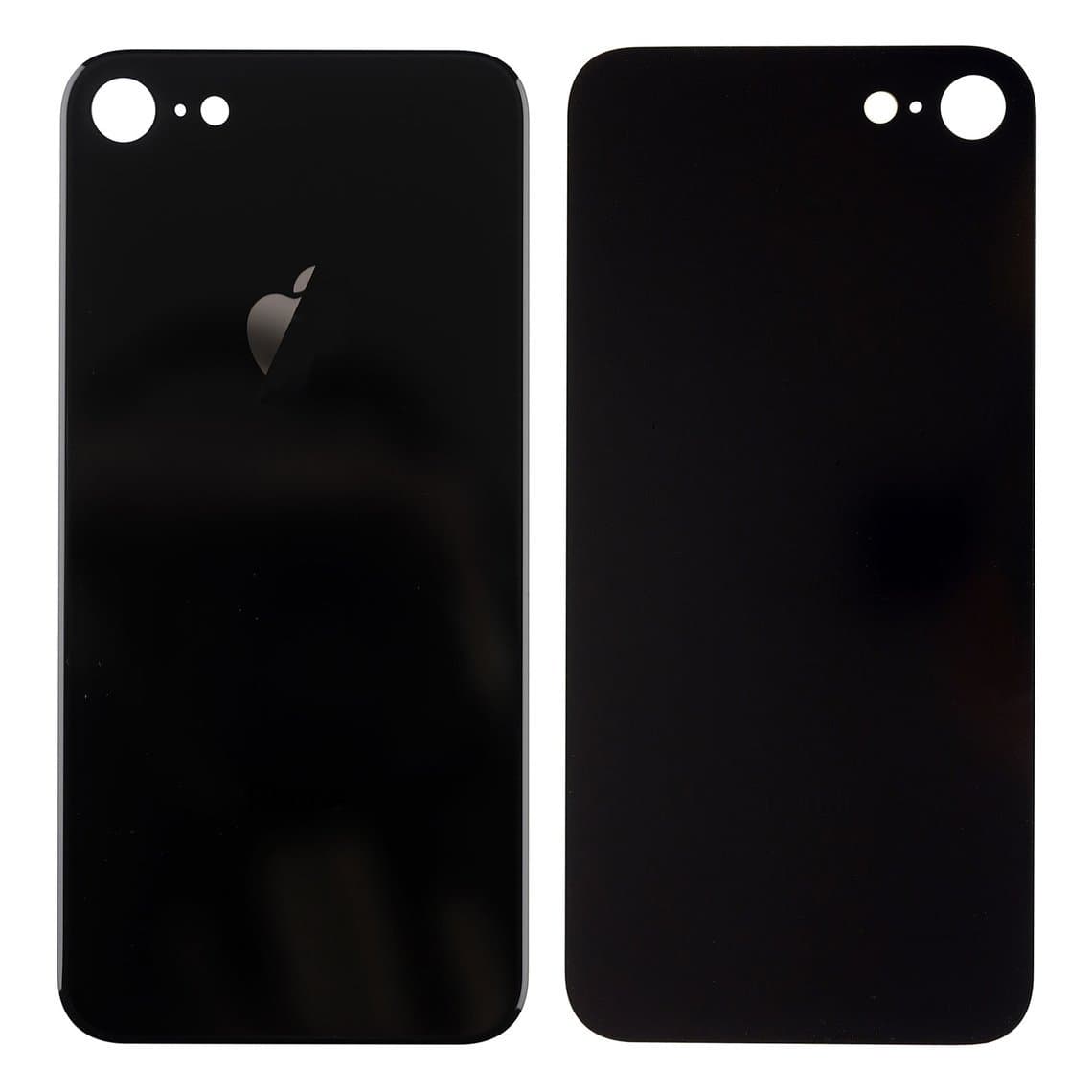
- Fit the new glass. Use new back glass with the right camera cut-out. Put on adhesive from our adhesives and glue range, line up the camera hole, then clamp or press while it cures.
- Reinstall and test. Refit the camera lens cover if it was replaced, then run the same function test as step 1.
Method 2: rear housing swap
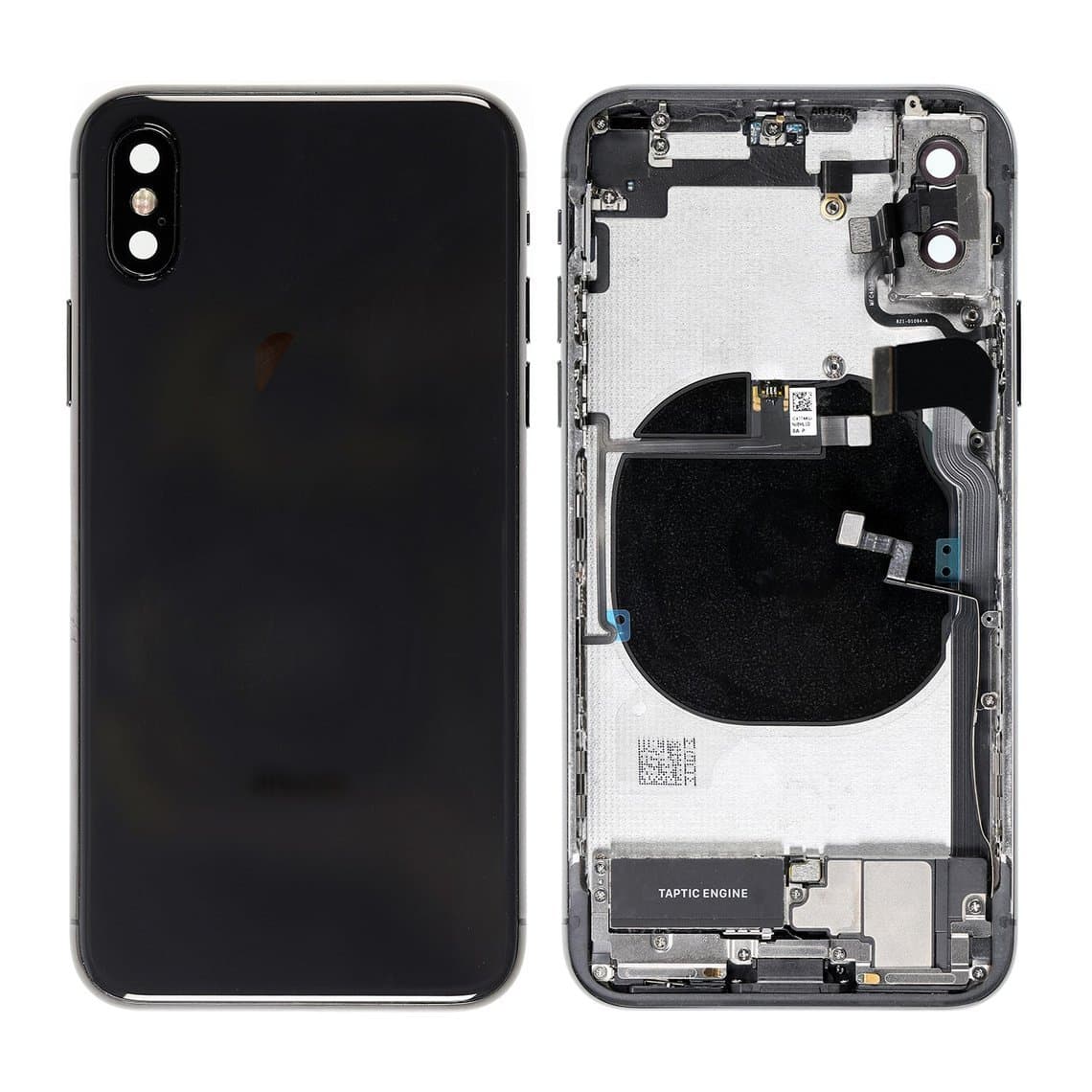
A housing swap skips glass removal. You buy a rear housing that already has the frame, new glass and often the camera lens cover in place. Then you move every internal part from the old phone into it.
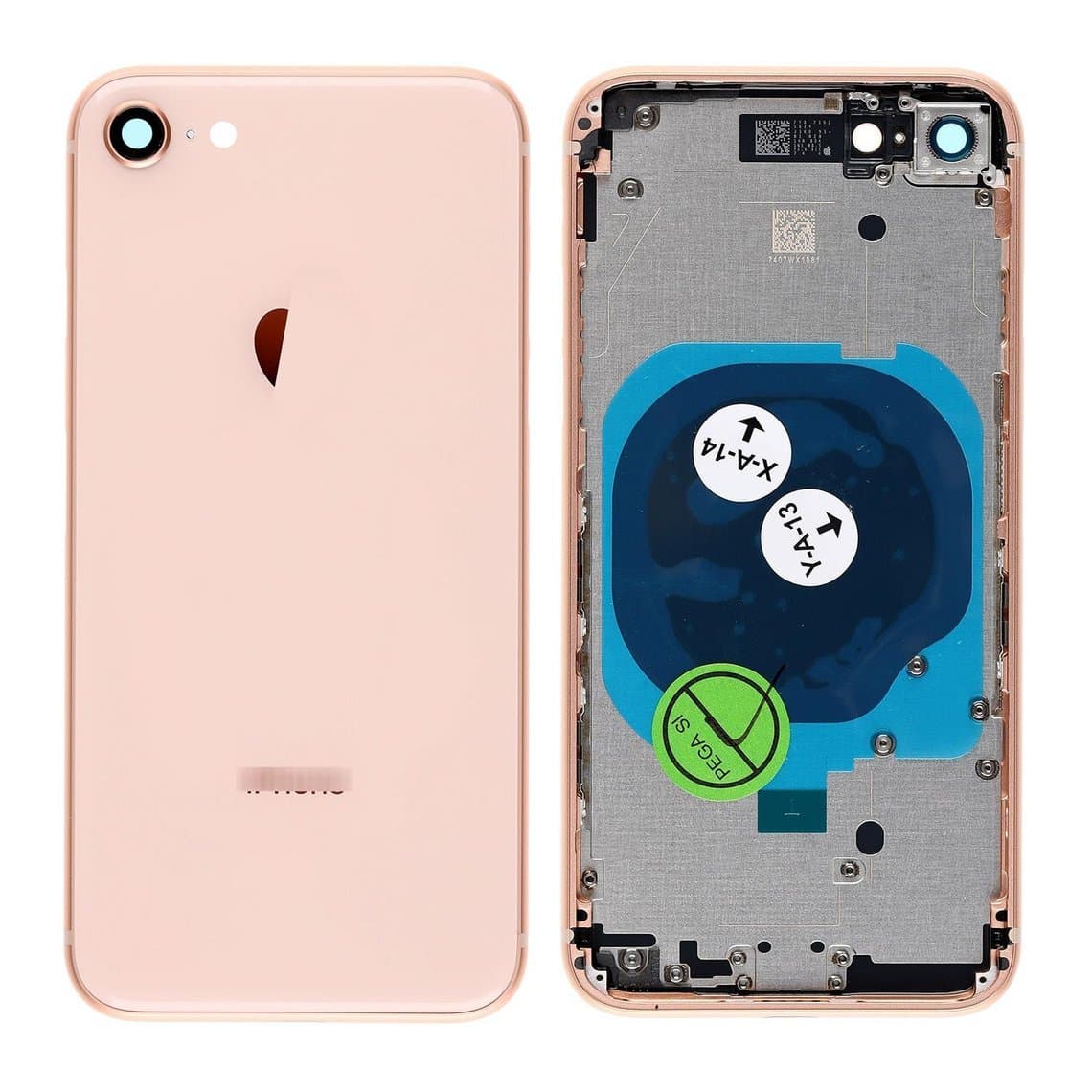
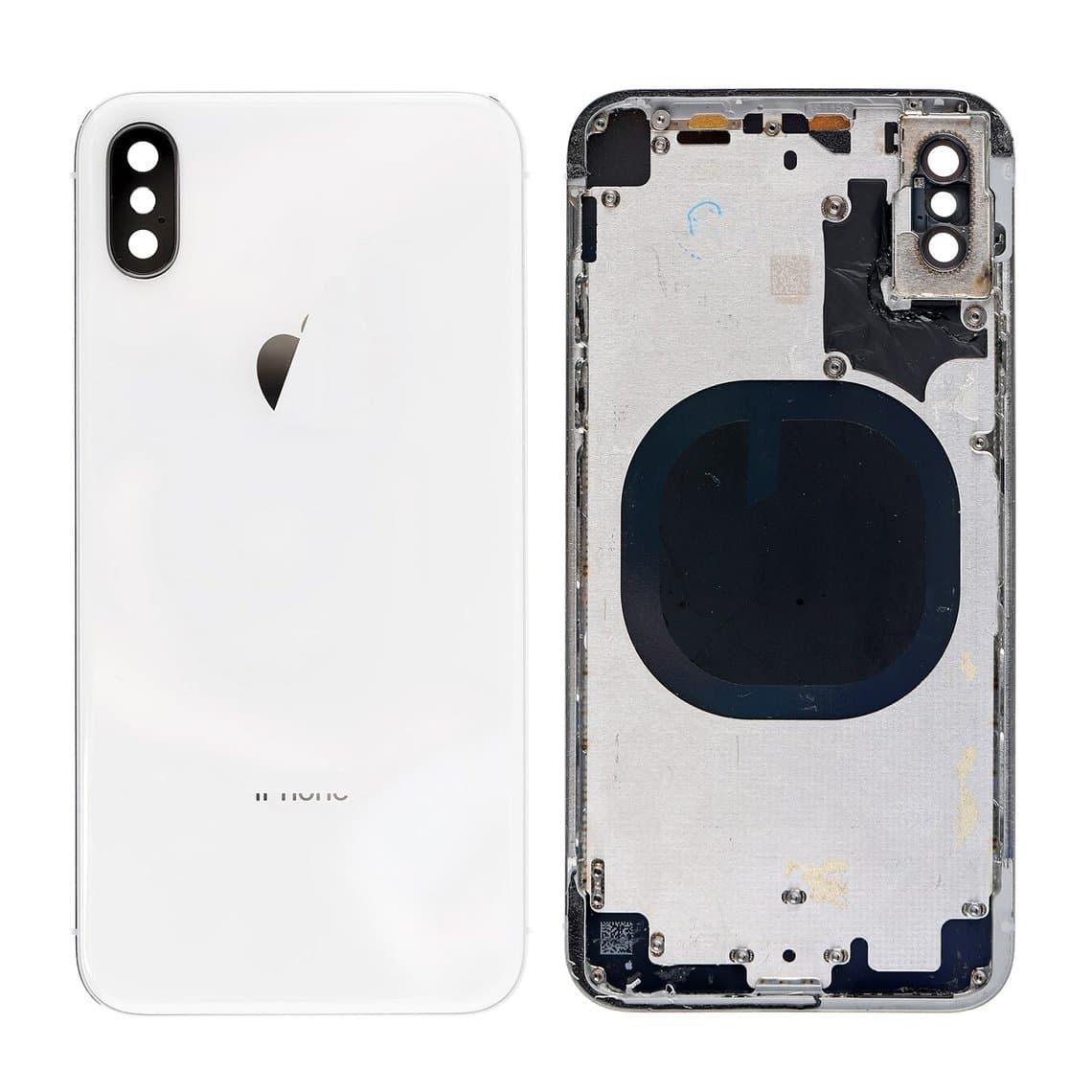
For older models you can choose between parts at different levels. For example, the iPhone 8 back cover with frame assembly in gold or the iPhone 8 back cover in space gray, the iPhone X rear housing with frame in silver, the iPhone X back cover full assembly in space gray and the iPhone XS back cover in gold. Check the listing to see exactly what each part includes before you plan the job.
Housing swap: step outline
- Test and record every function, the same as with the laser method.
- Open the phone and disconnect the battery before anything else.
- Take out the screen, then the battery, logic board, cameras, Taptic Engine, speaker, charging port flex, buttons and their flex cables, the wireless charging coil and every small bracket.
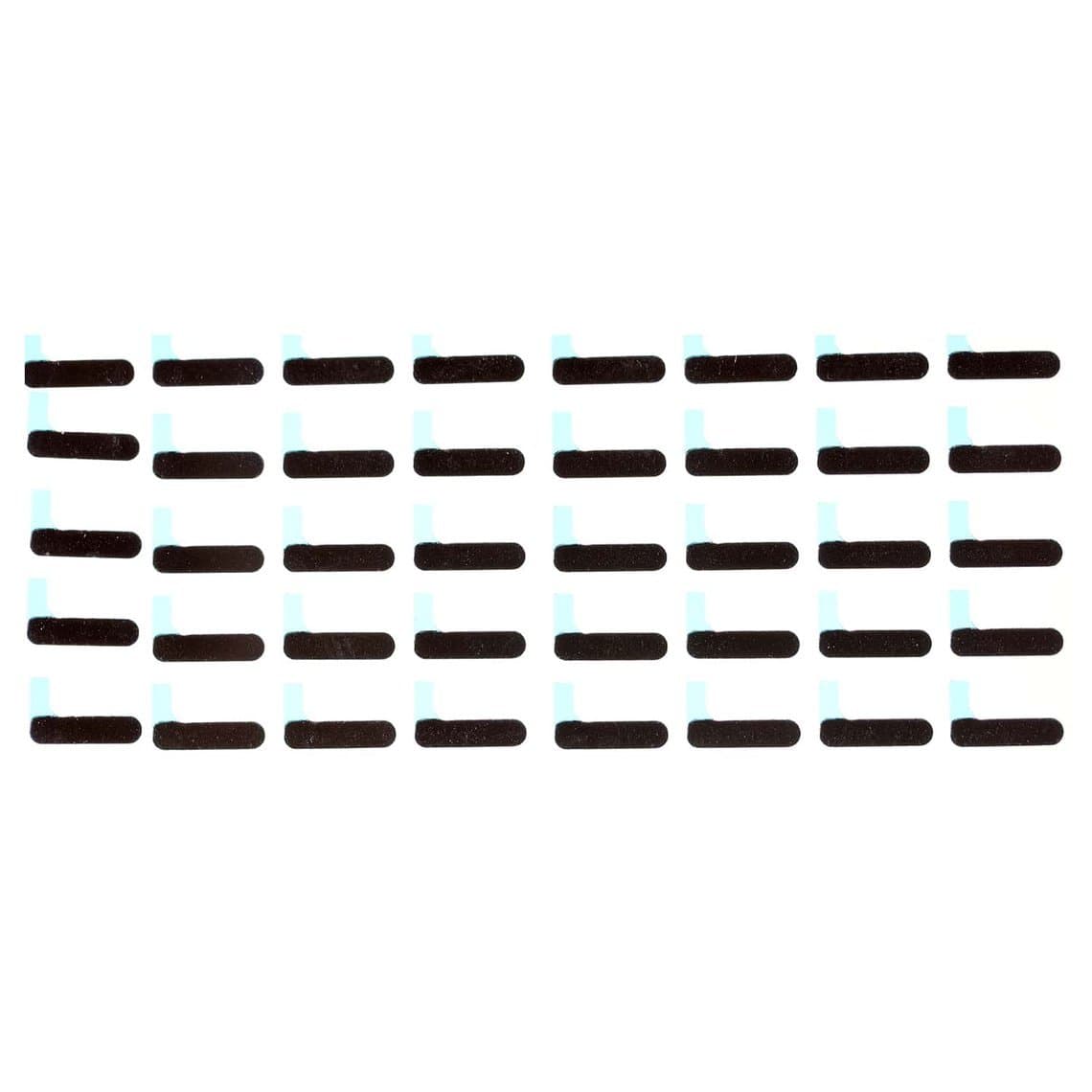
- Move small parts carefully. Keep screws in order by location. Long screws in the wrong hole can damage the board. Replace foam, shielding stickers and insulators where needed. Parts like the iPhone X back cover conductive foam and the shielding cover insulator stickers are cheap and easy to forget.
- Build up the new housing in reverse order. Check that the buttons click properly and that no flex cable is pinched.
- Reseal the screen with new adhesive, then test everything again, including wireless charging and cellular signal.
Laser vs housing swap: side by side
| Factor | Laser removal + new glass | Rear housing swap |
|---|---|---|
| Bench time | Short machine run, plus cleaning, gluing and curing. It gets quicker with practice and good fixtures. | Longer. It means a full teardown and rebuild, and the time grows with the number of small parts you move. |
| Main cost drivers | Buying the laser machine and fixtures (one time), then glass and adhesive for each job. | The housing part on each job, which costs more than glass alone. Little equipment is needed. |
| Cosmetic result | Original frame, so any scratches or dents on the frame stay. The finish of the glass depends on the glass you buy and how well it is fitted. | New frame and new glass, so the whole back looks new. Color and finish depend on the housing you buy. |
| Risk to the camera lens | The lens cover and camera can be damaged if they are not protected or if the laser path hits them. | Lower risk from the process, but cameras and lens covers are handled during the transfer. |
| Risk to the wireless charging coil | Too much heat or too many passes can damage the coil or nearby parts. Set the machine carefully and follow the maker's guidance. | The coil has to be peeled and moved, or replaced. Thin coils tear if you rush. |
| Skill needed | Using the machine, focusing it and picking settings, plus neat gluing. | Full disassembly skills, screw management and flex cable handling. |
| Equipment | Back glass laser machine, fixtures, extraction or ventilation, adhesive removal tools, clamps. | Standard opening tools, screwdrivers, a heat source for the screen, adhesives. |
When each method makes sense
Choose the laser method when
- You do back glass jobs often enough that a machine pays off against housing costs.
- The frame is in good shape and the customer only cracked the glass.
- You want less handling of internal parts. Fewer connectors opened usually means fewer things that can go wrong after the repair.
Choose the housing swap when
- The frame is bent, dented or badly scratched, so new glass alone would still look worn.
- The customer wants the phone to look like new, or wants a different color where a matching housing is available.
- You only see back glass jobs now and then and don't want to buy a laser yet.
- There is water damage or a swollen battery, and you plan to take the phone apart anyway.
Many shops do both. They use the laser for clean, everyday back glass jobs and keep housings in stock for phones with frame damage.
What changed on newer iPhones
Apple changed the internal design starting with the iPhone 14 and 14 Plus. On those and some newer models, the back glass can be removed and replaced as its own part, with no laser and no full housing swap. The Pro models of those years kept a different construction, so don't assume the same back opens on every phone from the same year. Before you quote a job on a newer phone, check the exact model and see which back glass parts are available on our iPhone parts pages.
For the iPhone 8 through 13 families, the bonded back is still the norm. That is the main range where shops choose between laser and housing.
Common mistakes to avoid
- Using too much laser power to save time. Heat build-up is the main risk to the coil, the camera area and the battery. Several gentle passes beat one strong pass.
- Leaving the battery in a hot spot. Follow your machine's guidance on what stays inside the phone during the laser run, and never point the beam at a battery you can see.
- Poor frame cleaning. Leftover glue makes the new glass sit high, rock or lift at the edges.
- Wrong camera cut-out. Check the glass against the frame before you add adhesive.
Questions
Can I remove iPhone back glass with heat alone?
On bonded models, not cleanly. The adhesive covers most of the back and the cracked glass breaks into small pieces, so heat and a blade mean slow work, frame scratches and a real risk of cutting into the coil or battery. That is why shops use a laser machine or a full housing swap.
Does laser back glass removal damage wireless charging?
It can if the settings are too strong or the beam stays too long in one area. Start with the maker's recommended settings for that model, use the right template and fixture, and test wireless charging before and after the job. Set up correctly, the laser method is a normal shop process.
Is a housing swap better quality than replacing just the glass?
Not in itself. A housing swap gives a new frame, which helps when the old one is damaged. A careful laser job keeps the original frame and moves fewer parts. The quality depends on the parts you buy and how well the work is done.
Which iPhones need a laser for back glass replacement?
The iPhone 8 through the iPhone 13 families have back glass bonded to the frame, so they need a laser or a housing swap. The iPhone 14 and 14 Plus and some newer models use a back glass that can be replaced on its own. Always check the exact model before you quote.
Ready to set up your back glass station? See the back glass laser machines and browse our LIGHTSPEED range on machines. For volume pricing on housings, glass and adhesives, go to wholesale. For help choosing a machine, contact us.