Best Electric Screwdriver for Phone Repair: Is It Worth It?
17 November 2026 · LightspeedTools team
Short answer: An electric screwdriver is worth it for a repair shop that does the same disassembly many times a day: Android midframes, laptop bottom covers and batch refurbishing are where it saves real time. It does not replace a manual precision driver. The best electric screwdriver for phone repair has low, adjustable torque, a clutch or torque setting you trust, and takes the bits you already use, and you still finish delicate screws by hand.
This article looks at powered drivers only. For the full picture on bit types, handle sizes and which screws each phone uses, read our guide to the best screwdriver for phone repair first.
Where an electric screwdriver actually saves time
Most single iPhone screen jobs have only a handful of screws, and a good manual driver handles them in seconds. The gains show up elsewhere:
- Android midframes. Many Android phones hold the midframe with a ring of small Phillips screws, often well over a dozen. Running them out and back in by hand is slow and tiring on the wrist.
- Laptops and tablets. Bottom covers, keyboard plates and hinge brackets carry long rows of screws. A powered driver turns a tedious step into a quick one.
- Batch refurbishing. If you strip and rebuild many units of the same model in a day, the time saved per device adds up across the week.
- Repetitive strain. Technicians who drive hundreds of screws a day often find the reduced wrist rotation the biggest benefit, more than the raw speed.
If most of your work is one-off screen and battery swaps on recent iPhones, the time saved is small. If you open a lot of Android phones, laptops or game controllers, the case is much stronger.
The real risks: stripped heads and overtightening
Phone screws are tiny, soft and often threaded into thin brackets or standoffs. A powered driver adds two risks a manual driver does not:
- Cam-out and stripped heads. If the bit is not seated straight, the motor keeps turning while the bit slips, and the cross in the head rounds off in a fraction of a second. Worn bits make this far worse.
- Overtightening. Too much torque can strip the thread in a standoff, crack a bracket, or press a screw into a part it should only just touch. Standoffs soldered to the board are especially expensive to damage.
- Wrong screw in the wrong hole. Speed encourages carelessness. A longer screw driven fully into a short hole can damage the board or display underneath. A powered driver will not warn you before it bottoms out.
The safe habit is simple: use the electric driver to run screws out and to run them back in until they just seat, then do the final snug turn by hand.
Torque settings and the clutch
Torque is the single most important specification. Precision electric screwdrivers are built for very low torque compared with household cordless drills, and many offer several torque levels. Some limit torque electronically, others use a mechanical clutch. Either way, the driver should stop or slip once the screw reaches its set resistance instead of forcing it further.
Practical points:
- Start on the lowest setting for any screw near a display, flex cable or board, and step up only if it will not seat.
- Higher settings are for laptop and console screws, or for breaking loose a screw held with threadlocker. Even then, a stubborn screw is often better started by hand.
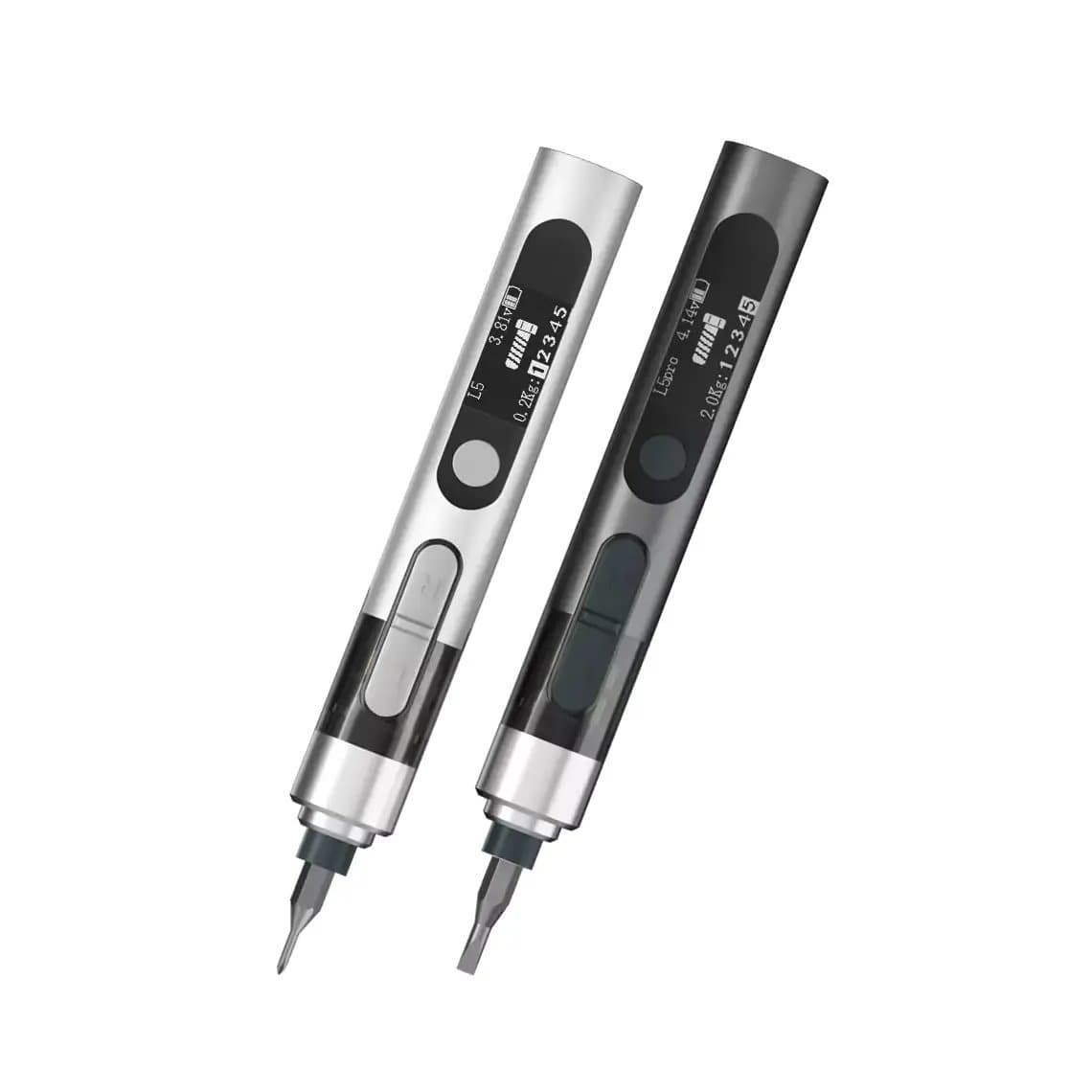
- Drivers with two or more torque settings, such as the MaAnt L5/L5Pro with double adjustable torque or the Mr.yang M-T10 4-torque kit, let you keep a gentle setting for phones and a firmer one for larger devices.
- Published torque figures vary by brand and are measured in different ways, so treat them as a guide and check the behaviour on a scrap device before using a new driver on a customer's phone.
Bit compatibility
Many precision electric screwdrivers take the common 4mm hex-shank precision bits that come with most manual precision sets, which means you can use the Phillips, pentalobe, tri-point and Torx bits you already own. This is common but not universal: some drivers use their own bit style or a different shank, so confirm the bit standard on the product page before you buy, especially if you plan to mix bits between drivers.
Bit quality matters more with a motor behind it. A slightly worn tip that you can feel slipping in a manual driver will strip a head before you notice when powered. Replace bits as soon as the tip looks rounded, and keep spares of the sizes you use most. Our screwdriver and bit range sorts bits by type if you need replacements.
A magnetic bit holder is also useful. Drivers such as the Jakemy JM-Y01 cordless magnetic set make it easier to lift tiny screws out of deep holes, though you should keep magnetised tools away from parts sensitive to magnets, such as compass and Hall sensor areas, and avoid dropping screws onto the board.
Battery, charging and size
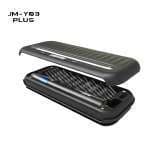
- Rechargeable versus disposable cells. Most current precision drivers are rechargeable, often by USB. Rechargeable models like the Jakemy JM-Y03 Plus are convenient, but plan a charging routine so the driver is not flat in the middle of a busy day.
- Lithium battery care. These drivers contain small lithium cells. Charge them with a suitable USB charger, do not leave them charging on a cluttered bench under hot air or a heat plate, and retire any driver that swells, gets hot when idle or will not hold charge.
- Size and grip. A pen-sized driver gives better control and a clearer view of the screw. Bulkier drivers can be easier to hold for long laptop jobs. Balance matters more than weight: a driver that is front-heavy tends to tilt and cam out.
- Light. A built-in LED, as on several models listed here, helps in deep screw wells and under a dark midframe.
When to use a manual driver instead
Keep a good manual precision driver within reach at all times. Use it for:
- The final tightening turn on any screw near the display, camera or board.
- Screws securing display and battery connector brackets on iPhones, where overtightening can damage the connector or bracket.
- Screws with damaged or partially stripped heads, where you need to feel the bit bite.
- Very short screws in thin plastic, and any screw you are not sure the length of.
- Starting a stubborn screw held with threadlocker, before letting the motor take over.
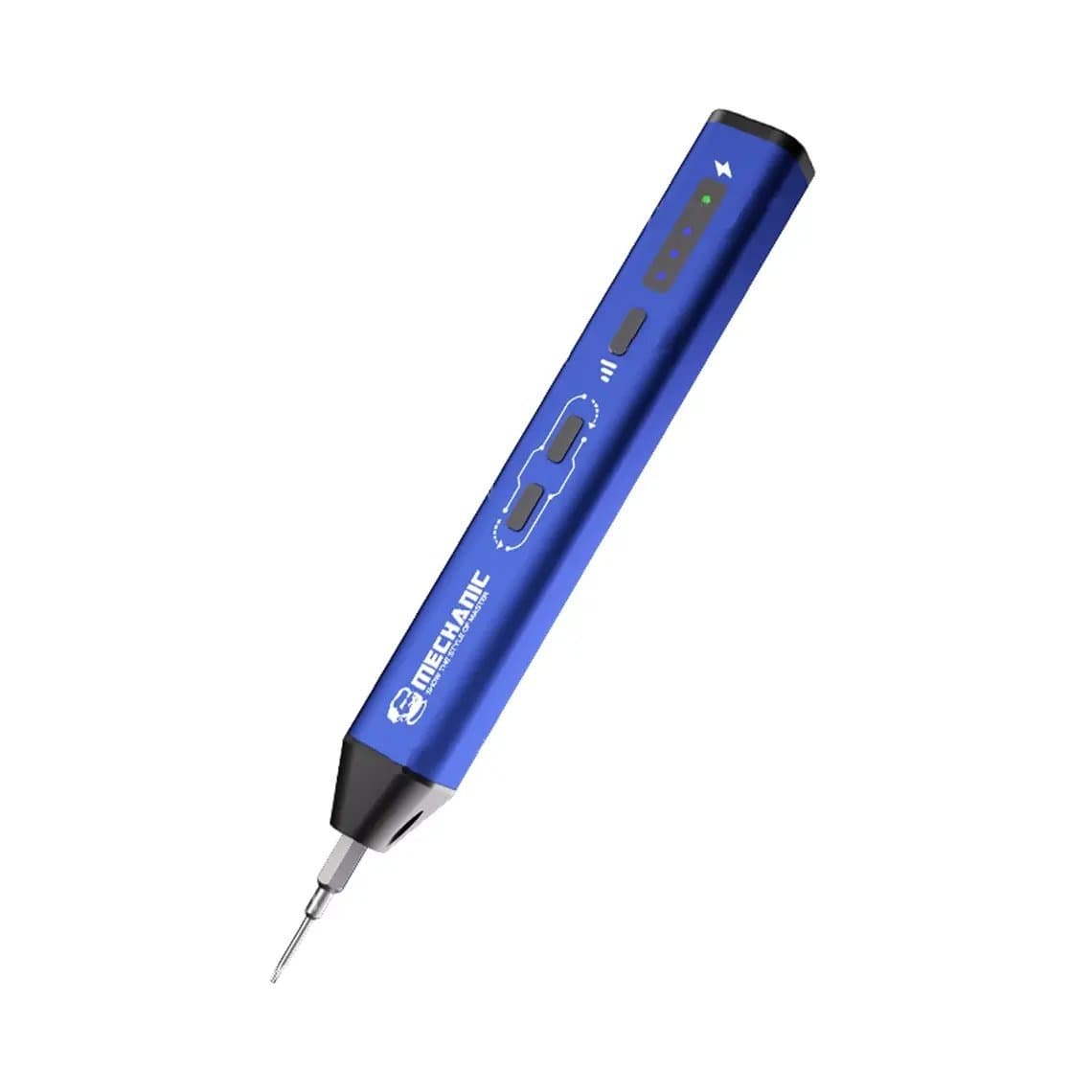
A hybrid tool such as the Mechanic ES240 manual/electric 2-in-1 set covers both in one handle. Many technicians still prefer a separate manual precision screwdriver for feel.
Electric vs manual: quick comparison
| Factor | Electric precision driver | Manual precision driver |
|---|---|---|
| Speed on many screws | Much faster on midframes and laptops | Slower, fine for a few screws |
| Feel and feedback | Limited; relies on torque setting | Full feel of the bit seating and the thread |
| Risk of stripping | Higher if the bit is worn or tilted | Lower with good technique |
| Overtightening control | Depends on the clutch or torque limit | Depends on the technician |
| Wrist strain | Low | Higher on long sessions |
| Maintenance | Charging, battery wear, bits | Bits only |
| Best for | Repetitive disassembly and reassembly | Final tightening, fragile and damaged screws |
How to choose one
- Torque levels. At least two settings, with a low one suitable for phone screws.
- Speed. Moderate speed is enough. Very fast drivers make it harder to stop at the right moment.
- Controls. Some drivers use buttons; others, like the ES15 motion-sensing driver, turn when you twist your wrist, which some technicians find more natural. Try to choose one style for the whole bench so staff are not switching habits.
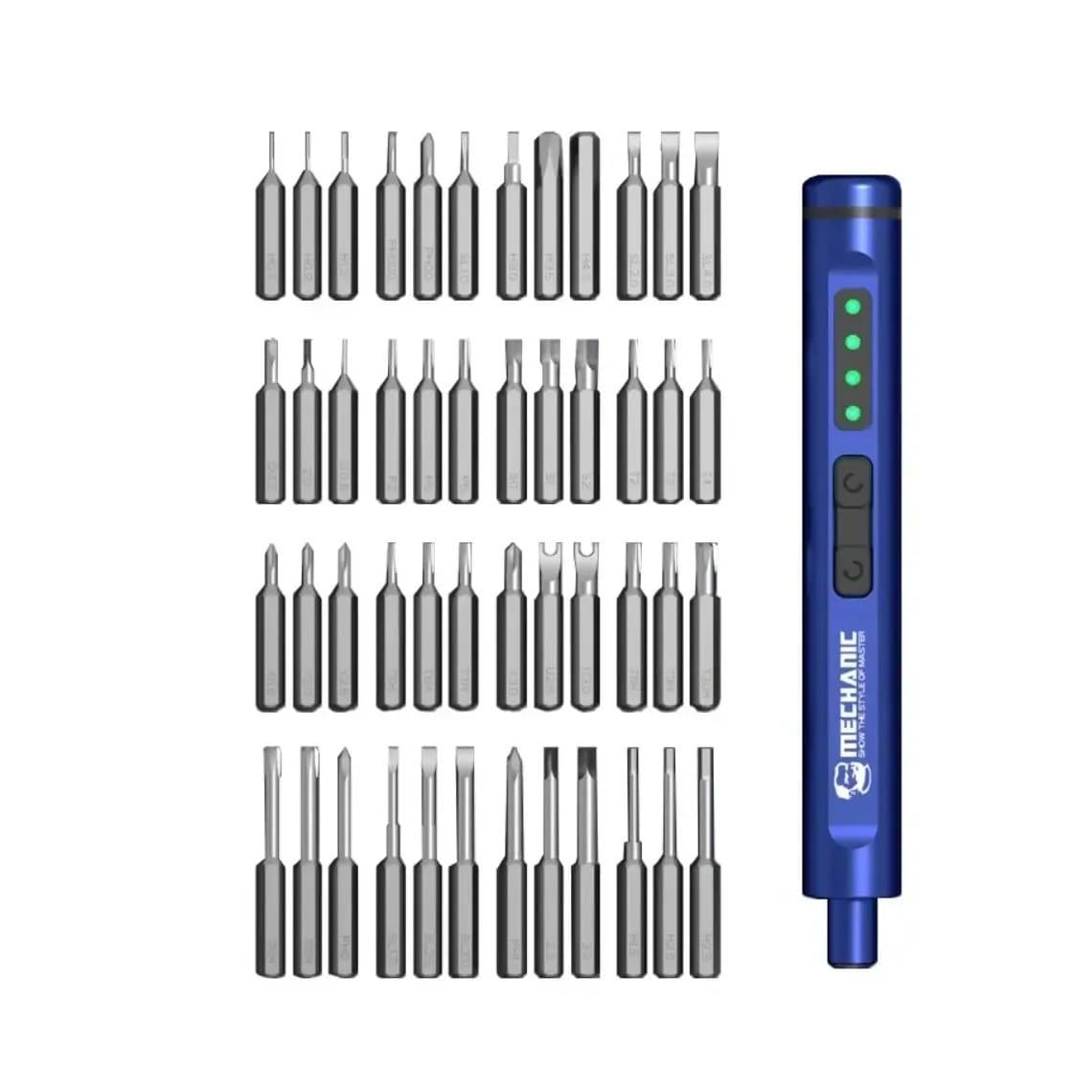
- Bit set. Check the bit standard and that the set includes the profiles you need: Phillips, pentalobe, tri-point, Torx and a few hex sizes. Larger kits such as the Mechanic ES480 48-in-1 set suit shops that also repair laptops, consoles and drones.
- Light and magnet. An LED and a magnetic tip are small features that help every day.
- Charging and battery. USB charging and an easy way to see charge level save frustration.
- Spare bits. Make sure replacement bits are easy to buy in the same standard.
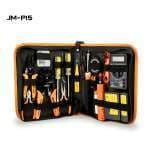
Some kits combine tools, such as the Jakemy JM-P15 electric screwdriver and soldering iron kit, which can suit a mobile technician with limited bench space. A shop bench is usually better served by a dedicated driver plus a proper soldering station.
Common mistakes
- Driving screws fully home on high torque and stripping standoffs.
- Using worn bits because they still "mostly work".
- Holding the driver at an angle; keep it in line with the screw.
- Losing track of screw positions because the job went faster. Use a magnetic mat or screw organiser and lay screws out in the same pattern as the device.
- Letting the driver run flat and switching to a random manual driver mid-job.
Questions
Is an electric screwdriver safe for iPhone repair?
Yes, if you use a low torque setting and good bits. Use it to remove screws and to run them in until they just seat, then finish by hand near the display and battery connectors. Never drive an unknown-length screw at full power.
What torque should I use for phone screws?
Use the lowest setting your driver offers for phone screws and increase only if a screw will not seat. Torque scales differ between brands, so test a new driver on a scrap phone first. Higher settings are for laptop and console screws.
Do electric screwdrivers use the same bits as manual precision sets?
Many take the common 4mm hex-shank precision bits, so your existing bits often fit. Not every driver uses that standard, so check the product page before buying. Replace worn bits quickly, because a motor strips heads faster than a hand.
Is an electric screwdriver worth it for a small repair shop?
It is worth it if you open many Android phones, laptops or consoles, or refurbish devices in batches. For a shop doing mostly single iPhone screen and battery swaps, a quality manual driver may be enough. Most busy benches end up using both.
Browse our full range of electric screwdrivers for phone, laptop and console work. Shops buying for several benches can unlock trade pricing through wholesale, and repeat orders by SKU are fastest through Quick Order.