Best Screwdriver for Phone Repair: Types, Sizes and Torque
17 November 2026 · LightspeedTools team
Short answer: The best screwdriver for phone repair is a set of dedicated precision drivers that match the screws you actually see: Pentalobe P2 (0.8 mm) for iPhone bottom screws, tri-point Y000 / Y0.6 for internal iPhone and Apple Watch screws, Phillips #000 for most internal screws, and Torx sizes for some Android phones. Add a magnetic screw mat or organiser, and consider a torque-limited driver to stop stripped heads.
A worn or wrong-sized driver is behind most stripped screws, cam-outs and scratched frames. Phone screws are tiny and soft, so a driver that is a fraction too small or slightly rounded will destroy the head on the first turn. This guide covers which screw types you will meet, how dedicated drivers compare with bit sets, when torque control and electric drivers help, and how to keep screw lengths from causing damage.
The screw types on phones
Screw types vary by brand, model and even by the part inside one phone, so treat the table below as the common pattern, not a rule for every model. Always check the screw head before you start turning.
| Screw type | Common size | Where you usually find it |
|---|---|---|
| Pentalobe (5-point) | P2, often sold as 0.8 mm | Bottom screws beside the charging port on most iPhones |
| Tri-point (Y-type) | Y000, often sold as Y0.6 | Inside many iPhones from the iPhone 7 era onward (brackets and shields) and on Apple Watch; varies by model |
| Phillips (cross) | #000, sometimes #00 | Most internal screws on iPhones and on many Android phones |
| Torx (6-point star) | T2 to T5 range | Some Android phones, laptops and accessories; varies by brand |
| Standoff | Small slotted or hex standoff | Some iPhone logic boards and brackets, where another screw threads into the top; model-dependent |
Pentalobe
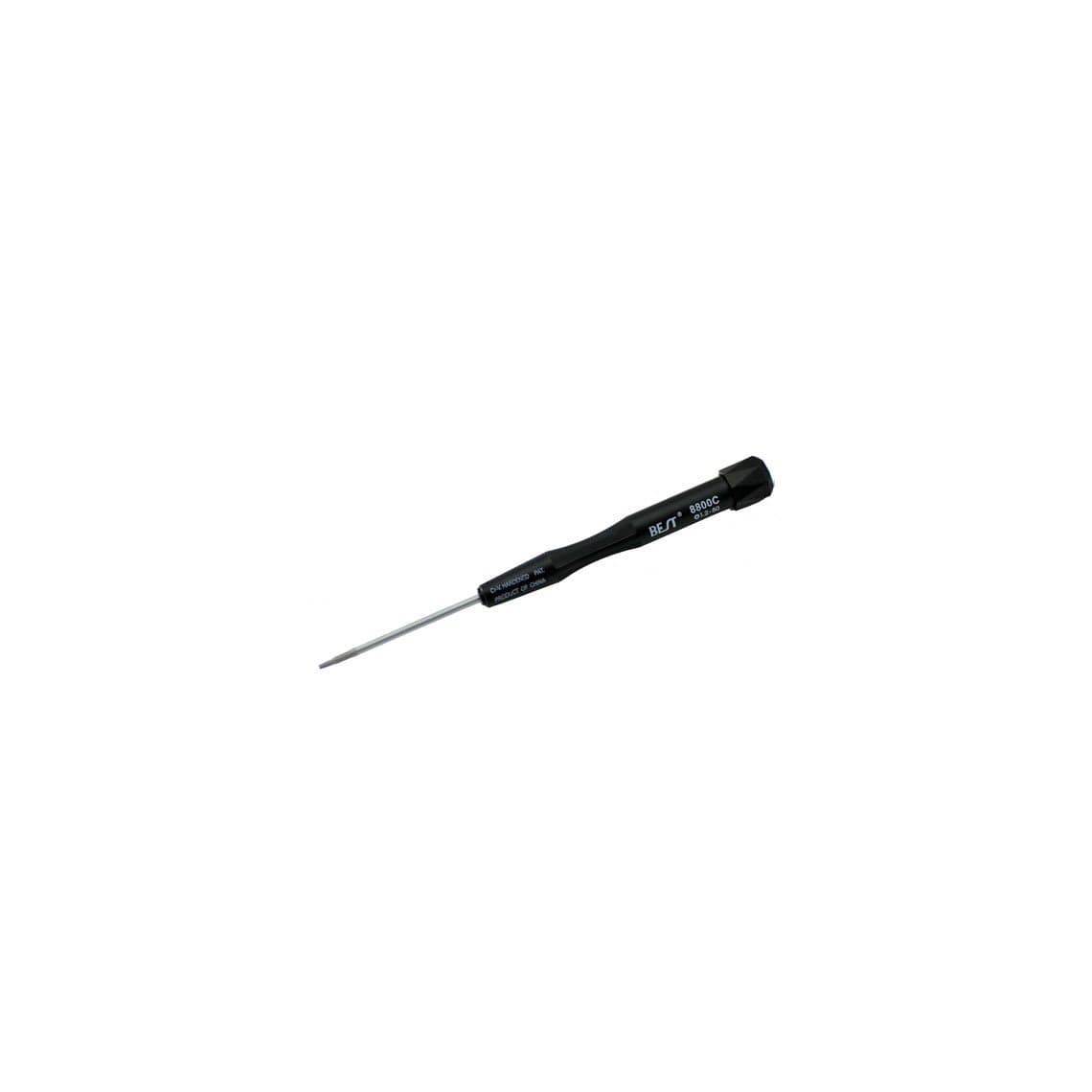
Apple uses pentalobe screws at the bottom of most iPhones to keep casual users out. The phone size is usually labelled P2 or 0.8 mm. Some older MacBook Air models use a larger pentalobe, often sold as 1.2 mm, which is why drivers like the 0.8 mm iPhone / 1.2 mm MacBook Air pentalobe screwdriver #8800C come in both sizes. Pentalobe heads are shallow and strip easily, so press down firmly and turn slowly.
Tri-point
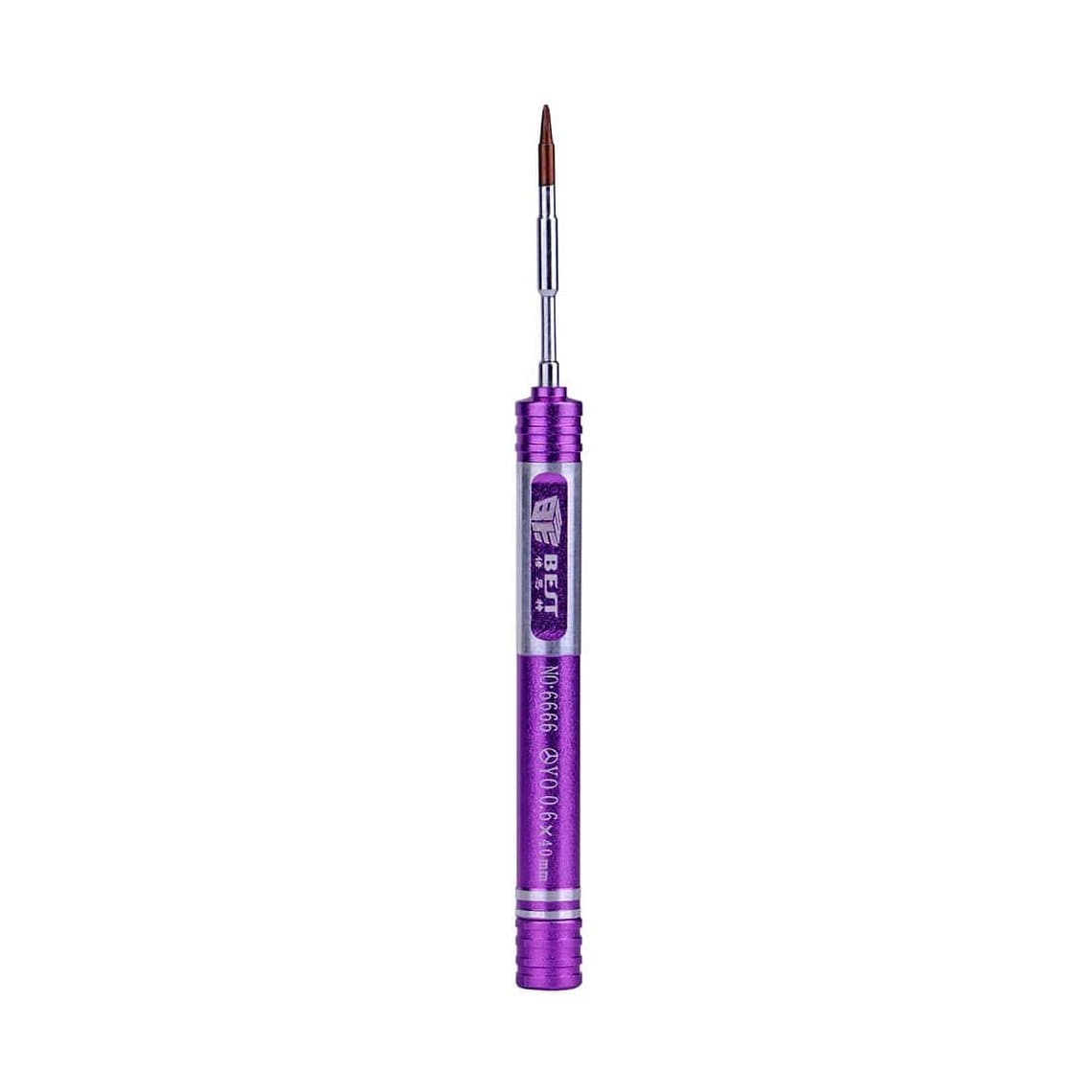
Tri-point screws hold brackets and shields inside many newer iPhones and appear on Apple Watch. Sellers label the size as Y000 or Y0.6; check against your phone, since naming is not perfectly consistent. A dedicated driver such as the tri-point Y0.6 screwdriver for Apple Watch and iPhone 7 series sits deeper and straighter than a loose bit in a handle.
Phillips #000 and #00
The workhorse. Most internal screws on phones are Phillips #000. A small number of screws in some devices are #00. Using #00 on a #000 screw, or the reverse, is a fast way to round the head.
Torx
Some Android phones and many laptops use Torx (and the security version with a pin in the centre). The common phone sizes are in the T2 to T5 range, but check per model. Torx resists cam-out better than Phillips, so a correct-size driver rarely strips them.
Standoff screws
Some iPhones use standoff screws that hold a part and then accept another screw on top. They need a specific standoff driver or bit; a flat-head driver used as a substitute tends to slip and gouge the board.
Dedicated precision drivers vs bit sets
| Type | Pros | Cons |
|---|---|---|
| Dedicated precision drivers (one tip per handle) | No play between bit and handle, better feel, quicker to grab, tips often harder steel | More handles to store; more expensive for many sizes |
| Bit sets with one handle | Cover many sizes cheaply, compact, easy to add odd sizes | Slight wobble at the bit, bits get lost, slower to swap |
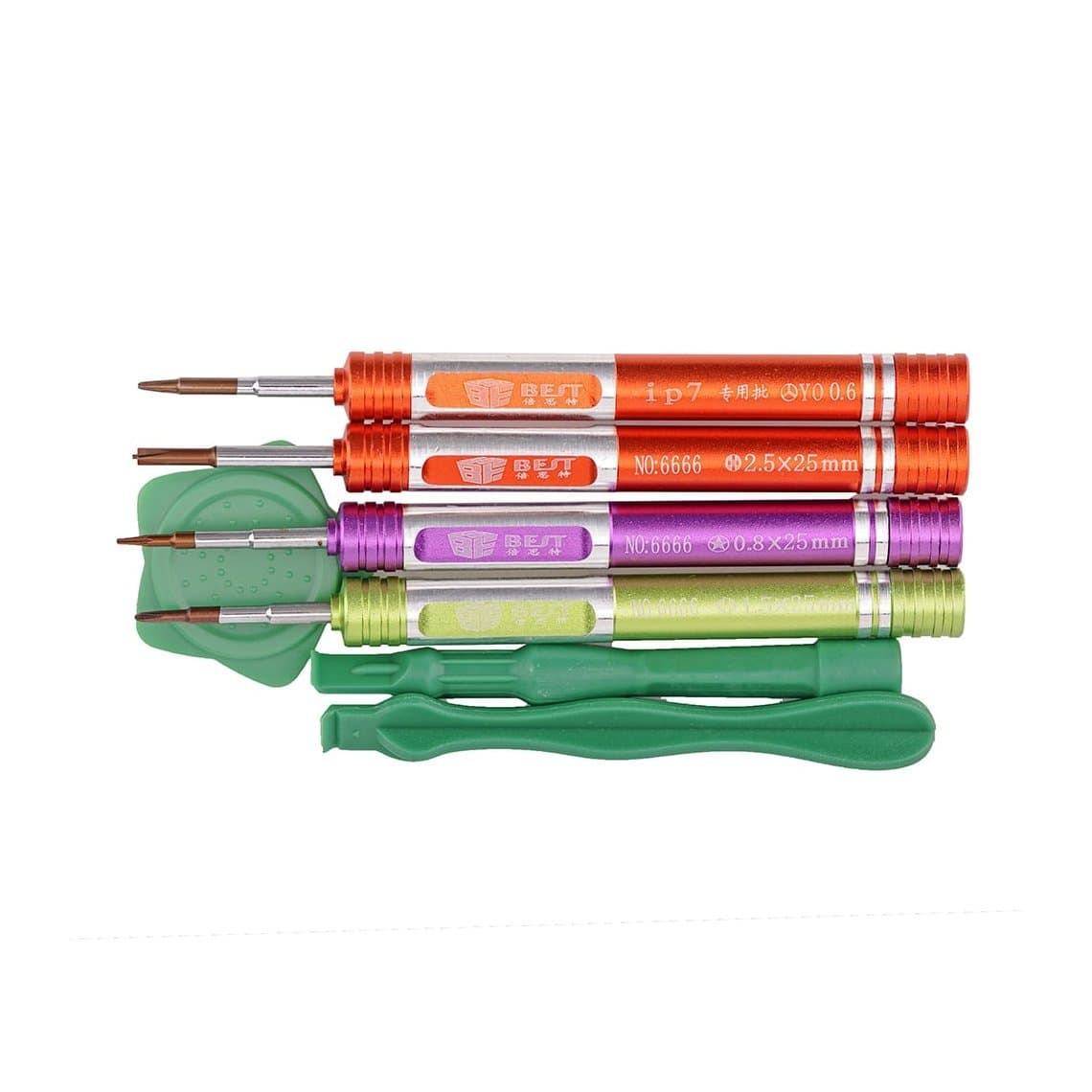
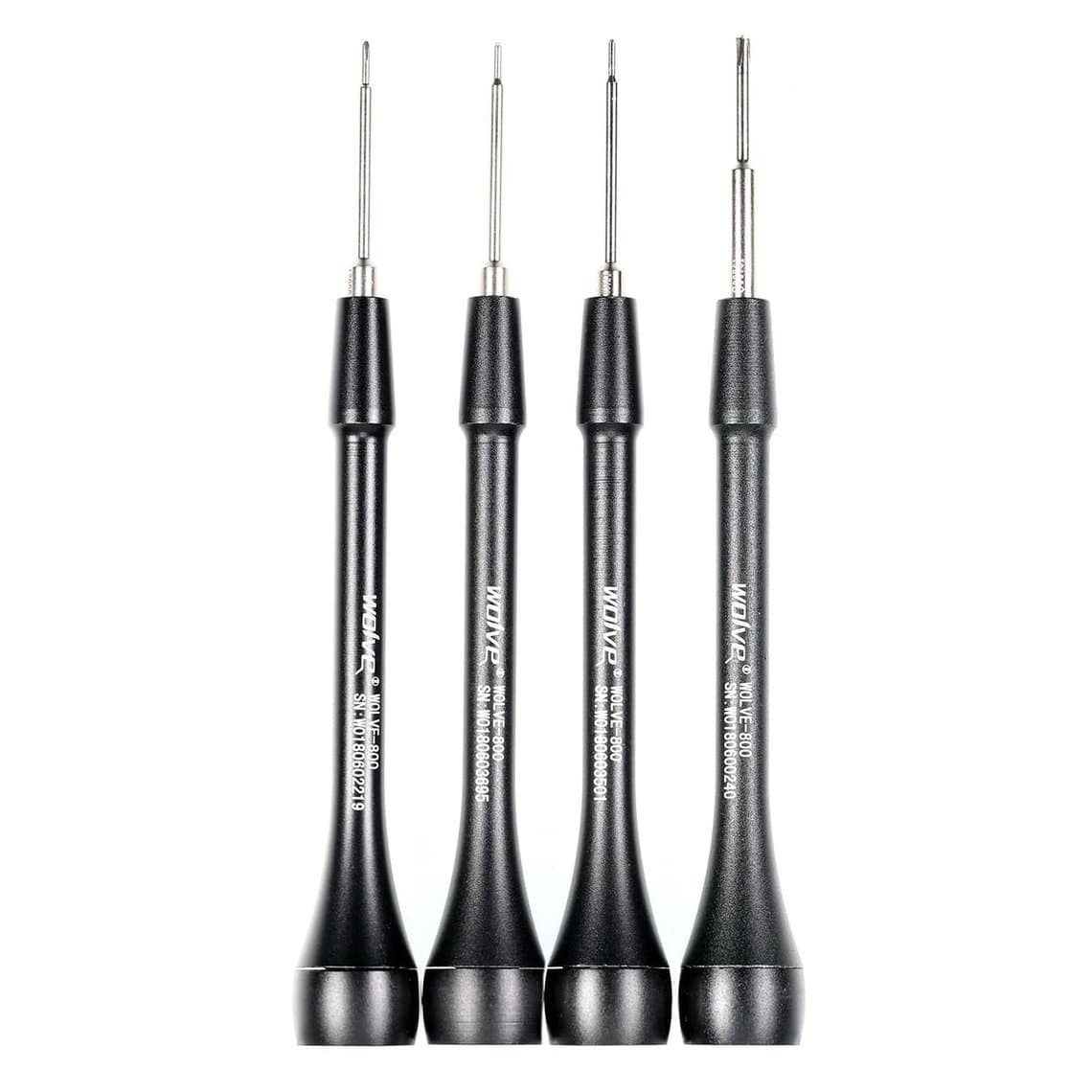
Most busy shops use dedicated drivers for the four or five sizes they use every day and keep a bit set for the odd jobs. A phone-focused kit such as the 7 in 1 screwdriver kit for iPhone tear-down covers the daily sizes in individual handles. For high-volume benches, a replaceable-bit driver like the Wolve-800 Foxconn screwdriver lets you swap a worn tip instead of the whole tool.
What to look for in a precision driver
- Hard, accurate tips. The tip should fill the screw head with no rocking. Soft tips round over and then strip screws.
- A swivel cap. A free-turning top lets you press down with one finger while turning with the others, which is the key to not camming out.
- Grip. A knurled or rubberised handle gives control at low torque.
- Clear size marking. Labels or colour coding stop you picking #00 when you meant #000.
- Light magnetism at the tip. Enough to hold a screw, not so much it drags nearby parts.
Magnetic tips, screw mats and storage
A lightly magnetised tip holds the screw on the driver while you line it up, which saves dropped screws inside the frame. If a driver is not magnetic, a magnetiser or a ring like the mini magnetic ring pick-up tool for screwdrivers adds holding power at the tip.
Keep strong magnets away from the phone's own magnets, compasses and some sensitive parts, and do not leave magnetic drivers lying on top of tweezers, which can magnetise them.
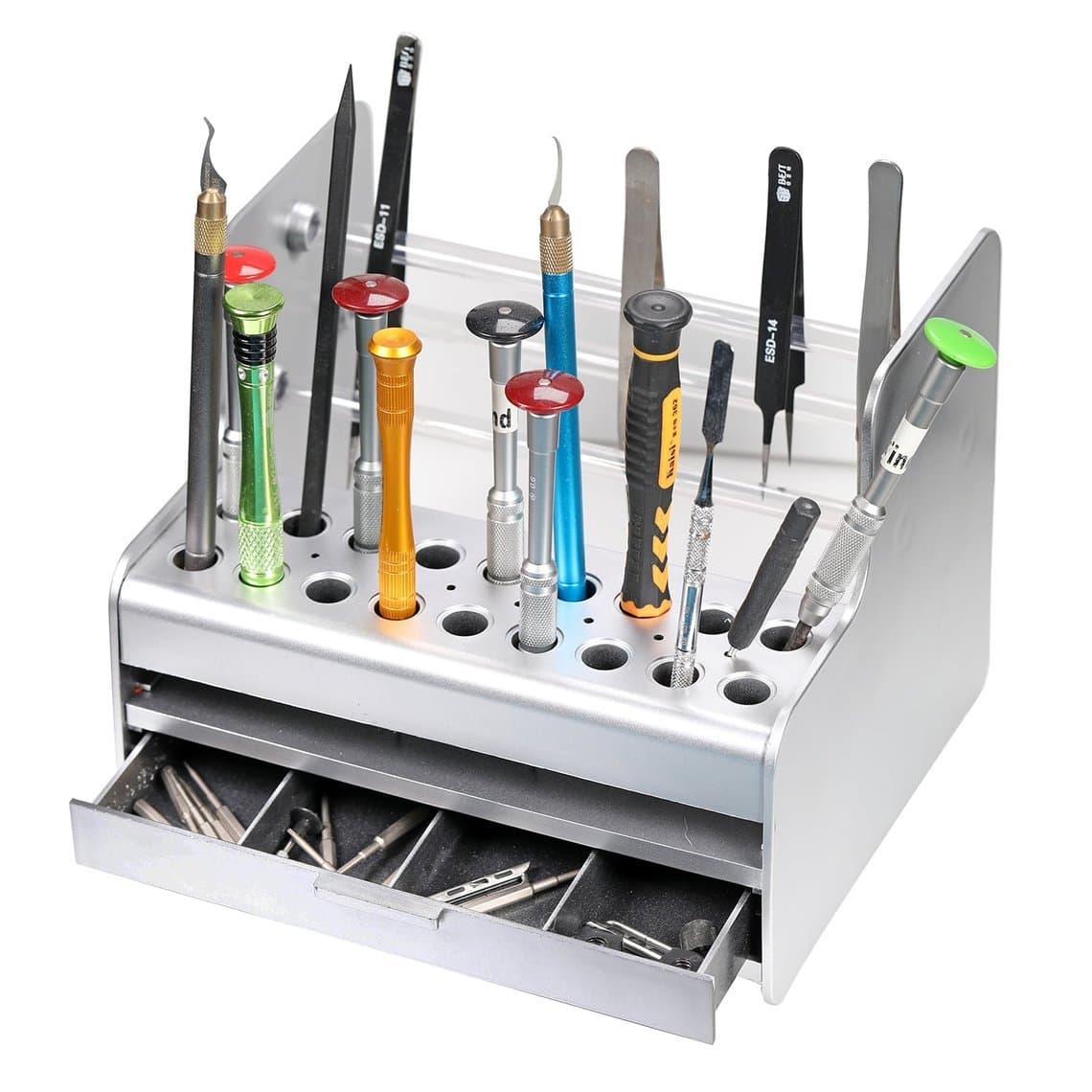
Storage matters as much as the drivers. A stand like the PP multi-function screwdriver storage box keeps every driver upright, visible and protected, so tips are not knocked against each other in a drawer.
Torque drivers: stopping stripped screws
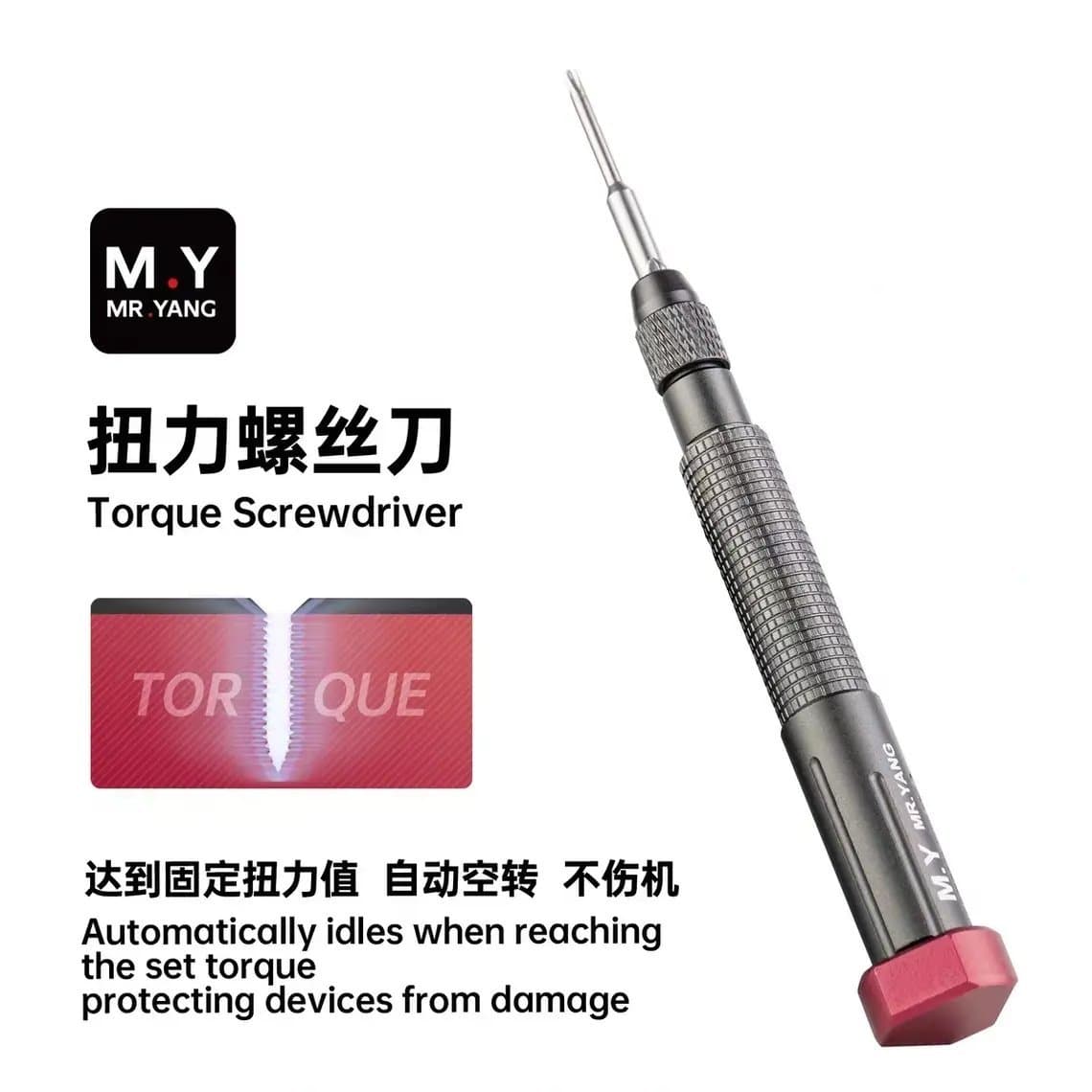
Most stripped phone screws are caused by too much force, not too little. A torque-limiting driver slips or clicks once it reaches a set torque, so you cannot overtighten a screw into a thin frame or crush a flex under a bracket.
Torque control is most useful for:
- New staff who have not yet learned the feel of a small screw.
- Screws into thin aluminium or plastic threads that strip easily.
- Bracket screws over connectors, where overtightening can crack the connector.
Options include manual torque drivers like the Relife RL-724 high precision torque screwdriver and the YCS M.Y-TX01 magnetic torque screwdriver with 5 bits. Browse more in our manual precision screwdrivers range.
Electric precision screwdrivers: when they help and when to avoid them
Electric precision drivers speed up repetitive work. They make sense when you remove the same many screws again and again, such as midframe screws on some Android phones, laptop bottom covers or bulk tear-down of devices for parts.
Use them with care:
- Use the lowest torque setting and finish the final tightening by hand if in doubt. A two-speed or torque-adjustable model, such as the XZZ ES24 2-gear torque electric precision screwdriver, gives you that control.
- Avoid them on pentalobe and tiny tri-point screws, where a single slip strips the head.
- Avoid them near connectors and display flexes, where a slip can tear a cable.
- Do not drive screws into plastic threads at speed; it cuts new threads and the screw will not hold.
See the electric screwdrivers range for current models.
Keeping track of screw lengths
Inside one iPhone, screws that look identical can differ in length by a fraction of a millimetre. Putting a longer screw into a hole meant for a shorter one can punch through into the logic board or the display connector area beneath and damage traces. This is often called long screw damage, and on some iPhone models it can leave the display or the board permanently damaged.
To avoid it:
- Lay screws out on a magnetic mat or a printed screw map in the same pattern as they came out.
- Remove one bracket at a time and refit it before moving to the next if you are unsure.
- Never mix screws from two phones on the same mat.
- If a screw feels tight early, stop and check its length rather than forcing it.
Our iPhone screen replacement step by step guide shows where this matters during a display swap, and the iPhone battery replacement guide covers bracket screws around the battery.
Common mistakes
- Using a worn tip. Once a tip is rounded, replace it; it will strip every screw it touches.
- Pushing too little. Press down firmly so the tip stays seated, then turn.
- Turning at an angle. Hold the driver straight above the screw.
- Guessing the size. Try the next size up first; the right size fills the head with no play.
- Using a flat-head on a standoff or a Phillips on a tri-point. It might move the screw once, but it ruins the head.
Care and maintenance
- Store drivers in a stand so tips do not knock together.
- Wipe tips clean of adhesive and flux with isopropyl alcohol.
- Check tips under magnification every few weeks and replace worn ones.
- Keep a spare of every daily size so a worn driver never stays in service.
For the full bench list beyond drivers, see our phone repair tools list.
Questions
What screwdriver do I need to open an iPhone?
For most iPhones you need a pentalobe P2 (0.8 mm) driver for the two bottom screws. Inside, you will usually need a Phillips #000 and, on many newer models, a tri-point Y000 driver. Some models also have standoff screws that need their own driver.
What is the difference between Y000 and Y0.6 tri-point?
They are names sellers use for the small tri-point size found inside iPhones and Apple Watch. Labelling is not fully standardised, so check that the driver fills the screw head with no play before turning.
How do I stop stripping tiny phone screws?
Use the correct size with a sharp tip, press down firmly while turning slowly, and hold the driver straight. A torque-limiting driver helps stop overtightening, which is a common cause of stripped heads and threads.
Are electric screwdrivers safe for phone repair?
Yes, on a low torque setting and for repeat jobs like midframe or cover screws. Avoid them on pentalobe and tiny tri-point screws and near connectors, and finish delicate screws by hand.
Browse our full range of screwdrivers for phone repair, from single precision drivers and bits to torque and electric models. Tools ship from Shenzhen by DHL, FedEx or UPS. Shops can unlock wholesale prices after $500 of purchases and restock by SKU or CSV through Quick Order.