Tools to Fix iPhone 16 and 17: The Complete Repair Toolkit
17 November 2026 · LightspeedTools team
Short answer: To fix an iPhone 16 or 17 you need the same core kit as before (correct screwdrivers, opening tools, controlled heat, ESD protection) plus a few newer items: a low-voltage power source for electrically released battery adhesive on some models, a programmer for screen and battery data, and model-specific fixtures and stencils if you do board work. Check every tool's compatibility list against the exact model, because the 16 and 17 lines differ more inside than they look outside.
What changed on recent iPhones
The newest iPhones are not just bigger or faster versions of older ones. Several design changes affect which tools you need. Details vary by model, so treat this as a map, not a rulebook.
- Battery adhesive released by electricity: some iPhone 16 models use a battery adhesive that lets go when a low voltage is applied across it, instead of the pull-tab strips used for years. Other models in the same generation may still use stretch-release strips. The iPhone battery replacement guide covers both methods.
- More repair-friendly back glass: from around the iPhone 14 base models onward, Apple designed many models so the back glass can be removed as a panel without a laser. Older designs, and some models even in recent years, still have glass bonded to the frame. Check the model before choosing between heat and a laser.
- Stacked logic boards: since the iPhone X generation the main board is a two-layer sandwich. Separating and rejoining the layers needs a heating platform, the right stencils and a test fixture.
- Parts pairing: screens, batteries, cameras and Face ID parts carry serial data tied to the board. Swapped parts can show an "Unknown part" notice, and some features such as True Tone or battery health may not work until the data is handled. See what the Unknown part message means.
The toolkit at a glance
| Job | Tools | Why it matters on 16 and 17 |
|---|---|---|
| Opening and screws | Pentalobe, tri-point, Phillips and Y-type bits; torque driver | Small, soft screws strip easily; mixed lengths can damage the board |
| Screen and back removal | Heating pad or separator, suction cup, thin picks | Waterproof adhesive needs even, controlled heat |
| Battery | 9V clip lead or power source for electrically released adhesive; plastic cards; new adhesive | Prying a glued cell risks puncture and fire |
| Parts data | True Tone and battery programmers | Keeps features working after part swaps on supported models |
| Testing | Screen tester, DC power supply, boot cable | Confirms a part before you close the phone |
| Board repair | Heating platform, stencils, reballing platforms, layered test fixtures | Stacked boards need model-specific jigs |
1. Screwdrivers that fit recent models
Recent iPhones still use pentalobe screws at the bottom edge, tri-point and Phillips screws inside, and other small heads on brackets. Bit wear is the most common cause of stripped screws, so treat bits as consumables. A torque-limited driver helps stop overtightening on soft screw bosses. One example made for the newest phones is the RELIFE RL-725 adjustable torque screwdriver for Phone 17 series. Browse the full screwdrivers range for bit sets.
Always keep screws in a magnetic mat or layout sheet. Putting a long screw in a short hole can pierce the board below, a classic cause of a phone that will not boot after repair.
2. Opening tools and controlled heat
Screens and back panels are sealed with waterproof adhesive. You need enough heat to soften it without cooking the OLED, the battery or the camera modules.
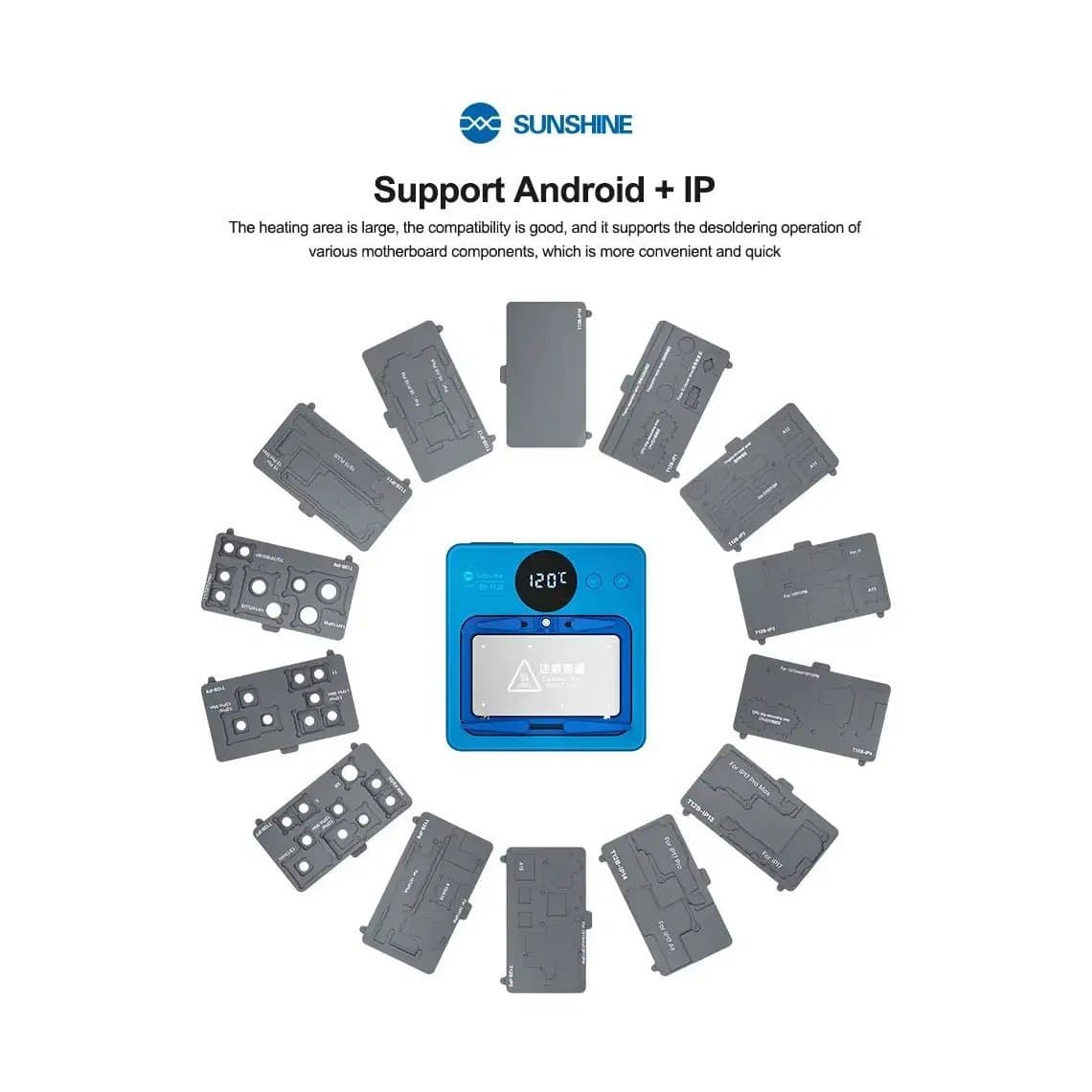
- A heating pad or separator stage with temperature control, such as the SunShine SS-T12B heating platform for iPhone 7 to 17 Pro Max, gives even heat across the panel.
- A suction cup to lift the edge, then thin plastic or metal picks kept shallow so they do not cut flex cables.
- Fresh screen and back adhesive for reassembly; reusing old adhesive weakens water resistance.
Keep heat moderate and use time rather than temperature. A hot air gun aimed at one spot is the fastest way to leave a white mark on an OLED.
3. Battery adhesive release tools
On models that use electrically released adhesive, you connect a low-voltage source across the battery and the frame and wait for the adhesive to let go. A simple option is the 9V battery connector alligator clips for iPhone 16 to 17 battery removal. Follow the model's procedure for where to connect and how long to wait, and never force the cell while it is still stuck.
On models that still use stretch-release strips, you need replacement strips, such as the iPhone 16 Pro Max battery adhesive strap, plus adhesive remover and plastic cards in case a strip snaps. Battery safety rules apply on every model:
- Disconnect the battery before any other internal work.
- Never pry a lithium cell with metal or bend it.
- Move any swollen or punctured cell into a fireproof container immediately.
Replacement cells are in iPhone batteries.
4. Programmers for parts data
Parts pairing is the biggest change in iPhone repair. A programmer reads data from the original part and writes it to the replacement, which can restore True Tone on screens or battery health readings on supported models. The JCID V1SE True Tone programmer for iPhone 7 to 17 Pro Max is one example for screens. For battery data, compare options in the battery health programmer comparison, and see the wider programmers category.
Programmers do not remove the "Unknown part" notice on every model, and support for the newest phones depends on the tool's firmware and adapters. Check the supported model list and update the software before you rely on one.
5. Screen testers and power tools
Test every screen before you peel off the protective film or install it. A screen tester lets you check touch, display and sometimes True Tone data on the bench. Find options in screen testers.
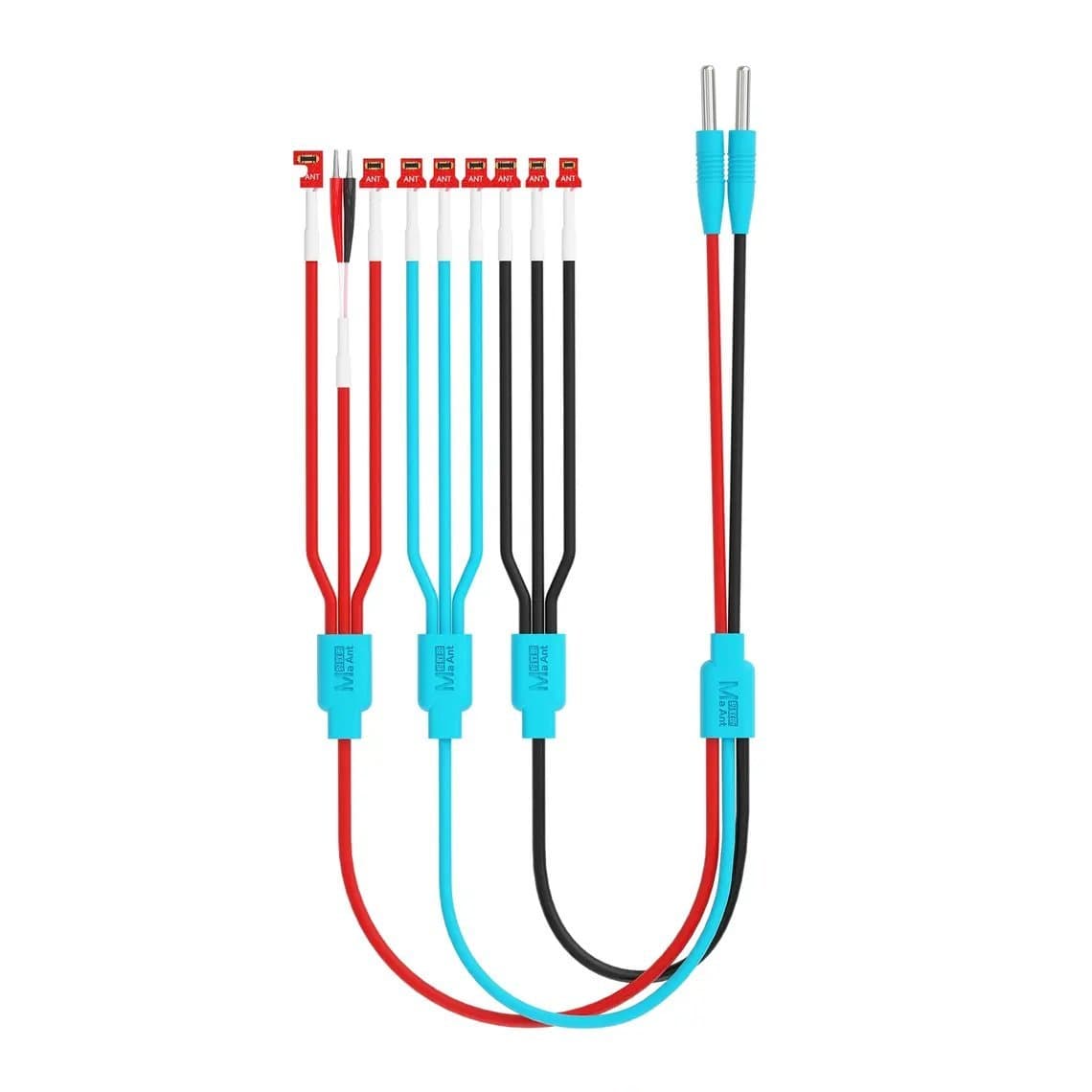
For diagnosis, a DC power supply and a boot cable show current draw without a battery. The MaAnt PY-1Pro power boot cable for iPhone 8 to 17 Pro Max is one cable listed for the newest models.
6. Model-specific fixtures, stencils and platforms
Board-level work on stacked boards needs tools made for one model family. Check the title of each item for the exact series:
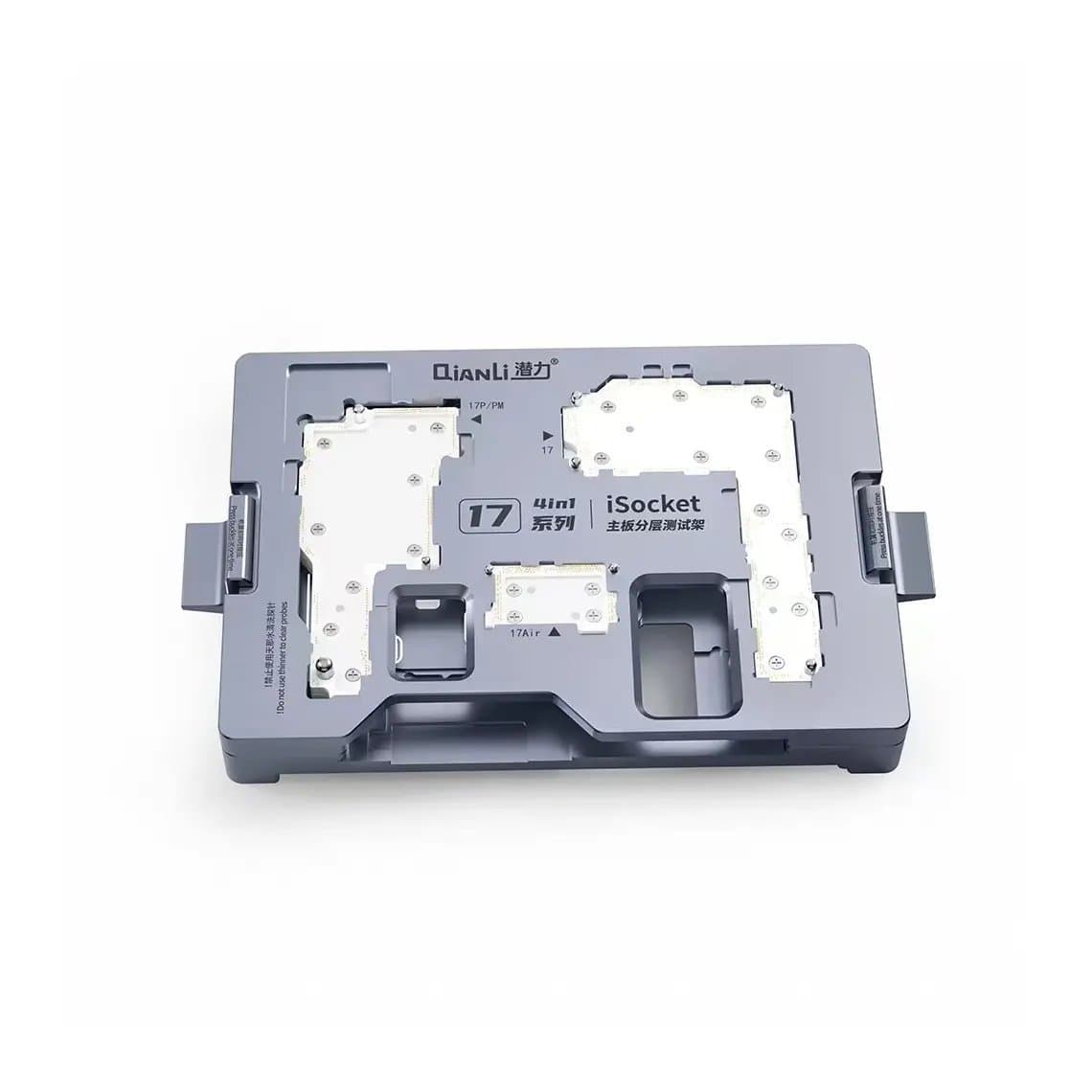
- Layered test fixtures let you power and test the two board halves separately. The Qianli iSocket layered test fixture for iPhone 17 series is one example; there are separate versions for the 16 series and 16e.
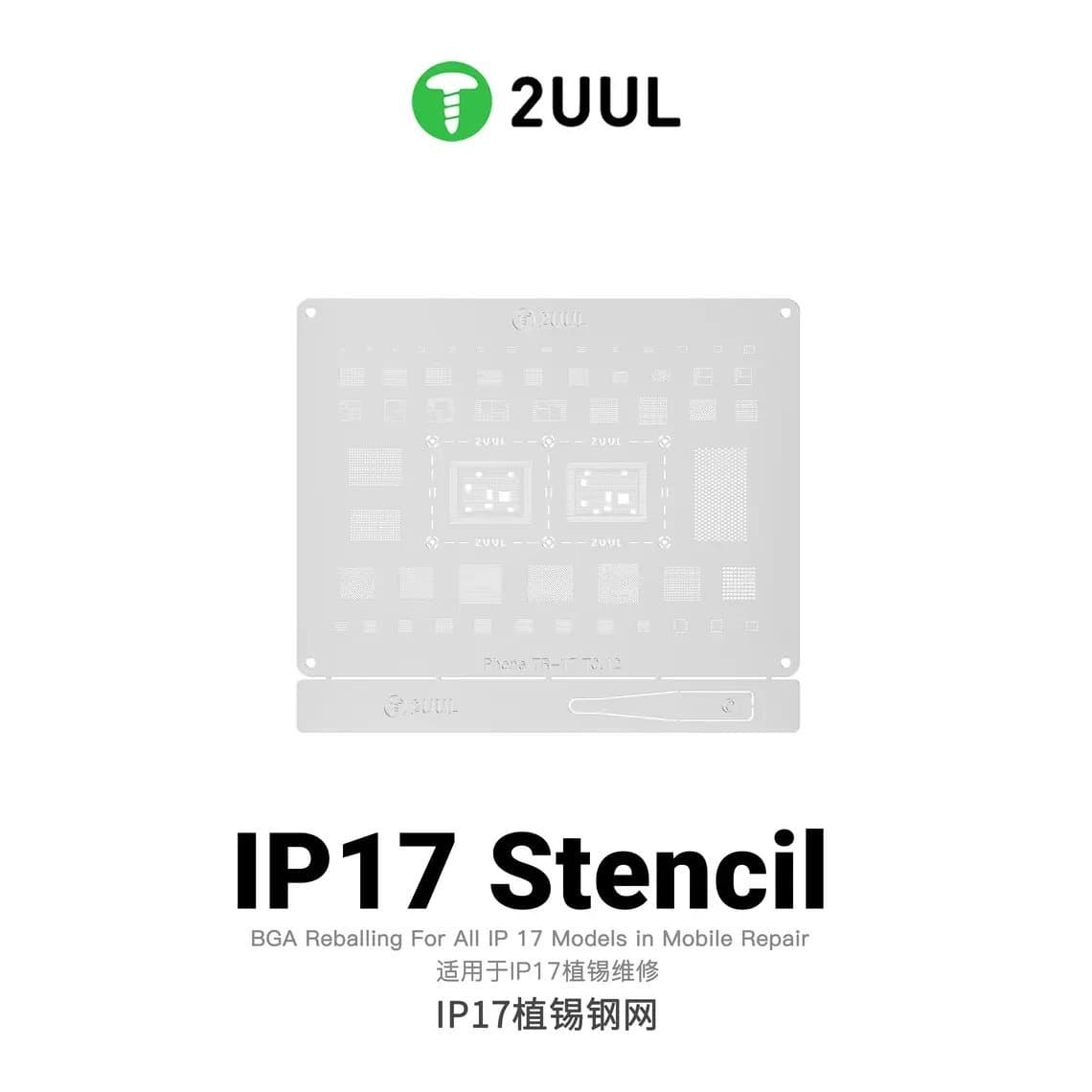
- Reballing stencils must match the chip and board generation. The 2UUL BG03 reballing stencil for iPhone 17 series targets the newest boards.
- Middle-layer reballing platforms hold the interposer flat while you apply solder paste. Look for one that lists your exact series.
Most shops do not need these unless they offer board repair. Screen, battery and port jobs need only the first five sections.
Parts worth stocking
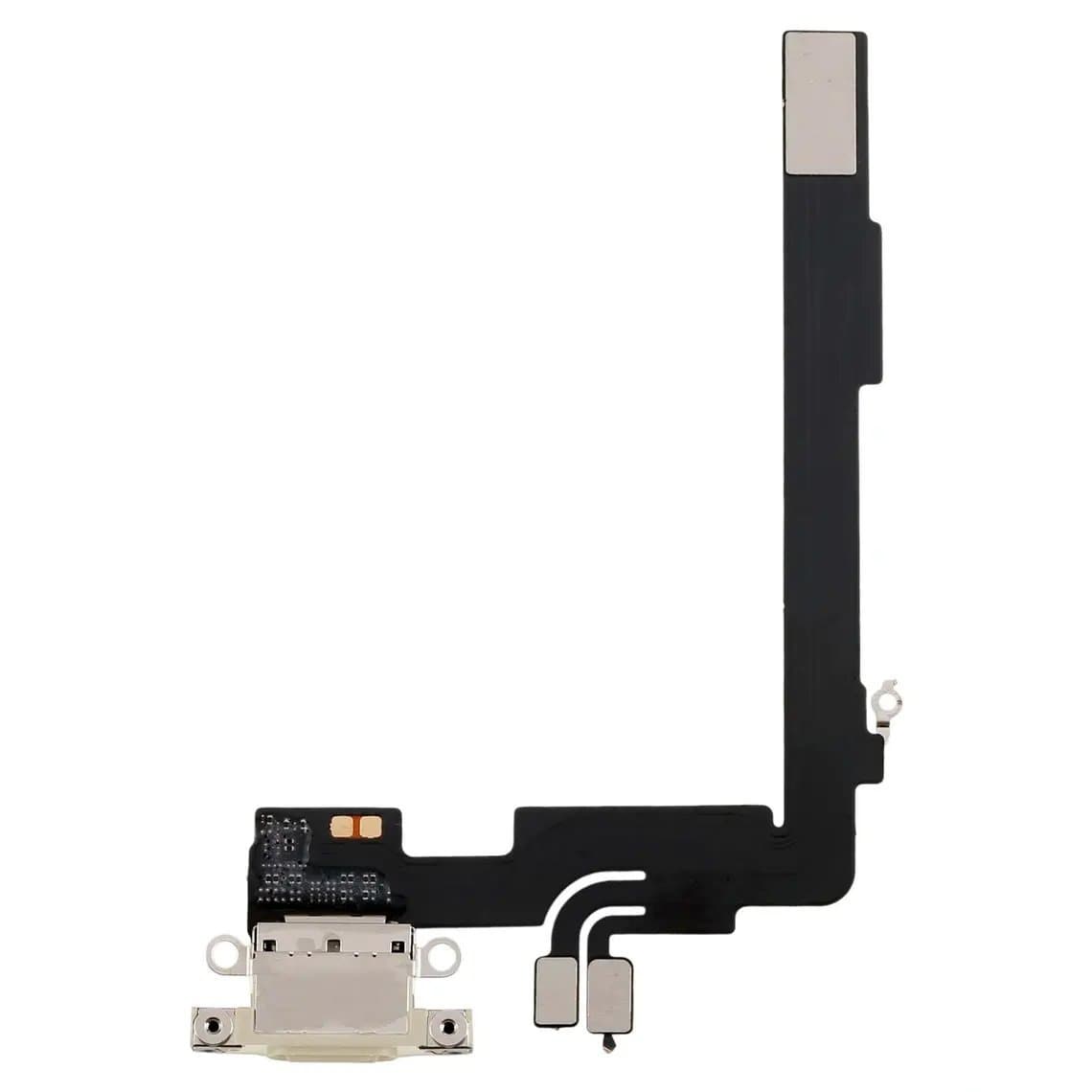
Beyond screens and batteries, the small flex cables are the parts that turn a waiting job into a same-day job. Common ones for the 16 series include the charging port flex, for example the iPhone 16 Pro Max charging port flex cable, as well as proximity sensor, button, wireless charging and earpiece flexes. Note that charging port flexes are often colour-matched to the frame. Keep a few tested screens in the grades your customers ask for most.
Common mistakes on new models
- Using an old repair method on a model that changed its battery adhesive or back glass design
- Forcing a battery before the adhesive has released
- Installing a screen without testing it first
- Assuming a programmer supports a model because it supports the previous year
- Mixing screw lengths during reassembly
- Skipping new waterproof adhesive
Questions
What tools do I need to fix an iPhone 17?
At minimum: correct screwdriver bits, a suction cup and picks, a heating pad, new adhesive and an ESD mat. Add a battery adhesive release tool if the model uses electrically released adhesive, and a programmer if you want to transfer screen or battery data. Board repair adds test fixtures, stencils and a heating platform.
How do you remove an iPhone 16 battery?
It depends on the model. Some iPhone 16 models use adhesive that releases when a low voltage is applied, while others use pull-tab strips. Disconnect the battery first, follow the method for that model, and never pry the cell with metal.
Can I replace an iPhone 16 or 17 screen without a programmer?
Yes. The screen will display and respond to touch, but you may see an "Unknown part" notice and lose True Tone. A programmer can restore True Tone on supported models by copying data from the original screen.
Do I need a laser machine for iPhone 16 back glass?
Often not. Many recent models are designed so the back glass comes off as a panel with heat and picks. A laser is still useful for older models with bonded glass, so check the specific model before you buy one.
Find screwdrivers, heating pads, programmers and fixtures in iPhone repair tools, and parts by model under iPhone. Shops can unlock wholesale pricing and reorder by SKU or CSV through Quick Order.