ESD Protection for Phone Repair: How to Set Up a Safe Bench
17 November 2026 · LightspeedTools team
Short answer: ESD protection in a phone repair shop means keeping you, your tools and the phone at the same electrical potential so static never discharges through a chip. The practical minimum is a grounded dissipative mat, a wrist strap with a built-in resistor tested every day, ESD-safe hand tools and shielding bags for loose boards and screens. It costs little and prevents faults you would otherwise never trace back to the bench.
What ESD is and why it is so hard to spot
Electrostatic discharge (ESD) is the sudden flow of charge between two objects at different voltages. Walking across a floor, peeling tape off a reel or sliding off a chair can charge your body to thousands of volts. You usually only feel a spark once the voltage is in the low thousands, but many modern ICs can be damaged by discharges far below that level. In other words, most damaging events are ones you never notice.
Phone boards are packed with parts that have very thin internal structures: power management ICs, display and touch driver chips, charging ICs, audio codecs, NAND and the CPU itself. A discharge can do two kinds of harm:
- Catastrophic failure – the part stops working straight away. The phone will not power on, a camera is dead or touch no longer responds.
- Latent damage – the part is weakened but still passes your test. It fails days or weeks later, and the customer comes back blaming your repair or your parts.
Latent damage is the expensive one. There is no burn mark, no smell and nothing to see under the microscope. The only defence is to stop the discharge happening in the first place.
Why ESD matters most for board work and screens
Every repair has some exposure, but a few jobs carry more risk than others:
- Board-level repair. Once the shields are off, IC pins and test points are exposed. If you do micro-soldering, our micro-soldering guide for beginners covers the bench setup that goes with it.
- Screens. The display driver IC sits on the flex or on the panel itself. OLED panels in particular are sensitive, and a damaged driver can show up as lines, flicker or dead touch that looks like a faulty part. Handling a new screen by its flex and connector is one of the most common ways to zap it.
- Flex connectors and loose modules. Cameras, Face ID parts, charge port flexes and batteries out of the phone have no case around them. They are only safe on a grounded surface or inside a shielding bag.
The parts of a practical ESD bench
A working ESD setup has one goal: everything that touches the phone is connected to the same ground through a controlled resistance, so charge drains away slowly instead of jumping. Here is what that looks like at a repair bench.
1. A grounded dissipative work mat
The mat is the foundation. It should be a static-dissipative material, not ordinary rubber or a plain silicone heat pad, and it must be connected to ground with its own cord. A large mat such as the RF4 RF-PO24 anti-static maintenance mat gives room for the phone, tools and parts tray. If you want a mat with the ground lead and wrist strap already included, the anti-static repair mat with ground wire and ESD wrist strap is a simple all-in-one start. For soldering and hot air work, an ESD heat-insulation silicone pad combines heat resistance with static control. Check the product description: many silicone pads are heat-resistant but not anti-static.
2. A wrist strap with a resistor
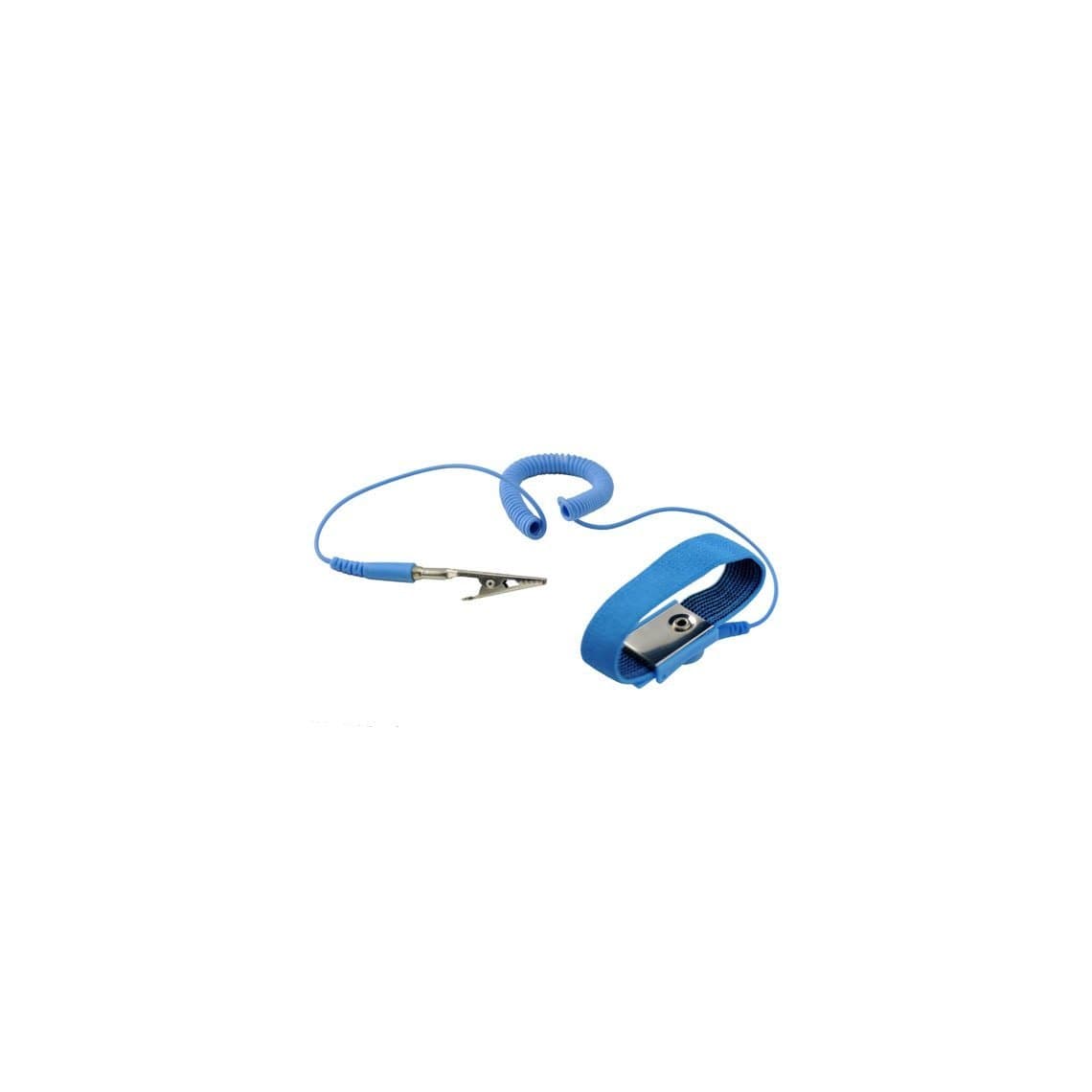
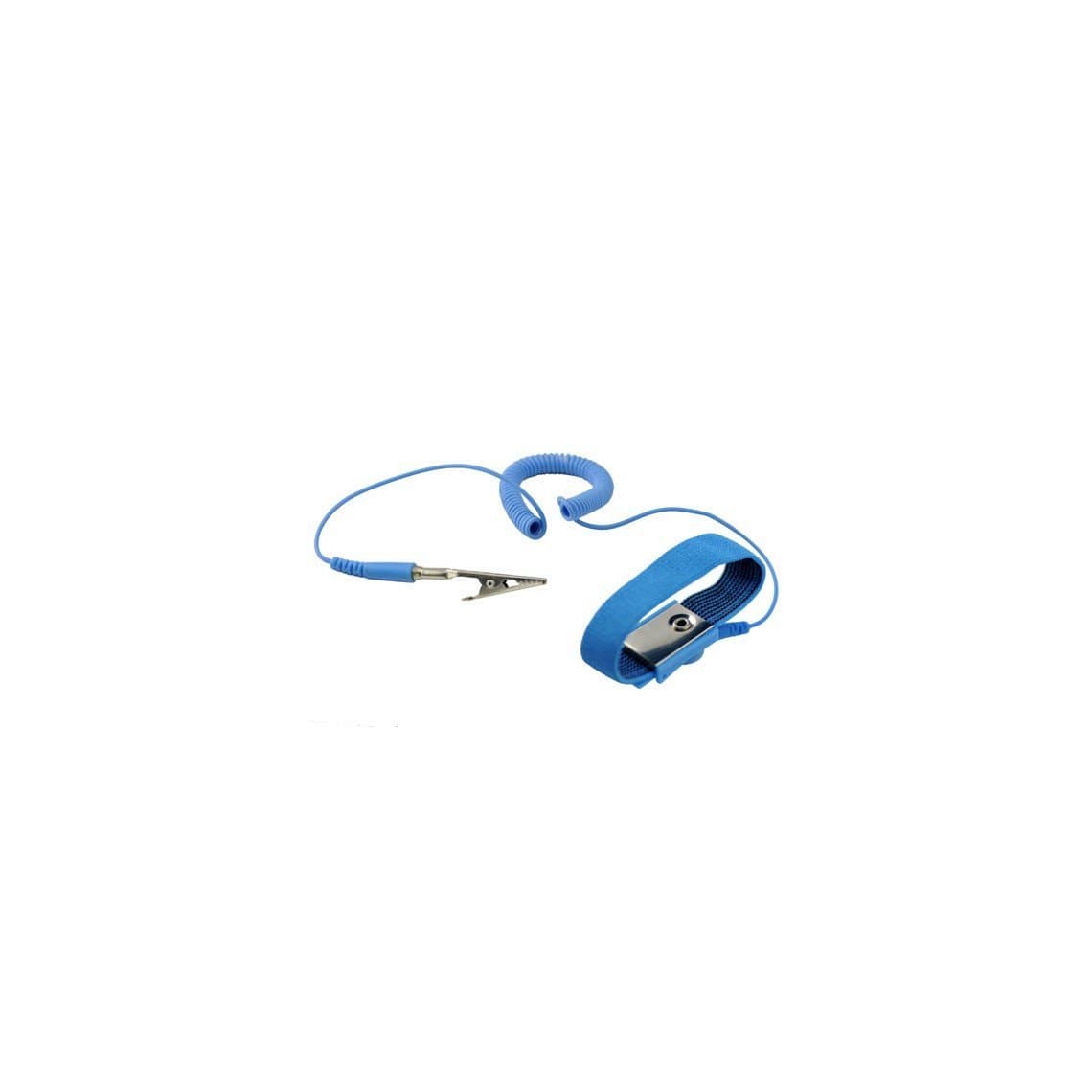
The wrist strap is what keeps you at ground potential. It has a conductive band against your skin and a coiled cord with a resistor built into the plug end, normally about 1 megohm. The resistor is a safety feature: it lets static drain away but limits current if you touch a live mains voltage by accident. Never replace the cord with a plain wire.
Choose the cord length to suit your bench. A shorter cord such as the 1.3 m static control wrist strap stays out of the way at a compact bench, while the 1.8 m antistatic wrist strap gives more reach if you move between the microscope and the hot air station. Wear the band snug on bare skin, not over a sleeve.
3. ESD-safe hand tools
Tools touch the board more than anything else. Plain plastic spudgers and picks can charge up when rubbed. Use tools sold as ESD-safe (made from dissipative plastic or with a dissipative coating), for example the ESD-safe pry cards for screen disassembly. For fine work, choose anti-static or coated tips from our tweezers range. A soft ESD-safe cleaning brush is the right tool for clearing dust and flux residue, rather than a cheap nylon brush that charges as you sweep.
4. ESD bins, trays and bags
Parts are most at risk when they leave the mat. There are two common bag types and they are not the same:
| Packaging | What it does | Use it for |
|---|---|---|
| Metallised shielding bag (silver, see-through) | Blocks external static fields and discharges from reaching the contents | Boards, screens, cameras and any loose module in storage or shipping |
| Pink anti-static bag | Low-charging material that does not build much static itself, but offers little shielding | Non-sensitive parts, screws, outer wrapping |
| Conductive or dissipative bins and trays | Keep parts on a controlled surface between steps | Holding parts from one repair while you work |
| Ordinary plastic bags and foam | Can generate high charges | Keep away from the bench |
Fold the top of a shielding bag closed. An open bag gives much less protection.
5. Gloves and finger cots (optional)
Gloves are not a replacement for a wrist strap, but ESD-rated gloves help when you handle screens, because they also keep fingerprints off glass and polarizer. PU-coated anti-static gloves give grip on small parts while staying dissipative. Ordinary latex or nitrile gloves are insulators and can carry charge, so use ESD-rated ones only.
6. Ionizer (optional)
Some things cannot be grounded: plastic housings, tape, screen protectors, insulating films and the phone's own frame coatings. An ionizer blows a stream of balanced positive and negative ions that neutralise charge on these insulators. It is most useful in screen refurbishing, where film peeling creates a lot of static, and in dry climates. It is an extra layer, not a substitute for grounding.
7. Humidity
Static builds up much more easily in dry air. A cheap hygrometer on the wall tells you when conditions are dry. Many electronics workplaces aim for moderate humidity, often quoted somewhere around 40–60% relative humidity, but humidity alone never replaces grounding.
Grounding: get it checked properly
Every mat cord and wrist strap needs somewhere safe to connect. Most setups use a common ground point: a small terminal block or plug that connects the mat, the wrist strap and sometimes the soldering station to the earth of the building's wiring.
- Have an electrician confirm the earth. Older buildings, extension leads and some sockets may have a poor or missing earth. An ESD ground is only as good as the earth it connects to.
- Never connect to gas pipes, radiators or random metal. They may not be earthed and can be dangerous.
- Use proper ESD grounding plugs that only connect to the earth pin, so you never touch live or neutral.
- Bond your equipment. Soldering stations with a grounded tip and an ESD-safe hot air station should share the same earth as your mat.
Daily wrist-strap testing
A wrist strap fails silently. The cord breaks inside its insulation, the snap wears, or dry skin raises resistance. A strap that looks fine may not be grounding you at all.
- Put the strap on and plug its cord into a wrist strap tester at the start of each shift.
- Press the test plate with your finger. The tester shows pass, too low or too high resistance.
- If it fails "high", tighten the band, try a little hand lotion made for ESD use, or replace the cord. A replacement wrist band and discharge cable is cheap compared with a lost board.
- If it fails "low", the resistor may be damaged. Replace the cord straight away.
- Log the result. A simple checklist on the wall keeps the habit going and shows staff that it matters.
Check the mat's ground cord and snaps at the same time, and clean the mat surface regularly. Flux, oil and dirt reduce how well it dissipates charge.
Habits that protect boards every day
- Ground yourself before you touch the phone. Put the strap on first, then open the device.
- Hold boards by the edges. Avoid touching IC pins, connectors and test points with your fingers.
- Handle screens by the frame or glass, not the flex. Keep the flex connector covered or in its protective cap until you connect it.
- Disconnect the battery first. It reduces risk from both static and short circuits.
- Keep insulators off the mat. Plastic cups, bubble wrap, packing foam, ordinary tape dispensers and phone cases all hold charge. Put them on a separate shelf.
- Peel films slowly. Fast peeling of protective film from a screen creates static. Peel slowly near an ionizer if you have one.
- Move parts in shielding bags. Never carry a loose board or screen across the shop in your hand.
- Look before you test. Use a microscope for inspection instead of probing around blindly, so fewer tools touch the board.
A simple ESD bench checklist
| Item | Must-have or optional | Check |
|---|---|---|
| Dissipative mat with ground cord | Must-have | Cord connected, surface clean |
| Wrist strap with resistor | Must-have | Tested every shift |
| Common ground point on verified earth | Must-have | Confirmed by an electrician |
| ESD-safe tweezers, spudgers, brush | Must-have | Replace worn or plain plastic tools |
| Shielding bags and ESD trays | Must-have | Bags folded closed |
| ESD gloves | Optional | Use for screens and glass work |
| Ionizer | Optional | Useful for film peeling and dry rooms |
| Hygrometer | Optional | Watch for very dry air |
Questions
Do I really need ESD protection for simple screen and battery swaps?
Yes. Screen flex cables carry the display driver connection, and a new screen handled by its connector can be damaged before it is even fitted. A grounded mat and wrist strap take seconds to use and protect every repair, not just board work.
Is a wrist strap enough on its own?
No. A wrist strap grounds you, but tools, the phone and loose parts can still carry charge on an ungrounded surface. The strap, a grounded dissipative mat and ESD-safe tools work as one system.
Can I connect my wrist strap directly to the phone?
No. Connect it to the common ground point on a verified earth. Clipping it to the phone only puts you at the phone's potential, which may itself be charged and does nothing to drain static away safely.
How can I tell if a part was damaged by static?
Usually you cannot. ESD damage often leaves no visible mark, and a weakened part may pass testing and fail later. That is why prevention matters more than diagnosis, and why returns that look like "bad parts" sometimes come from the bench.
You can find mats, wrist straps, gloves and grounding accessories in our ESD protection category. Shops equipping several benches can open a wholesale account for trade pricing, or reorder known items by SKU with Quick Order.