iPhone 16 Repair Guide: 16, 16e, Plus, Pro and Pro Max
17 November 2026 · LightspeedTools team
Short answer: The iPhone 16 series has five models: the 16e, 16, 16 Plus, 16 Pro and 16 Pro Max. Most add a Camera Control button, and the 16 and 16 Plus are reported to use a battery adhesive that releases with a low electrical current rather than pull tabs. The common repairs are screens, batteries, back glass, USB-C charging flex, camera lenses and speakers, and all models can show "unknown part" notices after non-Apple parts.
The iPhone 16 family is the widest Apple has released in one generation, and it is not one platform. The 16e borrows design ideas from older models, the 16 and 16 Plus change battery removal, and the Pro models grow in screen size. This guide covers all five: how they differ, the repairs you see most, parts by job, screen grades and parts notices.
The five iPhone 16 models and how they differ
| Model | Screen and front | Rear camera | Side controls | Repair notes |
|---|---|---|---|---|
| iPhone 16e | 6.1" OLED, notch | Single camera | Action button; no Camera Control | Simpler design; check parts carefully, as it shares little with the 16 |
| iPhone 16 | 6.1" OLED, 60 Hz, Dynamic Island | Dual camera, vertical layout | Action button, Camera Control | Battery adhesive reported to release electrically |
| iPhone 16 Plus | 6.7" OLED, 60 Hz, Dynamic Island | Dual camera, vertical layout | Action button, Camera Control | Same design as the 16 in a larger body |
| iPhone 16 Pro | 6.3" OLED, ProMotion, always-on, Dynamic Island | Triple camera | Action button, Camera Control | Titanium frame; larger screen than the 15 Pro |
| iPhone 16 Pro Max | 6.9" OLED, ProMotion, always-on, Dynamic Island | Triple camera | Action button, Camera Control | Largest screen and battery in the series |
Screens, back glass, cameras, frames and most flex cables are model-specific across all five. The 16 Pro and 16 Pro Max have larger displays than the 15 Pro models, so 15 Pro screens and housings do not fit. Always check the model number in Settings, General, About before you order. For the generations before, see our iPhone 14 repair guide.
Camera Control on most models
The 16, 16 Plus, 16 Pro and 16 Pro Max have a Camera Control button on the right side of the frame. It reacts to presses and light touches, so it is more than a simple switch. The 16e does not have Camera Control. If the button stops responding after a drop or a frame job, check its connection and flex for the exact model and test both clicks and slides after reassembly. Treat it as a separate test point on your quality checklist.
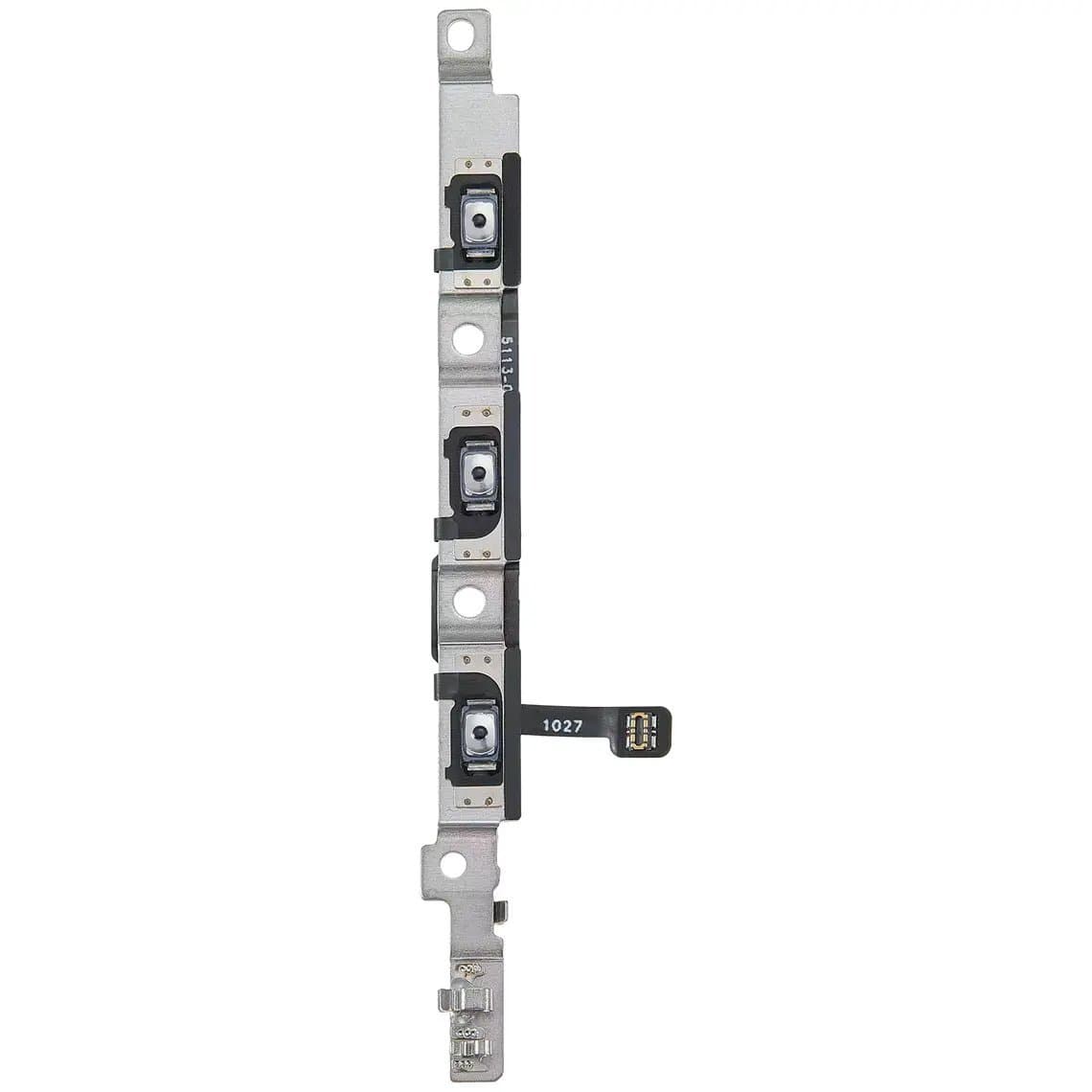
All five models use the Action button in place of the old ring/silent switch. Power and volume flexes often come with brackets, such as the iPhone 16 Pro Max volume button flex with bracket, and a bracket fitted the wrong way can leave a button soft or stuck.
Battery adhesive that releases with electricity
On the iPhone 16 and 16 Plus, the battery is reported to sit in an adhesive that lets go when a low-voltage current is applied through it, replacing the pull-tab strips used for years. Repair guides describe using a small power source connected to the battery to release it. Follow a model-specific procedure, and do not pry hard on a cell that will not move; a bent battery is a fire risk.
The Pro models are reported to keep a different approach, and the iPhone 16 Pro Max battery adhesive strap is made for that model. Removal methods for the 16e have also been reported to differ. Confirm the method for the exact model before you start. Our iPhone battery replacement guide covers the general steps and safety.
What is different about the 16e
The 16e is the budget model of the family. It is widely reported to use a notch instead of the Dynamic Island, a single rear camera and no Camera Control, and reports suggest it lacks MagSafe magnets. Treat it as its own platform: its screen, back glass and camera parts are not interchangeable with the iPhone 16, even though the screen size is the same.
Back glass and housing
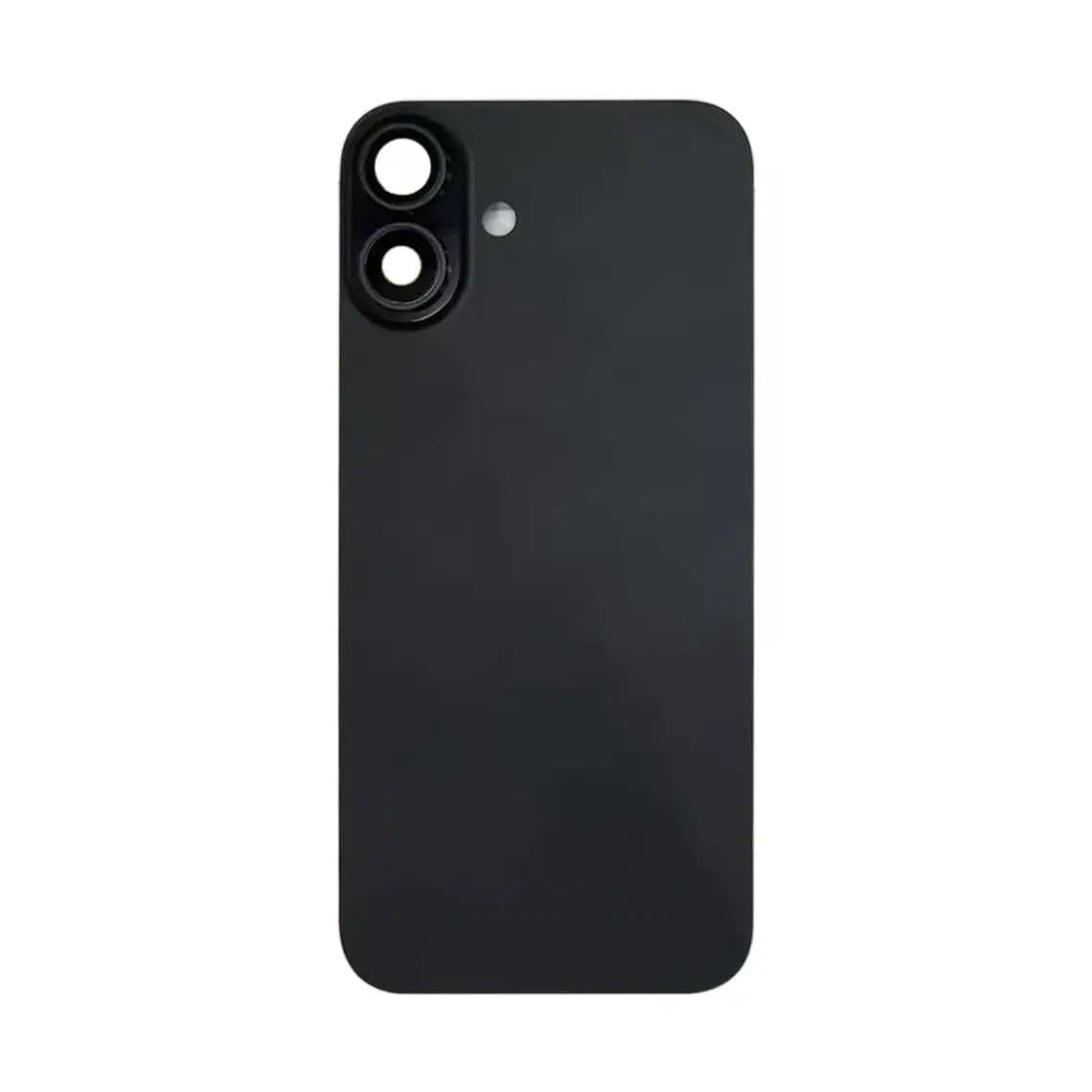
The 16 and 16 Plus continue the removable back glass design of recent base models, and the Pro models also have a more serviceable back than older Pro phones. Back panels are often sold with the camera ring and lens, like the iPhone 16 back glass panel with camera ring lens. Fit fresh adhesive every time.
The most common iPhone 16 repairs
Screen replacement
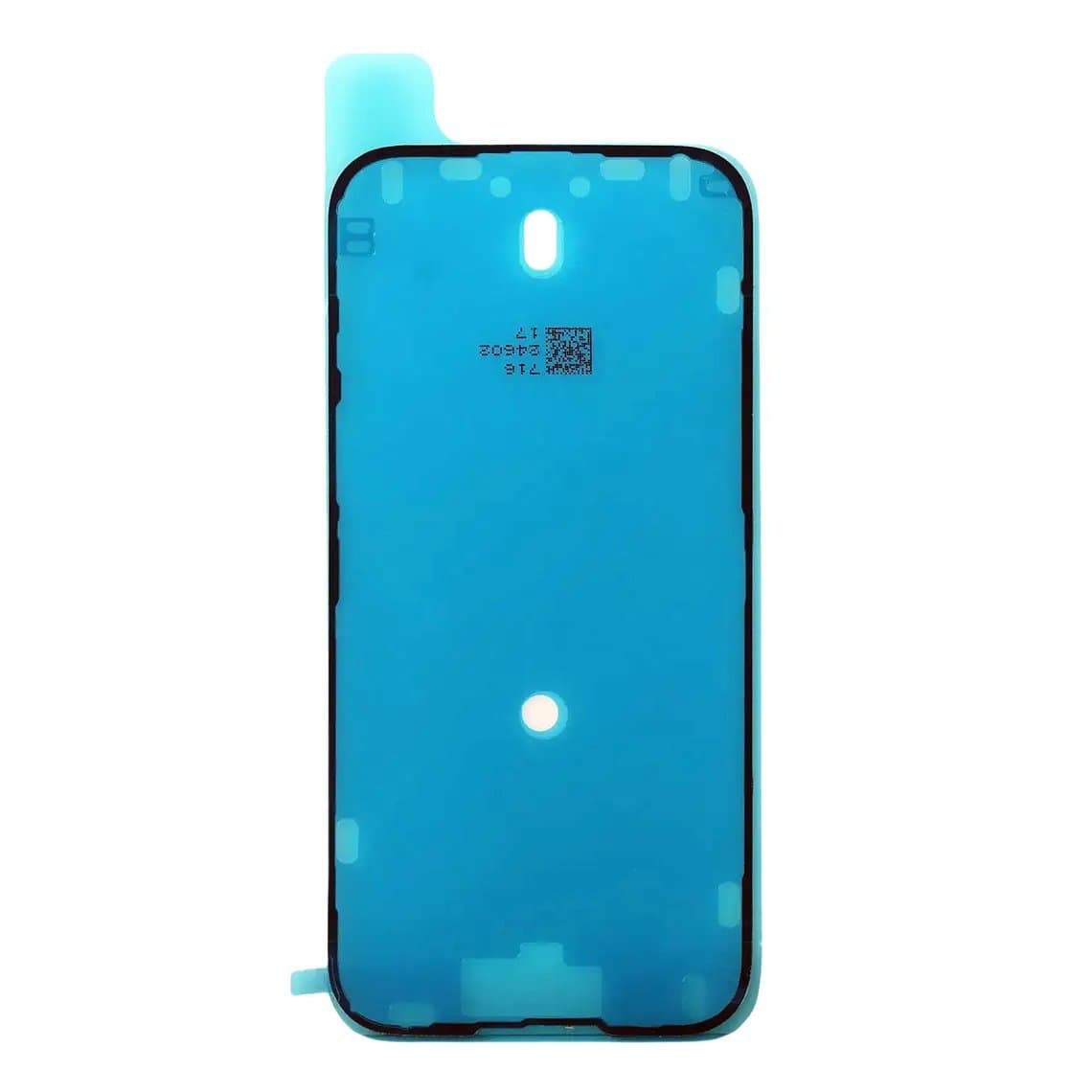
Cracked glass and damaged OLED panels are the largest job. Test with a known-good screen before quoting, because lines or a black image can also come from a board fault. Fit new display adhesive such as the iPhone 16 display adhesive to restore the seal. Shops that refurbish screens will need the right glass for each size, for example the iPhone 16 Pro Max front glass with OCA.
Battery replacement
Routine on the Pro models and different on the 16 and 16 Plus, as described above. iOS shows battery cycle count and dates on this generation, and a non-Apple or unpaired battery can trigger a notice that the battery cannot be verified. The battery still works.
USB-C charging port flex
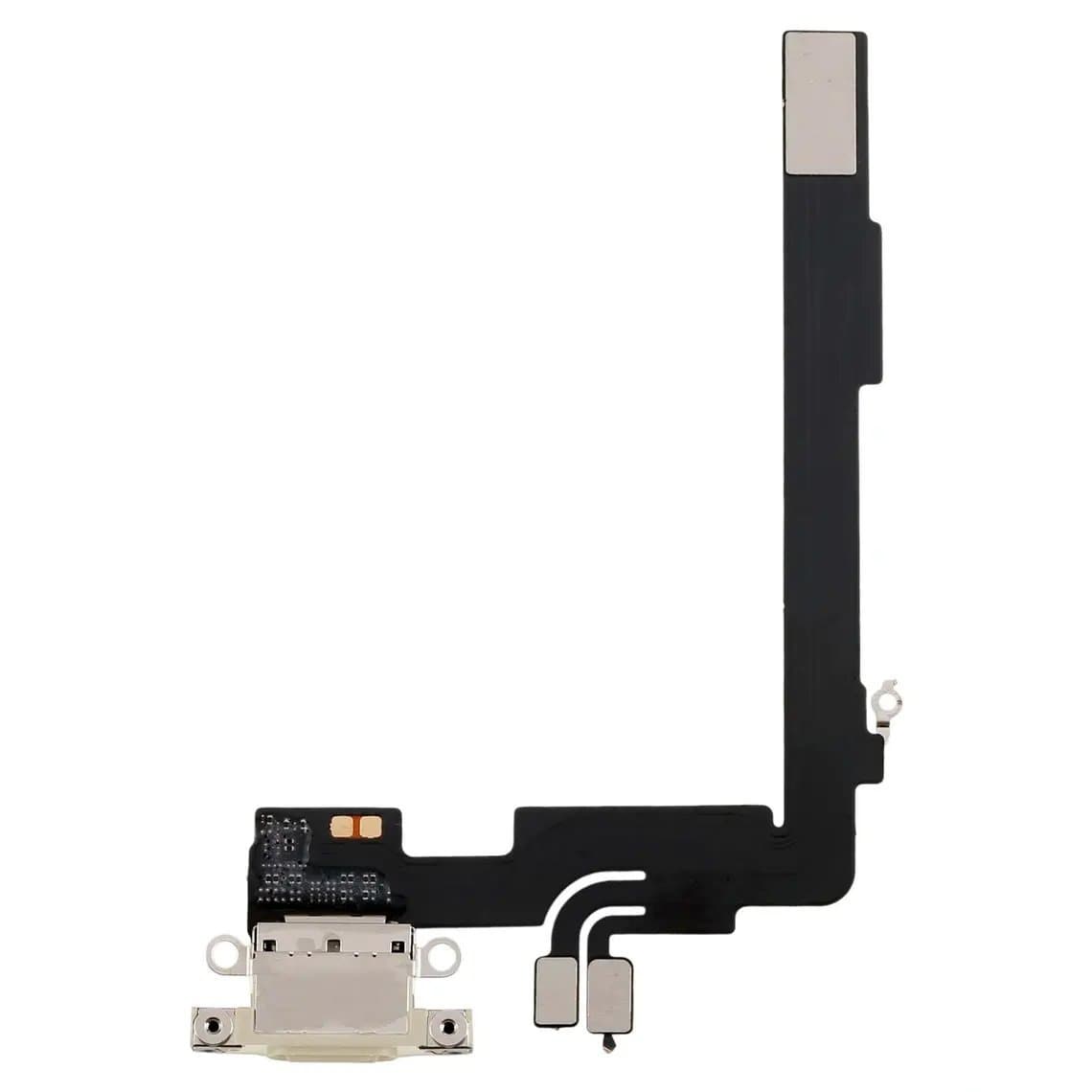
Clean lint from the port first and test with known-good cables. If the port is loose or worn, replace the colour-matched flex for the exact model, such as the iPhone 16 Pro Max charging port flex in Natural Titanium. Test the microphones afterwards.
Rear camera lens and modules
Lens covers crack often on the large Pro camera island. A lens with ring, such as the 16 Pro/Pro Max back camera lens with ring, is a quick repair in a clean area. Blurry photos or a black camera screen point to the module.
Speakers and earpiece
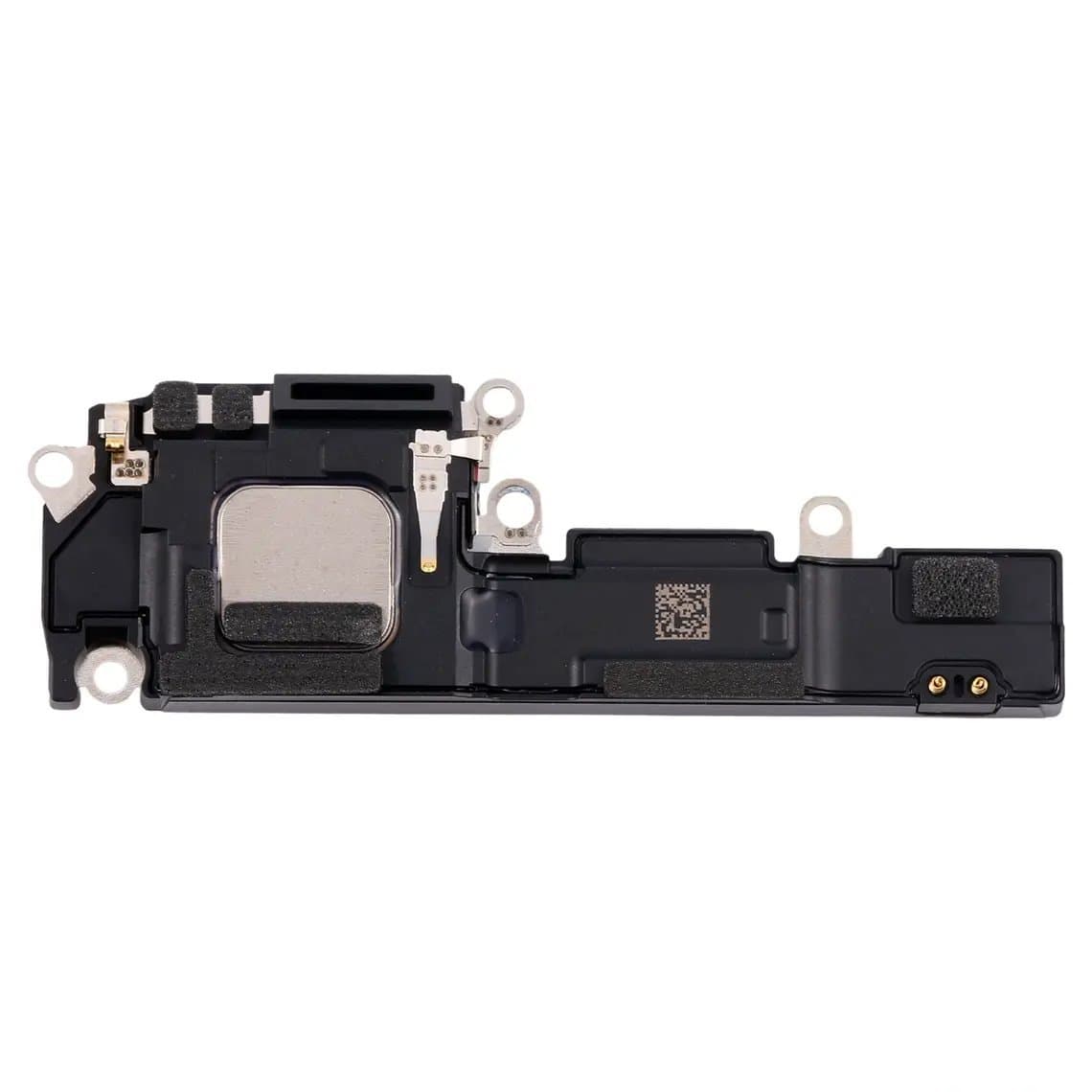
Weak or crackling sound is common after drops or water exposure. Clean the mesh first, then replace the speaker, such as the iPhone 16 bottom speaker. On the 16 Pro Max the earpiece shares a flex with Wi-Fi parts and comes in US and international versions, so order the one that matches the phone's region.
Wireless charging and front sensors
If MagSafe or wireless charging fails, inspect the coil flex, which on some models also carries the flash. Face ID components are paired to the logic board and cannot simply be swapped from another phone.
Problem areas that are commonly reported
These are patterns technicians commonly report, not guaranteed faults.
- Back glass and camera lens cracks, especially on the large Pro models.
- OLED lines or black areas after impacts that left the glass whole.
- Batteries damaged during removal on the 16 and 16 Plus when the electrical release method is not followed.
- Camera Control not responding after a frame impact or a reassembly with a poorly seated connector.
- USB-C charging faults caused by lint, worn ports or damaged cables.
Parts list by job
| Job | Parts to have ready | Watch out for |
|---|---|---|
| Screen | Screen in the right grade, display adhesive | 16e has a notch; Pro sizes changed from the 15 Pro |
| Battery | Battery, model-specific adhesive | Electrical release on 16/16 Plus; battery notice |
| Charging | Colour-matched USB-C charging flex | Test microphones afterwards |
| Back glass | Back panel, back adhesive | Panels with or without camera ring |
| Buttons | Power or volume flex with bracket | Camera Control test on all models except 16e |
| Camera | Lens with ring or camera module | Dust under the lens; camera notices |
| Audio | Bottom speaker or earpiece flex | US and international earpiece flex on Pro Max |
Screens and batteries for every model are listed under iPhone screens and iPhone batteries.
Choosing a screen grade for the iPhone 16 series
All five models use OLED. Our quality grades page explains each grade and its warranty.
- Original (New, Refurb or Pull): the safest choice for the 16 Pro and 16 Pro Max, where ProMotion and always-on behaviour matter.
- Soft OLED: good colour and true blacks at a lower price; a strong option for the 16e, 16 and 16 Plus where available.
- Hard OLED: lower cost, slightly thicker and more rigid.
- Incell (LCD): the budget option, with higher power use and no true black.
Aftermarket options for the newest models can be limited at first. Check what is in stock for the exact model before you quote.
Parts pairing and on-screen notices
The iPhone 16 series checks several parts against the logic board, including the screen, battery, cameras and Face ID. A non-Apple or unpaired part may trigger a notice and appear as an "unknown part" in the parts and service history. The part normally still works, though some features may be limited. Which parts trigger notices, and how Apple's own pairing process works, has changed between iOS versions, so check the current behaviour. Our guide to the unknown part message on iPhone explains what customers see. Tell the customer about possible notices before the repair.
Safety and good practice
- Disconnect the battery before any other connector.
- Use an ESD mat and wrist strap; OLED panels and flexes are static-sensitive.
- On electrically released batteries, use the correct procedure and never force the cell.
- Apply heat gently and keep it away from the battery; isolate swollen cells in a fireproof container.
- Test display, touch, Face ID, cameras, Camera Control, Action button, speakers, microphones, and wired and wireless charging before closing.
Is the iPhone 16 worth repairing?
Yes. It is a current generation and most customers will repair rather than replace. Check Apple's current software support for the model if the customer asks how long it will keep getting updates.
Questions
How do you remove the iPhone 16 battery?
On the iPhone 16 and 16 Plus, the adhesive is reported to release when a low-voltage current is applied, rather than with pull tabs. Follow a model-specific procedure and never pry hard on the cell. The Pro models use a different method.
Does the iPhone 16e have Camera Control?
No. The 16e has the Action button but no Camera Control. It also has a notch rather than the Dynamic Island, so its screen is different from the iPhone 16.
Does an iPhone 15 Pro screen fit an iPhone 16 Pro?
No. The 16 Pro and 16 Pro Max have larger displays than the 15 Pro models. Order the screen listed for the exact model.
Why does my iPhone 16 show "unknown part" after a repair?
iOS checks some parts against the logic board, and non-Apple or unpaired parts can trigger a notice. The part usually still works. Explain this to the customer before the repair.
Find screens, batteries and small parts for every model in the iPhone parts section. Repair shops can unlock trade pricing through wholesale and re-order quickly by SKU or CSV with Quick Order. Every part is tested before it ships from Shenzhen.