iPhone Black Screen but Phone Is On: Display or Board?
17 November 2026 · LightspeedTools team
Short answer: If an iPhone has a black screen but the phone is on, first prove it is on with sounds, vibration, Siri or a computer connection. Then swap in a known-good screen: if the test screen works, the fault is the original display; if it stays black, look at the display connector, the flex and the board, including the backlight circuit on LCD models.
A black screen on a working phone is one of the most common jobs on the counter, and one of the easiest to misquote. Selling a new screen to a customer whose phone has a board fault costs you the part, the labour and the customer's trust. This guide walks through the order of checks that separates a display fault from a board fault before you commit to a repair.
Step 1: Confirm the phone is actually on
Do not assume. A phone that is completely dead needs a power diagnosis, not a display diagnosis. Look for any of these signs:
- Sounds. Flip the ring/silent switch or Action button and listen for the click or haptic. Call the phone and listen for a ringtone.
- Vibration. Plug in a charger and feel for the charging vibration.
- Siri. Hold the side button. If Siri answers, the phone is booted and running.
- Computer connection. Connect it to a computer. If the computer detects the device, it is on.
- Faint image. Shine a torch at an angle onto the screen. On an LCD iPhone, a faint image under bright light means the panel is drawing but the backlight is off.
Try a forced restart too. A phone that has frozen with the display off will come back here, and that is a free fix. If the phone shows none of these signs, treat it as a no-power job instead.
Step 2: Display, backlight, connector or board?
Once you know the phone is on, there are four places the fault can sit:
| Fault area | Typical signs | How you confirm it |
|---|---|---|
| Display panel | Cracks, ink spots, lines, drop damage, or a screen that died after an impact | Known-good screen works on the same board |
| Backlight (LCD models only) | Faint image visible under a torch; phone works fine otherwise | Known-good screen also has no light; image visible under a torch |
| Connector and flex | Screen black after a repair, a drop or liquid; flex creased or torn | Inspection under a microscope; bent pins, corrosion or a lifted connector |
| Board | Known-good screen stays black; liquid or drop history | Measurements on the display and backlight lines |
Step 3: Test with a known-good screen
This is the single most useful test. Disconnect the battery, connect a known-good screen to the board, reconnect the battery and power on. You do not need to fit the screen in the frame.
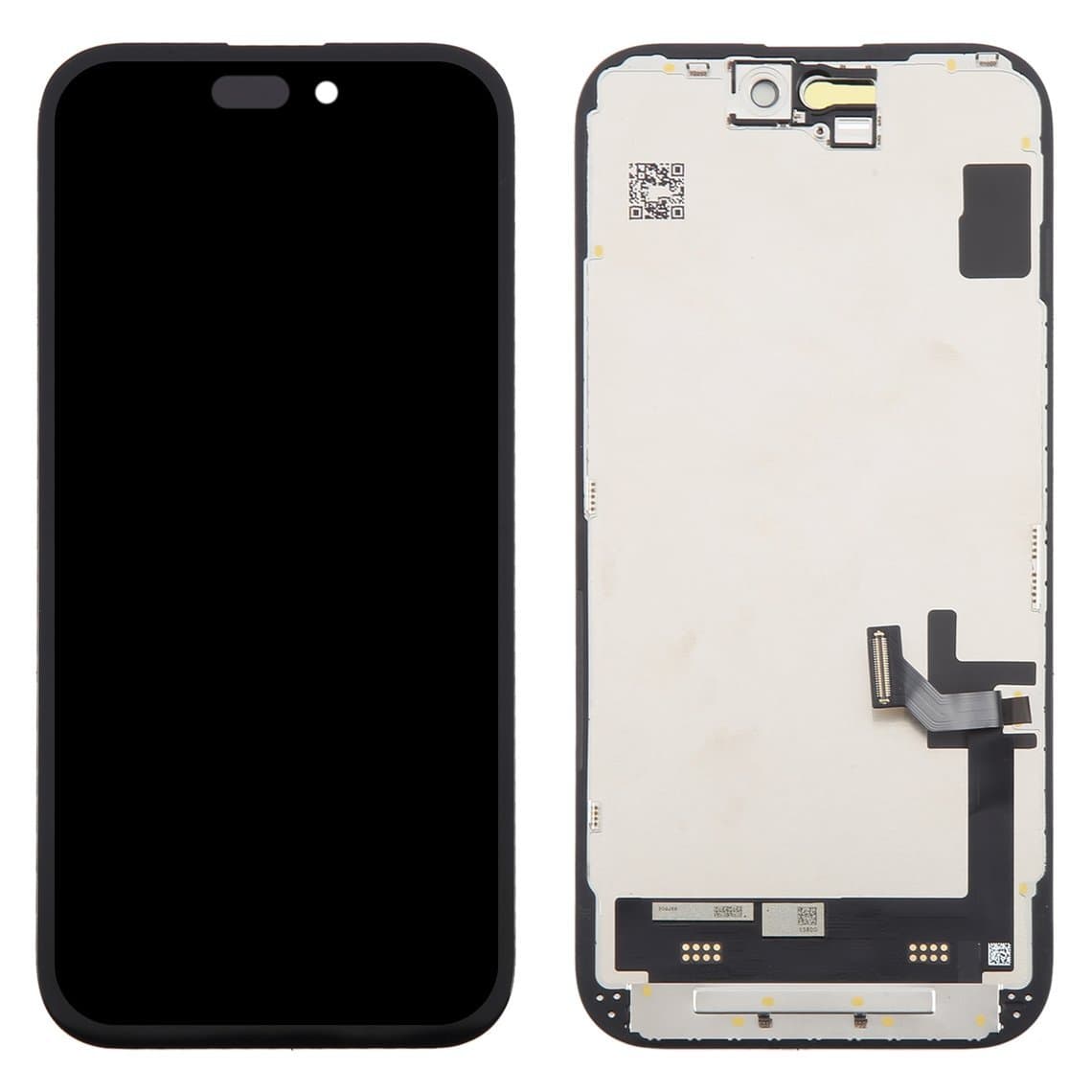
- Test screen works: the original display is faulty. Quote a screen replacement. Original-quality iPhone screens cover the full range of models, including assemblies such as the iPhone 15 screen display assembly and the iPhone 15 Pro OLED screen display assembly.
- Test screen stays black: the fault is on the board side, the connector, or both. Do not sell a screen.
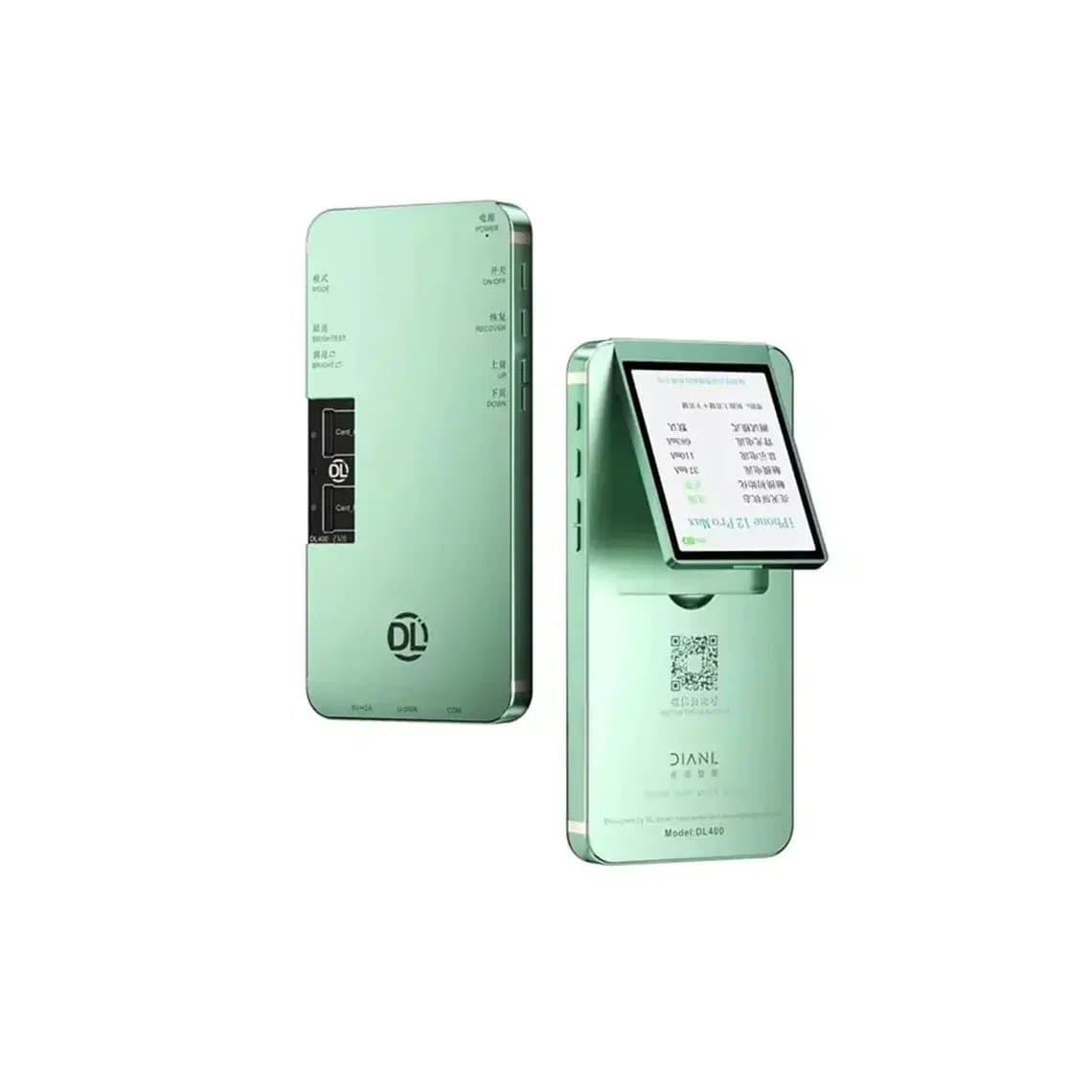
If you do not want to open the phone first, you can test the customer's screen on a screen tester before the board is ever involved. A unit like the DL400 Pro screen tester for iPhone or the YCX M830 screen tester drives the panel on its own, so a screen that lights up on the tester but stays black in the phone points straight at the board. Browse the full range of screen testers to find one that covers the models you see most.
A tester also catches a common trap: a new screen that arrived faulty. Test every screen before you fit it, and you will never chase a board fault that was really a bad part.
LCD models vs OLED models
The display technology changes how you diagnose a black screen, because the two types make light in completely different ways.
LCD iPhones (older models and the budget line)
LCD iPhones, which include the older numbered models and some budget models, use a separate backlight behind the panel. The board drives the backlight through its own circuit, with a boost converter, coils, diodes, filters and capacitors. If any part of that circuit fails, the panel still draws an image but there is no light behind it. That is the classic "faint image under a torch" symptom.
Backlight faults are common on LCD models after a screen replacement done with the battery connected, after a cheap or faulty screen, or after liquid damage. When the known-good screen also stays dark and you can see a faint image, the backlight circuit on the board is your first suspect. Check the backlight parts for shorts and opens with a multimeter, and inspect for damage under a microscope.
OLED iPhones (newer flagship models)
OLED panels make their own light, pixel by pixel. There is no separate backlight circuit, so the "faint image" test does not apply. If an OLED phone has no image at all with a known-good screen, the fault is in the display power lines, the data lines, the connector or the chips that drive them. OLED screens also contain a more delicate driver on the flex, so a fault on the panel side is more likely after impacts.
For OLED models, a green or partly lit screen, lines or flicker usually mean a panel fault rather than a board fault. A completely black screen with a known-good test screen points to the board or the connector.
Connector and flex inspection under a microscope
Before you start measuring on the board, look at the connector. Many board-side black screens are not a component fault at all. Use a microscope and check:
- Bent or missing pins on the board-side display connector, often from a screen pressed in at an angle.
- Corrosion or residue between the pins, from liquid or a cheap cleaning job.
- Lifted or cracked solder on the connector after a drop.
- Torn or creased flex on the screen side, especially where it bends.
- Burnt parts near the connector, a sign that a screen was connected with the battery live.
On reassembly, refit the insulation and shielding on the flex. Small parts like the iPhone X display screen insulation sticker stop the flex from shorting against the frame or shield, which is an easy way to cause the black screen you just fixed.
Liquid and drop damage
Liquid damage causes black screens in two ways. Corrosion can attack the display connector and the lines around it, and it can kill parts in the backlight or display power circuit. Clean the board thoroughly, then test again with a known-good screen before you replace parts. Many liquid black screens come back after a proper clean.
Drop damage usually hits the panel, but a hard enough impact can also crack solder joints on the connector or the chips nearby. If the screen looks fine but stays black after a drop, test with a known-good screen first, then inspect the connector.
When it is software
Sometimes the board and screen are fine and the phone is just stuck. Signs that point to software:
- The black screen started after an update, a restore or a crash.
- The phone is detected by the computer, makes sounds, and a forced restart brings the screen back briefly.
- A known-good screen also stays black, yet the board shows no damage and normal measurements.
Try a forced restart, then an update or restore through a computer. Tell the customer before you run a restore, because it erases data. If the screen comes back during the restore process, the hardware is working.
Questions
Why is my iPhone screen black but I can hear sounds?
The phone is on, so the fault is in the display path: the screen itself, the connector, the backlight circuit on LCD models, or the display circuit on the board. A forced restart rules out a frozen screen. If that fails, test with a known-good screen.
How do I know if it is the screen or the board?
Connect a known-good screen to the phone. If the test screen works, the original screen is faulty. If it stays black, the fault is on the board side or the connector.
Can a new screen cause a black screen?
Yes. A faulty new screen, a screen connected with the battery live, or a damaged connector can all leave the phone with a black screen. Test every screen on a tester before fitting and always disconnect the battery first.
Is a black screen after liquid damage fixable?
Often, yes. Clean the board and the connector thoroughly and inspect under a microscope, then test again with a known-good screen. If it stays black after cleaning, check the display and backlight circuits for damaged parts.
Stock up on iPhone screens and screen testers for your counter. Shops buying in volume can apply for a wholesale account or place a fast order through quick order.