Samsung Battery Replacement: Adhesive, Heat and Safety
17 November 2026 · LightspeedTools team
Short answer: On most recent Galaxy phones the battery is glued into the midframe and reached by removing the glued back glass with gentle heat. Disconnect the battery first, release its adhesive with isopropyl alcohol and plastic cards rather than force, fit a battery with the matching EB-B code, then reseal the back with fresh adhesive. Never bend, puncture or lever against the cell.
A Samsung battery job looks simple on paper: open the back, unplug, swap, close. In practice most of the risk sits in two places, the back glass and the battery adhesive. Samsung uses strong adhesive on both, and the battery usually has no stretch-release pull tabs like many iPhones. This guide covers how to get through both safely, how construction differs across Galaxy generations, and how to close the phone so it stays sealed.
How Galaxy batteries are mounted
Construction varies by series and year, so check the model before you start. The common layouts are:
| Layout | Typical models | Access route |
|---|---|---|
| Glass back, battery glued to midframe | Most Galaxy S and Note models from the S6 era on, some higher-end A models | Heat and remove back glass, remove wireless charging coil / NFC cover, then the battery |
| Plastic back, battery glued to midframe | Many budget A and M models | Back cover is often clipped and lightly glued; less heat needed |
| Battery reached from the screen side | Some models and some service-pack layouts | Screen and frame come off as one assembly; check the model's guide |
On the S21 family, for example, the battery sits under the back glass between the main board and the sub board, with the wireless charging coil and NFC antenna laid over the top. Older and newer generations move parts around, so treat any single teardown as a guide, not a rule for every model.
Tools and parts checklist
- A heating pad or controlled heat gun. A pad gives even, repeatable heat across the whole back; see the range of heating pads.
- Suction cup, thin plastic picks and plastic cards. Avoid metal pry tools near the battery.
- 99% isopropyl alcohol in a dropper or dispenser, plus adhesive removal tools for cleaning old glue off the frame.
- Phillips 00 screwdriver, ESD mat and wrist strap.
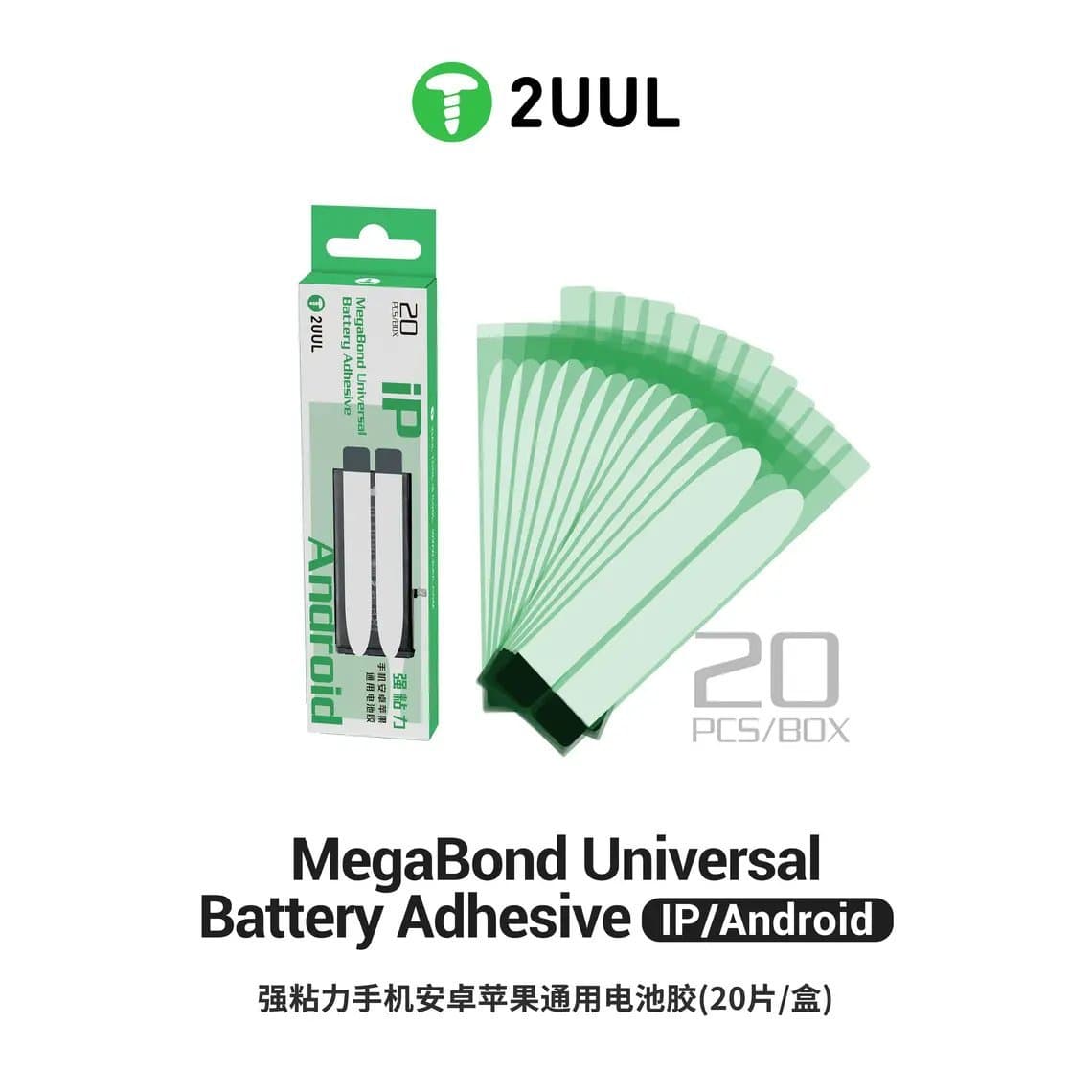
- Fresh battery adhesive, such as 2UUL BA02 universal battery adhesive.
- A pre-cut back cover adhesive for the model, for example the Galaxy S21 battery door adhesive.
- A fireproof container or sand bucket within reach.
Step by step
1. Prepare the phone
Run the battery down to roughly 25% or lower if the phone still works. A lower charge reduces the energy released if the cell is damaged. Power off, remove the SIM tray, and note any existing faults, such as a cracked back or a dead NFC, before you touch it.
2. Heat and lift the back glass
Place the phone glass-down on the heating pad. A moderate setting, commonly around 80°C, for a few minutes is enough to soften most Samsung back adhesive. Lift a corner with a suction cup, slide in a pick, and work around the edge, reheating as the glue cools. Keep picks shallow near the camera island and along the sides where the wireless charging flex or antenna contacts may sit close to the edge.
If the back is already shattered, a layer of packing tape over the glass keeps fragments together and gives the suction cup a surface to grip. Plan to fit a new back; a cracked one rarely reseals well.
3. Remove the coil and NFC cover
Undo the screws holding the plastic covers over the boards. On many Galaxy models the wireless charging coil and NFC antenna are one flexible assembly, lightly glued to the battery and clipped or screwed at the edges. Peel it off slowly, starting from the side away from its connector. Creasing this flex is a common way to lose wireless charging or NFC after an otherwise good battery job.
4. Disconnect the battery first
Pop the battery connector off the board with a plastic tool before any other work. Fold it away from the socket so it cannot spring back. Then disconnect any flex that runs across the battery, such as the main-to-sub board cable, so nothing gets pulled when the cell comes out.
5. Release the adhesive
This is the step that decides whether the job is safe. Samsung batteries are held by strong adhesive across most of their back face. The safe approach:
- Apply a few drops of isopropyl alcohol along one edge of the battery and let it wick underneath for a minute.
- Slide a plastic card under the edge and work it slowly across, adding alcohol as you go.
- Use a second card to hold the gap open and keep the lift spread over the whole cell.
- Let the alcohol do the work. If the card stops moving, add alcohol and wait, rather than leaning on it.
Gentle extra heat from the pad side helps on stubborn adhesive, but do not aim a heat gun at the battery itself. Never use a metal tool under the cell, and never lever against the battery body or bend it. A bent or punctured lithium cell can short internally and catch fire, sometimes minutes later.
6. Clean, match and fit the new battery
Scrape off old adhesive with plastic tools and wipe the frame with alcohol, then let it evaporate fully. Check the replacement is the right part before you peel any liners (see the next section). Fit fresh adhesive, seat the battery square in its recess, press it down evenly, and connect it only after the surrounding flex cables are back in place.
7. Test before you seal
Refit the coil and covers, power on, and check charging (wired and wireless), NFC, both cameras, the speaker and the signal before closing.
Match the battery code, not just the model name
Samsung batteries carry a model code printed on the label, usually starting with EB-B. The code tells you the exact part, and model names alone can mislead because regional variants and similar names exist. The S21 family is a good example:
- Galaxy S21 battery EB-BG991ABY
- Galaxy S21 Plus battery EB-BG996ABY
- Galaxy S21 Ultra battery EB-BG998ABY
The three look similar but differ in size, capacity and connector position, so one will not stand in for another. Compare the code on the old battery with the listing before ordering. For older models such as the Galaxy Note 10 Plus battery, read the code off the original cell to confirm the match. The full range is under Samsung batteries.
When the screen assembly comes with a battery
Some Samsung screens are sold as an assembly with the frame already attached, and for some models the official service pack also comes with a battery fitted. If the phone needs a screen anyway, that assembly can cover both jobs at once and skips the risky adhesive step. Whether a battery is included depends on the model and the part number, so check the listing. The differences between pack types are covered in Samsung service pack vs aftermarket screens, and the parts are listed under Samsung service packs.
Sealing the back
- Remove every trace of old adhesive from both the frame and the glass (if reusing it). Leftover glue lifts the new strip and leaves a gap.
- Wipe with alcohol and let it dry completely.
- Use a pre-cut adhesive made for the model, so the camera and microphone openings line up.
- Press the back down firmly and evenly. Many techs clamp it lightly or place it under a weight for a while so the adhesive bonds.
- Tell the customer honestly that a re-sealed phone may not match its original water resistance rating.
Swollen battery safety
A swollen battery is the most common reason a Galaxy arrives with its back glass already lifting. Treat it as a hazard, not just a fault:
- Do not press the back down to "fix" the gap, and do not charge the phone.
- Work slowly with plenty of alcohol. A swollen cell is under internal pressure and its casing is already stressed.
- Never cut, pierce or squeeze it. If it hisses, smokes or gets hot, move it into a fireproof container or sand straight away and keep clear.
- Store removed cells, swollen or not, in a fireproof container with the terminals taped, and send them to a battery recycling point. Do not put them in general waste.
Common mistakes
- Prying the battery out dry with no alcohol, which bends the cell.
- Using a metal spudger or blade under the battery.
- Forgetting to disconnect the battery before lifting other flex cables.
- Tearing the wireless charging / NFC flex by peeling it too fast.
- Ordering by model name only and getting a battery with the wrong code.
- Sealing the back before testing wireless charging, NFC and cameras.
After the repair
A new battery may report odd percentages for the first few charge cycles while the phone recalibrates. Let it charge to full and run down normally a couple of times before judging it. On recent One UI versions there is also a battery protection setting that limits the maximum charge to help the cell last longer. If a customer says the phone "only charges to 80% or 85%", check that setting before assuming the new battery is faulty. If the phone still will not charge after the swap, the cause is more likely the port or sub board; see Samsung not charging: port, sub board or battery.
Questions
Can I replace a Samsung battery without removing the back glass?
On most Galaxy models with a glass back, no. The battery is reached from behind, so the back glass has to come off. On some models and service-pack layouts the battery is reached from the screen side instead, which usually means removing the screen, so check the specific model first.
What temperature should I use to remove Samsung back glass?
A heating pad set around 80°C for a few minutes softens most Samsung back adhesive. Heat in short cycles and reheat as the glue cools rather than turning the heat up. Too much heat can damage the camera lens covers, the battery and nearby adhesive parts.
Is it safe to use isopropyl alcohol on a phone battery?
Yes, 99% isopropyl alcohol is the standard way to soften battery adhesive and it evaporates without leaving residue. Use small amounts so it wicks under the battery rather than pooling around connectors. Let everything dry fully before reconnecting the battery and closing up.
Will my Galaxy stay water resistant after a battery replacement?
It can be close if the back is cleaned well and sealed with a fresh pre-cut adhesive, but no shop can promise the original water resistance rating after opening. Tell customers to treat the phone as not waterproof after any repair that opens the back.
For Samsung batteries, back adhesives and screens, browse Samsung parts. Repair shops buying in volume can apply for wholesale pricing, which unlocks after $500 of purchases, and reorder by SKU or CSV through Quick Order. Batteries carry a 6-month warranty and are tested before they ship from Shenzhen.