Apple Watch Restore Tool: Fixing a Watch That Won't Boot
17 November 2026 · LightspeedTools team
Short answer: An Apple Watch restore tool is a small tester or dock that connects to the watch's hidden diagnostic port so a computer can see the watch and reinstall watchOS with Apple's official software. It is the bench fix for watches stuck on the Apple logo, caught in a boot loop or bricked by a failed update. It cannot remove Activation Lock and it will not fix hardware faults.
Phones are easy to restore: plug in a cable, put the device into recovery mode and let the computer reinstall the system. Apple Watch has no normal charging or data port on most models, so a watch that will not boot is much harder to recover. This guide explains when a restore is the right move, how restore tools work, which generations they generally suit, and where their limits are.
What "restore" means here
In this article, restore means erasing the watch and reinstalling watchOS from a clean copy of Apple's software. It is a software repair. It replaces a corrupted or incomplete operating system, but it does not change the hardware, does not unlock anything and does not keep the user's data on the watch (data synced with the paired iPhone can usually come back after re-pairing, depending on the owner's backups).
When a watch needs a restore
Restore is worth considering when the symptoms point to software rather than hardware:
- Stuck on the Apple logo and never reaching the watch face.
- Boot loop: the logo appears, the watch restarts, and the cycle repeats.
- Failed or interrupted update: the battery ran out, the watch came off the charger or the update stalled part way through.
- A recovery or error screen, such as a red exclamation mark or a prompt to bring the iPhone close or contact Apple.
- Repeated crashes right after an update that resets and normal troubleshooting do not clear.
Try the simple steps first
Before opening a toolbox, rule out the easy causes:
- Charge it properly on a known-good charger for a good while. A flat battery can look like a boot failure.
- Force restart: hold the side button and the Digital Crown together until the Apple logo appears.
- Use the iPhone: on recent watchOS and iOS versions, a watch showing a recovery screen can often be updated or restored by placing the paired iPhone close to it and following the prompts. Whether this is available depends on the software versions involved.
- Unpair and re-pair if the watch boots but behaves badly.
If none of these work, or the watch cannot get far enough to talk to the iPhone, a wired restore through the diagnostic port is the next step on the models that have one.
Why Apple Watch is hard to restore
Most Apple Watch models charge wirelessly and have no visible port. For service, many generations include a small hidden diagnostic port inside the lower band slot, covered by the band when it is fitted. Apple uses it in service, and third-party restore tools are built to connect to it.
Which generations have this port, and in what form, is not the same across the range. Product listings for restore testers commonly cover the earlier generations, roughly Series 0/1 through Series 6 and the first SE. Later generations are widely reported to have dropped the physical port in favour of other service methods, so a wired restore tool may not be an option for them. Always check the tool's stated compatibility against the exact watch, and treat any model outside that list as unsupported.
Restore testers and docks: what they are
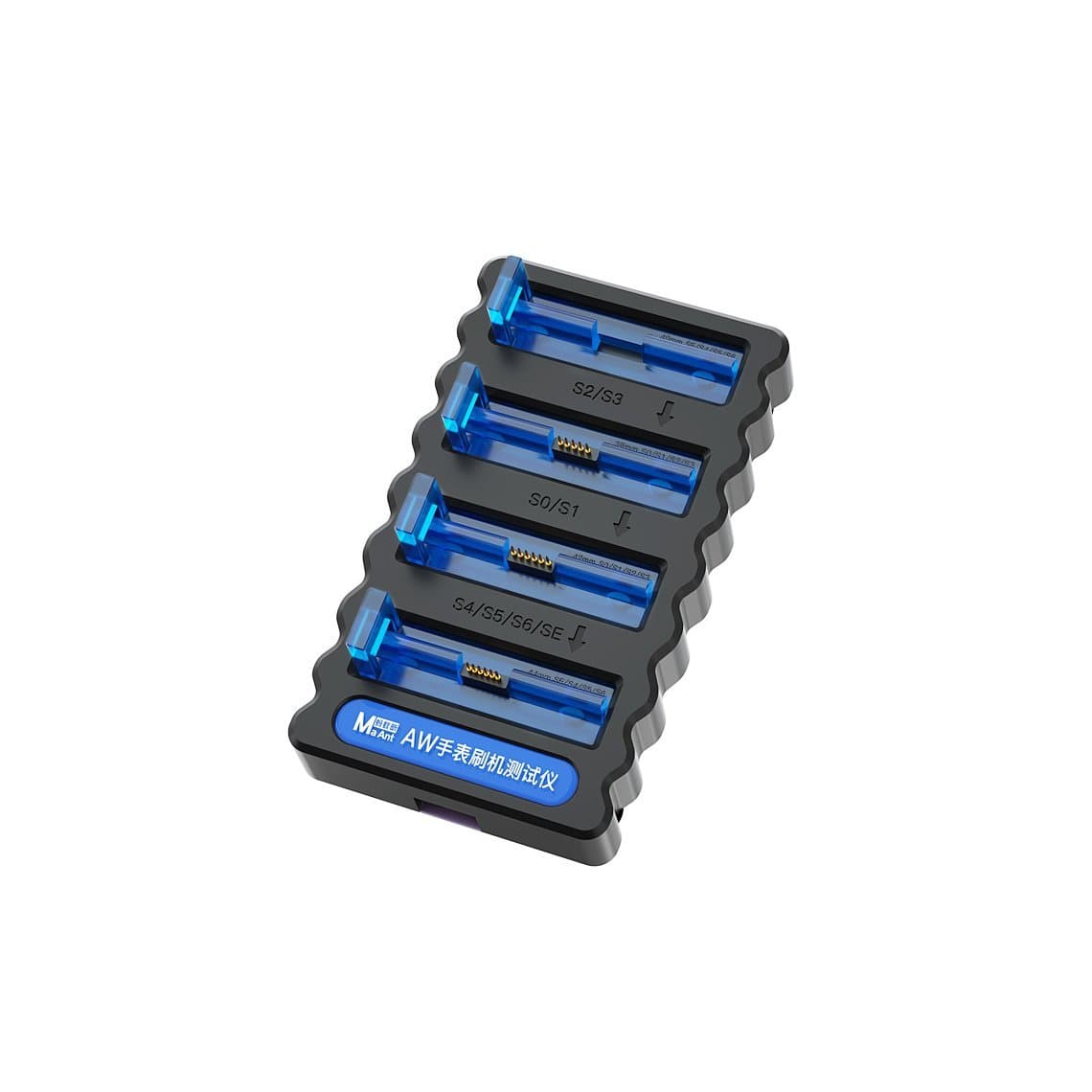
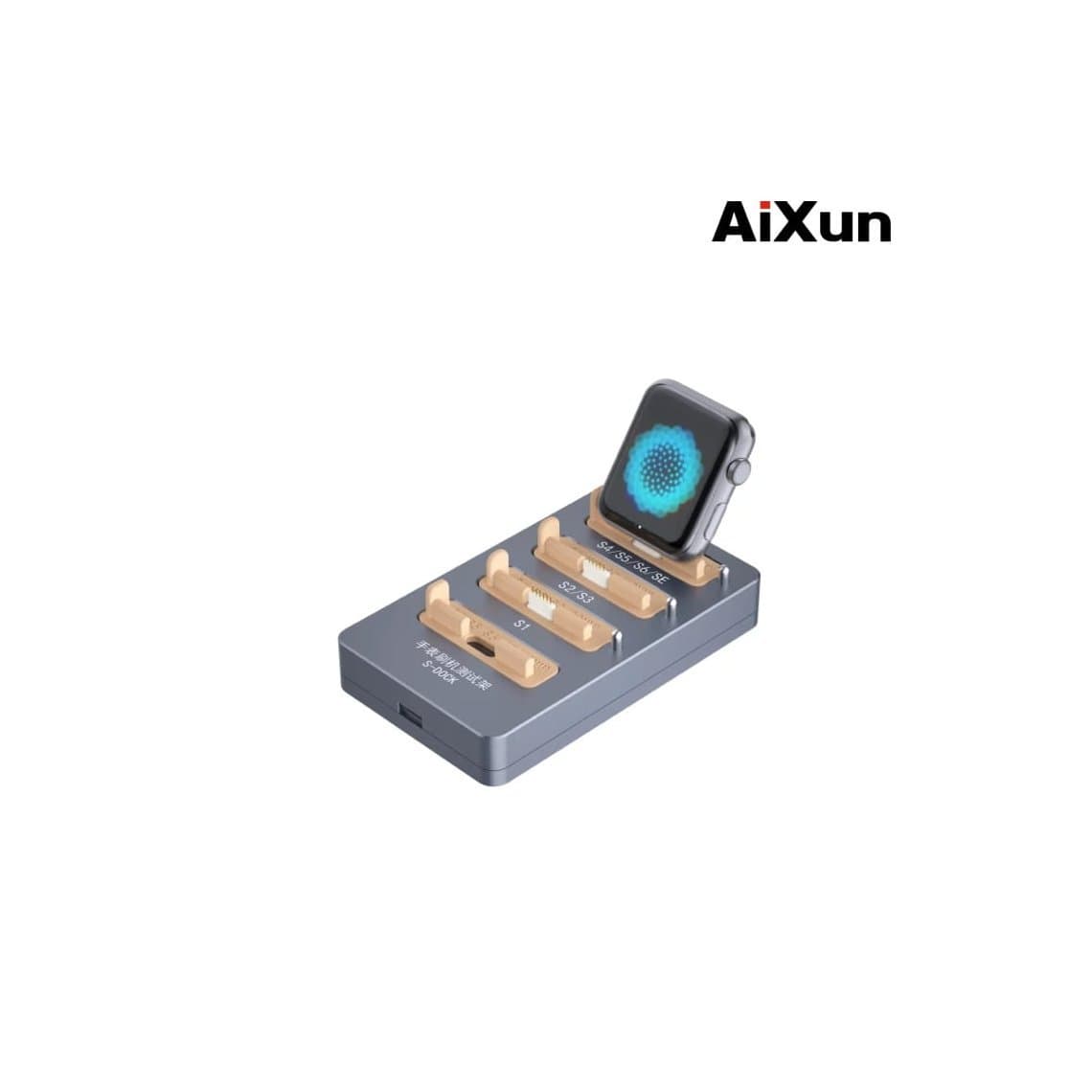
A restore tool is essentially an adapter. It holds the watch in place, presses small contacts onto the diagnostic port pins and passes the connection to a computer through USB. Two common examples:
- The MaAnt Apple Watch flashing restore tester, listed for S0, S1, S2, S3, S4, S5, S6 and SE.
- The AiXun S-Dock Apple Watch restore tester, listed for S1, S2, S3, S4, S5, S6 and SE.
| Question | What to check |
|---|---|
| Which generations does it cover? | The compatibility list in the product title or description. Do not assume a later series works. |
| Does it fit both case sizes? | Many testers use adapters or a clamp for different case sizes; check before buying. |
| How does it connect? | Usually USB to a computer. Use a good cable and a direct port, not an unpowered hub. |
| How are the pins aligned? | Good alignment matters. Worn or bent pins are a common cause of "not detected". |
You can see the full range on our watch restore tools page.
The general restore process
Exact steps vary by tool and watch generation, so follow the instructions that come with the tester. The general flow looks like this:
- Prepare the computer. Install the latest version of Apple's official device software for your operating system (Finder handles devices on recent macOS; Windows uses Apple's own device app or iTunes, depending on version).
- Remove the band to expose the diagnostic port in the lower band slot. Clean the slot gently if there is dirt or residue on the pins.
- Seat the watch in the tester, aligning the contacts with the port as the tool's instructions show. Work on an anti-static mat; see our guide to ESD protection.
- Connect to the computer and put the watch into the mode the tool requires. Some testers do this with a button or switch; others need a button sequence on the watch.
- Confirm the computer recognises the watch. Apple's software should detect a device that needs to be restored or updated.
- Restore with the official software and leave it alone until it finishes. Do not move the watch or the cable during the process.
- Disconnect, refit the band and pair the watch with the owner's iPhone.
If the computer does not see the watch
- Reseat the watch; contact alignment is the most common problem.
- Check the pins on the tester and in the port for damage or dirt.
- Try another USB cable and port, directly on the computer.
- Make sure the tool supports that exact generation.
- Charge the watch first; a fully flat battery can stop it entering restore mode.
If the restore starts but fails with an error every time, the cause is often hardware, which leads to the next section.
What a restore cannot do
It never removes Activation Lock
Activation Lock is tied to the owner's Apple Account and is checked with Apple when the watch is set up. Restoring watchOS does not remove it. After a restore, a locked watch will still ask for the Apple Account it belongs to. The only legitimate fix is for the owner to sign in or remove the watch from their account, or to contact Apple with proof of purchase. Do not accept watches for "unlocking"; a restore tool is a repair tool, not a way around ownership.
It will not fix hardware faults
If the watch fails to boot because of failing hardware, reinstalling the software will not help, and may not even complete. Common hardware causes include:
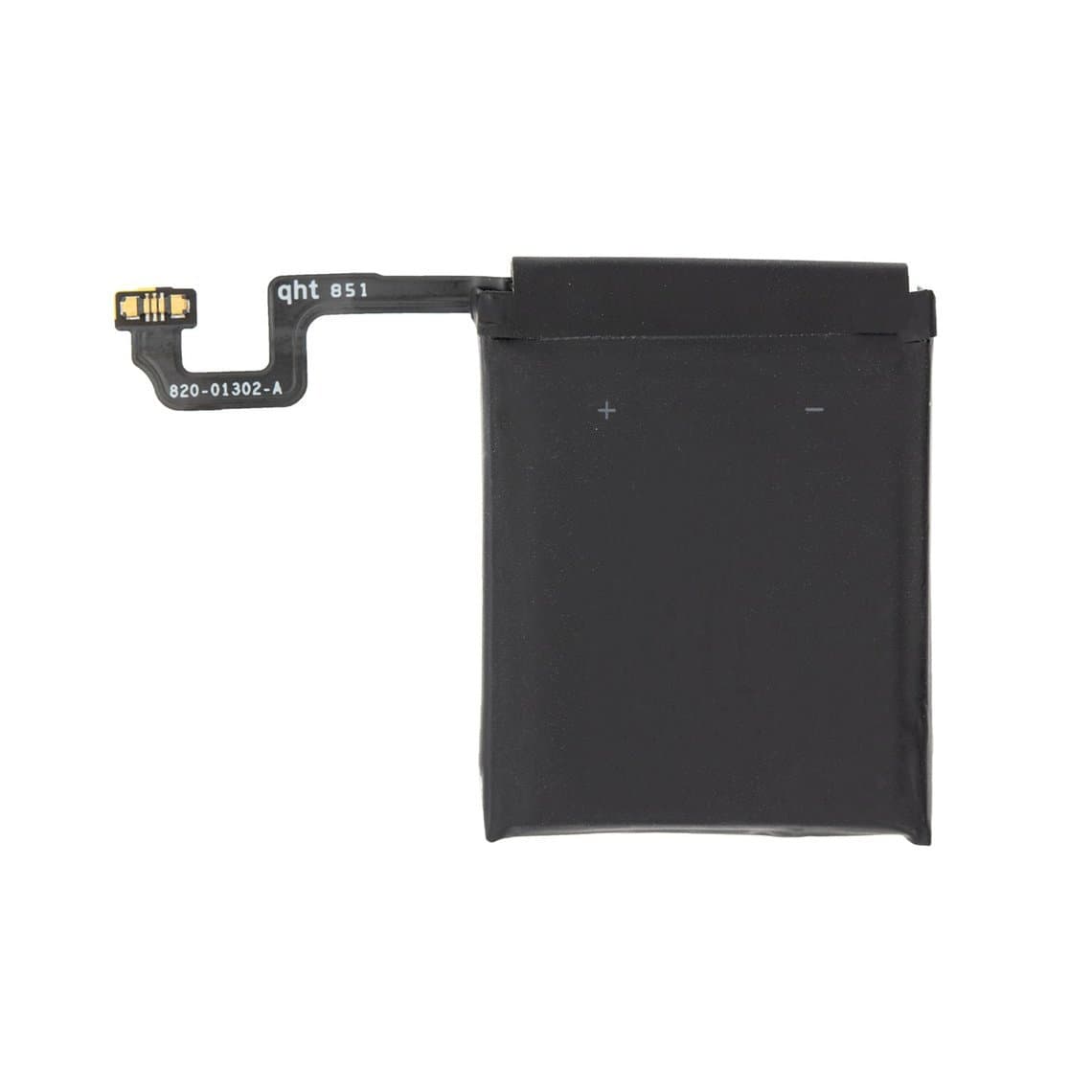
- A worn or swollen battery that cannot supply enough power during boot. Replacements such as the Apple Watch Series 3 GPS 38mm battery or the Apple Watch Series 4 44mm battery are specific to series, case size and sometimes GPS or cellular version.
- A damaged display or display flex, which can make a working watch look dead. A replacement like the Series 3 38mm GPS screen assembly is a different repair entirely; see our Apple Watch screen replacement guide.
- Liquid damage or logic board faults, which need board-level diagnosis.
A useful rule: if a restore completes but the watch still loops, or the restore keeps failing at the same point, look at the hardware. Battery first is a sensible order, because it is the most common and least invasive fix.
When to open the watch
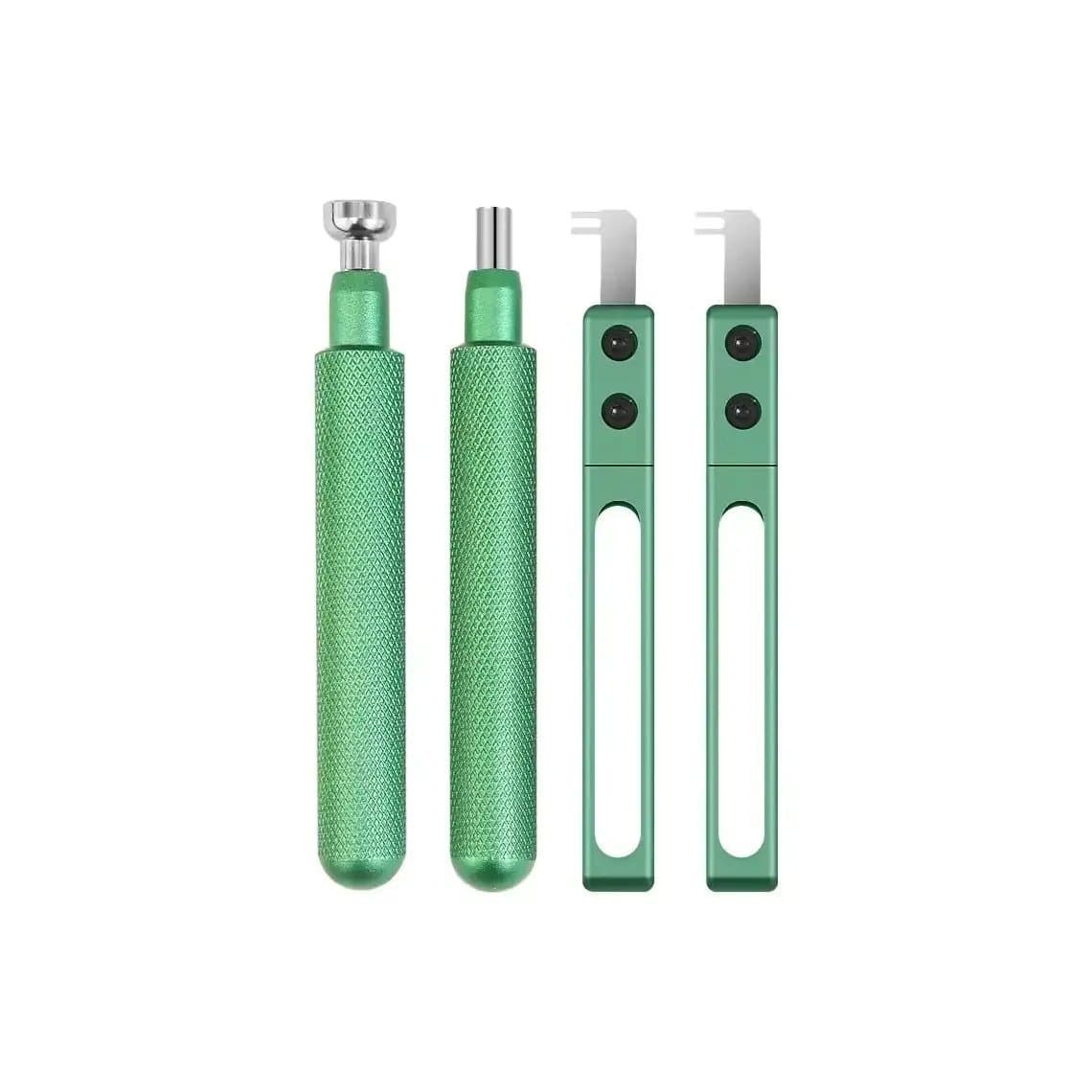
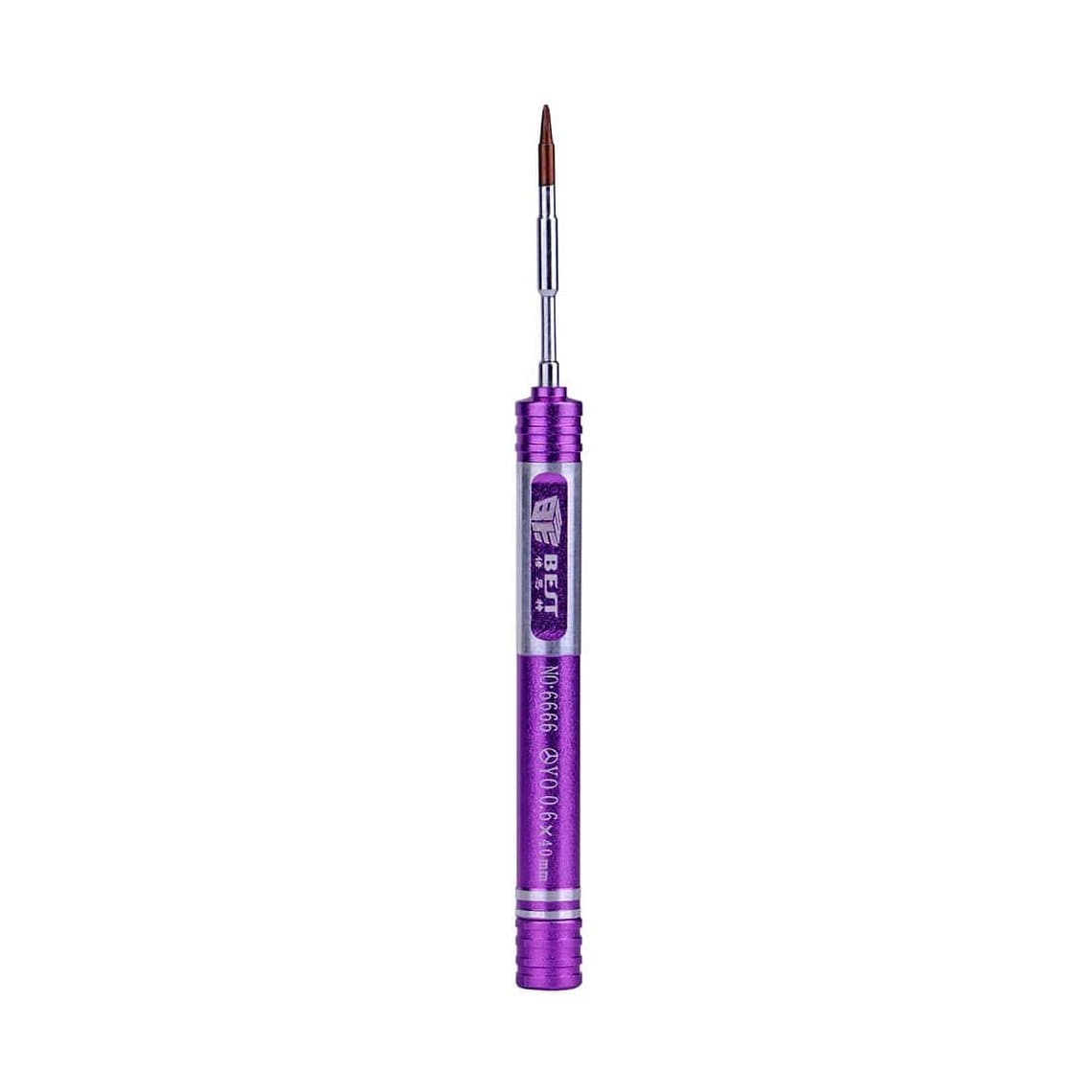
A restore through the band slot usually needs no disassembly. If you move on to hardware, you need the right tools: a disassembly tool set for Apple Watch for lifting the display, and a Y0.6 tri-point screwdriver for the internal screws. Expect to replace the display adhesive, such as the Series 4 40mm Force Touch sensor adhesive, every time the screen comes off, since a poor seal affects water resistance.
Safety notes for this stage:
- The display is glued down and the flex cables underneath are short and fragile. Use gentle, even heat and thin tools; never pry hard at one point.
- Watch batteries are small lithium cells. Never puncture, bend or heat a swollen battery, and dispose of damaged cells under your local rules.
- Work with ESD protection and keep metal tools away from the battery terminals.
Browse the full Apple Watch repair tools range for openers, holders and drivers, or see the wider smartwatches section.
Apple's service as an option
For some watches, Apple's own service is the better route: newer generations without a physical diagnostic port, watches still under warranty or extended cover, and Activation Lock problems where the owner can prove purchase. Apple has tools and access that third-party shops do not. A good shop tells the customer when that is the right answer.
Common mistakes
- Buying a restore tool without checking it covers the watch generations you actually see.
- Blaming software when a weak battery is stopping the boot.
- Moving the watch or cable mid-restore.
- Using an outdated version of Apple's software on the computer.
- Accepting a locked watch and promising the customer a restore will fix it.
Questions
Can you restore an Apple Watch without the iPhone?
On models with the diagnostic port, a restore tool lets a computer reinstall watchOS directly with Apple's official software. The watch still has to be paired with an iPhone afterwards to be set up and used. On newer watchOS versions, Apple also offers a restore path through the paired iPhone itself.
Where is the Apple Watch diagnostic port?
On the generations that have one, it sits inside the lower band slot, hidden when a band is fitted. Restore testers press contacts onto it. Later generations are reported not to have the physical port, so check your tool's compatibility list.
Does restoring an Apple Watch remove Activation Lock?
No. Activation Lock stays with the owner's Apple Account and is checked again after the restore. Only the owner, or Apple with proof of purchase, can remove it.
Why does my Apple Watch keep failing to restore?
Repeated failures usually point to a connection problem or a hardware fault. Check contact alignment, the cable and the tool's compatibility first; if those are fine, suspect the battery, display connection or logic board.
For the bench, see our watch restore tools and Apple Watch repair tools. Shops buying in volume can open a wholesale account, with wholesale prices after $500 of purchases, and reorder by SKU or CSV through Quick Order.