iPhone Stuck on Apple Logo: Hardware Causes and Fixes
17 November 2026 · LightspeedTools team
Short answer: An iPhone stuck on the Apple logo is first a software question: try a force restart, then an update or restore in recovery or DFU mode with a computer. If a restore fails or the phone keeps looping afterwards, the cause is usually hardware: a weak battery, a faulty or incompatible replacement part, a damaged charging port flex, liquid damage, or a NAND or baseband fault on the logic board.
Boot loops and frozen logos are some of the most common "no power" jobs that reach a repair bench. The trick is not to jump straight to board work. A clean diagnosis goes from cheapest to most expensive: software first, then batteries and add-on parts, then the logic board. This guide covers that order for iPhones in general and points out where models differ.
Step 1: Rule out software
Force restart
On iPhone 8 and later, press and release volume up, press and release volume down, then hold the side button until the screen goes off and the logo returns. iPhone 7 uses side and volume down together; iPhone 6s and earlier use the home and power buttons. A force restart fixes a surprising number of logo freezes caused by a stuck update or a crashed process.
Recovery mode: update first, restore second
Connect the phone to a computer with Finder or iTunes (Apple Devices on newer Windows systems) and put it into recovery mode. Choose Update first. It reinstalls iOS while trying to keep the user's data. Only choose Restore if update fails, and only after the customer understands a restore erases the phone.
DFU restore
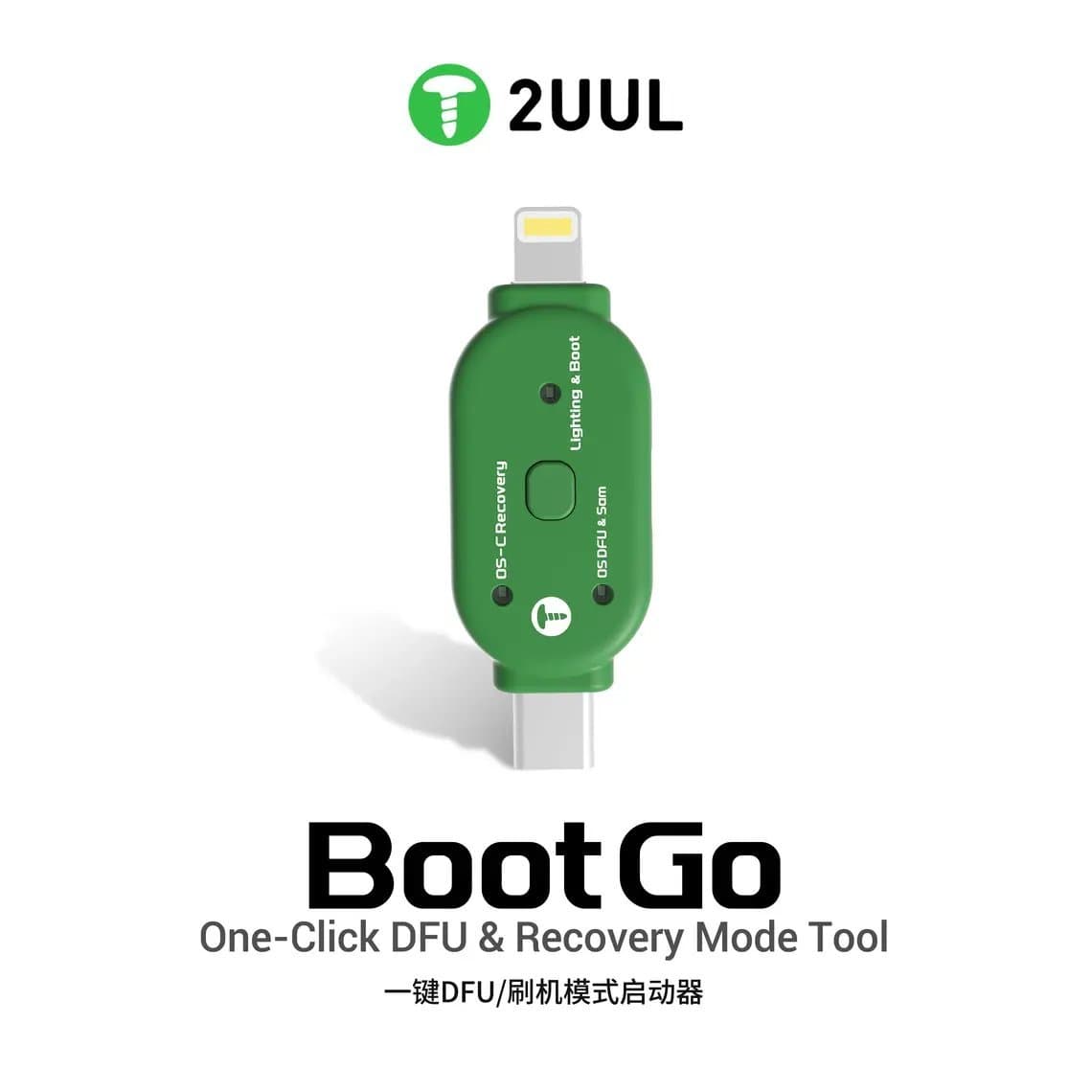
DFU mode loads the firmware at a lower level than recovery mode and is the standard next step when recovery mode fails. The button timing is fiddly, especially on phones with worn buttons; a one-click tool such as the 2UUL TG01 Boot Go from our DFU and boot tools range can put supported models into DFU or recovery without the button dance.
Full storage
A phone with almost no free storage can get stuck at the logo after an update, because iOS has no room to finish. An update from recovery mode sometimes gets it through. If not, the customer may have to choose between a restore and the data.
Restore error codes are useful clues. Some errors point to a cable, port or computer problem; others are commonly linked to hardware such as the NAND, baseband or power circuits. Treat error codes as a hint, not a diagnosis, because the same number can have several causes depending on the model.
Step 2: Suspect hardware when…
- The restore completes but the phone still loops.
- The restore fails repeatedly with the same error, on different cables and computers.
- The loop started right after a repair, a drop or a liquid incident.
- The phone restarts at roughly regular intervals, for example every few minutes.
- The phone boots on a power supply but not on its own battery.
Common hardware causes
| Cause | Typical clue | First check |
|---|---|---|
| Weak or faulty battery | Loops on battery, boots on a DC supply or charger | Boot on a power supply with the battery disconnected |
| Faulty or incompatible replacement part | Started after a screen, battery or flex replacement | Refit the original part or a known-good one |
| Charging port flex | Regular reboots, charging issues, liquid history | Unplug the flex and test |
| Liquid damage | Corrosion, indicator triggered, random behaviour | Open and inspect under a microscope |
| NAND fault | Restore fails with storage-related errors | Board-level diagnosis |
| Baseband fault | No service, restore errors, loops on some models | Board-level diagnosis |
Faulty battery
Booting is one of the highest current moments in a phone's life. An aged or damaged battery can drop its voltage under that load, so the phone shuts off and tries again, over and over, without ever reaching the home screen. Swapping in a new cell from our iPhone batteries range is a quick test, but a power supply test (below) tells you more without risking a good battery.
Damaged or incompatible replacement parts
A logo loop that starts right after a repair points to the part that was just fitted. Flex cables and peripherals carry more than their obvious job: on many iPhones, sensors on flexes such as the charging port, battery or front sensor assembly report data the system expects. If a sensor is missing, damaged or not recognised, iOS can restart the phone, and on many models this shows up as a reboot every few minutes. A torn screen flex, a pinched connector, a battery flex with a damaged line or a poor-quality aftermarket flex can all cause it. Always test with the original part or a known-good one before going further.
Charging port flex
The Lightning or USB-C port flex is exposed to liquid, lint and bent pins. A shorted line on it can stop the boot entirely, and on many models it also carries microphones and sensor lines. Disconnecting it and trying to boot is a fast, free test.
Liquid damage
Even a phone that "only got a little wet" can have corrosion on connectors or under shields that causes loops. If there is any liquid history, open it, disconnect the battery and inspect before applying power again.
NAND and baseband faults
When the battery and peripherals are ruled out and the phone still fails to restore, the logic board is next. NAND (storage) faults often show up as restore failures or loops right after the logo. On some models, baseband faults can also stop the phone from booting. Both are board-level repairs that need a microscope, hot air, reballing skill and, for NAND, programming equipment. Our guide on board-level diagnosis when a phone won't turn on covers that workflow.
Step 3: Watch the boot on a DC power supply
A current-limited bench supply with a boot cable is the most useful tool for this fault. It replaces the battery, shows exactly how much current the phone draws, and lets you see where in the boot it fails.
Setting up
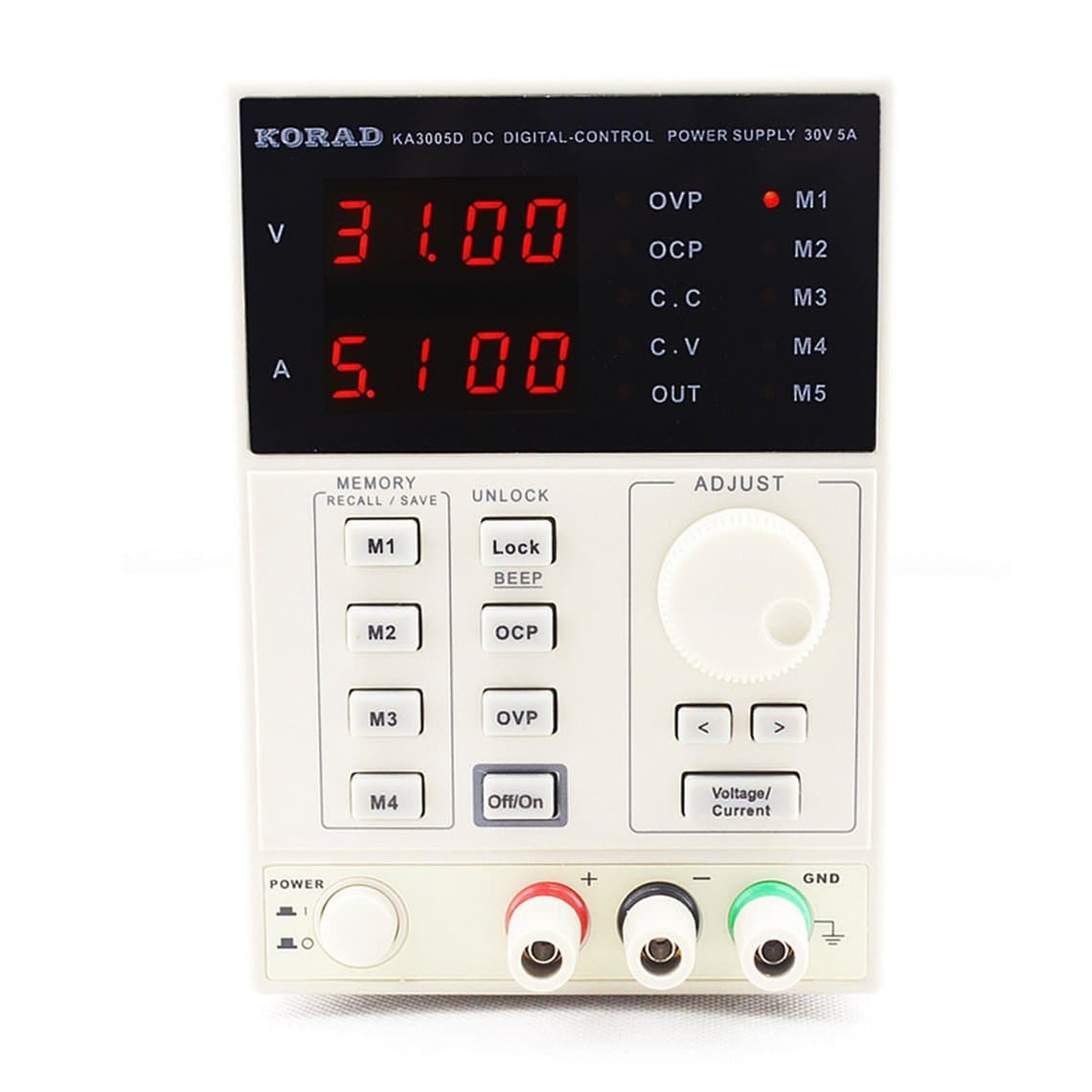
- Use a supply from our DC power supplies range, such as the 2UUL PC30 DC3006 or the KA3005D, or a compact meter and module like the Qianli LT1 for the bench.
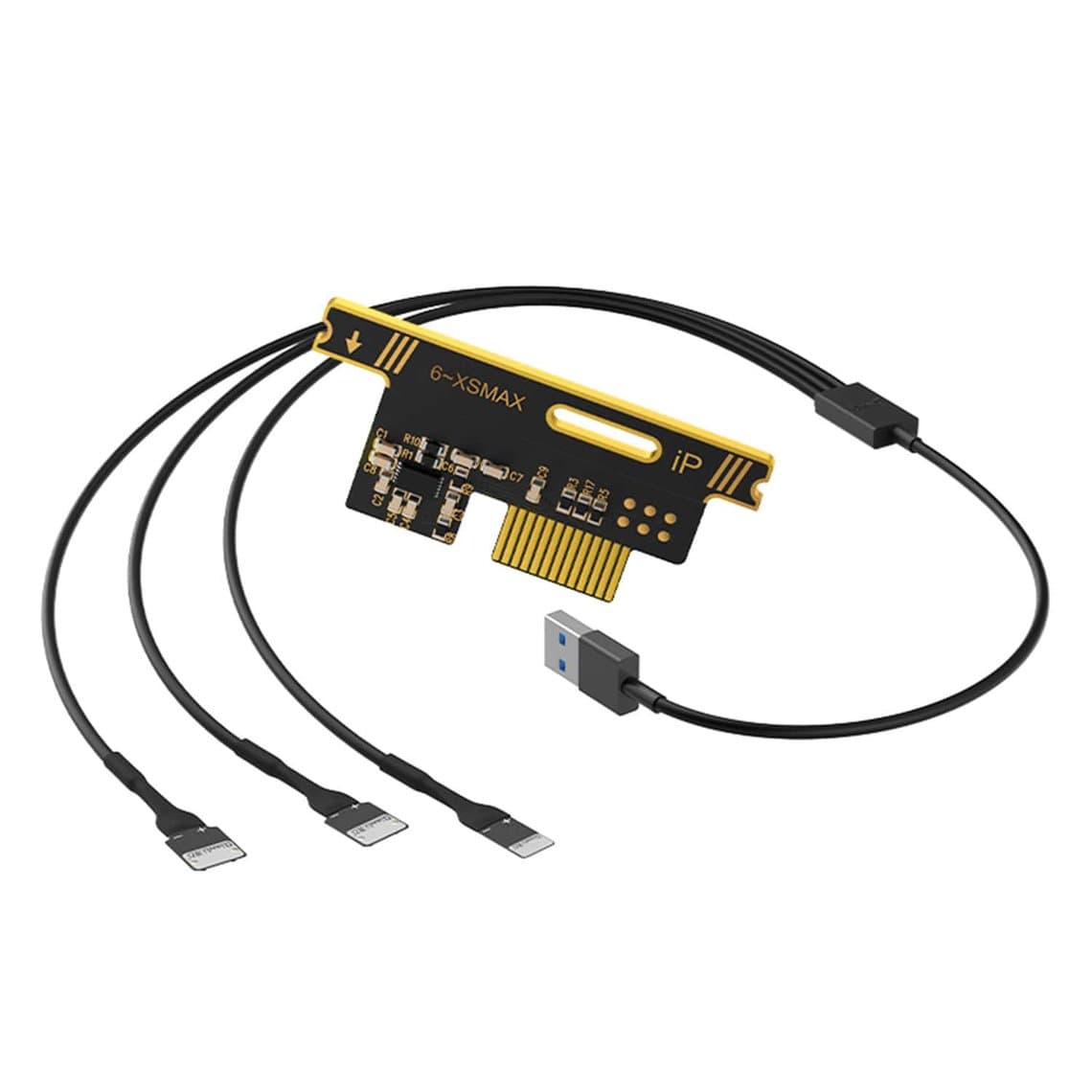
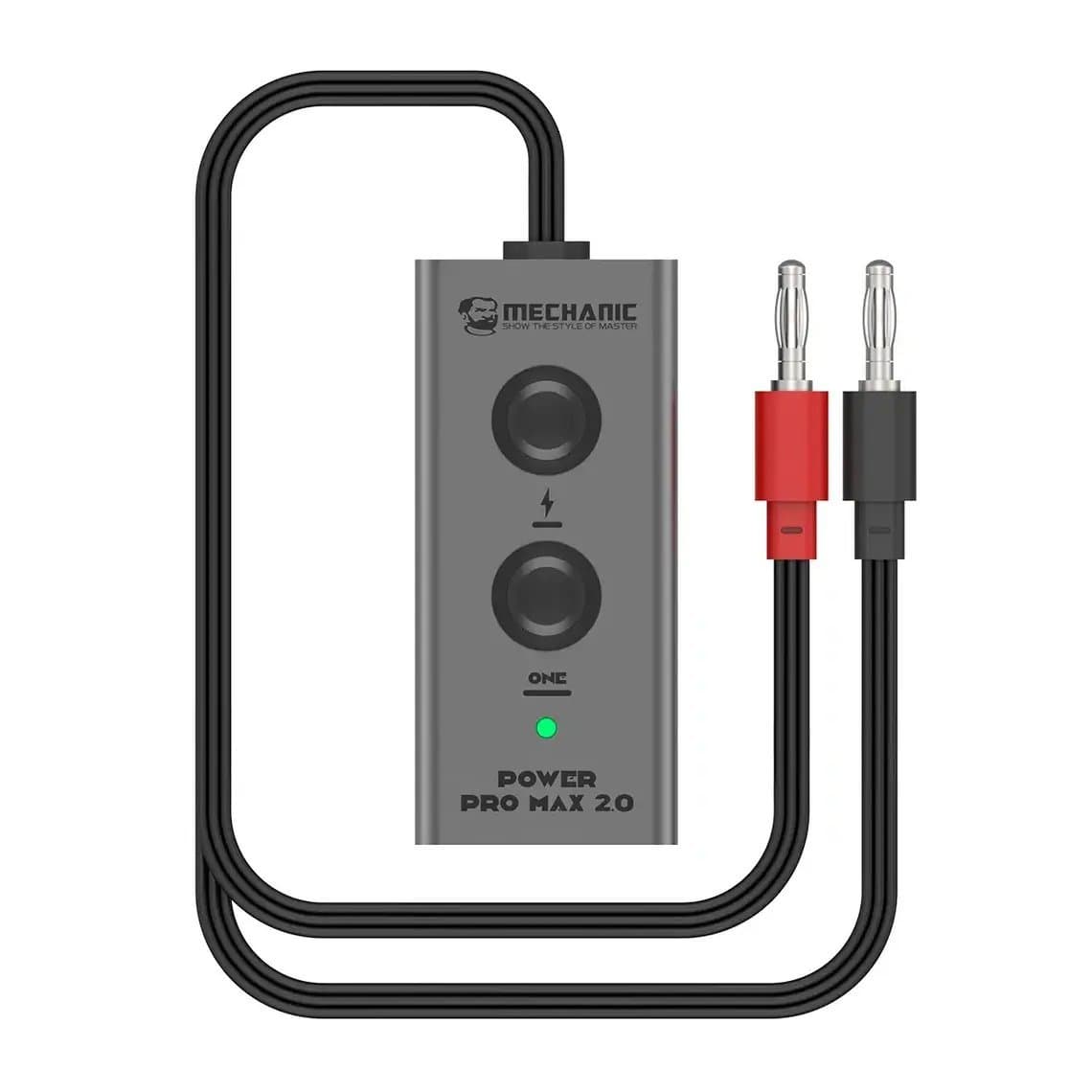
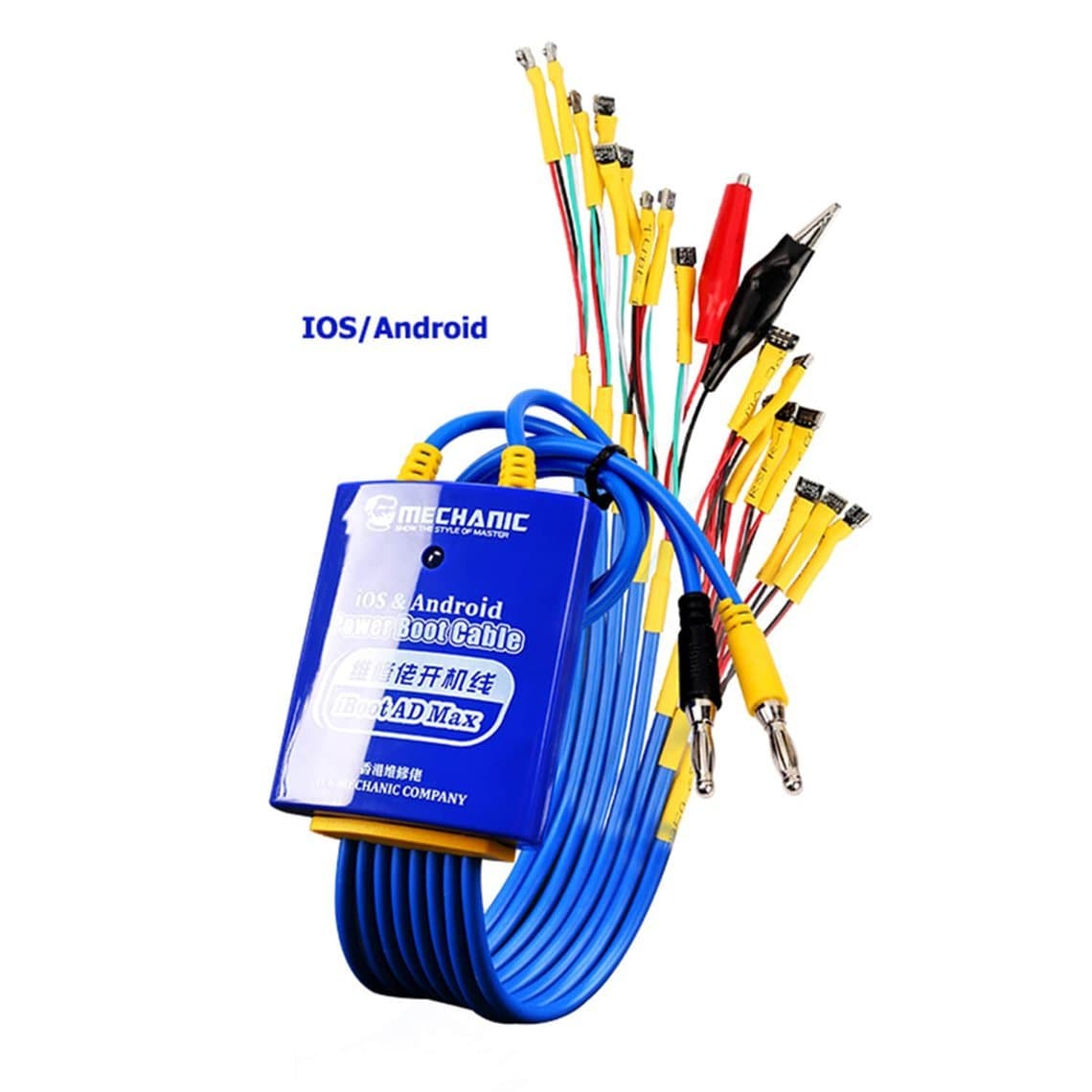
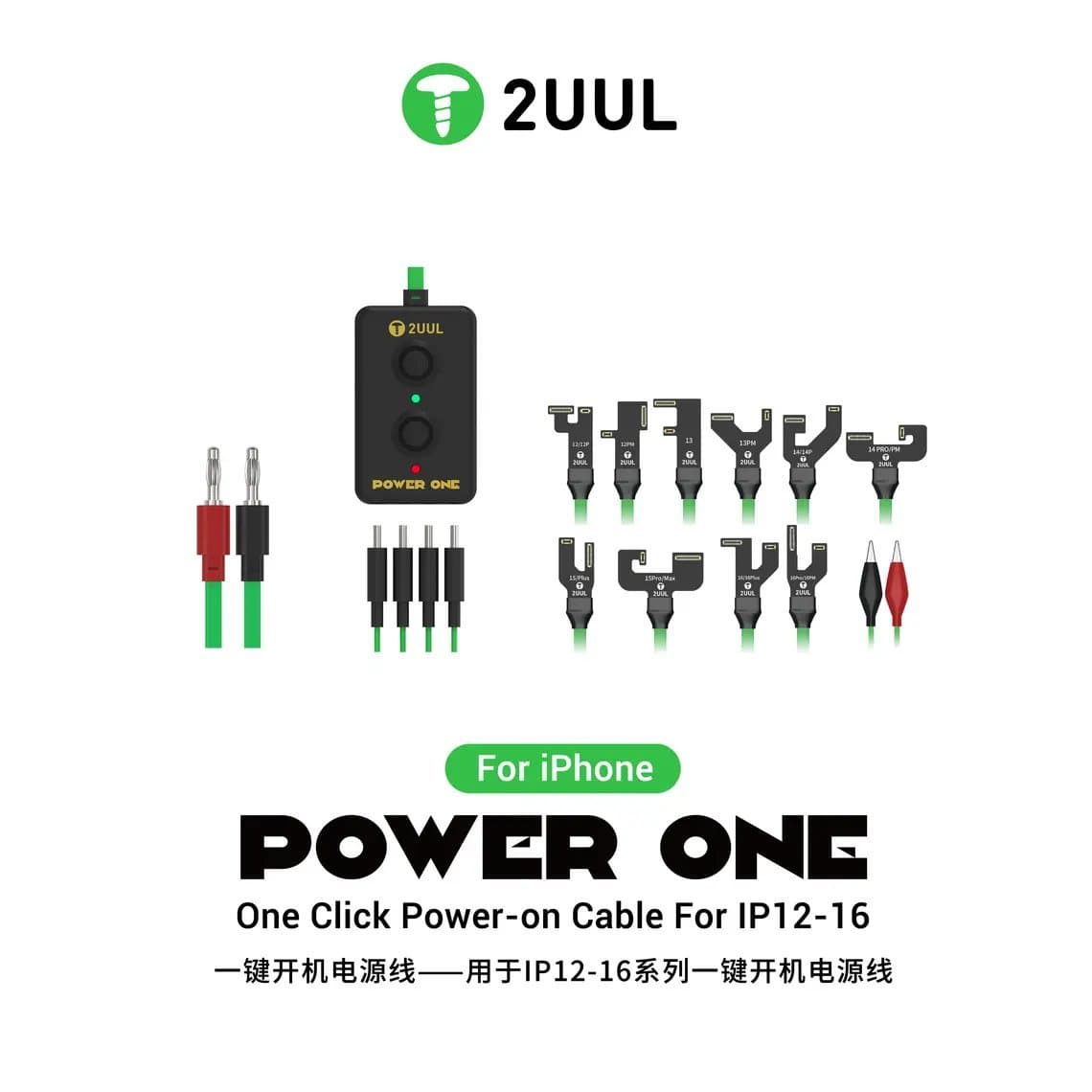
- Connect through a boot cable from our boot cables range. The Mechanic Power Pro Max 2.0 and Mechanic iBoot AD Max cover a wide spread of iPhones, and the 2UUL PW09 Power One is made for iPhone 12 to 16 with one-click power-on.
- Set the voltage to the battery's nominal level for that model and keep the current limit sensible. Check the cable's instructions for your model.
- Disconnect the phone's own battery first.
Reading the pattern
Exact numbers vary by model, so learn what a healthy phone of the same generation looks like on your supply. The shape of the readings matters more than any single value.
- Current rises in stages and settles low: the phone boots normally on the supply. If it loops on its own battery, the battery or battery flex is the prime suspect.
- Current rises, stops at the same point, drops to near zero and starts again: a true boot loop. Note how far it gets each time and whether the timing is regular.
- High current immediately, before power-on: a short on the board. Do not leave it powered; find the short.
- No current change at all when triggered: the phone is not starting the boot. Check the power button path, the boot cable connection and the board.
Step 4: Disconnect peripherals one at a time
With the phone on the power supply, unplug flex cables one by one and try to boot after each. A typical order is: charging port flex, front camera and sensor flex, rear cameras, earpiece and proximity parts, then the screen (you can still read the current with the screen unplugged). If the loop stops when a certain part is disconnected, that part or its connector is the cause. Remember that on some models a missing sensor can itself cause a reboot, so read the result together with the timing pattern, and confirm with a known-good part before you order a replacement.
Work with ESD protection, keep the current limit on and never plug or unplug flex cables while the board is powered.
Step 5: Read the panic logs if it boots briefly
If the phone reaches the home screen for a short time before restarting, the system may record panic reports. On recent iOS versions they are in Settings, Privacy & Security, Analytics & Improvements, Analytics Data, usually as files whose names start with "panic-full". The exact menu path has changed between iOS versions.
Technicians read the first lines of the log for clues such as a watchdog timeout or a named missing sensor, then match that to the flex or circuit carrying it. Panic log interpretation varies by model and iOS version, so treat it as a pointer that narrows your search, not a final answer.
Common mistakes
- Restoring the phone before asking whether the customer needs their data.
- Testing with the customer's tired battery and blaming the board.
- Fitting a new flex without checking the connector and pins under magnification.
- Reworking the NAND before ruling out peripherals and the battery.
- Running a power supply with no current limit and turning a small fault into a burnt board.
Questions
How do I fix an iPhone stuck on the Apple logo without losing data?
Try a force restart first, then connect it to a computer, enter recovery mode and choose Update rather than Restore. Update reinstalls iOS while trying to keep the data. If update fails, any restore will erase the phone.
Can a bad battery cause an iPhone to get stuck on the Apple logo?
Yes. A worn or damaged battery can drop its voltage during the high-current boot stage, so the phone shuts down and tries again. Testing on a DC power supply with the battery disconnected is a quick way to confirm it.
Why does my iPhone keep restarting after a screen or battery replacement?
The new part, its flex or the connector may be damaged or not recognised, and on many models a missing sensor signal makes iOS restart the phone. Refit the original part or a known-good one to confirm, and check the connectors for bent pins or debris.
What does it mean if DFU restore fails?
Try a different cable, port and computer first. If it still fails with the same error, the cause is often hardware such as the NAND, baseband or power circuits, though the exact meaning of each error code varies by model. At that point the phone needs board-level diagnosis.
Everything needed for this diagnosis is in our boot cables, DC power supplies and DFU tools ranges, all tested before shipping from Shenzhen. Repair shops can unlock trade pricing through wholesale and reorder by SKU or CSV with Quick Order.