PCB Preheaters for Phone Repair: When and How to Use One
17 November 2026 · LightspeedTools team
Short answer: A PCB preheater warms the whole phone board from below so your hot air or iron only has to add the last part of the heat. It cuts hot-air time, reduces thermal shock and board warping, and is close to essential for separating stacked iPhone boards, removing underfilled chips and working near large ground planes. Set it below the melting point of the solder on the board, remove the battery first, and shield heat-sensitive parts.
Many phone technicians start with hot air alone and only buy a preheater after lifting a pad or warping a board. On modern phones, with dense double-sided boards and stacked logic boards, working without bottom heat is the harder and riskier way. This guide explains why preheating helps, the main types of preheater, how to think about temperature, and the mistakes that cause damage.
Why preheat a phone board?
When you heat a chip with hot air from above, the board under and around it pulls heat away. The thicker the board and the more copper it has, the more heat it soaks up. To reach melting point you then need more air temperature or more time, and both are risky.
A preheater raises the whole board to a steady temperature below the solder's melting point. The hot air then only needs to add a small extra amount of heat to that one area. The benefits:
- Less thermal shock. A large gap between a very hot spot and a cool board stresses the board and the chip. Even heating reduces the risk of cracks, warping and delamination (layers of the board separating or bubbling).
- Shorter hot-air time. The chip reaches melting point sooner, so nearby small parts spend less time under the nozzle and are less likely to move or overheat.
- Large ground planes. Parts tied to big copper areas, such as charging circuits and power ICs, can be very hard to remove with top heat alone. Bottom heat makes them behave.
- Stacked or sandwich boards. From iPhone X onward, Apple uses a logic board made of two layers joined by an interposer. Separating the layers needs the whole interposer to melt evenly at once, which is not practical with hot air alone.
- Underfilled chips. CPUs, NAND and some other ICs are glued with underfill epoxy. Preheating softens the board area and makes it safer to remove the chip and scrape the underfill without ripping pads, though the underfill still needs careful work.
Types of preheater
Hot plate and hot block preheaters
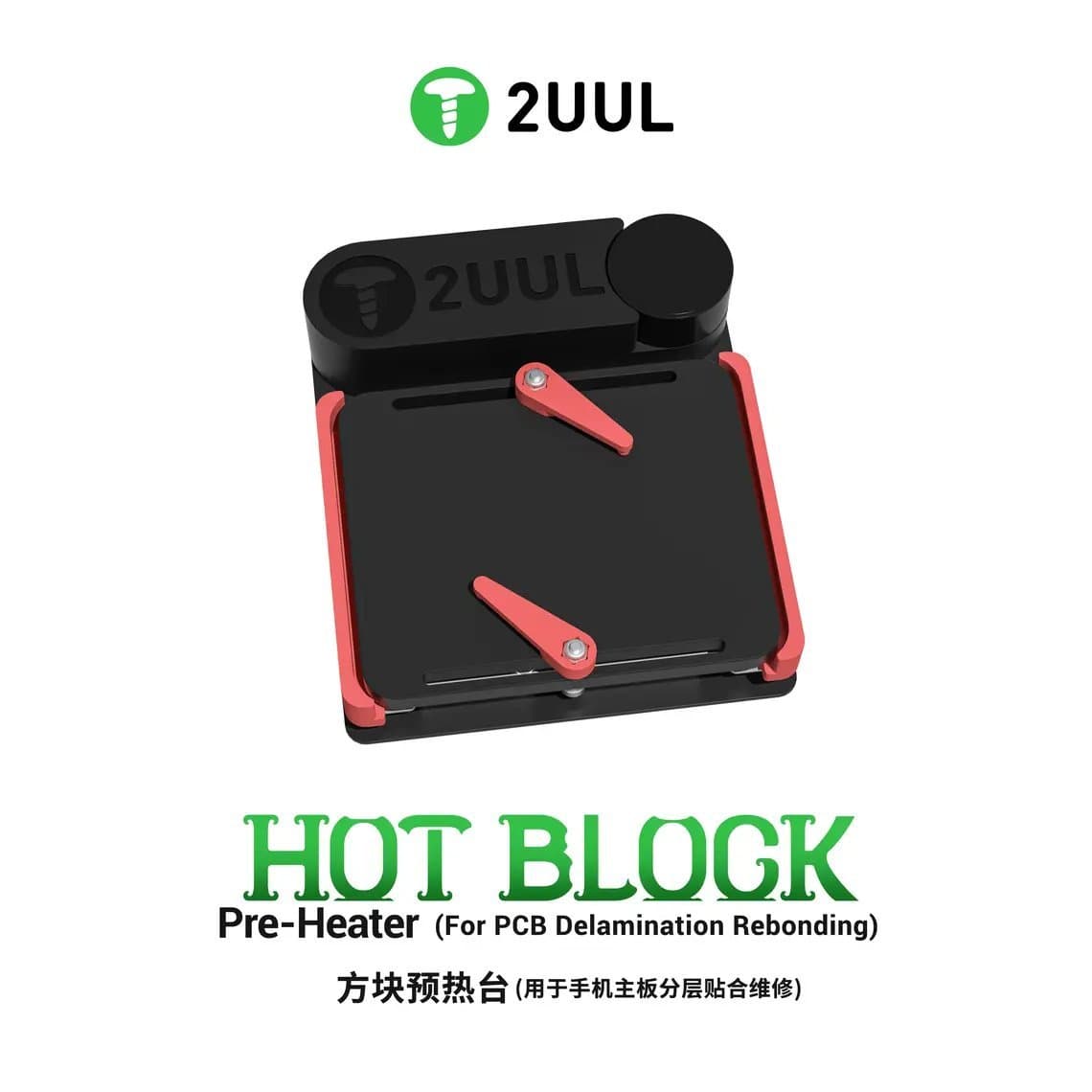
A flat heated metal surface you place the board on, or a heated block that touches the board from below. They are simple, compact and easy to control. A hot-block design such as the 2UUL PH11 hot-block preheater is aimed at small boards and at delamination rebonding work. General-purpose stations such as the UYUE 946-1010 400W preheating station give a larger surface for bigger boards, including tablets.
IR and open preheaters
Infrared and open-element preheaters heat the board from a short distance without full contact. They suit boards with components on both sides, because nothing presses on the parts underneath. The heat is less direct, so a surface thermometer or thermocouple on the board helps you know the real temperature.
Model-specific and universal platforms for iPhone
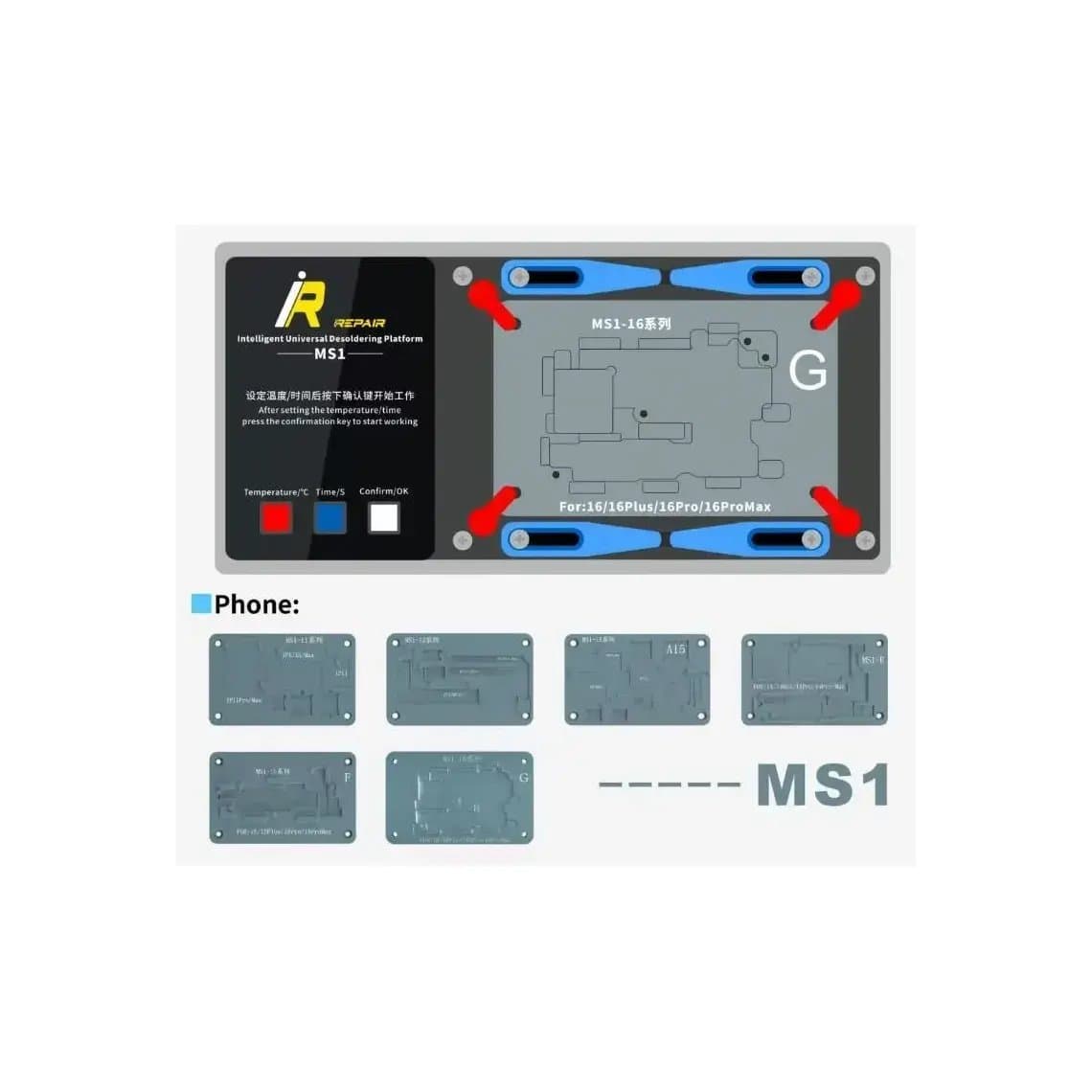
These platforms have shaped plates or modules that fit specific iPhone boards and heat them evenly, mainly for separating and rejoining the stacked layers, and for removing chips such as the CPU. Many carry temperature presets for each model. Examples include the i2C T20 separation platform for iPhone X to 14 Pro Max, the Mechanic IX50 for iPhone 11 to 17 series, the JC Aixun iHeater Pro, and modular systems like the Mijing iRepair MS1 full set for iPhone X to 17 Pro Max, which takes separate modules for different jobs.
Small task platforms
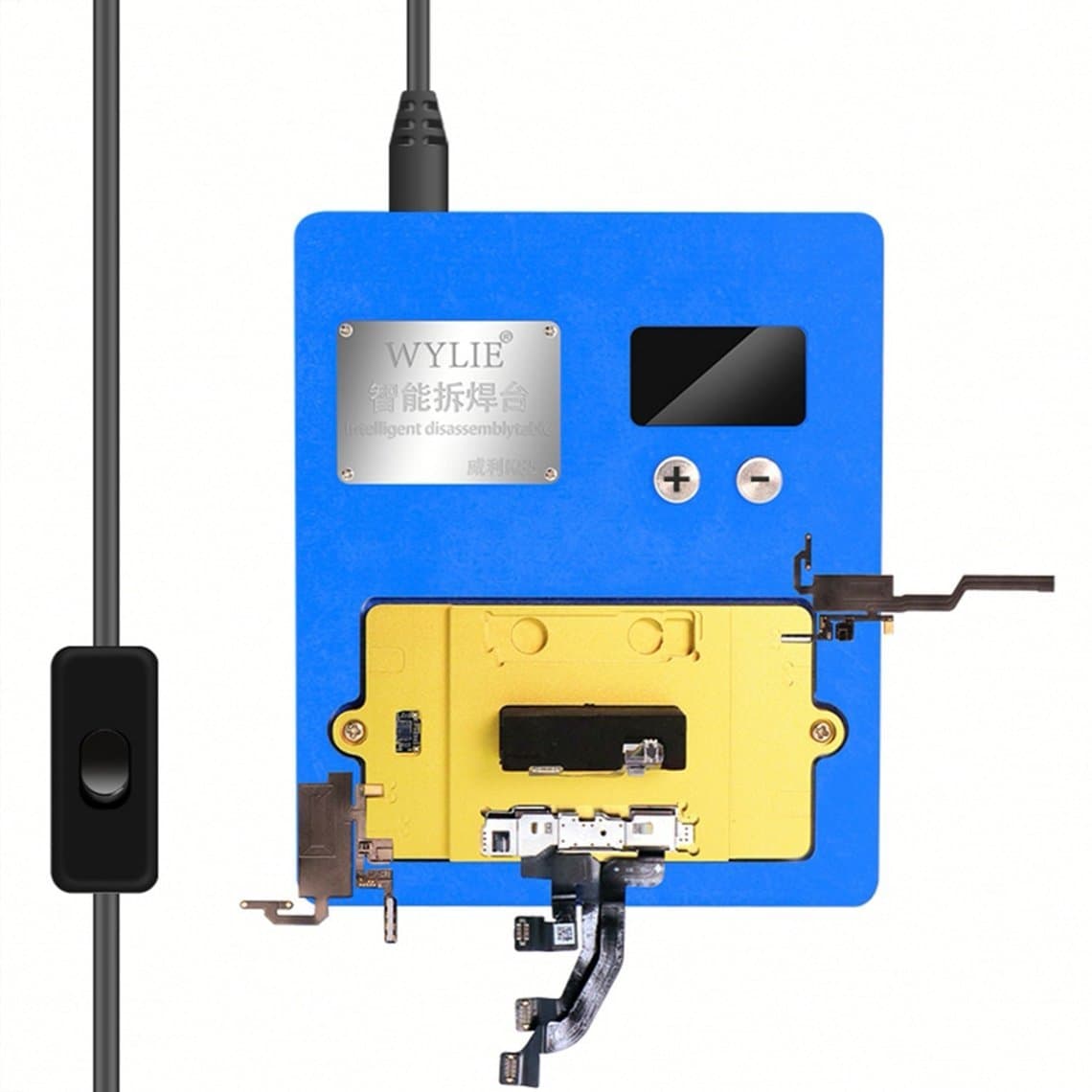
Some platforms are built for one area of the phone rather than the logic board. The Wylie K85 is made for Face ID dot projector work, and the MS1 rear camera heating module is for camera repairs. These parts are heat sensitive, so a controlled platform is far safer than hot air.
| Type | Best for | Watch out for |
|---|---|---|
| Hot plate / hot block | General desoldering, small boards, delamination rebonding | Parts on the underside touching the plate |
| IR / open | Double-sided boards, larger boards | Real board temperature differs from the setting |
| Model-specific iPhone platform | Separating stacked boards, CPU and NAND removal | Use the right plate and profile for the model |
| Task platform (Face ID, camera) | Heat-sensitive modules | Follow the maker's temperature guidance closely |
See the full range in our PCB preheaters category.
Setting the temperature
There is no single correct preheater temperature. The right setting depends on the solder on the board, the board thickness, the preheater type and what you are doing. Use these principles instead of copying a number from a video.
- Stay below the melting point of the solder on the board when the preheater is supporting hot air. The preheater's job is to bring the board close, not to melt joints across the whole board.
- Know which solder you are dealing with. Factory lead-free solder melts at a higher temperature than leaded solder, and low-temperature bismuth pastes melt lower still. Boards that have already been repaired may contain low-temperature paste. Read the label of any paste you use; our solder paste range lists the alloy for each.
- The setting is not the board temperature. Air gaps, plate design and room conditions change how much heat reaches the board. Measure the board surface if you can.
- For separating stacked boards, follow the platform maker's profile for that model. These platforms are designed to melt the interposer joints evenly, which is a different job from simple preheating.
- Ramp up gradually. Let the board warm through for a short while before applying hot air, rather than starting cold and turning everything up at once.
How to use a preheater step by step
- Remove the battery and disconnect all power. Never preheat a board with a lithium battery attached or nearby. Heat can damage the cell and cause swelling, venting or fire.
- Strip heat-sensitive parts. Remove cameras, the Face ID module, speakers, plastic brackets, foam and stickers where you can.
- Shield what stays. Cover nearby connectors, plastic parts and small components with heat-resistant tape or shields.
- Fix the board. Use the platform clamps or a board holder so the board cannot move or sag as it heats. A board that shifts mid-job pulls pads.
- Preheat. Set a temperature below melting point for the solder involved and let the board warm evenly.
- Apply flux and top heat. Add flux, then use hot air with moderate airflow. The chip should release in less time than without preheat.
- Lift cleanly. Use tweezers or a suction pen and lift straight up once the solder is fully molten. Do not pry.
- Cool slowly. Turn the preheater down and let the board cool on the platform rather than moving it straight to a cold surface.
- Inspect. Check pads, nearby parts and the board surface under a microscope before continuing.
Your hot air station still does the final work, so it needs stable temperature and fine airflow control; see our hot air rework stations and the hot air station buying guide. For the chip work that usually follows, read how to reball a BGA chip.
Holding fixtures and testing after separation
A good fixture matters as much as the heater. Platforms with clamps or shaped plates hold the board level so heat stays even and the board does not bow. For stacked iPhone boards, the platform also holds one layer while you lift the other.
After separating a sandwich board, you can check each layer before rejoining it. PCB test fixtures let you connect the upper and lower boards without soldering them together, so you can confirm a repair works before committing to reassembly. Use a microscope to inspect the interposer pads before rejoining.
Common mistakes
- Preheating with the battery connected. Always remove the battery first. This is a safety rule, not a preference.
- Setting the preheater too high. If the whole board reaches melting point, parts on both sides can move, and repeated cycles weaken the board.
- Trusting the display. The number on the controller may not match the board surface. Measure when in doubt.
- Leaving plastic and modules on. Cameras, Face ID parts, speakers and connectors with plastic housings can be damaged by heat that the board itself tolerates.
- Uneven support. A board resting on one edge heats unevenly and can warp.
- Using the wrong plate on a platform. Model plates are shaped for one board; the wrong plate leaves gaps and cold spots.
- Rushing the cool-down. Moving a hot board to a cold surface or blowing it with air creates the thermal shock you were trying to avoid.
- Skipping ESD care. Keep a grounded mat and wrist strap in use when handling the board.
Questions
Do I need a preheater for phone repair?
For screen and battery jobs, no. For board-level work such as removing ICs, separating iPhone stacked boards or working on charging circuits, a preheater makes the work safer and more consistent. Many technicians consider it essential once they start CPU or NAND work.
What temperature should I set my PCB preheater to?
There is no universal setting. Set it below the melting point of the solder on the board, then add the remaining heat with hot air. For separating stacked iPhone boards, use the profile the platform maker gives for that model.
Can I use a preheater to separate an iPhone sandwich board?
Yes, but use a platform designed for it. These hold both layers and heat the interposer evenly so all joints melt together. Trying it with a flat plate and hot air alone risks torn pads.
Is it safe to preheat a board with the battery attached?
No. Remove the battery and disconnect power before placing any board on a preheater. Lithium cells can swell, vent or catch fire when heated.
Browse hot plate, IR and iPhone-specific platforms in our PCB preheaters category. Shops buying in volume can apply for wholesale pricing or reorder by SKU through Quick Order.