Face ID Dot Projector Repair: Tools and Step-by-Step Process
17 November 2026 · LightspeedTools team
Short answer: Face ID dot projector repair works because the projector's calibration data is tied to the logic board, so a good repair keeps or transfers that data instead of swapping in a random part. In practice you confirm the fault with a tester, open the TrueDepth module under a microscope, replace or bypass the damaged dot projector flex (tag-on flex, repair cable or fixture), write the original data back with a programmer, then reassemble and test. Supported models and methods vary by tool, and a physically damaged emitter or other TrueDepth component often cannot be saved.
This guide covers the repair itself. If you still need to work out whether the dot projector is the problem at all, start with our Face ID diagnosis guide and come back here once the fault is confirmed.
Why the dot projector is usually the part that fails
The TrueDepth system on the top of an iPhone combines several parts: an infrared camera, a flood illuminator and the dot projector, which throws thousands of invisible infrared dots onto the face. Face ID compares the dot pattern the IR camera sees with what it expects. If the projector misbehaves, Face ID stops working, often with a message asking the user to move the phone higher or lower, or with Face ID shown as unavailable.
The dot projector is the most common casualty for three reasons:
- Impact. It sits at the top edge, where phones land when dropped. A hard knock can crack the fragile flex or the small chip on it, or misalign internal optics.
- Liquid. Water and other liquids reach the top sensor area through a cracked screen or failed seal. Corrosion on the projector's flex or connector is a frequent result.
- Heat. Careless screen or back glass work near the module, especially with a hot air station or heat plate, can damage the projector or its flex. Some technicians cause the fault themselves during an unrelated repair.
The principle: keep or transfer the data
Each dot projector is calibrated at the factory, and its data is matched to the logic board. Fitting a projector from another phone does not restore Face ID, because the data no longer matches. That is why the repair is about the data as much as the hardware.
Repair tools take one of two broad approaches, and which one applies depends on the iPhone generation and the tool:
| Approach | What happens | Typical tools |
|---|---|---|
| Replace the damaged flex, keep the original projector | The damaged flex section is removed and a new flex is attached to the original projector. The original data is read and written to the new flex with a programmer. | Tag-on or built-in replacement flex, programmer, alignment fixture |
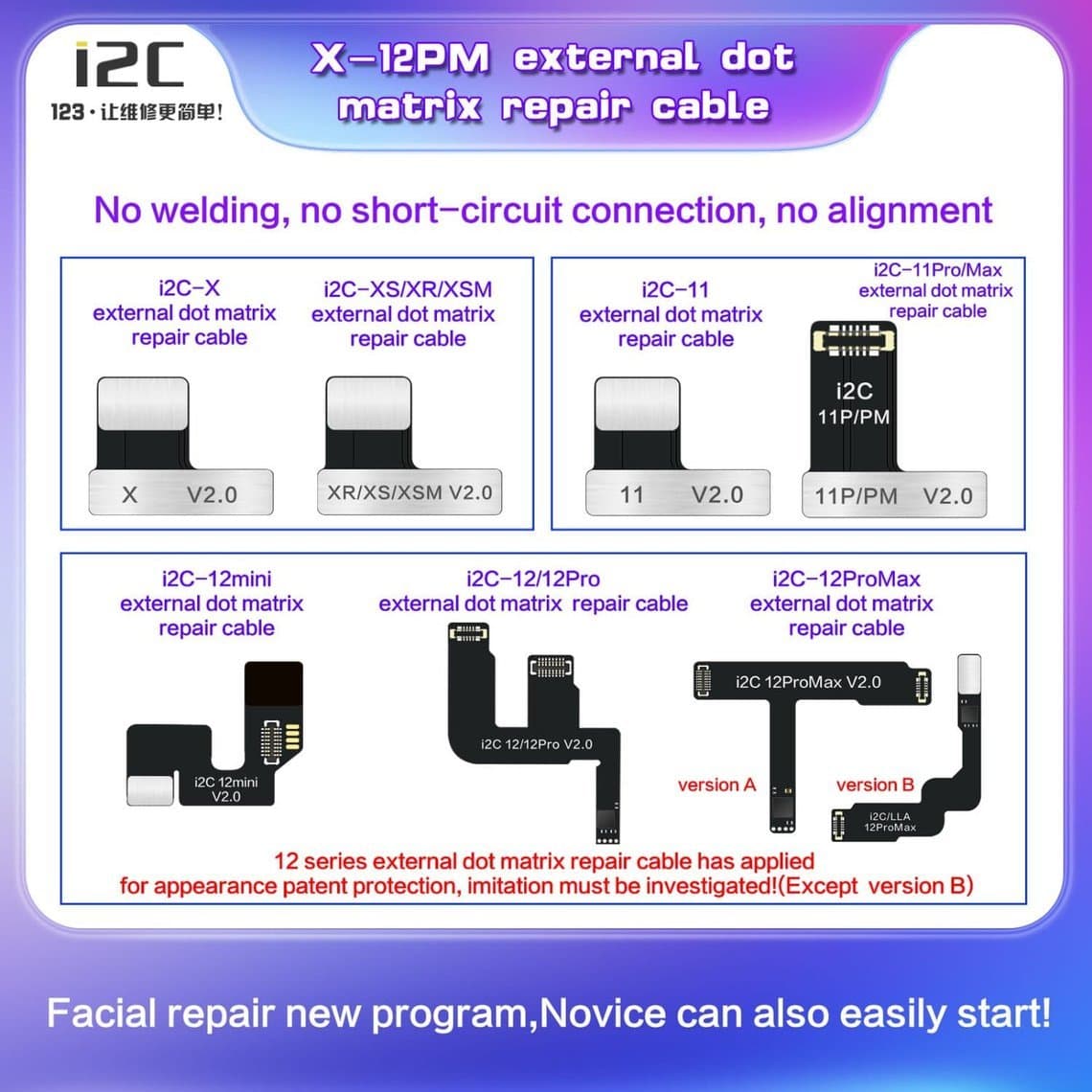
| External repair cable | A repair cable connects the projector to a programmer so its data can be read or written, sometimes without removing the flex fully. | External repair cable, programmer |
In both cases the original projector optics stay with the phone. You are fixing the electrical side and restoring the stored data, not replacing the optical part with a different one.
Tools you need
Diagnosis
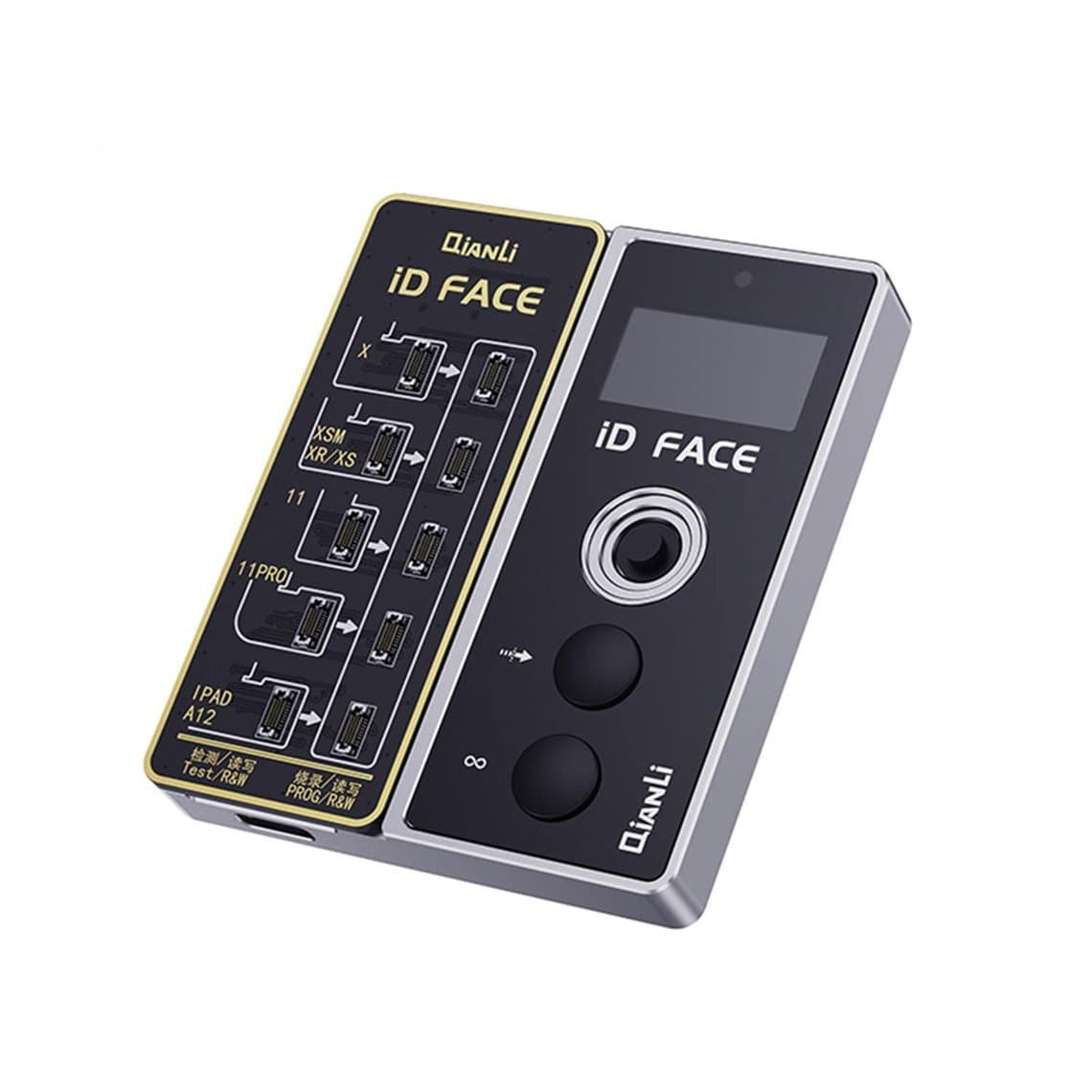
A dedicated tester saves time on older models. The Qianli ToolPlus dot projector tester for iPhone X–11 Pro Max is made for those generations. For newer phones, most technicians rely on the programmer's own detection plus the symptoms on the phone.
Programmer and cables
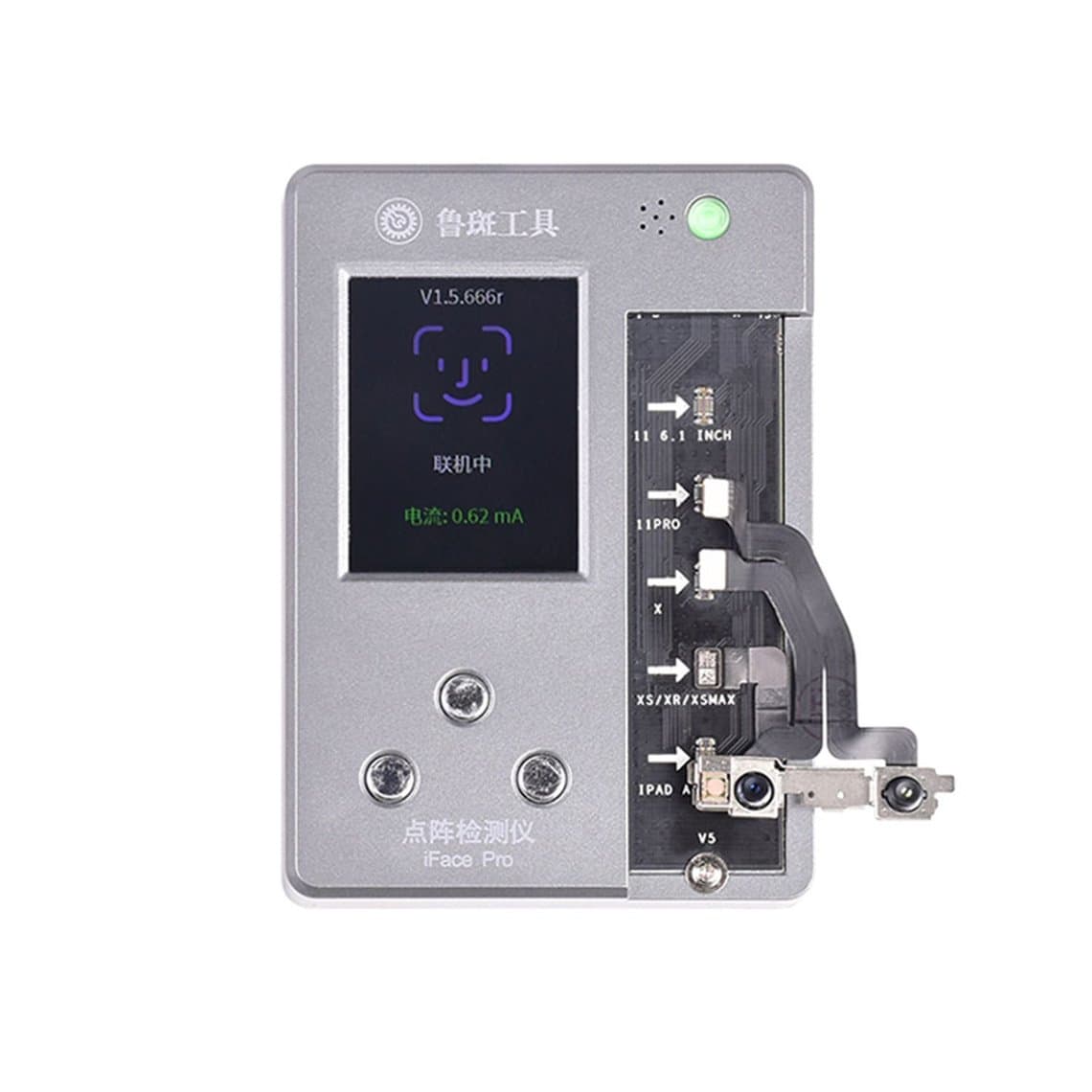
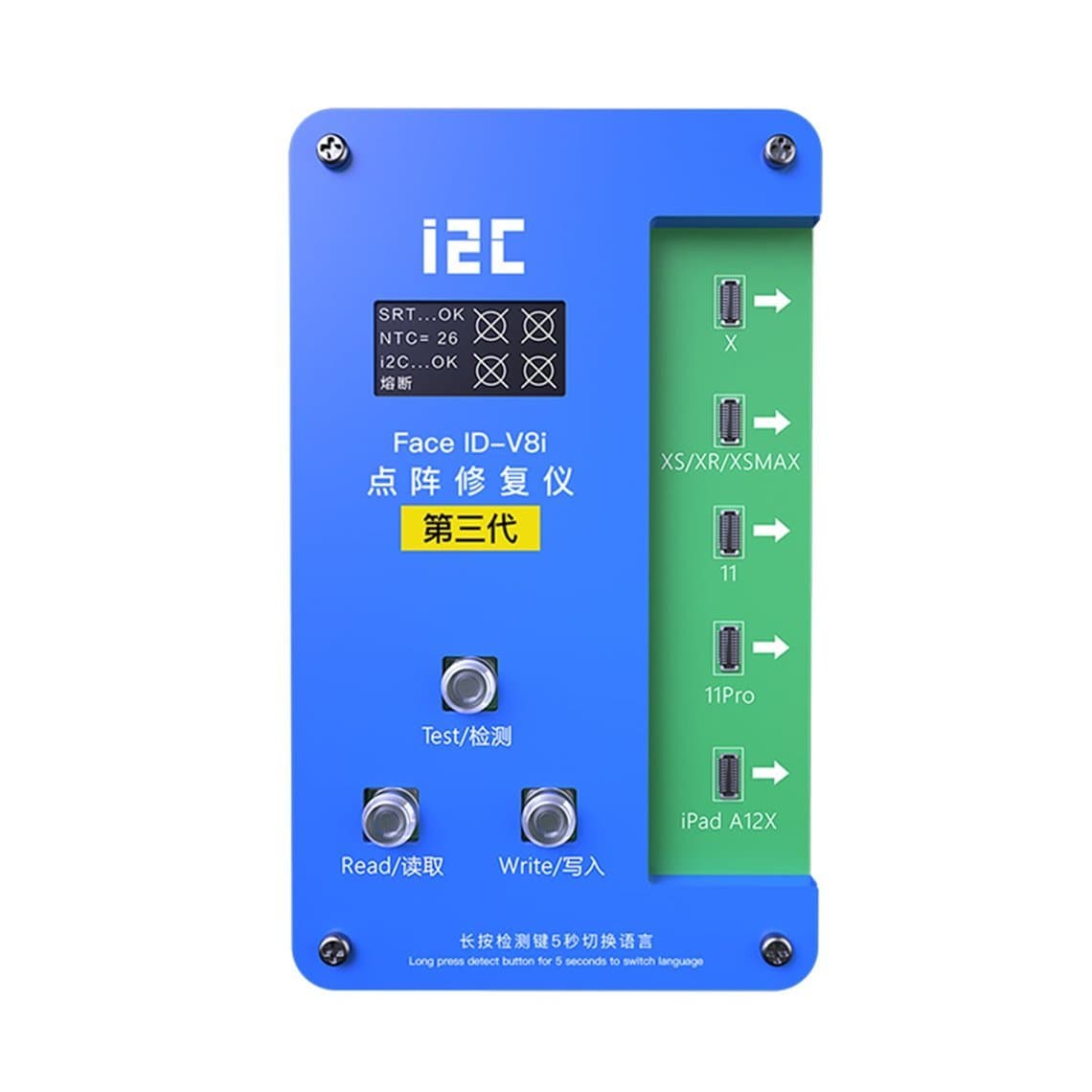
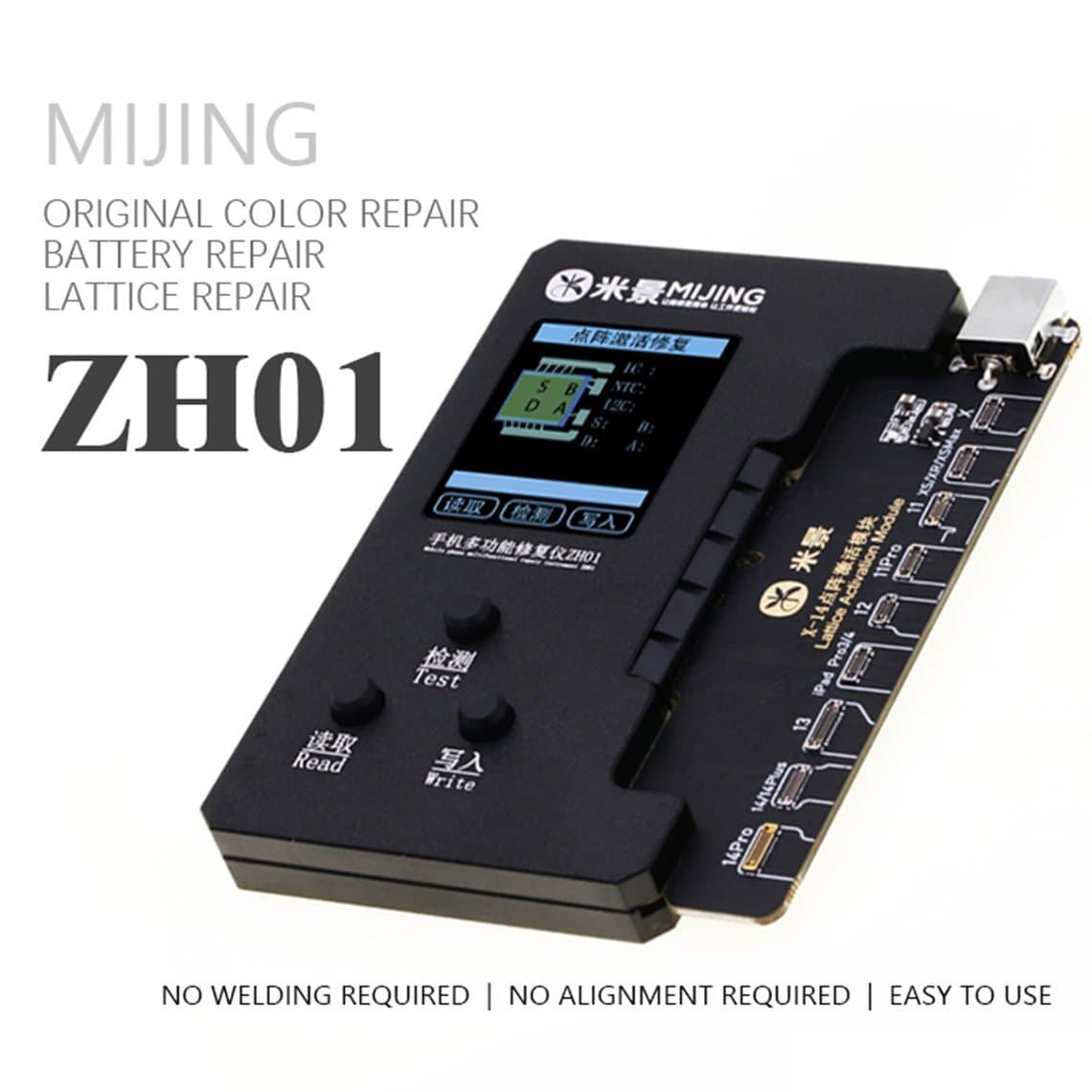
The programmer reads and writes the projector data. Options include the Luban iFace Pro+ Face ID flex programmer, the i2C Face ID V8 programmer fixture for iPhone X to 11 Pro Max and the Mijing ZH01 multi-function dot matrix programmer, which also handles battery work. Each needs the right flex or cable for the model:
- The JCID tag-on dot matrix replacement flex for iPhone 13 to 16 Pro Max is listed for newer generations.
- The i2C external dot matrix repair cable for iPhone X–12 Pro Max covers earlier models.
Cables are usually tied to one programmer brand, so buy the cable that matches the programmer you own. Browse the full range on our Face ID dot projector programmer page or the wider programmers category.
Fixtures and alignment
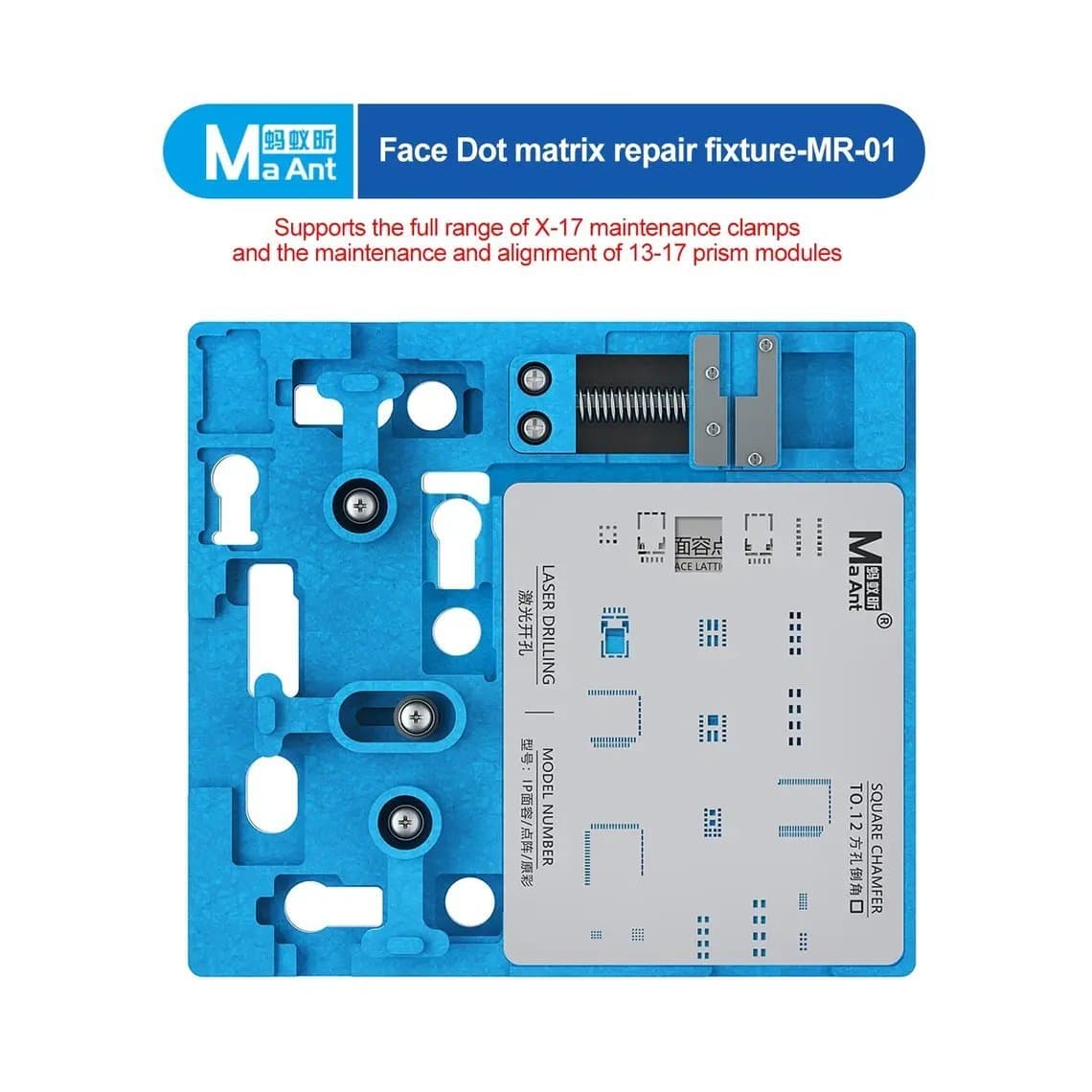
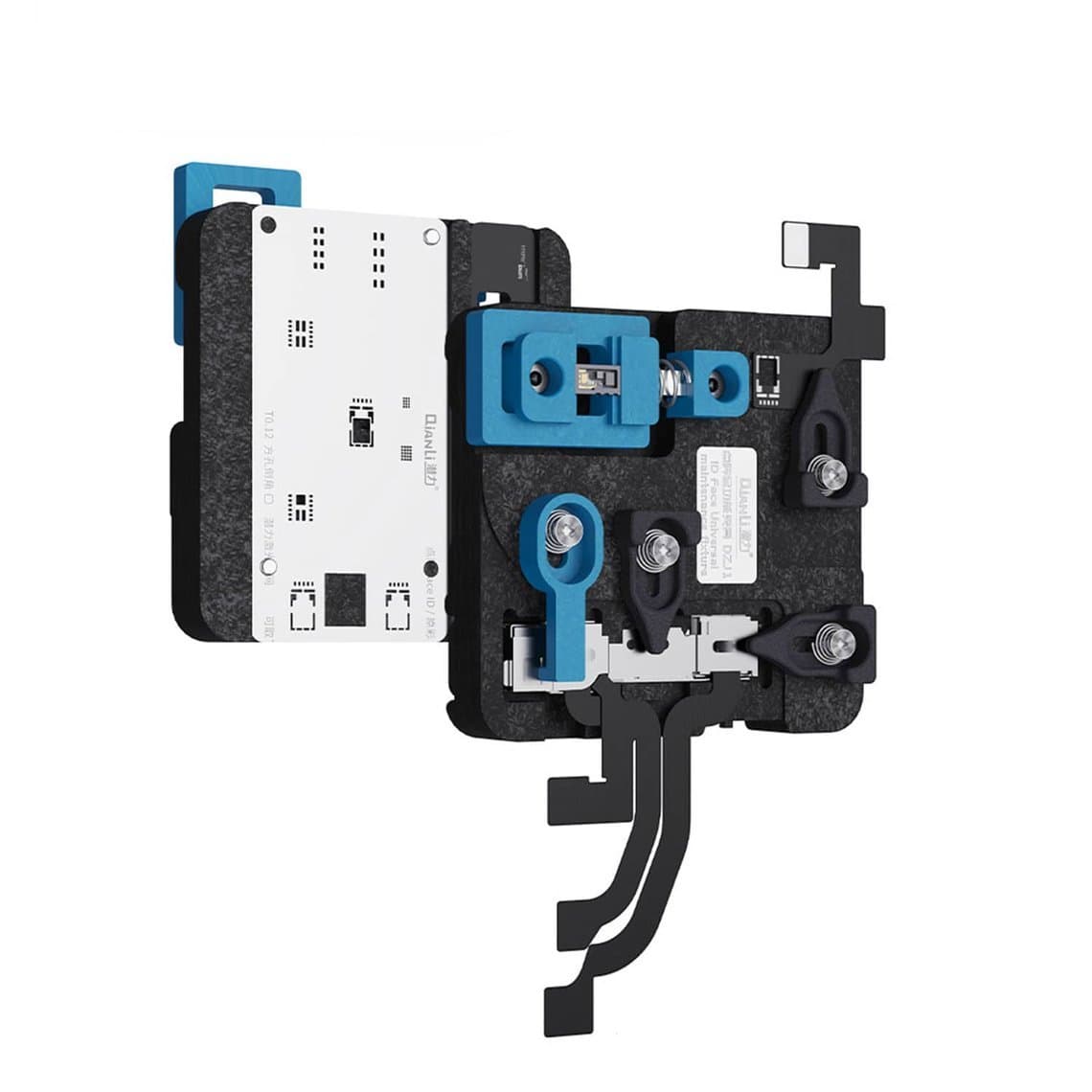
Holding the projector still while you work on its flex is the hardest part of the job. A fixture such as the MaAnt MR-01 dot matrix repair fixture or the Qianli ToolPlus dot projector repair fixture clamps the part so you are not chasing it across the mat. Alignment fixtures and calibrators matter where a flex must sit at an exact position on the projector.
Microscope and hand tools
You cannot do this repair by eye. A stereo microscope with good working distance and even light is the minimum; see our microscopes category. Add fine tweezers, a precision blade, plastic and metal spudgers, isopropyl alcohol, an ESD mat and wrist strap, and Kapton tape to shield nearby parts.
The repair process, step by step
Exact steps vary by model and tool, so always follow the instructions supplied with your programmer and flex. The general sequence looks like this:
- Confirm the fault. Check Face ID symptoms, test the projector with a tester or the programmer's detection, and rule out the screen, the front flex and the connector. Do not open the TrueDepth module until you are sure.
- Back up and record. Note the phone's model, iOS version and condition. Photograph cable routing and screws before disassembly.
- Disconnect the battery first. Work on an ESD mat and disconnect power before touching any flex.
- Remove the TrueDepth module carefully. Lift it out without bending its flexes. Never pry against the IR camera or the flood illuminator. Keep the module on a clean, soft surface, lenses facing up.
- Read the original data if the tool supports it. On many setups you read the projector data before removing the damaged flex, so you have a backup if something goes wrong.
- Fit the fixture and expose the flex. Clamp the projector in its fixture. Under the microscope, remove the damaged flex section as your tool's method describes. Use minimal heat and protect the optics.
- Attach the replacement flex or connect the repair cable. Align it exactly. A poorly aligned tag-on flex is the most common reason a repair fails here.
- Write the data with the programmer. Write the original data to the new flex, then verify it with the programmer's read function.
- Reassemble and test. Refit the module, reconnect everything, power on and set up Face ID. Test in normal light and dim light, at different angles, several times.
Heat: the biggest risk in this repair
The dot projector contains optics that are sensitive to heat. Too much heat can damage the emitter or shift internal parts, and that damage is permanent. Follow these rules:
- Use the lowest heat that works, and keep the hot air nozzle off the optics.
- Shield the projector and neighbouring parts with heat-resistant tape where the method allows.
- Never use a heat plate on a phone with the TrueDepth module still installed.
- Let parts cool fully before handling them with tweezers.
- Keep the lithium battery disconnected and well away from heat.
Steady hands and good handling
Most failed dot projector repairs come from handling, not from the programmer. Rest your wrists on the bench, work in short sessions, and keep everything you need within reach so you never reach across the fixture. Clean the work area before you start, because a single particle of dust on the optics can affect the dot pattern. Clean lenses only with methods suited to optics, and never scratch or rub them with tools.
What usually cannot be repaired
Be honest with yourself and the customer about limits:
- Damaged optics or emitter. If the projector itself is cracked or the emitter is dead, transferring data to a new flex will not help.
- IR camera damage. The IR camera is also matched to the board. Replacing it with another unit generally does not restore Face ID through normal repair methods.
- Flood illuminator faults. On some generations the flood illuminator sits on a shared assembly with the proximity sensor, and damage there may not be repairable with the same tools. Check what your tool supports before quoting.
- Board-level faults. If the fault is on the logic board, such as a damaged connector or supporting circuit, a dot projector repair will not fix it.
- Unsupported models. Tool support differs by generation and changes with updates. A newer model may not be supported until the tool maker adds it.
Common mistakes
- Opening the TrueDepth module before confirming the fault elsewhere is ruled out.
- Not reading and saving the original data before cutting the flex.
- Using too much heat or heating the optics directly.
- Buying a flex or cable that does not match the programmer brand or model.
- Skipping a final multi-angle Face ID test before returning the phone.
- Running an outdated programmer software version that lacks support for the model.
Setting customer expectations
Tell the customer up front that dot projector repair is delicate and success is not guaranteed. Explain that if the projector optics, IR camera or board are damaged, Face ID may not be restored, and agree in advance what you charge if it cannot be fixed. Note any existing damage, such as liquid marks, before you begin. If iOS later shows a parts notice for other replaced components, our guide to the Unknown part message explains what it means. Put your terms in writing, and set a warranty you can stand behind.
Questions
Can a Face ID dot projector be replaced with one from another iPhone?
Not in a way that restores Face ID. Each projector is calibrated and matched to its own logic board, so a donor projector does not match. Repairs instead keep the original projector and restore or transfer its data with a programmer.
What tools do I need for dot projector repair?
You need a compatible programmer, the matching flex or repair cable for the model, a fixture to hold the projector, a stereo microscope, fine tweezers and ESD protection. A dedicated tester helps on older models. Check that every tool supports the exact models you repair.
Why does Face ID say "move iPhone lower" or "higher" after a drop?
That message usually points to a TrueDepth fault, and the dot projector is a common cause after impact. Confirm it with a tester or programmer before opening the module, because screen or flex problems can look similar.
Can liquid-damaged Face ID be repaired?
Sometimes. If corrosion is limited to the projector's flex or connector, replacing the flex and writing the data can work. If liquid has reached the optics, the IR camera or the board, Face ID may not be recoverable.
We supply dot projector programmers, replacement flexes, fixtures and microscopes from Shenzhen, each tested before shipping. Browse the Face ID dot projector tools, open a wholesale account for trade pricing, or reorder by SKU with Quick Order.