iPhone 11 Repair Guide: Common Faults and Parts for 11, Pro, Pro Max
17 November 2026 · LightspeedTools team
Short answer: iPhone 11 repair is mostly batteries, screens, charging port flexes and back glass. The iPhone 11 uses an LCD like the XR, while the 11 Pro and 11 Pro Max use OLED, so screen choice and price differ by model. Plan for genuine-part notices on screens and batteries, protect the TrueDepth area during every front-side job, and confirm the exact model before you order parts.
Many iPhone 11s are on their second or third owner, which means worn batteries, tired charging ports and cracked glass. This guide covers all three models: how they differ, the repairs you will see most, the parts to stock for each job and how the phones react to replacement parts.
The three models and what changes between them
The iPhone 11 series launched together, but the standard model and the two Pro models are built quite differently. Mixing them up is the most common ordering mistake, so check the model number on the SIM tray slot or in Settings before you quote.
| Feature | iPhone 11 | iPhone 11 Pro | iPhone 11 Pro Max |
|---|---|---|---|
| Screen | 6.1-inch LCD (XR-style approach) | 5.8-inch OLED | 6.5-inch OLED |
| Rear cameras | Dual (wide and ultra wide) | Triple (wide, ultra wide, telephoto) | Triple (wide, ultra wide, telephoto) |
| Frame | Aluminium | Stainless steel | Stainless steel |
| Back glass | Glossy glass, matte camera area | Matte textured glass | Matte textured glass |
| Rated battery | 3110 mAh | About 3046 mAh | 3969 mAh |
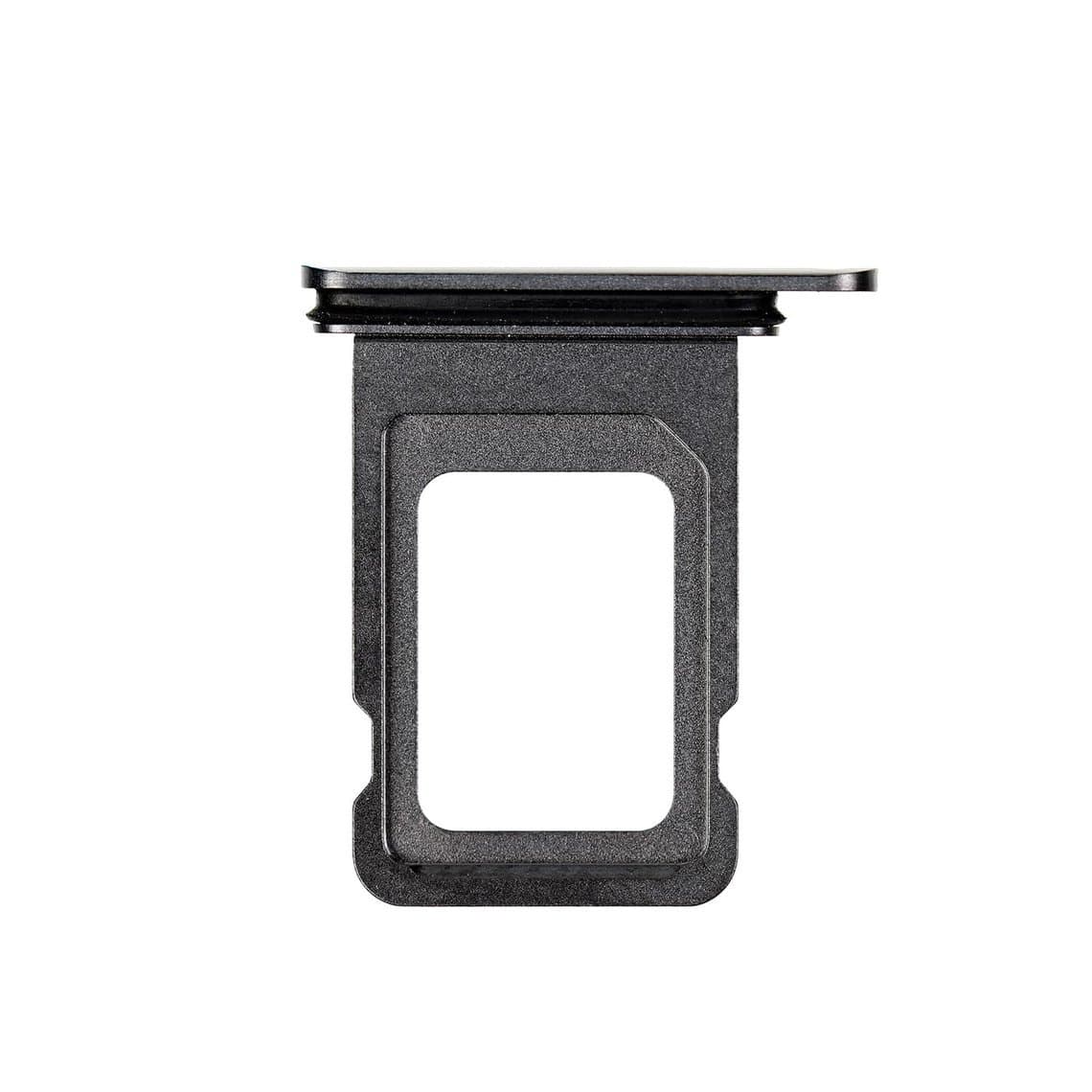
Practical consequences: an iPhone 11 screen is an LCD assembly with a backlight, so it costs less and has more aftermarket options. The Pro screens are OLED panels that are thinner, more fragile in handling and more expensive. Batteries, back glass, cameras and charging assemblies are model-specific, and some small parts are shared between the 11 Pro and 11 Pro Max, such as the 11 Pro/11 Pro Max SIM tray. Always check the part listing rather than assuming.
Browse parts by model on the iPhone 11, iPhone 11 Pro and iPhone 11 Pro Max pages.
The most common iPhone 11 repairs
1. Battery replacement
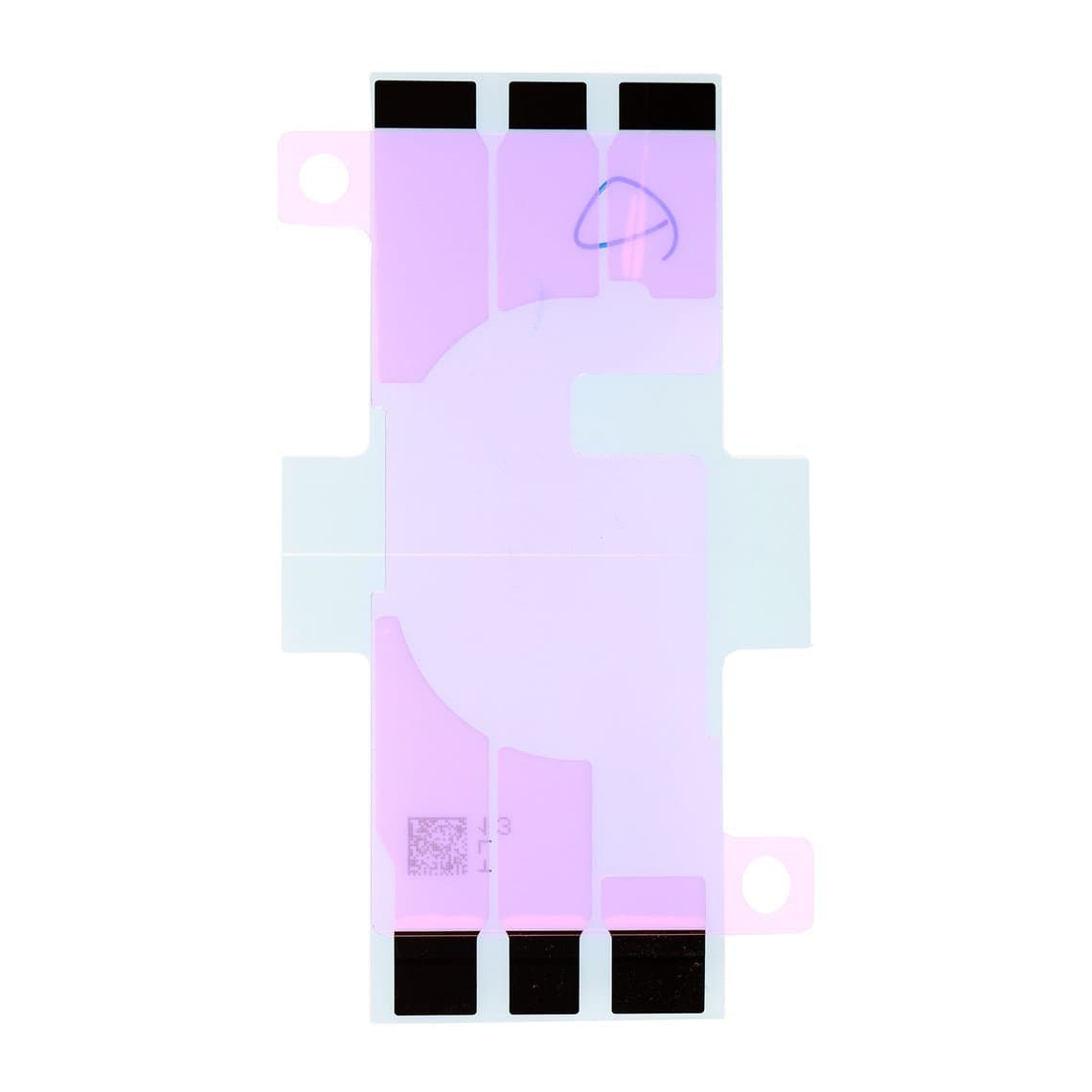
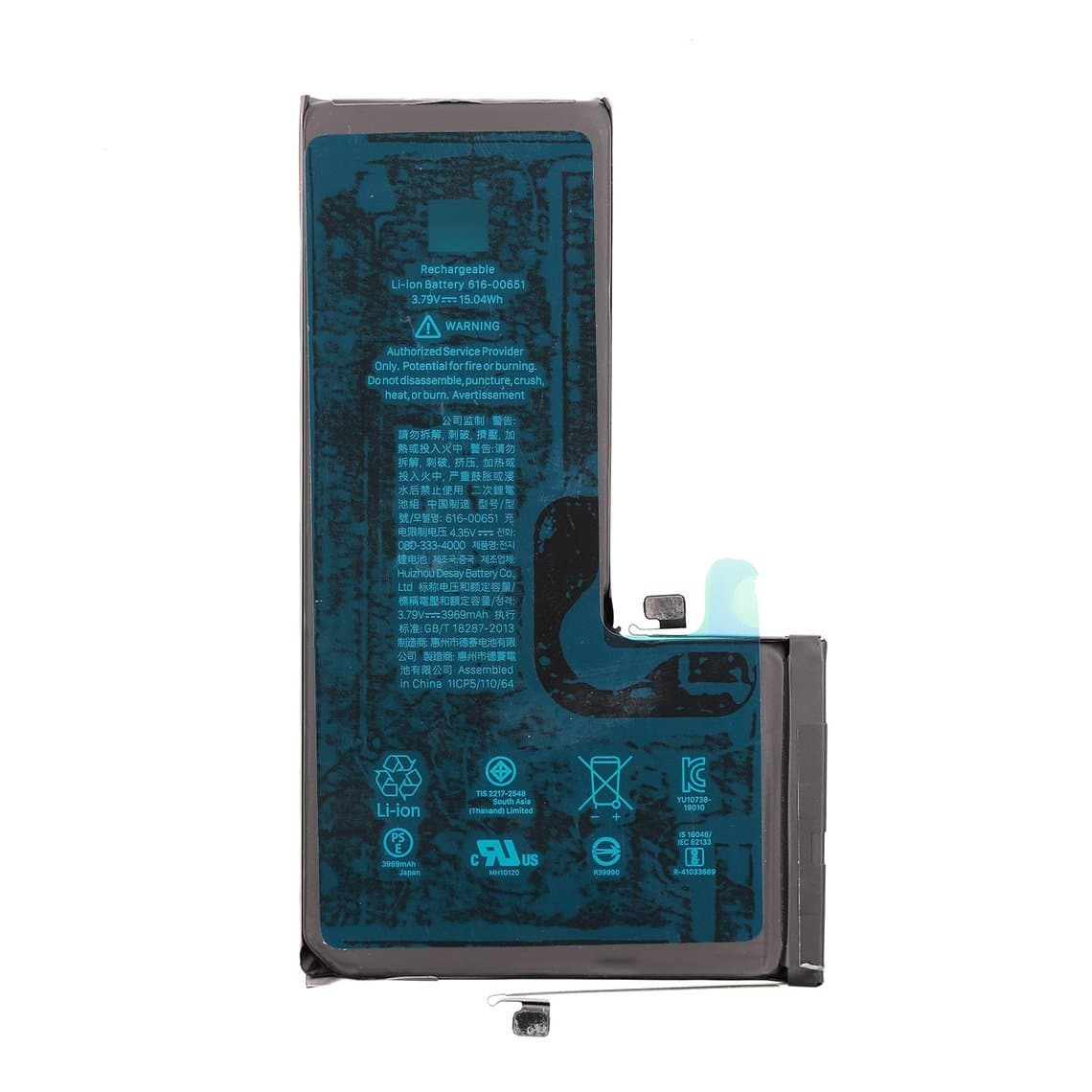
Age alone makes batteries the top job on this series. Customers report short battery life, sudden shutdowns or a "Service" status in Battery Health. The battery is held by stretch-release adhesive strips; pull them slowly and flat, and if one snaps, use isopropyl alcohol under the cell and a plastic card, never a metal pry. Fit new strips every time, for example the iPhone 11 battery adhesive strap or the matching strap for the 11 Pro or 11 Pro Max.
Safety: disconnect the battery before anything else on the board, never puncture or bend a cell, and keep a fire-safe container on the bench for damaged or swollen batteries.
2. Screen replacement
Cracked glass, lines, touch problems and dead backlights all end in a screen swap. The display opens from the bottom edge and hinges to the right like a book; the flex cables run along the right side, so do not open the screen wide until the cable bracket is off. Heat the edges gently, use a suction handle and a thin pick, and keep the pick shallow near the top to protect the front camera and sensor flex.
After the swap, transfer the earpiece speaker and sensor assembly from the old screen with care. A torn sensor flex is a common cause of Face ID and proximity complaints after a screen job. Replace the earpiece mesh if it is clogged or bent, using an iPhone 11 earpiece anti-dust mesh with bracket, and refit the adhesive seal if the customer cares about water resistance.
3. Charging port flex
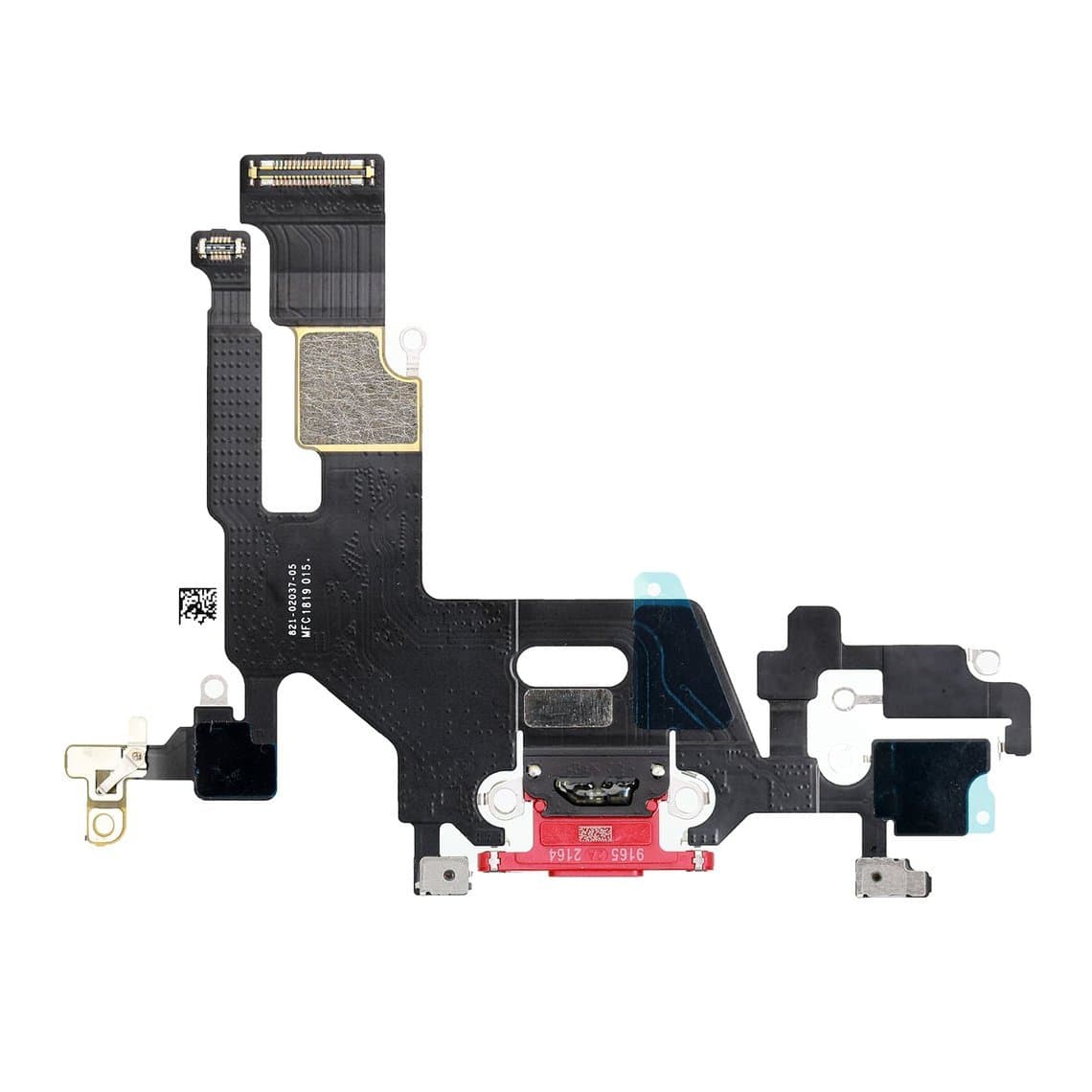
Lint packed into the Lightning port causes many "not charging" complaints, so clean and inspect first. If the port is loose, corroded or the customer's cable only works at an angle, replace the charging flex. The port flex on this series also carries other parts, typically including a bottom microphone, so a poor fit or a damaged flex can show up as call quality faults as well as charging problems. The iPhone 11 USB charging flex cable comes in the phone's colours so the port surround matches the frame. The Pro models use a different, larger charging connector assembly.
4. Back glass and rear housing
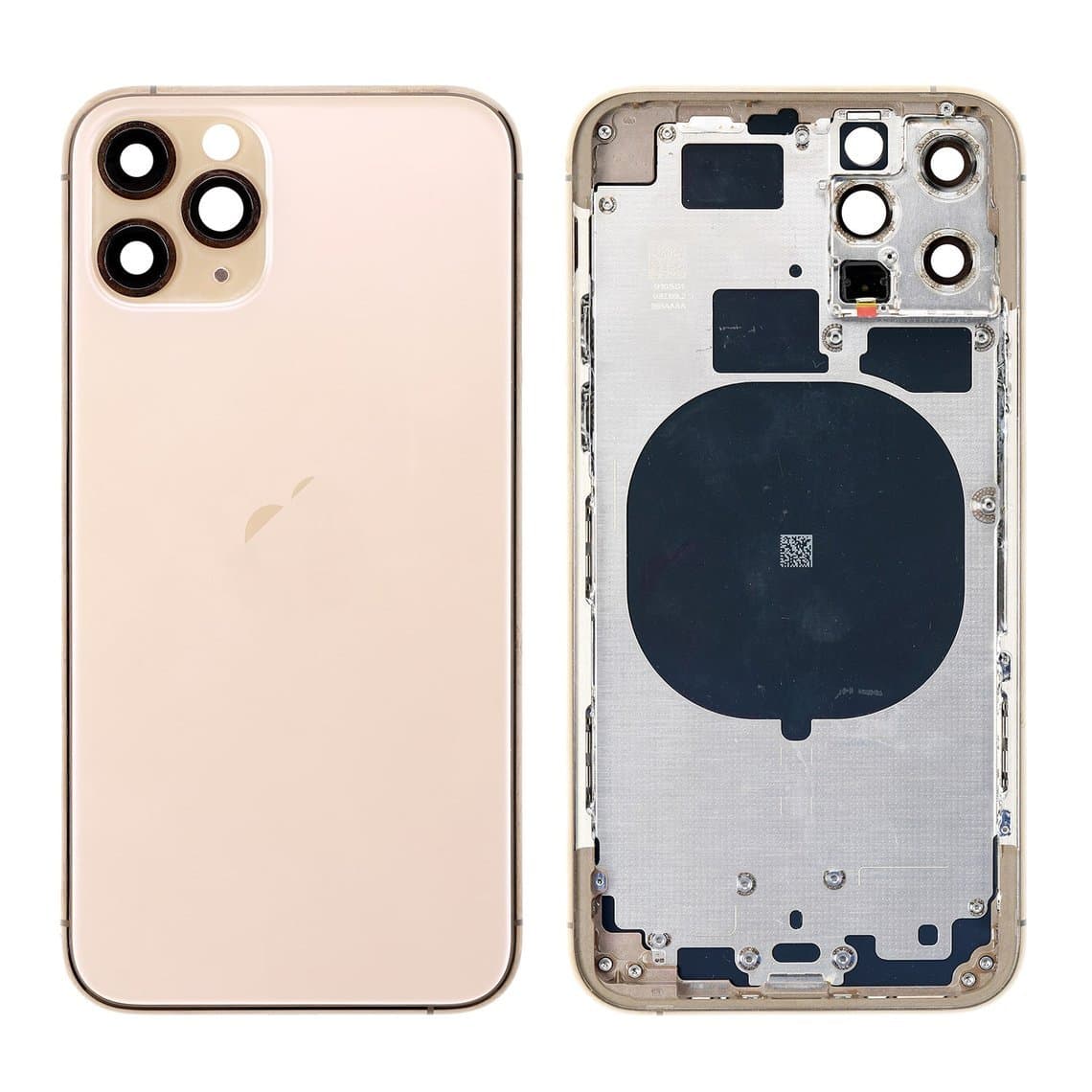
The rear glass is bonded to the frame, so a crack can be fixed two ways: laser removal of the old glass and a new iPhone 11 back cover, or a full housing swap that moves every part into a new frame such as an iPhone 11 Pro rear housing with frame. A housing swap takes longer but fixes bent frames and scuffed edges at the same time. Our guide to laser removal vs housing swap walks through the trade-offs.
5. Cameras and camera lens
A cracked camera lens cover is far more common than a failed camera module. Replace the lens glass first if the photos are hazy or show flare. On the Pro models, check all three cameras and the camera switching in the Camera app before and after any rear-side repair. Swap a camera module only after the lens and the connector have been ruled out.
6. Buttons, loudspeaker and small parts
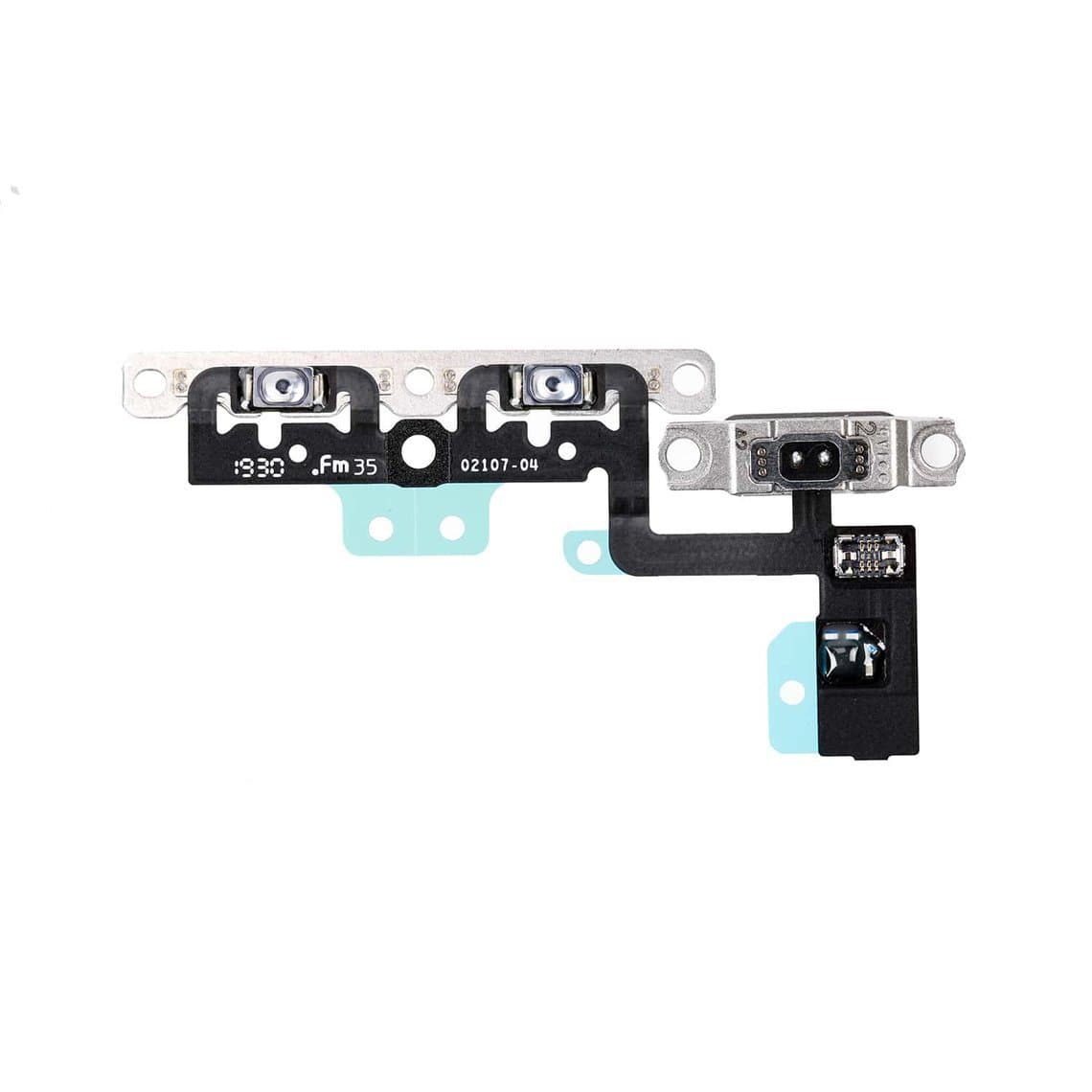
Volume and mute switches fail from wear or liquid. On the iPhone 11 the volume button flex with metal bracket sits deep in the frame, so budget extra time. A quiet or crackling loudspeaker is often just a blocked grille; clean it before you replace the iPhone 11 loudspeaker.
Problem areas technicians commonly report
- Touch problems on the iPhone 11 display. Apple ran a display replacement programme for a batch of iPhone 11 units with touch issues. If an original screen has unresponsive touch, check Apple's service programme pages for the phone's eligibility before quoting.
- Face ID failures after screen work. Usually a damaged sensor flex or a pinched connector rather than the dot projector. See our Face ID after repair guide for the checks.
- Charging faults. Debris in the port, worn port contacts or liquid damage to the flex. Board-level charging faults are possible but less common.
- Shattered back glass, especially on the matte Pro backs, which crack in a web pattern and shed glass splinters. Tape the back before you handle it.
- Battery swelling on older phones, sometimes lifting the screen. Treat a lifted screen as a battery check first.
Parts list by job
| Job | Parts to have ready | Model notes |
|---|---|---|
| Battery | Battery, adhesive strap, screen seal | 3110 mAh for the 11; the 11 Pro Max battery (3969 mAh) is larger. Not interchangeable. |
| Screen | Screen assembly, screen adhesive, earpiece mesh | LCD for the 11, OLED for the Pro models |
| Charging port | Charging flex or connector assembly | The 11 uses a colour-matched flex; the Pros use a larger assembly |
| Back glass | Back cover or rear housing with frame | Colour and model must match |
| Camera | Lens glass, camera module | Dual vs triple camera layouts differ |
| Buttons and audio | Volume flex, loudspeaker, SIM tray | Some small parts shared between 11 Pro and Pro Max |
Stock batteries and screens deepest. The iPhone batteries and iPhone screens categories group these by model.
Choosing the right screen grade
The right grade depends on the model and the customer's budget:
- iPhone 11 (LCD): an original or original refurbished LCD gives the best colour, brightness and touch feel. An aftermarket incell LCD is the budget option; it usually looks acceptable but can be dimmer and slightly thicker.
- iPhone 11 Pro and 11 Pro Max (OLED): original or refurbished OLED is the premium choice. A soft OLED is the best aftermarket option, a hard OLED is cheaper and more rigid, and an incell LCD is the lowest cost but uses more power and loses the deep blacks of OLED.
Explain the difference to the customer before you fit anything. Our quality grades page lists what each grade means and the warranty that goes with it.
Parts pairing and genuine-part notices
The iPhone 11 series is roughly where Apple's screen notices begin. After a non-Apple display is fitted, these models commonly show a message that the display cannot be verified as genuine. A replaced battery, including on earlier models, can show a similar battery message and may hide the health percentage. Exact behaviour depends on the iOS version, so treat these as typical, not guaranteed.
Key points to tell the customer:
- The part still works; the notice is informational.
- True Tone usually turns off after a screen swap unless the original screen's data is transferred with a programmer on supported models.
- Battery health readings can often be restored with a programmer and a compatible battery.
- Face ID is tied to the original TrueDepth parts. Do not swap the dot projector or Face ID flex between phones and expect it to work.
For the full picture, read what the unknown part message means. Newer iOS versions also list replaced parts under Settings, so be honest about non-Apple parts on the invoice.
Check software support before a big repair
The iPhone 11 series is several years old. Before quoting an expensive screen and battery together, check Apple's current list of supported devices for the latest iOS release. A phone that has lost or will soon lose major updates may still be worth a battery, but the customer should know that before choosing a premium screen.
Bench checklist for every iPhone 11 job
- Confirm the model and colour, and test every function before you open the phone.
- Wear an ESD strap and work on a grounded mat.
- Heat the edges gently; do not cook the screen or battery.
- Disconnect the battery before any other connector.
- Keep screws in order; long screws in the wrong holes can damage the board.
- Test the new part before sealing: touch, display, Face ID, cameras, charging, speakers and microphones.
- Fit fresh adhesive and note any genuine-part notice on the job sheet.
Questions
Is the iPhone 11 screen the same as the iPhone XR?
Both use a 6.1-inch LCD with a similar design approach, but the assemblies are not listed as interchangeable. Fit the screen made for the iPhone 11 so the connectors, brackets and sensors line up correctly.
Can I use an iPhone 11 Pro screen on an 11 Pro Max?
No. The 11 Pro has a 5.8-inch OLED and the 11 Pro Max a 6.5-inch OLED, so the panels and frames are different sizes. Some small parts are shared between the two Pro models, but screens and batteries are not.
Why does my iPhone 11 say unknown part after a screen replacement?
The iPhone 11 series commonly shows a notice when a non-Apple display is fitted. The screen still works normally; the message is informational. True Tone may also switch off unless the original screen data is transferred with a programmer.
Will Face ID still work after an iPhone 11 screen replacement?
It should, if the earpiece and sensor assembly is moved carefully to the new screen and no flex is torn. Face ID faults after a screen job usually come from a damaged sensor flex or a loose connector, not from the new screen itself.
Find every part for this series on the iPhone parts page, with screens and batteries grouped by model. Repair shops can unlock wholesale pricing through wholesale, and if you already know your SKUs, Quick Order lets you add them in one go or upload a CSV.