iPhone 12 Repair Guide: Faults and Parts for 12 mini, 12, Pro, Pro Max
17 November 2026 · LightspeedTools team
Short answer: iPhone 12 repair covers four models, the 12 mini, 12, 12 Pro and 12 Pro Max, and all of them use OLED screens. The most common jobs are screens, batteries, charging port flexes, back glass and earpiece speakers. The 12 and 12 Pro share many parts, but check each part listing, and expect genuine-part notices for screens, batteries and, on this generation, cameras.
The iPhone 12 series introduced the flat-edge design, MagSafe and 5G to the iPhone line, and every one of those changes affects how you open, repair and reassemble the phone. This guide covers all four models together: what is different between them, the repairs you will see most, the problem areas technicians commonly report, the parts to stock by job and how these phones respond to replacement parts.
The four models at a glance
Confirm the exact model before you quote. The 12 and 12 Pro look almost identical from the front, and the 12 mini and 12 Pro Max are easy to spot only by size.
| Feature | iPhone 12 mini | iPhone 12 | iPhone 12 Pro | iPhone 12 Pro Max |
|---|---|---|---|---|
| Screen | 5.4-inch OLED | 6.1-inch OLED | 6.1-inch OLED | 6.7-inch OLED |
| Rear cameras | Dual | Dual | Triple plus LiDAR | Triple plus LiDAR, larger wide sensor |
| Frame | Aluminium | Aluminium | Stainless steel | Stainless steel |
| Back | Glossy glass | Glossy glass | Matte textured glass | Matte textured glass |
| Rated battery | About 2227 mAh | About 2815 mAh | About 2815 mAh | About 3687 mAh |
Features shared by all four: OLED displays with a hardened front glass, MagSafe magnets and a wireless charging coil inside the back, Face ID and a Lightning port. US models also carry an mmWave 5G antenna, visible as a small window on the side of the frame. Treat that window and the antenna behind it with care during housing work.
Browse parts by model on the iPhone 12 mini, iPhone 12, iPhone 12 Pro and iPhone 12 Pro Max pages.
Which parts the 12 and 12 Pro share
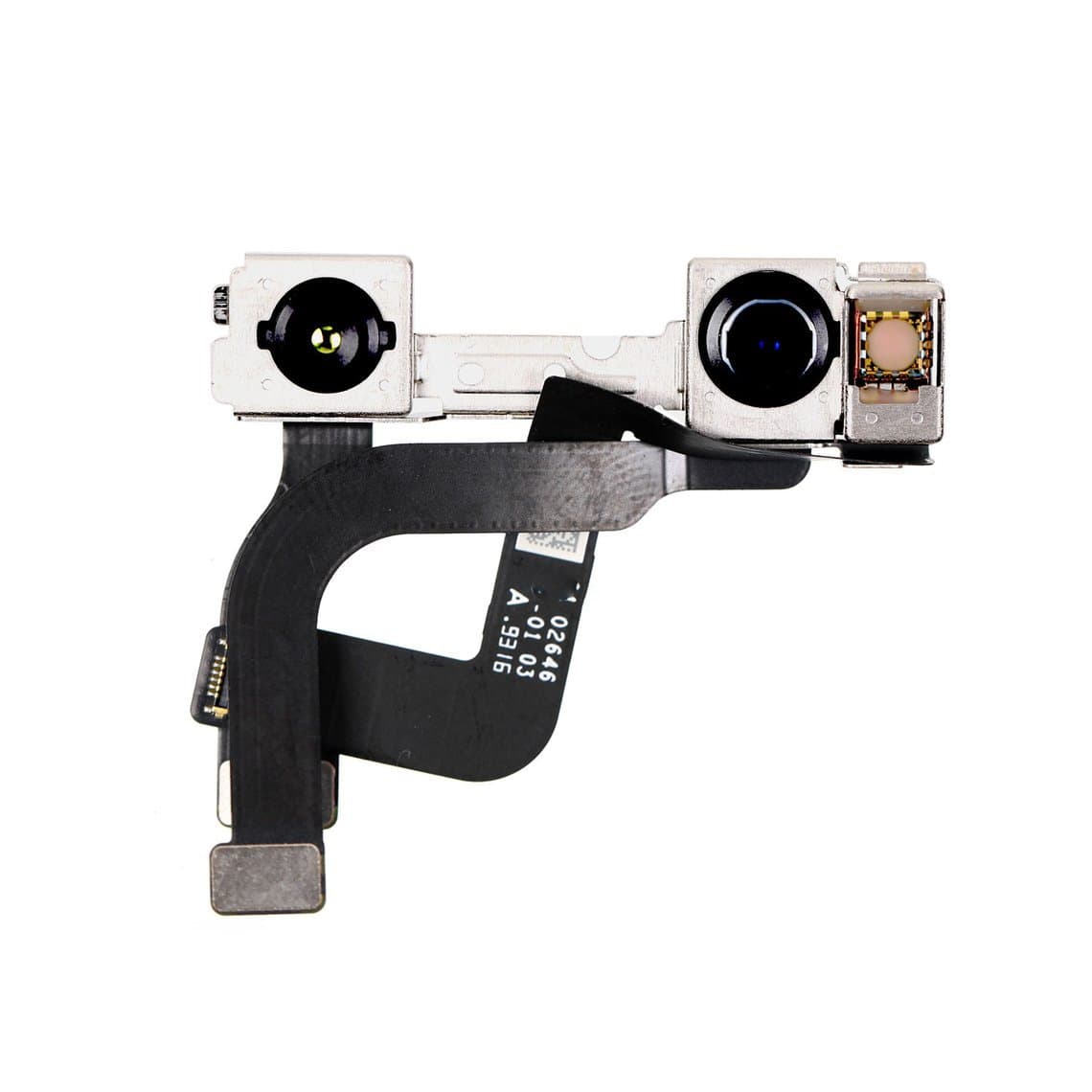
The 12 and 12 Pro have the same screen size and a very similar internal layout, so many parts are listed for both, for example the iPhone 12/12 Pro front-facing camera. Screens and batteries are commonly interchangeable between the two as well. Rear cameras, the back glass, the frame and the camera holder are not, because the Pro has a triple camera with LiDAR and a stainless frame. The rule is simple: if the listing names both models, it fits both; if it names one, assume it fits only that one.
The most common iPhone 12 repairs
1. Screen replacement
The flat edges make the iPhone 12 harder to open than earlier rounded models. There is little room for a pick, so heat the bottom edge evenly, lift with a suction handle and slide a thin pick in at the bottom, never at the top where the front camera and sensors sit. The display hinges to the right like a book; remove the cable bracket before you open it wide.
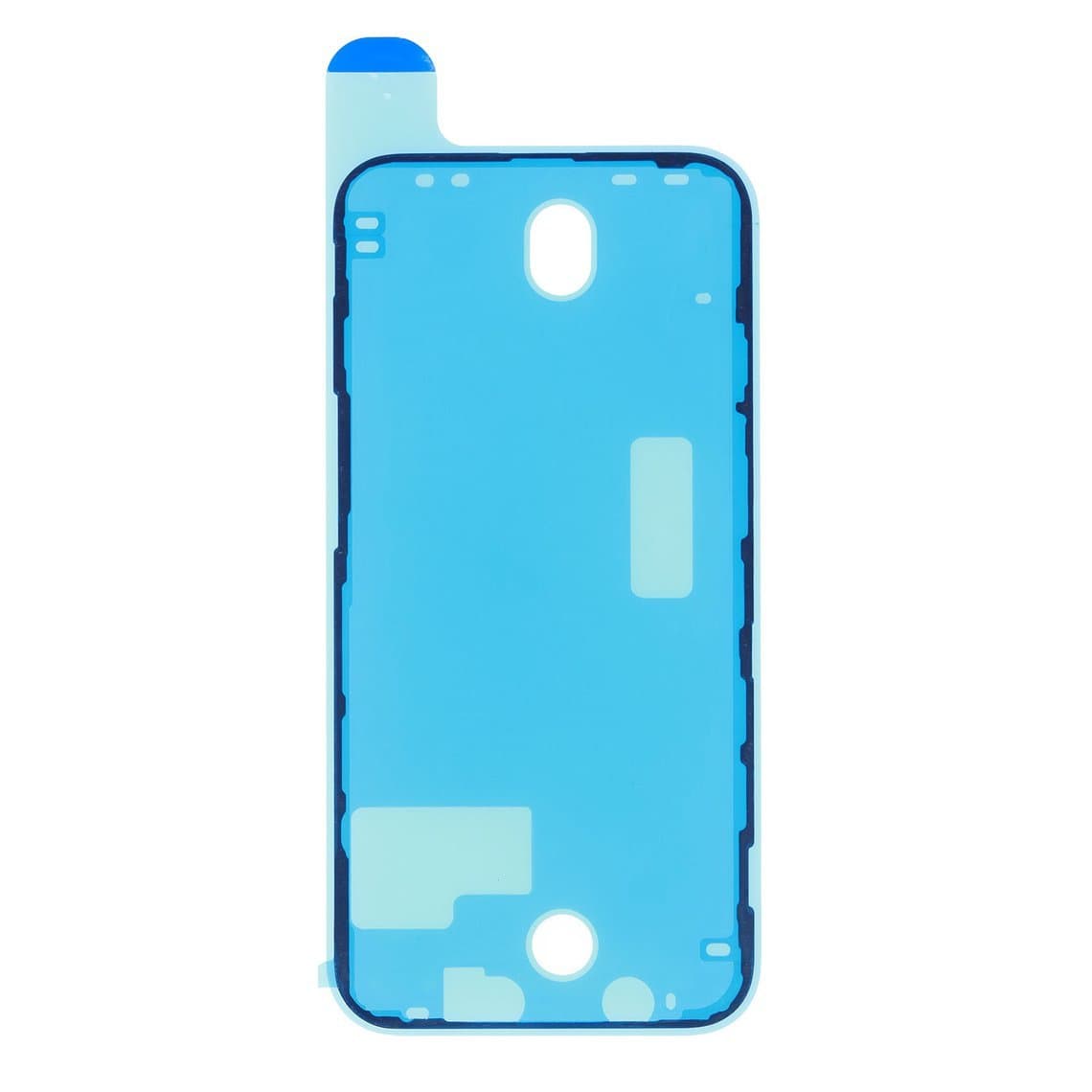
All four screens are OLED, which is fragile in handling. Avoid bending the panel, pressing on the back of the OLED or stacking screens without protection. Fit a fresh iPhone 12 frame-to-bezel adhesive after every screen job; each model has its own size, including the 12 mini and 12 Pro Max versions.
2. Battery replacement
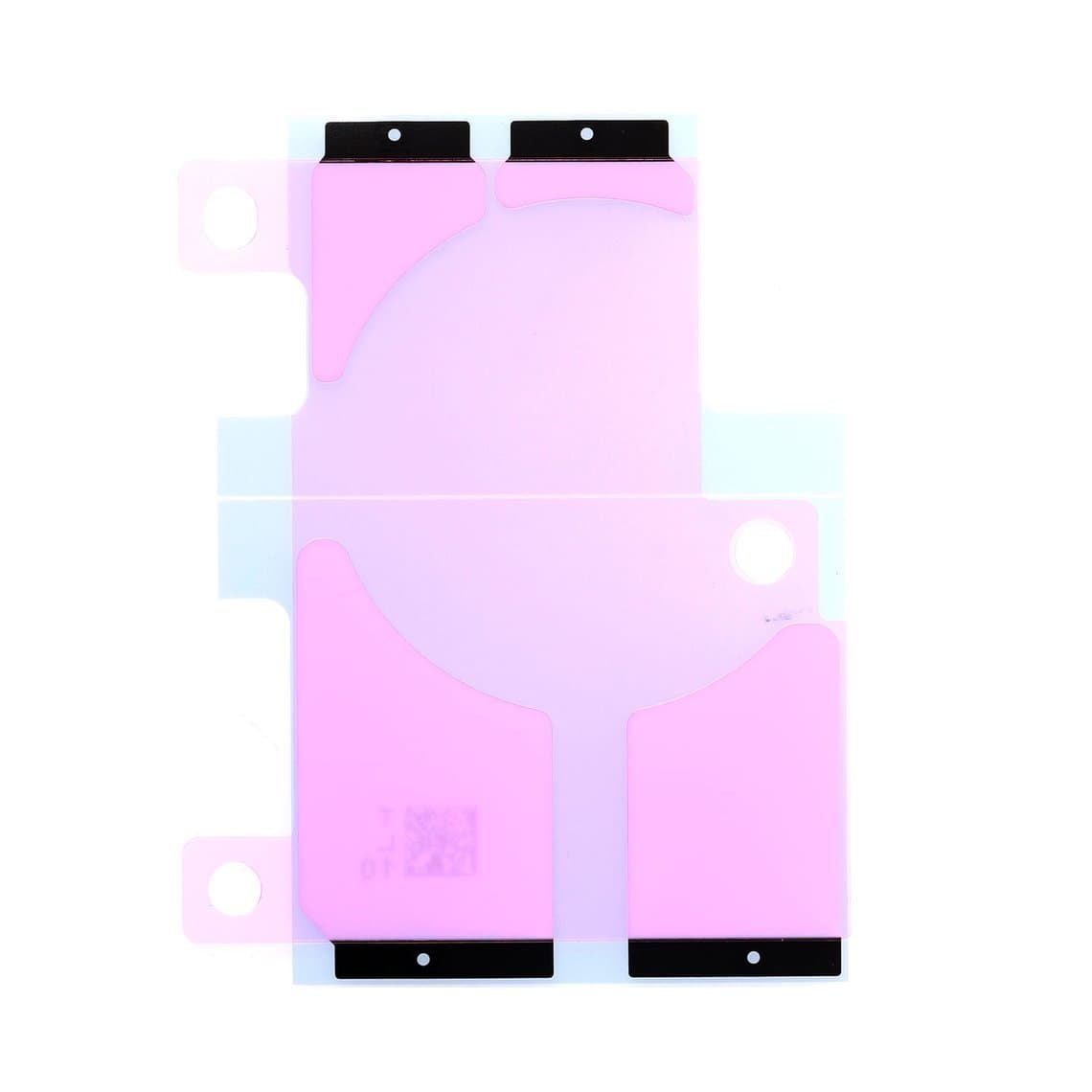
Batteries on this series are now old enough to need replacing on most phones you see. The cell sits under stretch-release strips; pull slowly and flat. Fit new strips such as the iPhone 12 battery adhesive strap or the 12 Pro Max adhesive strap. Disconnect the battery first, never puncture or bend a cell and keep a fire-safe container nearby for swollen batteries. Our iPhone batteries page lists replacement cells by model.
3. Earpiece speaker and sensors
"Can't hear callers" is a frequent complaint on this series. Clean the earpiece mesh first, then test with a known-good part. On the iPhone 12 the earpiece is often supplied as an ear speaker with ambient light sensor, so handle it gently and check auto-brightness after fitting. Work slowly in the TrueDepth area; a damaged flex near the top of the phone can affect Face ID or the proximity sensor. Our earpiece diagnosis guide covers the full test sequence.
4. Charging port flex
Clean the Lightning port before you replace anything; packed lint is behind many "not charging" complaints. If the port is loose, corroded or intermittent, replace the charging flex. The 12 and 12 Pro commonly share a charging flex, while the 12 mini and 12 Pro Max each need their own. The flex also carries other parts such as a bottom microphone, so test calls and voice memos after fitting.
5. Back glass and MagSafe
The back glass is bonded to the frame and sits over the MagSafe magnet array and the wireless charging coil. When you laser off old glass or fit a new iPhone 12 back cover, make sure the magnets and coil are intact and aligned, then test wireless charging and MagSafe accessory alignment before handing the phone back. A full housing swap is the alternative when the frame is bent. Compare both approaches in our laser vs housing swap guide.
6. Cameras, buttons and loudspeaker
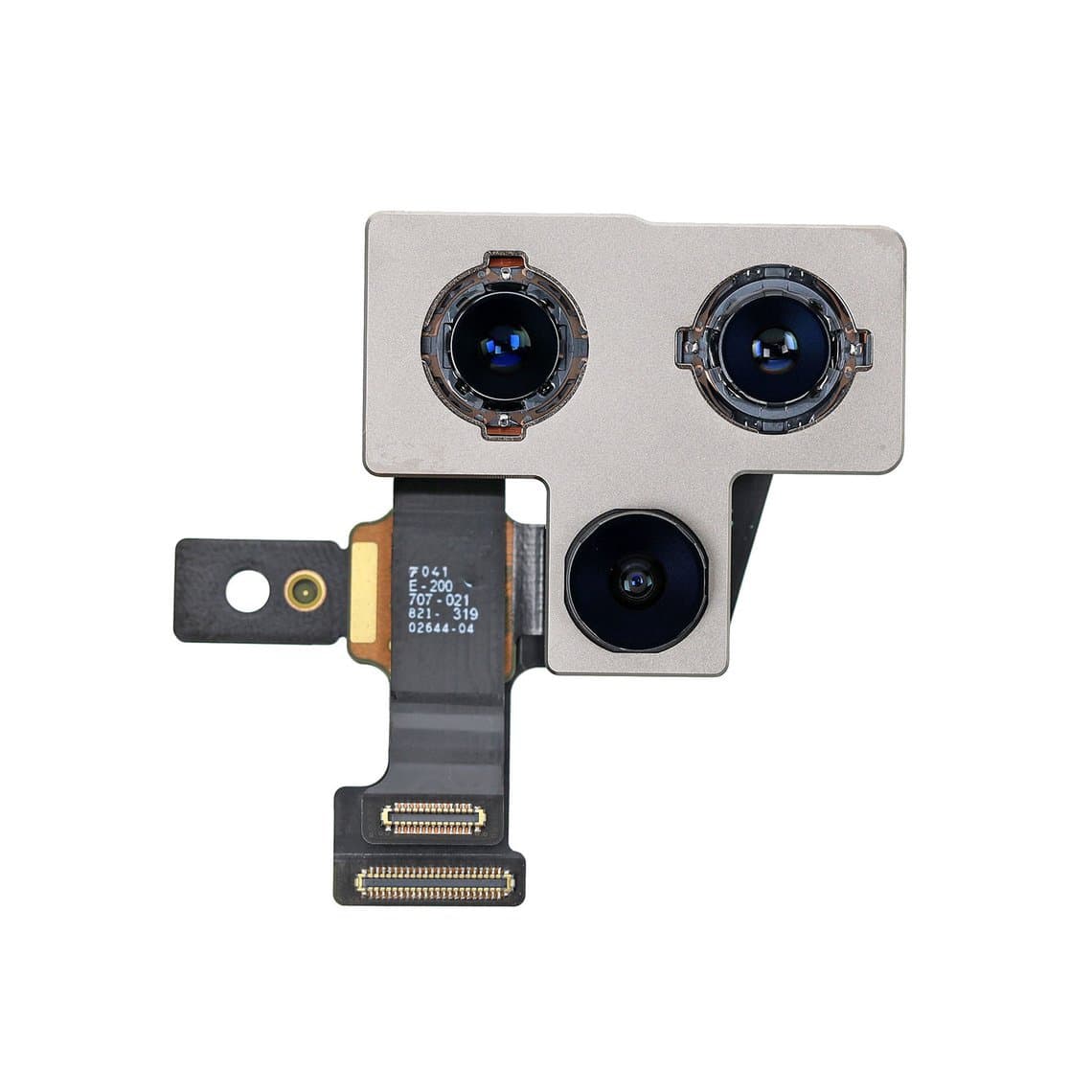
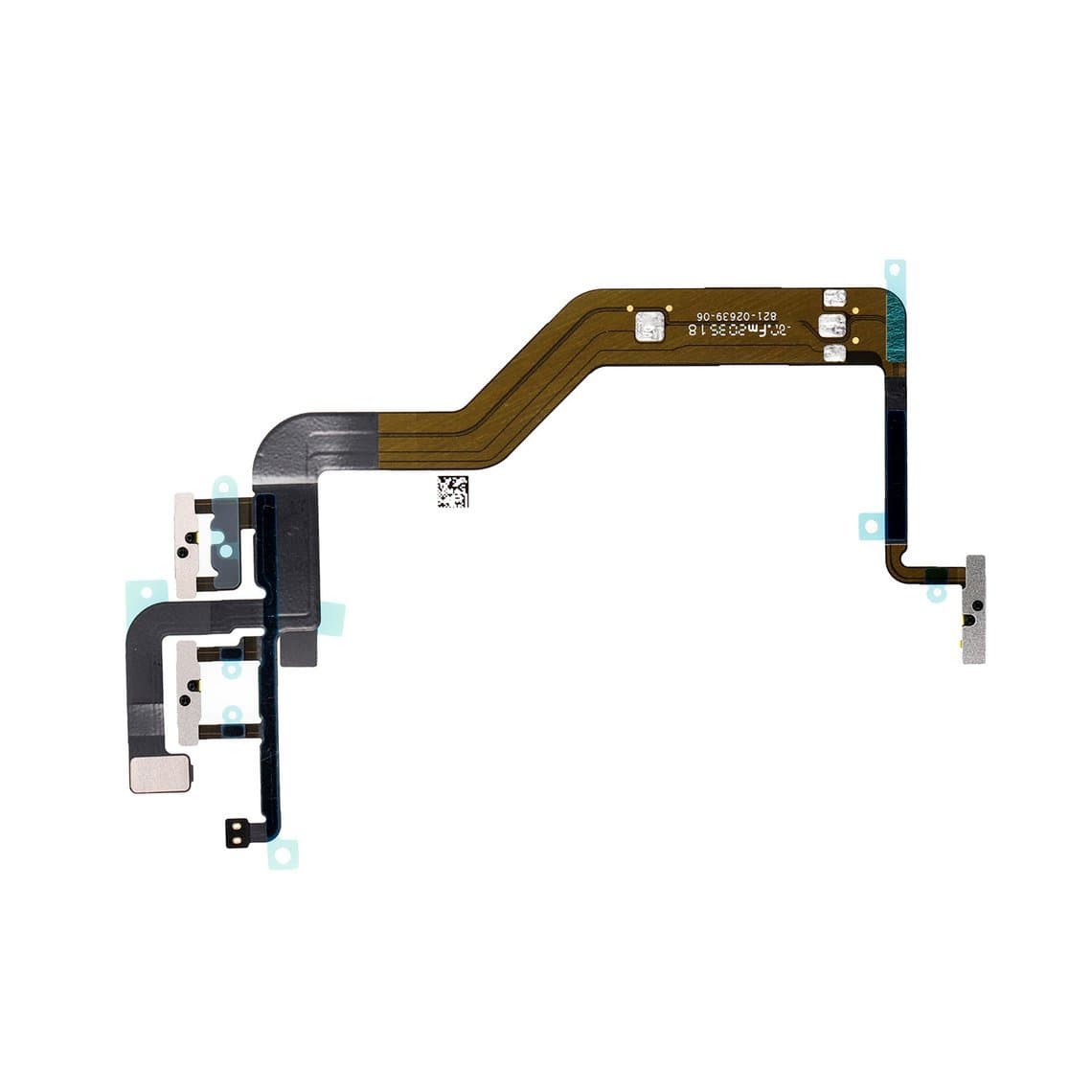
Replace a cracked camera lens before you blame the module. If the module itself has failed, fit the correct one for the model, such as the iPhone 12 Pro rear camera, and check every lens, the flash and portrait mode afterwards. Power button failures are usually the power button flex. A muffled bottom speaker is often a blocked grille; clean it before replacing the iPhone 12 loudspeaker.
Problem areas technicians commonly report
- No sound from the earpiece on calls. Apple ran a service programme for some iPhone 12 and 12 Pro units with receiver problems. Check Apple's programme pages for eligibility before you charge for the repair.
- Screen damage from drops on the flat edges, often with a dead OLED under intact-looking glass. Test the display before quoting glass-only work.
- Charging faults from port debris, worn contacts or liquid exposure.
- Face ID faults after front-side work, usually from a damaged flex or connector rather than the module itself.
- Back glass cracks that can extend to the camera lens surround.
Parts list by job
| Job | Parts to have ready | Model notes |
|---|---|---|
| Screen | OLED screen, frame-to-bezel adhesive | 12 and 12 Pro commonly share; mini and Pro Max are unique |
| Battery | Battery, adhesive strap | 12 and 12 Pro commonly share; check the listing |
| Earpiece | Ear speaker or ear speaker with sensor, mesh | Handle near the TrueDepth parts |
| Charging port | Charging flex in the right colour | Mini and Pro Max need their own |
| Back | Back cover or housing with frame | Check MagSafe and wireless charging after fitting |
| Cameras | Lens glass, rear or front camera, flash flex | Dual vs triple plus LiDAR layouts differ |
| Buttons and audio | Power flex, volume flex, loudspeaker | Model-specific |
Choosing the right screen grade
Every iPhone 12 model uses OLED, so the choice is between original and aftermarket panels:
- Original or original refurbished OLED: best colour, brightness, touch feel and battery efficiency.
- Soft OLED: the best aftermarket option; flexible, close to original thickness and colour.
- Hard OLED: lower cost and more rigid, usually with a slightly thicker border.
- Incell LCD: the cheapest; it works but loses OLED blacks and uses more power.
Show the customer the options and the warranty for each. Our quality grades page explains every grade, and the iPhone screens category lists them by model.
Parts pairing and genuine-part notices
The iPhone 12 series commonly shows a notice after a non-Apple screen or battery is fitted. This generation is also where camera notices are commonly reported: a replaced rear camera can show a message that it cannot be verified, and some early iOS versions reportedly had camera issues after a swap. Behaviour varies with the iOS version, so treat this as typical rather than certain.
- The part still works; the notice is informational.
- True Tone usually turns off after a screen swap unless the original screen data is transferred with a programmer on supported models.
- Battery health can often be restored with a programmer and a compatible battery.
- Face ID is tied to the phone's own TrueDepth parts; do not move them between phones.
For a full explanation, read what the unknown part message means, and note any non-Apple parts on the invoice.
Check software support first
Before you recommend a premium screen plus a battery, check Apple's current list of devices supported by the latest iOS release. Most iPhone 12 owners will still be covered, but the customer should know how long updates are likely to last before choosing an expensive repair.
Bench checklist for every iPhone 12 job
- Confirm the model, colour and whether it is a US model with an mmWave window.
- Test every function before opening: display, touch, Face ID, cameras, speakers, microphones, charging and MagSafe.
- Work on a grounded mat with an ESD strap.
- Use gentle, even heat; the flat edges tempt you to force the pick.
- Disconnect the battery before any other connector.
- Test the new part before sealing, then fit fresh adhesive.
Questions
Is the iPhone 12 screen the same as the iPhone 12 Pro?
The 12 and 12 Pro both use a 6.1-inch OLED and their screens are commonly listed as interchangeable. Always confirm on the part listing, and remember that True Tone needs a programmer to transfer on either model.
Why does my iPhone 12 say unknown part after a camera replacement?
The iPhone 12 series is commonly reported to show a notice when a rear camera from another phone or a non-Apple source is fitted. The behaviour depends on the iOS version. The camera usually works, but test every lens and mode before returning the phone.
Does replacing the iPhone 12 back glass affect MagSafe?
It can if the magnet array or wireless charging coil is damaged or misaligned during the repair. Inspect both parts, then test wireless charging and MagSafe accessory alignment before you hand the phone back.
Why can't I hear callers on my iPhone 12?
Start with a blocked earpiece mesh, then test with a known-good speaker. Apple ran a service programme for some iPhone 12 and 12 Pro receiver modules, so check eligibility on Apple's site before quoting a paid repair.
Find every part for the series on the iPhone parts page, grouped by model. Repair shops can unlock wholesale pricing through wholesale, and Quick Order lets you add parts by SKU or upload a CSV.