iPhone X Repair Guide: X, XS, XS Max and XR Faults and Parts
17 November 2026 · LightspeedTools team
Short answer: The iPhone X, XS, XS Max and XR share Face ID and a similar internal layout, but the X, XS and XS Max use OLED screens while the XR uses an LCD. The repairs you will see most often are screens, batteries, charging ports, back glass and rear cameras. The biggest risk on all four is damaging the Face ID parts, so handle the earpiece and sensor flex with extra care.
These phones are now several years old, yet plenty are still in daily use, so they keep arriving at repair counters. This guide is the starting point for repairing the iPhone X family: what changes between the four models, the common faults on each, which parts each job needs and the points where repairs most often go wrong.
Models covered and key hardware differences
| Model | Screen type | Rear camera | Biometrics | Notes for repair |
|---|---|---|---|---|
| iPhone X | OLED | Dual | Face ID | First of the family; glass back bonded to a steel frame |
| iPhone XS | OLED | Dual | Face ID | Same size and shape as the X, but parts are not always interchangeable |
| iPhone XS Max | OLED (larger) | Dual | Face ID | Larger screen and battery; its own parts throughout |
| iPhone XR | LCD | Single | Face ID | Aluminium frame; LCD screen; rear housing commonly replaced as one unit |
A few points matter more than the table suggests:
- X and XS look identical but are not the same phone. The screen outline is shared, yet batteries, some flex cables and the rear camera differ. Always confirm the model number in Settings or on the SIM tray area before ordering parts, rather than going by looks.
- OLED vs LCD changes your screen options. OLED models can take original, soft OLED, hard OLED or incell replacements. The XR takes LCD replacements, which behave differently from OLED in colour, brightness and thickness.
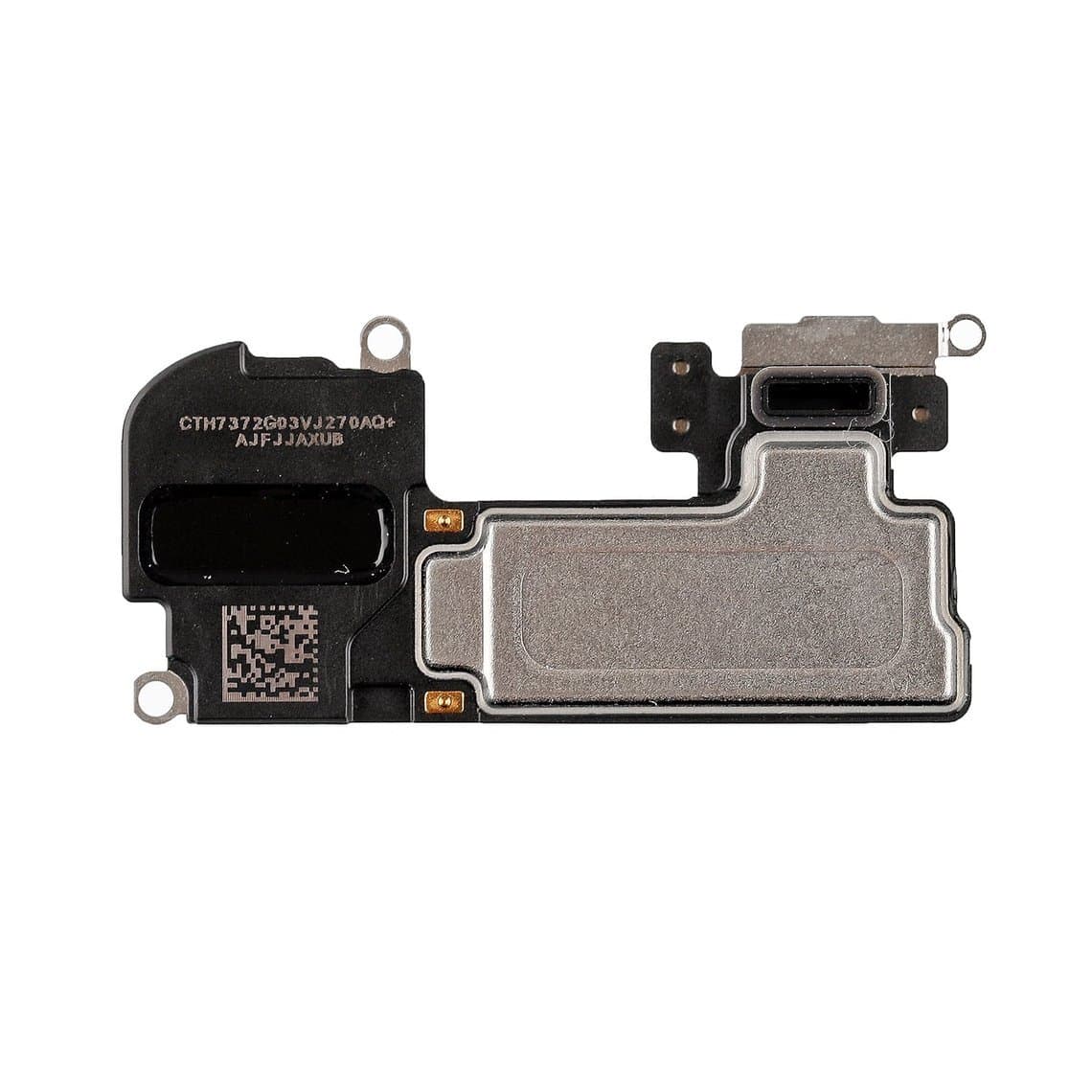
- All four have Face ID. That means every screen job involves moving the earpiece and front sensor assembly, which is where many repairs go wrong.
Most common repairs by model
iPhone X
- Screen replacement. The most frequent job. Cracked glass, dead touch, lines or black screens after a drop.
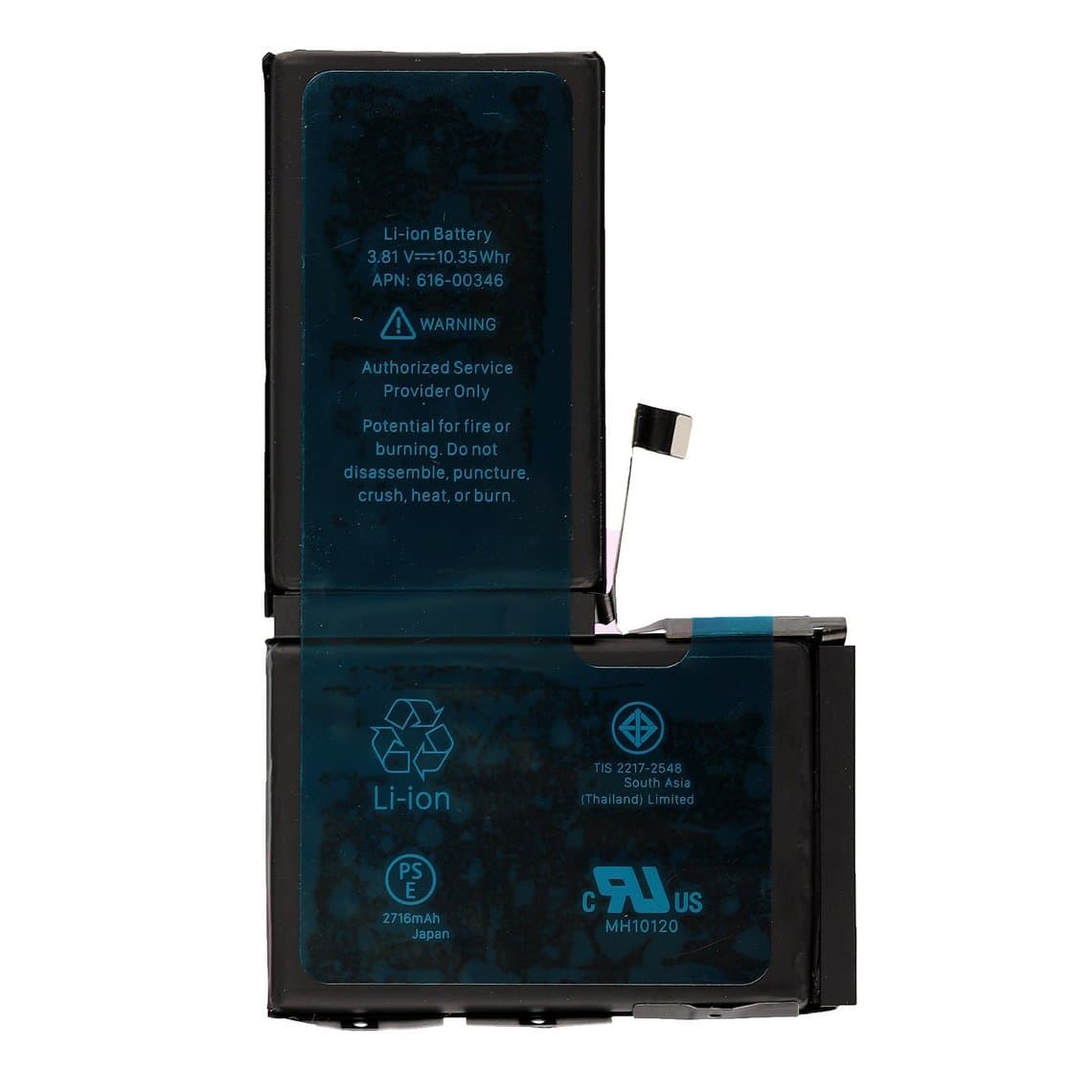
- Battery. Most surviving X phones are on an aged original or a previous replacement battery.
- Charging port. Lint packed into the Lightning port is common; clean it before replacing anything. A worn connector or damaged flex needs the full assembly.
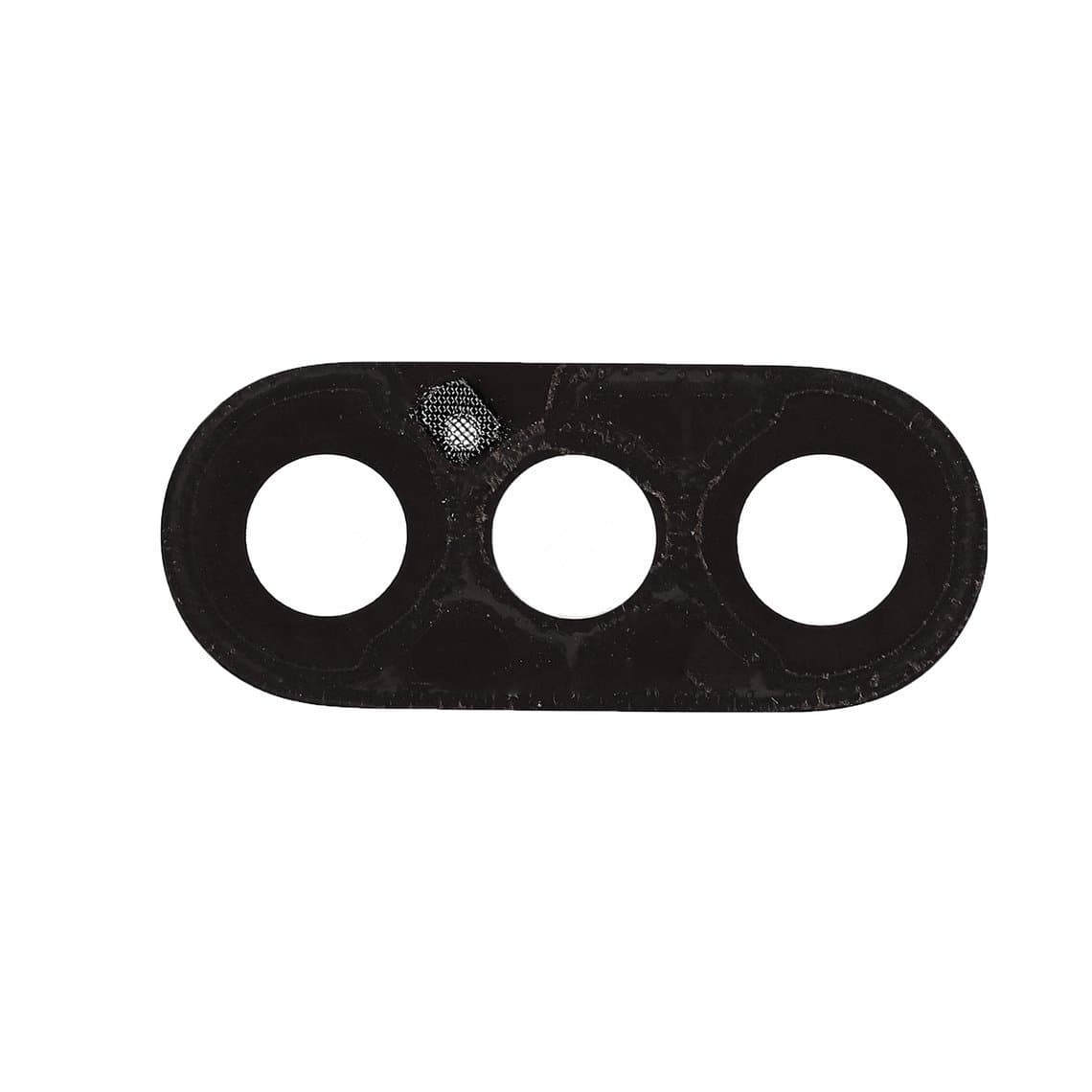
- Back glass and rear camera lens. Cracked backs and camera lenses are common after drops.
- Earpiece and sensor problems. Weak earpiece, proximity faults or Face ID failure, often after an earlier screen repair.
iPhone XS and XS Max
- Screen replacement. Same pattern as the X, with the XS Max needing its own larger screen.
- Battery. Very common, and affected by the battery message behaviour described below.
- Charging port, back glass and cameras. Similar jobs to the X, using model-specific parts.
iPhone XR
- LCD screen replacement. The XR's LCD is a different part from the OLED models and is generally simpler to source in several grades.
- Battery and charging port. Frequent as these phones age.
- Rear housing. The XR's glass back is bonded to its aluminium frame. Shops either remove the glass with a laser and fit new glass, or move the internals into a new housing.
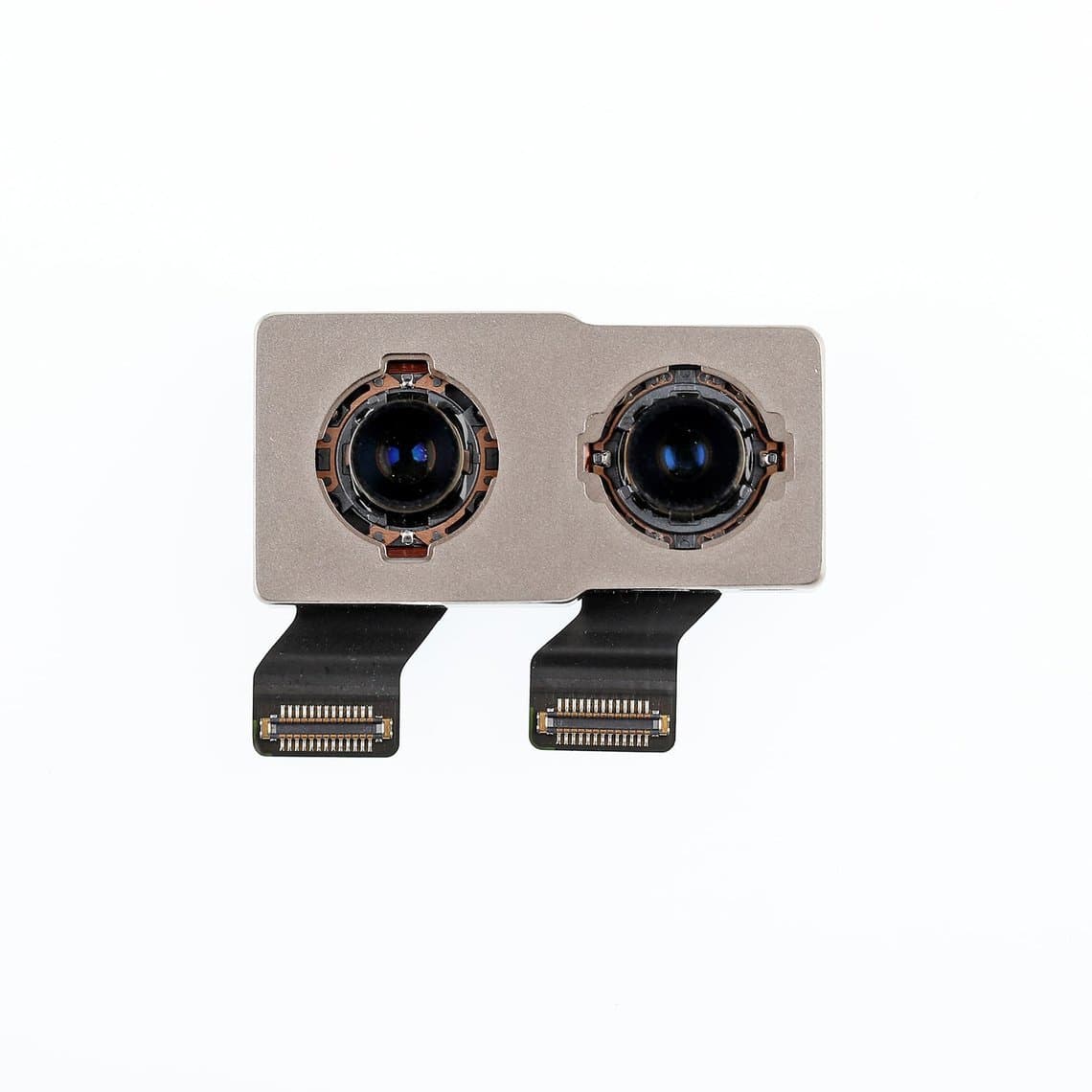
- Single rear camera. One camera module and lens instead of two, so camera repairs use XR-specific parts.
Known problem areas (handle with care)
These are issues commonly reported by repair technicians on this family. Not every phone will show them, but knowing them helps you diagnose faster and set the right expectations with the customer.
- Face ID damage after drops or liquid. Face ID failure after an impact or water exposure is commonly reported. The dot projector is the most sensitive part and is paired to the logic board, so a replacement from another phone does not simply work. Check Face ID before you start any repair and record the result, so an existing fault is not blamed on your work. Our guide to Face ID not working after repair covers diagnosis.
- Earpiece and sensor flex damage. On these models, parts of the front sensor system sit on the flex attached to the earpiece. Tearing it, overheating it or pinching it when transferring to a new screen is a common cause of Face ID or proximity faults after a screen job. Transfer it slowly with plastic tools and no excess heat.
- OLED panel lines. Green, pink or white lines on OLED models are commonly reported, often after a drop or pressure on the screen. In most cases the panel itself is damaged and the screen needs replacing.
- Touch faults on the X. Touch problems on the iPhone X have been widely reported over the years. Rule out a damaged screen connector or a poor-quality replacement screen before suspecting the board.
- Board-level faults after impact. These phones use a stacked, two-layer logic board. Severe drops can cause faults between the layers that only board-level repair can fix. If a phone shows no service, no power or random reboots after a hard drop, diagnose the board before quoting a part swap.
Parts list by job
The parts below are for the iPhone X. XS, XS Max and XR versions are listed on each model page, and you should always match the part to the exact model.
| Job | Parts and supplies |
|---|---|
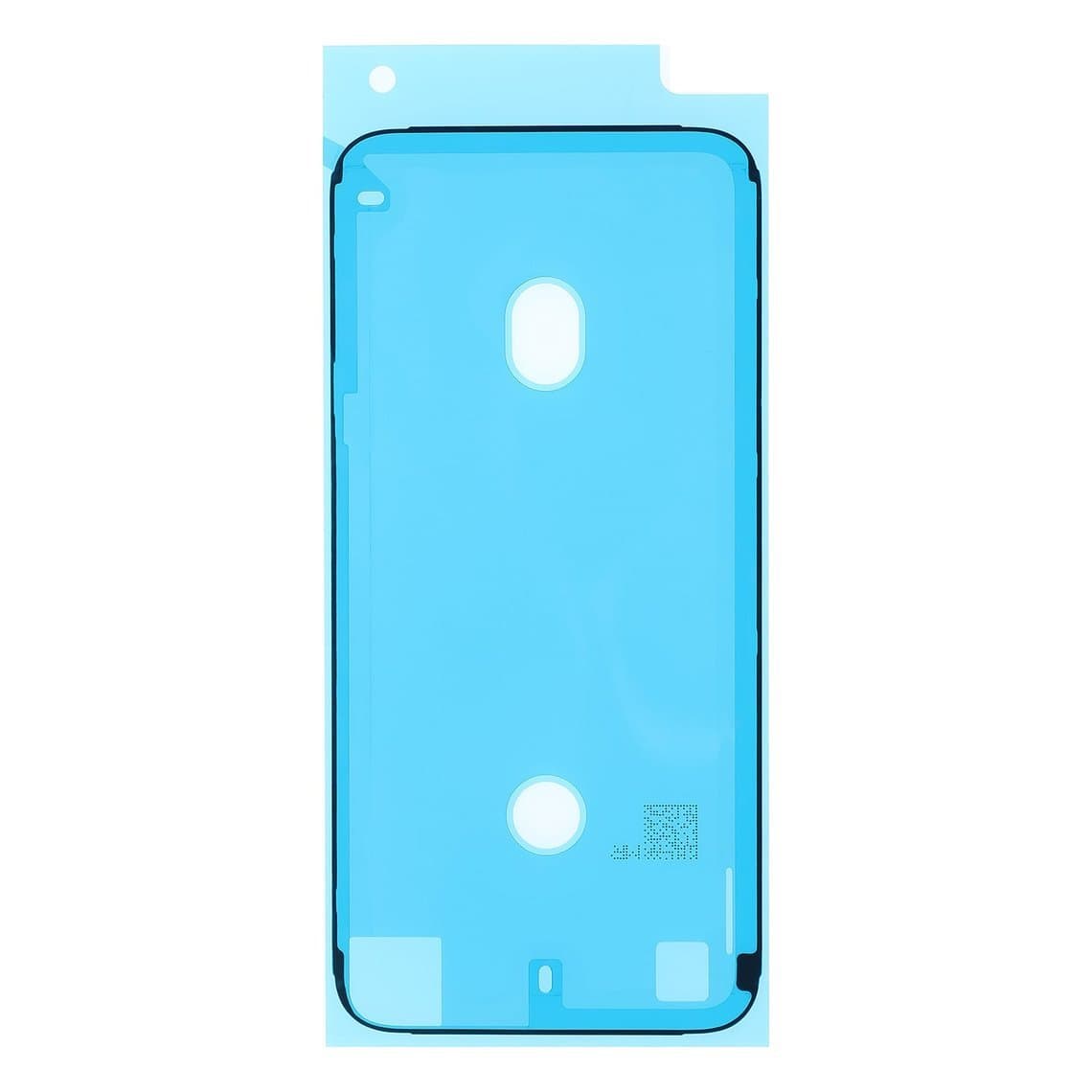
| Screen replacement | Replacement screen in the grade you choose, front housing adhesive, and a screen testing cable for iPhone X/XS to check the new screen before closing up |
| Battery replacement | iPhone X battery (2716mAh), new battery adhesive strips, front housing adhesive |
| Charging port | iPhone X charging connector assembly, front housing adhesive |
| Back glass | Replacement back glass and battery door adhesive, or a complete housing |
| Rear camera | iPhone X rear camera module; for cracked lenses only, the rear camera glass lens |
| Earpiece | iPhone X ear speaker; transfer the sensor flex with care |
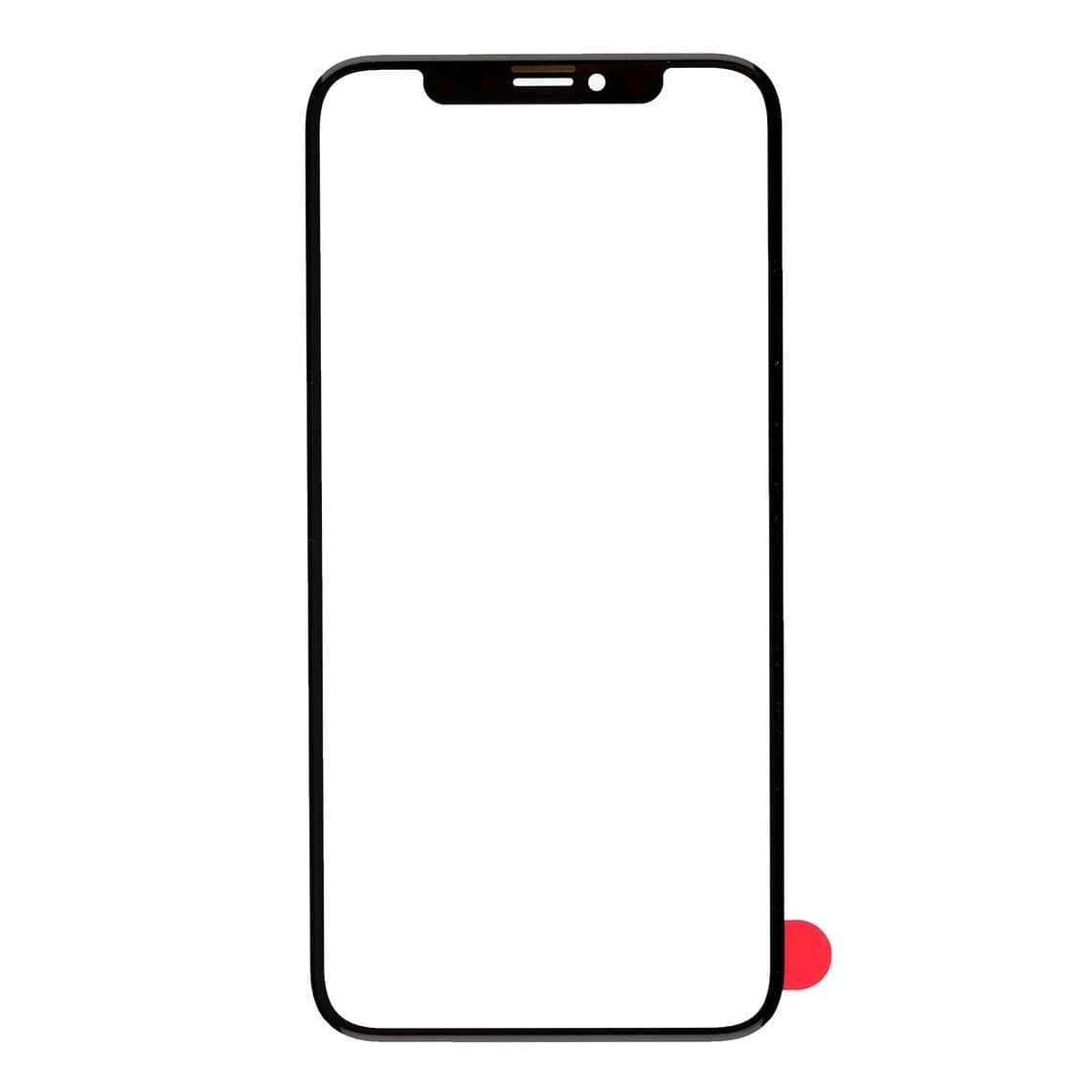
| Screen refurbishing | iPhone X front glass lens and OCA, laminated onto a working OLED panel |
Before fitting any part, test it with the phone open. A screen, port or camera that fails on the bench costs you minutes; one that fails after you have sealed the phone costs you the adhesive and the customer's trust.
Choosing a replacement screen
For the X, XS and XS Max, the screen grade decides most of the customer's experience: colour, brightness, thickness, battery draw and touch feel. As a general guide:
- Original grades (new, refurbished or pulled) give the closest match to the factory screen.
- Soft OLED is the usual high-quality aftermarket choice for OLED models, keeping the deep blacks and slim profile of OLED.
- Hard OLED is a mid-price OLED option with a more rigid panel.
- Incell is the budget choice. It uses LCD technology, so colours and thickness differ from the original OLED.
For the XR, the original is an LCD, so the choice is mainly between original and aftermarket LCD grades. Our quality grades page explains each grade and its warranty. Browse all grades in iPhone screens.
On all four models, True Tone is tied to the original screen. When fitting a new screen, a programmer can copy the screen data across on supported models so True Tone keeps working. Do this as part of the job, not after the customer notices.
Battery replacement and the battery message
From the iPhone XS and XR onward, iOS may show a battery message, such as a notice that it cannot verify a genuine Apple battery, after a battery is replaced outside Apple's own service process. Battery health may also stop showing a percentage. The exact wording and behaviour vary with the model and iOS version, so check what your customer's phone shows after the repair. The battery itself still powers the phone normally. The iPhone X is generally reported to behave differently from the XS and XR here, but confirm on the device.
Some shops use a battery programmer to move data from the original battery onto the new cell's board on supported models. Explain the message to customers before the repair, and see our article on the unknown part message on iPhone for how these notices work. Batteries for every model are in iPhone batteries.
Battery safety applies on every job: disconnect the battery before anything else, never puncture or bend a cell when removing it, and put swollen or damaged batteries in a fireproof container away from the bench.
Back glass and rear housing
Apple bonds the back glass to the frame on all four models, so it does not lift off like a door. You have two practical options: laser removal of the old glass followed by new glass and adhesive, or a full housing swap. A housing swap gives a factory-like finish but takes longer and means moving every internal part. Laser work is faster per phone once you have the machine and moulds. Our guide to laser vs housing swap for back glass compares the two in detail.
Software support status
These models are now well into their later years of iOS support, and Apple may have ended major updates for some or all of them. Before recommending an expensive repair, check Apple's current list of supported devices for the latest iOS and its security update policy. A phone without updates can still be a good phone for many customers, but they should know the position before paying for a repair.
Questions
Is iPhone X screen replacement the same as iPhone XS?
The two phones share the same screen size and outline, and many shops use the same screens for both. Even so, check the listing for each model and test before closing the phone. Batteries and several other parts are different between the X and XS.
Why did Face ID stop working after a screen replacement?
The most common cause is damage to the earpiece and sensor flex during the transfer to the new screen, through tearing, heat or a pinched connector. Face ID can also fail from earlier drop or liquid damage. Test Face ID before you start so you know whether the fault was already there.
Is it worth repairing an iPhone XR?
Often yes for a single fault such as a screen, battery or charging port, because these parts are widely available. Weigh the repair cost against the phone's value and check whether it still gets iOS updates.
Will a new battery show a warning on an iPhone XS or XR?
It may. On these models iOS can show a battery notice after a replacement, depending on the iOS version. The battery still works normally, and on supported models a programmer can transfer data from the original battery.
Find parts for each phone on the iPhone X, iPhone XS, iPhone XS Max and iPhone XR pages. Every part is tested before shipping from Shenzhen by DHL, FedEx or UPS. Repair shops can unlock wholesale pricing through our wholesale programme and reorder by SKU or CSV with Quick Order.