JC V1SE Programmer Guide: What It Repairs and What You Need
17 November 2026 · LightspeedTools team
Short answer: The JC V1SE is a multi-function programmer platform from JCID used to read and write the data stored in iPhone parts such as screens (True Tone), batteries (health data), the Face ID dot projector and other modules. The base unit does not do every repair on its own: each job needs the matching adaptor board, module or flex for that part and model. Check compatibility for the exact models you repair before you buy, and keep the software up to date.
What the JC V1SE is
Modern iPhones store small amounts of data inside individual parts. A screen carries display data that True Tone relies on. A battery's management chip holds data the phone reads to report battery health. The Face ID dot projector holds calibration data matched to the logic board. When one of these parts is replaced or damaged, a feature can stop working or show a warning.
A data programmer such as the JCID V1SE code reading programmer lets you read that data from one part and write it to another, or restore it on a repaired part. The V1SE acts as the core unit. What it can repair depends on which adaptors you connect to it.
What the V1SE is used for
In general, technicians use the V1SE platform for these jobs, always on supported models only:
| Repair | What the programmer does | What you also need |
|---|---|---|
| True Tone after a screen swap | Reads the display data from the original screen and writes it to the replacement, so True Tone can work again | Screen adaptor board for the model |
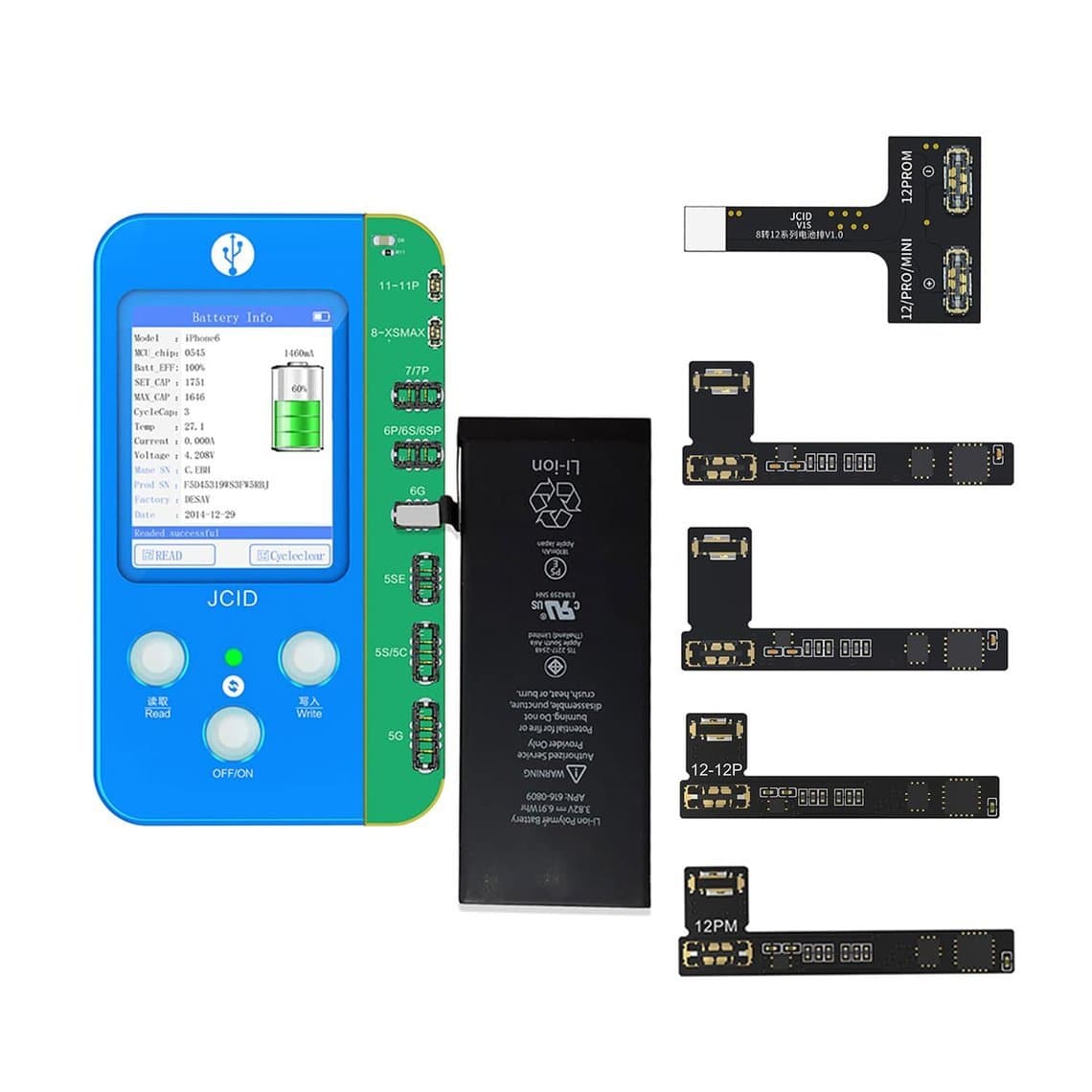
| Battery health | Works with the battery's data so the phone can show health information after a battery replacement | Battery adaptor board or tag-on battery flex |
| Face ID dot projector | Reads and writes dot projector data as part of a dot projector flex repair | Dot projector adaptor and the right flex for the model |
| Other modules | Reads and writes data for other parts where the platform supports them, such as some sensor flexes | The specific module or FPC for that part |
The phrase to remember is "on supported models". Support varies by iPhone generation, by adaptor and by software version. Do not assume a repair works on a model until you have checked JCID's current support list for that adaptor.
V1SE and V1S Pro: how they relate
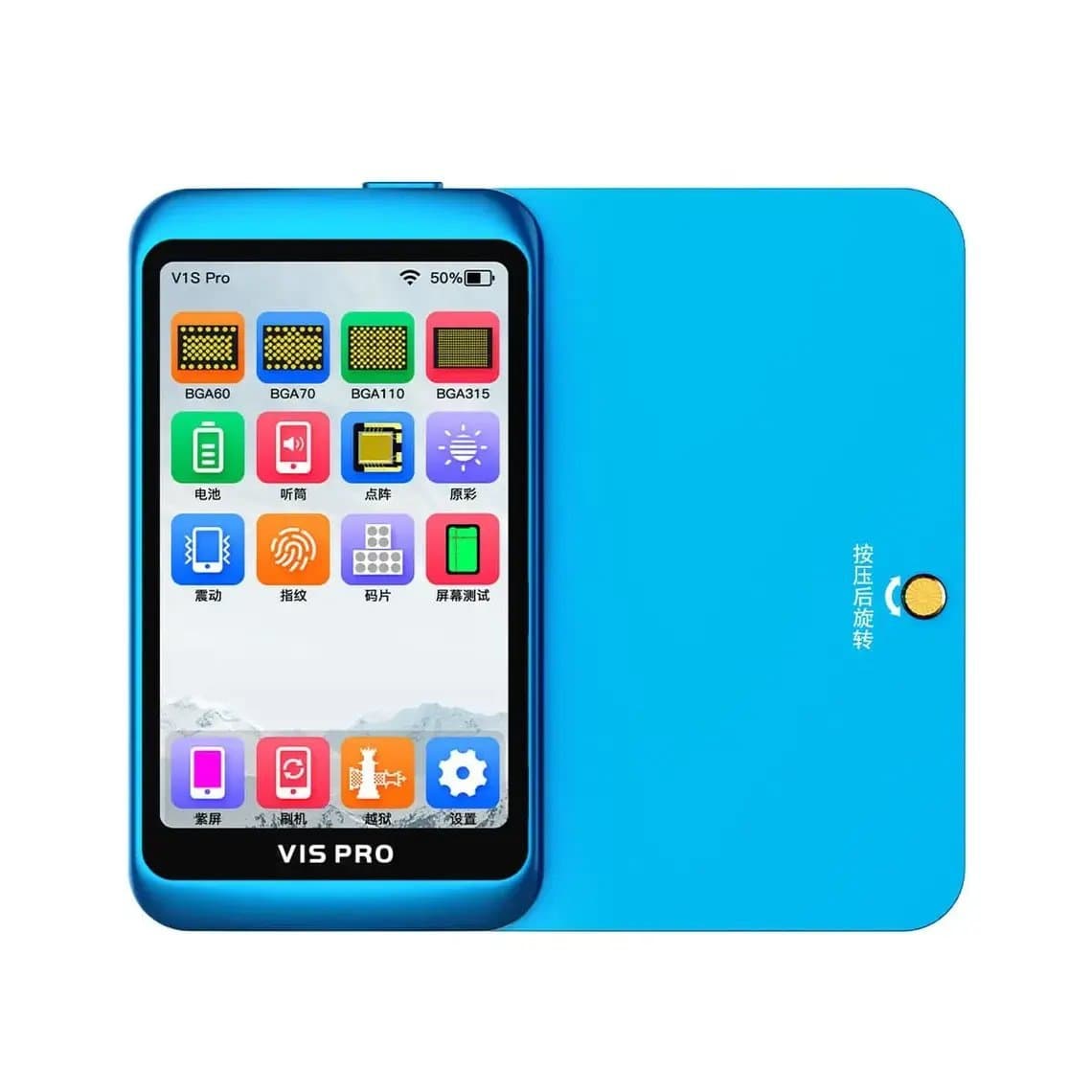
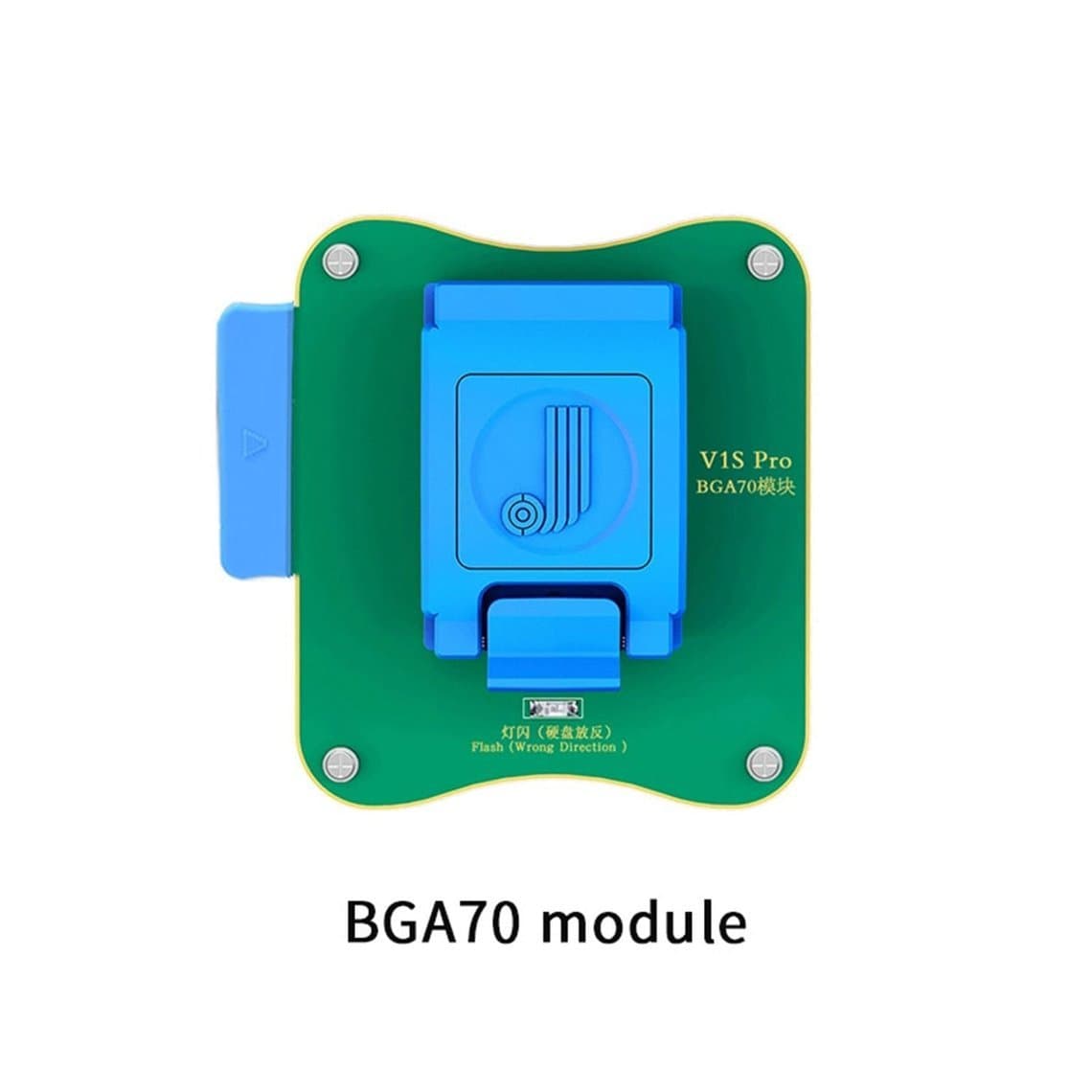
JCID also sells the JCID V1S Pro programmer, whose title lists screen, True Tone, Face ID and battery repair. The V1SE listing title refers to "V1SE V1S Pro functional adaptors", which suggests the two platforms belong to the same family and that some adaptors are shared. There are also JCID functional modules for the V1S Pro.
We do not want to overstate this. Adaptor compatibility between the two units can depend on the specific adaptor and on firmware, so confirm with the product listing or ask us before you assume an adaptor fits both. If you already own one of the two units, check which adaptors you have before buying anything new.
What you need for each repair
Think of the V1SE as a base unit plus a toolkit you build up over time. A typical setup includes:
- The programmer. The V1SE core unit.
- Screen adaptors for True Tone. The JCID V1SE True Tone programmer screen set for iPhone 7–17 Pro Max bundles screen adaptors for those generations, according to its title.
- Battery flexes. The JC V1SE tag-on battery repair cable for iPhone 11–15 Pro Max is used when the battery's own board is replaced or not readable.
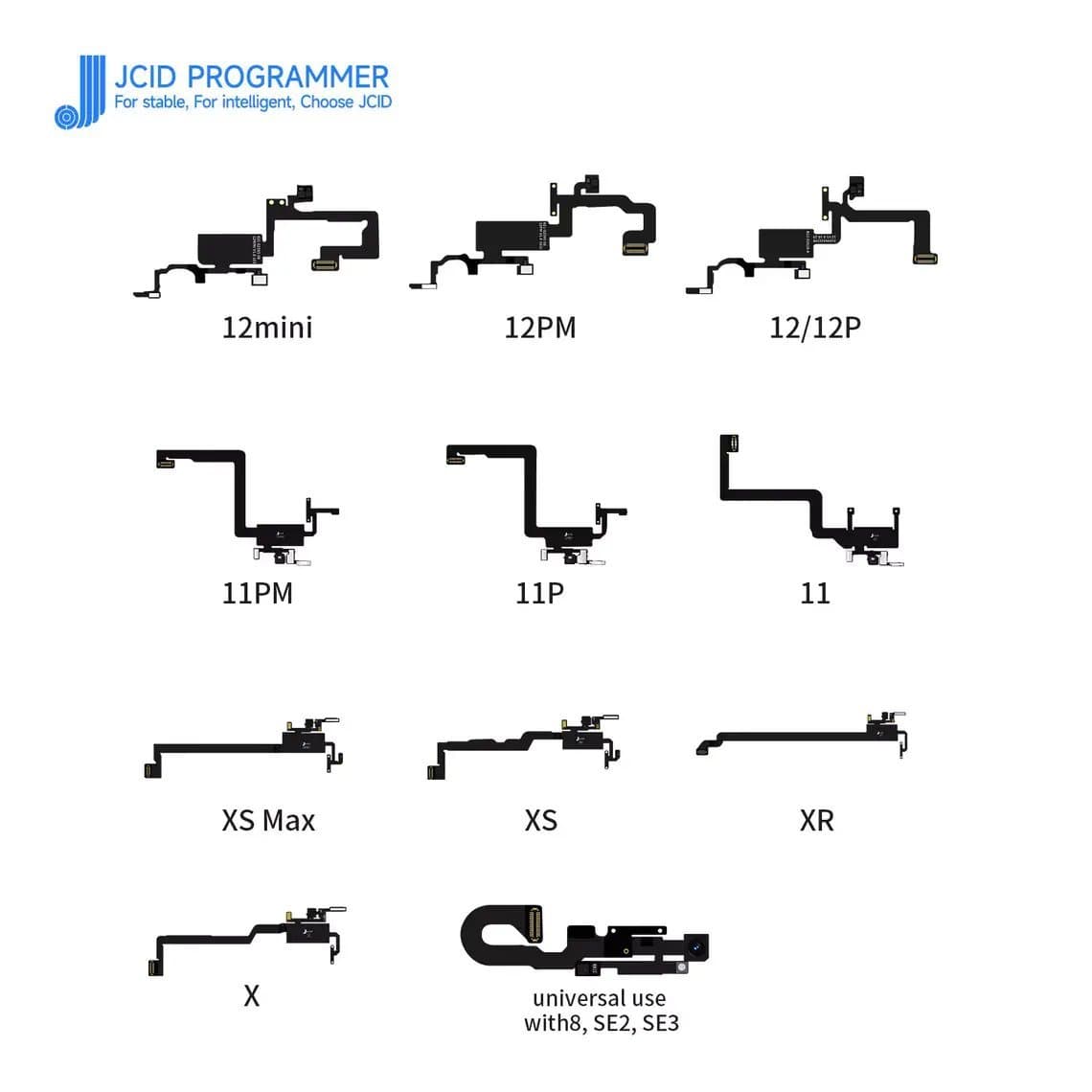
- Sensor and receiver flexes. The JC V1SE receiver FPC is listed for True Tone and Face ID repair work.
- Dot projector parts. The matching dot projector adaptor or flex for the model, plus a fixture and microscope.
- A computer or device for software, a stable USB connection and an ESD-safe bench.
You do not need every adaptor on day one. Buy for the repairs you do most often, then add more as your work grows. You can compare everything on our JCID programmers page.
Typical workflow
Each adaptor comes with its own instructions, and they take priority. The general flow is:
- Identify the job and model. Confirm the exact iPhone model and the part you are working on. Check that the adaptor supports it.
- Prepare the bench. Work on an ESD mat. Disconnect the phone's battery before removing any part.
- Connect the adaptor. Fit the correct adaptor or flex to the V1SE and connect the part, such as the original screen or battery.
- Read and save the data. Read from the original part and keep a backup. This is your safety net if anything goes wrong later.
- Write to the replacement. Connect the new or repaired part and write the data to it.
- Verify. Read back to confirm the write succeeded.
- Refit and test in the phone. Install the part, power on and check the feature: True Tone in Control Center, battery health in Settings, or Face ID setup.
For True Tone in particular, you need the original screen to read data from. If the original screen is lost or too damaged to read, restoring True Tone becomes much harder or may not be possible.
Keep firmware and software updated
Programmer platforms rely on software for model support. When Apple releases new phones or changes how parts communicate, tool makers add support through updates. An out-of-date V1SE may fail on a model it could handle after an update.
- Check for updates before starting a job on a newer model.
- Do not unplug the unit during a firmware update.
- Register the device with the maker if required, so updates stay available.
- Keep a note of the version you are on when you report a problem.
Limits: what the V1SE does not do
A programmer is a powerful tool, but it has clear limits:
- It does not make parts genuine. Writing data restores features. It does not change what the phone knows about the part. Recent iPhones may still show a parts notice after a non-Apple part is fitted, and the part still works. Our guide to the Unknown part message explains this in detail.
- It does not fix physical damage. A dead screen, a swollen battery or a cracked dot projector emitter cannot be fixed by writing data.
- It does not cover every model. Support is per adaptor and per model, and can change with updates.
- It is not an activation or lock tool. Programmers like this are for part data, not for bypassing iCloud or any account lock.
Common mistakes
- Buying the base unit without the adaptors for the repairs you actually do.
- Assuming an adaptor fits both the V1SE and V1S Pro without checking.
- Not saving a backup read before writing.
- Working with the phone's battery still connected.
- Skipping software updates, then blaming the tool for a missing model.
- Promising a customer True Tone after the original screen has been discarded.
Buying tips
Start from the repairs you do every week. If you mostly fit screens, the screen adaptor set matters more than anything else. If battery replacements are your volume job, look at battery flexes and compare options in our battery health programmer comparison; a calibrator such as the JCID BC02-T battery cycler is a separate tool for battery work. If you already use another multi-function box, such as the A108 BOX multi-function programmer, compare model coverage before adding a second platform.
Before you order, check:
- Which iPhone models each adaptor supports.
- Whether the adaptor is for the V1SE, the V1S Pro, or both.
- That you have the flexes for the exact part (screen, battery, dot projector).
- How updates are delivered and whether registration is needed.
For dedicated pages by repair type, see True Tone screen programmers, battery health programmers and Face ID dot projector programmers.
Questions
What does the JC V1SE programmer repair?
It reads and writes part data for repairs such as True Tone after a screen swap, battery health after a battery replacement and Face ID dot projector repair, plus other modules on supported models. Each repair needs the matching adaptor or flex.
Is the JC V1SE the same as the V1S Pro?
No, they are separate units from the same maker. Their listing titles suggest some functional adaptors are shared, but compatibility depends on the specific adaptor. Check before you buy.
Will the V1SE remove the Unknown part message?
No. It restores features like True Tone or battery health data, but recent iPhones may still show a parts notice for non-Apple parts. The part still works normally.
Can I restore True Tone without the original screen?
Usually not. The standard method reads display data from the original screen and writes it to the replacement. If the original is lost or unreadable, True Tone may not be recoverable.
We stock the JCID V1SE, its adaptors and flexes, and other programmers, all tested before shipping from Shenzhen. See the full programmers category, open a wholesale account for trade pricing, or reorder by SKU with Quick Order.