Phone Repair Shop Inventory: How Much Stock Should You Carry?
17 November 2026 · LightspeedTools team
Short answer: A repair shop should carry enough stock of its fast-moving parts to cover the jobs it sees between deliveries, plus a small safety buffer, and order everything else on demand. Base it on your own repair records: which models and which parts you actually replace, in which quality grade, and how long your supplier takes to deliver. There is no single right number; the right stock level is the one your own data supports.
Too little stock sends customers to a competitor; too much ties up cash in parts for phones nobody brings in any more. This guide gives a simple, repeatable way to find the middle ground for a phone repair shop inventory.
Step 1: Track your repair mix by model and part
Every stock decision starts with knowing what you actually repair. Gut feeling is usually wrong in the details.
Record every completed job with at least these fields:
- Brand and exact model (iPhone 13 Pro, not "iPhone 13"; Galaxy S10 Plus, not "Samsung").
- Part replaced (screen, battery, charging port, back glass, camera, and so on).
- Grade used (for screens especially, since the same model can sell in several grades).
- Date, so you can see trends and seasonality.
- Whether the part was in stock or had to be ordered, and whether you lost the job because of it.
A spreadsheet is enough to start. After a few months you will see a clear pattern, and for most shops it looks similar: screens, batteries and charging ports make up the bulk of the work, followed by a long tail of cameras, speakers, back glass, buttons and board repairs.
Log lost jobs deliberately: they are invisible in sales data but show what you should have stocked.
Step 2: Split your parts into fast movers and slow movers
Once you have a few months of data, sort every model-and-part combination by how often you use it. You will end up with three rough groups:
| Group | What it looks like | How to stock it |
|---|---|---|
| Fast movers | Used every week, often several times | Always on the shelf, with a set reorder point |
| Steady movers | Used regularly, but not every week | Keep a small quantity; reorder when you use the last one or two |
| Slow movers | Used occasionally or rarely | Order on demand when a customer books the repair |
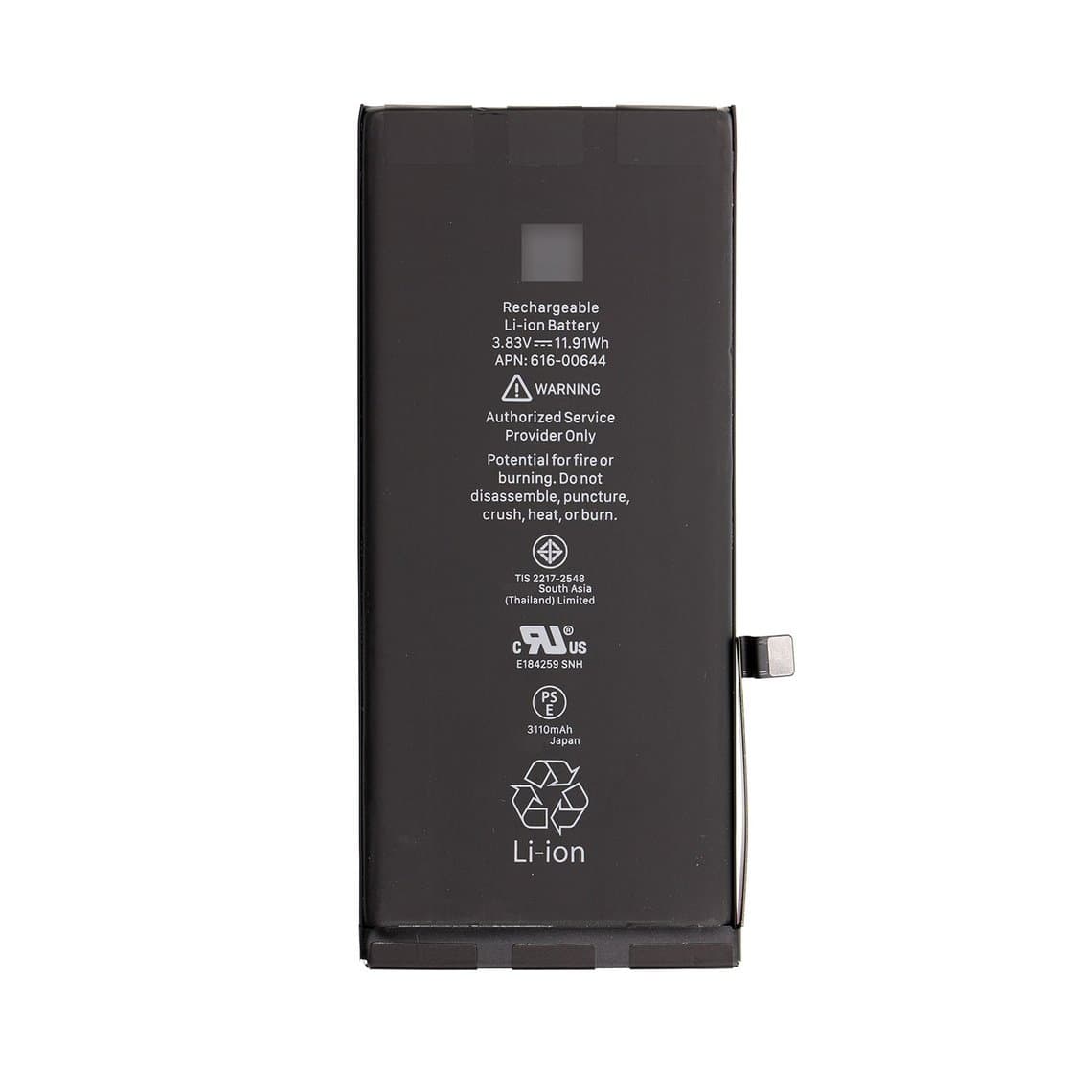
Typical fast movers for many shops are screens and batteries for the iPhone models still common in your area. For example, a shop that sees a lot of older iPhones may keep an iPhone 11 LCD screen assembly and an iPhone 11 battery on the shelf at all times, while one with a younger customer base may find the iPhone 13 Pro OLED screen or iPhone 14 Plus OLED screen moving faster. Let your own records decide.
Charging ports are a good example of a part that is cheap to hold and annoying to be without. If you see many charging faults on recent models, a few units such as the iPhone 15 charging port flex or the iPhone 15 Pro Max charging port flex can save a customer a second visit. Note that some flexes come in colours matching the housing, so check which colours your customers actually bring in before stocking every one.
Do not forget consumables. Adhesives and seals, such as the iPhone 12 series screen waterproof sticker, are used on almost every screen job for that series. Running out of a cheap sticker can hold up an expensive repair.
Step 3: Decide which grades to stock
The same iPhone screen can be sold in several quality grades, and each one fits a different price point. Stocking every grade of every model multiplies your inventory quickly, so be selective.
- Stock your best-selling grade for each fast-moving model. Your records from Step 1 show which grade customers actually choose.
- Order the other grades on demand, unless a second grade also sells every week.
- Offer good/better/best choices in your quotes, even if only one is on the shelf. Customers who choose a grade you do not stock can usually wait a few days if you tell them up front.
If you are not sure how the grades differ, our quality grades guide explains each one, from original to aftermarket, and the warranty that comes with it. Warranty length is worth weighing here: a grade with a longer warranty may cost more but lead to fewer comebacks.
Step 4: Let lead time set your safety stock
How much of a fast mover to keep depends on two things: how fast you use it and how long it takes to replace. A simple way to tie them together is a reorder point: the stock level at which you place a new order.
Reorder point = (average weekly usage × lead time in weeks) + safety buffer
What each part means:
- Average weekly usage: how many of that part you fit in a normal week, taken from your records. Use a few months of data, not one busy week.
- Lead time in weeks: the time from placing an order to having parts on your bench. Include processing, shipping, customs clearance and the day it takes you to check them in. Measure it from your own past orders rather than trusting an estimate.
- Safety buffer: extra units to cover a busier-than-usual week or a delayed shipment. Bigger for parts you cannot afford to run out of, smaller for parts customers will wait for.
When the stock on the shelf falls to the reorder point, order. Recalculate every month or two. If your supplier is overseas, the lead time is usually the biggest factor, which is why many shops place one consolidated order on a fixed schedule rather than many small orders.
Step 5: Avoid dead stock as models age
Dead stock is the quiet cost of a repair business. Every phone model goes through a cycle: few repairs while it is new and under warranty, a long busy period, then a slow decline as people upgrade. Parts for models on the way out lose value and can end up unsellable.
- Watch the trend, not the total. If a model's monthly repairs are falling, lower its reorder point before you are left holding a pile.
- Move older models to "order on demand" once they drop into the slow-mover group.
- Start small with new releases; early demand is hard to predict.
- Check your shelf every quarter and clear anything that has not moved in months.
- Remember batteries age on the shelf. Lithium batteries slowly lose charge and capacity in storage, so do not overstock them, and fit older stock first.
Step 6: Check every delivery on arrival
Stock you have not checked is stock you cannot rely on. Test incoming parts as soon as they arrive, not when a customer is waiting.
- Count against the invoice and confirm models, colours and grades are what you ordered.
- Inspect for transit damage: cracked glass, bent flexes, swollen or dented batteries.
- Test a sample of screens on a known-good phone: touch across the whole surface, colour and brightness, no dead pixels or lines.
- Check batteries for physical condition and a sensible voltage before they go on the shelf.
- Report problems quickly. Most suppliers handle defects much more easily when they are reported soon after delivery and before the part is fitted.
It also gives you real data on supplier quality. Our guide on how to choose a wholesale phone parts supplier covers what to look for.
Step 7: Store parts so they stay sellable
Good storage protects the money you have tied up in stock.
Batteries
- Keep them in a cool, dry place, away from direct sun, heaters and soldering stations.
- Store them at a partial charge, as they usually arrive; do not fully charge or fully drain stock batteries for storage.
- Keep them in their packaging or in separate compartments so terminals cannot touch metal or each other.
- Remove any swollen, punctured or damaged battery from stock immediately and dispose of it under your local rules for lithium batteries.
Screens
- Store them flat, in their original trays or boxes, with nothing heavy stacked on top.
- Leave protective films on until fitting, and keep flex cables folded only the way they shipped.
- Handle them with ESD protection: an anti-static mat and wrist strap at the bench, and anti-static bags for any loose part. Static can damage display and touch circuits without visible signs. See our guide to ESD protection in phone repair.
Small parts
Charging flexes, cameras and adhesives belong in labelled drawers or bins by model, so you can count them in seconds and spot low stock early.
Step 8: Make reordering fast
- Keep a SKU list of your regular stock lines with their reorder points. One row per model, part and grade.
- Do a weekly count of fast movers and mark anything at or below its reorder point.
- Keep a reusable CSV of SKU and quantity, changing only the quantities each time.
- Use bulk ordering tools. Our Quick Order page takes SKUs typed in directly or a CSV upload, so a weekly restock takes minutes instead of browsing product by product.
Shops that sell Samsung repairs too can keep the same system: for example, a Galaxy screen such as the Galaxy S10 Plus OLED with frame comes in several colours, so stock only the colours you see most and order the rest when booked. Browse the full ranges of iPhone screens, iPhone batteries and Samsung screens when building your list.
Questions
What parts should a new phone repair shop stock first?
Start with screens and batteries for the most common models in your area, plus charging ports and the adhesives those jobs need. Keep quantities small until you have a few months of your own repair records. If you are just getting started, our guide on how to start a phone repair business covers the wider setup.
How do I calculate a reorder point for phone parts?
Multiply your average weekly usage of a part by your supplier's lead time in weeks, then add a safety buffer for busy weeks and delays. When stock falls to that level, place an order. Recalculate regularly as your repair mix changes.
Should I stock parts for older phone models?
Only while they still sell regularly. Track monthly repairs per model, and once a model's demand falls into the slow-mover group, switch to ordering on demand. That keeps cash out of parts that may never be fitted.
How long can phone batteries be kept in stock?
Lithium batteries slowly lose charge and age even on the shelf, so keep stock modest and fit older units first. Store them cool, dry and at partial charge, and check the voltage and condition before fitting any battery that has been stored for a long time.
When your stock list is ready, open a wholesale account: wholesale prices unlock once your purchases reach $500, and every part is tested before it ships from Shenzhen by DHL, FedEx or UPS. Use Quick Order to restock by SKU or CSV in one go, and contact us if you would like help building a starter stock list for the models you repair most.