Repair vs Replace Phone: How to Advise Customers on Old Phones
17 November 2026 · LightspeedTools team
Short answer: Repair an old phone when the fault is a single common part (usually the battery or screen), the repair costs well under what the phone is worth to its owner, and the phone still gets security updates. Recommend replacement when there are several faults at once, the phone is out of software support, or liquid damage has spread across the board. Either way, give the customer clear, honest options and let them choose.
Every repair counter hears the same question: "Is it worth fixing, or should I just buy a new one?" How you answer decides whether the customer trusts you, comes back and recommends you. This guide gives you a repeatable framework for the repair vs replace phone decision, so every technician on your bench gives the same, defensible advice.
Step 1: Diagnose fully before you advise
Advice is only as good as the diagnosis behind it. A phone that came in for a cracked screen may also have a swollen battery, a weak charging port or a board fault hidden by the dead display. Before you talk money:
- Power it safely. If the phone will not boot, a battery switch boot cable lets you start it from a bench supply and check whether the board is alive, without trusting a battery that may be faulty.
- Test the parts that matter. A multi-tester such as the W28 Pro screen and battery tester lets you check a screen and battery outside the phone, so you know which part is really at fault.
- List every fault, not just the complaint. Check charging, cameras, speakers, microphones, buttons, Face ID or Touch ID, Wi-Fi and cellular.
- Look for liquid indicators and corrosion if there is any chance of water damage.
Safety first: never charge, puncture or heat a swollen lithium battery. Disconnect the battery before working on any connector, and work on an ESD mat with grounded tools.
Step 2: Check software support status
A phone that no longer receives security updates becomes riskier to use for banking, email and messaging, and over time some apps stop supporting old operating system versions. That changes the value of any repair.
Support periods differ by manufacturer and by model, and they change, so always check the manufacturer's current support information for the exact model rather than relying on memory. As a rule of thumb:
- Still receiving major updates: repair is usually sensible for any single common fault.
- Security updates only: repair is still reasonable for a cheap fix, especially a battery, but tell the customer the remaining life is limited.
- No updates at all: repair only for a specific reason, such as a backup phone, a child's first phone, a dedicated device or getting data off it.
Step 3: Compare repair cost with device value
The core of the decision is a simple ratio. Use placeholders and fill in your own numbers for each job:
Repair ratio = R ÷ V, where R is your full quoted repair price and V is the realistic value of the phone once repaired (its used resale or trade-in value in working condition).
Then set a threshold T for your shop. Many shops use a rule along the lines of "if R is less than T × V, repair makes sense", with T set somewhere in the middle of the range. Pick a T that matches your market and apply it consistently. Adjust it for things the numbers miss:
- Value to the owner can exceed resale value. A phone that works fine for them, with everything set up, saves time and the cost of a new device.
- Replacement cost is the real comparison. If the customer would otherwise buy a new phone, the gap between R and that new phone matters more than resale value.
- Remaining support shortens the payback. A repair on a phone near the end of its updates is worth less than the same repair on a newer model.
Your repair price itself should be built properly; see how much to charge for phone repair for a pricing method.
Step 4: Know which repairs are almost always worth it
Battery replacement
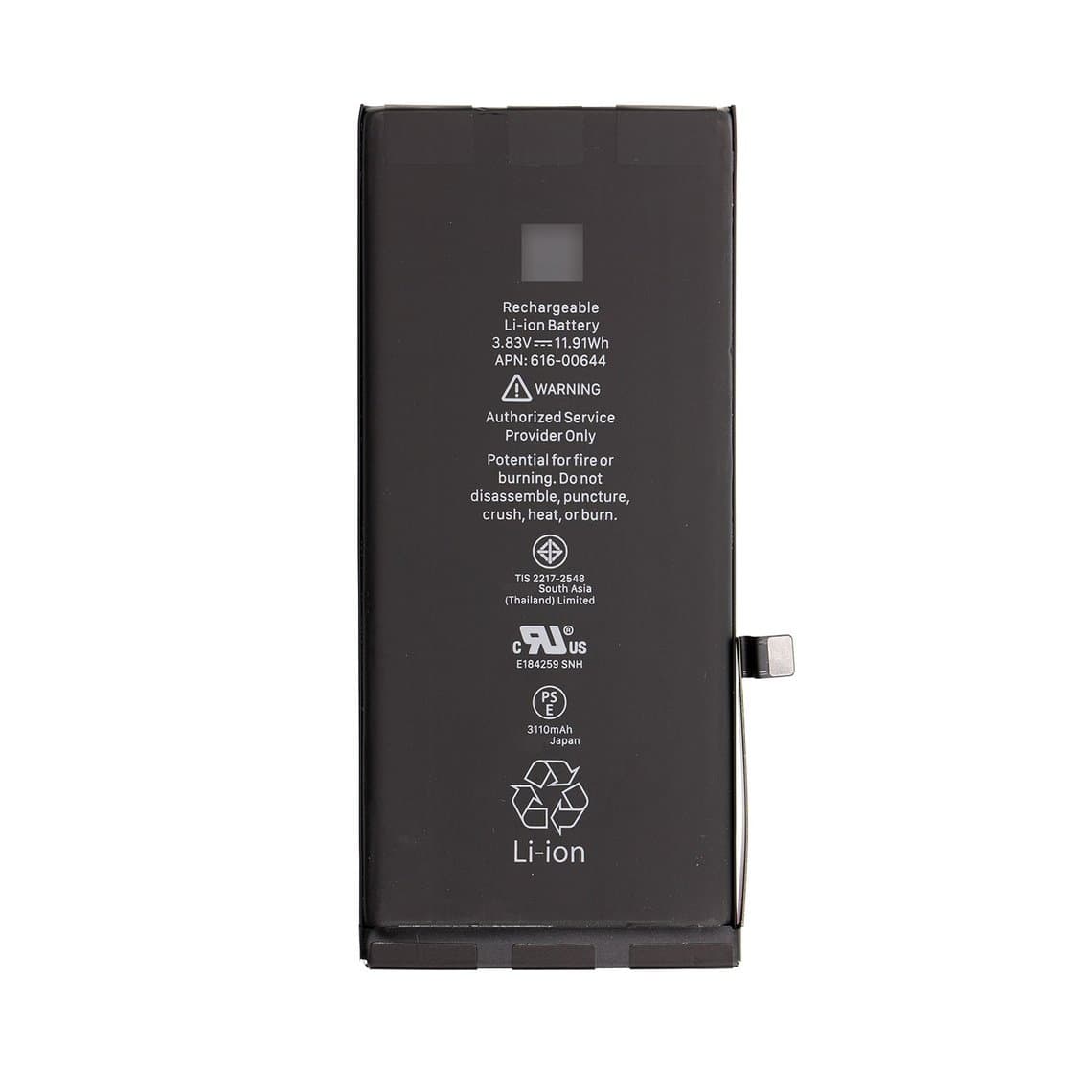
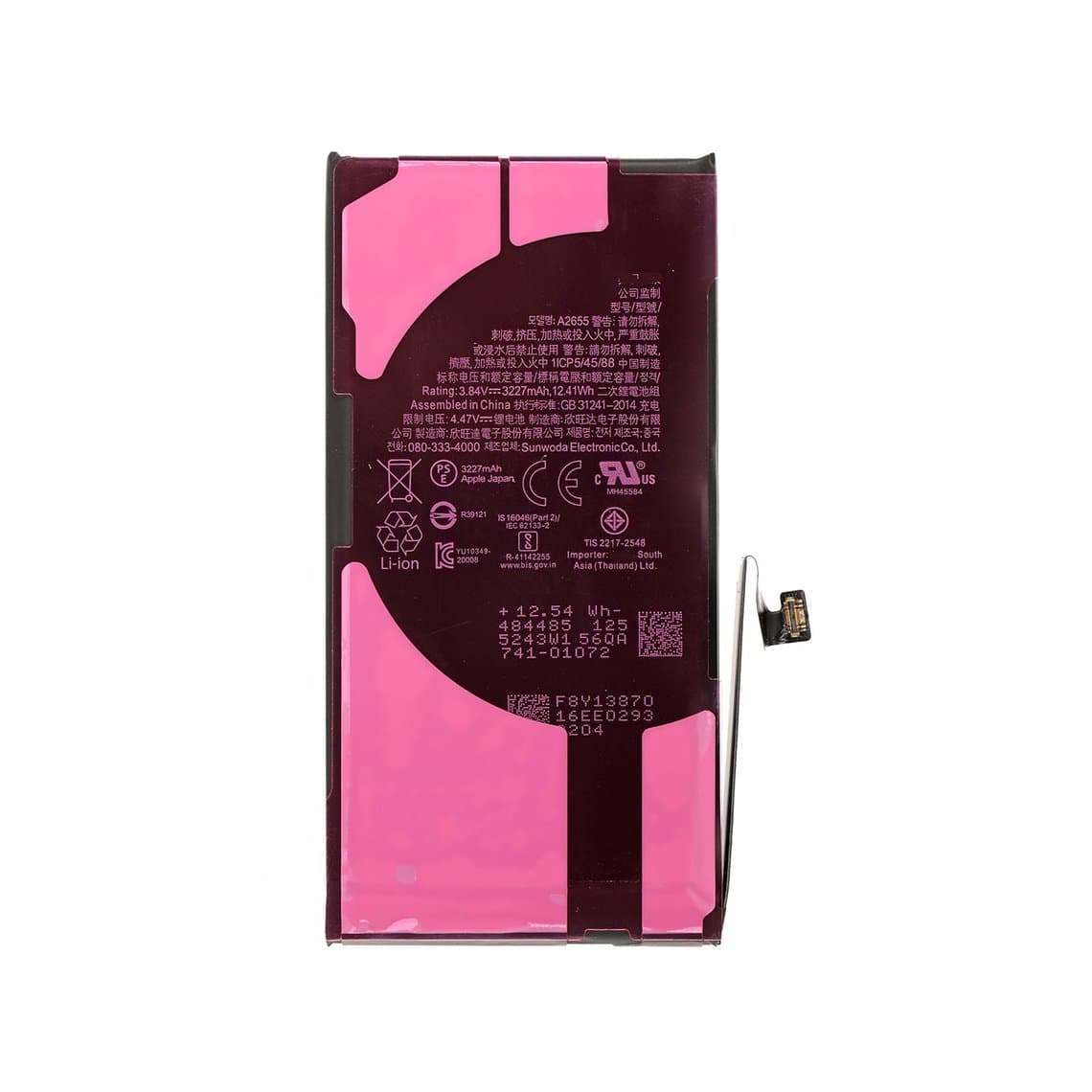
A worn battery is the most common reason an otherwise good phone feels "old": short runtime, slowdowns and unexpected shutdowns. A new battery is usually quick to fit, costs little relative to the phone and can make the device feel new again. It is the easiest repair to recommend. Parts such as an iPhone 11 battery or iPhone 13 battery are routine stock items, and the full range is in our iPhone batteries category.
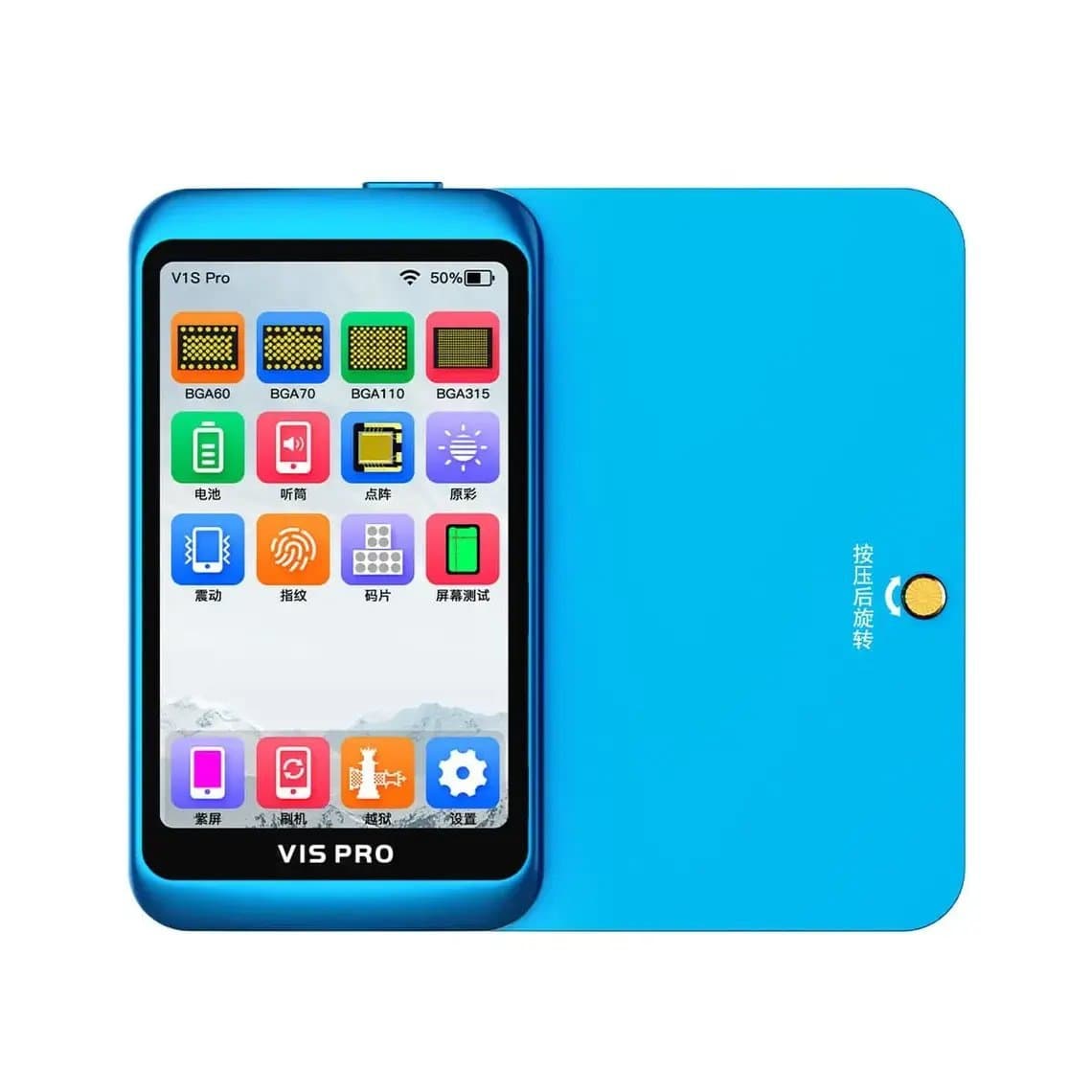
On recent iPhones, a non-Apple battery may show a message that the battery cannot be verified, and battery health may not display. On supported models, a programmer such as the JCID V1S Pro can transfer battery data so health readings work. Tell the customer about this before the job, not after.
Screen replacement
A cracked screen on an otherwise healthy phone is the second classic worthwhile repair. Here grade choice matters, and it lets you match the repair to the phone's value (see Step 6). On models with True Tone, plan to copy the display data with a programmer on supported models so the customer does not lose the feature. Browse grades by model in our iPhone screens category; older LCD models such as the iPhone 11 LCD assembly are often among the most cost-effective screen repairs.
Charging port, camera and speaker faults
Single-part faults like these are usually worth fixing on any phone still in software support, because the parts are inexpensive and the labour is predictable.
Step 5: Board repair for data recovery
Sometimes the phone is not worth fixing, but the photos on it are priceless. That is a different job with a different goal. When a phone will not boot because of a board fault, micro-soldering work aimed at getting it running long enough to back up the data can be worthwhile even when a full long-term repair is not.
Be clear with the customer:
- The aim is data, not a working phone for daily use.
- Success is not guaranteed, especially after liquid damage or previous repair attempts.
- Pricing should reflect the time and skill involved, and whether you charge if no data is recovered should be agreed in advance.
- Recovery must be done with the owner's passcode and account; never attempt to bypass activation locks or account protection.
Step 6: Present options honestly with good, better, best
Instead of a single yes-or-no answer, give the customer a short, clear menu. Grades make this easy. Our quality grades page explains each one, and this is how many shops map them to a phone's value:
| Option | Example screen grade | Best for | What to say |
|---|---|---|---|
| Good | Incell (3-month warranty) | Low-value or out-of-support phones, backup devices | "Works well, lowest cost, but colours and battery life will differ from the original." |
| Better | Hard OLED (6-month) or Original Pull (6-month) | Mid-value phones with a year or two left | "Real OLED or genuine panel at a middle price." |
| Best | Premium Soft OLED, Original Refurb or Original New (12-month) | Newer phones the customer plans to keep | "Closest to the original, longest warranty." |
| Replace | None | Phones with multiple faults or no future updates | "Honestly, this money is better put toward another phone." |
Explain the trade-offs in plain words and put your recommendation first, with a reason. For screen grades, aftermarket vs original iPhone screens covers what to tell customers, and your warranty terms per option should be written on the ticket; see how long a phone repair warranty should be.
Step 7: When replacement is the better advice
Recommend replacing the phone, rather than repairing it, when:
- Several faults stack up. A screen, battery and charging port together can approach or exceed the phone's value, and more faults may follow.
- Software support has ended and the customer relies on the phone for banking or work.
- Liquid damage has spread. Corrosion across several areas of the board tends to cause new faults weeks later, even after a successful clean and repair.
- The board itself is failing and the customer wants a reliable daily phone, not just data.
- The frame is badly bent, so new parts will not seat properly.
Saying "do not repair this" builds trust. Customers remember honesty and come back.
Step 8: Trade-in, refurbishment and the environmental angle
Replacement does not have to mean the old phone goes in a drawer. Offer the customer a path for it:
- Trade-in. If your shop buys used phones, a trade-in credit against a refurbished or new device softens the cost of replacement.
- Refurbishment for resale. A phone not worth repairing for one owner can be worth refurbishing as stock: a new battery and an appropriate screen grade on a sound board can make a good budget phone. Original screens from donor phones can also be recovered and reused.
- Responsible recycling. Phones with no viable future should go to proper e-waste recycling, with lithium batteries handled separately and never thrown in general waste.
The environmental argument is a fair one to make. Extending the life of a working phone with a battery or screen means one less device manufactured and one less in landfill. It can tip borderline cases, but never use it to push a repair that is not in the customer's interest.
A quick checklist for the counter
- Full diagnosis done and every fault listed.
- Software support status checked for the exact model.
- Repair ratio R ÷ V compared with your threshold T.
- Data needs asked about: is a backup the real goal?
- Good, better, best options priced, with warranties.
- Replacement and trade-in offered where repair does not make sense.
- Customer's choice and any known limitations written on the ticket.
Questions
Is it worth repairing a phone that is several years old?
Often yes, if the fault is a single part like the battery or screen and the phone still gets security updates. Compare the repair price with what the phone is worth and what a replacement would cost. If several parts have failed or updates have ended, replacement is usually the better choice.
Should I replace the battery or buy a new phone?
If the phone only suffers from short battery life or random shutdowns, a new battery is usually far cheaper than a new phone and restores normal use. Choose a new phone instead if it is out of software support or has other faults as well.
Can data be recovered from a phone that will not turn on?
Sometimes. If the board can be repaired enough to boot, the data can be backed up using the owner's passcode. Success depends on the type of damage, and liquid damage or earlier repair attempts lower the chances.
Is repairing a phone better for the environment than replacing it?
Generally, yes. Keeping a working phone in use for longer avoids the resources and emissions involved in making a new one. When a phone cannot be saved, recycling it properly, with the battery handled separately, is the next best step.
Stock the parts that make repair the right answer: browse iPhone batteries and iPhone screens in every grade, all tested before they ship from Shenzhen by DHL, FedEx or UPS. Open a wholesale account to unlock trade prices after $500 of purchases, and restock fast by SKU or CSV with Quick Order.