Tweezers for Phone Repair: Types, Materials and Uses
17 November 2026 · LightspeedTools team
Short answer: Most phone repair work needs four tweezer shapes: a straight fine tip for flex cables and screws, a curved tip for reaching under shields and placing parts, a flat or wide tip for lifting connectors and holding chips, and an extra-fine tip for jumper wire under the microscope. Pick non-magnetic, ESD-safe material (anti-static stainless, titanium or ceramic tips), and use ceramic or heat-resistant tips for any work near hot air.
Tweezers are the tool a technician holds more than any other, yet they are often the cheapest thing on the bench and the first to get bent. A bad pair drops screws, flicks capacitors away and scratches connectors. This guide covers the tweezers for phone repair that actually earn a place on the bench, what each shape and material is for, how to judge quality, and how to keep the tips aligned.
Tip shapes and what each one does
Shape matters more than brand. A shop with one good pair of each shape below will outwork a shop with a drawer full of random tweezers.
| Tip shape | Best for | Avoid using it for |
|---|---|---|
| Straight fine | Picking up screws, handling flex cables, general assembly | Prying connectors or lifting glued parts |
| Curved (about 45° or bent tip) | Reaching under shields and brackets, placing SMD parts while keeping your hand out of the microscope view | Heavy gripping; the bend is a weak point |
| Flat / wide | Lifting board-to-board connectors evenly, holding chips and shields, peeling adhesive strips | 0201 and 01005 parts; too blunt to see around |
| Ultra-fine / pointed | Jumper wire, tiny SMD parts, lifting a single pin | Anything that needs force; tips bend easily |
| Angled or offset | Working beside tall components, camera modules, deep frames | Fine soldering where you need a straight line of sight |
Straight fine tweezers
This is the everyday pair. It picks up Phillips #000 and tri-point screws, guides flex cables into place and holds small brackets during assembly. Look for tips that meet along their last few millimetres, not just at the very point, so a screw sits flat between them instead of spinning off.
Curved tweezers
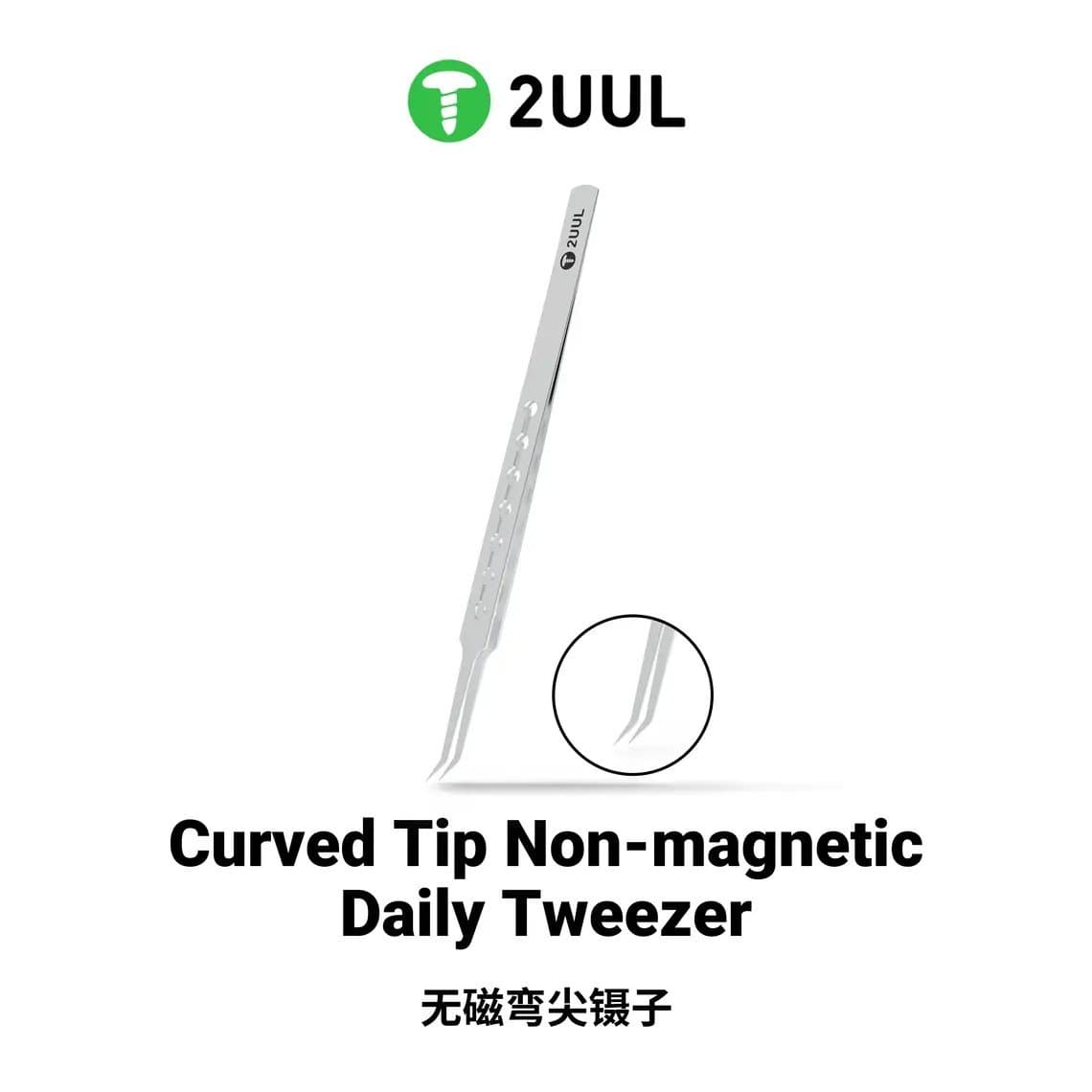
A curved tip lets you keep your fingers below and to the side of the work, which matters under a microscope where your hand would otherwise block the view or the light. They are the usual choice for placing capacitors and resistors. A lightweight titanium pair such as the 2UUL Ti12 curved tweezer or an everyday non-magnetic option like the 2UUL TW23 curved tip tweezer fits this role.
Flat and wide tips
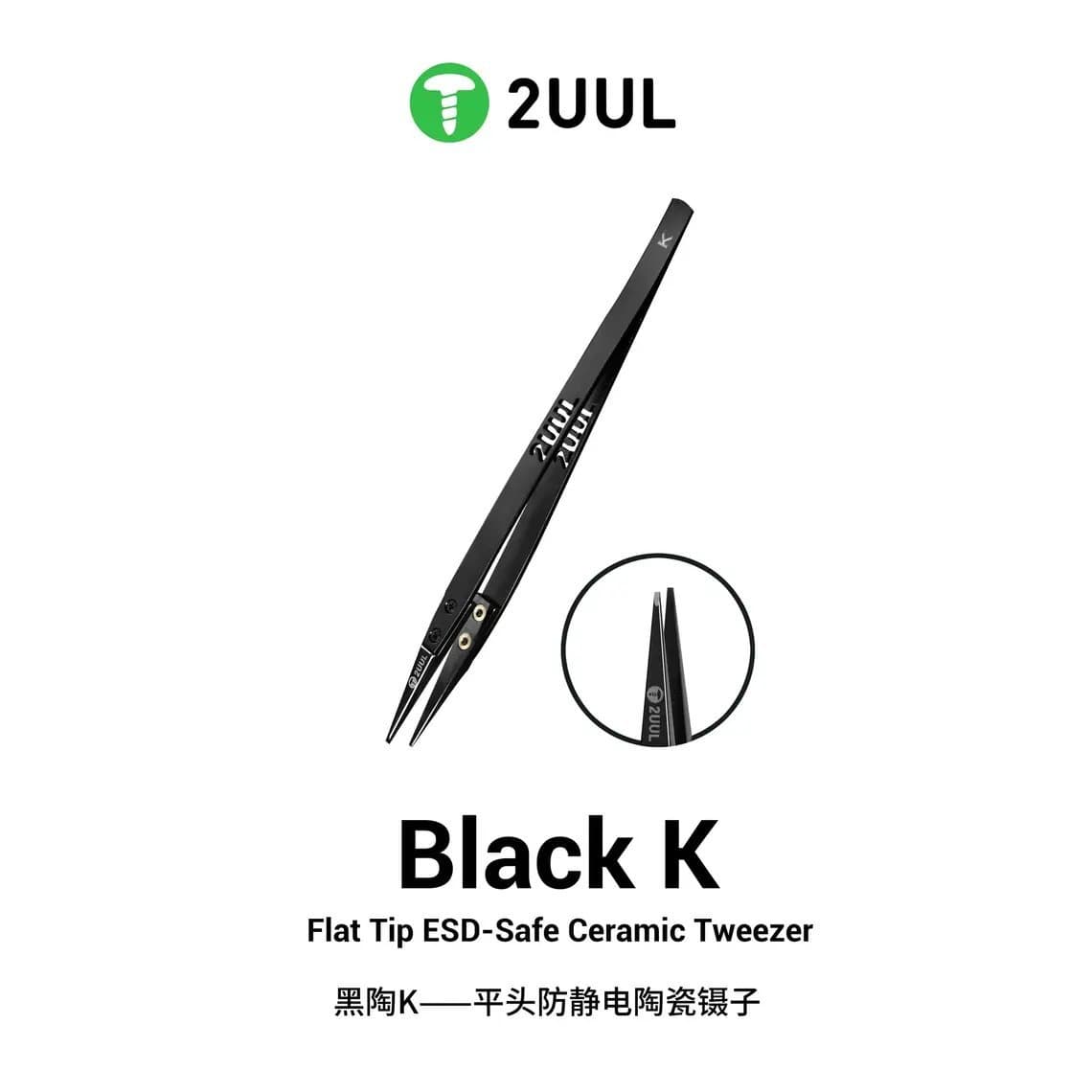
Flat tips spread force over a wider area. That makes them better for lifting a board-to-board connector straight up, holding a shield while you heat it, or gripping a chip without crushing it. A flat ceramic pair such as the 2UUL TW32 flat tip ESD-safe ceramic tweezer doubles as a heat-safe holder near hot air.
Long and specialist tips
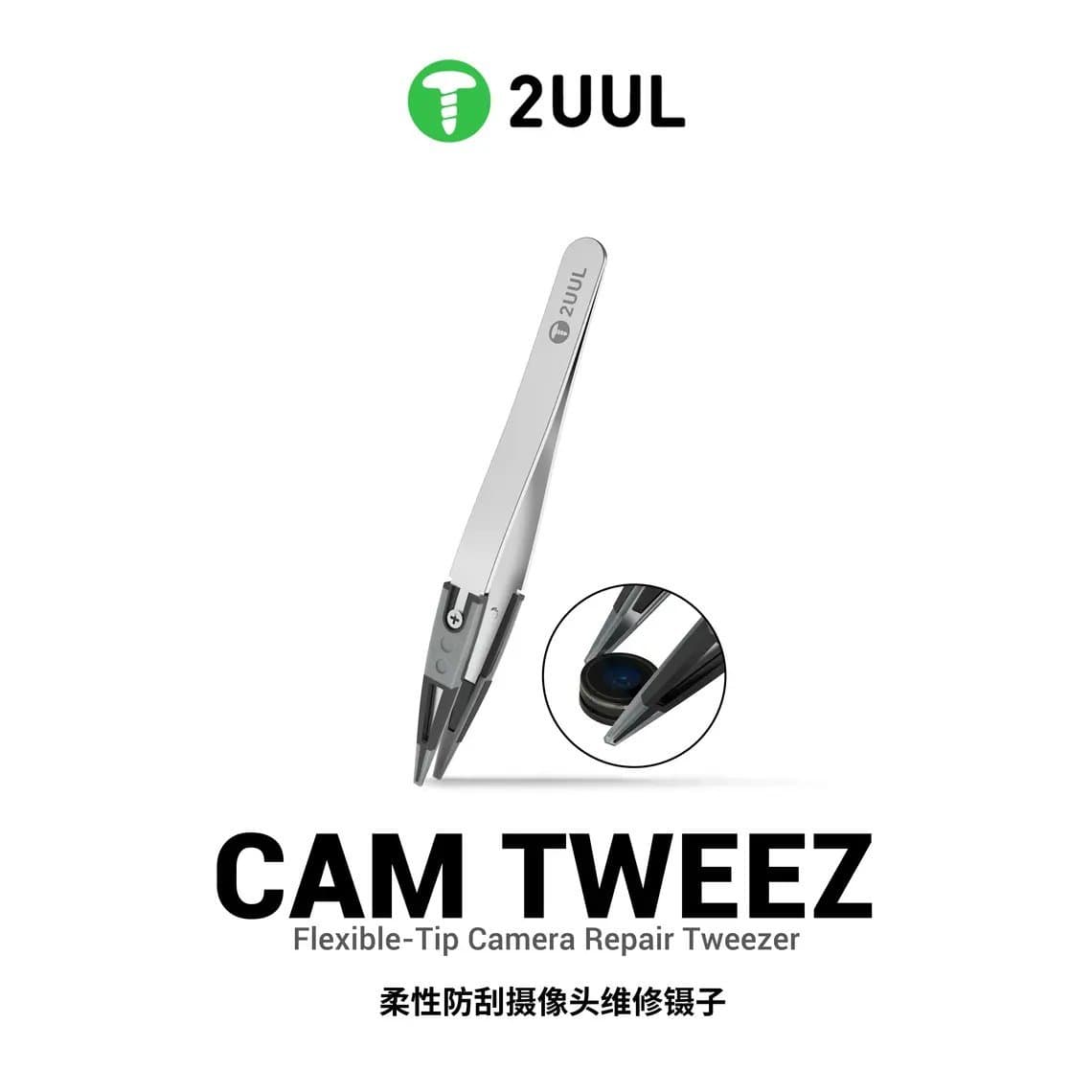
Extended tweezers reach into deep frames and between stacked parts without your knuckles touching the board. The Mechanic ASK-14 / ASK-15 extended precision tweezers are an example of this longer format. Camera work has its own needs: a flexible-tip design like the 2UUL TW41 Camtweez is made for handling camera parts without pinching them hard.
Materials: stainless, titanium, ceramic and ESD coatings
The material decides three things: whether the tweezers pick up magnetic charge, whether they are safe for static-sensitive parts, and whether the tips survive heat.
| Material | Strengths | Weak points |
|---|---|---|
| Anti-static (ESD-coated) stainless steel | Affordable, stiff, good for sets of many shapes, coating reduces static risk | Coating wears off at the tips over time; check whether the steel itself is non-magnetic |
| Non-magnetic stainless | Screws and tiny parts do not stick to the tips | Conducts heat and current; not ideal right in a hot air stream |
| Titanium | Light, non-magnetic, corrosion resistant, comfortable for long sessions | Softer tips can bend if used to pry; usually costs more |
| Ceramic tips | Heat resistant, non-conductive, non-magnetic; good near hot air and live circuits | Brittle; a drop on a hard floor can chip the tip |
Why non-magnetic matters: if your tweezers become magnetised (from screwdriver magnets, speaker magnets or magnetic mats), every screw and every 0201 capacitor jumps to the tip and refuses to let go. Non-magnetic stainless, titanium and ceramic avoid this.
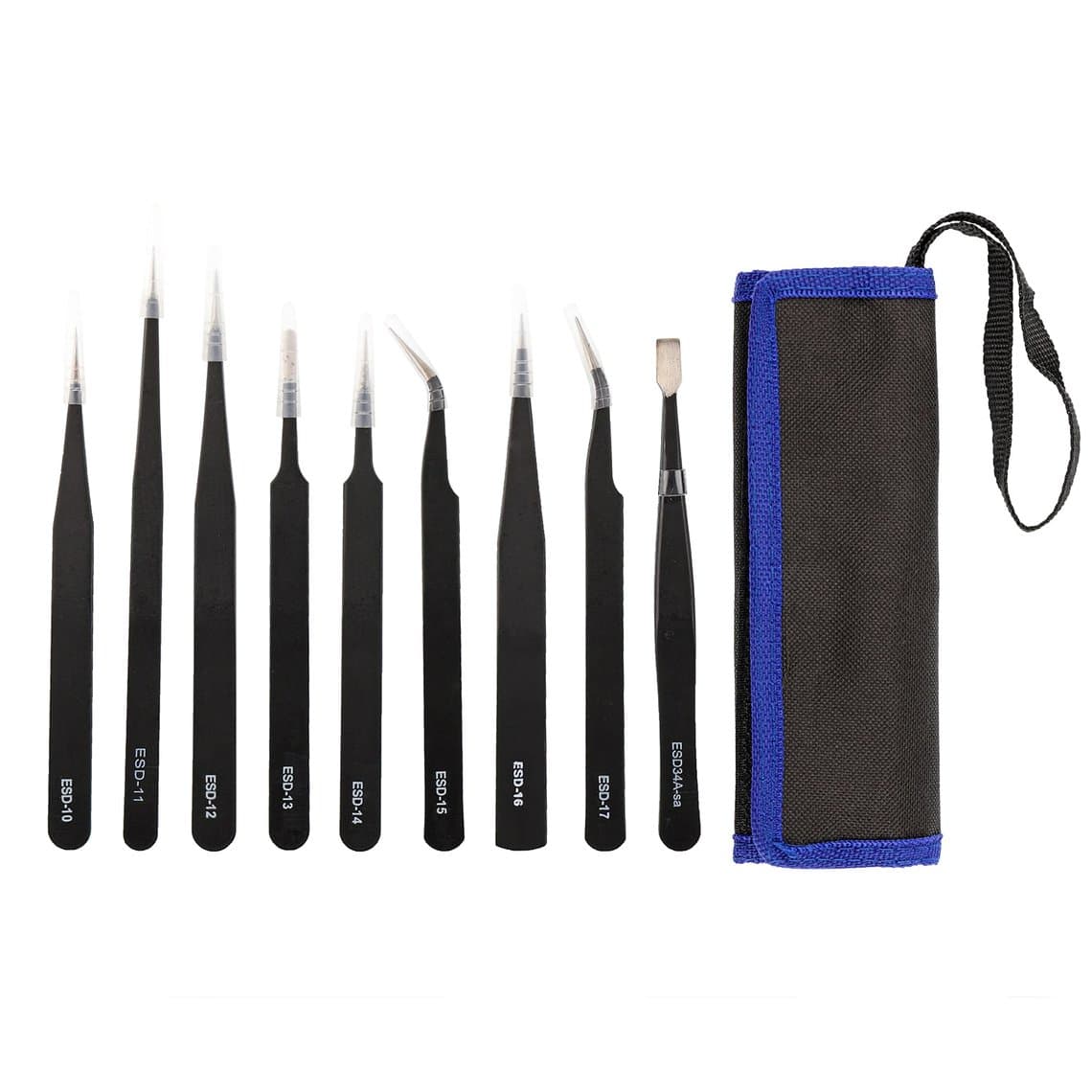
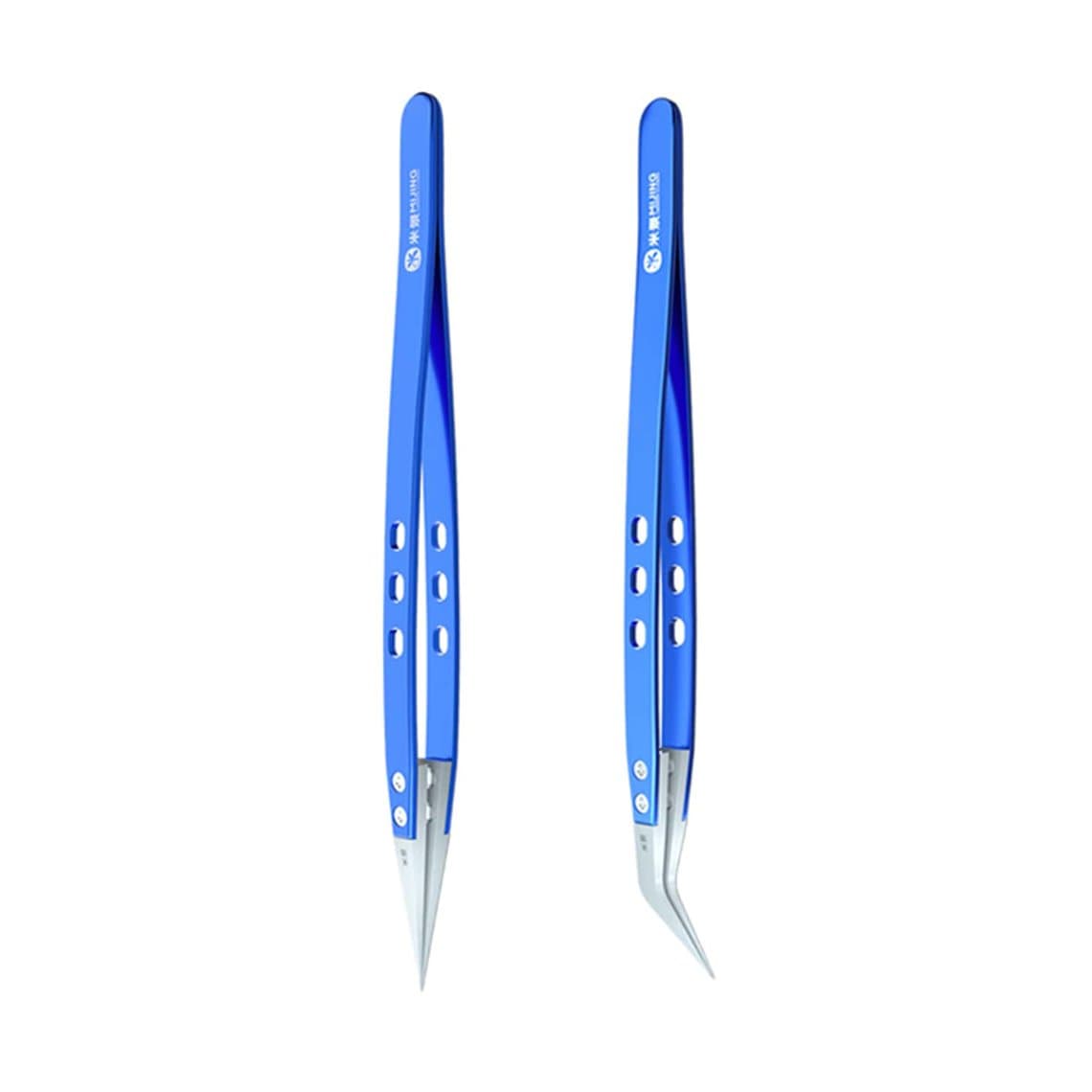
For a starting kit, an anti-static set like the ESD anti-static stainless steel tweezers set (9 pcs) covers the main shapes at once. Add a ceramic pair, such as the Mijing ceramic anti-static fine tweezers, for heat work.
Which tweezers for which job
Connectors and flex cables
Use a straight fine or flat tip. Hold the flex near the connector, line it up, then press it home with a fingertip or a plastic spudger, not the tweezer points. Metal tips pressed on a connector can crack it or slip and tear a neighbouring flex. To disconnect, a plastic spudger is still the safer lever; tweezers are for guiding, not prying.
Tiny SMD parts under the microscope
Use a fine curved or straight non-magnetic tip with light spring tension. You want to hold a 0201 capacitor without flicking it, and to release it cleanly onto the pad. Good lighting and a stable microscope make a bigger difference than the tweezers alone; see our microscopes range and the guide to the best microscope for mobile repairing if your view is the limit.
Jumper wire work
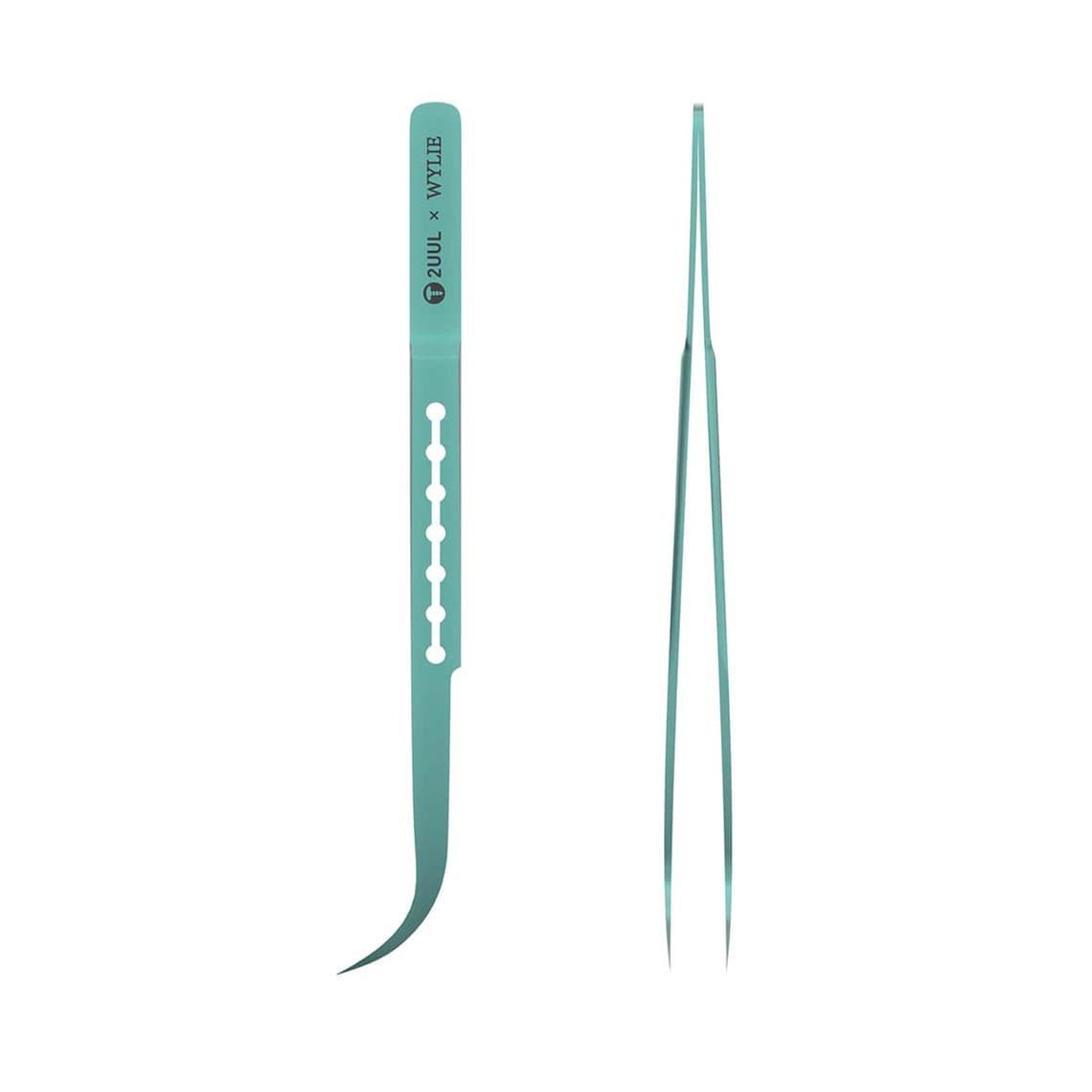
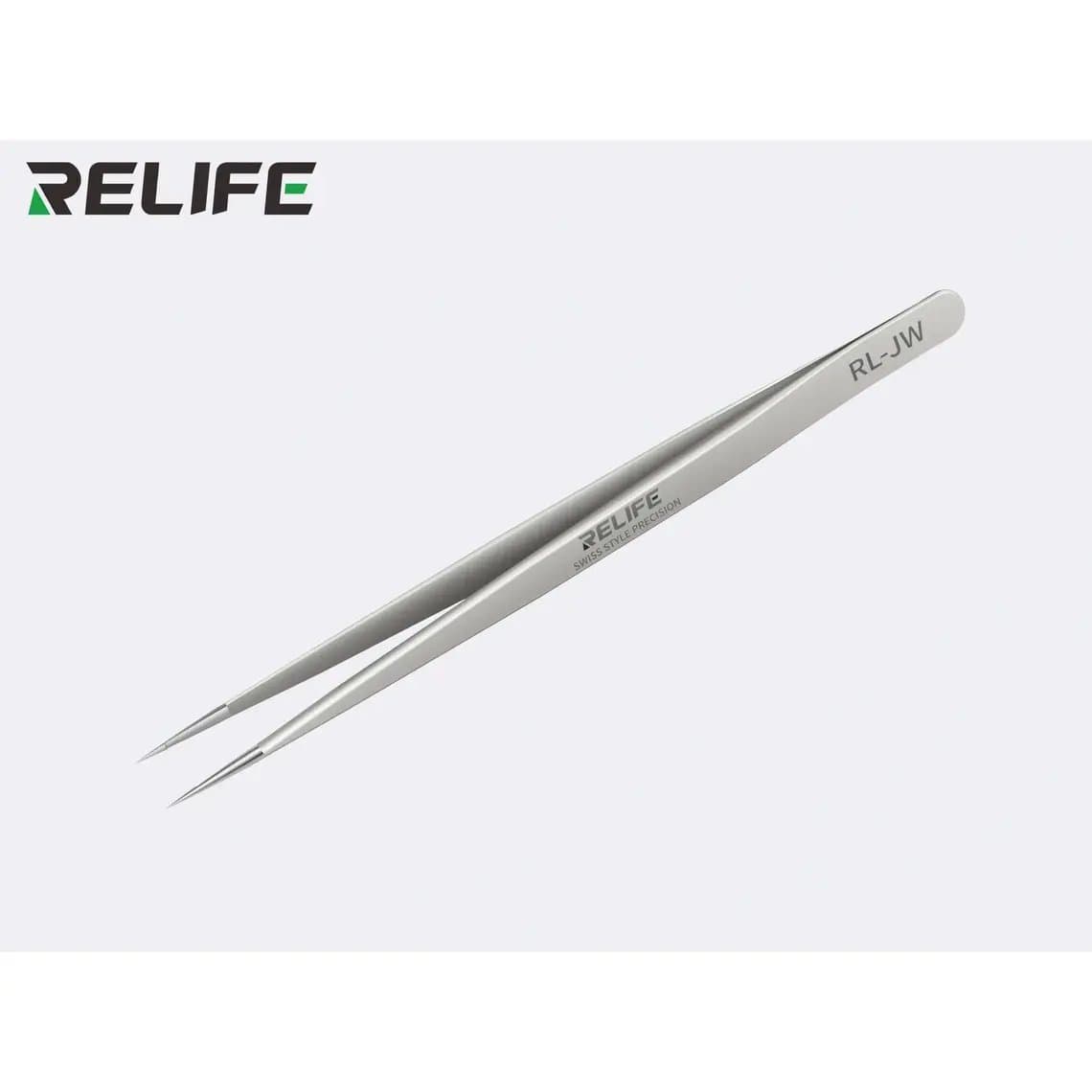
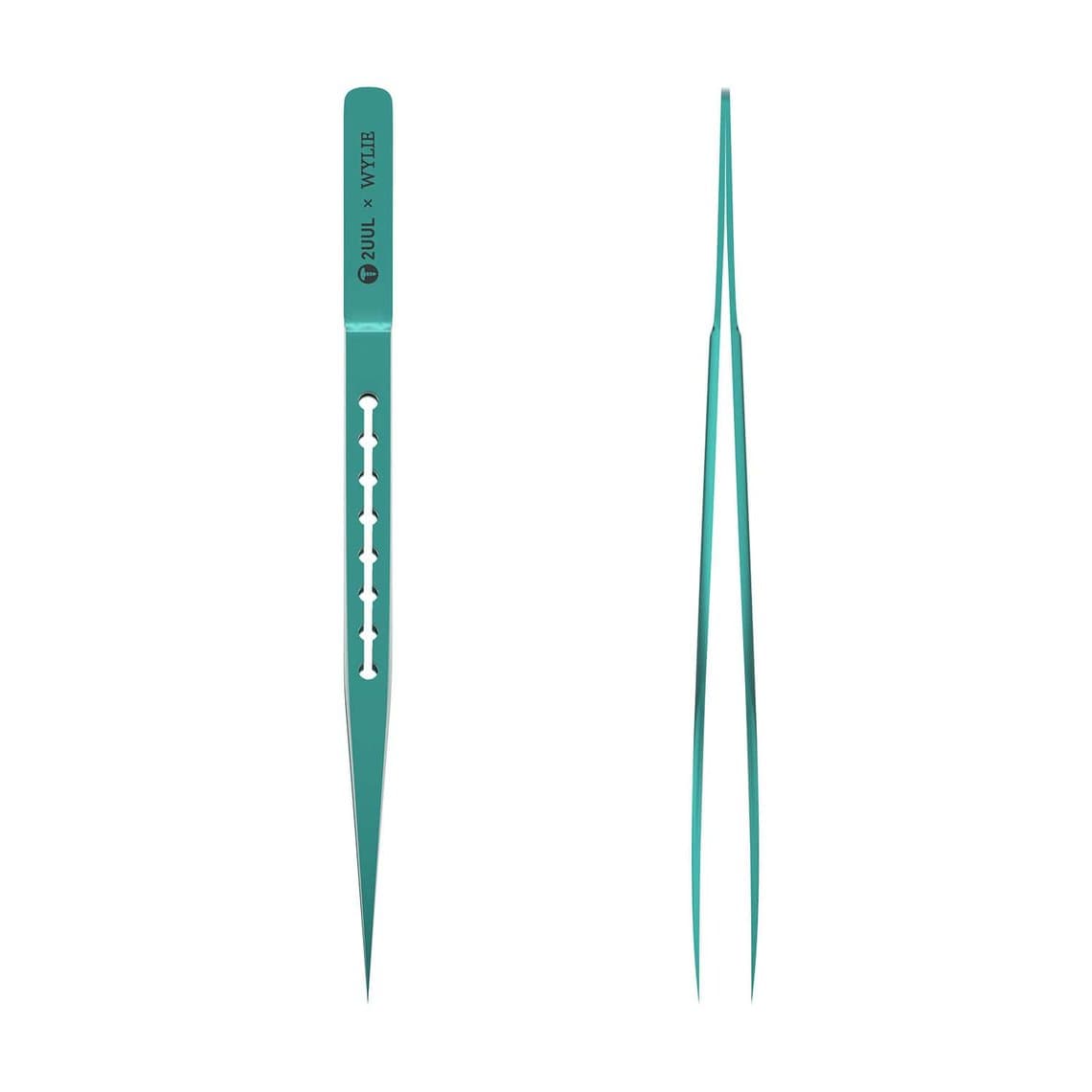
Jumper wire needs the finest tips you own. You are holding a wire thinner than a hair, bending it to shape and placing its end on a pad or a broken trace. Dedicated jump wire tweezers such as the Relife RL-JW non-mag jump wire tweezers or the 2UUL x Wylie Ti11 titanium fly-wire tweezers are built for this. Keep these pairs for wire only; using them for screws or prying will bend the points. If you are new to board work, start with our micro soldering for beginners guide.
Heat work near hot air
When you lift a chip, hold a shield or steady a part under the hot air nozzle, use ceramic or heat-resistant tips. Metal tips act as heat sinks, which slows the reflow and can cause cold joints, and they get hot enough to burn fingers through thin gloves. Ceramic tips also avoid shorting anything if they touch a powered board during testing.
Screws
Any straight non-magnetic pair works. Grip the screw by its shank or head, not its threads. A magnetised screwdriver plus non-magnetic tweezers is the usual combination: the driver holds the screw, the tweezers place it and pick it up.
How to judge tweezer quality
Two pairs that look the same can behave very differently. Check these points before you buy in quantity or put a pair into daily use.
- Tip alignment. Close the tips gently and look at them against a light, ideally under magnification. They should meet exactly, with no crossover or gap, and the inner faces should touch along the last part of the tip.
- Spring tension. Too stiff tires your hand and makes you squeeze hard enough to launch small parts. Too soft and parts slip. For SMD work, lighter tension is usually better; for screws and brackets, a firmer pair is fine.
- Tip finish. The tips should be smooth and free of burrs. A burr will scratch connectors and catch on flex cables.
- Grip. Textured or grooved grip areas help when you are wearing gloves or working for hours.
- Magnetism. Touch the tips to a tiny screw. If it clings when you open the tweezers, the pair is magnetised.
Common mistakes
- Prying with tweezers. This is the number one way tips get bent or snapped. Use a spudger or opening pick to lift, and tweezers to hold.
- One pair for everything. The fine pair you use for screws all day will not stay fine enough for jumper wire. Keep dedicated pairs for fine work.
- Leaving tweezers next to magnets. Magnetic screw mats and driver magnets can magnetise steel tweezers over time.
- Dropping them tip first. One drop can cross the tips. Store them in a sleeve or rack, never loose in a drawer.
- Using bare metal in a hot air stream. Switch to ceramic tips for heat work.
Care and realigning tips
- Protect the tips. Use the plastic tip cover or a tool rack. Many tweezers come with a cap for a reason.
- Clean them. Flux and adhesive build up at the tips and make parts stick. Wipe with isopropyl alcohol and a lint-free cloth.
- Realign gently. If tips are slightly out of line, close them, find which side is off and bend that leg back a little at a time with your fingers or a smooth-jaw pliers, checking under magnification after each step. Do not force a badly crossed pair; it may never hold alignment again.
- Demagnetise. A cheap demagnetiser tool will clear magnetism from steel tweezers.
ESD safety
Static discharge can damage chips and display drivers without any visible sign, and the fault may only show up days later. ESD-safe tweezers are one part of the answer, not the whole of it.
- Work on a grounded ESD mat and wear a grounded wrist strap.
- Use ESD-safe or ceramic tweezers when handling boards, chips and display flexes.
- Check that ESD coatings have not worn away at the tips; replace worn pairs.
- Disconnect the battery before working near the board, and keep metal tips away from a live board unless they are non-conductive ceramic.
You can find mats, straps and other grounding gear in our ESD protection section.
A sensible tweezer kit for a repair shop
- One anti-static set covering straight, curved, flat and angled shapes for general work.
- One fine curved non-magnetic pair for SMD placement.
- One dedicated jumper wire pair, used for nothing else.
- One ceramic pair for hot air work.
- One extended pair for deep frames and stacked boards.
For the rest of the bench, our phone repair tools list covers drivers, opening tools, heat and testing gear.
Questions
What type of tweezers is best for phone repair?
There is no single best pair. A straight fine tip for screws and flex, a curved tip for parts placement and a flat tip for connectors and chips cover most jobs. Choose non-magnetic and ESD-safe material, and add ceramic tips for heat work.
Are titanium tweezers better than stainless steel?
Titanium is lighter, non-magnetic and resists corrosion, which suits long sessions and fine work. Stainless steel is stiffer and cheaper, and good anti-static stainless sets are fine for general repair. Many technicians use both: stainless for daily work, titanium for fine placement.
Why do screws keep sticking to my tweezers?
Your tweezers have become magnetised, usually from screwdriver magnets or magnetic mats. Use a demagnetiser on steel pairs, store them away from magnets, or switch to titanium or ceramic tips, which do not hold magnetism.
Can I use tweezers with hot air?
Yes, but use ceramic or heat-resistant tips. Metal tips pull heat away from the joint and get hot themselves. Ceramic tips are also non-conductive, which helps if they touch a board during testing.
Browse the full range of tweezers for phone repair, from anti-static sets to titanium and ceramic tips. Every tool ships from Shenzhen by DHL, FedEx or UPS. Shops buying regularly can unlock wholesale prices after $500 of purchases, and reorder by SKU or CSV through Quick Order.