i2C Programmer Guide: Face ID, True Tone and Battery
17 November 2026 · LightspeedTools team
Short answer: An i2C programmer is a bench tool that reads and writes the small data chips on iPhone screens, batteries and some Face ID and sensor parts, so a replacement part can carry the original part's data. The i2C i6S platform is the main unit and takes plug-in boards and fixtures for each job: True Tone transfer, battery data, dot projector data on supported models and a few test functions. It only works on the models and parts it supports, so always check coverage first.
What an i2C programmer actually does
Many iPhone parts carry a small memory chip with factory data: a screen's calibration and serial data, a battery's cycle count and health values, or the calibration data of the Face ID dot projector. The logic board reads that data. When you fit a new part, its data does not match what the phone expects, and you lose a feature or see a warning.
A programmer gives you a way to read the data from the original part and write it to the new one, or to read and edit the data on a battery chip. It does not repair broken hardware. If a dot projector is physically damaged or a screen's touch controller has failed, no amount of data copying brings it back.
The i2C approach is a platform: one main programmer, plus adapter boards and fixtures you add as your work needs them. That keeps the cost of entry lower than buying separate single-purpose boxes, but it also means you need to know which add-on does what.
The i2C i6S platform and its add-ons
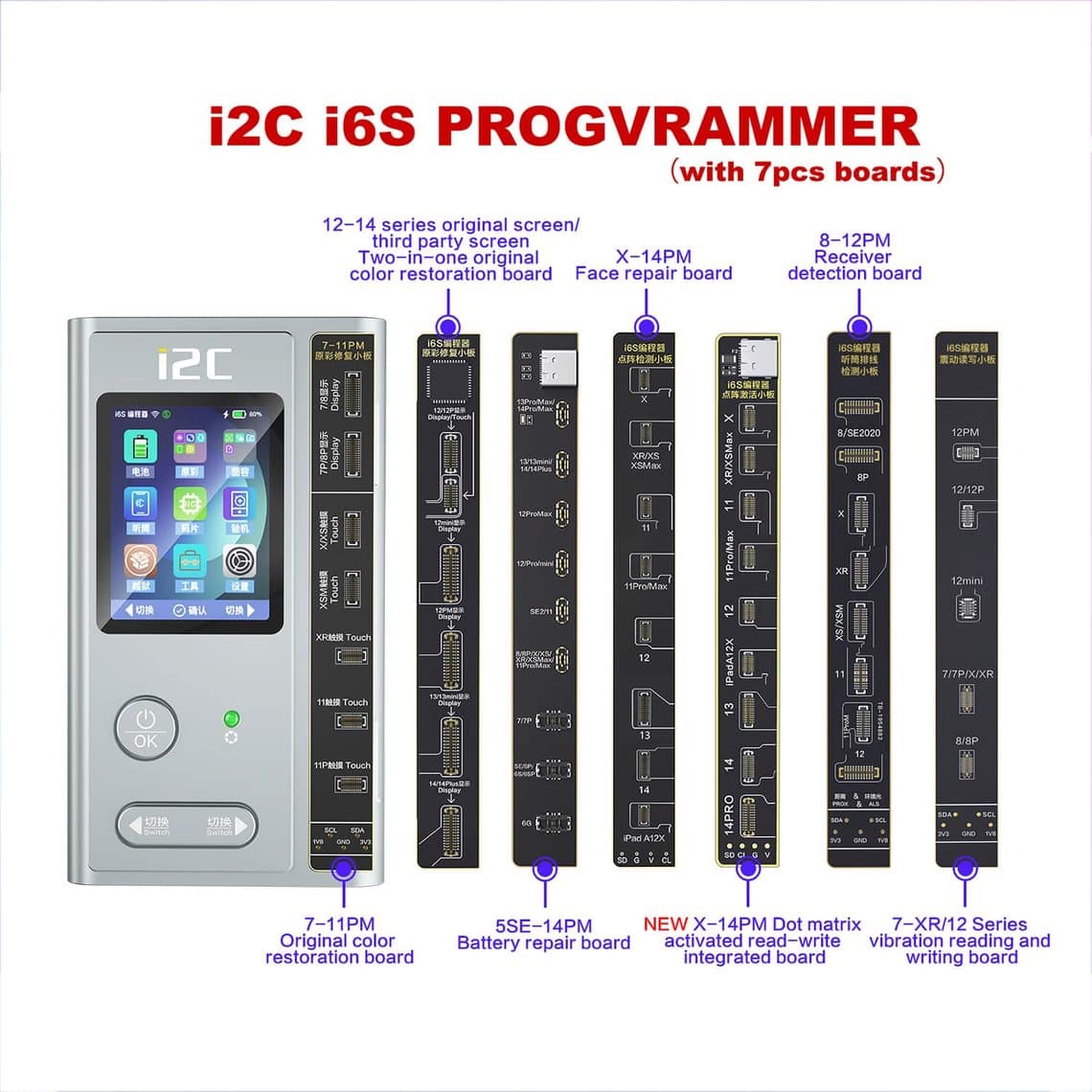
The core unit is the i2C i6S programmer for True Tone, battery and dot matrix (iPhone 6–13). On its own it handles the common jobs on supported models; the add-ons below extend it or add test functions. Here is what each one is for, based on what the parts are built to do. Exact model coverage depends on the board version and software, so confirm it for your stock.
| Item | What it is for | Typical use |
|---|---|---|
| i2C i6S programmer | Main unit: reads and writes screen, battery and dot matrix data | True Tone transfer, battery data, dot projector data on supported models |
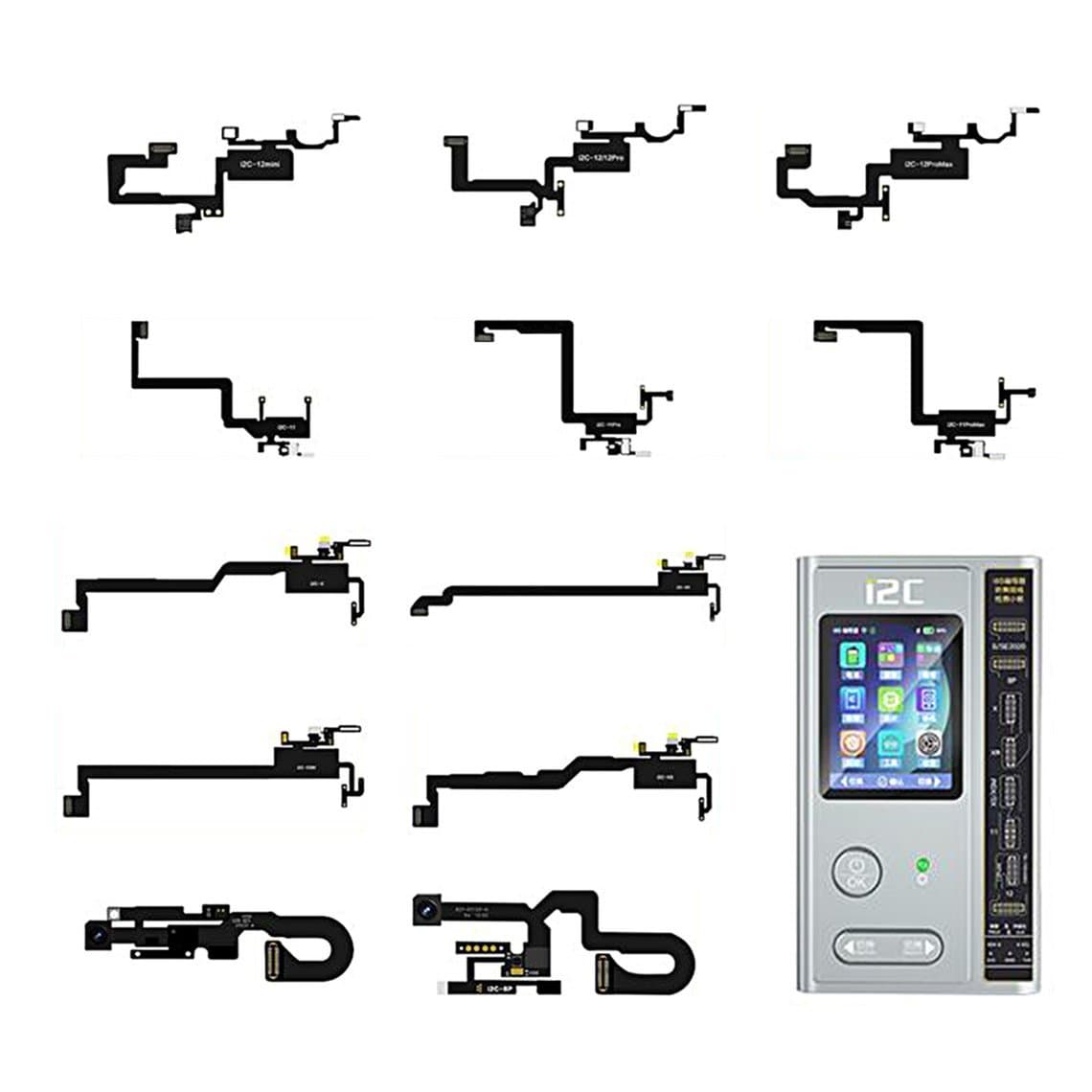
| Earpiece sensor flex cable | Connects the earpiece/front sensor flex to the programmer | Reading and writing data on the top sensor flex when it is replaced |
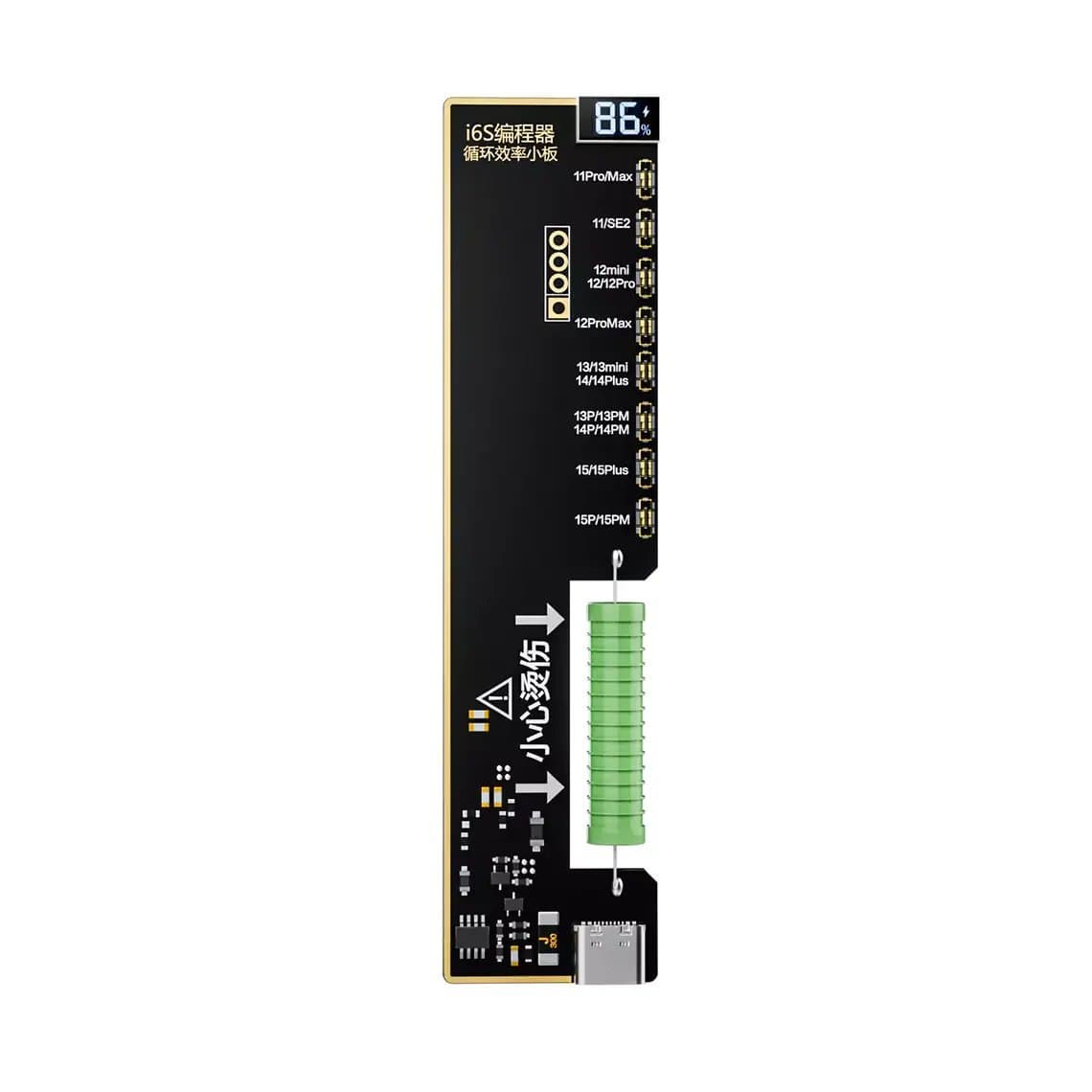
| Battery efficiency cycle repair board | Adapter for newer battery connectors | Battery data on iPhone 11 to 15 Pro Max batteries |
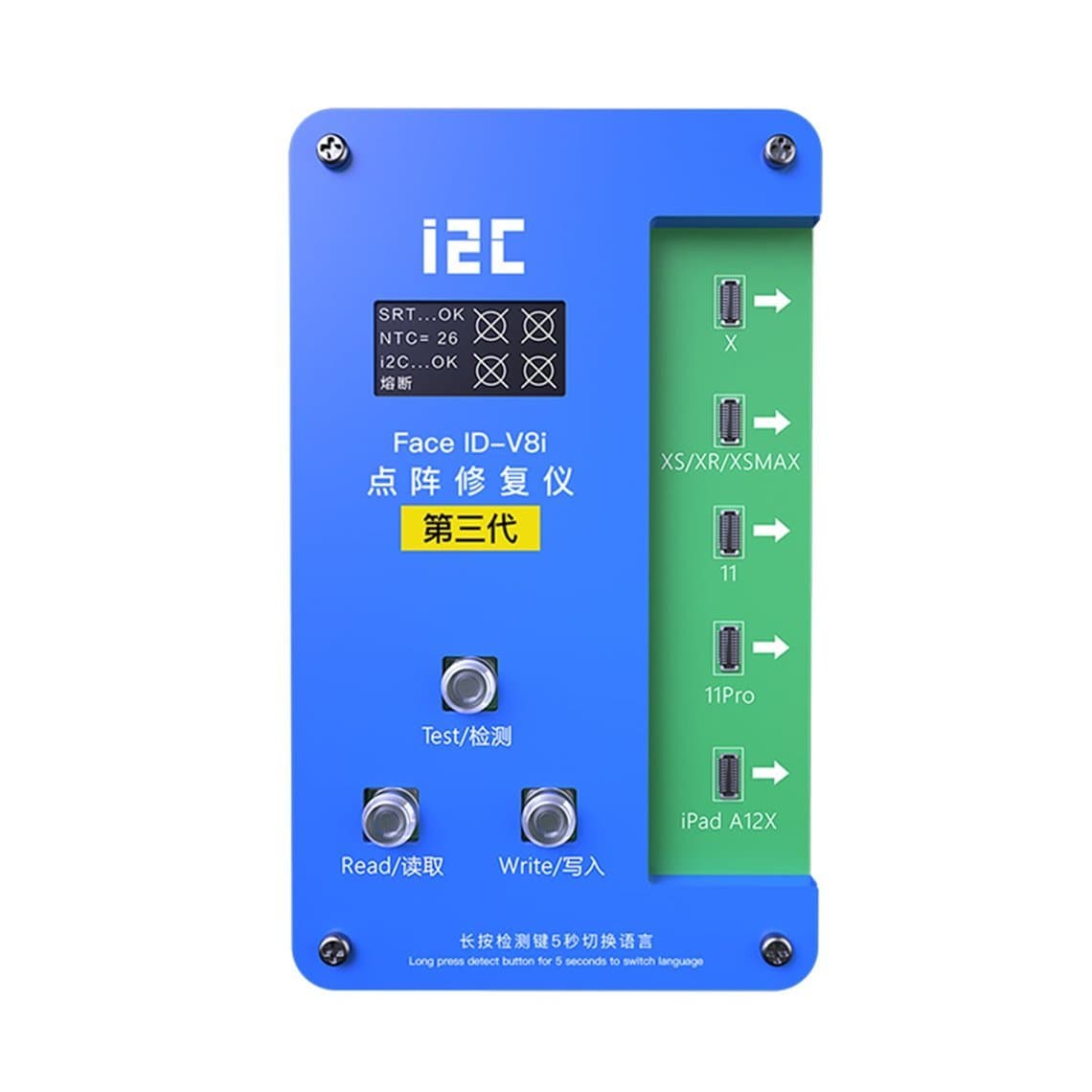
| Face ID V8 fixture | Holds and connects the Face ID module | Dot projector data work on iPhone X to 11 series |
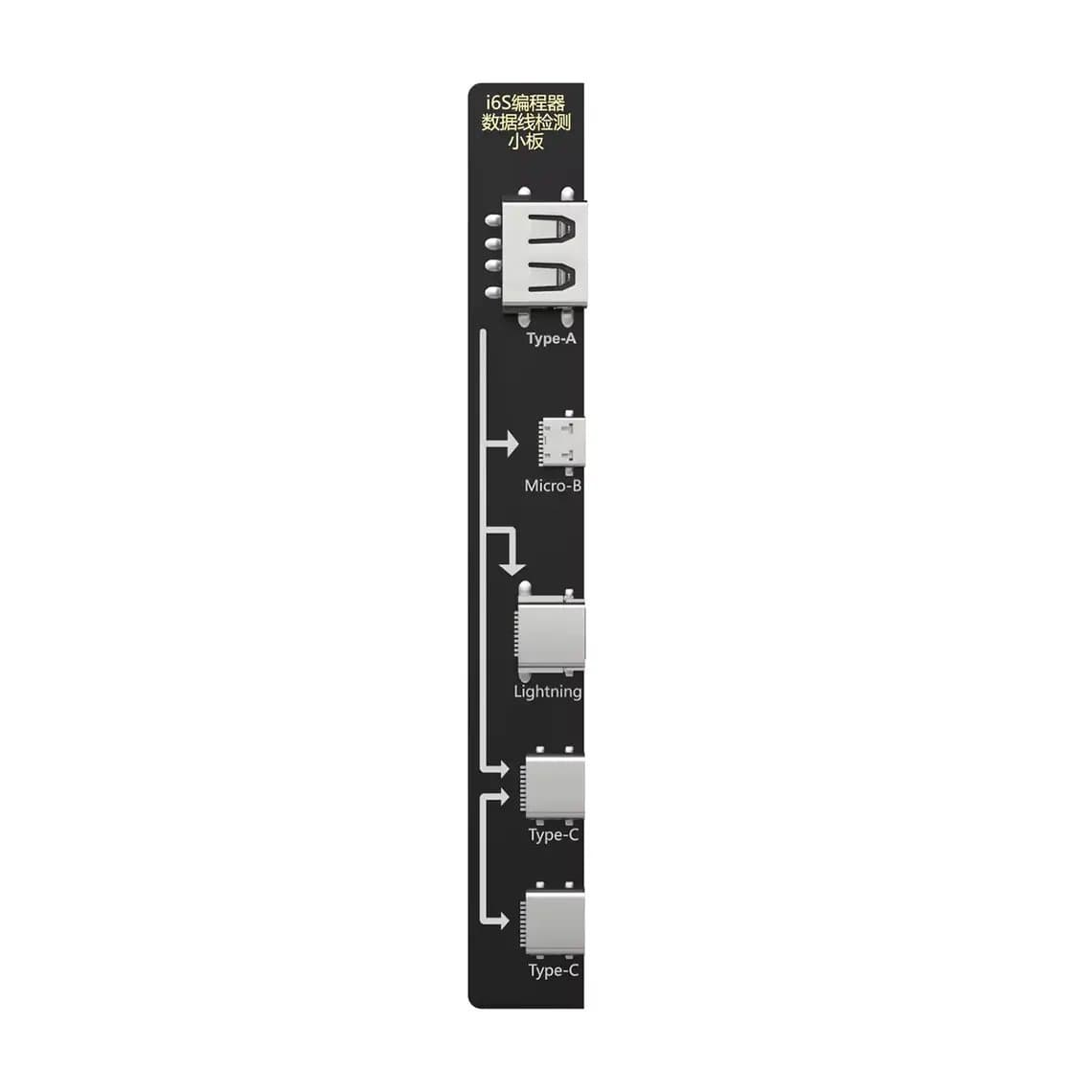
| Data cable detection board | Test board for cables | Checking whether a charging/data cable is good before blaming the phone |
| PCB voltage and resistance measuring board | Measurement helper for boards | Quick voltage and resistance checks during diagnosis |
The earpiece sensor flex cable for the i2C i6S matters on models where the top sensor flex (ambient light and proximity sensors) is matched to the phone. On those models a replaced flex can leave auto-brightness or the proximity sensor not working properly, and copying the original data is the usual fix.
For batteries on newer phones, the i2C battery efficiency cycle repair board for iPhone 11 to 15 Pro Max gives you the right connector and adapter so the main unit can talk to the battery chip.
The i2C Face ID V8 fixture for iPhone X to 11 Pro Max is for Face ID module work on those generations only. Later Face ID modules are a different design, so do not assume coverage beyond the models in the name.
The two test boards are bench helpers rather than programming jobs. The i2C i6S data cable detection board lets you rule out a bad cable fast, which saves a lot of wasted time on "not charging" and "not syncing" complaints.
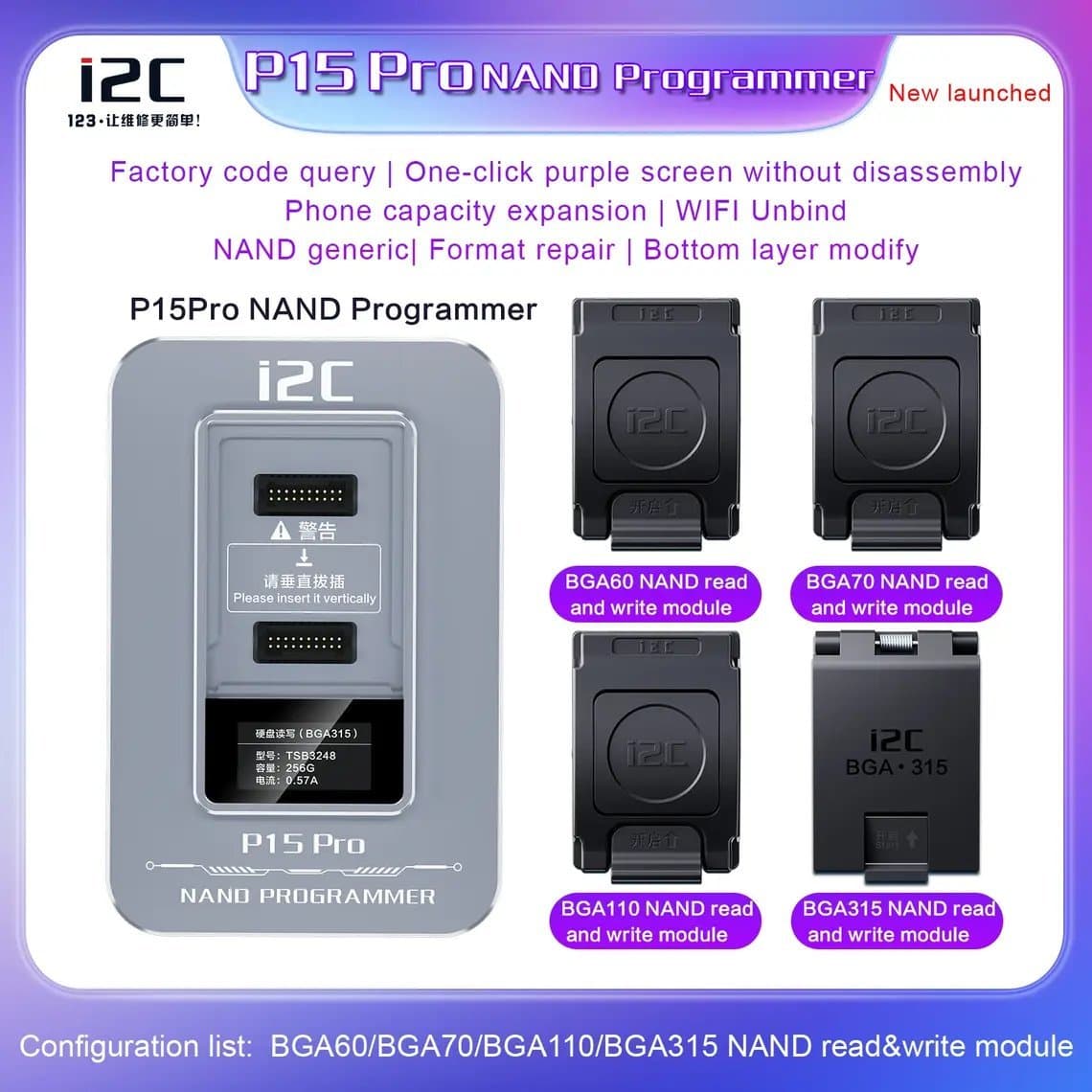
Separate from the i6S family, the i2C P15 Pro NAND programmer is for NAND storage work on iPhone and iPad. That is board-level work (removing and reprogramming the storage chip) and a different skill set from screen and battery data.
You can see the full range on the i2C programmers page.
Common jobs
True Tone transfer after a screen replacement
On iPhone 8 and later, True Tone is usually lost when you fit a replacement screen unless the original screen's data is copied to the new one. The programmer reads the data from the original display and writes it to the replacement. This works only if the original screen still connects and can be read; a screen with a damaged flex may not be readable.
See the True Tone and screen programmers for the tools built for this job.
Battery data and the service message
Newer iPhones show a battery service notice or no health percentage when a battery's data does not match the phone. With the right adapter board you can read the original battery's data and write it to the new battery's chip, or move the original battery management chip to the new cell on models where that is the chosen method. Depending on model and iOS version, the phone may still show a notice; programmers reduce the problem but do not guarantee a clean result on every model.
Different programmer platforms handle this in different ways. Rather than repeat it here, our battery health programmer comparison covers the options side by side. For the tools themselves, see the battery health programmers.
Face ID: dot projector data on supported models
Face ID is paired to the logic board. The dot projector inside the module holds calibration data, and some Face ID faults on iPhone X to 11 can be worked on by reading that data with a fixture and writing it after a component-level repair on the module. This is delicate work, it is only possible on supported models, and many Face ID faults (a cracked flood illuminator, a damaged infrared camera, liquid damage) cannot be fixed this way.
If a phone loses Face ID right after a screen job, check the basics first: our guide to Face ID not working after repair covers flex damage and connector problems that look like pairing faults. Tools for this job are on the Face ID and dot projector programmers page.
A clean workflow
- Check coverage. Confirm the model, the part and the board version are supported before you open the phone or quote the customer.
- Test before you start. Note which features work: True Tone, auto-brightness, Face ID, battery health. Customers remember what worked before; you should too.
- Read the original part first. Read and save the original screen, battery or flex data before you remove or discard anything. Keep the old part until the job is finished and tested.
- Fit the new part and write. Connect the replacement to the programmer (or adapter board) and write the saved data. Make sure the connector is fully seated; a half-seated flex is the most common cause of "write failed".
- Reassemble and test. Check the feature in Settings and in use: toggle True Tone, cover the proximity sensor during a call, set up Face ID, look at battery health.
- Record it. Note on the job card what was transferred and what the phone shows now, including any part notice.
How i2C compares with other programmer platforms
Most programmer brands cover a similar list of jobs: screen data, battery data, sensor flex data and Face ID-related work on certain generations. The differences are in which models each board supports, how the add-ons are sold, how the software is updated and how easy the interface is. The i2C approach is a modular platform where you add boards per job; other brands bundle more into one unit or use a different adapter system.
No single brand is best for every shop. If you mainly do screens, True Tone coverage across the models you see most matters most. If you do a lot of batteries, check the battery adapter coverage for current models. Browse the full programmer range to compare.
Limits you should know
- Not every part can be read. If the original part is badly damaged, its data may be gone. Without it, some features cannot be restored.
- The "Unknown part" notice is separate. On recent iPhones a non-Apple part shows a notice in Settings even when the part works. Programmers restore features; they do not necessarily remove that notice. Our article on the unknown part message explains why.
- Model coverage changes. New iPhones often arrive before tool support does, and some features may never be supported on a given model.
- Software matters. Keep the programmer's software up to date and use the version the board was designed for.
- Programmers do not unlock phones. They have nothing to do with activation lock or accounts, and you should not expect them to.
Safety and handling
- Work on an ESD mat with a wrist strap. Sensor flexes and battery chips are easy to damage with static.
- Disconnect the battery before you connect or disconnect any flex on the phone.
- Handle lithium batteries with care: never bend, puncture or heat a cell, and set aside any swollen battery in a fire-safe container.
- Do not force connectors onto the adapter boards. Line them up and press evenly.
Common mistakes
- Throwing away the original screen or battery before reading its data.
- Promising True Tone or battery health to a customer before checking that the model is supported.
- Blaming the programmer when the real fault is a damaged flex or poorly seated connector.
- Assuming the Face ID fixture covers newer phones than the ones it was made for.
Questions
What is an i2C programmer used for?
It reads and writes the data stored on iPhone parts such as screens, batteries, sensor flexes and, on some models, the Face ID dot projector. Technicians use it to keep features like True Tone and battery health working after a part replacement. It does not repair physically damaged parts.
Can the i2C i6S restore True Tone without the original screen?
Generally no. True Tone transfer relies on reading the original screen's data, so you need the original display and it must still be readable. Keep the old screen until the new one has been written and tested.
Does the i2C programmer fix Face ID?
Only some Face ID faults, and only on supported models. With the Face ID fixture it can handle dot projector data on iPhone X to 11 series as part of a module repair. Damaged infrared cameras, flood illuminators or liquid-damaged modules are often not repairable this way.
Will the battery health message go away with a programmer?
Often the health percentage can be shown again by writing the right data to the battery chip, but results depend on model and iOS version. Some phones may still show a notice. Check the support list for your model before promising a result.
Find the i2C main unit and its add-ons on the i2C programmers page, alongside screens and batteries that are tested before shipping from Shenzhen. Shops can open a wholesale account (wholesale prices unlock after $500 of purchases) and reorder fast by SKU or CSV with Quick Order.