iPhone Boot Cable Explained: Types, Safe Use and Boot Current
17 November 2026 · LightspeedTools team
Short answer: An iPhone boot cable plugs into the phone's battery connector and feeds it from a bench DC power supply, so you can power and boot the board without a battery. Many cables add a button or one-click trigger that starts the boot without a power key. Set the supply to a safe battery voltage, start with a low current limit, check polarity, and you get a live current reading that tells you a lot about the fault.
Boot cables look like simple leads, but the right one saves time on every no-power, boot-loop and charging job. The wrong one can reverse polarity or tear a battery connector on the board. This guide covers what a boot cable does, the main types, how to use one safely, how to read the current it shows you, and how to choose cables for the models you actually repair.
What a boot cable actually does
A phone battery connects to the logic board through a small board-to-board (FPC) connector. A boot cable copies that connection. One end has a connector shaped like the battery's flex, or a clip that presses onto the pads. The other end goes to the output of a DC power supply, either with banana plugs or through an adapter box.
Once connected, the supply stands in for the battery. That gives you three things a battery cannot:
- Control. You set the voltage and cap the current, so a shorted board cannot pull unlimited current and burn a track or a chip.
- A live current reading. The supply's ammeter shows what the board is drawing at every stage: plugged in, switched off, booting, idle.
- A known-good power source. If the phone boots on the cable but not on its own battery, you have narrowed the fault to the battery, its connector or the charging side very quickly.
Many boot cables also include a trigger. A phone normally needs a power-key press, or a charger plugged in, to start. A trigger button or automatic one-click circuit does that job, so you can boot a bare board without fitting the power button flex or a charging port.
Types of boot cable
Model-specific FPC boot cables
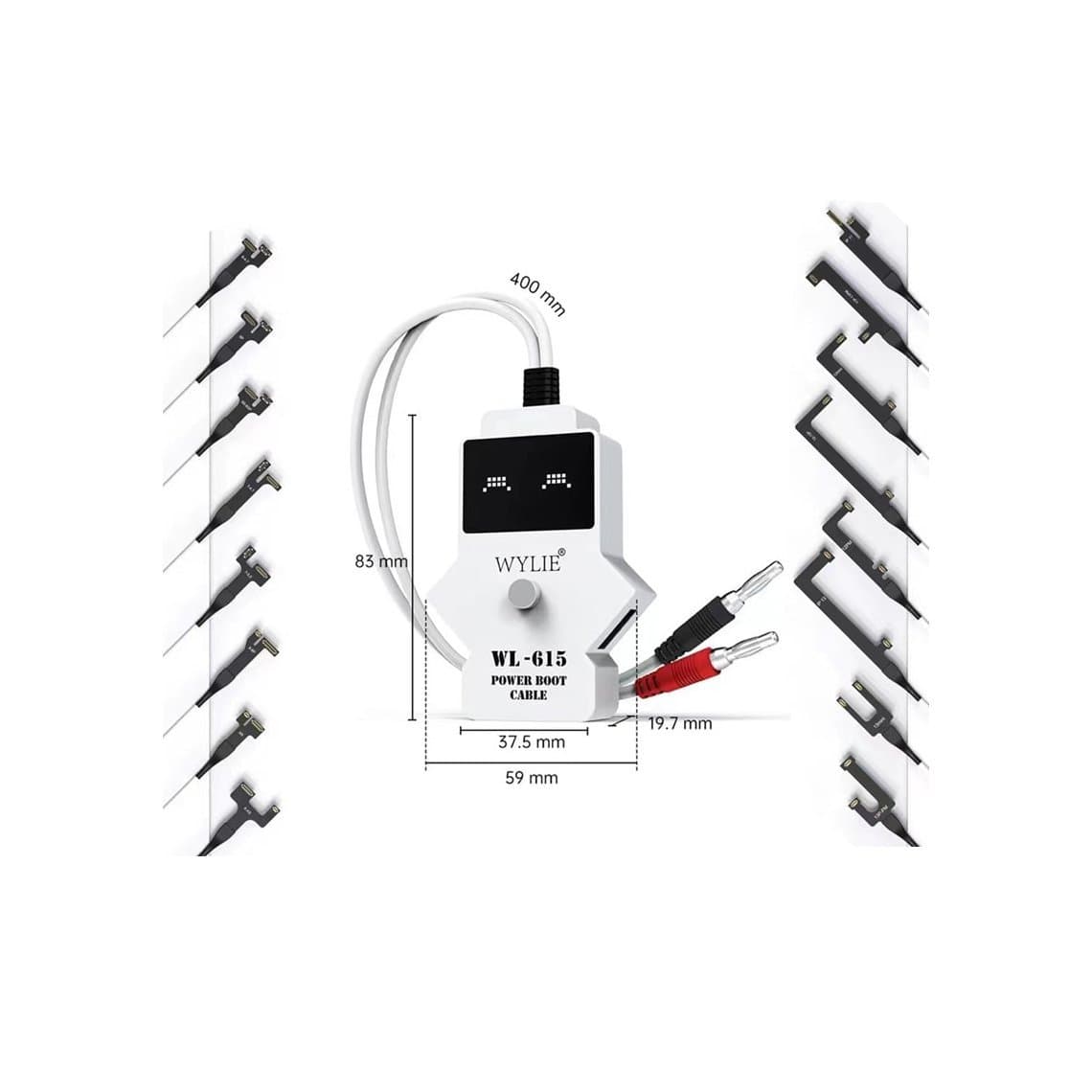
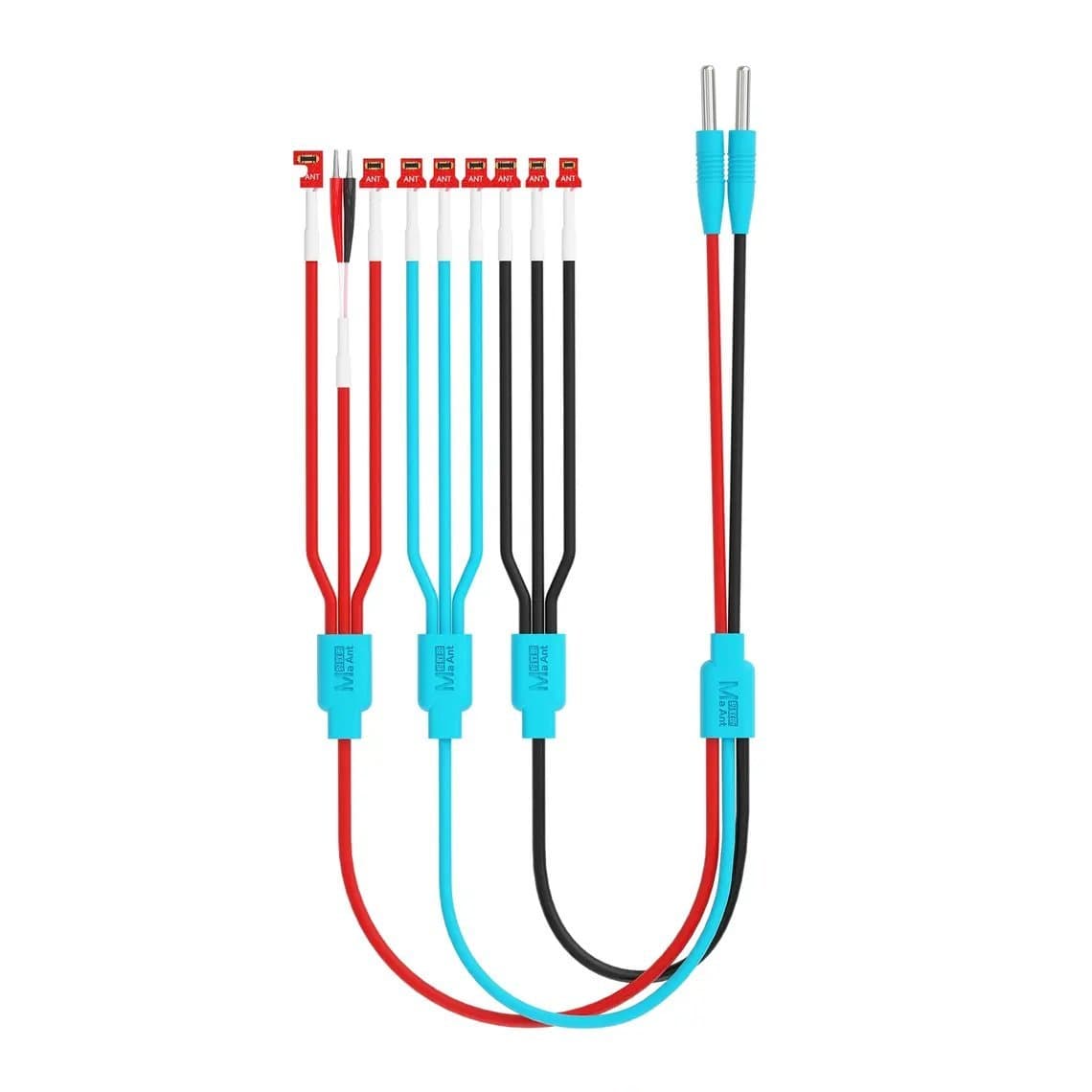
These have a connector moulded to fit one battery connector (or a family of them). They seat like the original battery flex and give the most reliable contact. iPhone sets usually come as one cable with several interchangeable heads, or as a multi-head cable such as the Wylie WL-615 boot cable for iPhone 6 to 14 Pro Max or the MaAnt PY-1Pro boot cable for iPhone 8 to 17 Pro Max. Check the model range in the title before you buy: battery connectors change between generations.
Universal and Android FPC sets
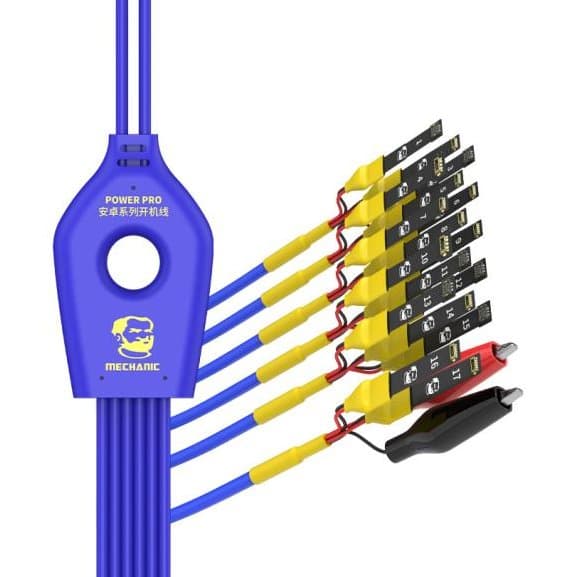
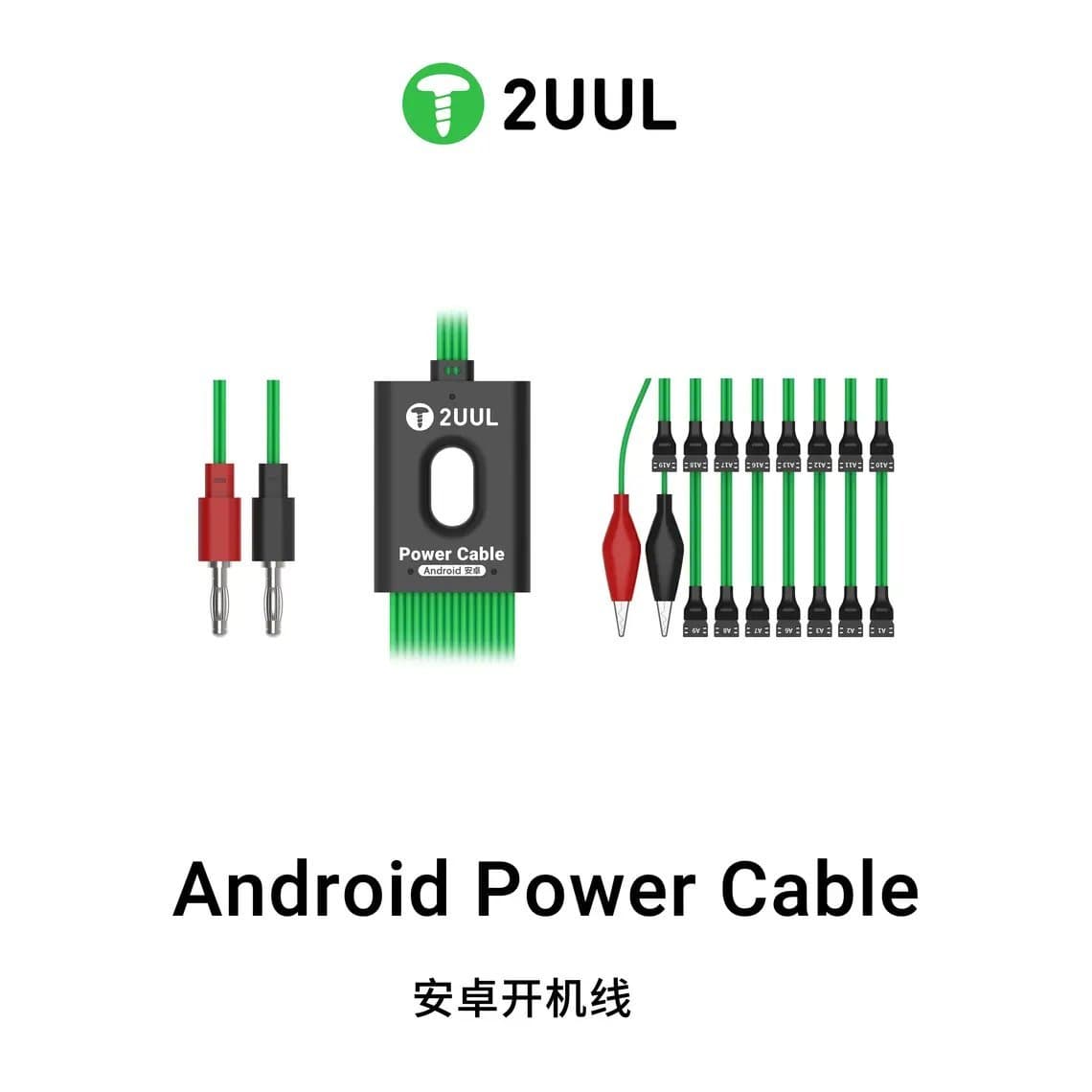
Android phones use far more connector sizes, so Android kits rely on many heads or adapter boards. The Mechanic Power Pro FPC boot cable for Android is sold as covering 2,000+ models, and the 2UUL PW04 16-in-1 Android power cable bundles 16 connectors in one set. Clip-style universal cables, which press probes onto the battery pads, also exist. They are handy for odd models but need care, because a clip that slips can short adjacent pins.
Cables with a built-in trigger or one-click boot
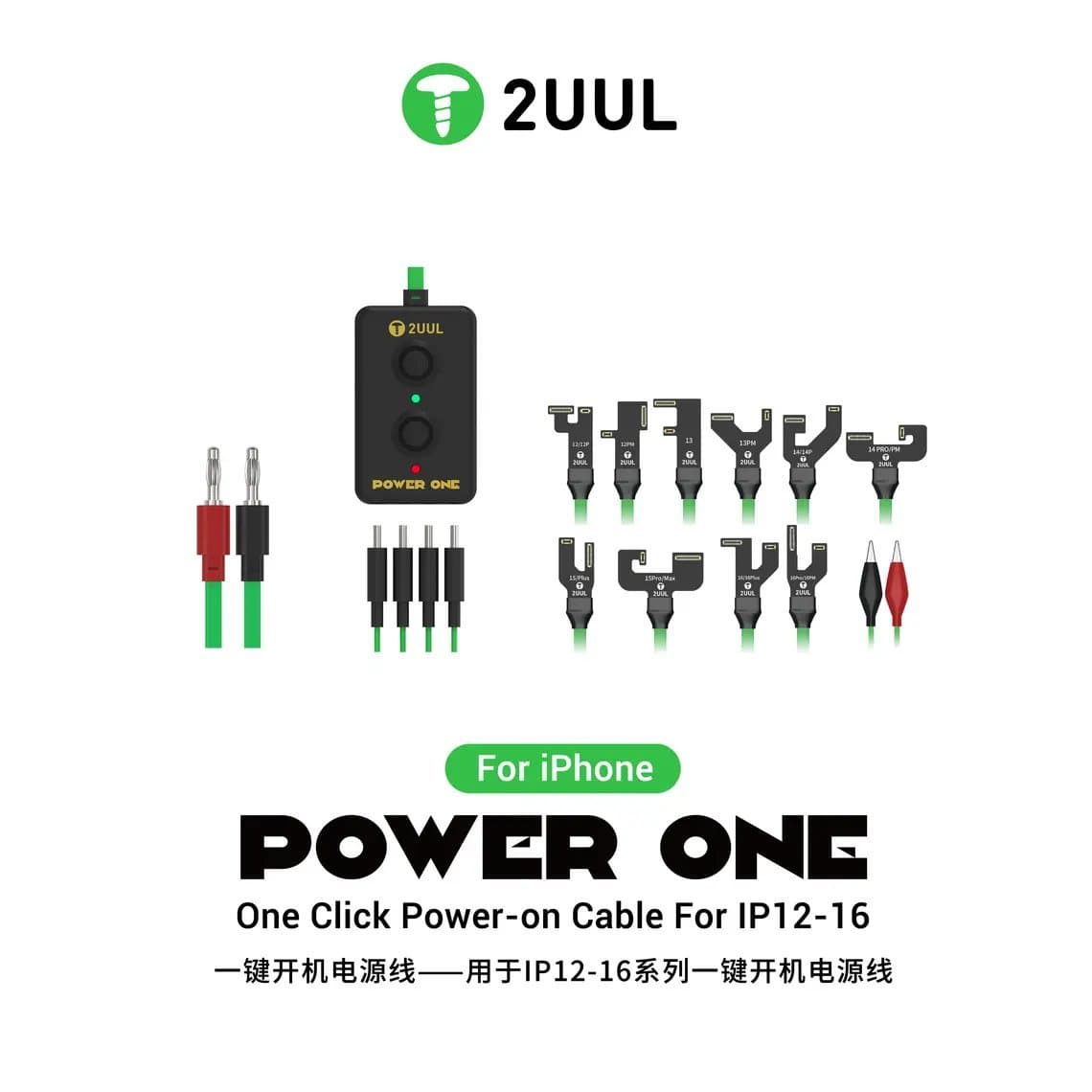
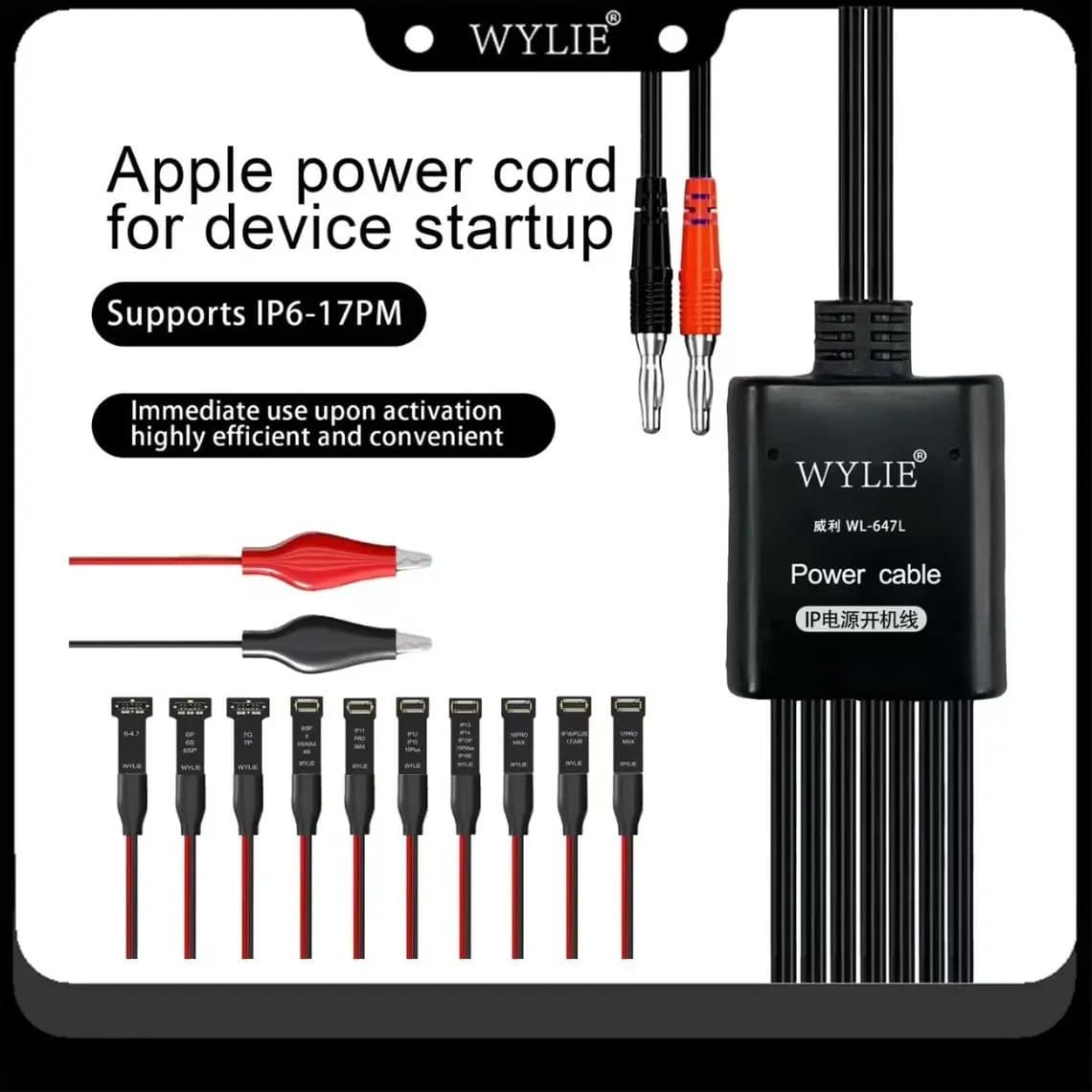
These add a button or automatic circuit to start the phone. The 2UUL PW09 one-click power-on cable for iPhone 12 to 16 and the Wylie WL-647L smart boot cable for iPhone 6 to 17 Pro Max are examples. They are the fastest option at a bench where you test many boards a day.
Cross-platform cables and boxes
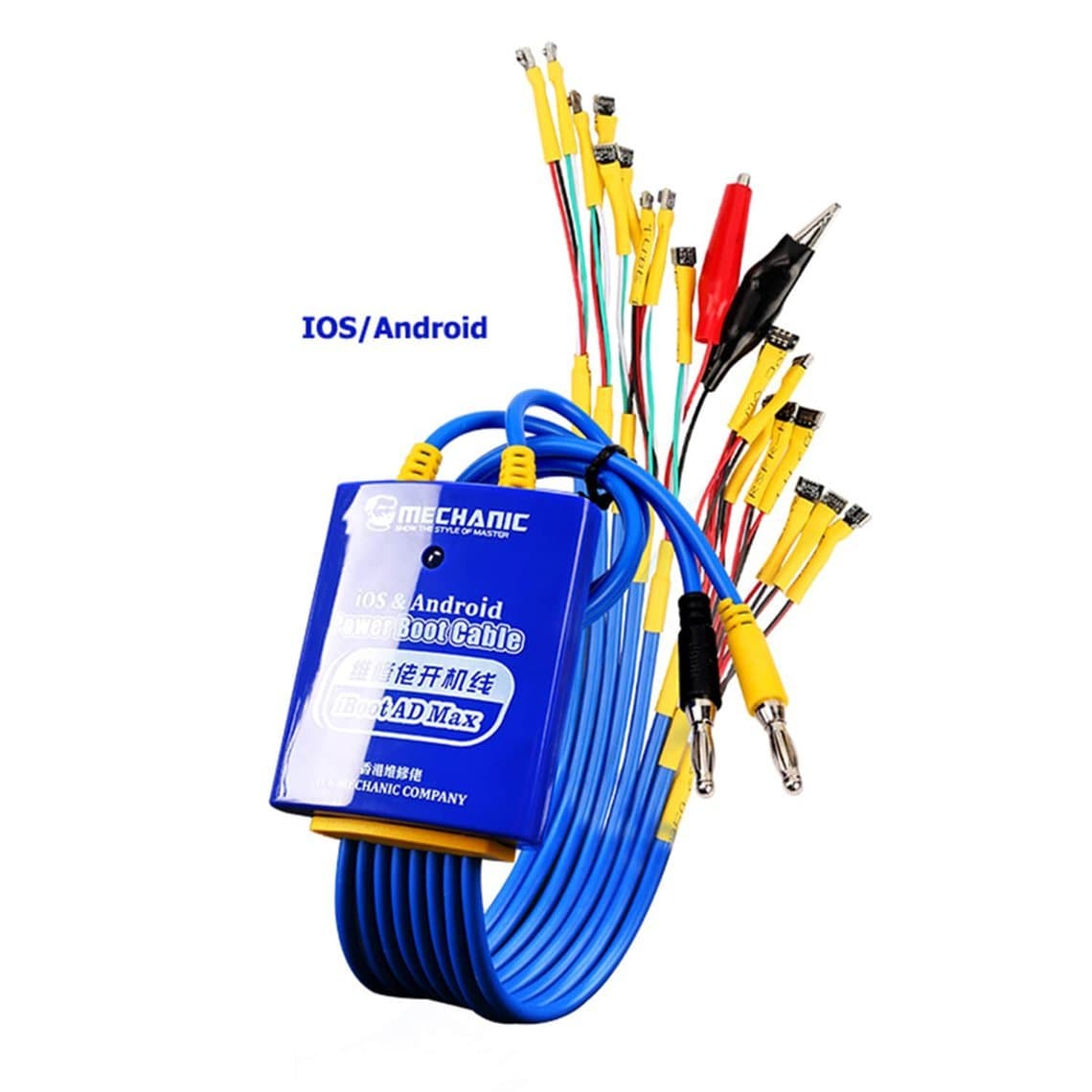
Some cables handle iOS and Android from one lead with swappable adapters, such as the Mechanic iBoot AD Max. Others sit between the supply and the phone as a small module. The Qianli LT1 digital power meter and isolated DC power module adds its own meter, which helps if your supply's display is coarse.
Supplies with boot functions built in
Some phone-repair power supplies have dedicated boot outputs or presets so you can skip the banana-plug adapter. They are convenient, but a plain adjustable bench supply such as the 2UUL PC30 DC3006 30V/6A works just as well with a separate cable. Browse both in DC power supplies and boot cables.
| Type | Best for | Watch out for |
|---|---|---|
| Model-specific FPC | Daily iPhone work, best contact | Model range, worn connectors |
| Multi-head Android set | Shops seeing many Android models | Picking the right head and orientation |
| Clip / probe universal | Rare models with no matching head | Slipping and shorting pins |
| Built-in trigger / one-click | Bare boards, high bench volume | Supported model list |
| Module with own meter | Supplies with a coarse display | Extra connection to keep tight |
How to use a boot cable safely
- Disconnect the battery first. Never connect a supply while the phone's own battery is still plugged in. If the battery is swollen or punctured, stop and handle it as a lithium hazard.
- Set the voltage before you connect. Match the battery the phone normally uses. Most single-cell phone batteries have a nominal voltage of about 3.8 to 3.9 V, with the charge limit printed on the label. Many techs boot at around 3.8 to 4.2 V. Never go above the charge voltage printed on the battery, and check the cable's own instructions if it lists a setting.
- Set a current limit. Start low for diagnosis, for example around 1 A, so a short cannot drag huge current. A healthy phone can need more during boot. Raise the limit in small steps if the supply hits it during a normal start-up.
- Check polarity. Red to positive, black to negative, and the head the right way round. Reversed polarity can destroy power components instantly. Model-specific heads only fit one way, which is a big reason to prefer them.
- Connect with the output off. Seat the head straight on the board connector, then switch the output on. Do not plug or unplug the head with the output live. That can spark on the pins and damage the connector or the power IC.
- Trigger the boot. Press the cable's trigger, the phone's power key, or plug in a charger, depending on the cable and model.
- Watch, then switch off before disconnecting. Read the current through the boot, and turn the output off before you remove the head.
Work on an ESD mat with a wrist strap. A bare logic board on a live supply is easy to short with tweezers or a loose screw, so clear the bench first.
Reading the boot current
The current display is the main reason to use a boot cable. In broad terms, a board that draws noticeable current before you press anything points to a short. A board that draws nothing at all when triggered points to a missing trigger, an open power path or a dead power IC. A board that climbs, drops and resets in a loop points to a boot fault further along. Patterns and normal ranges vary by model, so compare with a known-good board of the same model where you can.
We cover these readings step by step in how to use a DC power supply for mobile repair, and the full no-power workflow in phone not turning on: board-level diagnosis. If the reading shows a short, the next step is finding the hot component, explained in phone short circuit repair.
A separate inline meter or a module with its own display helps when your supply only shows current to one or two decimal places.
Common mistakes
- Voltage set too high. Usually left over from the last job on the same supply. Check the display every time before switching on.
- No current limit. Without a limit, a shorted board can heat a component until it lifts or a track burns.
- Wrong head for the generation. Battery connectors look alike across years. A head that almost fits may land on the wrong pins.
- Prying the head off at an angle. This lifts board connectors. Lift straight up with a plastic tool.
- Blaming the board for a bad cable. If a board that booted yesterday now shows nothing, test the cable on a known-good phone first.
- Treating "boots on the cable" as fixed. If the phone boots on the supply but not on its battery, the fault is the battery, its connector or the charging path. The board still needs that last check.
Maintenance: cables wear out
Boot cable connectors are rated for far fewer cycles than a bench sees in a busy month. Signs of a worn head:
- Current flickers or drops when you touch the cable.
- The phone resets mid-boot, but runs fine on its own battery.
- The head no longer clicks onto the connector.
- Visible cracks or kinks at the FPC fold.
Keep heads in their case, not loose in a drawer. Inspect contacts under a microscope when you suspect a problem. Do not bend the flex sharply at the same point every time. Replace a head early rather than chasing a fault that the cable itself is causing.
Choosing cables for the models you repair
- List your top models. Buy cables that cover the iPhone generations and Android brands you see most, not the longest model list.
- Check the newest models. Newer generations change battery connectors. Make sure your iPhone cable range reaches the current iPhone line-up.
- Decide on a trigger. If you test bare boards often, a one-click or button cable pays back quickly.
- Match your supply. Check the plug type (banana or a dedicated port) suits your bench supply.
- Keep a spare. A second cable for your most common model lets you rule out cable faults in seconds.
Questions
What voltage should I set for an iPhone boot cable?
Set a voltage that matches the battery, usually between the nominal voltage (around 3.8 to 3.9 V on most iPhone batteries) and about 4.2 V. Never exceed the charge voltage printed on the battery label. Follow the cable's own guidance if it gives a figure.
Can a boot cable damage the phone?
Yes, if it is used carelessly. Too much voltage, reversed polarity, no current limit or hot-plugging the head can damage power components or the battery connector. Used correctly, with a low current limit and the output off while connecting, it is one of the safest ways to power a suspect board.
Why does the phone boot on the boot cable but not on its battery?
The board is able to start, so look at the battery, the battery connector and its flex, and the charging path. A degraded battery that sags under load is a common cause. Try a known-good battery before going deeper into the board.
Do I need a boot cable if I already have a DC power supply?
Yes. The supply provides the power, but you need a cable or adapter to get it onto the phone's battery connector safely. Without one, techs end up soldering wires to pads, which is slower and riskier.
You can find iPhone and Android leads in our boot cables category, alongside bench supplies and meters. Repair shops buying regularly can open trade pricing through wholesale, and reorder tools and parts by SKU or CSV with Quick Order.