iPhone Not Charging Past 80%: Software or Hardware?
17 November 2026 · LightspeedTools team
Short answer: An iPhone that stops at 80% is usually doing it on purpose: Optimized Battery Charging, a charge limit set in Settings on newer models, or a temporary pause because the battery is warm. If none of those settings are active, the phone is cool and it still stalls, look at the battery, cable, charger and charging port, in that order of likelihood, and confirm with a USB tester.
"My iPhone won't charge past 80%" is a common counter complaint, and often nothing is broken. The trick is telling a phone that is protecting its battery from one that has a real fault. This guide walks through the software reasons first, then the hardware faults, how to read a USB tester during the test, and how to explain the result to a customer without sounding like you are dodging the job.
The normal reasons an iPhone stops at 80%
Optimized Battery Charging
Since iOS 13, iPhones can learn the owner's daily routine and hold the charge at 80% until shortly before the phone is usually unplugged, typically overnight. The aim is to reduce the time the battery spends sitting at full charge, which ages lithium-ion cells faster. When this is active, the lock screen normally shows a notice that charging is on hold or will finish by a certain time, and the customer can tap and hold that notification to charge now.
The giveaway is the pattern: it happens on the bedside charger overnight, and the phone often reaches 100% just before the alarm.
The 80% limit and other charge limits on newer models
On recent models, starting with the iPhone 15 series, iOS added a fixed charging limit option. With iOS 17 the choice was essentially an 80% limit or optimized charging; later iOS versions added further limit steps (such as 85%, 90% and 95%) on supported models. Exactly which options appear depends on the model and iOS version, so check the phone in front of you rather than assuming. When a limit is set, the phone will stop at that level every time, on every charger, with no lock-screen notice. A second-hand phone or a phone set up by a family member may have the limit switched on without the current owner knowing.
Temperature-based pausing
Apple states that an iPhone may temporarily limit charging above 80% when the battery gets too warm. Common triggers are charging under a pillow, in a thick case, in a hot car, while gaming or navigating, or on a wireless pad that runs warm. Once the phone cools, charging resumes. This is easy to miss: the phone that stalled at home charges to 100% in a cool shop.
How to check the settings
- Open Settings > Battery.
- On iPhone 15 and later, look for Charging (the exact wording varies by iOS version). Note whether a limit is selected or Optimized Battery Charging is on.
- On older models, open Battery Health & Charging (or Battery Health on older iOS) and check the Optimized Battery Charging switch.
- Read the Maximum Capacity figure and any service message. A message saying the battery has significantly degraded, or that the part cannot be verified, is useful evidence.
- Look at the battery level graph. A flat line at 80% for hours on a charger points to a hold or limit; a ragged line that climbs and drops points to a connection or battery problem.
For the test, temporarily turn the limit or optimization off, let the phone cool to room temperature, remove the case and charge on a known-good cable and charger. If it goes to 100%, the phone was working as designed. Turn the settings back to how the customer wants them before you hand it back.
When it is hardware
If the settings are off, the phone is cool and it still will not go past roughly 80%, or it stalls at random levels, work through these causes.
| Cause | Typical signs | How to confirm |
|---|---|---|
| Worn battery | Low maximum capacity, percentage jumps, phone runs warm while charging, unexpected shutdowns | Battery health reading, tester showing early taper, swap with a known-good battery |
| Non-genuine or faulty replacement battery | Percentage sticks or jumps, health shows as unavailable or a part notice appears, problem started after a battery job | Repair history, health screen, test with a known-good battery |
| Bad cable or charger | Slow charging, "accessory not supported", stalls on one charger only | Change cable and charger, test both on a cable and adapter tester |
| Dirty or worn charging port, damaged flex | Must hold the cable at an angle, charging starts and stops, loose plug fit | Inspect under magnification, clean, try a test board or replacement flex |
| Board-level fault | None of the above fixes it, abnormal current with known-good parts | Board diagnosis |
Worn battery
As a battery ages, its internal resistance rises. During charging the cell voltage climbs faster than it should, so the charging system reaches its taper stage earlier and the last part of the charge becomes slow. The phone may also run warmer, which can trigger the temperature pause on top of the wear. If maximum capacity is low and the symptoms fit, a new battery is the honest fix. Our iPhone battery replacement guide covers removal, adhesive and post-repair checks.
Non-genuine or faulty replacement batteries
If the stall started after a previous battery replacement, suspect the part. Replacement cells vary in quality, and the fuel gauge data may not match the cell, so the percentage can stick or jump. Recent iPhones show an "Unknown part" notice after a non-Apple battery is fitted; the battery still works, but battery health may not display. On supported models, a battery health programmer can transfer or rewrite the battery data so health is shown again. A battery that is simply faulty should be replaced, not reprogrammed.
Cable, charger and port
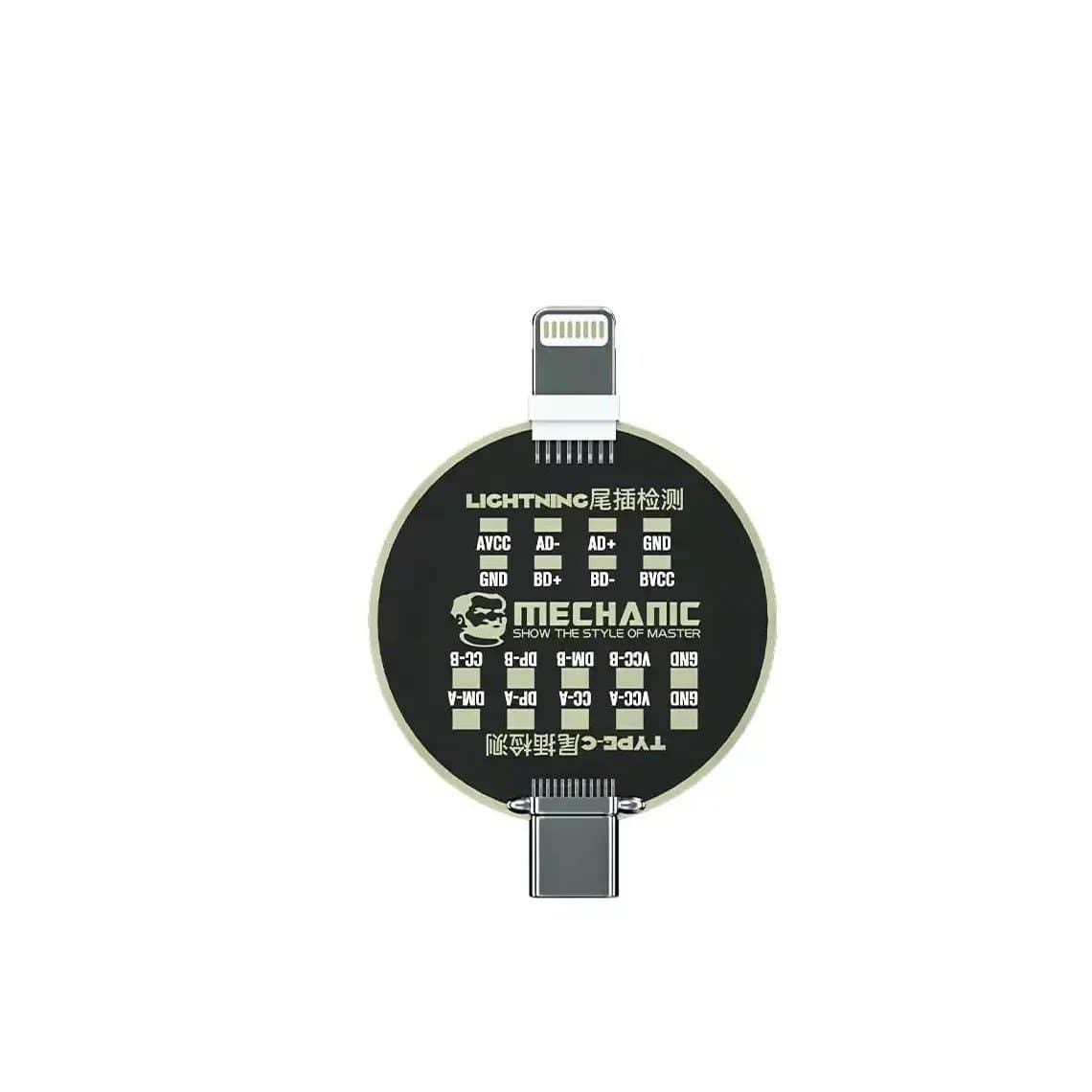
Do not skip the cheap checks. Frayed or bent cables and tired adapters cause more "charging problems" than batteries. A charger and data cable short-circuit tester quickly shows whether a cable is open or shorted, and a PD charger and USB-C adapter tester tells you whether the customer's adapter actually delivers what it claims. Lint packed into a Lightning or USB-C port stops the plug seating fully, which gives an intermittent connection that looks like a stall. If cleaning does not help, the port flex may be worn; see iPhone charging port repair for the replacement process. A charging connector test board is useful for checking the connector side quickly before you open the phone.
Testing with a USB tester
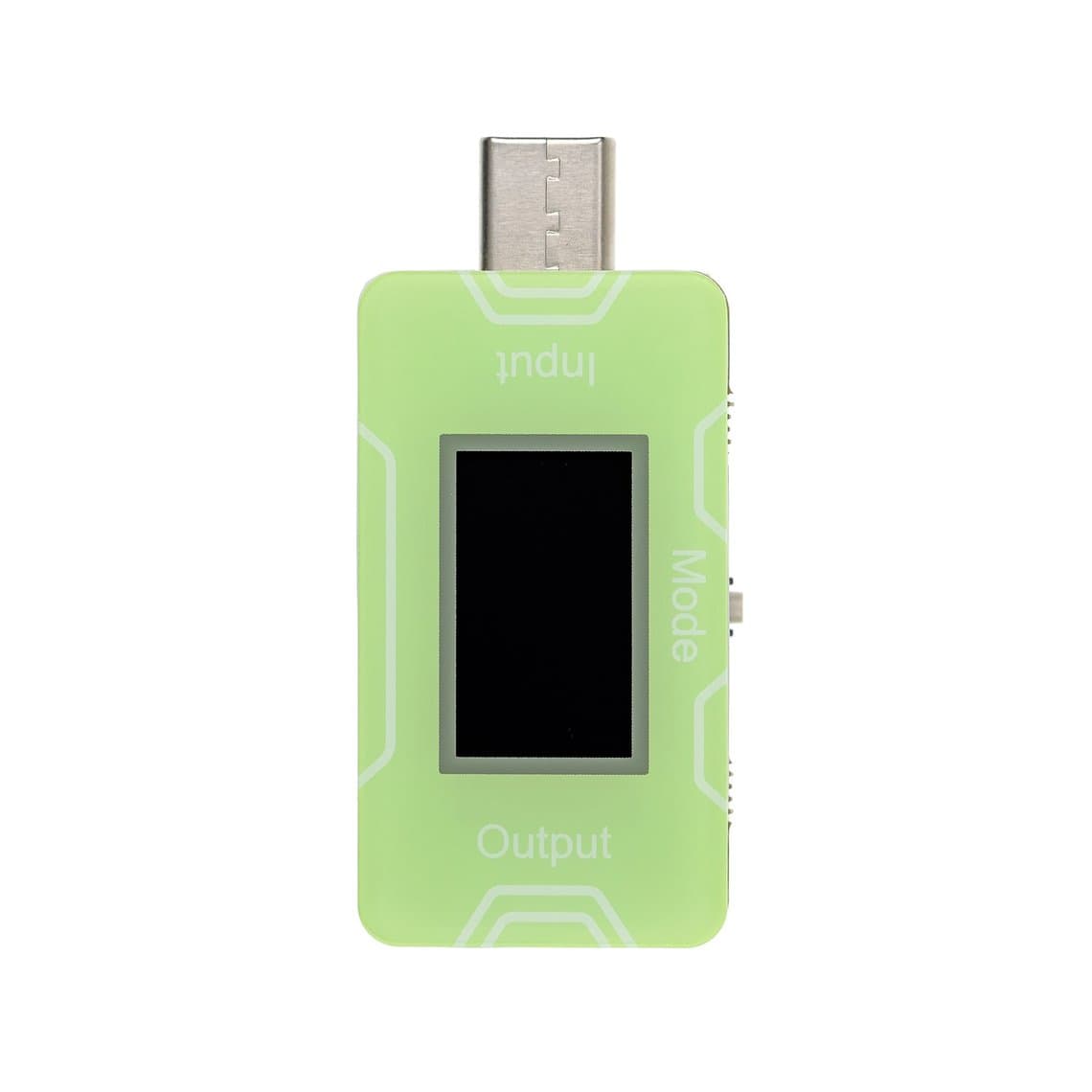
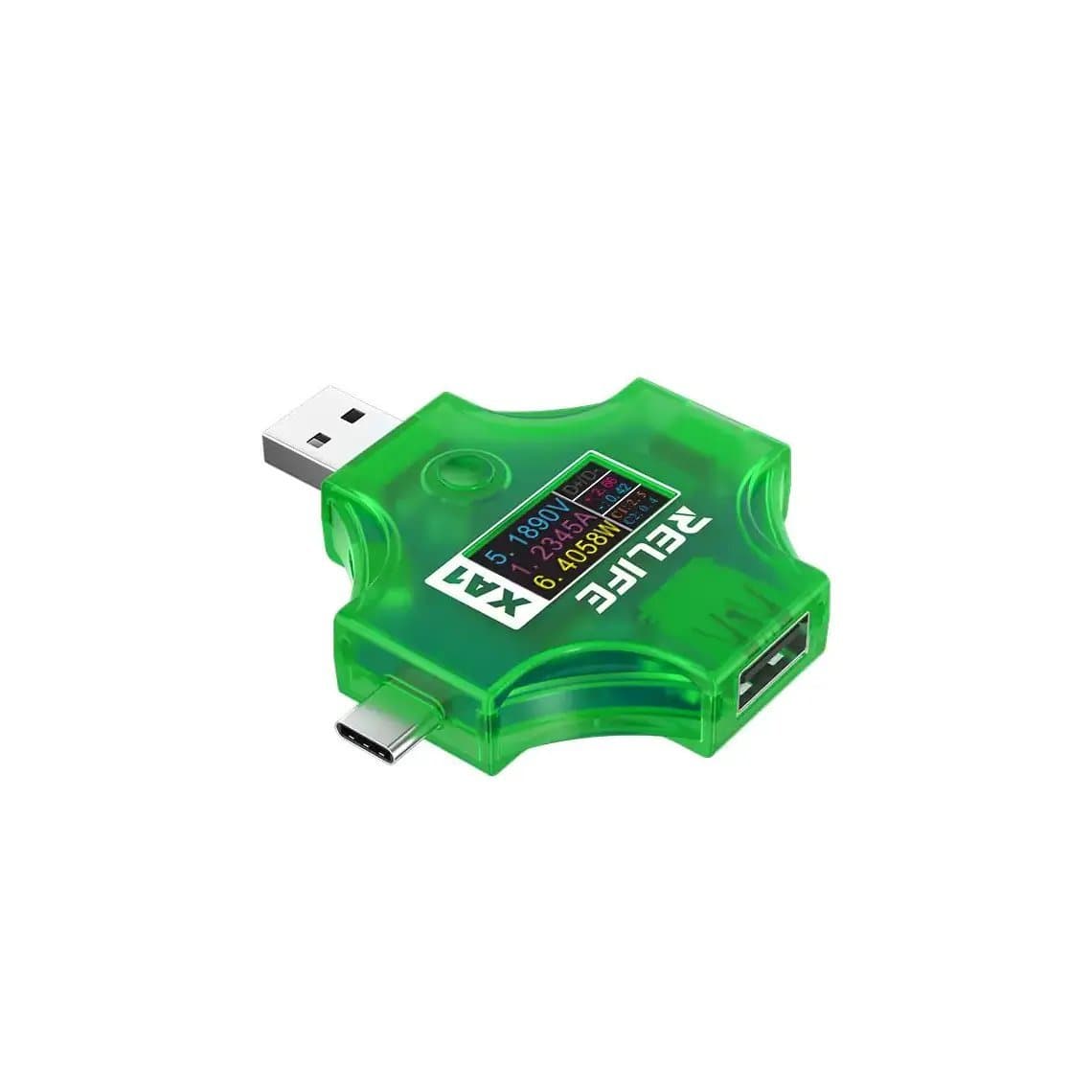
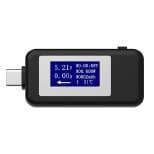
An inline USB meter turns guesswork into evidence. Place it between the charger and the cable, for example a current and voltage USB tester or, for USB-C fast charging, a USB-C voltage and current tester. More options are in our USB testers range.
There is no single "correct" number to look for, because current depends on the model, the charger, the battery level, temperature and whether fast charging has negotiated a higher voltage. What matters is the shape of the behaviour:
- Healthy charge: current is higher at low battery levels and gradually tapers as the battery fills. This taper is normal and is not a fault.
- Optimized charging or a limit: current falls to a very low level at the hold point and stays there steadily. The phone is not disconnecting; it is simply not charging further.
- Heat pause: similar low, steady current while the phone is warm, then charging resumes as it cools.
- Connection fault: current drops to zero and comes back, often when the cable is moved, and the phone may chime as it reconnects.
- Charger or cable problem: voltage sags noticeably under load, or fast charging never negotiates on a charger that should support it.
- Battery suspect: the taper starts unusually early, or behaviour changes when you fit a known-good battery with the same cable and charger.
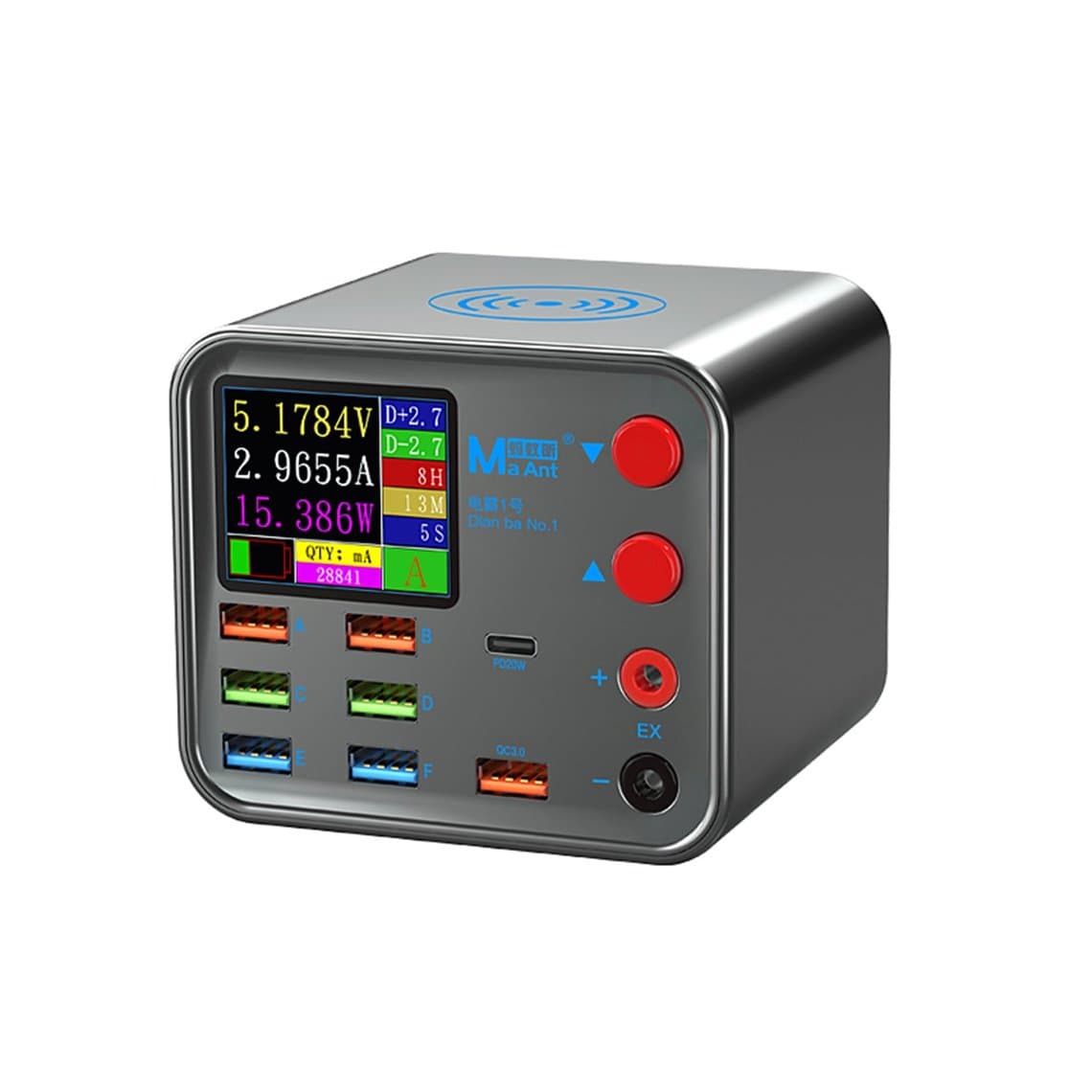
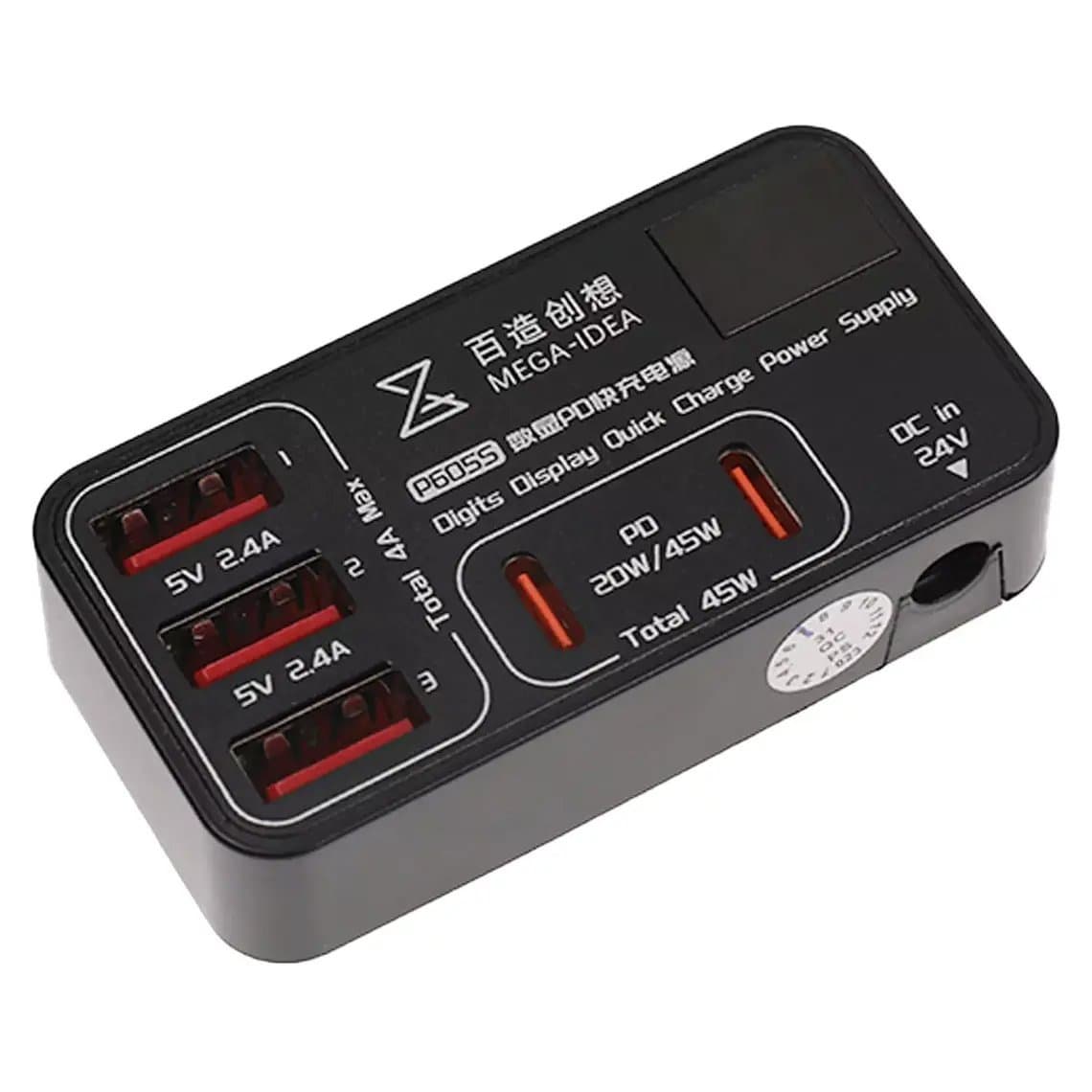
Always compare against a known-good phone of the same model on the same charger if you can. That comparison is far more reliable than any figure from a forum. A stable multi-port bench charger, such as a 5-port PD charging station with display, also removes the customer's adapter as a variable.
If the phone does not charge at all, or shows no current even with good parts, move to our iPhone not charging diagnostic flow.
Common mistakes
- Replacing a battery when the 80% limit was simply switched on.
- Testing a hot phone straight from the customer's pocket and calling it a fault.
- Using the customer's cable and charger for every test, so the real culprit is never isolated.
- Fitting a battery without checking the port, then getting the phone back a week later.
Safety when the battery is the problem
A battery that runs hot while charging, looks swollen or lifts the screen should be treated as a hazard. Stop charging it, do not puncture or bend it, and use gentle heat and the correct adhesive-release method when removing it. Work on an ESD-safe mat, disconnect the battery before touching other connectors, and store damaged cells in a fire-safe container until they go to proper recycling.
Explaining it to customers
Customers often feel brushed off when told "it's a feature". Keep it short and concrete:
- "Your phone holds at 80% to protect the battery. It finishes charging before you usually unplug it."
- "There is a limit switched on in Settings. I can turn it off, but leaving it on helps the battery last longer."
- "It paused because it got warm. Take the case off when charging and avoid charging under pillows."
- "The battery is at a low capacity and the meter shows it tapering early. A replacement will fix it."
Showing the settings screen or tester reading builds trust and justifies the bench fee.
Questions
Why does my iPhone stop charging at 80%?
Most often it is Optimized Battery Charging holding at 80% until you usually unplug, a charge limit set in Settings on iPhone 15 and later, or a temporary pause because the battery is warm. Check Settings > Battery and let the phone cool. If it still stalls with those off, test the battery, cable, charger and port.
How do I make my iPhone charge to 100%?
Tap and hold the charging notification on the lock screen and choose to charge now, or turn off Optimized Battery Charging or the charge limit in Settings > Battery. Remove a thick case and charge somewhere cool. Leaving the limit on is better for long-term battery health if the customer does not need a full charge daily.
Does an 80% limit damage the battery?
No. Limiting the top of the charge reduces stress on lithium-ion cells and is intended to slow battery ageing. The trade-off is less usable charge per day.
Can a bad battery stop an iPhone charging past 80%?
Yes. A worn or poor-quality battery can reach its taper stage early, run warm and trigger heat pausing, or report the wrong percentage. Low maximum capacity, a recent cheap battery replacement or a part notice are clues; a swap with a known-good battery confirms it.
For batteries tested before shipping and covered by a 6-month warranty, see our iPhone batteries, and browse USB testers for your bench. Shops buying regularly can unlock trade pricing through wholesale and reorder by SKU or CSV with Quick Order.