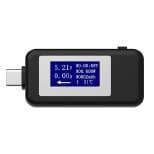
USB Tester for Phone Repair: What the Readings Mean
17 November 2026 · LightspeedTools team
Short answer: A USB tester sits between the charger, the cable and the phone and shows the voltage, current and power flowing through them, and better models also detect the fast-charging protocol and read cable details. For a phone repair shop, the value is in swapping one part at a time while watching the readings, which tells you whether a slow-charging complaint comes from the cable, the charger, the charging port or the battery side of the phone.
Why a USB tester belongs on every repair counter
"It charges slowly" and "it won't fast charge" are among the most common complaints a shop hears. Without a tester, the usual answer is to swap parts until the problem goes away, which costs time and sometimes replaces a port that was fine. A USB tester turns that guesswork into readings you can compare and show the customer.
It is also cheap insurance at the counter. Testing a customer's own charger and cable before you open the phone often solves the job in a minute, or at least rules out the accessories before you quote for a port or battery.
What each reading means
| Reading | What it tells you |
|---|---|
| Voltage (V) | What the charger is supplying at that moment. With fast charging it changes once the phone and charger agree a higher level. |
| Current (A) | How much the phone is actually taking. This is set by the phone as much as by the charger. |
| Power (W) | Voltage multiplied by current. The quickest single number for comparing one setup with another. |
| Energy (mAh / Wh) | A running total of what has passed through the tester since you reset it. Useful for comparing sessions, not a direct measure of battery capacity. |
| Protocol | On testers that support it, which fast-charging standard was agreed, such as USB Power Delivery (PD) or Quick Charge (QC), and sometimes the voltage profiles the charger offers. |
| Data line voltages (D+ / D-) | On some testers, the levels on the data lines that older chargers and phones use to signal charging modes. |
| Cable resistance | On testers with a cable test mode, how much the cable resists current. A high figure means more voltage lost along the cable. |
| E-marker data | On some USB-C testers, the information stored in the chip of an e-marked cable, such as its rated current. |
None of these readings has a single "correct" value for every phone. Charging current depends on the model, the battery's charge level, its temperature and the phone's own charging rules. What matters is how the readings change when you swap one part.
Diagnosing a charging complaint step by step
1. Start with a known-good reference
Keep a known-good charger and cable for each connector type at the counter. Test the customer's phone on that reference first. If it charges normally there, the fault is almost certainly in the customer's charger or cable.
2. Swap one part at a time
- Customer cable on your charger: if the current drops compared with your cable, the cable is the weak link.
- Your cable on the customer's charger: if voltage sags as current rises or fast charging fails to start, the charger is suspect.
- Everything known-good and still slow: the problem is on the phone side, the port, the charging circuit or the battery.
3. Watch the reading over a few minutes
A single glance can mislead. Phones often start charging slowly, ramp up, and taper as the battery fills or warms. Watch for a couple of minutes, ideally with the screen off and the battery not close to full, before deciding.
Reading the patterns
Cable faults
A worn cable usually shows as lower current than your reference cable, voltage that drops noticeably under load, or a reading that jumps when you flex the cable near the plug. On USB-C, a cable without the right e-marker may limit the highest power profiles. A cable resistance test on testers that have one confirms what the current reading suggests.
Charger faults
A failing charger may hold its voltage with no load but sag as the phone draws more, cut out and restart, or fail to offer the fast-charging profile it is rated for. A protocol-reading tester shows whether the charger advertises the profiles you expect.
Fast charging not negotiating
If the tester shows the base USB voltage and never moves to a higher level, the phone and charger have not agreed a fast-charging mode. Check that both support the same standard, try a known-good cable (USB-C negotiation runs over a dedicated line in the cable), and then suspect the phone's port. Debris and worn pins in the port are a frequent cause; our guide to iPhone charging port repair covers cleaning and replacement.
Current that drops or cuts in and out
Current that falls to zero and returns, especially when the plug is moved, points to a loose connection: the port, a worn plug, or a damaged charging flex. If it drops steadily while the phone feels warm, the phone may be reducing charging on purpose to protect the battery, which is normal behaviour, not a fault.
Phone charges slowly on everything
Once accessories are ruled out, the cause is inside the phone. On many Samsung models the charging port sits on a separate sub-board, and the article on a Samsung not charging: port, sub-board or battery walks through that split. On iPhone, a charge that stops at a fixed level can be a setting, not a fault; see why an iPhone stops charging at 80% before you open it.
Types of USB tester
| Type | What it does | Best for |
|---|---|---|
| Inline USB-A meter | Shows voltage, current and accumulated energy on USB-A | Older chargers and cables, quick counter checks |
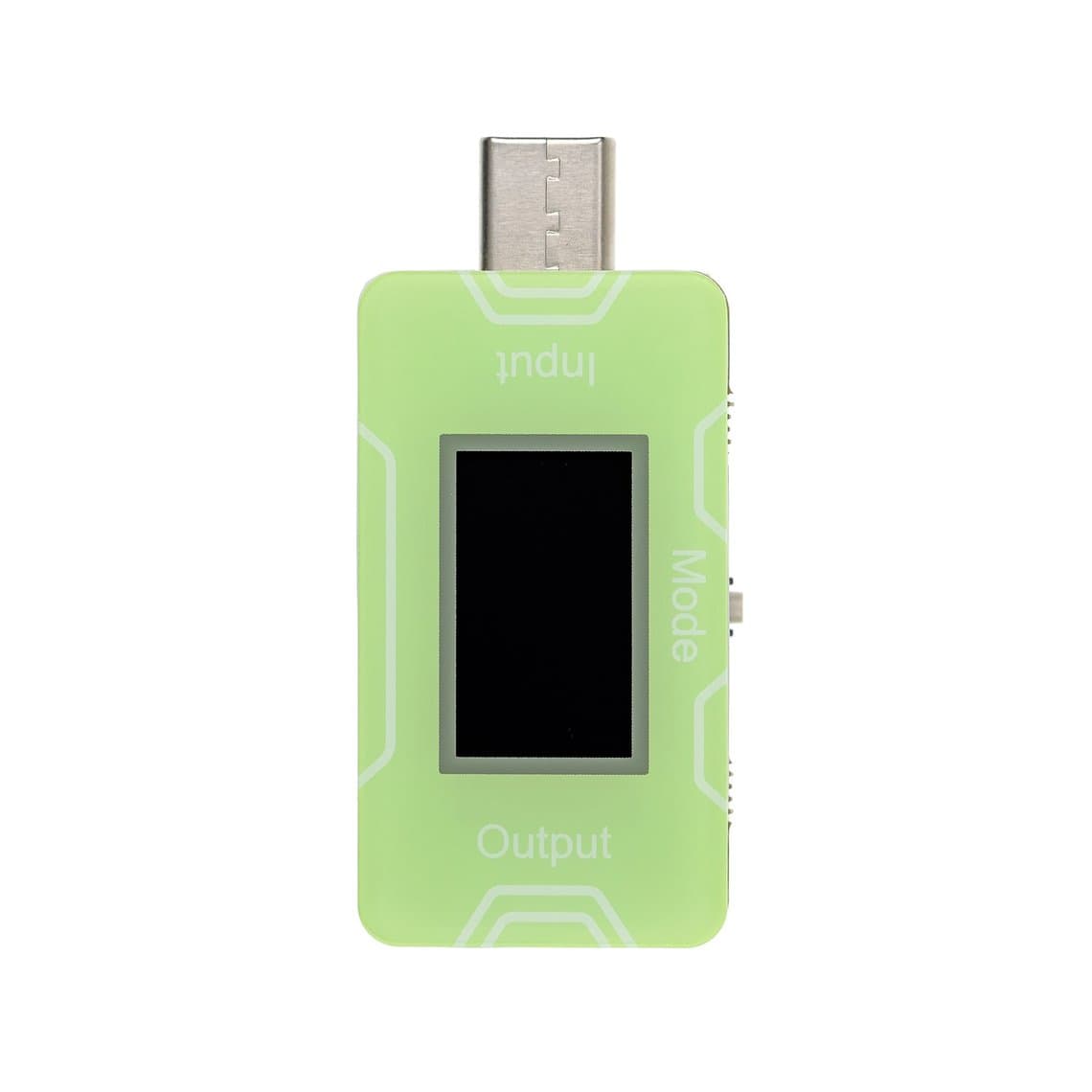
| Inline USB-C meter | The same on USB-C, often with protocol detection | Current phones and USB-C fast chargers |
| Multi-function / protocol tester | Adds PD and QC detection, D+/D- readings, sometimes cable and e-marker tests | Diagnosing fast charging that will not start |
| PD trigger / decoy | Asks a charger for a set voltage so you can check it holds without a phone attached | Testing chargers on their own |
| Cable and charger station tester | Several ports for testing cables and chargers in batches, including short checks | Incoming stock checks and accessory sales |
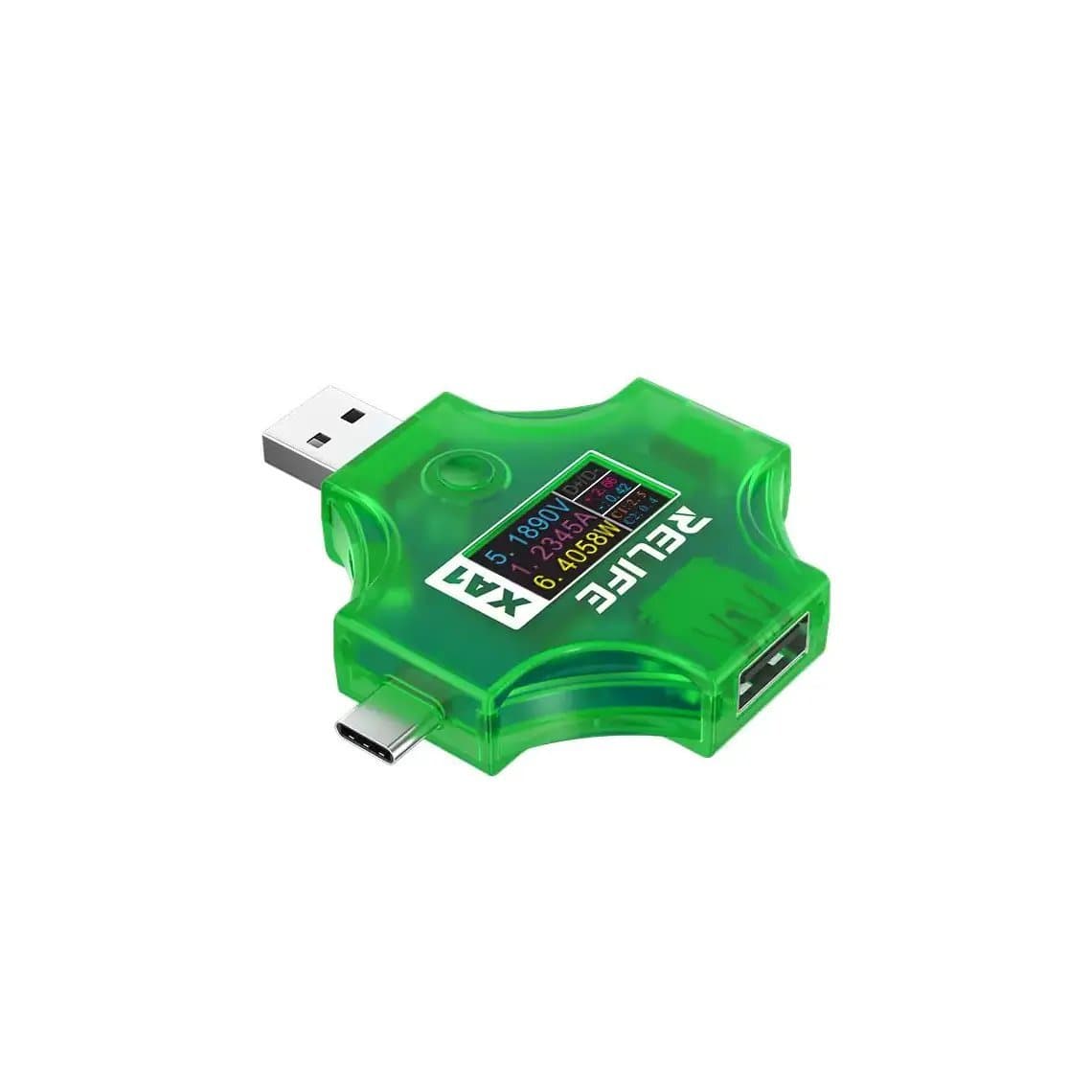
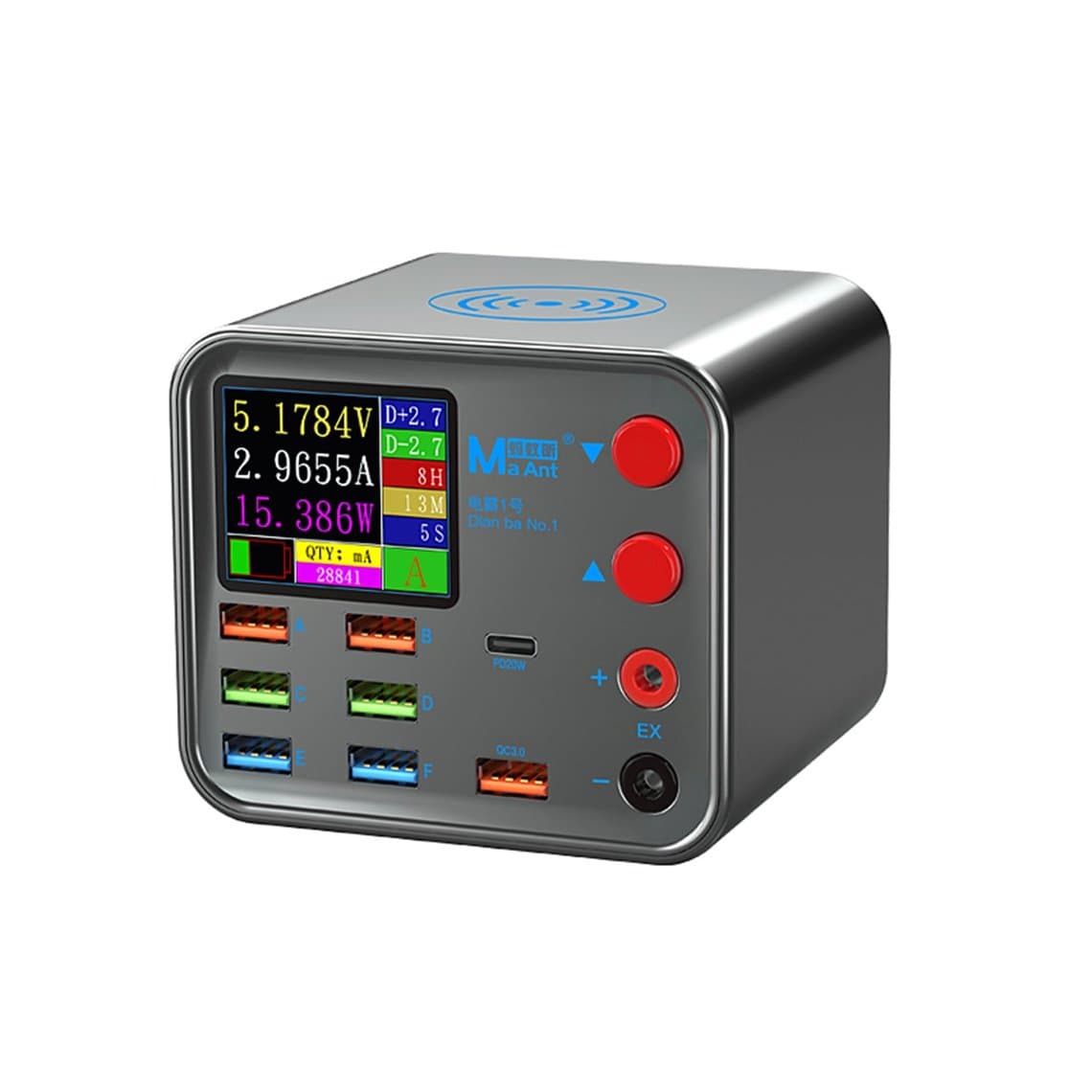
For a basic inline meter, the Relife XA1 current and voltage tester or the KEWEISI KWS-1802C USB-C tester covers the everyday readings. For protocol detection, the FNAC-28 2-in-1 Type-C tester and the KM001 Power-Z tester are common bench choices, and the 10-in-1 multi-function Type-C tester adds more adapters in one kit. To check chargers themselves, the JCID CT02 PD charger tester is built for that job. For testing cables in batches, the Maant 8-port charger and cable short-circuit tester handles several at once. Exact protocol and cable-test support varies by tester, so check each product page.
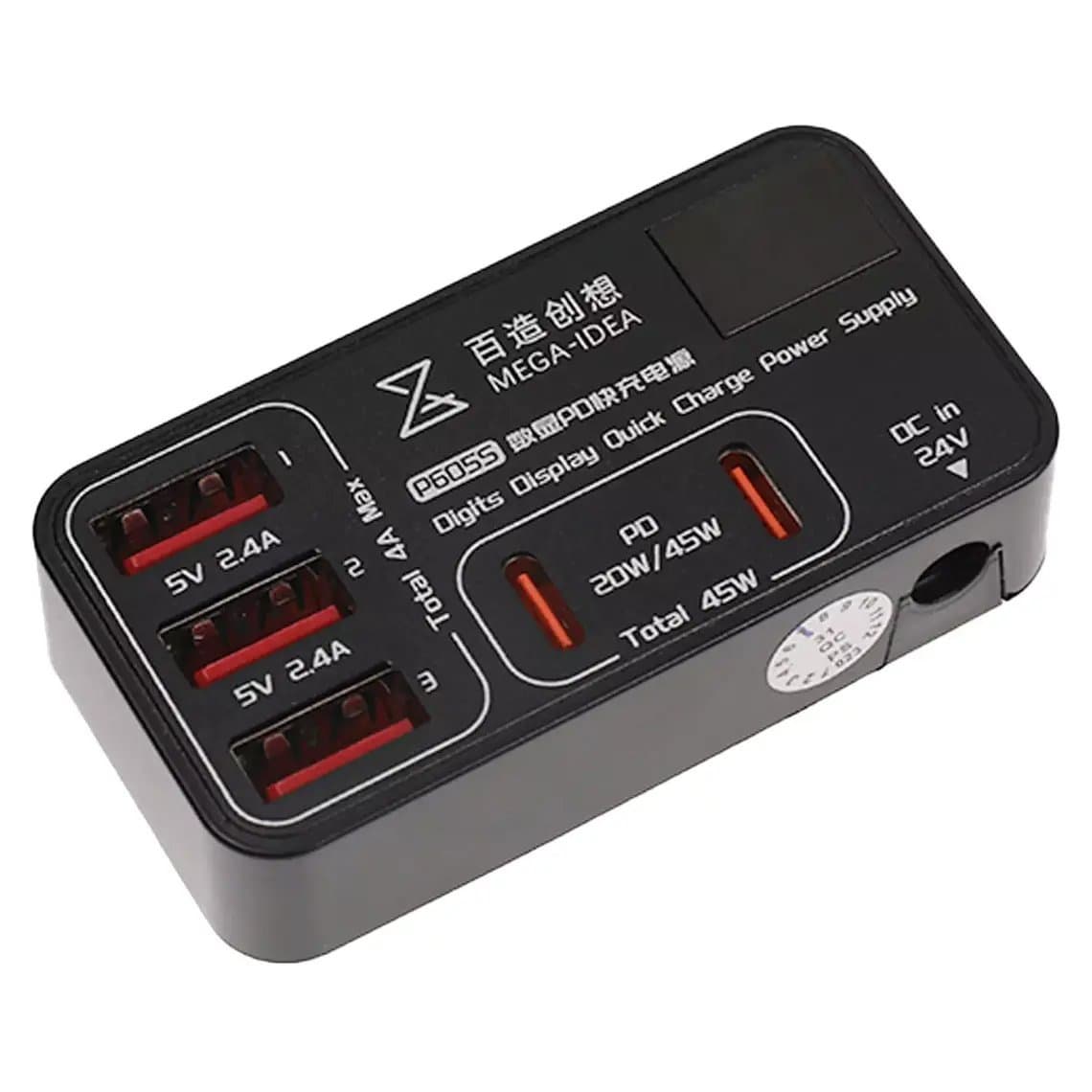
Some shops also use multi-port charging stations with per-port displays, such as the Qianli Mega-Idea P605S, so every phone on the bench shows what it is drawing while it charges. That is handy for spotting a repaired phone that is not charging properly before it goes back to the customer.
What a USB tester cannot tell you
- Battery health. Low charging current can be a battery issue, but it can also be temperature, charge level or the phone's own limits. A tester alone cannot measure capacity or internal condition. Use the phone's battery health reading where available, or a dedicated battery tool.
- Capacity from the mAh counter. The energy total counts what passed through the tester, including losses in the phone's charging circuit, so it is only a rough guide and not a battery capacity test.
- Board-level faults. A tester shows that the phone draws little or no current, not why. For that you need a bench DC power supply and board diagnosis.
- Exact lab accuracy. Inexpensive meters are good for comparison but can read slightly differently from each other. Compare like with like on the same tester.
Common mistakes
- Judging from the first few seconds of charging instead of watching the trend.
- Testing with the battery nearly full, when every phone slows charging anyway.
- Forgetting that the tester and its adapters add their own resistance; keep the setup the same when comparing.
- Replacing a charging port before trying a known-good charger and cable.
- Reading the mAh counter as the battery's capacity.
Safety
- Stop if a charger, cable or phone becomes hot, smells or makes noise. Heat at the plug often means a damaged contact.
- Do not charge a phone with a swollen or damaged battery, even briefly for a test. Replace the cell first from our iPhone battery range or the correct part for the model.
- Use PD trigger and decoy devices with care: they can request a voltage higher than a simple device can take, so set them correctly before connecting anything to their output.
- Keep metal tools away from exposed USB contacts on adapters and open testers.
Questions
How do I know if a phone is fast charging with a USB tester?
Look at the voltage and protocol readings. If the voltage rises above the standard USB level, or the tester shows PD or QC as active, fast charging has been negotiated. If it stays at the base voltage with a fast charger and a good cable, the negotiation is failing somewhere.
Can a USB tester check battery health?
Not reliably. It shows how much current the phone takes, which depends on many factors besides the battery. Use the phone's battery health information or a dedicated battery tool for that.
Why does my USB tester show low current with a fast charger?
The phone decides how much current it takes. Low current can mean a nearly full or warm battery, a cable that cannot carry high current, a charger that is not offering the expected profile, or a port fault. Swap the cable and charger for known-good ones to narrow it down.
Is the mAh reading on a USB tester accurate?
It is accurate enough to compare charging sessions on the same tester. It is not a battery capacity measurement, because it includes losses in the phone's charging circuit and depends on the charge level when you started.
Find inline meters, protocol testers and cable testers in our USB tester range, each tested before it ships from Shenzhen. Shops stocking several benches can unlock wholesale pricing, and repeat orders are fastest through Quick Order by SKU or CSV.