What Temperature for a Heat Gun in Phone Repair: A Practical Guide
17 November 2026 · LightspeedTools team
Short answer: There is no single correct heat gun temperature for phone repair, because the number on the display depends on your station, nozzle, airflow, distance and the board under it. As common practice, techs start low (often somewhere around 300–350°C on a calibrated station for small parts) and raise it in small steps until the solder reflows in a reasonable time, while adhesive jobs such as screens and back glass need gentle heat well below solder temperature.
Ask ten board-level technicians what temperature they use and you will hear ten different numbers, and they are not all wrong. This guide explains why the number varies, which temperatures are fixed facts you can anchor to, and how to find the right setting for the job in front of you without lifting pads or cooking a connector.
If you are still choosing equipment, read our hot air station buying guide first. This article is about technique: how to use the station you already own.
Why the display number is not the real temperature
The figure on a hot air station is the temperature its sensor reads near the heating element. What reaches the solder joint is lower, and how much lower depends on several things at once:
- Calibration. Two stations set to the same number can deliver noticeably different air temperatures. Cheaper units can drift, and even good units age. A thermocouple held at the nozzle tip is the only way to know what yours really delivers.
- Airflow. More air carries more heat to the board and heats it faster, but it also blows small parts away. Lower airflow at a higher temperature can behave much like higher airflow at a lower temperature.
- Nozzle size. A narrow nozzle concentrates heat on a small spot. A wide nozzle spreads it, so the same setting feels cooler at any one point.
- Distance. Air cools quickly once it leaves the nozzle. Holding the gun a few millimetres further away can change the effective temperature more than turning the dial.
- Board mass. Phone boards have thick ground planes, and stacked boards on newer phones add even more copper. Large copper areas pull heat away, so a pad on a ground plane needs more heat than an isolated pad.
- Component type. A tiny capacitor reflows in seconds. A shielded chip, a component under underfill or a large connector needs much more energy delivered over a longer time.
So the real question is which mix of temperature, airflow, nozzle and time melts this joint without harming anything around it.
The fixed anchors: solder melting points
While station settings vary, the solder itself does not. These melting points are the real targets you are trying to reach at the joint:
| Solder type | Approximate melting point | Where you meet it |
|---|---|---|
| Lead-free (tin-silver-copper and similar) | Roughly 217–227°C | Factory joints on modern phone boards |
| Leaded (tin-lead, 63/37) | About 183°C | Common repair solder and solder paste |
| Low-temperature (bismuth alloys) | Around 138°C | Low-temp paste, stacked board work, removal aids |
The air leaving the nozzle has to be well above these numbers because heat is lost on the way and absorbed by the board. A useful trick is to add a little leaded or low-temperature solder to stubborn factory joints first. Mixing it in lowers the melting point of the joint, so you can work cooler and faster. Fresh flux helps in the same way, because it lets heat transfer evenly and stops the solder oxidising. Our guide to flux for phone repair covers which types suit hot air work.
A practical starting approach: start low and increase
The safest method works on any station, calibrated or not. Treat the ranges below as common starting points used by many technicians, not fixed rules. Your own numbers will differ.
| Job | Typical starting point (display) | Airflow | Notes |
|---|---|---|---|
| Small resistors and capacitors | Often around 300–350°C | Low | Small nozzle; parts move easily |
| Small ICs and filters | Often around 330–380°C | Low to medium | Flux first; lift only when all pins are molten |
| Larger BGA chips | Often around 350–400°C or higher | Medium | Preheater strongly recommended; underfill must be softened and removed with care |
| Shields and frames | Varies widely | Medium | Large metal parts soak up heat; protect nearby parts |
| Softening screen or back glass adhesive | Warm, not hot | Low | Use a heating pad instead of hot air where possible |
To find your setting for a new job:
- Apply flux to the part and the surrounding joints.
- Set a modest temperature and low airflow, with the nozzle sized to the part.
- Heat in small circles a few millimetres above the board, keeping the nozzle moving.
- Watch the solder through the microscope. Molten joints turn bright and the part will settle or move slightly when nudged with tweezers.
- If nothing happens after a reasonable time, raise the temperature in small steps (for example 10–20°C) rather than holding the heat on longer and longer.
- Note the setting that worked for that board and part type, so the next job starts closer to the right number.
Long heating at too low a temperature is not "safe". It soaks heat deep into the board and nearby parts. A slightly higher temperature that melts the joint quickly is often kinder to the board than a low setting held for a very long time.
Airflow vs temperature
Many beginners only touch the temperature knob. Airflow matters just as much.
- Too much airflow blows away tiny passives, scatters solder balls under neighbouring chips and can shift components you did not mean to touch.
- Too little airflow lets heat build up in the handle and nozzle while delivering little to the board, so you end up turning the temperature higher than needed.
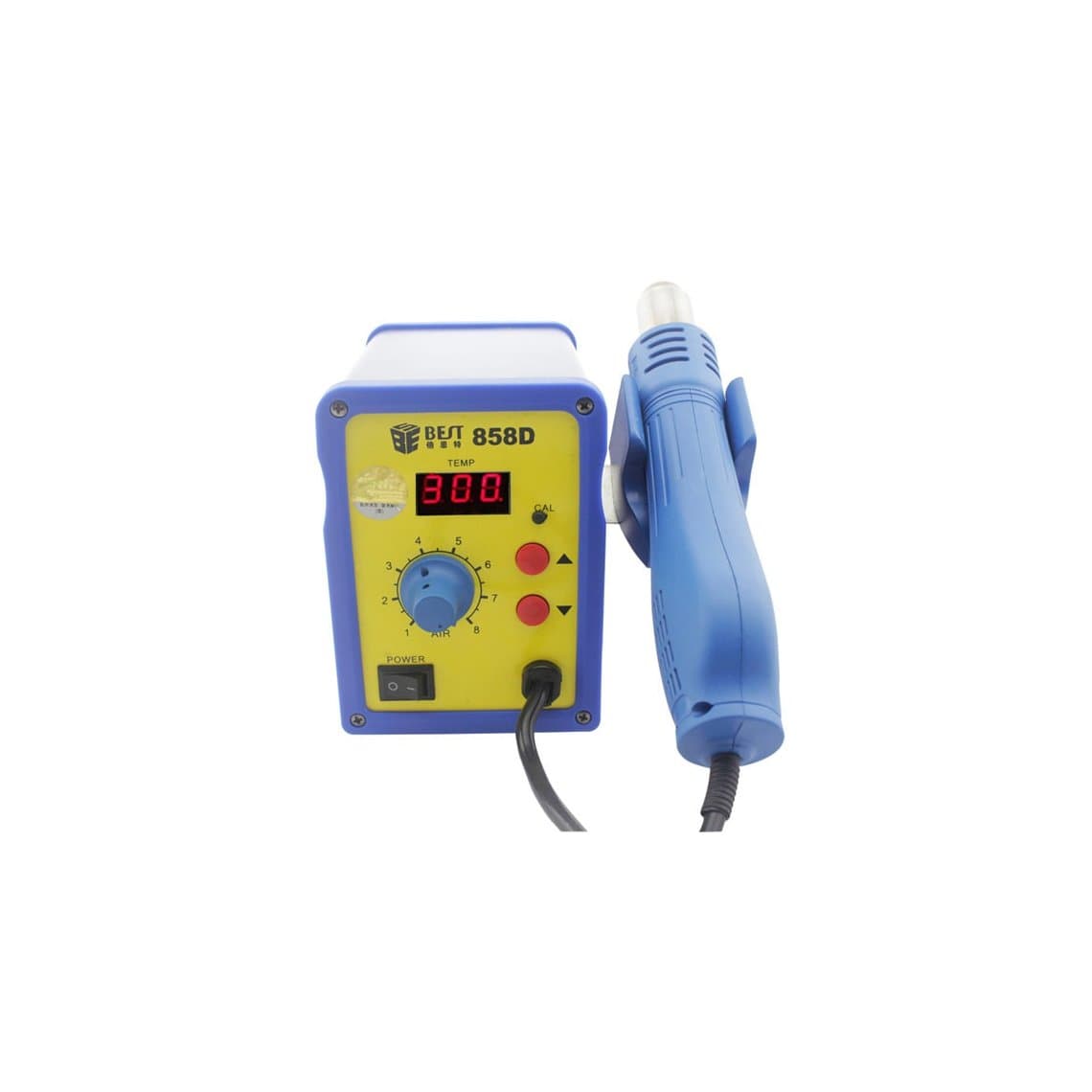
- Spiral or helical airflow, found on some stations such as the BST-858D spiral hot air station, spreads heat more evenly across a part, which some techs prefer for small ICs.
A good rule: set airflow just high enough that heat reaches the joint, then adjust temperature. When you change nozzle size, revisit both settings.
Choosing a station that holds its temperature
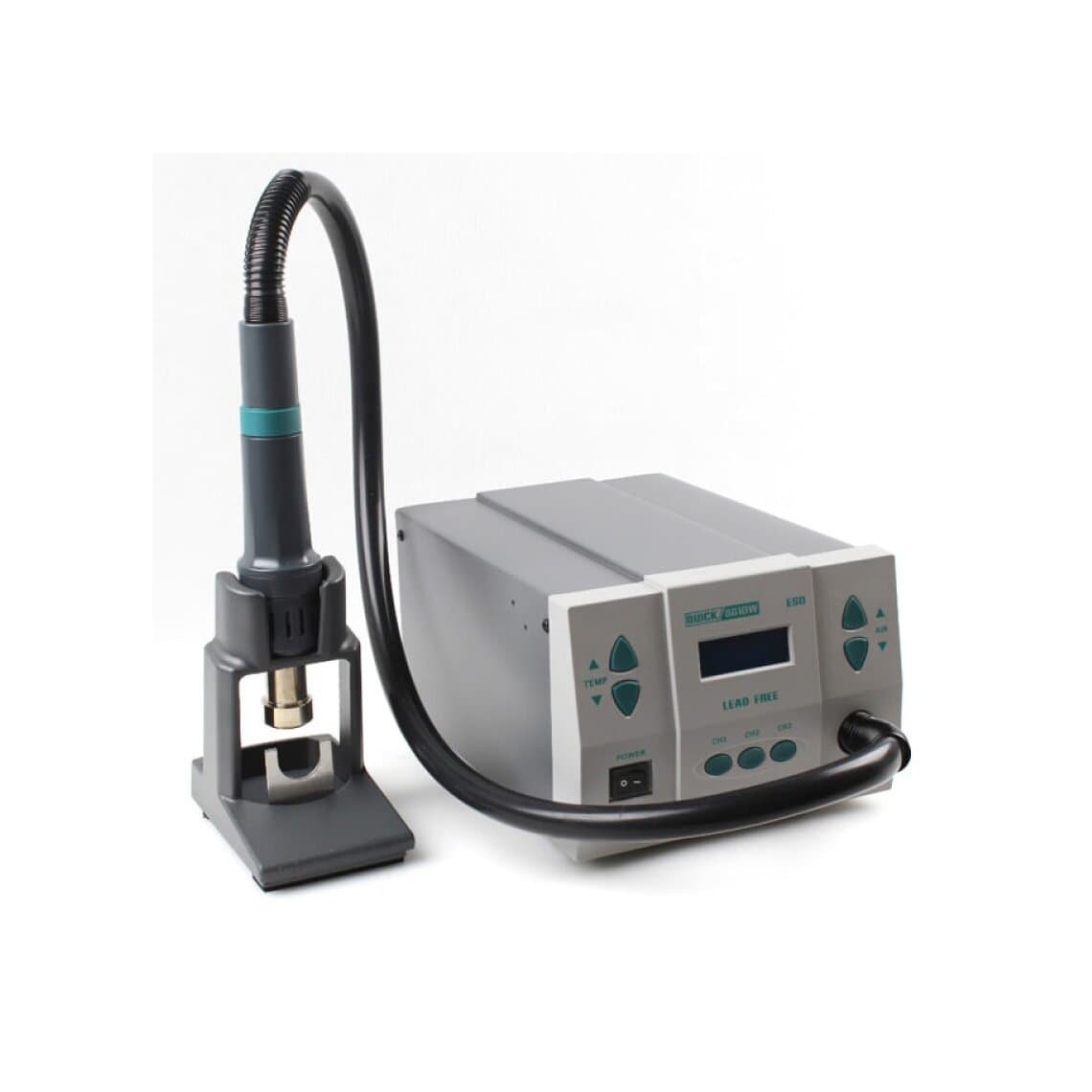
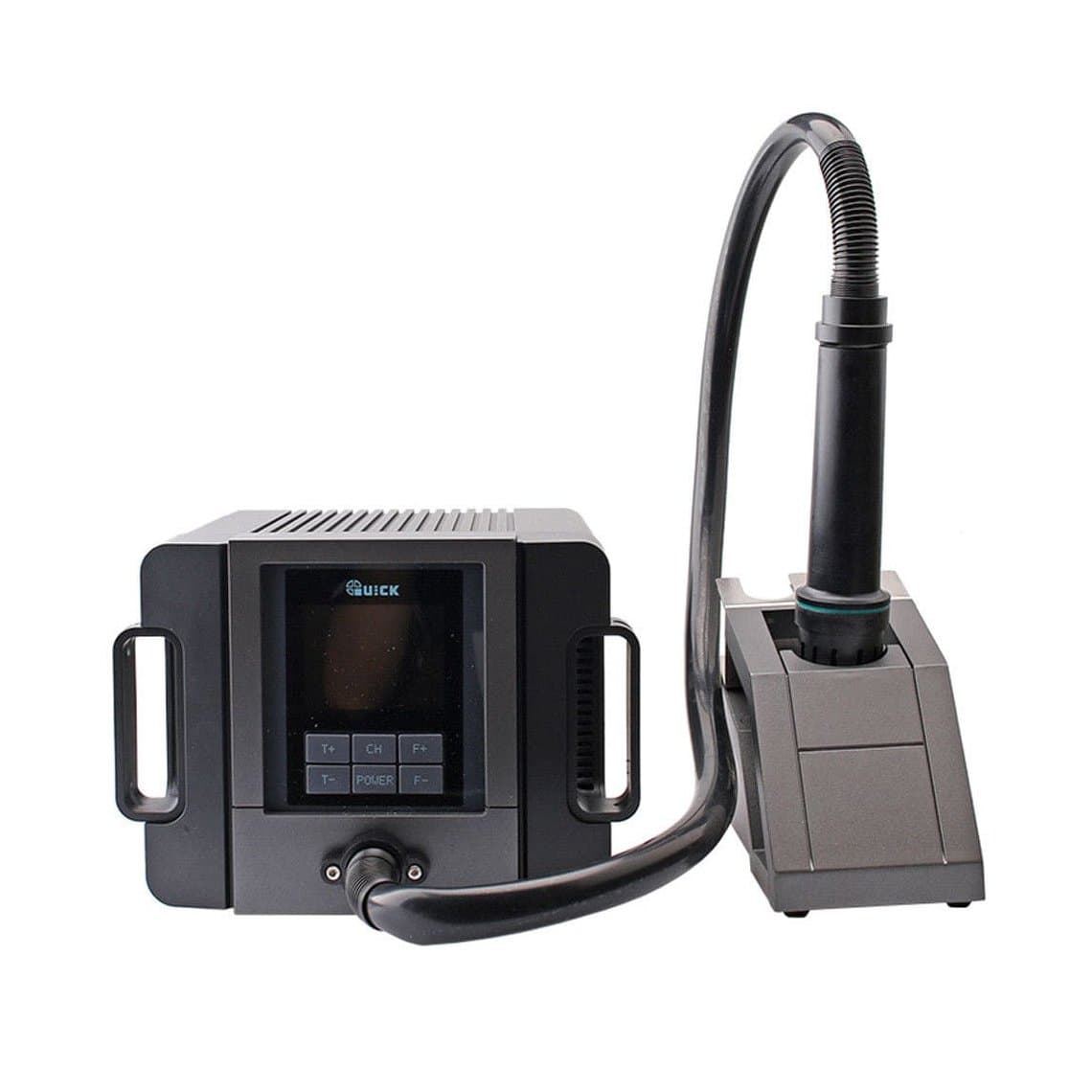
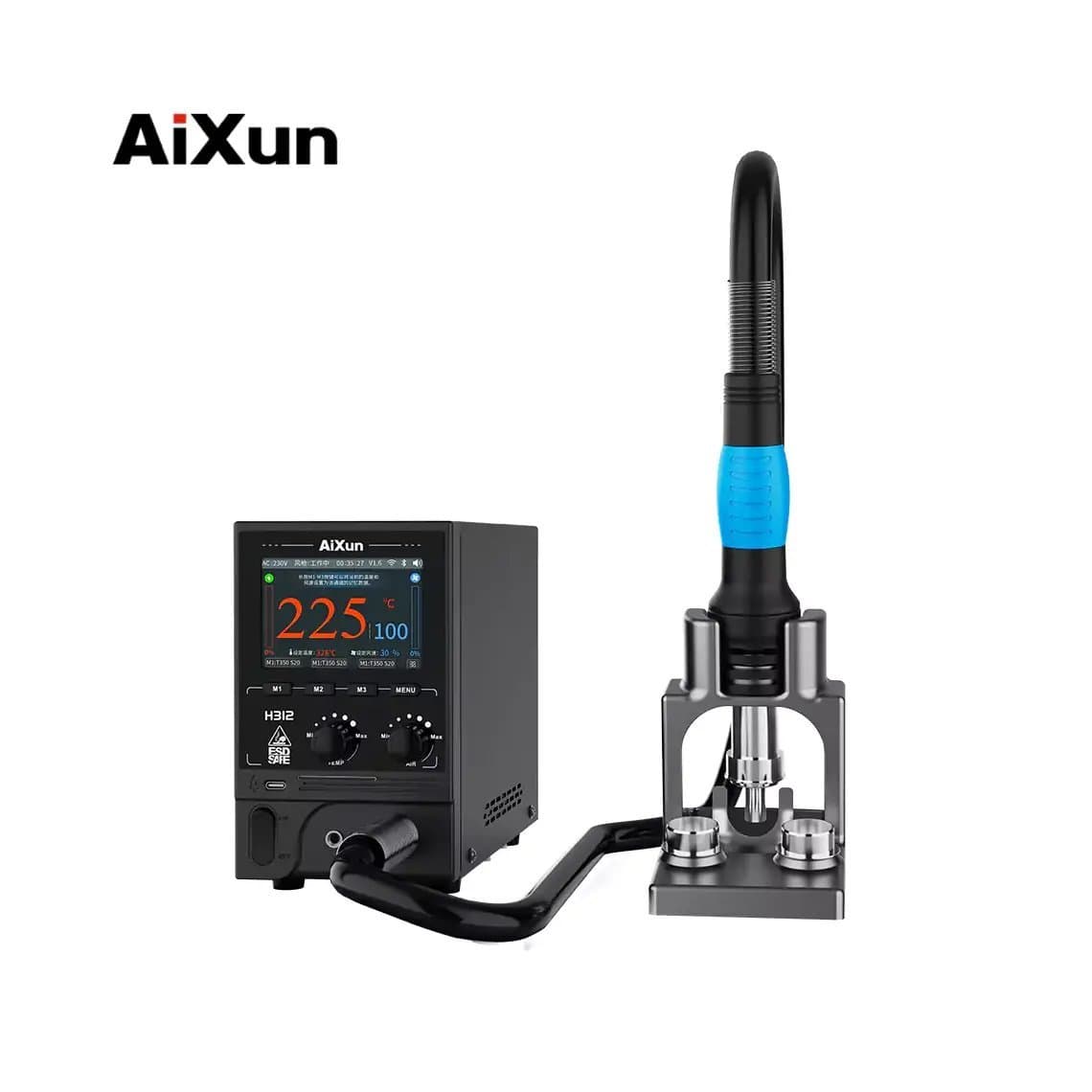
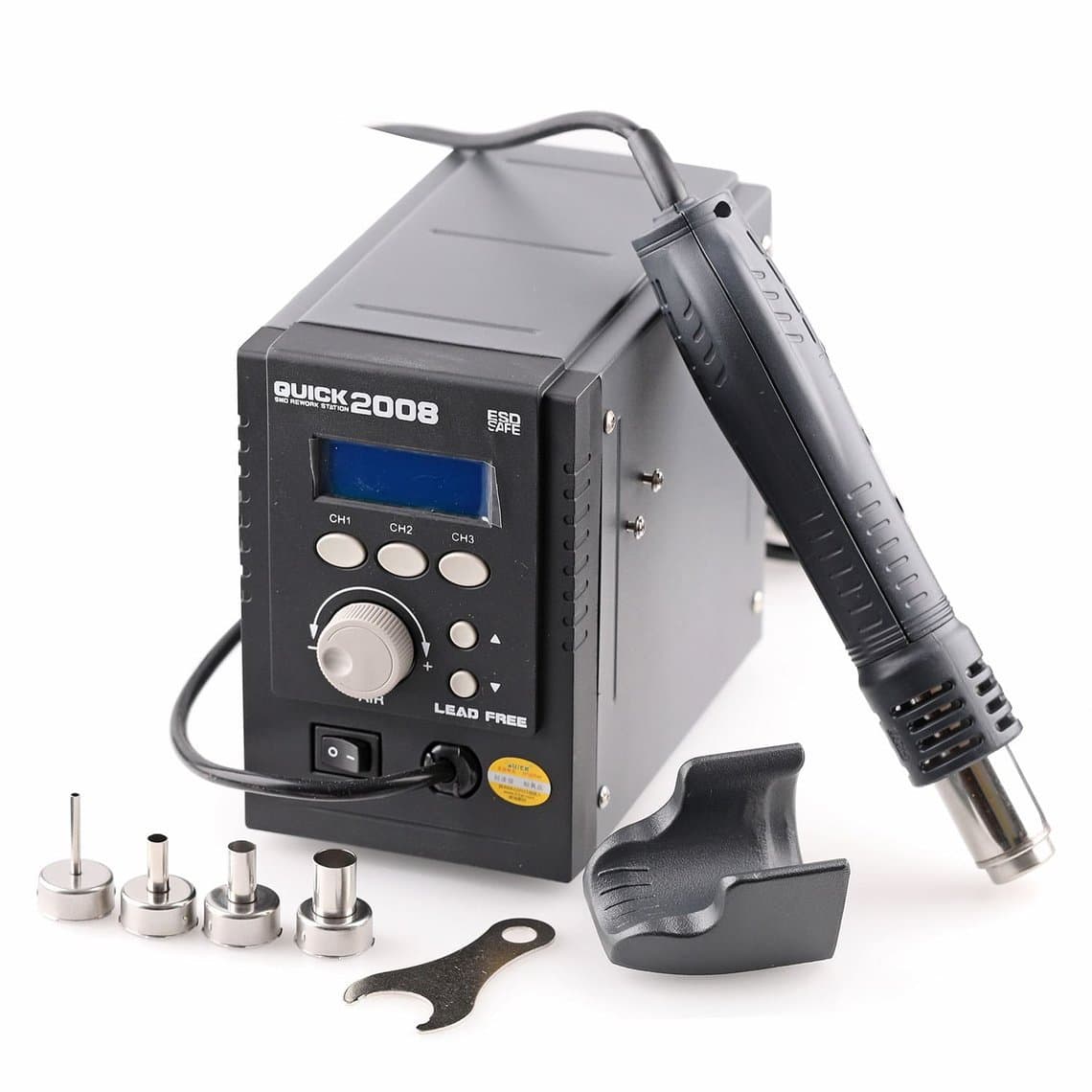
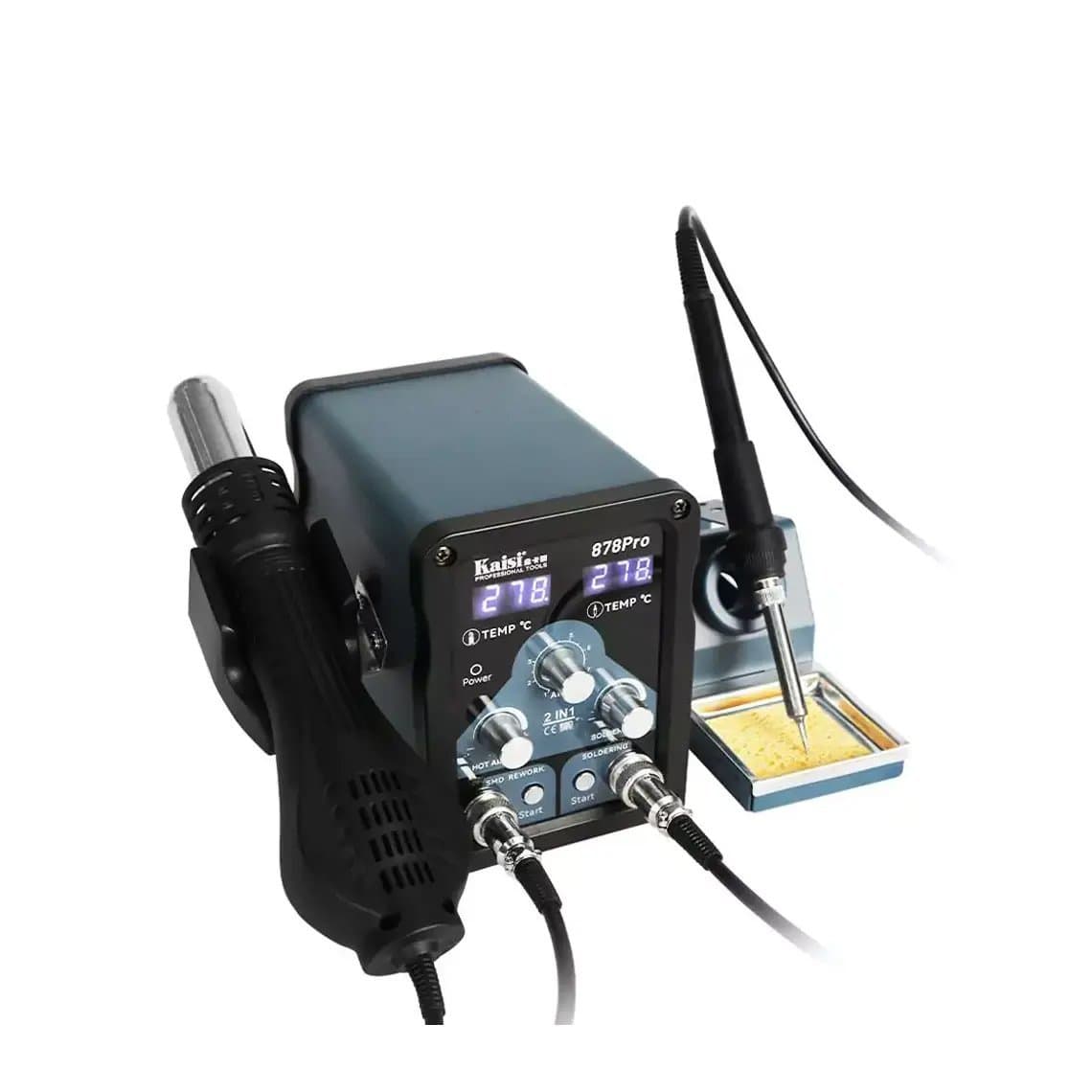
Stable output matters more than the maximum temperature printed on the box. A station that recovers quickly when the air hits a cold board lets you work at a lower setting. Higher-power units such as the Quick 861DW 1000W lead-free station, the Quick TR1300A 1300W or the AiXun H312 1400W deliver enough heat for large chips and thick boards without long dwell times. For mostly small-part work, a compact unit such as the Quick 2008 ESD station or a two-in-one like the Kaisi 878 Pro may be enough. Compare more options in our hot air rework stations range, and keep a set of nozzles in several sizes so the airflow matches the part.
Adhesive jobs need far less heat
Softening the adhesive under a screen, back glass or battery is a different job from reflowing solder. The adhesive only needs to become soft and pliable. Pointing a hot air gun at solder-level temperatures onto a display can damage the OLED layer, leave burn marks, warp the frame and, most dangerously, heat the battery.
- Use a heating pad set to warm rather than hot. The glass should feel warm to the touch, not too hot to hold. A pad such as the MaAnt PHD multifunctional heating pad heats the whole panel evenly.
- Give the adhesive time to soften. Patience beats extra heat.
- If you must use hot air, use a wide nozzle, low temperature and low airflow, keep it moving and stay away from the battery area.
Browse heating pads for screen and back glass work.
Protecting plastic, connectors and the battery
Most hot air damage happens to the parts you were not working on. Before you heat:
- Remove or disconnect the battery. Never direct hot air at a lithium battery or work on a board with the battery connected. Heat can make a lithium cell swell, vent or catch fire.
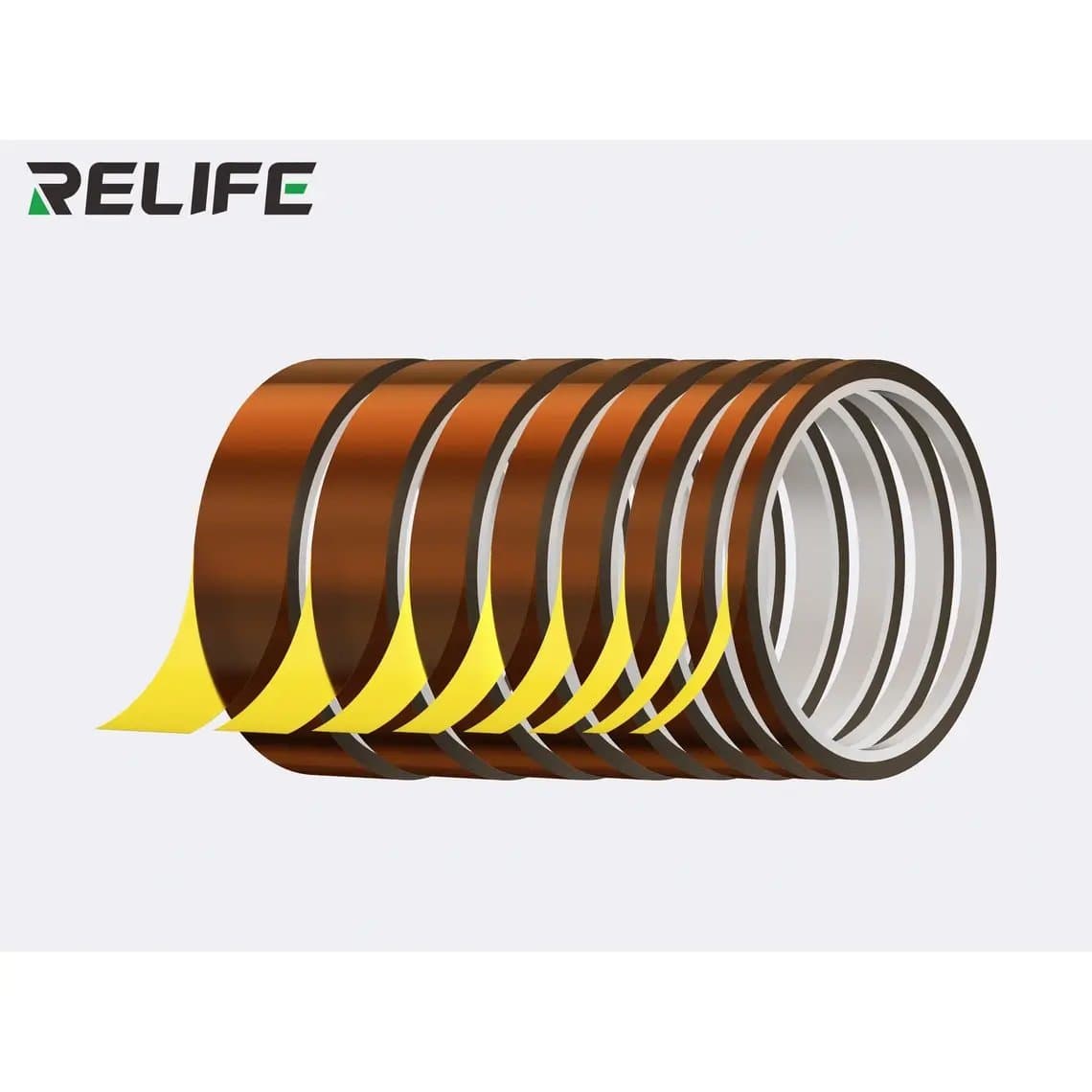
- Shield nearby parts. Cover plastic connectors, camera modules, flex cables and foam with heat-resistant tape. Kapton tape is handy for small areas, and foil high-temperature tape reflects heat away from larger zones.
- Remove what you can. If a connector or camera is close to the work area, it is often safer to take it off first.
- Work on a heat-resistant surface and keep ESD protection in place throughout.
Using a preheater
A preheater warms the whole board from below, so the hot air only has to add the final step to reach reflow. That means lower air temperatures, shorter heating time, less warping and less risk of lifting pads on thick boards. It is especially useful for large chips, stacked boards and parts on heavy ground planes. A bench unit such as the UYUE 946-1010 400W preheating station suits general board work. Set the preheater well below solder melting point. Low-temperature solder melts at around 138°C, so keep the preheat under that if any of it is on the board. Our PCB preheater guide explains settings and use in depth, and you can compare models in PCB preheaters.
Signs you are overheating the board
Stop and reassess if you see any of these:
- Discoloured board. Green solder mask turning yellow or brown means the board has had too much heat.
- Bubbling or blistering. Small bubbles or white spots in the board mean the layers are starting to separate. This can break internal traces.
- Lifted pads. Pads that come away with the part usually mean you pulled before every joint was molten, or heated so long the pad adhesive failed.
- Melted or warped plastic on connectors, sockets or camera housings nearby.
- Parts moving that you did not target. Neighbouring components sliding means the heat zone is too wide or the airflow too strong.
Questions
What temperature should a heat gun be for removing a phone chip?
It depends on the station, nozzle, airflow and board, so there is no universal number. Many technicians start somewhere around 330–380°C on a calibrated station for small ICs and go higher for large BGA chips, using a preheater. Start low and raise in small steps until the solder reflows quickly.
What temperature for a heat gun to remove a phone screen?
Much lower than for soldering. The adhesive only needs to soften, so the glass should be warm, not too hot to touch. A heating pad is the safer choice, and if you use hot air, keep it low, wide and moving, away from the battery.
Why does my hot air station need a higher setting than videos show?
Display temperatures are not standard between stations. Calibration, airflow, nozzle size, distance and board thickness all change what reaches the joint. Check your station with a thermocouple if you can, and build your own notes on settings that work.
Is a preheater necessary for phone board repair?
It is not essential for small parts, but it helps a lot on larger chips and thick or stacked boards. Preheating lets you use lower hot air settings and shorter heating time, which reduces the risk of lifted pads and board damage.
Ready to set up or upgrade your bench? Browse our hot air rework stations and preheaters. Every tool is checked before it ships from Shenzhen by DHL, FedEx or UPS. Repair shops can unlock wholesale pricing, and you can order by SKU or CSV through Quick Order.